


My personal email gets 30 or 40 spam messages a day: fake shipping notices, 'you've won' offers and newsletters I never signed up for. A friend says clicking unsubscribe just confirms my address. How do I stop spam emails, and when is unsubscribing safe?
How do I stop spam emails without making it worse?

Concerns & risks
You get 30 to 40 spam emails a day, a mix of scams and unwanted newsletters.
| Email type | Best move |
|---|---|
| Known store newsletter | Unsubscribe |
| Fake shipping notice | Mark spam, don't click |
| Prize or lottery | Mark spam |
| Repeat unknown sender | Block domain |
| Looks like your bank | Contact bank directly |
| Scam attempt | ReportFraud.ftc.gov |


Causes & evidence
The FTC says email providers' spam filters catch a lot of spam, and marking messages as spam or junk helps train the filter. You can also block senders or domains. For legitimate companies, the CAN-SPAM Act requires commercial emails to include a way to opt out, and companies must honor your request within 10 business days. The FTC also points to your provider's built-in unsubscribe tools. My own rule is to unsubscribe only from companies I recognize; for anything suspicious, mark it as spam and don't click, because the FTC warns that phishing emails carry links and attachments that can install malware. Using a separate email address for shopping and sign-ups can keep your main inbox cleaner. The FTC says to forward unwanted messages to your email provider, mark them as spam, and report scams at ReportFraud.ftc.gov. Keeping your devices updated and changing preset passwords also stops spammers from hijacking them to send more spam.
Edge cases: some 'spam' is legitimate mail you signed up for; CAN-SPAM requires those companies to honor opt-outs within 10 business days. Messages pretending to be from your bank should be checked by contacting the bank directly.

Clicking unsubscribe in an obvious scam email can confirm your address is active, which is exactly what your friend warned about.
What to do


| Action | When to use |
|---|---|
| Mark as spam or junk | Any unwanted or suspicious email |
| Block sender or domain | Repeat senders |
| Unsubscribe | Only companies you recognize |
| Opt-out deadline (CAN-SPAM) | 10 business days |
| Separate sign-up address | Shopping and newsletters |
| Report scams | Your provider and ReportFraud.ftc.gov |
- Mark every unwanted message as spam, rather than just deleting it.
- Unsubscribe from newsletters from companies you know.
- Block repeat senders or domains.
- Don't click links in fake shipping or prize emails.
- Create a separate address for future sign-ups.
- Report scams to your provider and ReportFraud.ftc.gov.

Common mistakes:
- Unsubscribing from scam emails
- Replying to spam
- Deleting instead of marking spam
- Using your main address for every sign-up
ReportSpeedMan tip: Give it two weeks of consistent spam marking. Filters learn from your actions, so the improvement builds over time.
What I would actually do
I'd mark spam consistently for two weeks, unsubscribe only from companies I know, and use a separate address for sign-ups.
The trade-off people miss: unsubscribing can cut real newsletters, but on scam emails it may confirm your address. Sort first, then act.
Signs it worked
Your inbox gets noticeably less spam.
Quick FAQ
Is unsubscribing safe?
For known companies, generally yes.
Should I reply to spam?
No.
Where do I report?
Your provider and ReportFraud.ftc.gov.
Wrap-up: Mark spam, block repeat senders, unsubscribe only from known companies, and report phishing.
Wiki: Phishing and Multi-Factor Authentication (MFA).
How do I stop spam emails without making it worse: official sources I checked
Step-by-step photos

1. Before The problem 
2. Why it happens The cause 
3. The fix The fix 
4. After The result
⚡ Speed Summary
- Mark spam, block repeat senders, unsubscribe only from known companies, and report phishing.
- Give it two weeks of consistent spam marking. Filters learn from your actions, so the improvement builds over time.
- Clicking unsubscribe in an obvious scam email can confirm your address is active, which is exactly what your friend warned about.

Was this answer helpful?
Tap a star to rate this answer.
Related questions
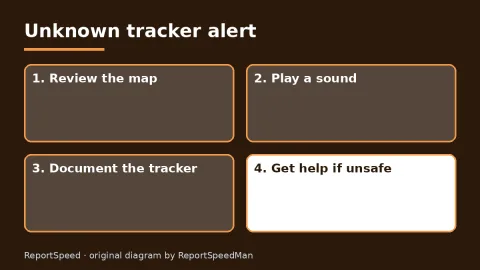
Got an 'AirTag found moving with you' alert? What to do next
Find the tracker, document it, identify the owner, and disable it.
Rate itSolved
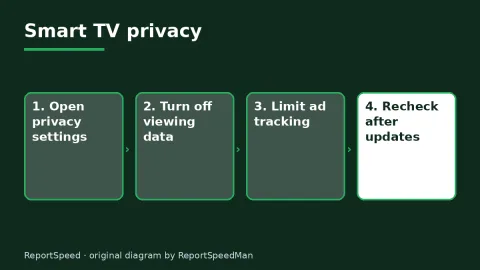
Is my smart TV tracking what I watch? How to turn off ACR
Smart TVs may use ACR to track viewing.
Rate itSolved
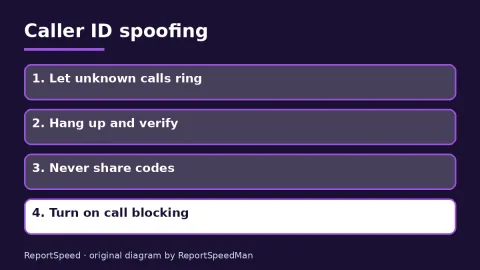
Caller ID spoofing: why scammers show a local number and how to protect yourself
Caller ID can be faked, and spoofing to defraud is illegal.
Rate itSolved
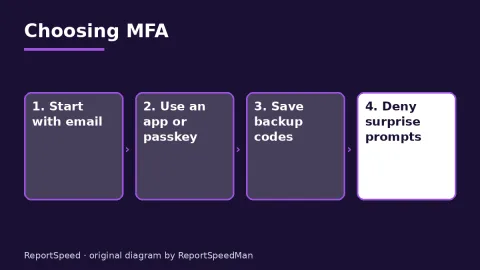
Text message codes vs authenticator apps: which MFA is safer?
Use MFA everywhere; prefer passkeys or security keys, then authenticator apps, and keep SMS only where nothing better is offered.
Rate itSolved
Real experiences
No experiences yet. Be the first to share.