


Should I upgrade my phone now or wait? My phone is a few years old, battery is weak and it's getting slow, but new models are always around the corner. I hate buying something right before a better one launches. How do people decide?
Should I upgrade my phone now or wait for the next model?

Concerns & risks
Your phone is aging and the next launch cycle is in sight, so you feel stuck.
| Your phone | Do | Why |
|---|---|---|
| Out of security updates | Upgrade | Security risk |
| Battery weak, phone fine | Replace battery | Cheaper fix |
| New model launches within weeks | Wait | Prices drop on old ones |
| Works well, still updated | Keep it | No reason to spend |

Causes & evidence
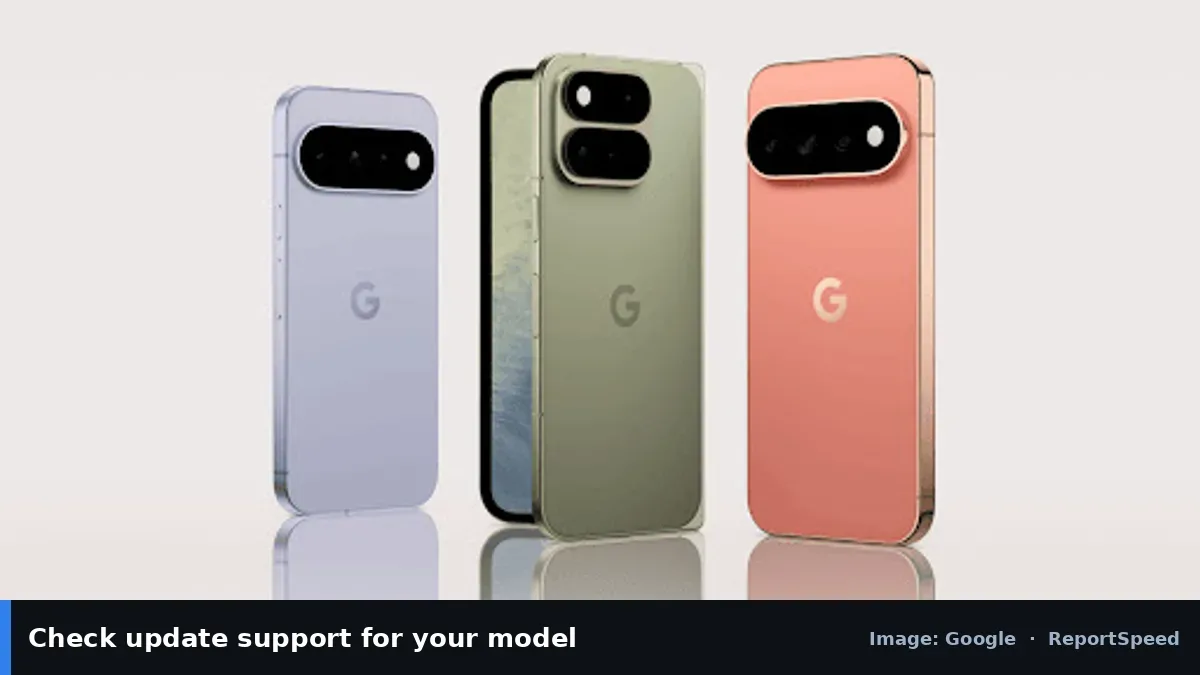
Phones receive software and security updates for a limited time set by the manufacturer. Once updates end, security risk grows. Battery wear makes older phones feel slower, and a battery replacement may fix that cheaply. New models usually bring incremental upgrades, and older models often get price cuts at launch time.
Update support matters most because security fixes keep a phone safe to use for banking and messages. Check your maker's support policy for your exact model. Battery replacement can make an older phone feel new again for daily use.

The best upgrade time isn't launch day. It's the day your phone stops getting security updates or stops getting you through the day.
What to do


| Situation | Recommendation |
|---|---|
| Still receiving updates, battery weak | Replace battery |
| Updates ended | Upgrade soon |
| New model announcement near | Wait for price cuts |
| Phone damaged/unusable | Upgrade now |
- Check whether your phone still receives security updates.
- Check battery health in settings.
- Compare the cost of a battery replacement to a new phone.
- If waiting, note the trade-in value and launch dates.
- Back up your phone before switching.

Common mistakes:
- Ignoring security updates ending
- Paying full price days before discounts
- Not backing up before trade-in
ReportSpeedMan tip: Previous-generation flagships often hit the best value right after a new launch.
What I would actually do
check update support and battery health. If both are OK, I'd keep the phone and replace the battery when it fades.
The trade-off people miss: the newest model's improvements are often small year to year. Last year's model on sale can be the best deal.
Before deciding, look up the official software support policy for your current model on the maker's site. Once security updates stop, the risk calculation changes even if the phone still feels fast. A fresh battery from an authorised repair shop can buy another year or two of comfortable use for a phone that's still receiving updates.
Did it work? How to check
Your phone is on a supported update and the battery gets you through the day, or your new phone came at a fair price.
Quick FAQ
How do I check battery health?
Look in battery settings; some phones show health or cycle info.
Is waiting for sales smart?
Often yes; prices tend to drop around launches and sales events.
Should I trade in my old phone?
Compare trade-in offers with selling it yourself.
Wrap-up: Upgrade when updates end or the phone fails your daily needs; otherwise consider a battery replacement or wait for launch discounts.
Wiki: Windows End of Support.
Should I upgrade my phone now or wait for the next model: primary sources
Step-by-step photos

1. Before The problem 
2. Why it happens The cause 
3. The fix The fix 
4. After The result
⚡ Speed Summary
- Upgrade when updates end or the phone fails your daily needs; otherwise consider a battery replacement or wait for launch discounts.
- Previous-generation flagships often hit the best value right after a new launch.
- The best upgrade time isn't launch day. It's the day your phone stops getting security updates or stops getting you through the day.

Was this answer helpful?
Tap a star to rate this answer.
Related questions

Got an 'AirTag found moving with you' alert? What to do next
Find the tracker, document it, identify the owner, and disable it.
Rate itSolved

Is my smart TV tracking what I watch? How to turn off ACR
Smart TVs may use ACR to track viewing.
Rate itSolved

Caller ID spoofing: why scammers show a local number and how to protect yourself
Caller ID can be faked, and spoofing to defraud is illegal.
Rate itSolved

How do I stop spam emails without making it worse?
Mark spam, block repeat senders, unsubscribe only from known companies, and report phishing.
Rate itSolved
Real experiences
No experiences yet. Be the first to share.