


I travel for work and my phone is always dying by the time I reach the gate. Airports have USB charging ports at every seat, but I keep seeing warnings about 'juice jacking'. Is it safe to charge my phone at public USB ports, and what's the safest way to keep it charged on the road?
Is it safe to charge my phone at airport USB ports? Juice jacking explained
Concerns & risks
You charge at airport USB ports on work trips and keep seeing juice jacking warnings.
| Item | Why |
|---|---|
| Wall charger | Use AC outlets |
| Your own cable | Avoid kiosk cables |
| Battery pack | No outlet needed |
| Charge-only cable | Blocks data if using USB |
| Updated phone | Latest security fixes |
| Screen lock | Protects while charging |
Causes & evidence
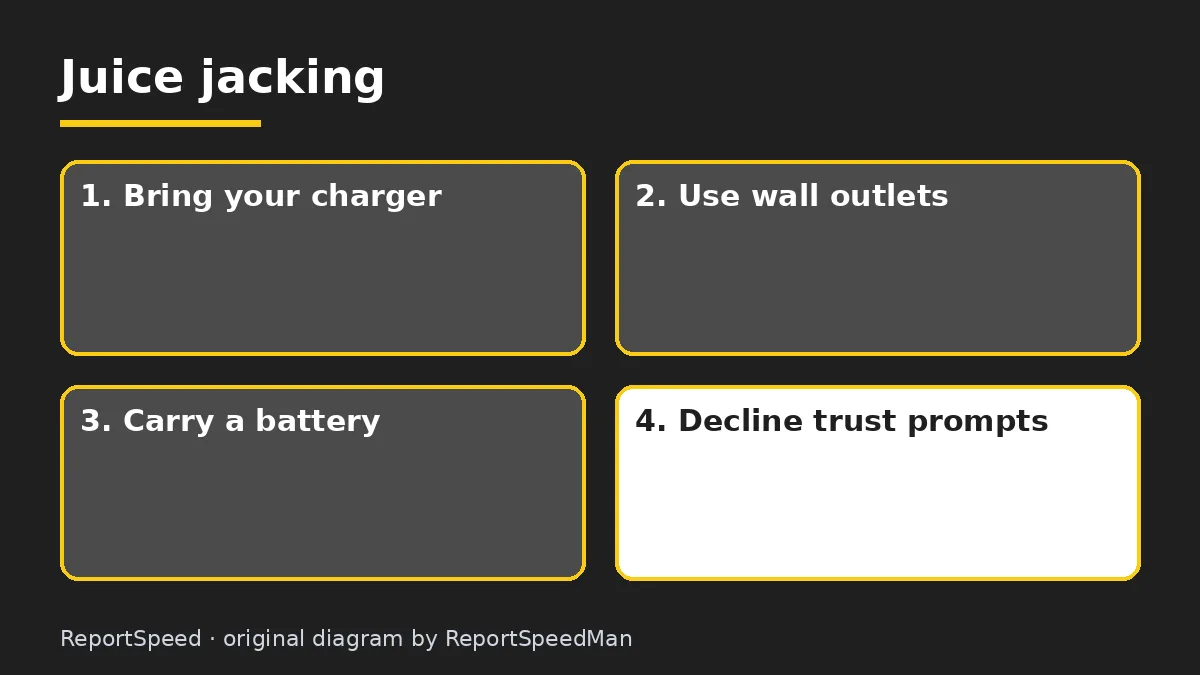
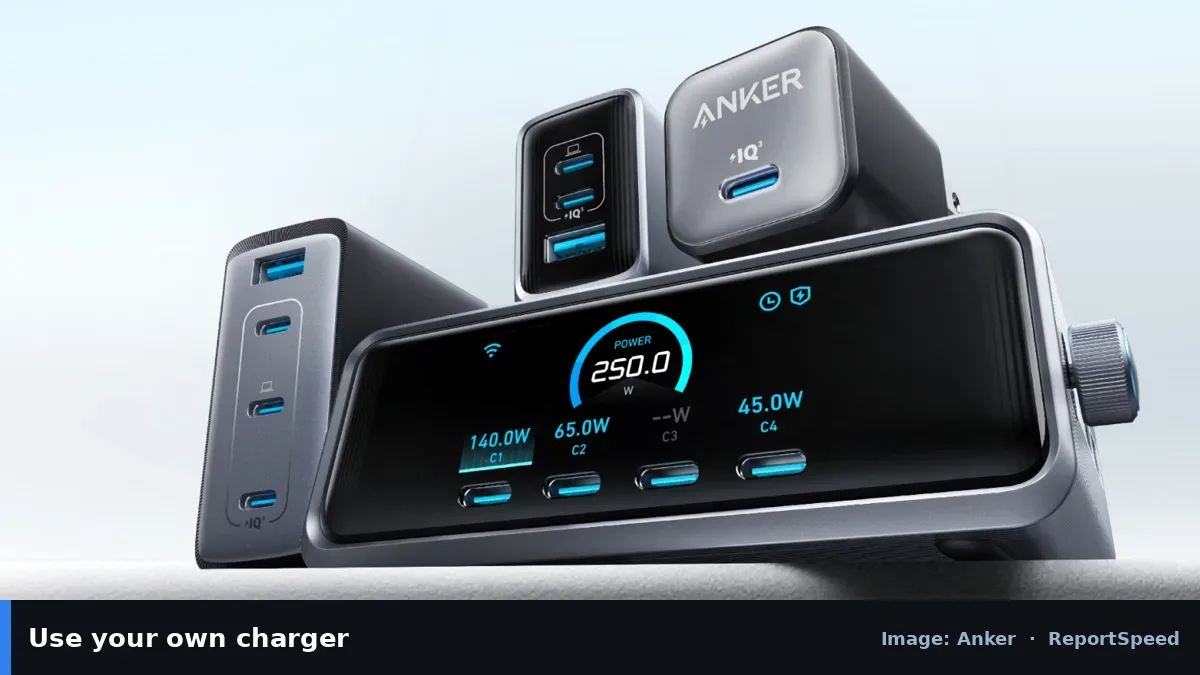
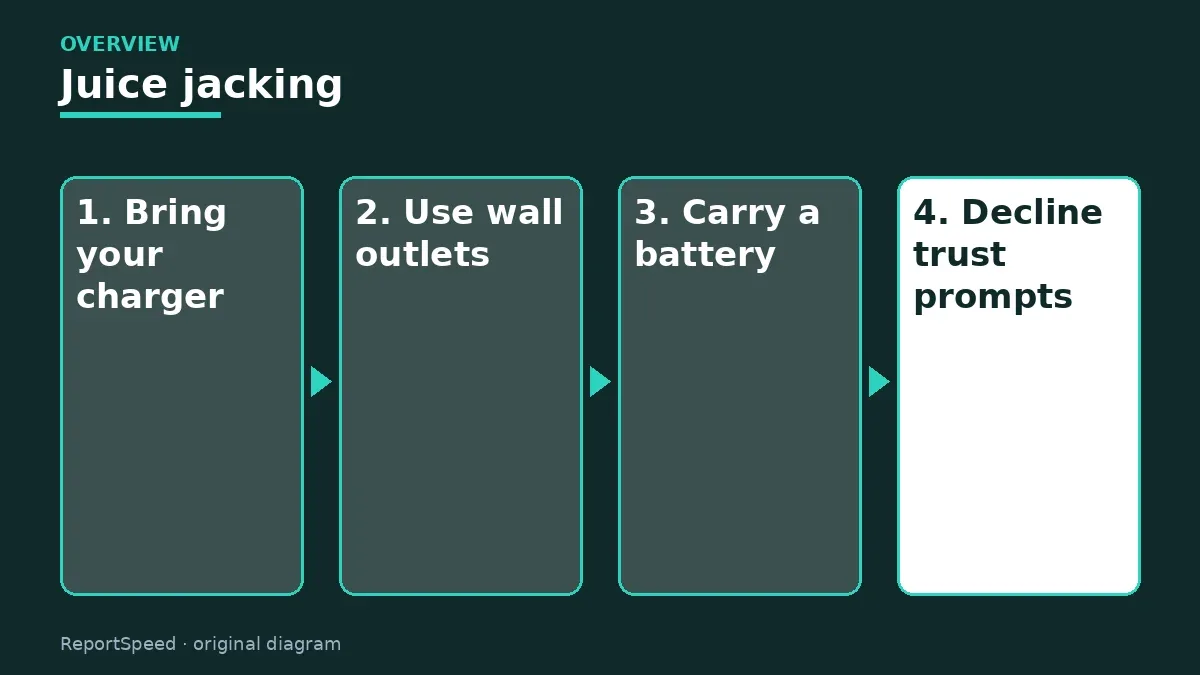
The FCC explains that juice jacking happens when criminals load malware onto public USB charging stations, or on cables left plugged in, to access phones and other devices. Because USB carries data as well as power, a compromised port could in theory install software or export data. The FCC recommends avoiding public USB charging stations, using an AC power outlet with your own charger and cable instead, carrying a portable charger or external battery, and considering a charging-only cable that blocks data transfer. If your phone asks whether to trust a device or allow data access when you plug in, decline. Keeping your phone's software updated also helps protect against known attacks.
Edge cases: AC outlets are safer than USB ports, and car chargers you own are fine. Some phones have a USB restricted mode; check your settings.
Using a random cable left plugged in at a charging kiosk is riskier than the port itself, because you can't see what's inside it.
What to do
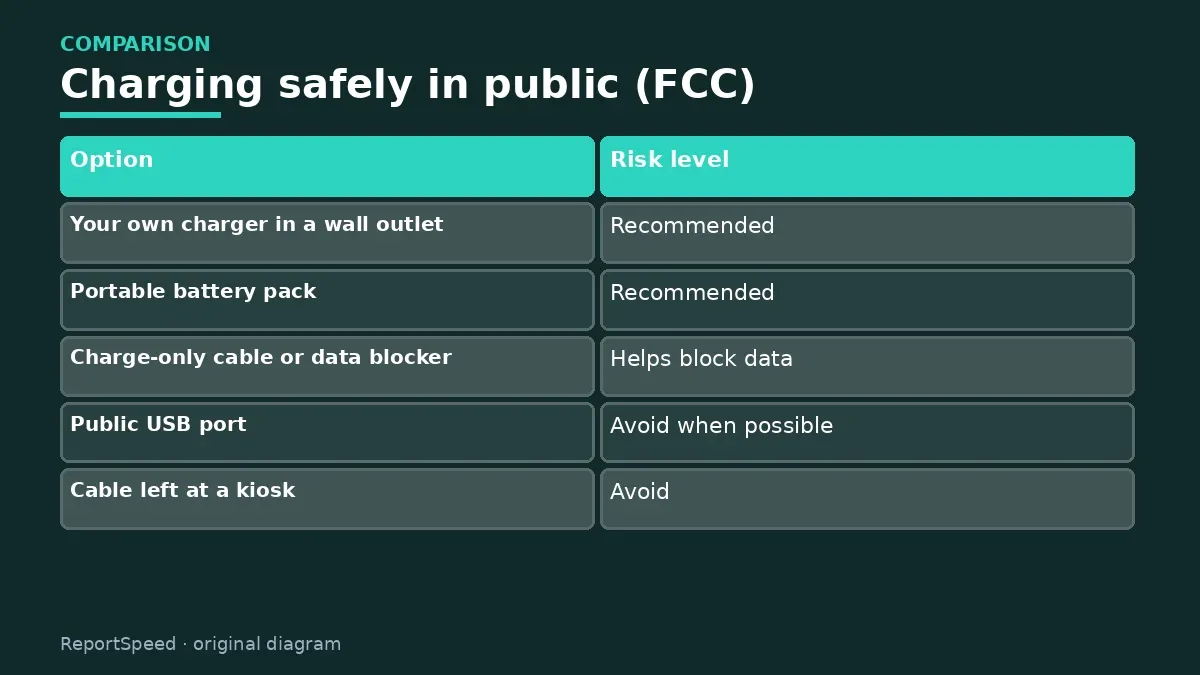
| Option | Risk level |
|---|---|
| Your own charger in a wall outlet | Recommended |
| Portable battery pack | Recommended |
| Charge-only cable or data blocker | Helps block data |
| Public USB port | Avoid when possible |
| Cable left at a kiosk | Avoid |
| 'Trust this device?' prompt | Decline |
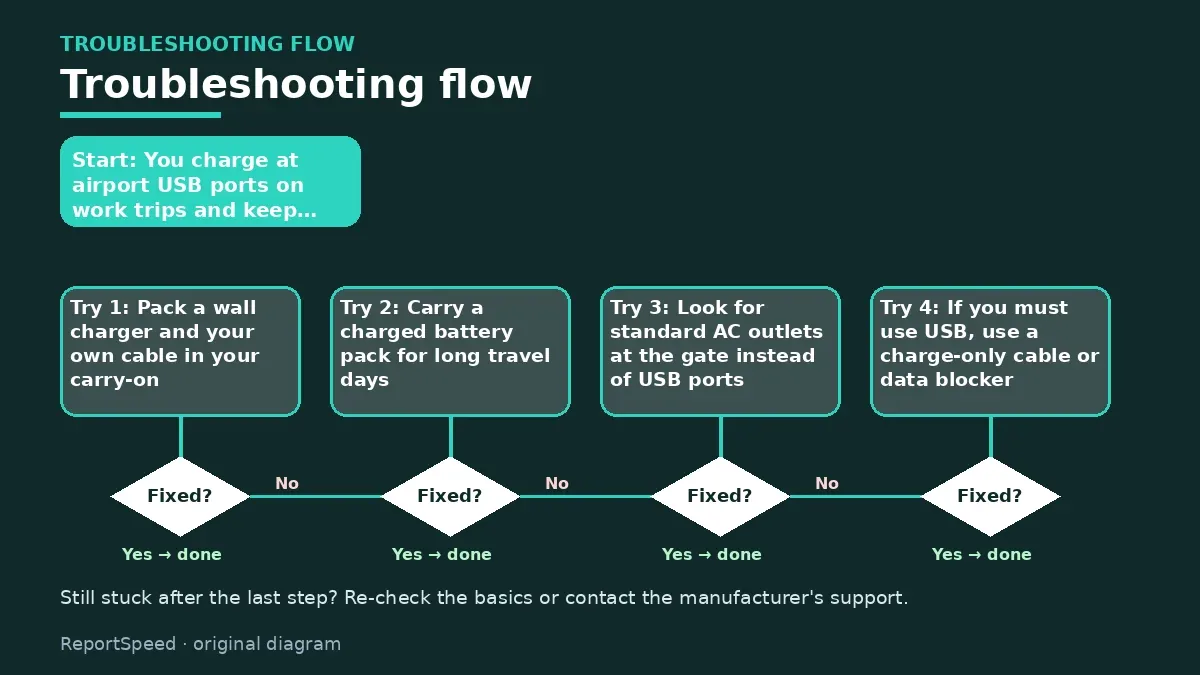
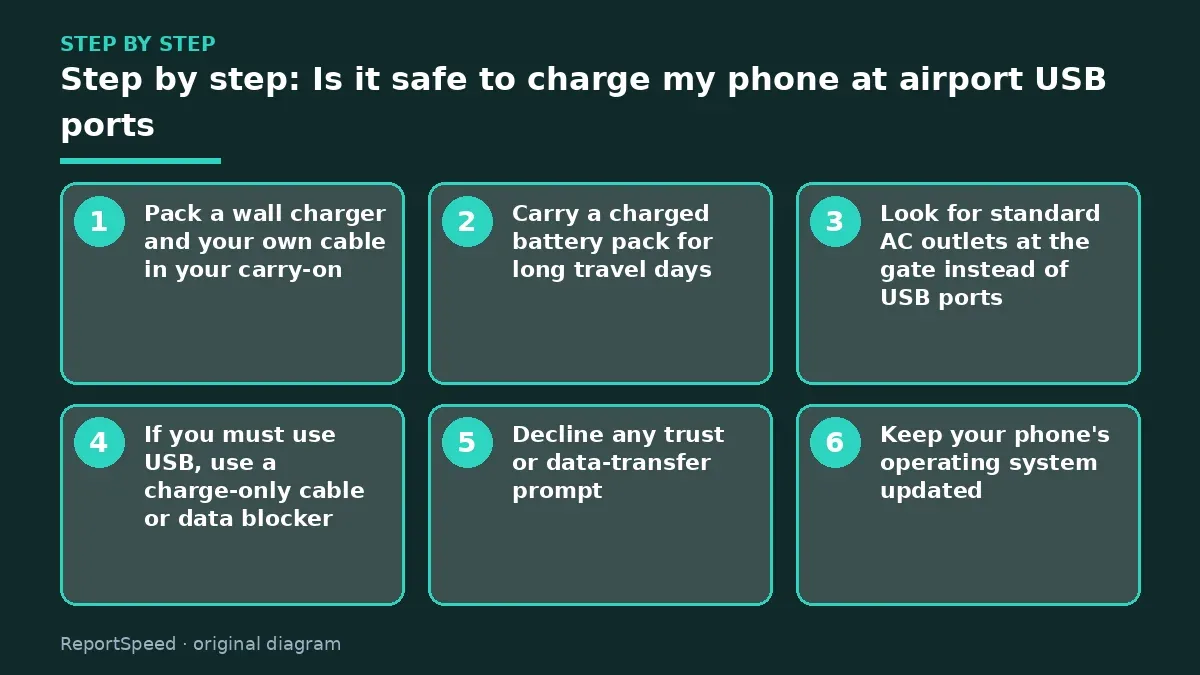
- Pack a wall charger and your own cable in your carry-on.
- Carry a charged battery pack for long travel days.
- Look for standard AC outlets at the gate instead of USB ports.
- If you must use USB, use a charge-only cable or data blocker.
- Decline any trust or data-transfer prompt.
- Keep your phone's operating system updated.
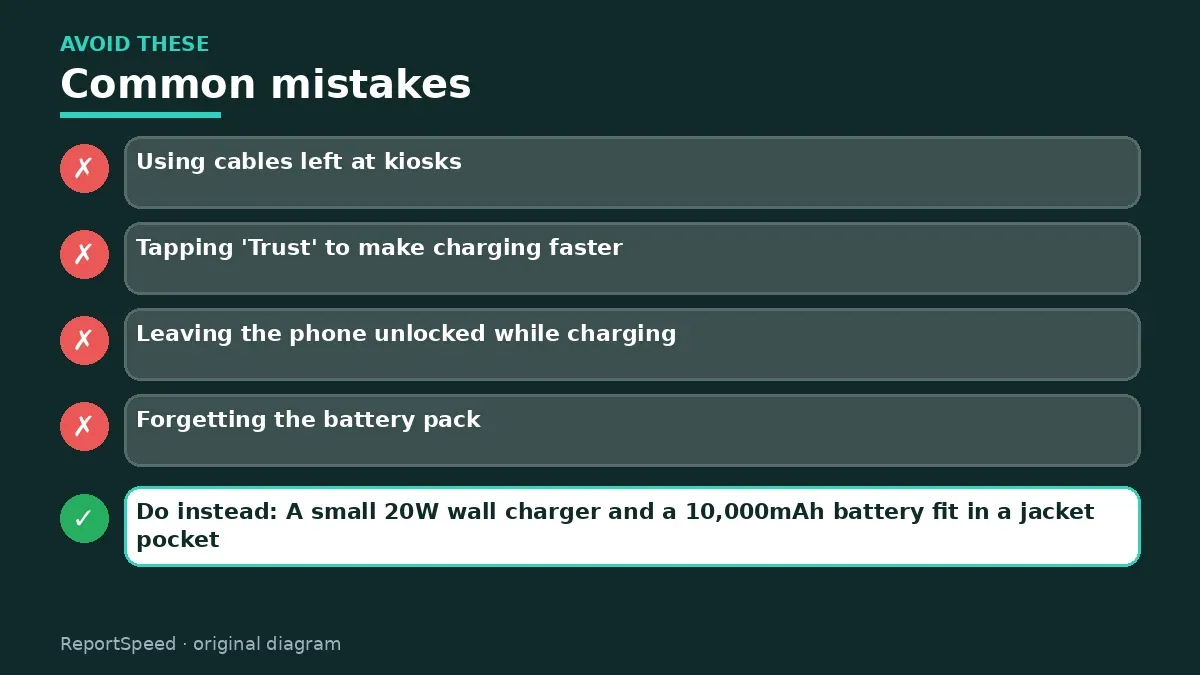
Common mistakes:
- Using cables left at kiosks
- Tapping 'Trust' to make charging faster
- Leaving the phone unlocked while charging
- Forgetting the battery pack
ReportSpeedMan tip: A small 20W wall charger and a 10,000mAh battery fit in a jacket pocket. That combo ends most airport outlet hunts.
What I would actually do
I'd pack a wall charger, cable and battery pack, and never use kiosk cables.
The trade-off people miss: the FCC's warning is a precaution; your own charger avoids the risk and is usually faster anyway.
Proof that it worked
Your phone stays charged without public USB ports.
Quick FAQ
Has juice jacking happened?
The FCC treats it as a risk to avoid.
Is a data blocker worth it?
It helps if you must use USB.
Should I tap 'Trust'?
No, on public chargers.
Wrap-up: Avoid public USB ports and kiosk cables; use your own charger in a wall outlet or a battery pack, and decline trust prompts.
Wiki: Identity Theft Recovery Steps and Multi-Factor Authentication (MFA).
Is it safe to charge my phone at airport USB ports: primary sources
Step-by-step photos
1. Before The problem 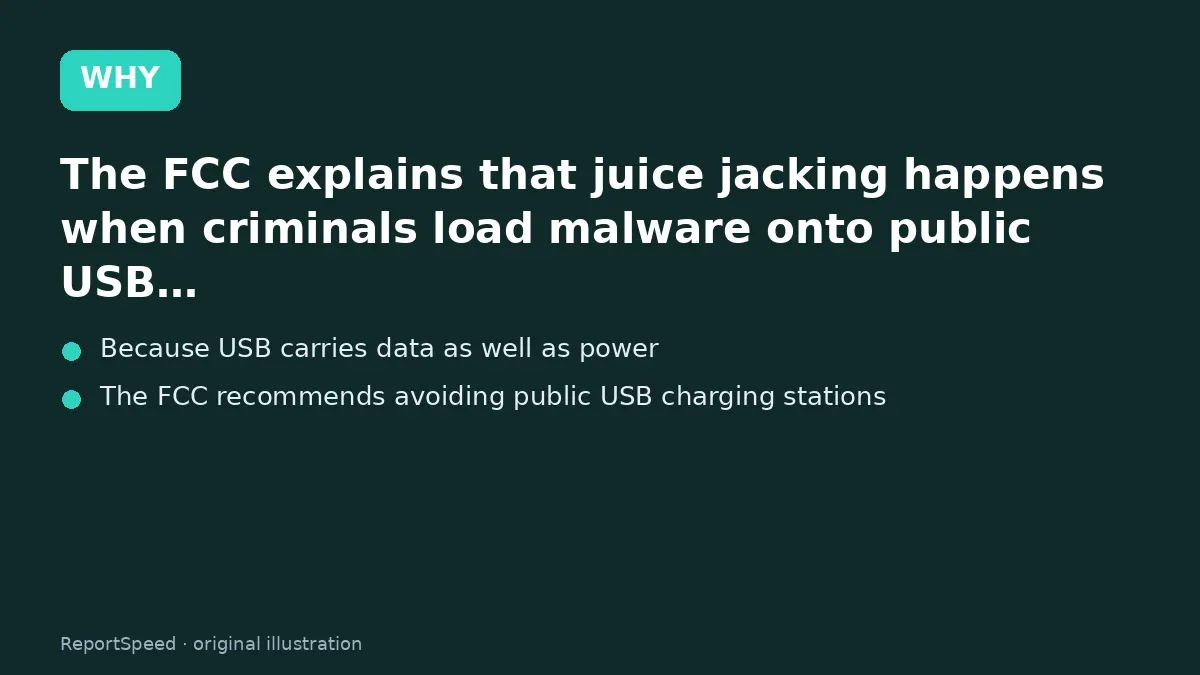
2. Why it happens The cause 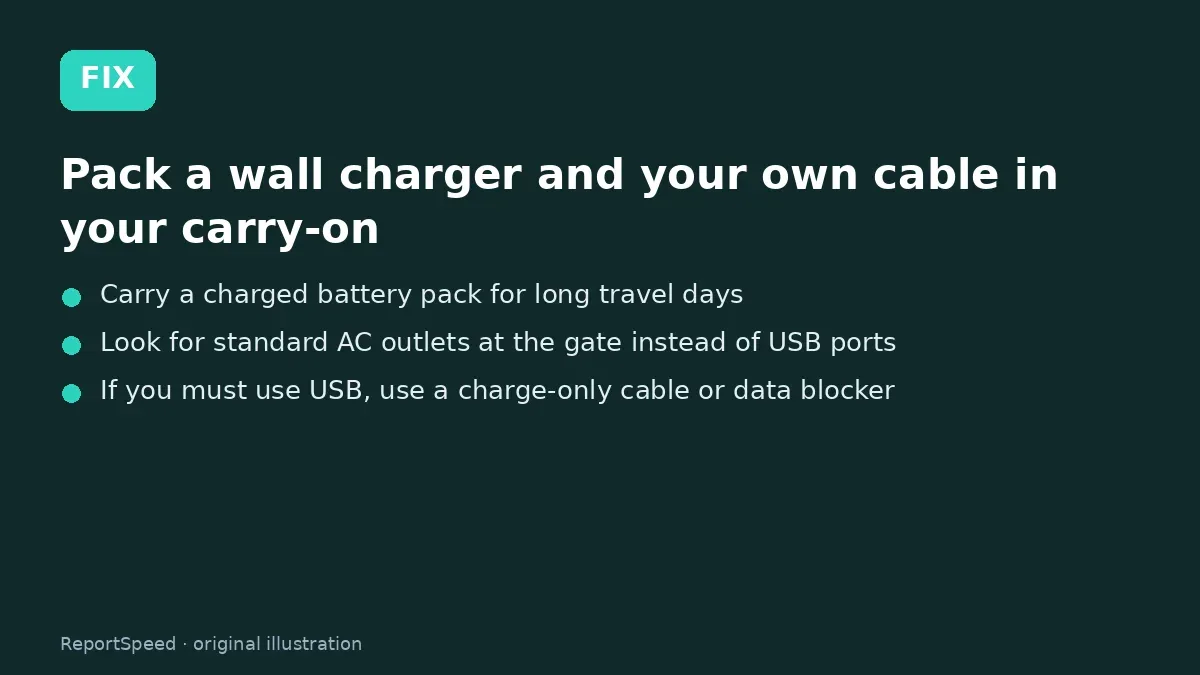
3. The fix The fix 
4. After The result
⚡ Speed Summary
- Avoid public USB ports and kiosk cables; use your own charger in a wall outlet or a battery pack, and decline trust prompts.
- A small 20W wall charger and a 10,000mAh battery fit in a jacket pocket. That combo ends most airport outlet hunts.
- Using a random cable left plugged in at a charging kiosk is riskier than the port itself, because you can't see what's inside it.

Was this answer helpful?
Tap a star to rate this answer.
Related questions

Got an 'AirTag found moving with you' alert? What to do next
Find the tracker, document it, identify the owner, and disable it.
Rate itSolved

Is my smart TV tracking what I watch? How to turn off ACR
Smart TVs may use ACR to track viewing.
Rate itSolved

Caller ID spoofing: why scammers show a local number and how to protect yourself
Caller ID can be faked, and spoofing to defraud is illegal.
Rate itSolved

How do I stop spam emails without making it worse?
Mark spam, block repeat senders, unsubscribe only from known companies, and report phishing.
Rate itSolved
Real experiences
No experiences yet. Be the first to share.