


I bought a new smart TV and during setup it asked me to accept a bunch of 'viewing data' terms. I clicked through. Now I'm seeing ads that seem to match shows I watched over an antenna. Is my smart TV tracking what I watch, and how do I turn it off?
Is my smart TV tracking what I watch? How to turn off ACR
Concerns & risks
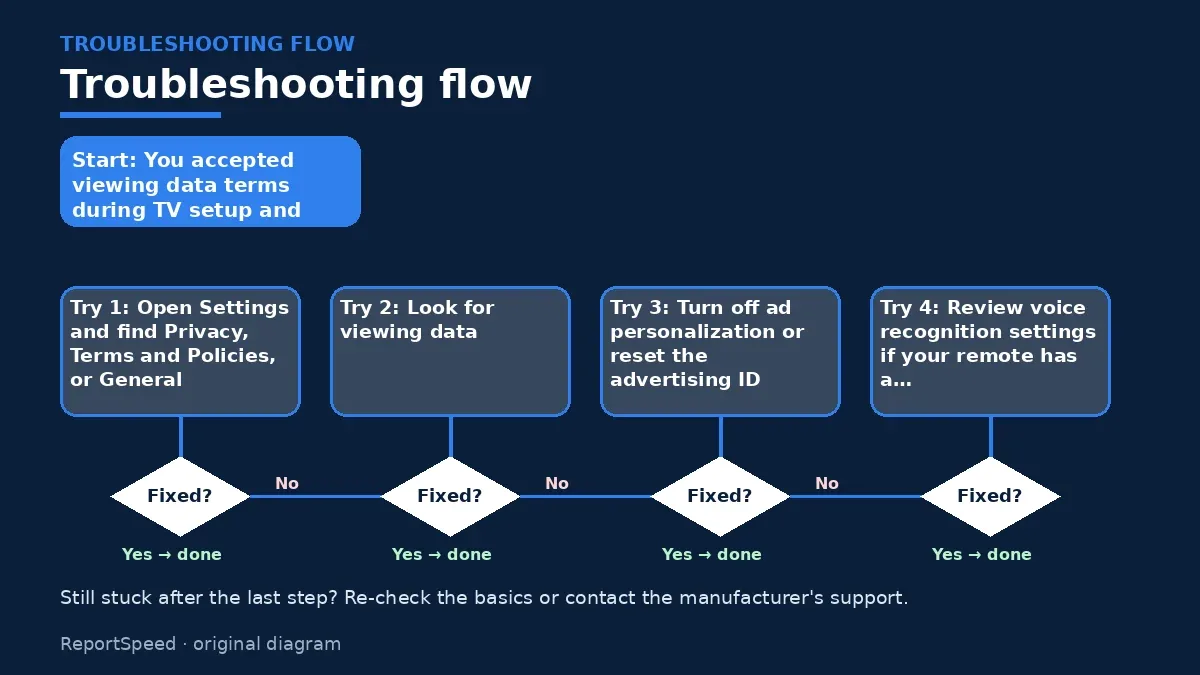
You accepted viewing data terms during TV setup and now see ads matching your shows.
| Setting | Common labels |
|---|---|
| ACR | Viewing data, smart interactivity |
| Ad tracking | Interest-based ads, ad ID |
| Voice | Voice recognition, voice data |
| Usage data | Diagnostics, usage information |
| Apps | Each app's privacy menu |
| After updates | Recheck all |
Causes & evidence
Automatic content recognition matches what appears on your screen against a database to identify shows, ads and other content, including from antennas, cable boxes and streaming devices. The Federal Trade Commission brought this issue into focus in 2017, when VIZIO agreed to pay $2.2 million to settle charges by the FTC and New Jersey that it collected second-by-second viewing histories from 11 million smart TVs without consumers' knowledge or consent. The settlement required prominent disclosure and affirmative consent before collecting viewing data, and deletion of data collected earlier. Today, TV makers generally ask for consent during setup and offer settings to opt out, often labeled viewing data, viewing information, smart interactivity, or live plus. Turning ACR off usually doesn't break streaming apps. Separate settings may control ad personalization, voice data and app tracking, so one switch doesn't cover everything.
Edge cases: some streaming sticks and cable boxes have their own tracking settings. Factory resets can turn data sharing back on. Declining terms during setup may limit some smart features on certain models.
Assuming a single privacy toggle stops all tracking is the gap; ACR, ad personalization and voice data are often separate settings.
What to do
| Topic | Detail |
|---|---|
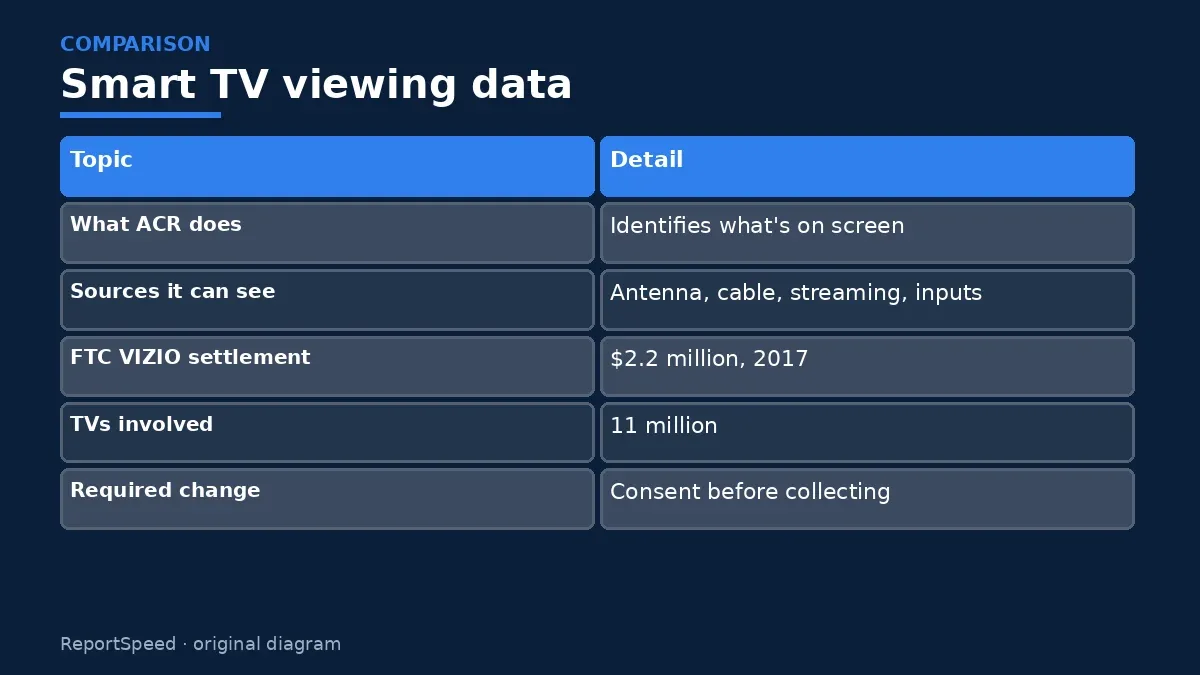
| What ACR does | Identifies what's on screen |
| Sources it can see | Antenna, cable, streaming, inputs |
| FTC VIZIO settlement | $2.2 million, 2017 |
| TVs involved | 11 million |
| Required change | Consent before collecting |
| Your control | Opt out in privacy settings |
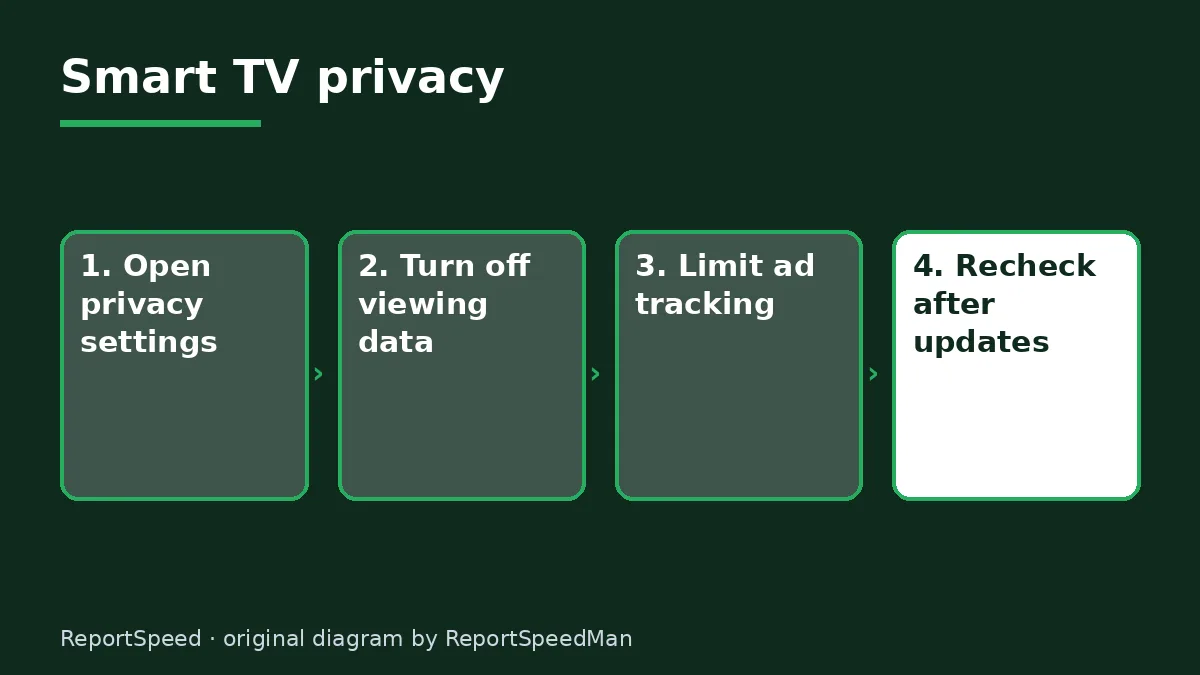
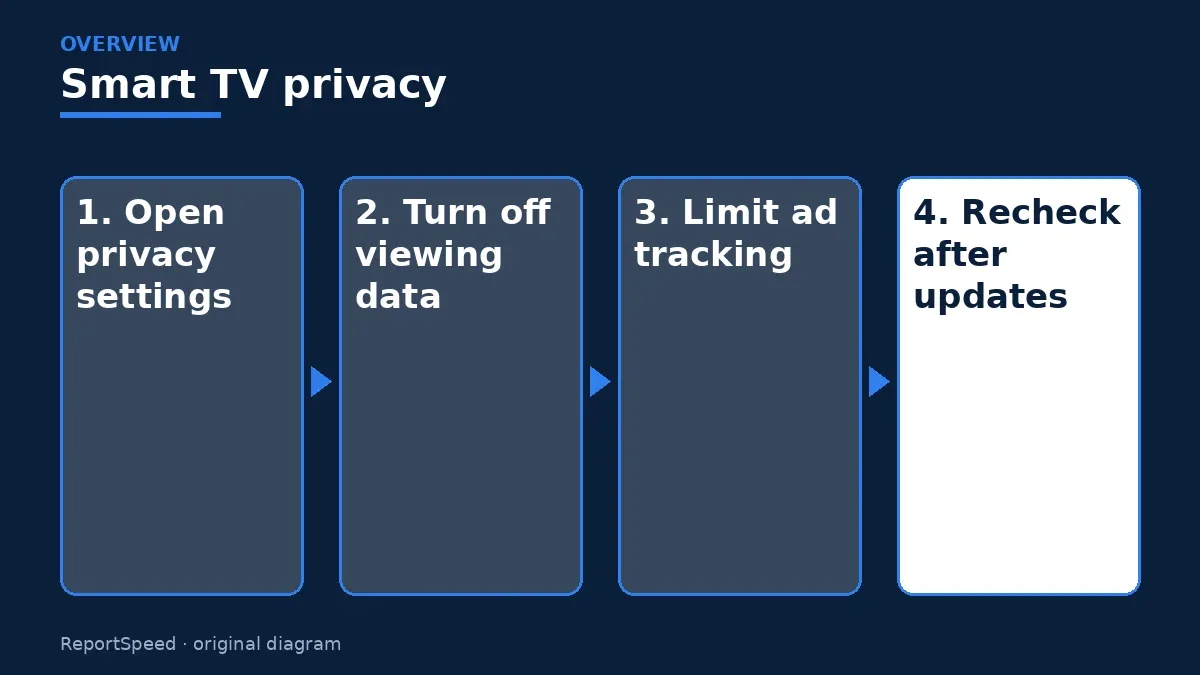
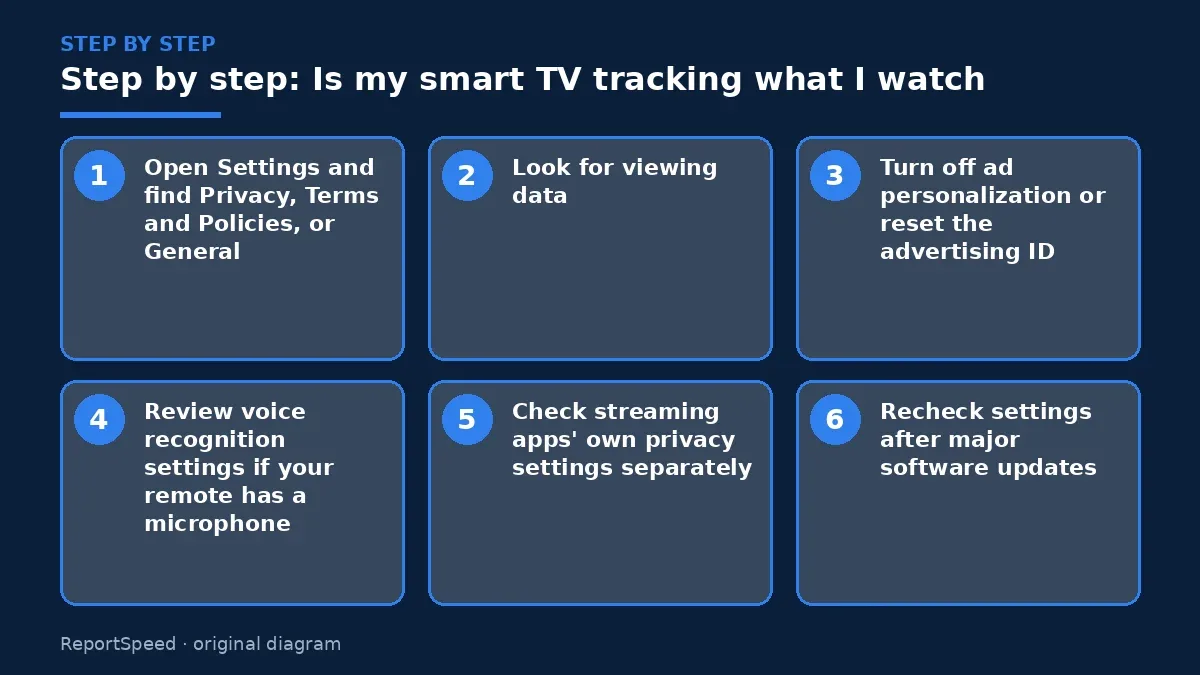
- Open Settings and find Privacy, Terms and Policies, or General.
- Look for viewing data, viewing information, smart interactivity or similar, and turn it off.
- Turn off ad personalization or reset the advertising ID.
- Review voice recognition settings if your remote has a microphone.
- Check streaming apps' own privacy settings separately.
- Recheck settings after major software updates.

Common mistakes:
- Clicking through setup without reading
- Turning off only one setting
- Assuming antenna viewing is invisible
- Not rechecking after updates
ReportSpeedMan tip: I photograph each privacy screen after changing it. After an update, I compare the photos to confirm nothing switched back.
What I would actually do
I'd turn off viewing data, ad personalization and voice data, then check each streaming app's privacy menu.
The trade-off people miss: some TVs offer recommendations or perks for sharing data; opting out may mean fewer suggestions, but your viewing stays yours.
Signs it worked
Viewing data and ad tracking show as off after a restart.
Quick FAQ
Does ACR see antenna shows?
It can identify on-screen content.
Will turning it off break apps?
Usually not.
Do updates reset settings?
They can; recheck.
Wrap-up: Smart TVs may use ACR to track viewing. Turn off viewing data, ad personalization and voice settings, and recheck after updates.
Wiki: Software Updates and Kids and Screen Time.
Is my smart TV tracking what I watch: read the originals
Step-by-step photos
1. Before The problem 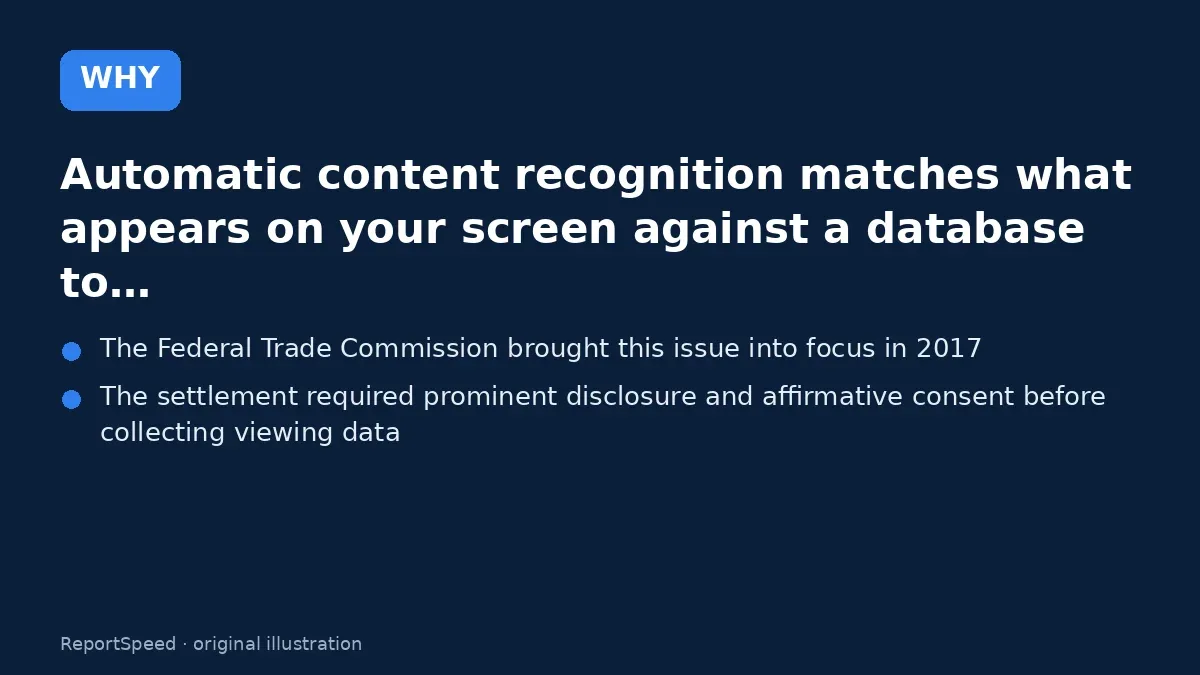
2. Why it happens The cause 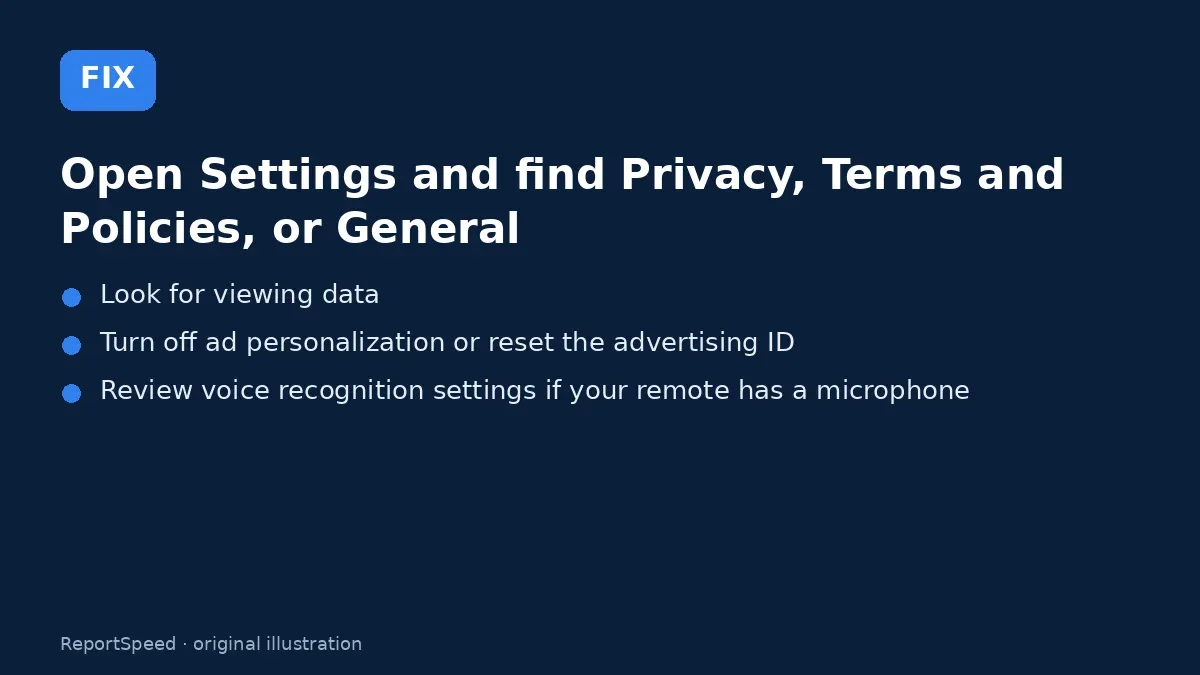
3. The fix The fix 
4. After The result
⚡ Speed Summary
- Smart TVs may use ACR to track viewing.
- I photograph each privacy screen after changing it. After an update, I compare the photos to confirm nothing switched back.
- Assuming a single privacy toggle stops all tracking is the gap; ACR, ad personalization and voice data are often separate settings.

Was this answer helpful?
Tap a star to rate this answer.
Related questions

Got an 'AirTag found moving with you' alert? What to do next
Find the tracker, document it, identify the owner, and disable it.
Rate itSolved

Caller ID spoofing: why scammers show a local number and how to protect yourself
Caller ID can be faked, and spoofing to defraud is illegal.
Rate itSolved

How do I stop spam emails without making it worse?
Mark spam, block repeat senders, unsubscribe only from known companies, and report phishing.
Rate itSolved
Text message codes vs authenticator apps: which MFA is safer?
Use MFA everywhere; prefer passkeys or security keys, then authenticator apps, and keep SMS only where nothing better is offered.
Rate itSolved
Real experiences
No experiences yet. Be the first to share.