


My iPhone just showed 'AirTag Found Moving With You' after I drove home from my sister's house. I don't own an AirTag. I'm a little freaked out. What does this alert mean, how do I find the tracker, and what should I do if I think someone is tracking me?
Got an 'AirTag found moving with you' alert? What to do next
Concerns & risks
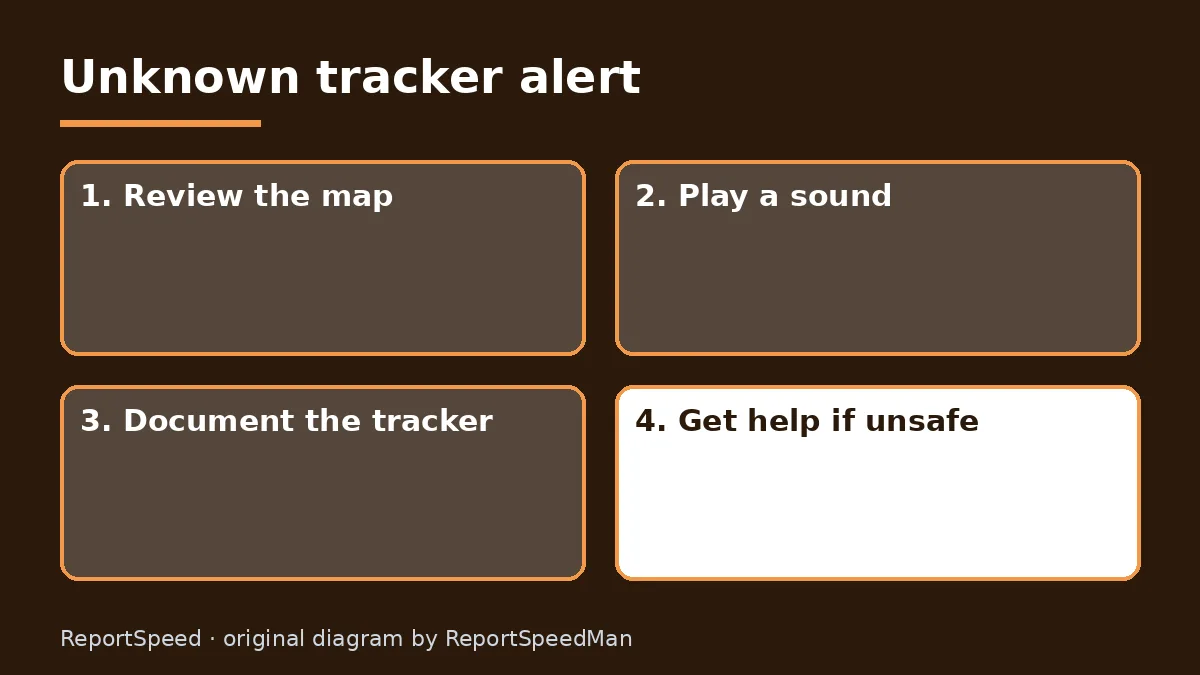
Your iPhone showed an unknown AirTag alert after a drive, and you don't own one.
| Alert | Meaning |
|---|---|
| AirTag Found Moving With You | Unknown AirTag nearby over time |
| AirPods Detected | Someone's AirPods with you |
| Product Found Moving With You | Other Find My item |
| Unknown Accessory Detected | Item seen, connection issue |
| Sound from a tracker | Separated and moved |
| Android alert | Compatible tracker detected |

Causes & evidence
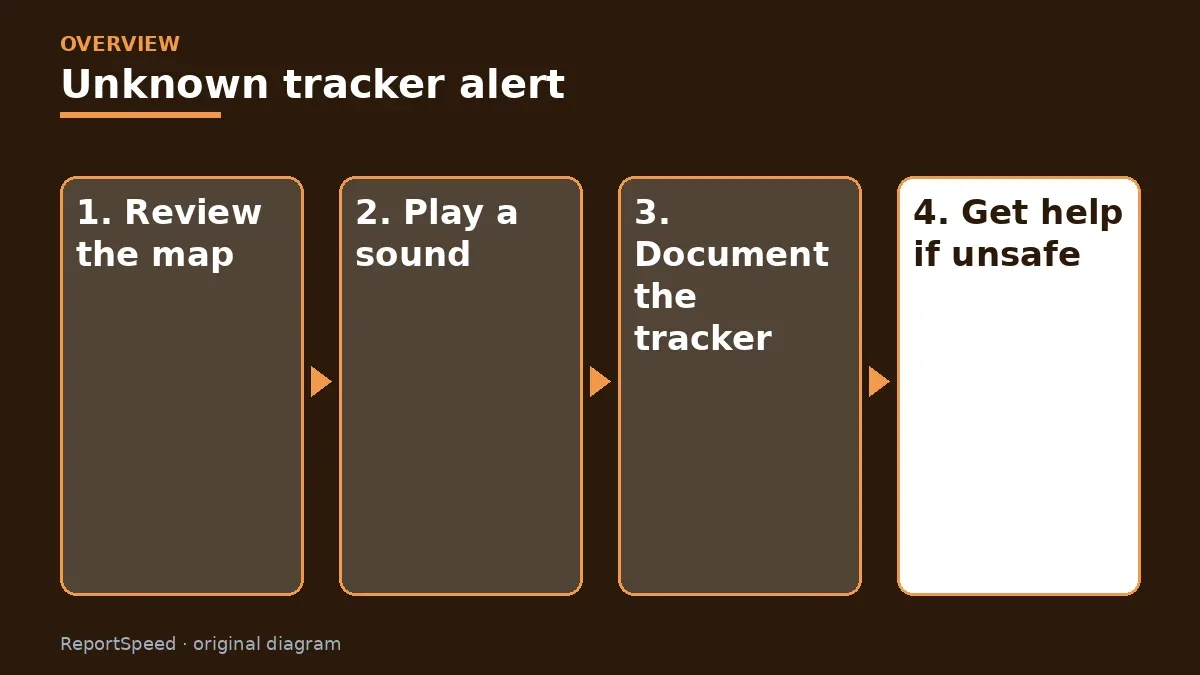
Apple explains that AirTag, some AirPods and Find My network accessories have protections against unwanted tracking. If one separated from its owner is seen moving with you over time, your iPhone notifies you, or the device may play a sound. Apple and Google created an industry specification so iPhone and Android users can get alerts about compatible trackers from other brands too. Apple's guidance is to tap the alert to see a map of where the item was detected, play a sound to find it, or use Precision Finding on supported iPhones. If you find an AirTag, hold the top of your phone near its white side to see its serial number and the last four digits of the owner's phone number. You can then follow Instructions to Disable. If you feel your safety is at risk, Apple advises going to a safe public place and contacting law enforcement, who can request information from Apple. Turning off Bluetooth or Location Services on your phone doesn't stop the tracker from reporting location.
Edge cases: identifiers change, so an item with you overnight may stop showing. Borrowed AirPods from family can trigger alerts. Android users can run a manual scan for unknown trackers.
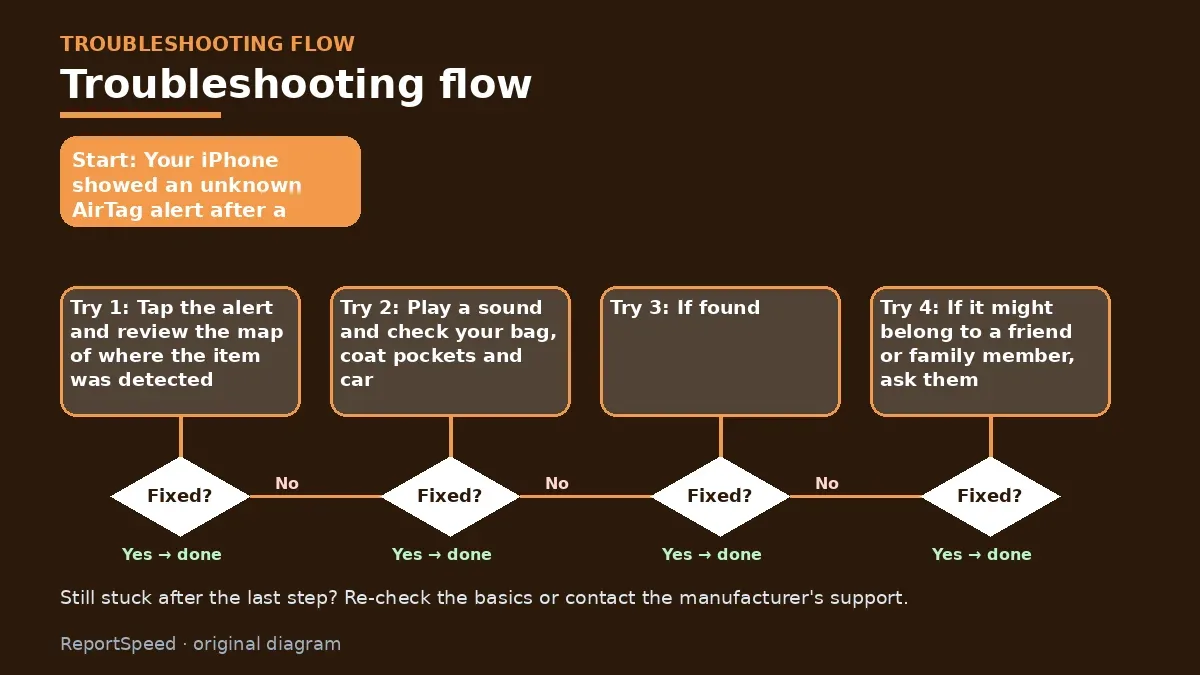
Disabling the tracker before documenting it is a common misstep if you plan to involve police; screenshot the serial number and map first.
What to do
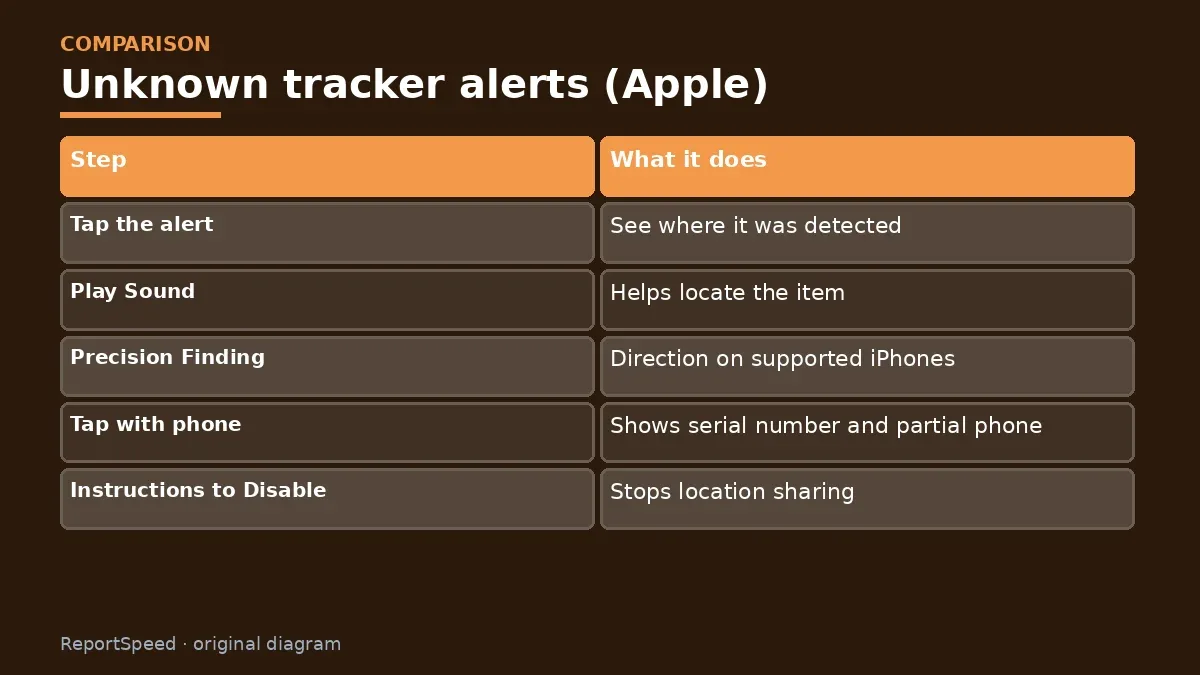
| Step | What it does |
|---|---|
| Tap the alert | See where it was detected |
| Play Sound | Helps locate the item |
| Precision Finding | Direction on supported iPhones |
| Tap with phone | Shows serial number and partial phone |
| Instructions to Disable | Stops location sharing |
| Safety concern | Go somewhere safe, contact police |
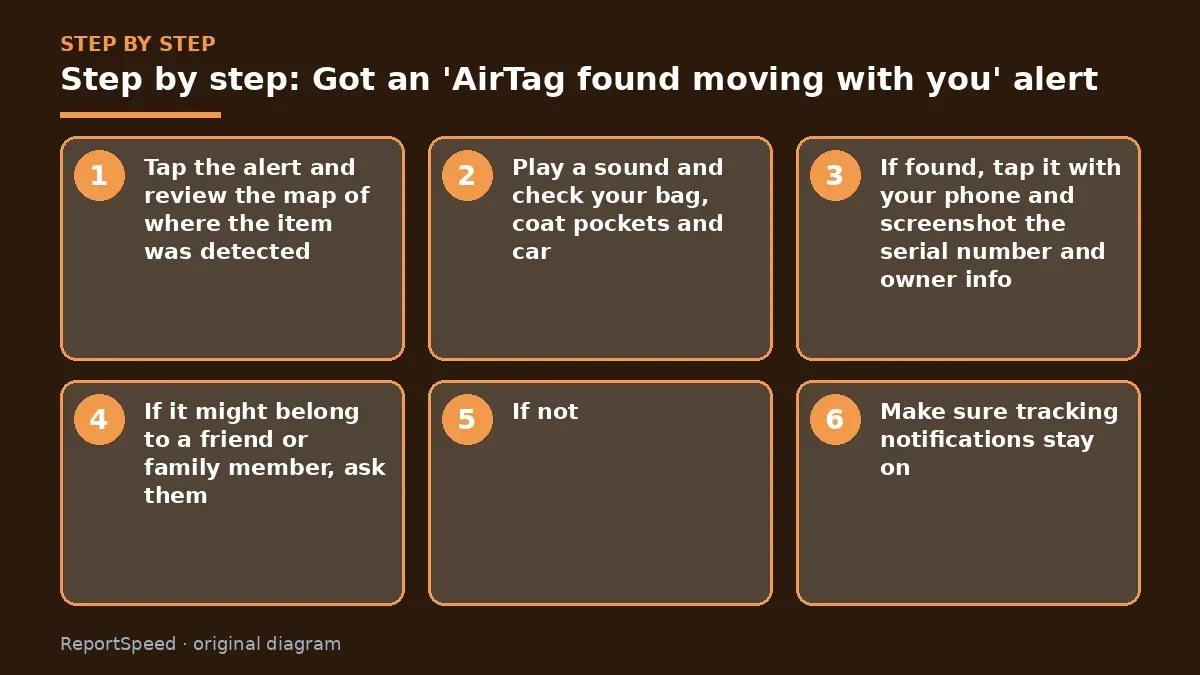
- Tap the alert and review the map of where the item was detected.
- Play a sound and check your bag, coat pockets and car.
- If found, tap it with your phone and screenshot the serial number and owner info.
- If it might belong to a friend or family member, ask them.
- If not, and you feel unsafe, go to a safe public place and contact police before disabling it.
- Make sure tracking notifications stay on: iOS updated, Bluetooth on, Airplane Mode off.
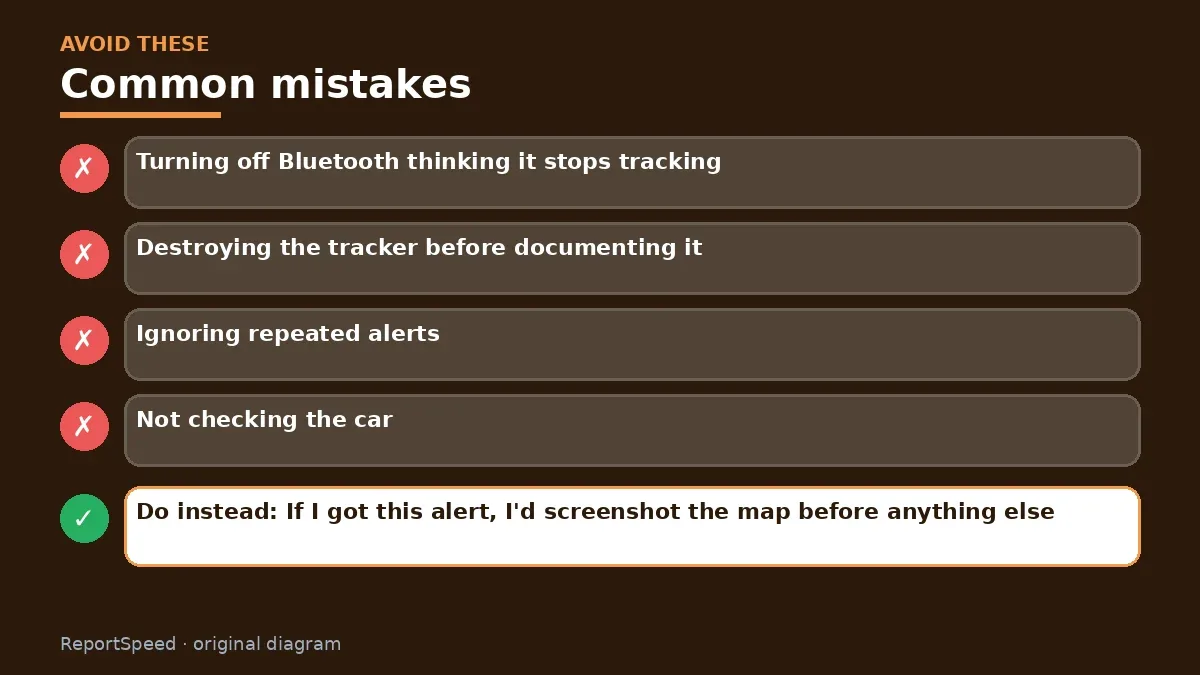
Common mistakes:
- Turning off Bluetooth thinking it stops tracking
- Destroying the tracker before documenting it
- Ignoring repeated alerts
- Not checking the car
ReportSpeedMan tip: If I got this alert, I'd screenshot the map before anything else. That record is useful whether it turns out innocent or not.
What I would actually do
I'd screenshot the map, find the tracker, tap it to see the serial number, ask family, and contact police if no one claims it.
The trade-off people miss: disabling the tracker right away feels safest, but it also tells the owner it was found; if safety is a concern, get help first.
Did it work? How to check
The tracker is found, documented and handled safely.
Quick FAQ
Does airplane mode help?
No, it stops alerts.
Can I see who owns it?
You see partial phone number.
Should I go home?
If unsafe, go somewhere public first.
Wrap-up: Find the tracker, document it, identify the owner, and disable it. If you feel unsafe, contact police first.
Wiki: Phone Battery Health and Identity Theft Recovery Steps.
Got an 'AirTag found moving with you' alert: official sources I checked
Step-by-step photos
1. Before The problem 
2. Why it happens The cause 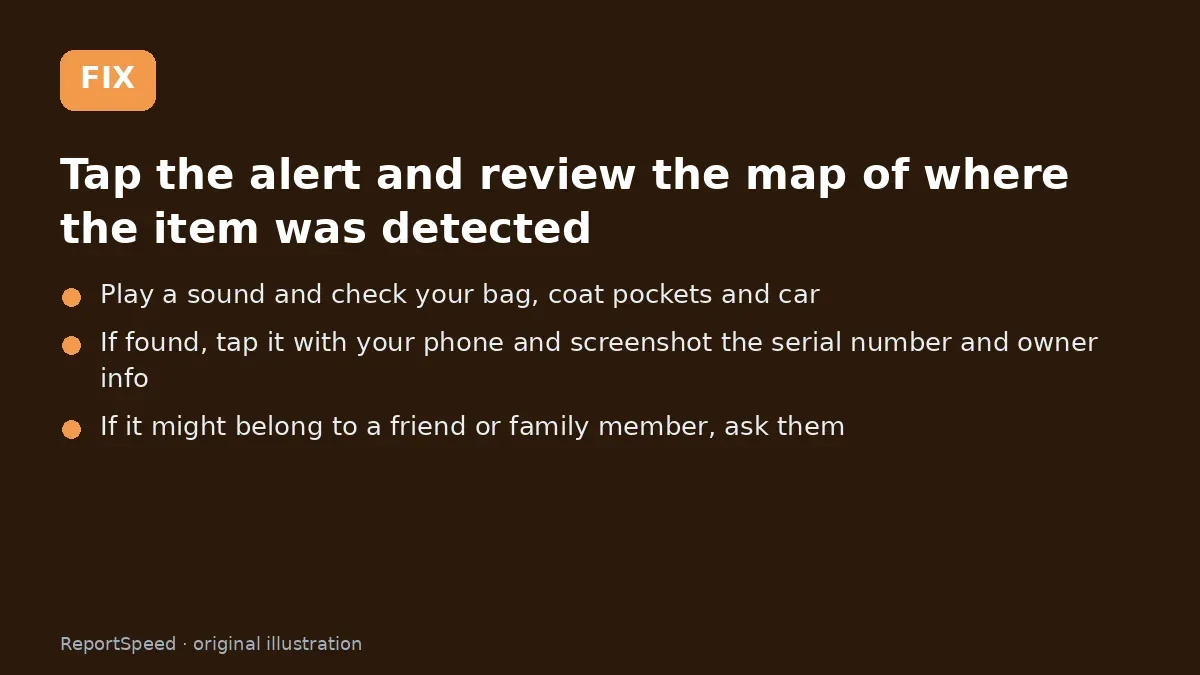
3. The fix The fix 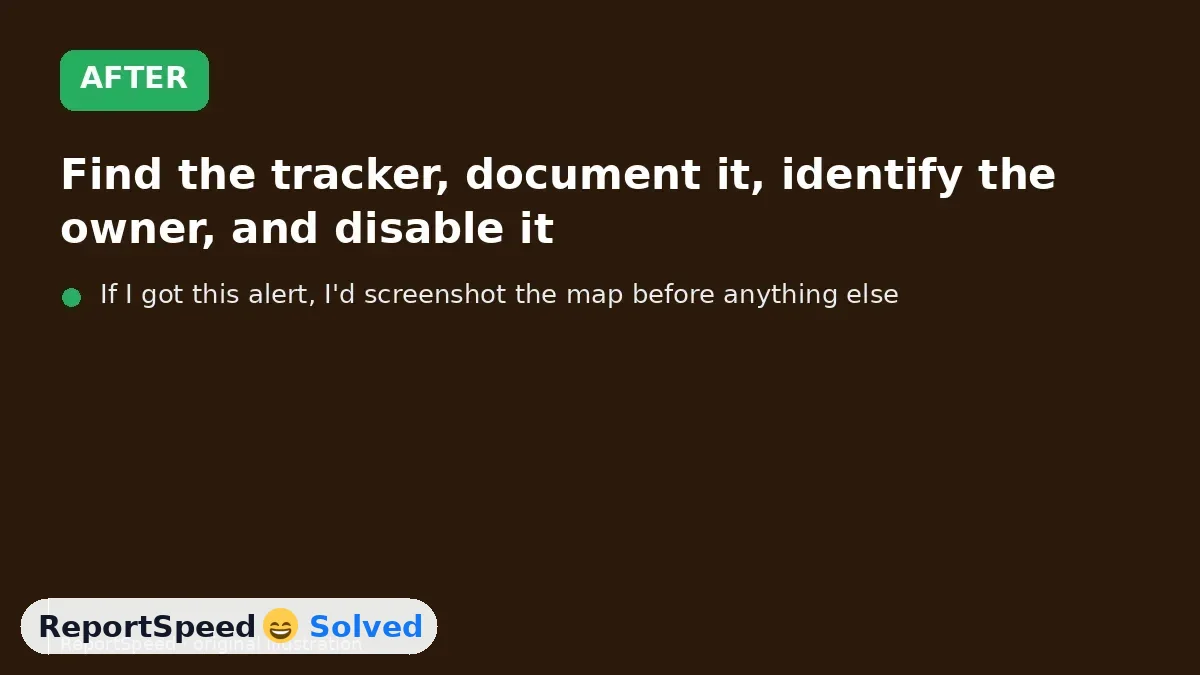
4. After The result
⚡ Speed Summary
- Find the tracker, document it, identify the owner, and disable it.
- If I got this alert, I'd screenshot the map before anything else. That record is useful whether it turns out innocent or not.
- Disabling the tracker before documenting it is a common misstep if you plan to involve police; screenshot the serial number and map first.

Was this answer helpful?
Tap a star to rate this answer.
Related questions

Is my smart TV tracking what I watch? How to turn off ACR
Smart TVs may use ACR to track viewing.
Rate itSolved

Caller ID spoofing: why scammers show a local number and how to protect yourself
Caller ID can be faked, and spoofing to defraud is illegal.
Rate itSolved

How do I stop spam emails without making it worse?
Mark spam, block repeat senders, unsubscribe only from known companies, and report phishing.
Rate itSolved
Text message codes vs authenticator apps: which MFA is safer?
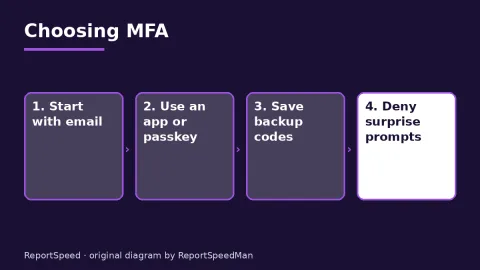
Use MFA everywhere; prefer passkeys or security keys, then authenticator apps, and keep SMS only where nothing better is offered.
Rate itSolved
Real experiences
No experiences yet. Be the first to share.