


DLSS vs FSR, should I turn on upscaling and frame generation in games? Every new game has a menu full of these options and I'm never sure if they make things better or just blurrier. I've heard frame generation adds lag too. When is it worth flipping these on?
DLSS vs FSR: should I turn on upscaling and frame generation in games?
Concerns & risks
Your settings menu has a bunch of upscaling and frame-generation options and you aren't sure what helps and what hurts.
| Feature | Works on | Best for |
|---|---|---|
| DLSS Super Resolution | NVIDIA RTX GPUs | Sharper upscaling on RTX |
| FSR upscaling | Wide GPU support | Non-RTX cards, broad support |
| Frame generation | Supported GPUs and games | Smoother motion when base FPS is decent |
| Native resolution | Any GPU | When you have headroom |
Causes & evidence
Upscalers render the game at a lower internal resolution and reconstruct a higher-resolution image, boosting FPS. Frame generation inserts generated frames between rendered ones for smoother motion, but can add latency, which is why it's often paired with low-latency tech such as NVIDIA Reflex. DLSS runs on NVIDIA RTX cards; FSR is AMD's technology. Details and supported features are on each official page. The deeper theory is in our upscaling and frame generation wiki.
Upscaling renders at a lower internal resolution and reconstructs a sharper image, and frame generation inserts AI-generated frames. Both can boost smoothness, but frame generation adds some latency, which matters more in competitive games. Try quality presets first and compare the feel, not just the counter.
The right setting depends on what your base frame rate is before you touch anything.
What to do
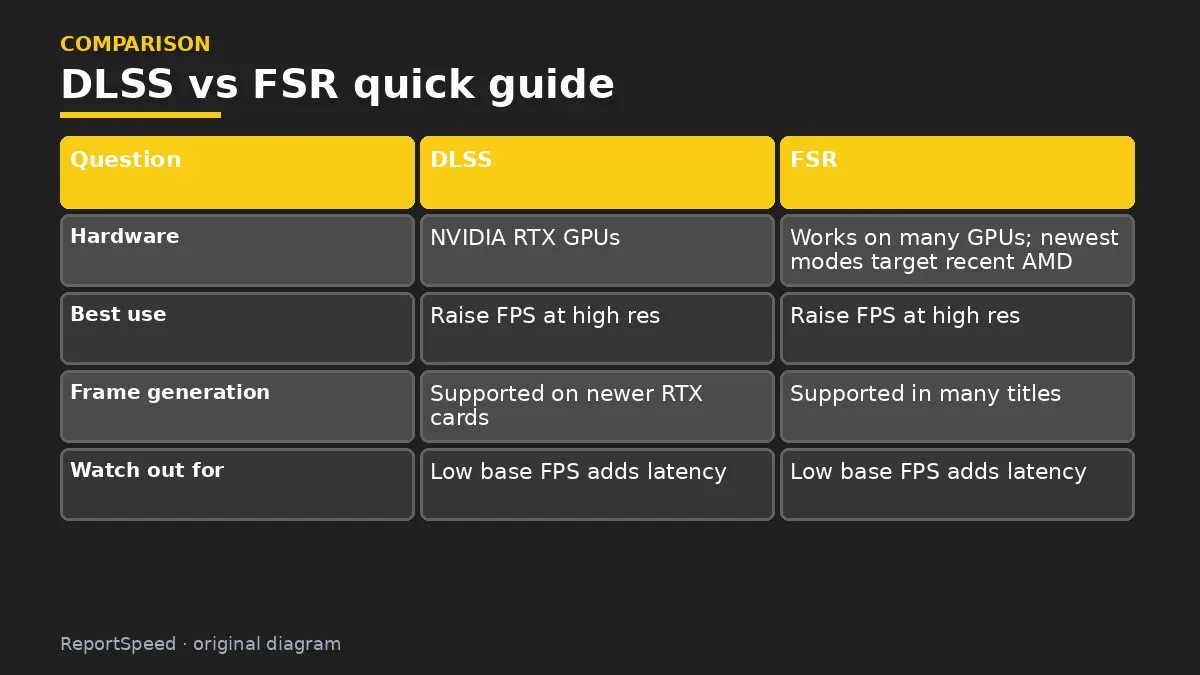
| Question | DLSS | FSR |
|---|---|---|
| Hardware | NVIDIA RTX GPUs | Works on many GPUs; newest modes target recent AMD cards |
| Best use | Raise FPS at high res | Raise FPS at high res |
| Frame generation | Supported on newer RTX cards | Supported in many titles |
| Watch out for | Low base FPS adds latency | Low base FPS adds latency |
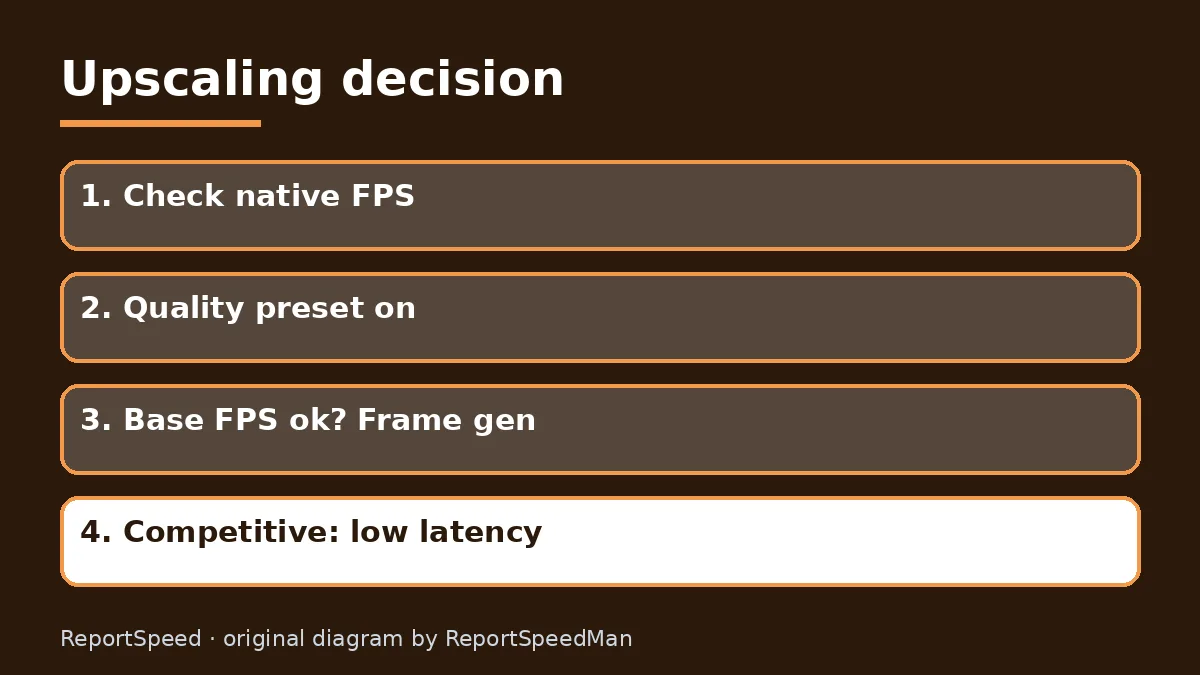
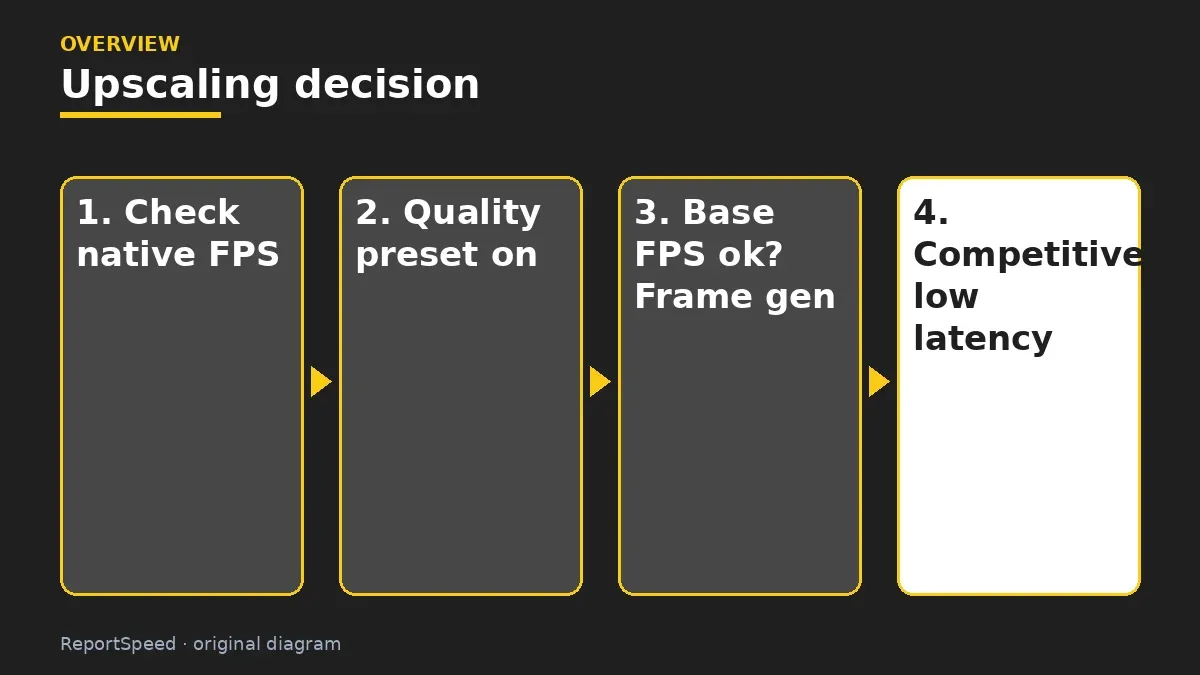
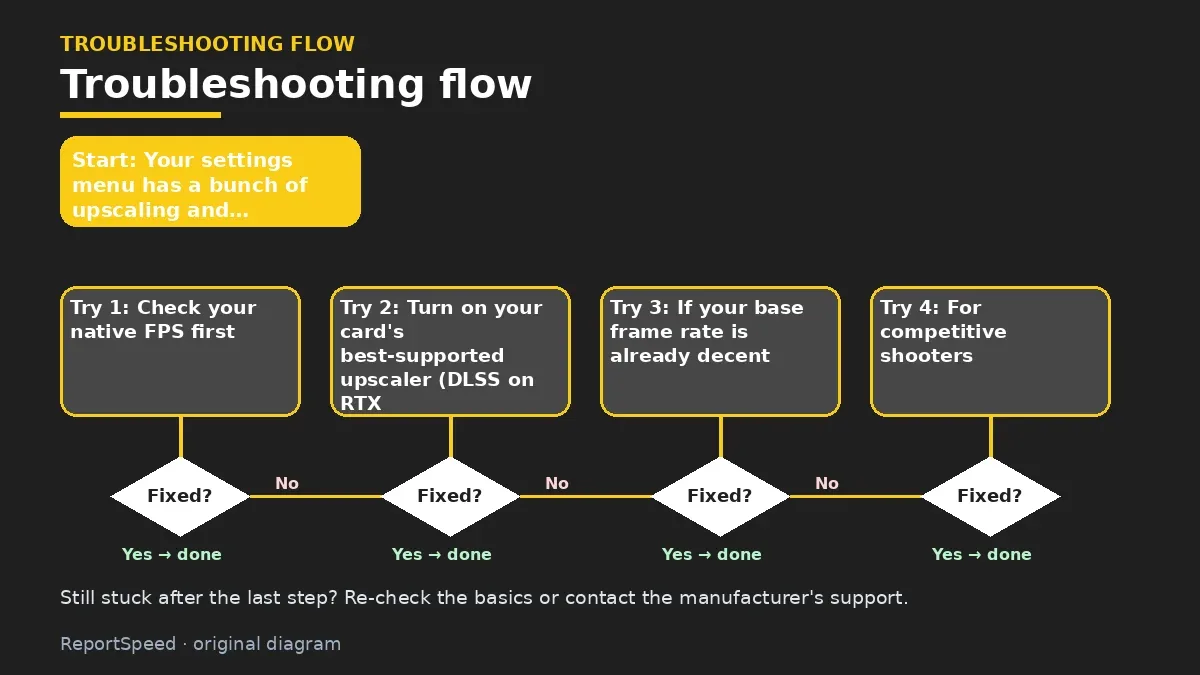
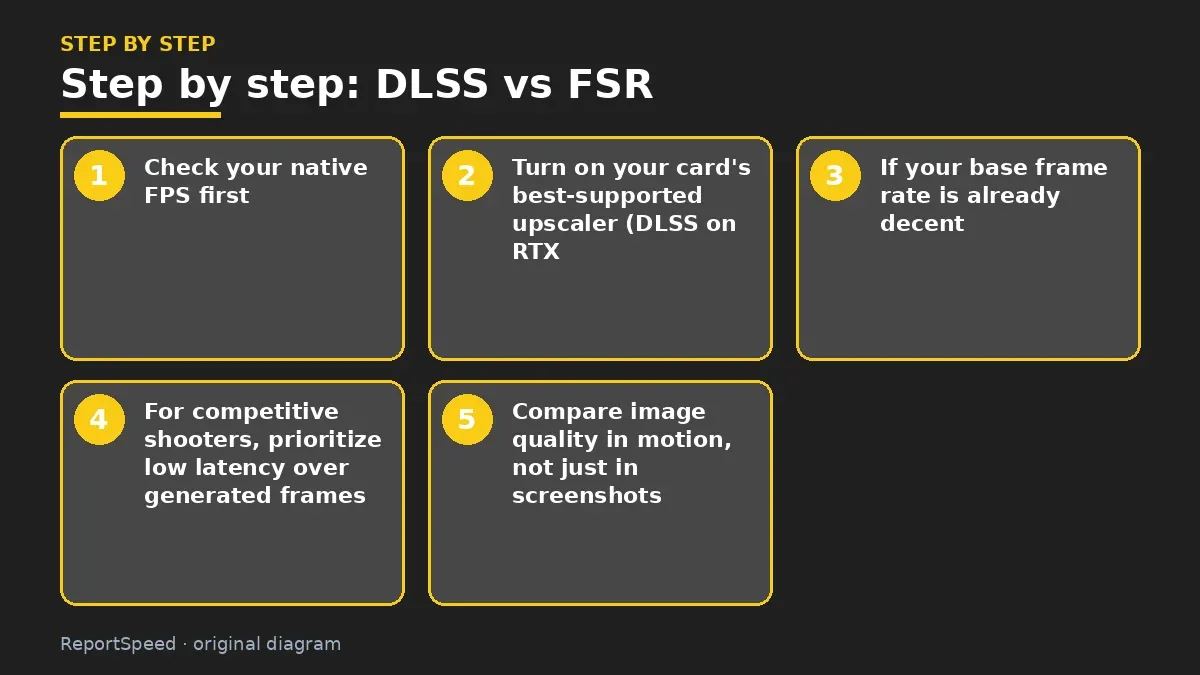
- Check your native FPS first.
- Turn on your card's best-supported upscaler (DLSS on RTX, or FSR) at a quality preset.
- If your base frame rate is already decent, try frame generation for extra smoothness.
- For competitive shooters, prioritize low latency over generated frames.
- Compare image quality in motion, not just in screenshots.
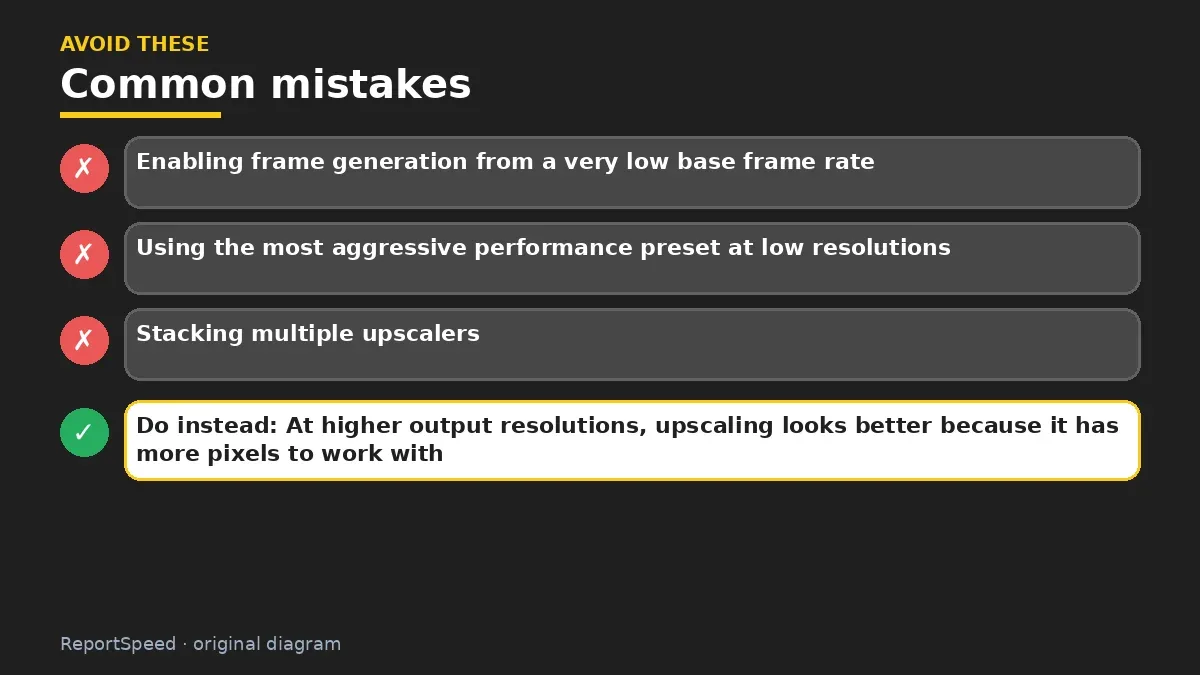
Common mistakes:
- Enabling frame generation from a very low base frame rate
- Using the most aggressive performance preset at low resolutions
- Stacking multiple upscalers
ReportSpeedMan tip: At higher output resolutions, upscaling looks better because it has more pixels to work with.
What I would actually do

try the quality upscaling mode first, and turn on frame generation only when base FPS already feels decent. Then judge with my own eyes.
The trade-off people miss: frame generation smooths motion but doesn't make input feel faster than the base frame rate. Competitive players often skip it.
Builder's note: A practical way to choose a preset: start at the highest-quality upscaling mode, play for ten minutes, then step down only if you still need more performance. Your eyes adjust quickly, so judge in the middle of a session rather than immediately after toggling. If something shimmers or smears, step back one preset.
Quick FAQ
Is upscaling cheating image quality?
Quality presets can look very close to native, but it varies by game.
Which one works on my GPU?
Check NVIDIA or AMD's official support lists for each feature.
Should I use frame generation in shooters?
Often not, due to latency. Prioritize responsiveness.
Wrap-up: Use the quality upscaling preset first, add frame generation if your base FPS is solid, and favor latency in competitive games. It's free performance when used smartly.
Wiki: GPU Upscaling and Frame Generation.
DLSS vs FSR: official pages behind this answer
Step-by-step photos
1. Before The problem 
2. Why it happens The cause 
3. The fix The fix 
4. After The result
⚡ Speed Summary
- Use the quality upscaling preset first, add frame generation if your base FPS is solid, and favor latency in competitive games.
- At higher output resolutions, upscaling looks better because it has more pixels to work with.
- The right setting depends on what your base frame rate is before you touch anything.

Was this answer helpful?
Tap a star to rate this answer.
Related questions

Got an 'AirTag found moving with you' alert? What to do next
Find the tracker, document it, identify the owner, and disable it.
Rate itSolved

Is my smart TV tracking what I watch? How to turn off ACR
Smart TVs may use ACR to track viewing.
Rate itSolved

Caller ID spoofing: why scammers show a local number and how to protect yourself
Caller ID can be faked, and spoofing to defraud is illegal.
Rate itSolved

How do I stop spam emails without making it worse?
Mark spam, block repeat senders, unsubscribe only from known companies, and report phishing.
Rate itSolved
Real experiences
No experiences yet. Be the first to share.