
Got an 'AirTag found moving with you' alert? What to do next
Find the tracker, document it, identify the owner, and disable it.
Rate itSolved
 ReportSpeedNo AI please, broNo AI pls

Find the tracker, document it, identify the owner, and disable it.
Rate itSolved

Smart TVs may use ACR to track viewing.
Rate itSolved

Caller ID can be faked, and spoofing to defraud is illegal.
Rate itSolved

Mark spam, block repeat senders, unsubscribe only from known companies, and report phishing.
Rate itSolved
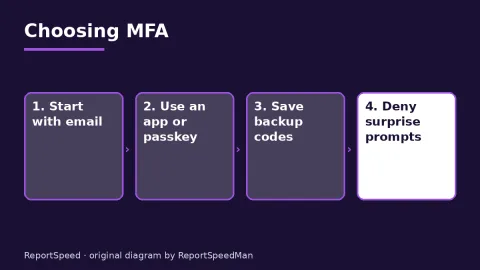
Use MFA everywhere; prefer passkeys or security keys, then authenticator apps, and keep SMS only where nothing better is offered.
Rate itSolved
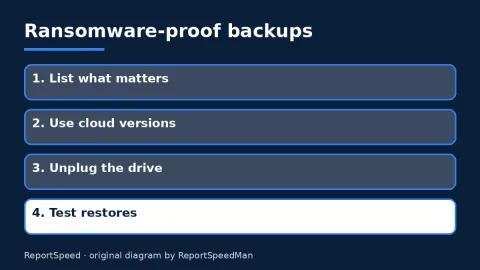
Keep an offline copy, use cloud backup with versions, encrypt and test restores, and keep systems updated.
Rate itSolved

Avoid public USB ports and kiosk cables; use your own charger in a wall outlet or a battery pack, and decline trust prompts.
Rate itSolved
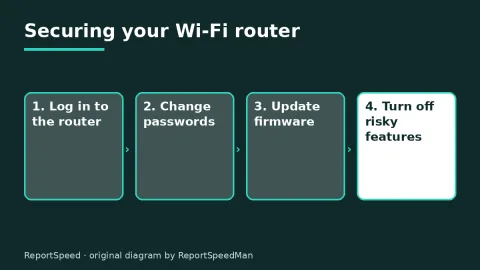
Use WPA3 or WPA2 Personal, change the admin and Wi-Fi passwords, update firmware and turn off remote management, WPS and UPnP.
Rate itSolved
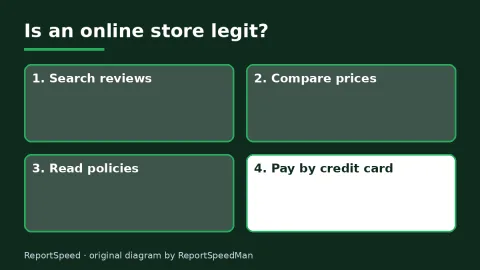
Research unfamiliar stores, compare prices, read policies and pay with a credit card.
Rate itSolved
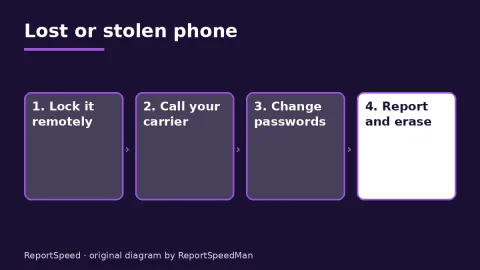
Lock the phone remotely, suspend service with your carrier, change email and bank passwords, suspend wallet cards and file a police report.
Rate itSolved
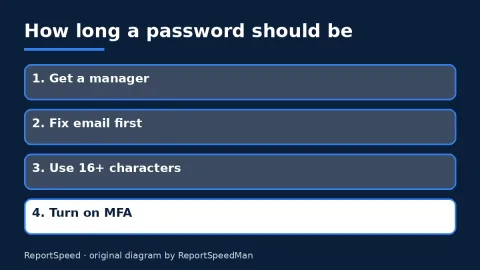
CISA recommends passwords of at least 16 random characters, unique for every account.
Rate itSolved

CISA recommends turning on automatic updates for your operating system, browser and apps.
Rate itSolved

USPS doesn't send unrequested delivery texts with links.
Rate itSolved
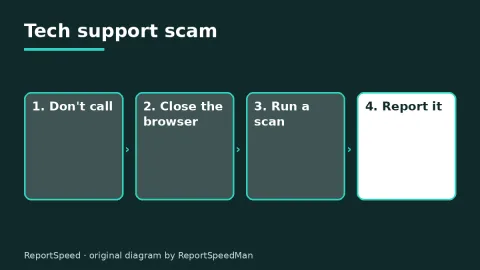
A pop-up with a phone number is a scam.
Rate itSolved
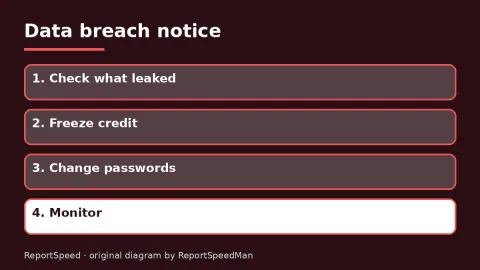
Match your response to what was exposed.
Rate itSolved
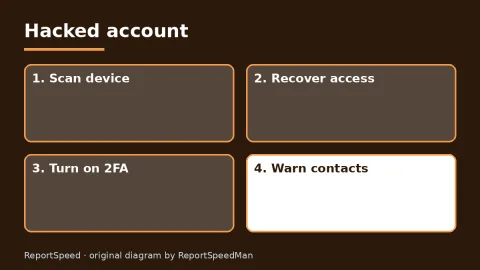
Regain access, secure with 2FA, fix reused passwords and warn contacts.
Rate itSolved
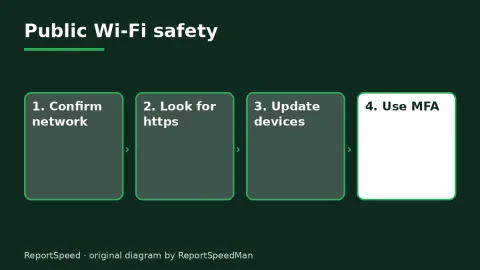
Public Wi-Fi is generally safe for encrypted sites.
Rate itSolved
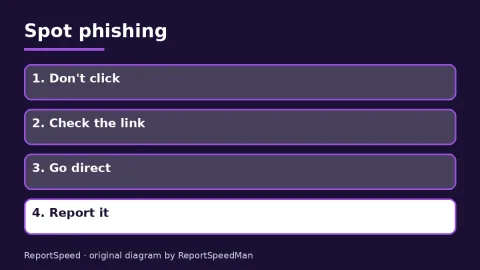
Urgency plus a request for information equals a red flag.
Rate itSolved

Check the address, prefer official apps and skip codes in unexpected messages.
Rate itSolved
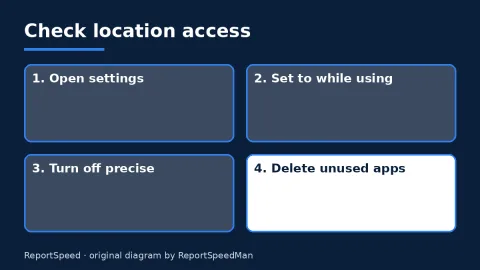
Review location permissions, limit apps to 'while using' and turn off precise location where it isn't needed.
Rate itSolved
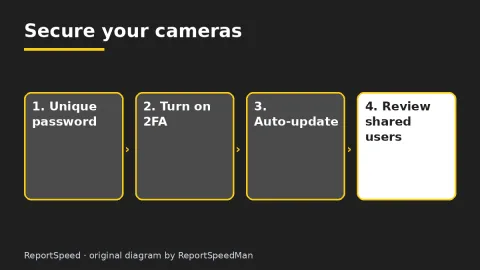
A unique password, two-factor authentication and updates handle most camera risks.
Rate itSolved

Back up, move your authenticator, sign out, erase and pull the SIM.
Rate itSolved
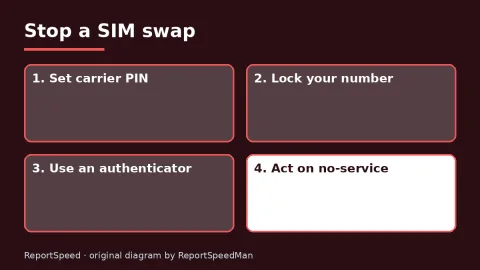
Lock your carrier account, move key accounts off SMS codes and act fast on unexpected no-service.
Rate itSolved
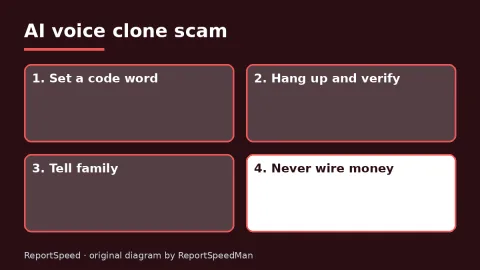
Set a family code word, hang up and verify, and never pay through hard-to-trace methods.
Rate itSolved
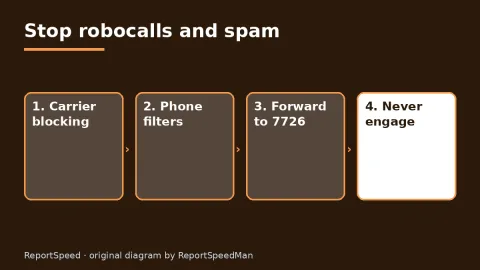
Layer carrier blocking, phone filters and 7726 reporting, and never engage with unexpected messages.
Rate itSolved
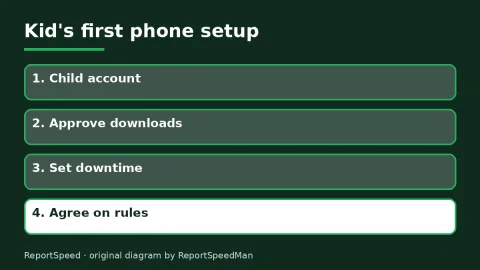
Use the free built-in family tools, set them up on a child account from day one and pair them with honest conversations.
Rate itSolved
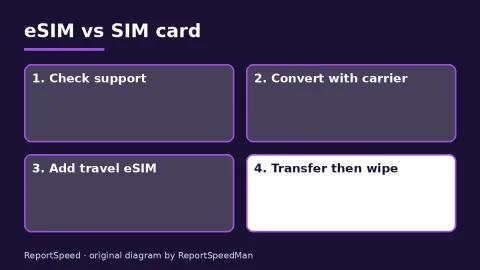
eSIM makes travel plans and phone swaps simpler once set up.
Rate itSolved

A password manager plus MFA beats reused passwords by a wide margin.
Rate itSolved

Use a NAS or cloud as your main library, then add a second copy elsewhere.
Rate itSolved

Passkeys and Windows Hello are safer than passwords for most people.
Rate itSolved

Choose a 2-in-1 if you'll write, draw or read on it daily.
Rate itSolved

Let your coursework software decide first, then choose by battery, weight and budget.
Rate itSolved

Choose a PS5 for simplicity and exclusives, a gaming PC for flexibility and sales.
Rate itSolved

Choose a Steam Deck for comfort and convenience on the go, and a gaming laptop if you need one machine for work and heavy games.
Rate itSolved

Compare power limit, cooling, screen and RAM, not just the GPU badge.
Rate itSolved

Fix light and mic distance first, then add software noise removal.
Rate itSolved

Use the NVIDIA app for drivers and a starting point, then tune by your own priorities with the overlay as your guide.
Rate itSolved

Adaptive sync is worth having on any gaming monitor.
Rate itSolved

For 1080p esports and mainstream games, the RTX 5060 is a sensible budget card.
Rate itSolved

An RTX 5090 makes sense for 4K high refresh, path tracing and big creator workloads.
Rate itSolved
The 9800X3D shines in CPU-bound games and high frame rates.
Rate itSolved

Both are solid 1440p cards.
Rate itSolved

1440p is the balanced choice for most; 4K is great if your GPU and games can handle it.
Rate itSolved

An ultrawide is worth it if your games support it and your GPU can drive it.
Rate itSolved

Windows on Arm is great for many users, but verify your critical apps and devices first.
Rate itSolved

Upgrade when updates end or the phone fails your daily needs; otherwise consider a battery replacement or wait for launch discounts.
Rate itSolved

Base your choice on current usage plus growth.
Rate itSolved

A VPN helps on public networks and for work access, but security basics matter more at home.
Rate itSolved

For most people, Windows Security plus updates, MFA and good habits is enough.
Rate itSolved

Use both a cloud backup and an external drive, automate it, and test a restore.
Rate itSolved