


Is OLED monitor burn-in still a real problem? I want an OLED for gaming but I also work from home all day with the taskbar and the same apps on screen for hours. I'd be heartbroken to see ghost images after a year. Is it safe or should I stick with IPS?
OLED monitor burn-in: should I worry and how to prevent it
Concerns & risks
You're torn between the picture quality of OLED and the worry that static desktop elements will leave permanent marks.
| Usage | Risk | Prevention |
|---|---|---|
| Varied games and video | Low | Keep built-in care features on |
| Same static HUD for hours daily | Higher | Hide HUD, vary content |
| Office work with fixed taskbar | Moderate | Auto-hide taskbar, dark mode |
| Max brightness always | Higher | Lower brightness a bit |

Causes & evidence
OLED pixels emit their own light, and the organic materials age with use. When some pixels display bright static content far more than others (taskbars, HUDs, logos), they can wear unevenly, which is called burn-in or image retention. Modern monitors include protection features like pixel shifting, panel refresh cycles and logo dimming, and manufacturers publish warranty terms that may or may not cover burn-in. Risk depends on how static and bright your usage is, not just on hours.
HDR and burn-in interact too: bright HDR highlights stress pixels more than dim SDR desktop work, so keeping desktop brightness moderate and saving peak brightness for games and movies is a sensible habit. Manufacturers' care features are designed for this, so leave them on.
Burn-in isn't a lottery. It's math about how long the same bright pixels stay in the same place.
What to do
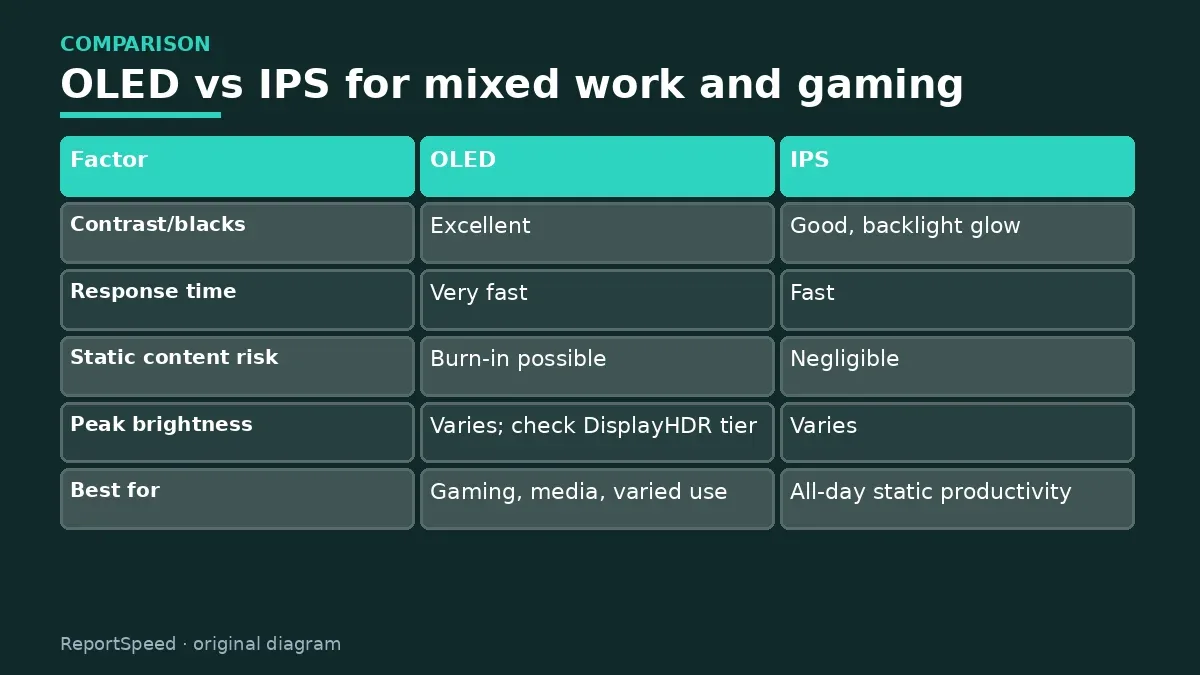
| Factor | OLED | IPS |
|---|---|---|
| Contrast/blacks | Excellent | Good, backlight glow |
| Response time | Very fast | Fast |
| Static content risk | Burn-in possible | Negligible |
| Peak brightness | Varies; check DisplayHDR tier | Varies |
| Best for | Gaming, media, varied use | All-day static productivity |
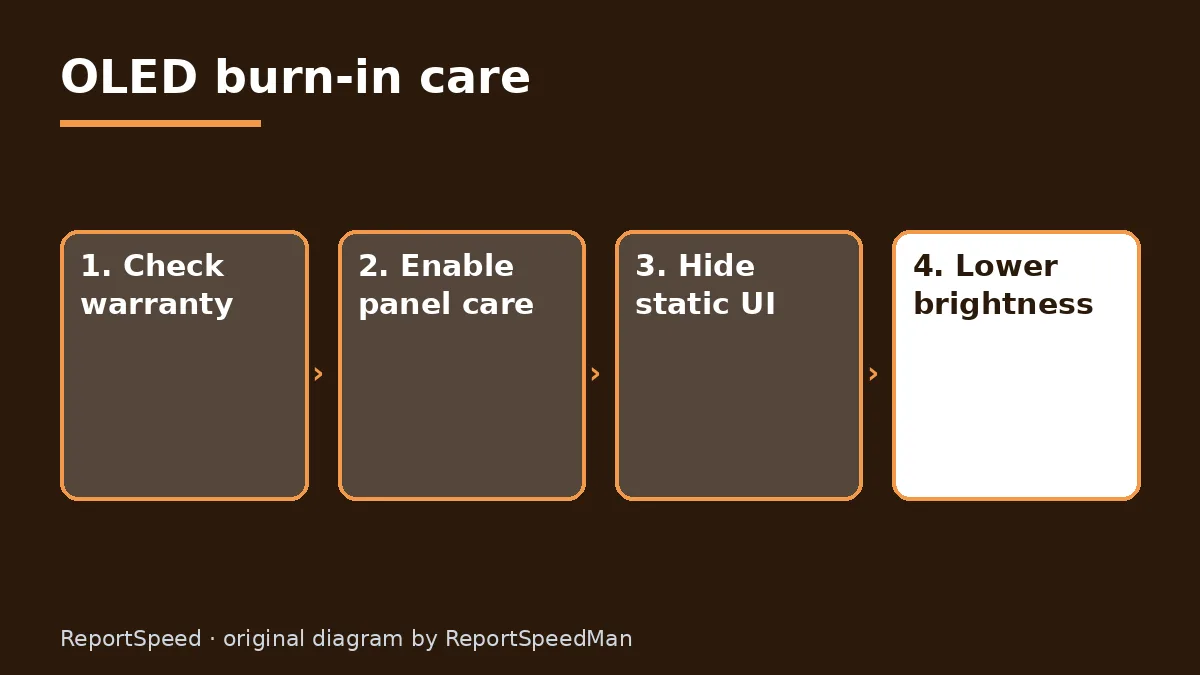
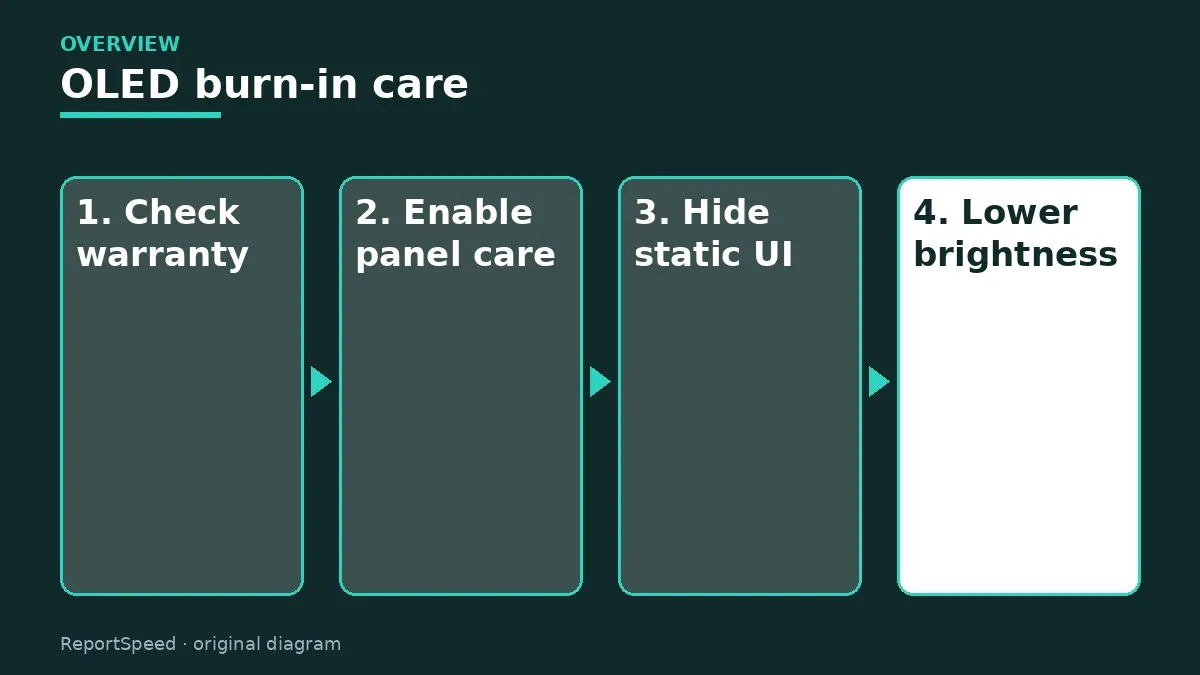
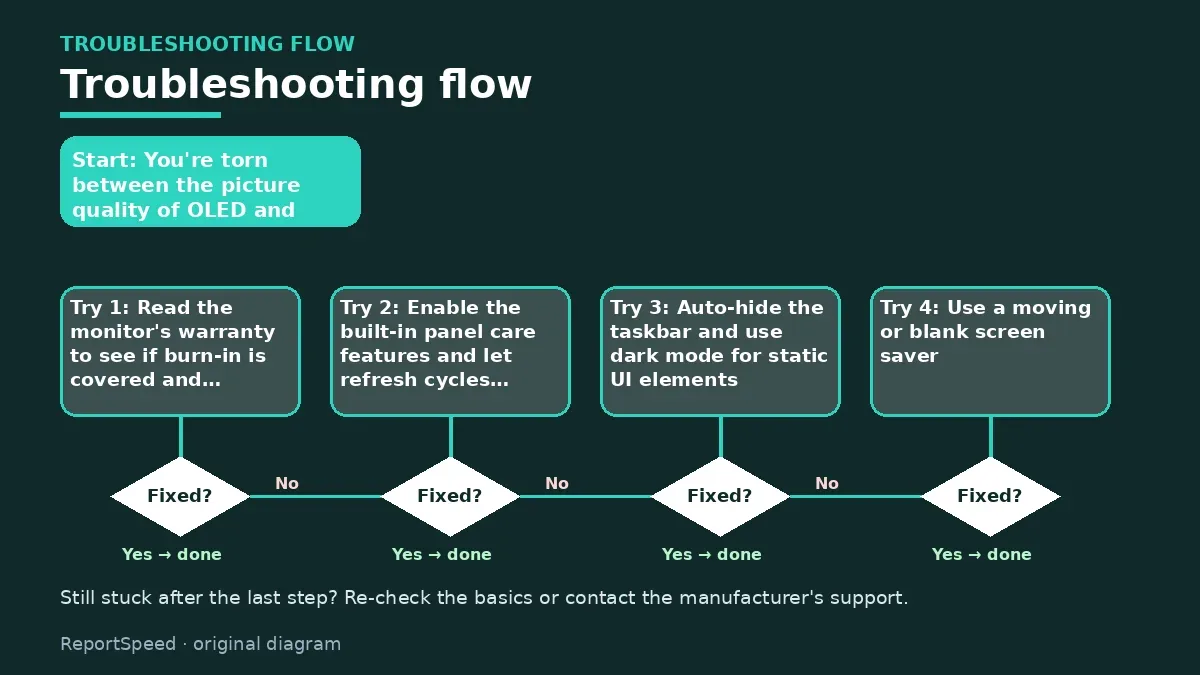
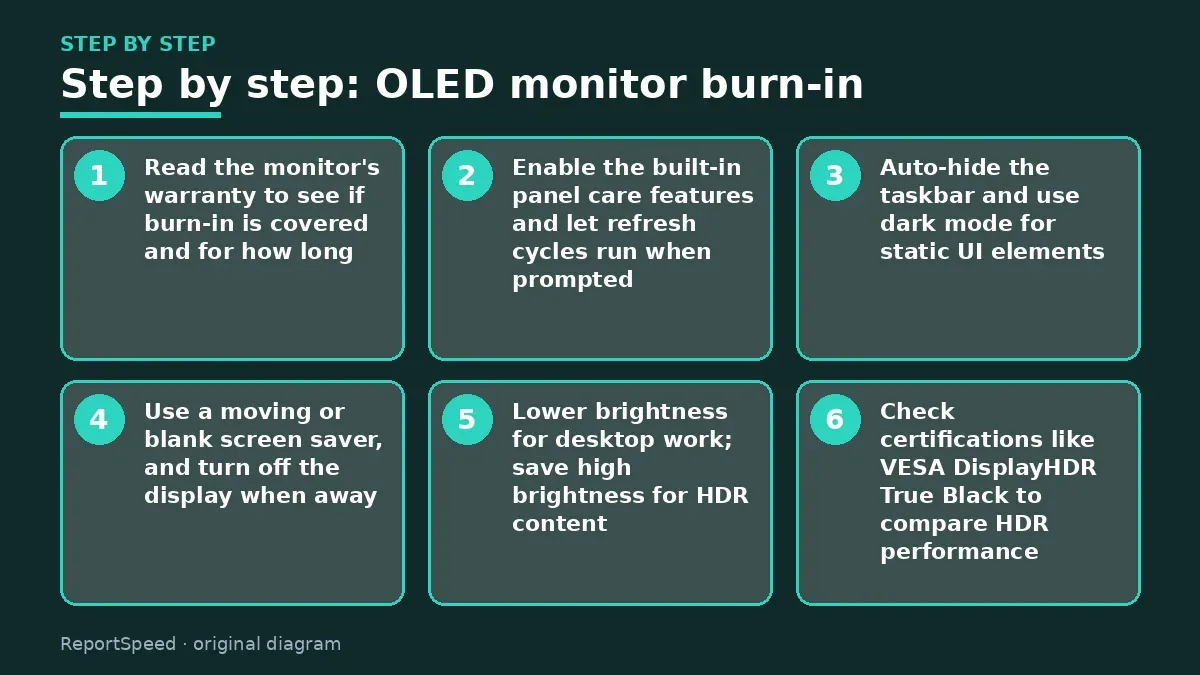
- Read the monitor's warranty to see if burn-in is covered and for how long.
- Enable the built-in panel care features and let refresh cycles run when prompted.
- Auto-hide the taskbar and use dark mode for static UI elements.
- Use a moving or blank screen saver, and turn off the display when away.
- Lower brightness for desktop work; save high brightness for HDR content.
- Check certifications like VESA DisplayHDR True Black to compare HDR performance.
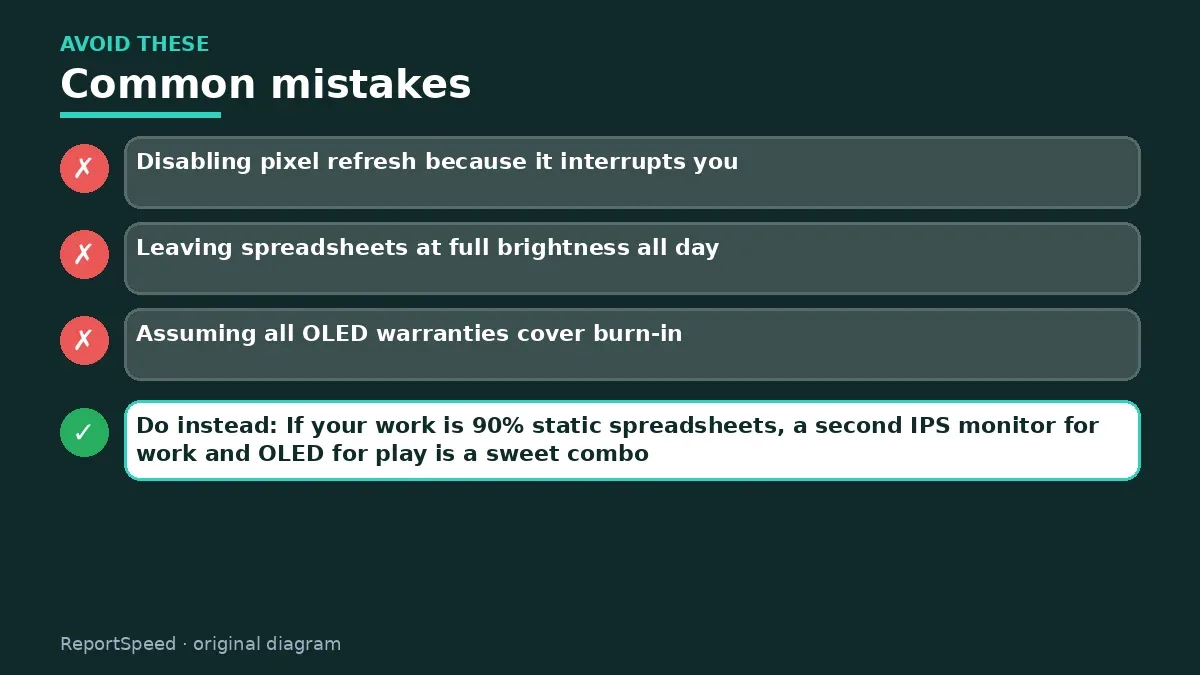
Common mistakes:
- Disabling pixel refresh because it interrupts you
- Leaving spreadsheets at full brightness all day
- Assuming all OLED warranties cover burn-in
ReportSpeedMan tip: If your work is 90% static spreadsheets, a second IPS monitor for work and OLED for play is a sweet combo.
What I would actually do
an OLED for mixed gaming and media, with care features left on and the taskbar auto-hidden. For all-day static office work, I'd consider IPS.
The trade-off people miss: the warranty terms on burn-in vary by maker. Read them before buying; they say more than marketing does.
Proof that it worked
You're set when panel care features are on, the taskbar hides, and you've noted your warranty's burn-in terms somewhere you'll find them later.
Quick FAQ
Do OLED TVs and monitors behave the same?
Similar technology, but monitors show more static UI, so care matters more.
Is image retention permanent?
Temporary retention can fade; true burn-in is permanent.
Does dark mode help?
Yes, it reduces bright static elements.
Wrap-up: Burn-in is manageable with care settings and varied use. Read the warranty, and if your day is mostly static, consider IPS or a dual-monitor setup.
Wiki: Refresh Rate and Response Time.
OLED monitor burn-in: where the facts come from
Step-by-step photos

1. Before The problem 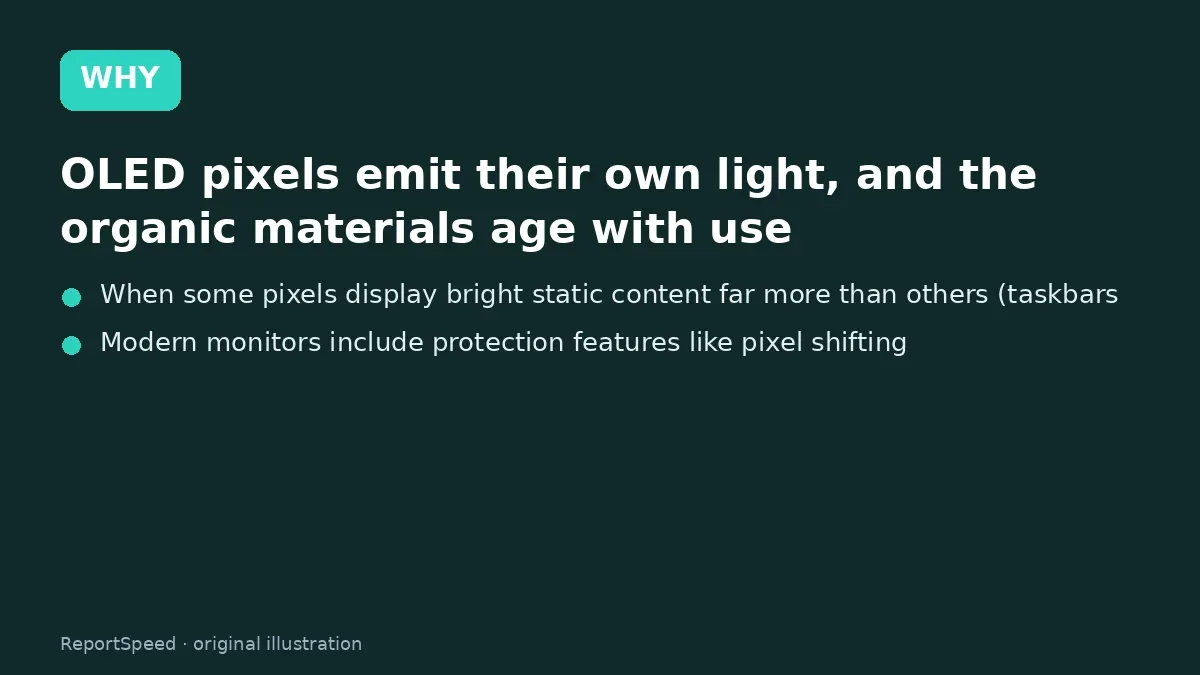
2. Why it happens The cause 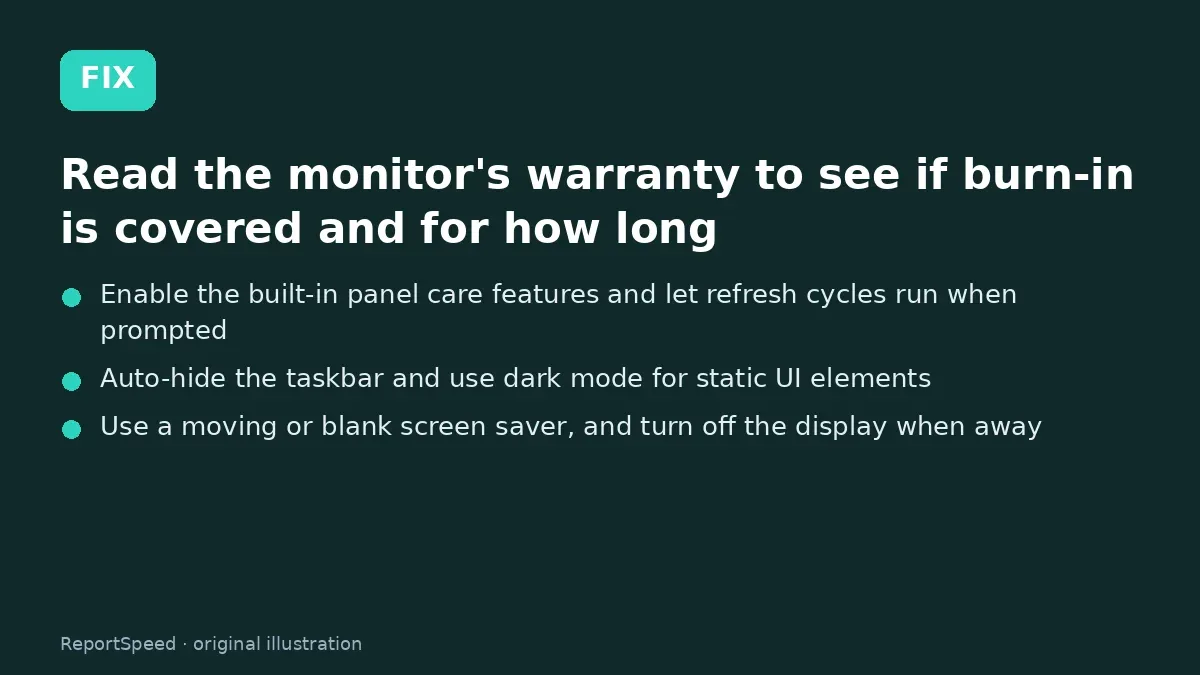
3. The fix The fix 
4. After The result
⚡ Speed Summary
- Burn-in is manageable with care settings and varied use.
- If your work is 90% static spreadsheets, a second IPS monitor for work and OLED for play is a sweet combo.
- Burn-in isn't a lottery. It's math about how long the same bright pixels stay in the same place.

Was this answer helpful?
Tap a star to rate this answer.
Related questions

Got an 'AirTag found moving with you' alert? What to do next
Find the tracker, document it, identify the owner, and disable it.
Rate itSolved

Is my smart TV tracking what I watch? How to turn off ACR
Smart TVs may use ACR to track viewing.
Rate itSolved

Caller ID spoofing: why scammers show a local number and how to protect yourself
Caller ID can be faked, and spoofing to defraud is illegal.
Rate itSolved

How do I stop spam emails without making it worse?
Mark spam, block repeat senders, unsubscribe only from known companies, and report phishing.
Rate itSolved
Real experiences
No experiences yet. Be the first to share.