


Do I need a BIOS update before installing a new CPU? I bought a newer processor for my existing motherboard and the box says it's compatible, but a friend told me I might get a black screen if the board's firmware is old. I've never flashed a BIOS and the idea of bricking my board scares me a bit. How do I check and do it safely?
Do I need a BIOS update before installing a new CPU? How to check motherboard support

Concerns & risks
You're upgrading the processor on the same socket and the board is a bit older, so you're not sure it'll recognize the new chip.
| Situation | BIOS update needed? | Action |
|---|---|---|
| Board's CPU support list shows a newer BIOS | Yes | Update before swapping CPU |
| Board shipped after CPU launch | Maybe not | Check the box sticker and list |
| Board has BIOS Flashback | Can update without a CPU | Use the flashback port |
| CPU not on support list at all | Not compatible | Different board |

Causes & evidence
Motherboards identify processors through BIOS microcode. Newer CPUs on the same socket often need a newer BIOS version, and without it the board may not POST. Each board maker keeps a CPU support list showing the minimum BIOS version per processor. CPU makers like AMD also list socket and chipset compatibility on official product pages.
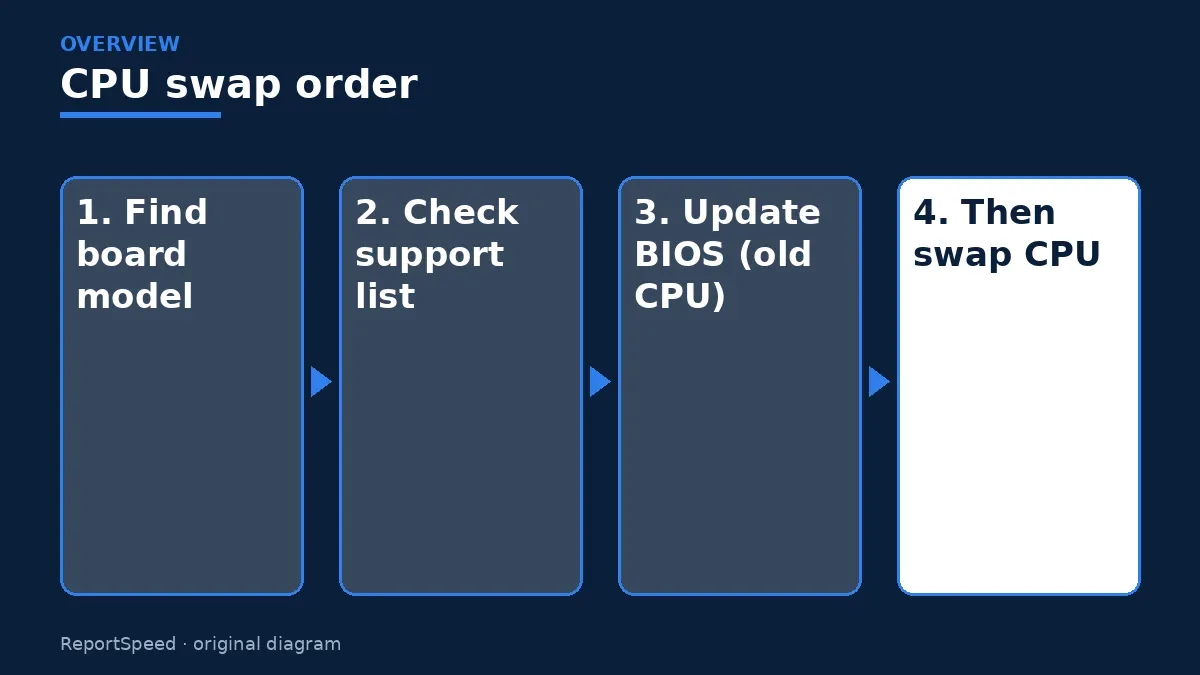
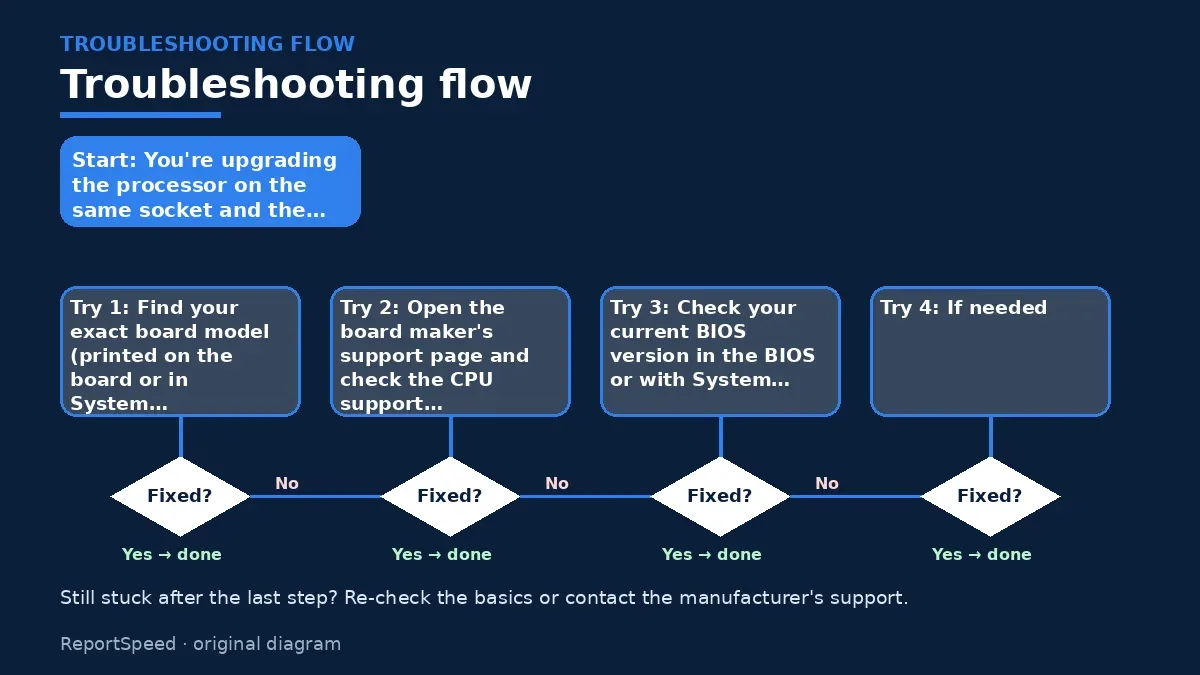
The support list on your motherboard maker's site is the source of truth. It shows the minimum BIOS version for each processor. Your current BIOS version appears in System Information or the BIOS screen. If you need an update, do it with your old CPU still installed, unless your board has a CPU-less flashback feature.
The safest order of steps is the opposite of what most first-timers do.
What to do

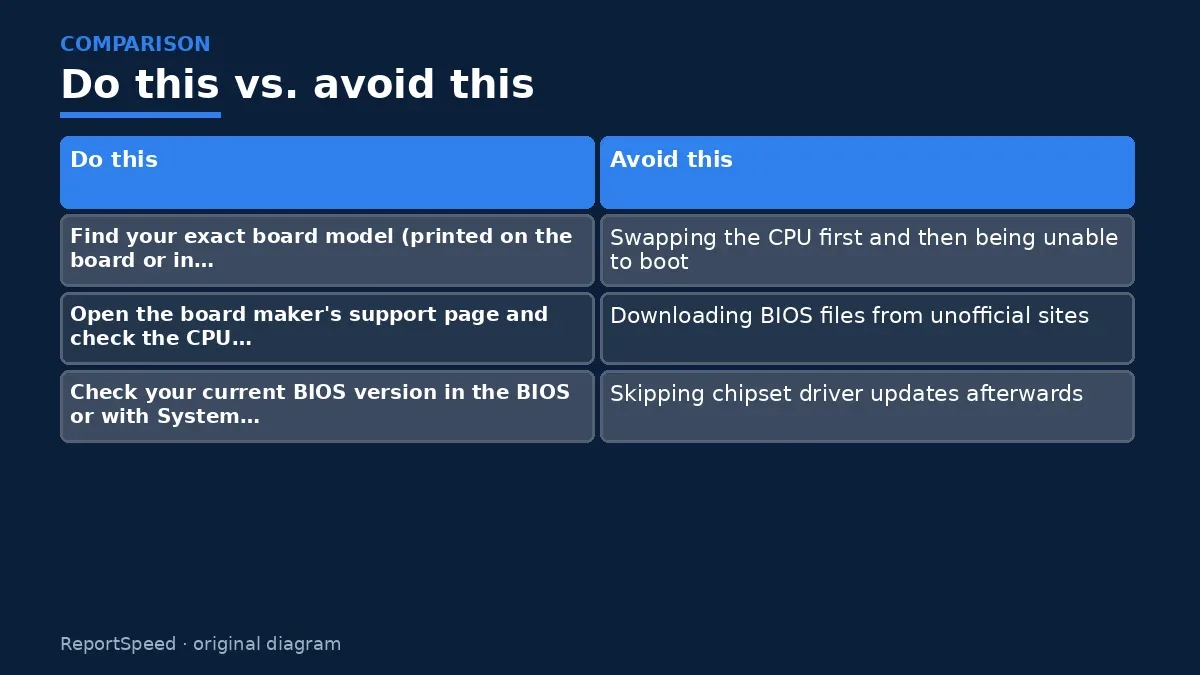
- Find your exact board model (printed on the board or in System Information).
- Open the board maker's support page and check the CPU support list for the minimum BIOS version.
- Check your current BIOS version in the BIOS or with System Information.
- If needed, update the BIOS while your old CPU is still installed, using the maker's official method.
- If you already swapped CPUs, check whether the board has BIOS flashback that works without a CPU.
- Don't interrupt power during a BIOS flash; avoid doing it during storms.

Common mistakes:
- Swapping the CPU first and then being unable to boot
- Downloading BIOS files from unofficial sites
- Skipping chipset driver updates afterwards
ReportSpeedMan tip: BIOS updates can reset settings like memory profiles and fan curves, so snap a phone photo of your key settings first.
What I would actually do
update the BIOS with the old CPU still installed whenever the support list asks for it. It's the least stressful order.
The trade-off people miss: a BIOS update can reset settings like memory profiles and fan curves. Note them down first.
Builder's note: One more thing worth knowing: some boards display a CPU debug light or simply loop restarts when the BIOS is too old, which looks scary but isn't damage. Keeping your old processor in a drawer until the upgrade boots happily is cheap insurance, because it lets you flash the board again if anything goes sideways.
Signs it worked
You're done when the BIOS screen lists your new processor by name and the system boots into Windows normally. Load optimized defaults after a BIOS update, then re-enable anything you rely on, like your memory profile, before judging performance. Keep the update file and release notes in case you need to refer back to them.
Quick FAQ
Is BIOS updating risky?
There's a small risk if power cuts out mid-update. Use stable power and follow the official steps.
Do I need the latest BIOS?
You need at least the version listed for your CPU. Newer versions may add fixes, so read the release notes.
Can I go back to an older BIOS?
Some boards allow it, some block it. Check the manufacturer's notes before updating.
Wrap-up: Check the support list, update the BIOS with the old CPU still in, then swap. It's a ten-minute step that saves a lot of panic.
Wiki: Memory Profiles (XMP and EXPO).
Do I need a BIOS update before installing a new CPU: read the originals
Step-by-step photos
1. Before The problem 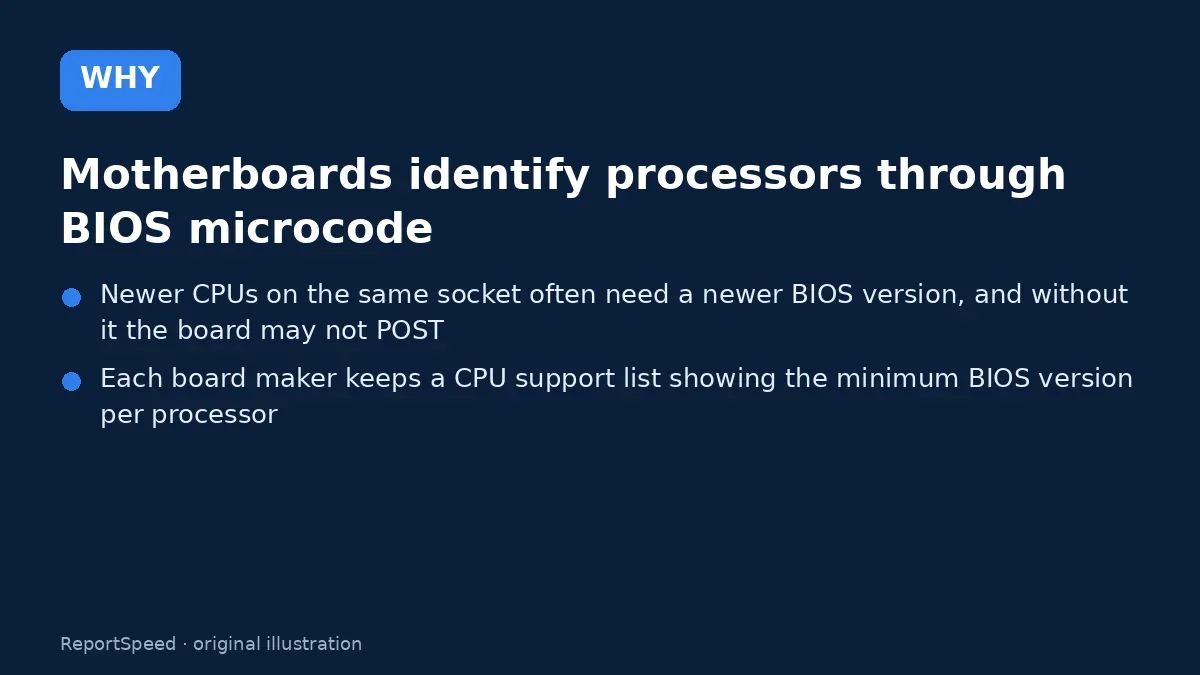
2. Why it happens The cause 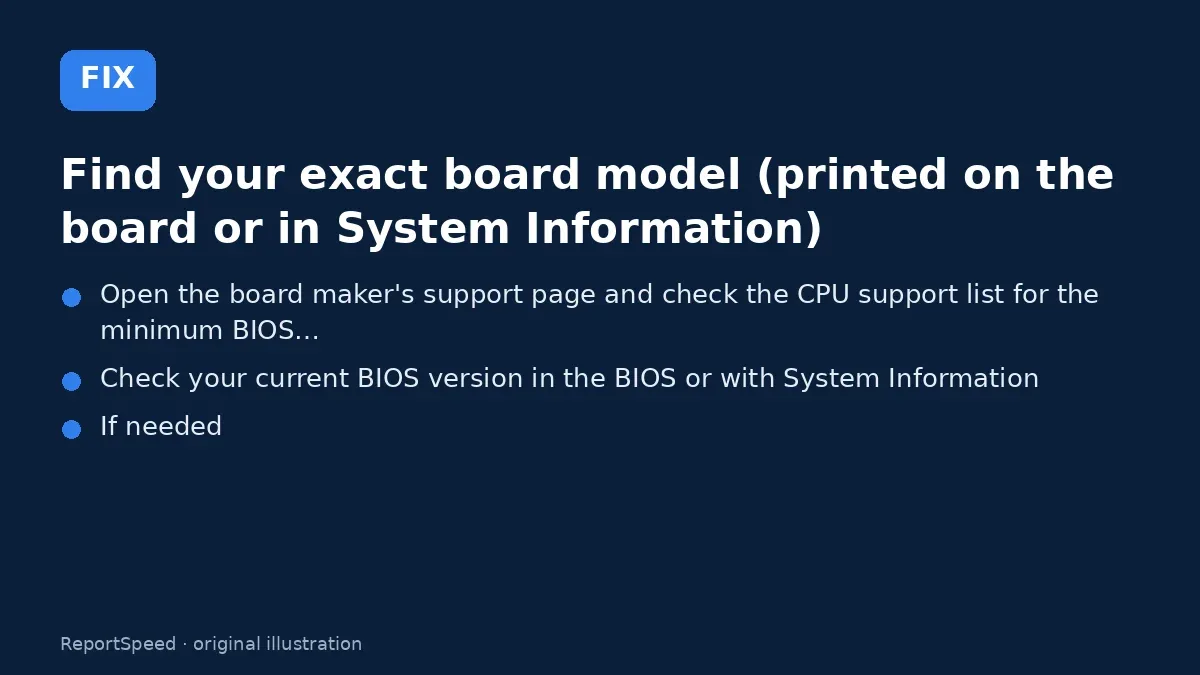
3. The fix The fix 
4. After The result
⚡ Speed Summary
- Check the support list, update the BIOS with the old CPU still in, then swap.
- BIOS updates can reset settings like memory profiles and fan curves, so snap a phone photo of your key settings first.
- The safest order of steps is the opposite of what most first-timers do.

Was this answer helpful?
Tap a star to rate this answer.
Related questions

Got an 'AirTag found moving with you' alert? What to do next
Find the tracker, document it, identify the owner, and disable it.
Rate itSolved

Is my smart TV tracking what I watch? How to turn off ACR
Smart TVs may use ACR to track viewing.
Rate itSolved

Caller ID spoofing: why scammers show a local number and how to protect yourself
Caller ID can be faked, and spoofing to defraud is illegal.
Rate itSolved

How do I stop spam emails without making it worse?
Mark spam, block repeat senders, unsubscribe only from known companies, and report phishing.
Rate itSolved
Real experiences
No experiences yet. Be the first to share.