


Do I need antivirus on Windows 11 or is the built-in Defender enough? Every new laptop I buy comes with a trial of some paid antivirus that nags me to subscribe. I don't download sketchy stuff. Am I risking it by not paying?
Do I need antivirus on Windows 11 or is Microsoft Defender enough?
Concerns & risks
Your new PC came with a paid antivirus trial and you're wondering whether to keep paying or rely on what's built in.
| You... | Defender enough? | Add |
|---|---|---|
| Keep Windows and apps updated | Usually yes | Nothing extra needed |
| Download cracked software | No tool saves you | Stop that habit |
| Manage family PCs | Yes, with care | Family safety settings |
| Want password or VPN extras | Defender plus separate tools | Pick tools on merit |
Causes & evidence
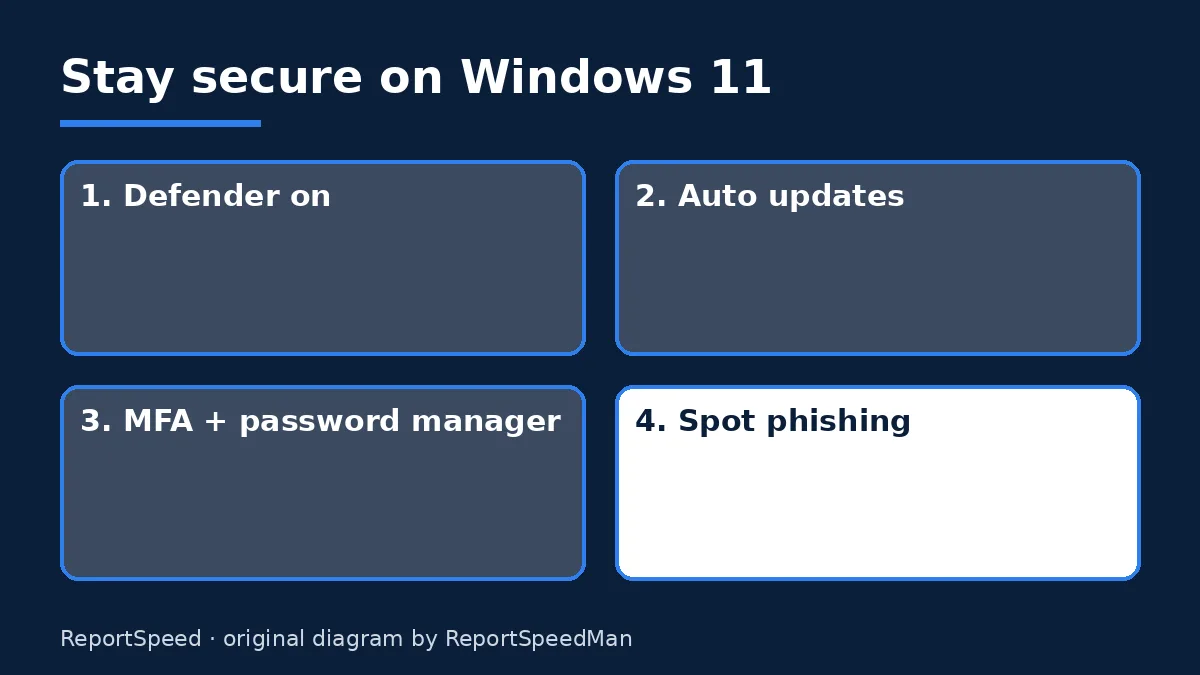
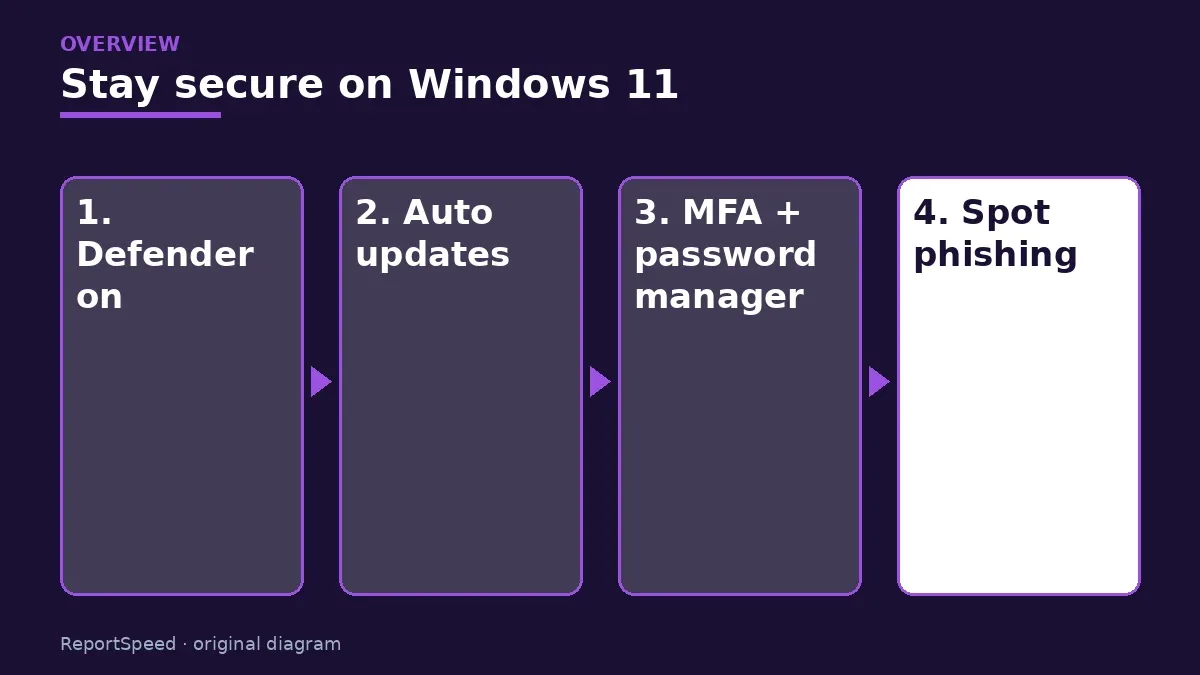
Windows 11 includes Microsoft Defender Antivirus and other security features as part of Windows Security. Real protection comes from layers: keeping the operating system and apps updated, using strong unique passwords and multi-factor authentication, and recognizing phishing. CISA's Secure Our World guidance emphasizes these basics: strong passwords, MFA, recognizing phishing and updating software. A paid suite may add extras like VPNs or identity monitoring, but no product replaces safe habits and updates.
Microsoft Defender Antivirus is built into Windows Security and receives updates through Windows Update. For most home users the bigger risks are unpatched software, reused passwords and phishing, which no antivirus fully fixes. Turning on automatic updates and multi-factor authentication does more than buying a second scanner.
Most break-ins don't beat your antivirus. They walk in through a reused password or a fake login page.
What to do
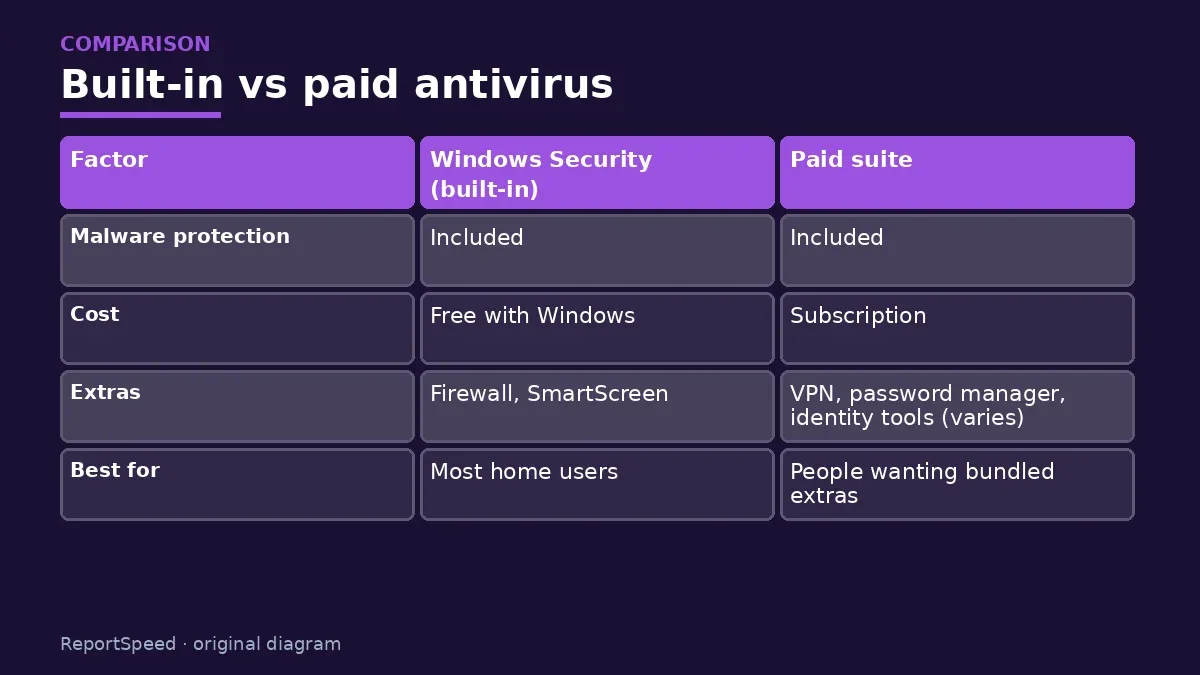
| Factor | Windows Security (built-in) | Paid suite |
|---|---|---|
| Malware protection | Included | Included |
| Cost | Free with Windows | Subscription |
| Extras | Firewall, SmartScreen | VPN, password manager, identity tools (varies) |
| Best for | Most home users | People wanting bundled extras |
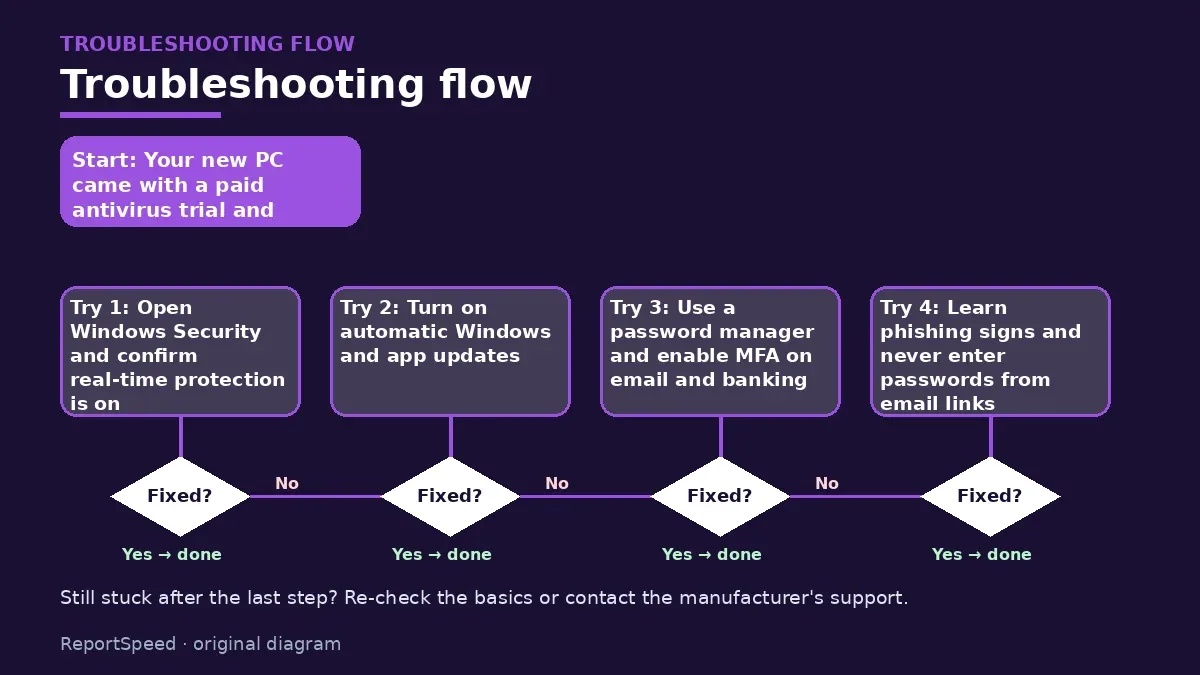
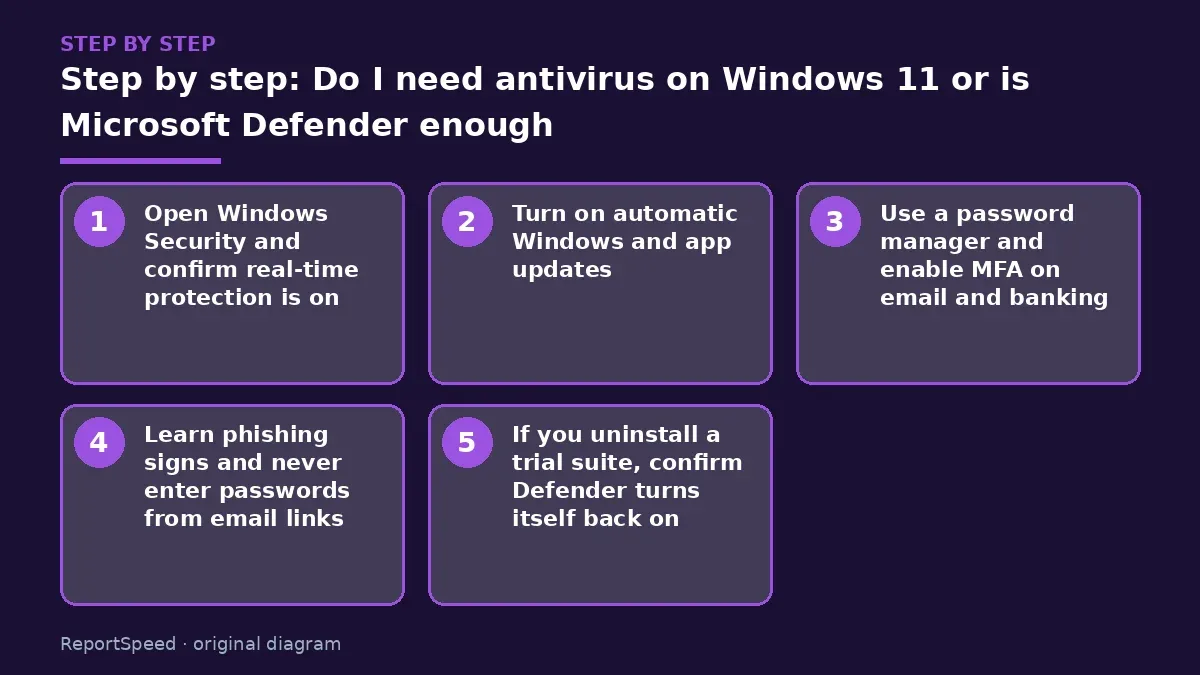
- Open Windows Security and confirm real-time protection is on.
- Turn on automatic Windows and app updates.
- Use a password manager and enable MFA on email and banking.
- Learn phishing signs and never enter passwords from email links.
- If you uninstall a trial suite, confirm Defender turns itself back on.
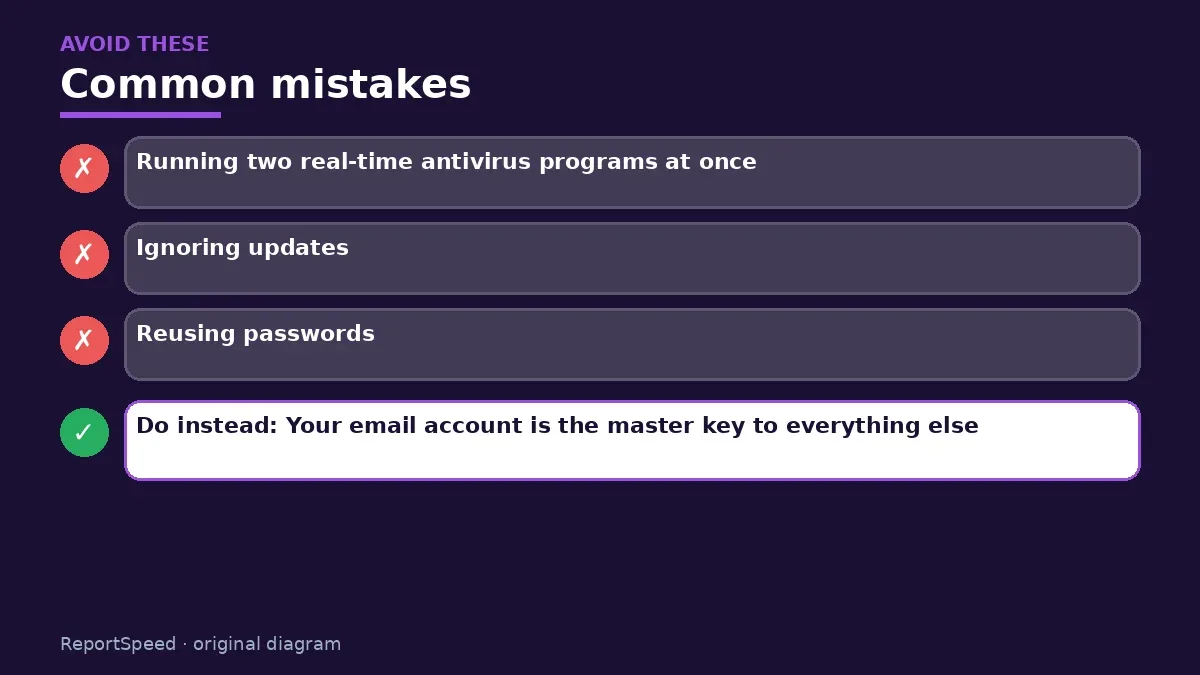
Common mistakes:
- Running two real-time antivirus programs at once
- Ignoring updates
- Reusing passwords
ReportSpeedMan tip: Your email account is the master key to everything else. Protect it with MFA first.
What I would actually do
keep Defender on, keep updates automatic, and spend the antivirus money on a password manager instead.
The trade-off people miss: running two real-time antivirus tools can slow the PC and cause conflicts. More isn't safer.
How to know it worked
Windows Security shows green checks for virus protection, firewall and updates.
Quick FAQ
Is Defender free?
Yes, it is included with Windows.
Should I run two antivirus programs?
No. Real-time scanners can conflict.
What else should I enable?
Automatic updates, MFA, and a password manager.
Wrap-up: For most people, Windows Security plus updates, MFA and good habits is enough. Pay for a suite only if you want its extras.
Wiki: Windows End of Support.
Do I need antivirus on Windows 11 or is Microsoft Defender enough: read the originals
Step-by-step photos
1. Before The problem 
2. Why it happens The cause 
3. The fix The fix 
4. After The result
⚡ Speed Summary
- For most people, Windows Security plus updates, MFA and good habits is enough.
- Your email account is the master key to everything else. Protect it with MFA first.
- Most break-ins don't beat your antivirus. They walk in through a reused password or a fake login page.

Was this answer helpful?
Tap a star to rate this answer.
Related questions

Got an 'AirTag found moving with you' alert? What to do next
Find the tracker, document it, identify the owner, and disable it.
Rate itSolved

Is my smart TV tracking what I watch? How to turn off ACR
Smart TVs may use ACR to track viewing.
Rate itSolved

Caller ID spoofing: why scammers show a local number and how to protect yourself
Caller ID can be faked, and spoofing to defraud is illegal.
Rate itSolved

How do I stop spam emails without making it worse?
Mark spam, block repeat senders, unsubscribe only from known companies, and report phishing.
Rate itSolved
Real experiences
No experiences yet. Be the first to share.