


How much phone storage do I need? Buying a new phone and the jump from 128GB to 256GB costs a lot. My current phone keeps saying storage full and I'm always deleting stuff. I take lots of photos and videos, some games. Is 128 enough if I use cloud?
How much phone storage do I need: 128GB vs 256GB vs 512GB
Concerns & risks
You're choosing a storage tier for a new phone and don't want to overpay or run out.
| You | Pick | Why |
|---|---|---|
| Light apps, cloud photos | 128GB | Enough with cloud |
| Lots of 4K video or games | 256GB | Room to grow |
| Keep phones 4+ years, record a lot | 512GB | No mid-life squeeze |
| Phone has a microSD slot | Smaller is ok | Card for media |

Causes & evidence
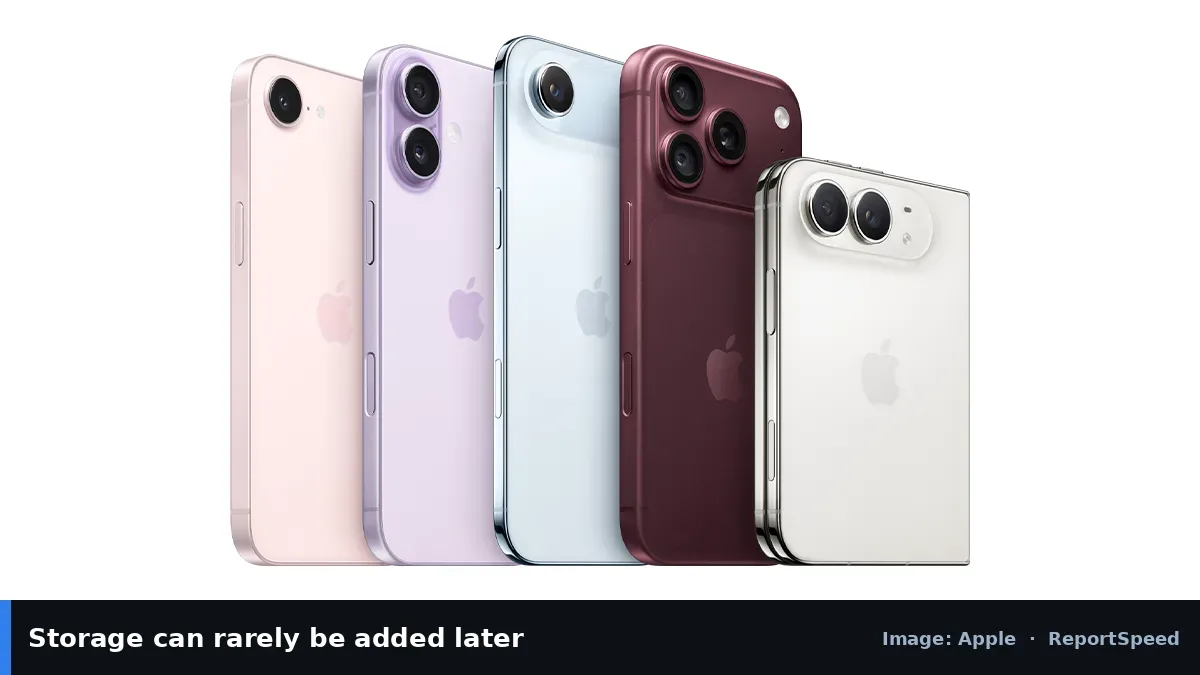
Photos and especially 4K video take a lot of space, and apps, games and offline media add up. The operating system itself and system data also use part of the advertised capacity. Many phones can't add storage later, so the choice is permanent. Cloud storage helps, but it may need a subscription and depends on connectivity.
Storage needs grow with time: apps get bigger, photos and videos pile up, and system updates need free space to install. Running near full can also make updates fail. Cloud photo backup helps, but offline video and games still need local space.
Storage is the one spec you can't fix after checkout, so guessing low is the expensive mistake.
What to do

| Usage | Suggested |
|---|---|
| Light: messaging, social, cloud photos | 128 GB |
| Average: photos, some video, games | 256 GB |
| Heavy: 4K video, big games, offline media | 512 GB+ |
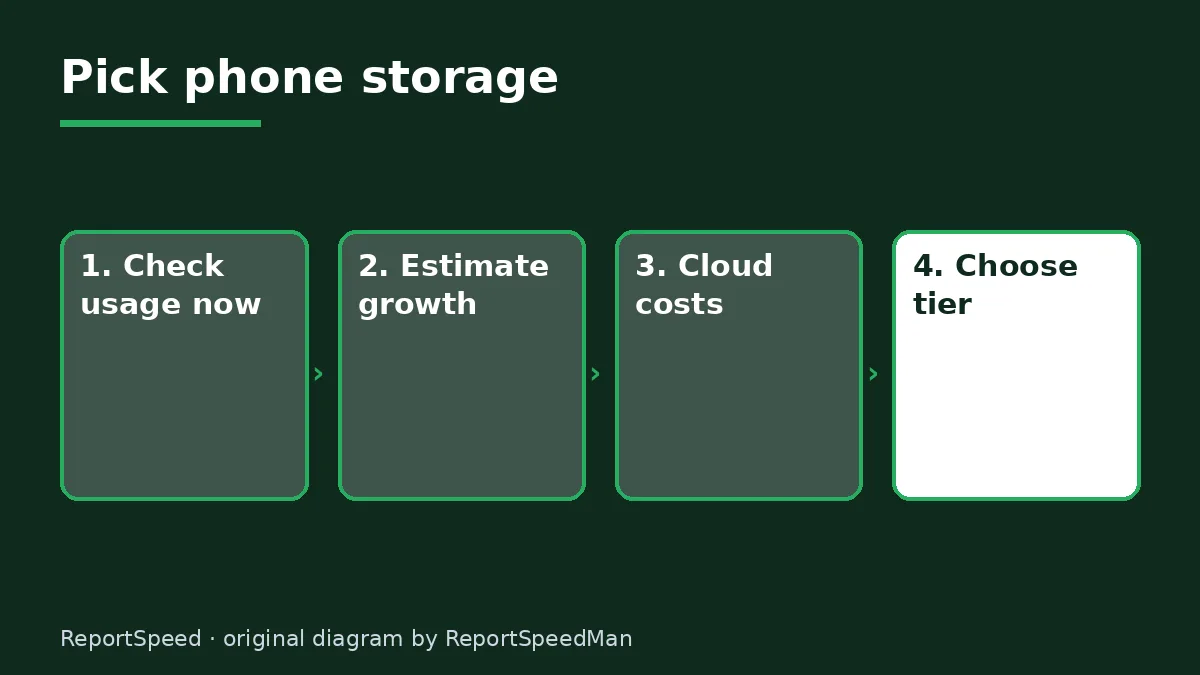
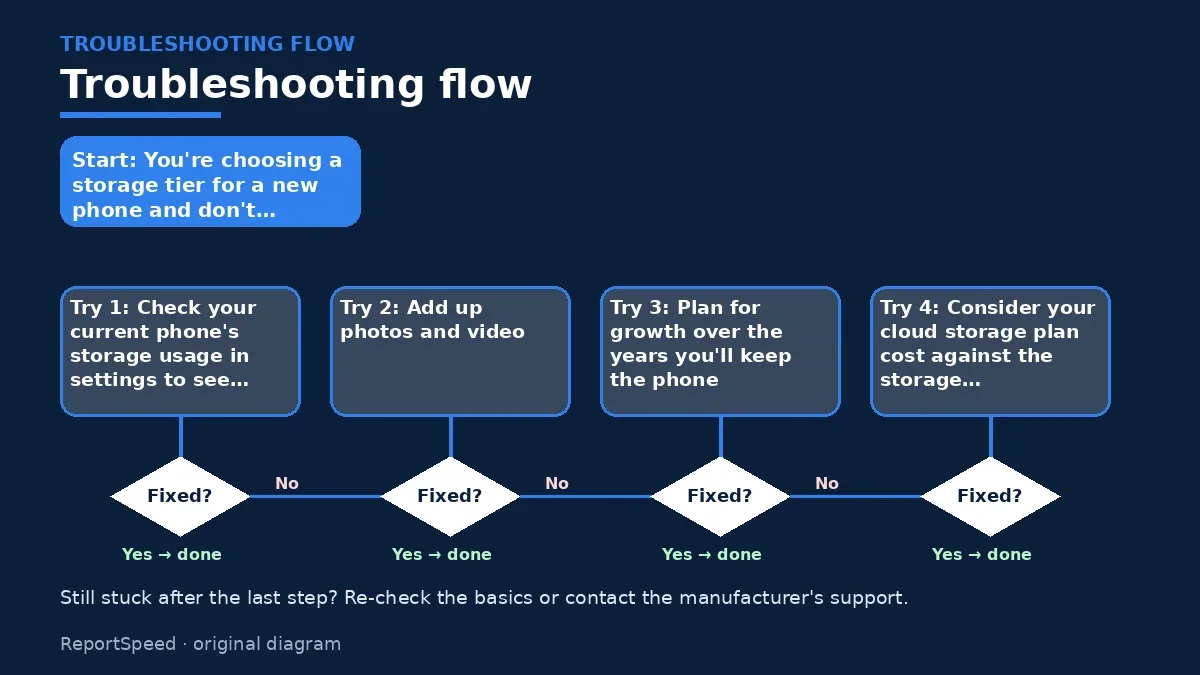
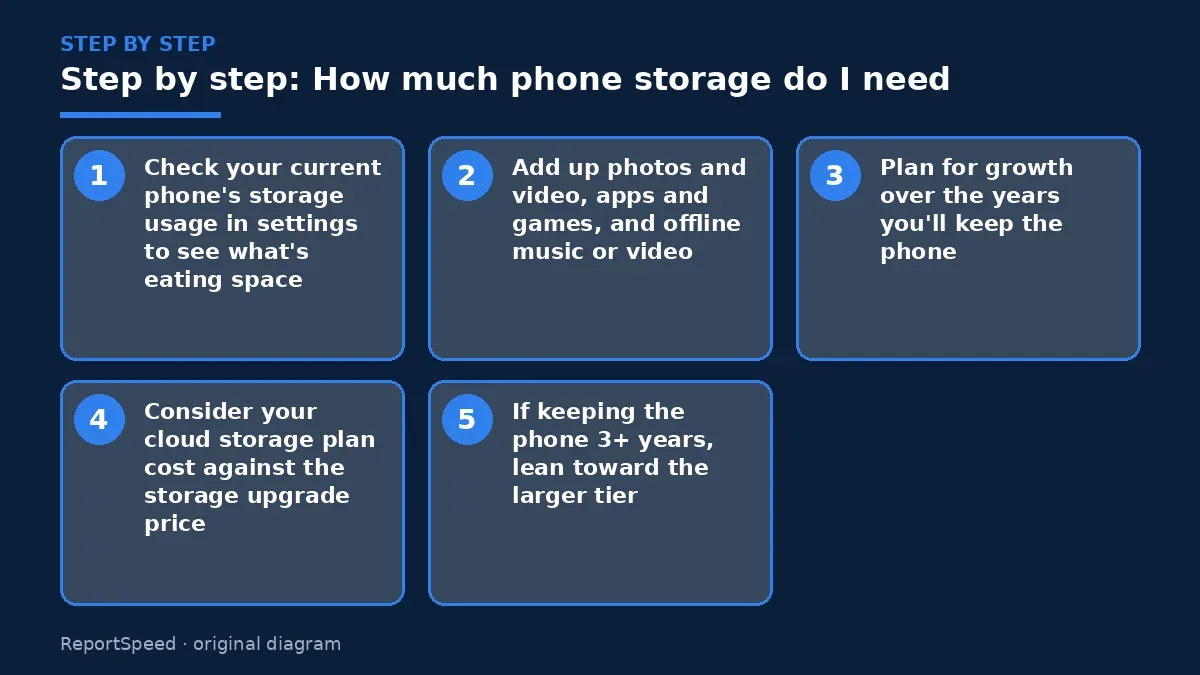
- Check your current phone's storage usage in settings to see what's eating space.
- Add up photos and video, apps and games, and offline music or video.
- Plan for growth over the years you'll keep the phone.
- Consider your cloud storage plan cost against the storage upgrade price.
- If keeping the phone 3+ years, lean toward the larger tier.

Common mistakes:
- Ignoring 4K video's size
- Assuming expandable storage on phones without card slots
- Counting on free cloud tiers forever
ReportSpeedMan tip: Turn on optimized storage for photos so full-resolution originals live in the cloud.
What I would actually do
256GB for most people who keep phones several years. It's the step that avoids constant storage cleanups.
The trade-off people miss: system files and app updates grow over time, so the free space you start with shrinks even if your habits don't change.
A practical way to size storage: open your phone's storage screen today and look at what takes the most space. Photos and video usually lead, followed by messaging apps that keep every shared file. Multiply today's usage by how many years you plan to keep the next phone, add room for system updates, and pick the tier above that number rather than the one just below it.
Signs it worked
You'll know you chose right when, after a year, you still have comfortable free space without deleting photos every month.
Quick FAQ
Can I upgrade storage later?
Only if the phone has a microSD slot; most don't.
Does cloud backup free space?
Yes, if you let it remove local copies of backed-up photos.
Why is 'System' so big?
It includes the OS and cached data; it varies by phone.
Wrap-up: Base your choice on current usage plus growth. For most people, 256 GB is the comfortable middle.
Wiki: USB-C Power Delivery.
How much phone storage do I need: where the facts come from
Step-by-step photos
1. Before The problem 
2. Why it happens The cause 
3. The fix The fix 
4. After The result
⚡ Speed Summary
- Base your choice on current usage plus growth.
- Turn on optimized storage for photos so full-resolution originals live in the cloud.
- Storage is the one spec you can't fix after checkout, so guessing low is the expensive mistake.

Was this answer helpful?
Tap a star to rate this answer.
Related questions

Got an 'AirTag found moving with you' alert? What to do next
Find the tracker, document it, identify the owner, and disable it.
Rate itSolved

Is my smart TV tracking what I watch? How to turn off ACR
Smart TVs may use ACR to track viewing.
Rate itSolved

Caller ID spoofing: why scammers show a local number and how to protect yourself
Caller ID can be faked, and spoofing to defraud is illegal.
Rate itSolved

How do I stop spam emails without making it worse?
Mark spam, block repeat senders, unsubscribe only from known companies, and report phishing.
Rate itSolved
Real experiences
No experiences yet. Be the first to share.