


Is my CPU bottlenecking my GPU? That's the question eating my brain right now. I swapped in a much newer graphics card last weekend, super hyped, and my FPS in the games I actually play went up by... almost nothing. Big multiplayer maps still dip hard. I already reinstalled drivers and turned settings down, which weirdly changed nothing. Is there a simple way to check what's holding things back before I throw more money at it?
How to tell if your CPU is bottlenecking your GPU in games (simple 10-minute check)
Concerns & risks
You upgraded the GPU, loaded your favorite game, and the frame rate is basically the same as before, or it jumps around wildly in busy scenes like big cities, raids, or 64-player lobbies. Lowering graphics settings doesn't help much, which is the weird part.
| What you see in game | Likely limit | First move |
|---|---|---|
| GPU usage stays near full, FPS still low | GPU-bound (normal) | Lower GPU-heavy settings or use upscaling |
| GPU usage well below full, one CPU thread pinned | CPU-bound | Cap FPS, close background apps, check RAM profile |
| Raising resolution barely changes FPS | CPU-bound | CPU or platform upgrade is the real fix |
| Usage looks fine but frame pacing is jumpy | Stutter, not bottleneck | Check frame time, shader cache, storage |
Causes & evidence
When the processor can't prepare frames fast enough, the graphics card ends up waiting around. That's a bottleneck. It's not a defect, it's a mismatch, and it changes per game: strategy, simulation and big multiplayer titles lean hard on the CPU, while cinematic single-player games at high resolution mostly lean on the GPU. Resolution matters a lot too, because at lower resolutions the GPU finishes each frame faster and the CPU becomes the limit sooner.
Going a bit deeper: a bottleneck isn't a defect, it's just whichever part finishes its share of each frame last. That's why the answer changes per game and per setting. Shooters at low resolution lean on the processor, while ray-traced single-player games at high resolution lean on the graphics card. Test the games you actually play, not a random benchmark, and test in a busy scene instead of an empty menu.
Here's the part nobody tells you: one overlay number exposes the whole thing in about ten minutes.
What to do
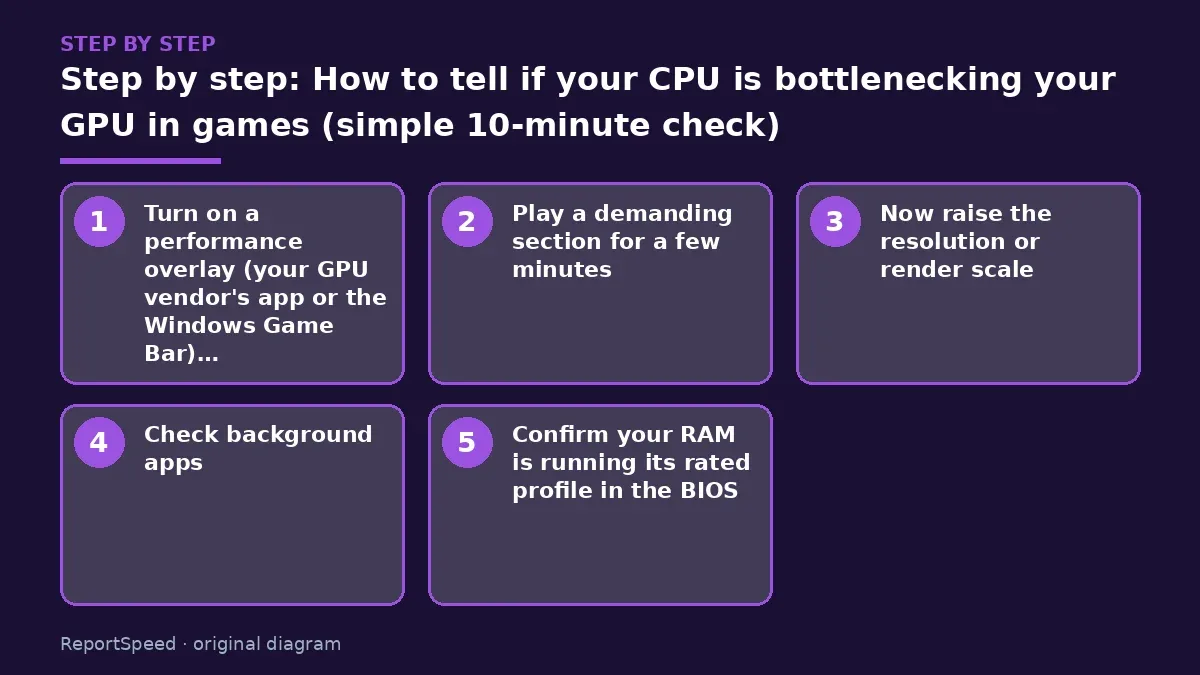
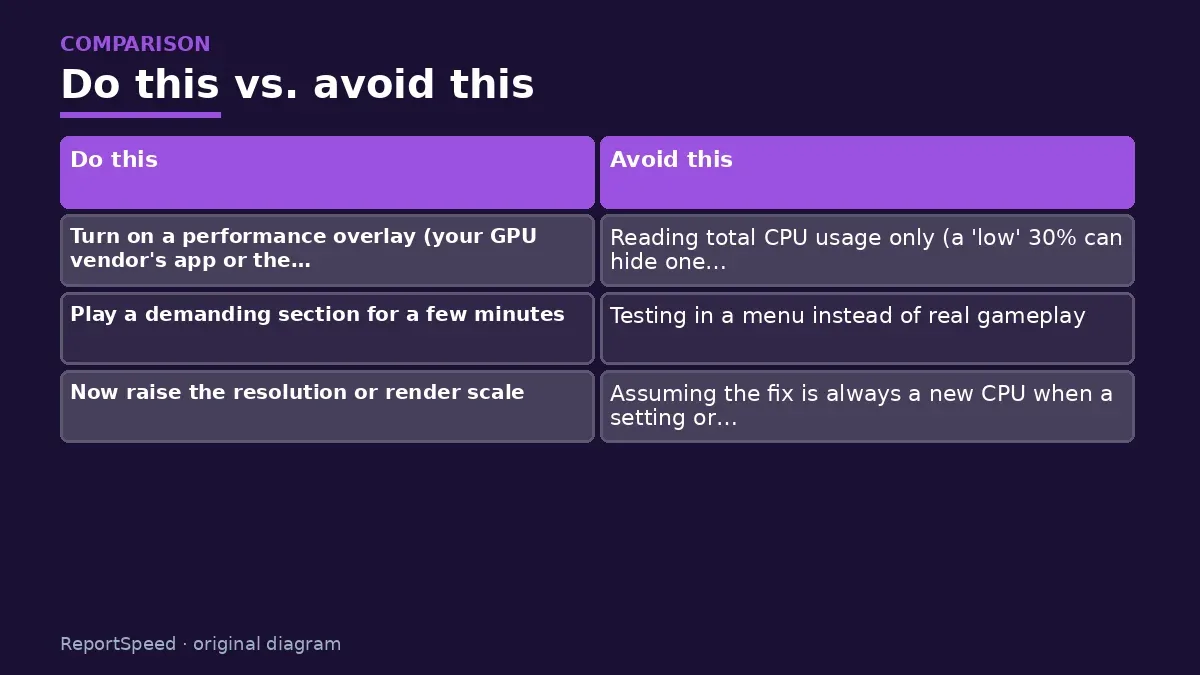
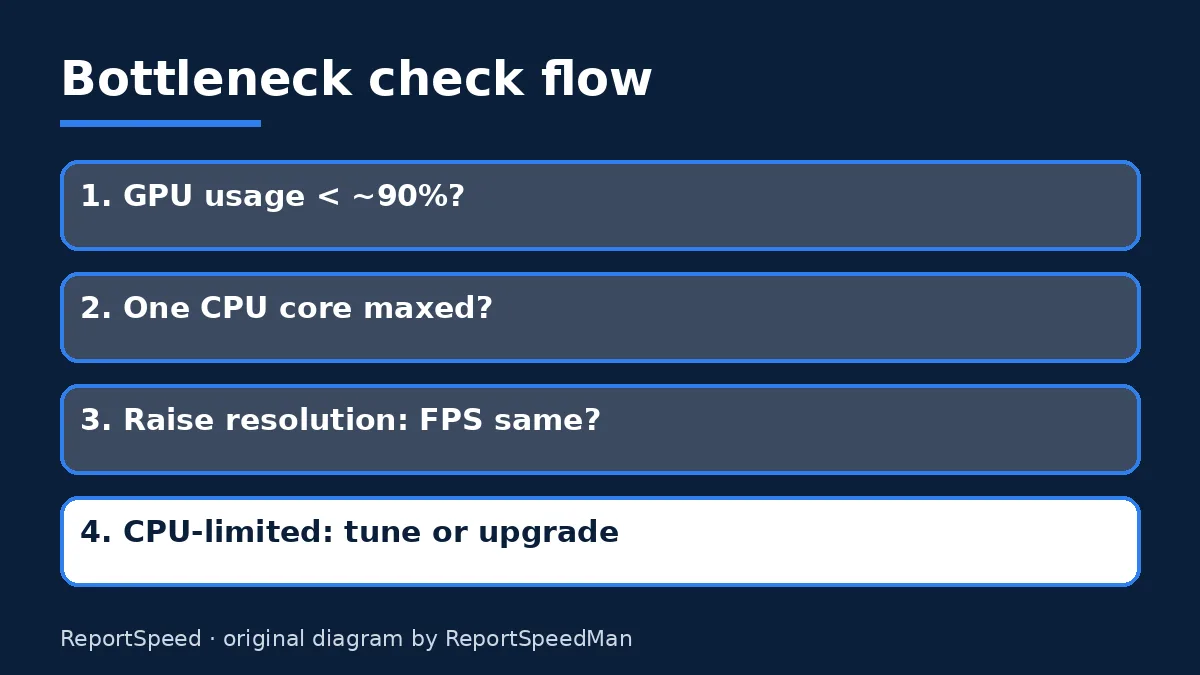
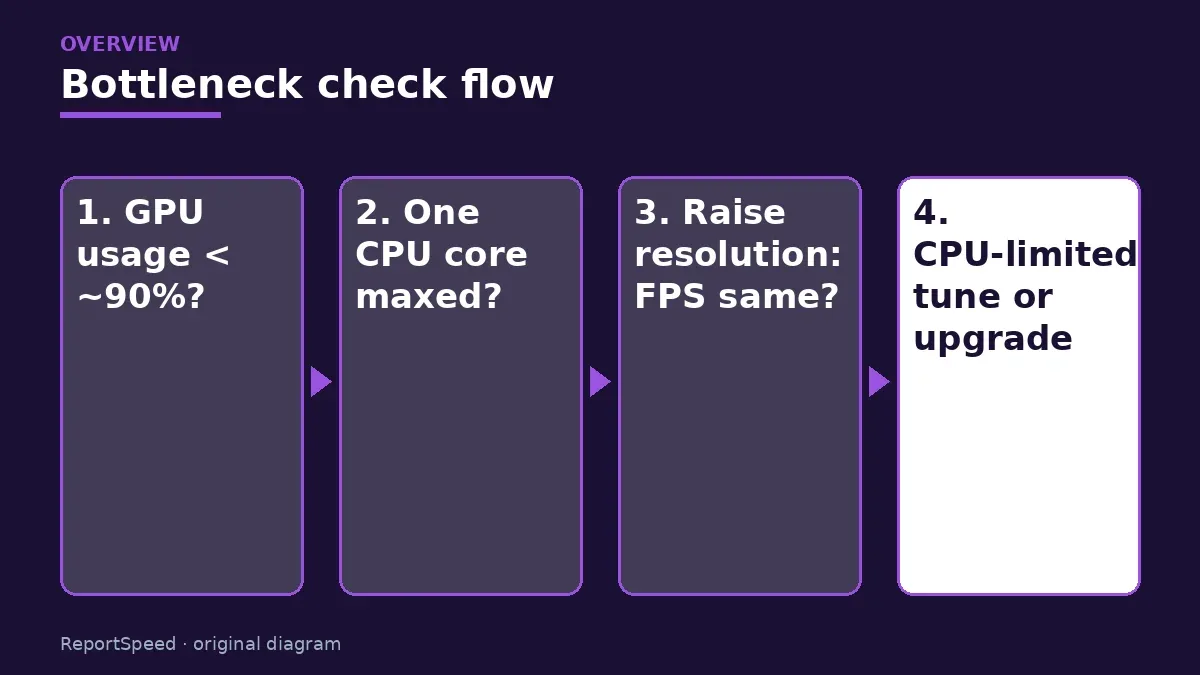
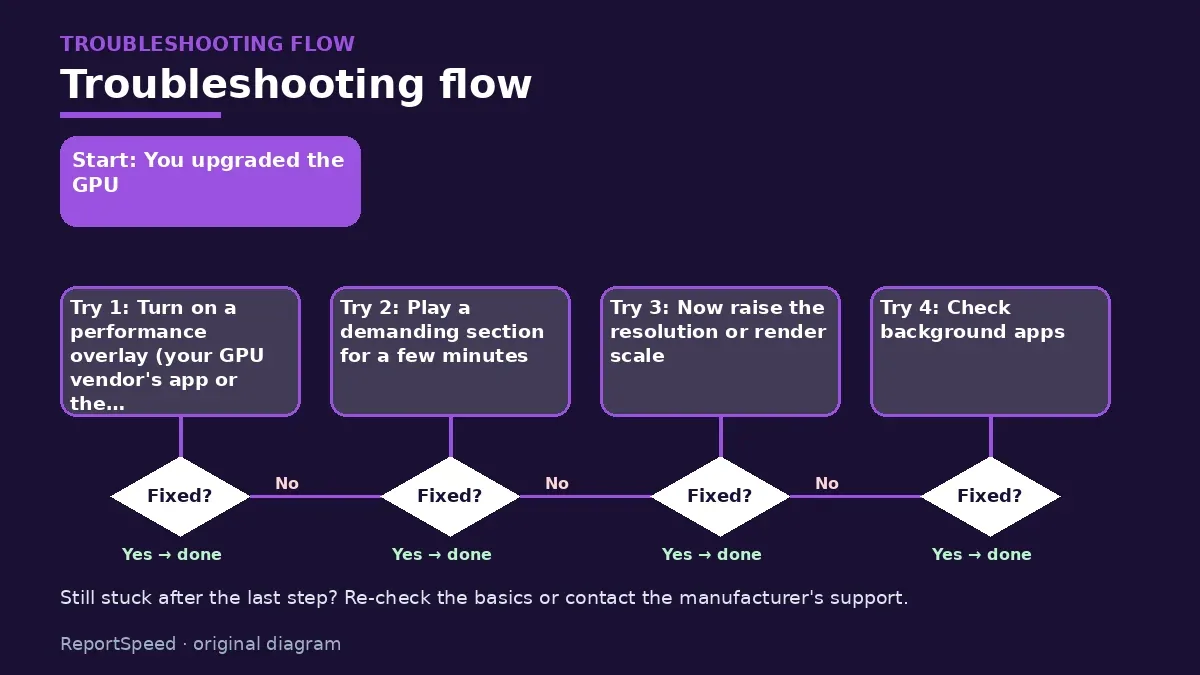
- Turn on a performance overlay (your GPU vendor's app or the Windows Game Bar) that shows GPU usage and per-core CPU usage.
- Play a demanding section for a few minutes. If GPU usage stays well below full load while one or two CPU cores are pinned near the top, the processor is the limit.
- Now raise the resolution or render scale. If FPS barely drops, that's another strong sign the CPU was the ceiling.
- Check background apps: browsers with dozens of tabs, RGB software and launchers all steal CPU time.
- Confirm your RAM is running its rated profile in the BIOS, since slow memory makes CPU-bound games worse.
Common mistakes:
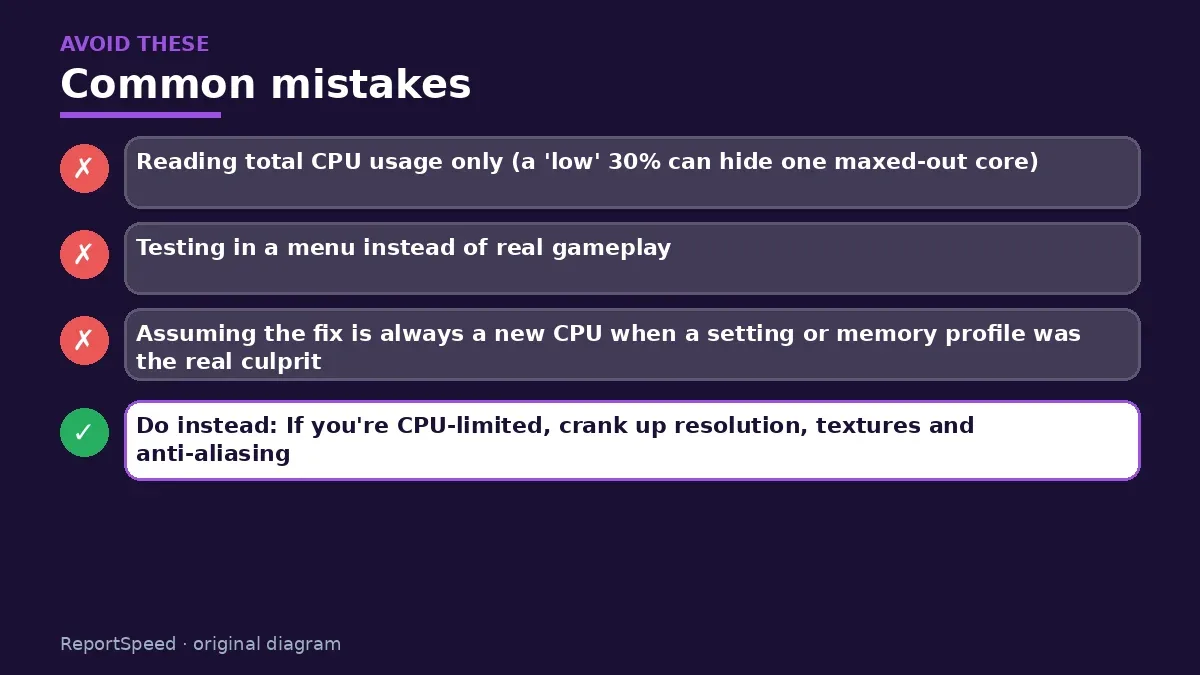
- Reading total CPU usage only (a 'low' 30% can hide one maxed-out core)
- Testing in a menu instead of real gameplay
- Assuming the fix is always a new CPU when a setting or memory profile was the real culprit
ReportSpeedMan tip: If you're CPU-limited, crank up resolution, textures and anti-aliasing. Those mostly load the GPU, so you get prettier frames for free.
What I would actually do
before buying anything, I'd run the resolution test in the one game that bugs me most. If FPS barely moves when I raise resolution, I'd stop shopping for GPUs that night. That single test has saved more money than any spreadsheet.
The trade-off people miss: a 'bottleneck calculator' website cannot see your game, your settings or your background apps. Every system is bottlenecked somewhere; the only question is whether the limit is where you care about it.
Quick FAQ
Is a little bottleneck bad?
No. Some part is always the limit. It only matters if the frame rate you get is below what you want and your monitor can show.
Does a bottleneck damage hardware?
No. It's a performance relationship, not a stress problem. Heat and power limits are separate topics.
Will raising resolution fix a CPU bottleneck?
It shifts more work to the GPU, so GPU usage rises, but your top frame rate in CPU-heavy scenes usually won't go up.
Wrap-up: Watch GPU usage in real gameplay, test a higher resolution, clean up background apps. If the GPU still idles, a platform upgrade is the honest answer, and now you'll know for sure before spending a cent.
Wiki: Memory Profiles (XMP and EXPO).
How to tell if your CPU is bottlenecking your GPU in games (simple 10-minute check): official sources I checked
Step-by-step photos

1. Before The problem 
2. Why it happens The cause 
3. The fix The fix 
4. After The result
⚡ Speed Summary
- Watch GPU usage in real gameplay, test a higher resolution, clean up background apps.
- If you're CPU-limited, crank up resolution, textures and anti-aliasing. Those mostly load the GPU, so you get prettier frames for free.
- Here's the part nobody tells you: one overlay number exposes the whole thing in about ten minutes.

Was this answer helpful?
Tap a star to rate this answer.
Related questions

Got an 'AirTag found moving with you' alert? What to do next
Find the tracker, document it, identify the owner, and disable it.
Rate itSolved

Is my smart TV tracking what I watch? How to turn off ACR
Smart TVs may use ACR to track viewing.
Rate itSolved

Caller ID spoofing: why scammers show a local number and how to protect yourself
Caller ID can be faked, and spoofing to defraud is illegal.
Rate itSolved

How do I stop spam emails without making it worse?
Mark spam, block repeat senders, unsubscribe only from known companies, and report phishing.
Rate itSolved
Real experiences
No experiences yet. Be the first to share.