


Is an NVIDIA RTX Spark laptop good for gaming, or is it more of an AI machine? I keep seeing them talked about and they look really cool, but I'm not sure how they compare to a normal gaming laptop for the games I play. I don't want to drop serious money and find out my favorite titles don't run well. What do the official specs actually tell us?
Is an NVIDIA RTX Spark laptop good for gaming? What the official specs actually say

Concerns & risks
New thin laptops with NVIDIA's RTX Spark chip are on shelves and you're wondering if one can replace a traditional gaming laptop.
| Question | What to check | Where |
|---|---|---|
| Will my games run? | Native Arm builds or emulation | NVIDIA and game publisher pages |
| Anti-cheat titles | Arm support status per game | Publisher support pages |
| Is DLSS available? | Per-game support list | NVIDIA GeForce news |
| Battery and thermals | Laptop maker spec sheet | Maker's product page |
Causes & evidence
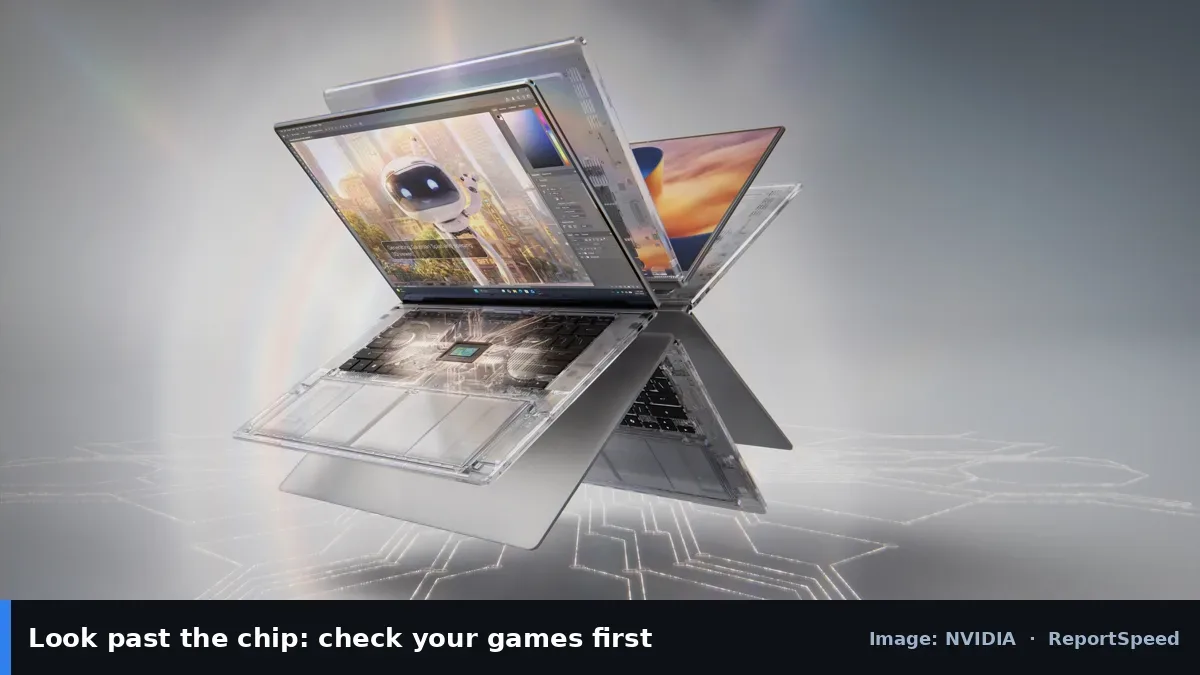
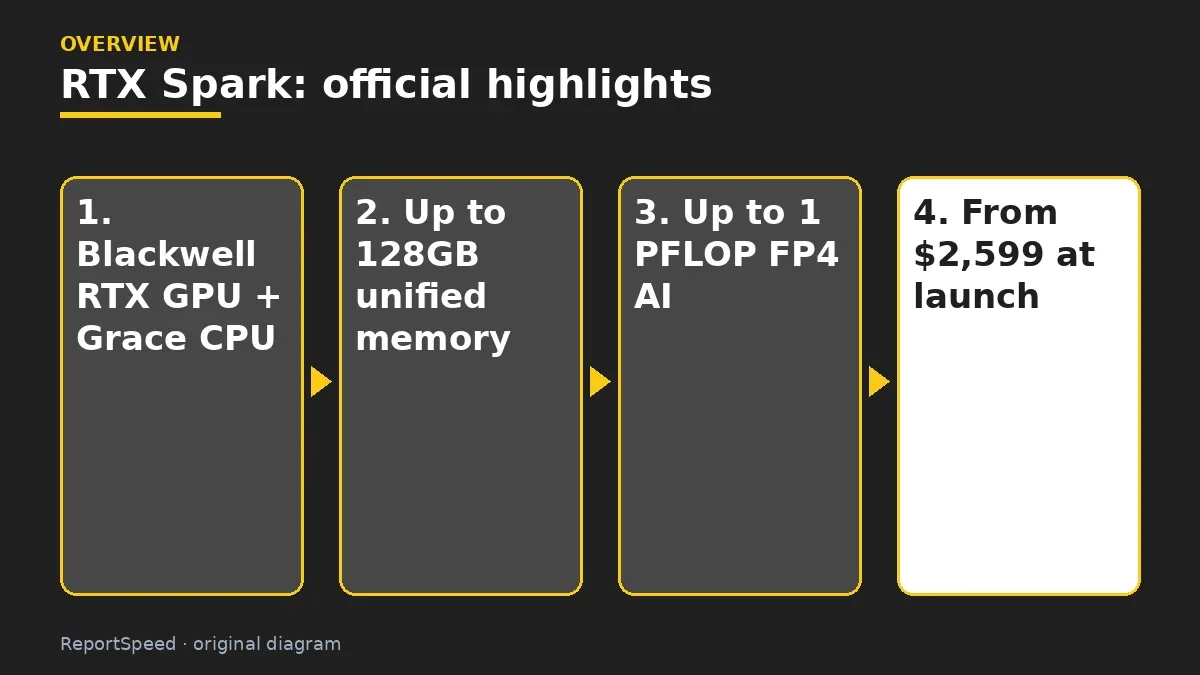
According to NVIDIA's announcement, RTX Spark combines a Blackwell RTX GPU and an NVIDIA Grace CPU on a single superchip with up to 128GB of unified memory and up to 1 petaflop of FP4 AI performance, and laptops started at $2,599 at launch. NVIDIA's gaming post lists up to 6,144 CUDA cores and a Grace CPU with up to 20 cores, with DLSS, Reflex and ray tracing supported. That's a premium thin-and-light design aimed at creators, local AI and gaming together, which is a different goal from a thick laptop built around the biggest possible GPU.
Read the official spec page closely, because names can be similar while capabilities differ. Focus on what the product is designed for, since a chip built for AI development can have a very different software and gaming story than a traditional gaming laptop GPU. Check driver and game support statements before treating it as a gaming machine.
The spec that matters most for gamers is the one buried in the compatibility notes.
What to do
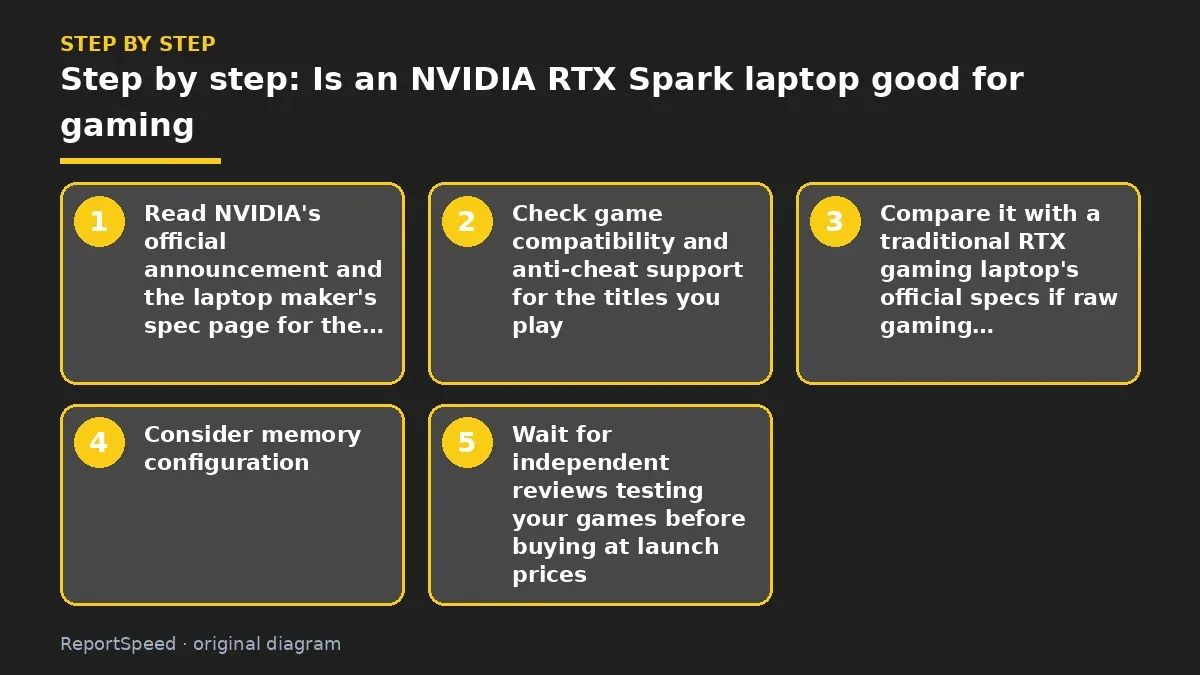
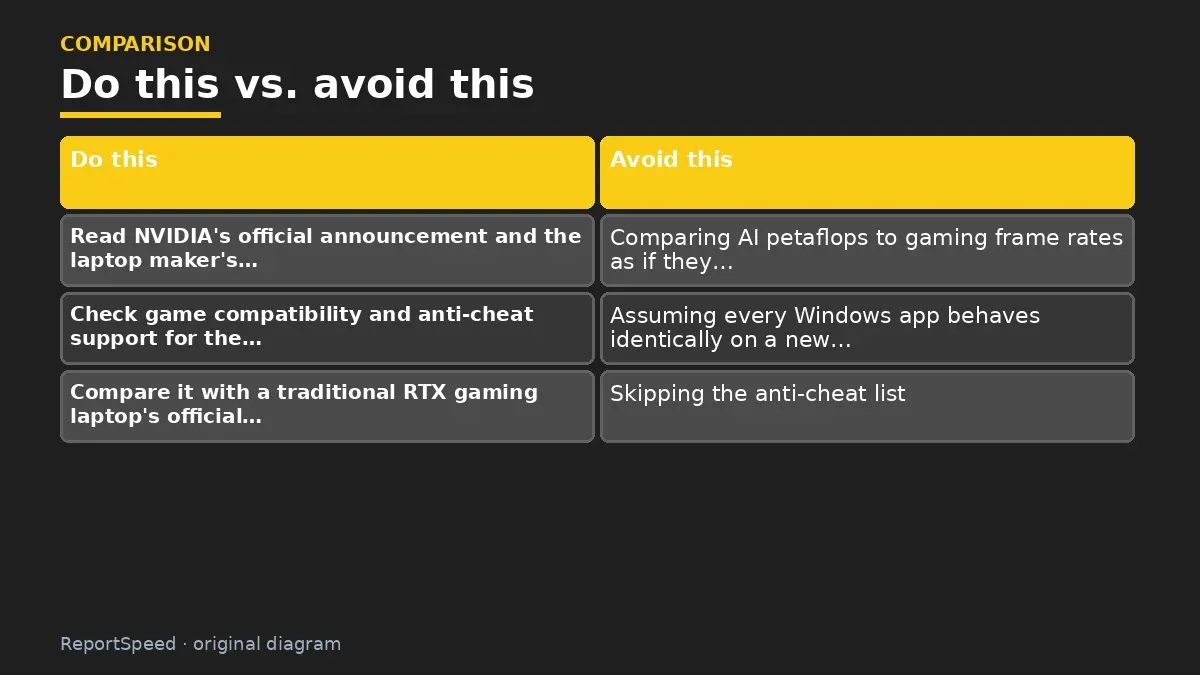
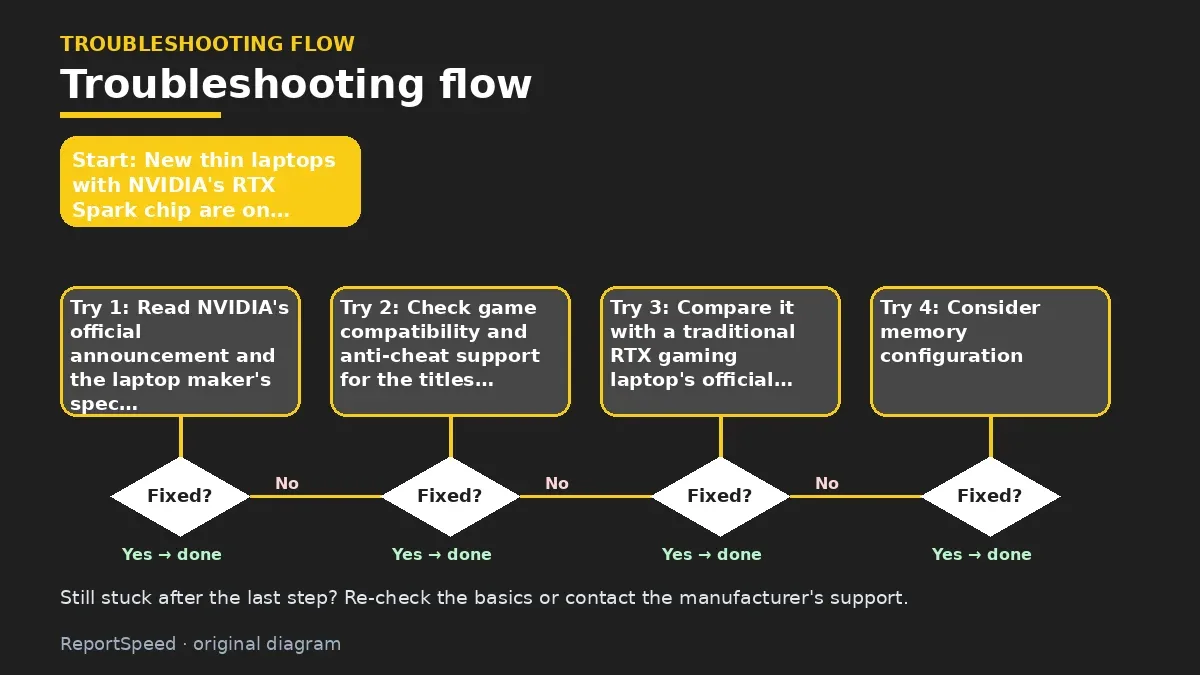
- Read NVIDIA's official announcement and the laptop maker's spec page for the exact configuration.
- Check game compatibility and anti-cheat support for the titles you play; NVIDIA publishes notes on supported games.
- Compare it with a traditional RTX gaming laptop's official specs if raw gaming is your priority.
- Consider memory configuration, since unified memory is shared between CPU and GPU.
- Wait for independent reviews testing your games before buying at launch prices.
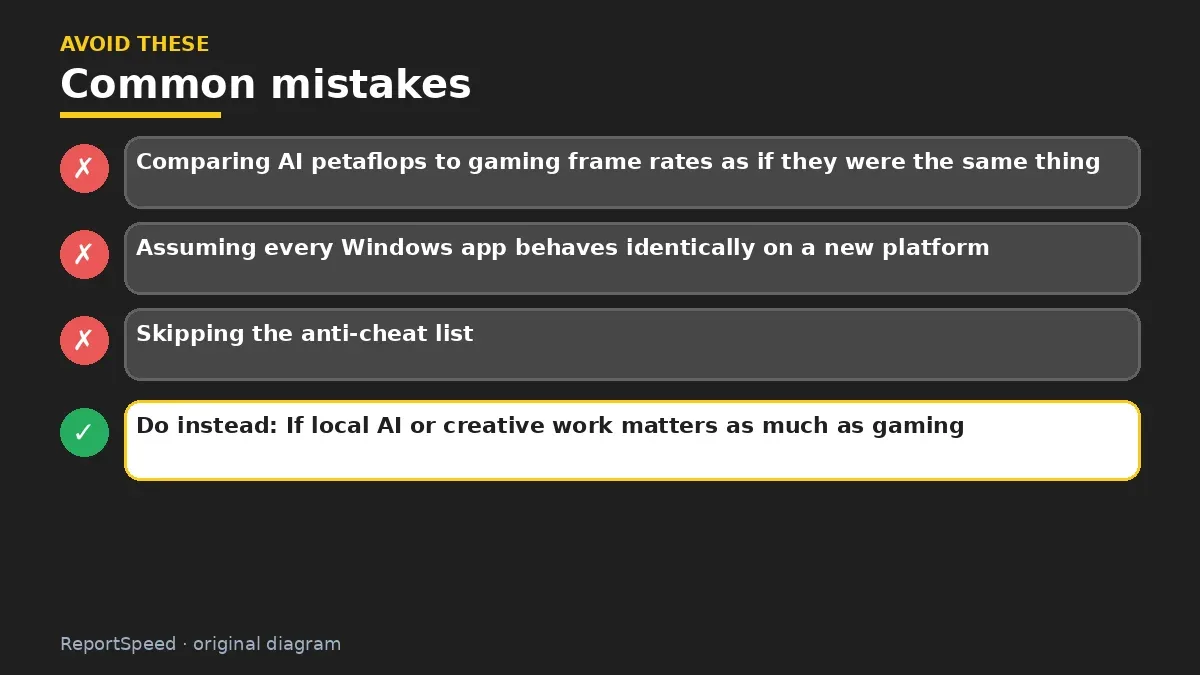
Common mistakes:
- Comparing AI petaflops to gaming frame rates as if they were the same thing
- Assuming every Windows app behaves identically on a new platform
- Skipping the anti-cheat list
ReportSpeedMan tip: If local AI or creative work matters as much as gaming, this category makes more sense; if it's mostly games, compare carefully.
What I would actually do
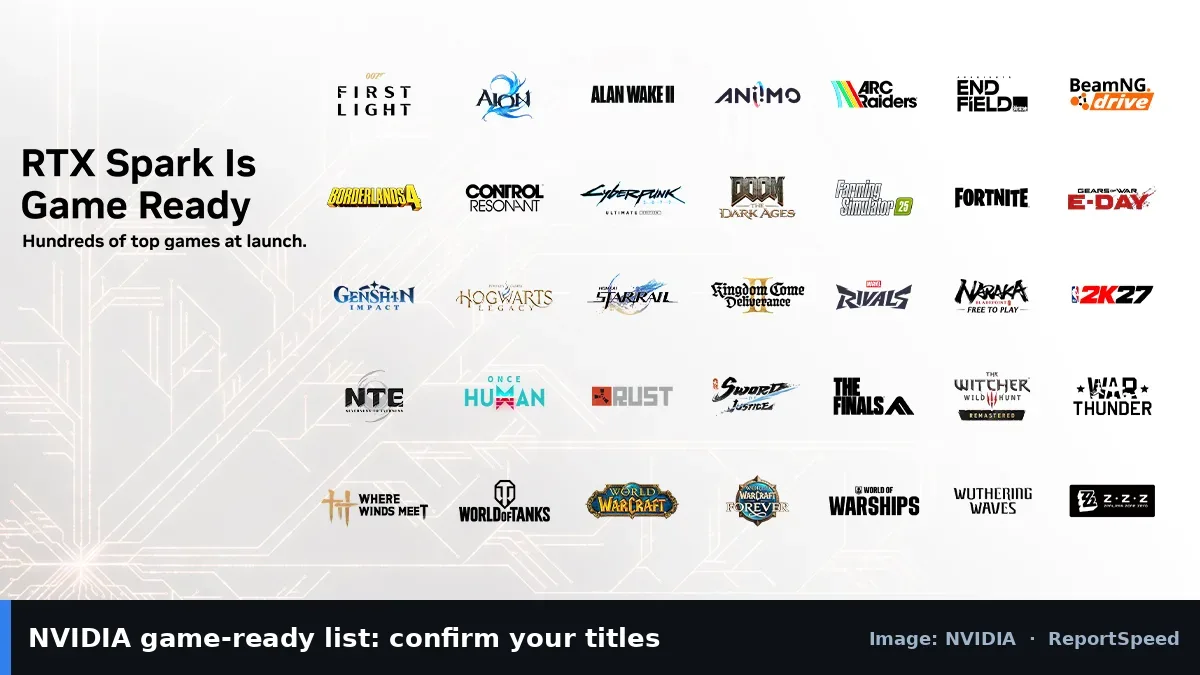
list my five must-play games and check each one's Arm and anti-cheat status before buying. If one is a no, I'd treat it as a no for the whole laptop.
The trade-off people miss: a laptop's spec sheet tells you hardware capability; game compatibility on Arm is a software question that changes per title.
Checking that it worked
A smart way to finish your research is a short checklist: the official spec page, driver support for the games you care about, the power and cooling design of the exact laptop model, and the return policy. If any of those four is unclear, wait for clearer information rather than buying on launch hype. Being an early adopter is fun, but only when you know what you're adopting.
Quick FAQ
Should I trust marketing benchmarks?
Use them as a hint only. Look for the exact configuration and conditions they used.
What matters for gaming laptops?
GPU tier, power limits, cooling, display refresh rate and driver support.
Is AI hardware good for games?
Not automatically. AI acceleration and gaming performance are different jobs.
Wrap-up: RTX Spark is a premium all-rounder per NVIDIA's own specs. Check your games' compatibility, compare with dedicated gaming laptops, and let independent tests settle it.
Wiki: GPU Upscaling and Frame Generation.
Is an NVIDIA RTX Spark laptop good for gaming: where the facts come from
Step-by-step photos
1. Before The problem 
2. Why it happens The cause 
3. The fix The fix 
4. After The result
⚡ Speed Summary
- RTX Spark is a premium all-rounder per NVIDIA's own specs.
- If local AI or creative work matters as much as gaming, this category makes more sense; if it's mostly games, compare carefully.
- The spec that matters most for gamers is the one buried in the compatibility notes.

Was this answer helpful?
Tap a star to rate this answer.
Related questions

Got an 'AirTag found moving with you' alert? What to do next
Find the tracker, document it, identify the owner, and disable it.
Rate itSolved

Is my smart TV tracking what I watch? How to turn off ACR
Smart TVs may use ACR to track viewing.
Rate itSolved

Caller ID spoofing: why scammers show a local number and how to protect yourself
Caller ID can be faked, and spoofing to defraud is illegal.
Rate itSolved

How do I stop spam emails without making it worse?
Mark spam, block repeat senders, unsubscribe only from known companies, and report phishing.
Rate itSolved
Real experiences
No experiences yet. Be the first to share.