


NVIDIA RTX Spark vs AMD Ryzen AI Max+ PRO 495 for running local AI models, which makes more sense? I want to run bigger models at home without renting cloud GPUs. Both platforms advertise lots of unified memory, but I'm struggling to compare them beyond marketing slides. What do the official specs actually say?
NVIDIA RTX Spark vs AMD Ryzen AI Max+ PRO 495 for running local AI: official spec comparison
Concerns & risks
You want to run large language models or image generators on your own hardware and you're comparing the two big unified-memory options.
| Question | What to compare | Source |
|---|---|---|
| Memory for models | Unified memory size | Official spec pages |
| Software stack | CUDA vs ROCm and tooling support | Vendor docs |
| Form factor | Laptop vs desktop options | OEM product pages |
| Your models | Which frameworks you already use | Your own workflow |
Causes & evidence
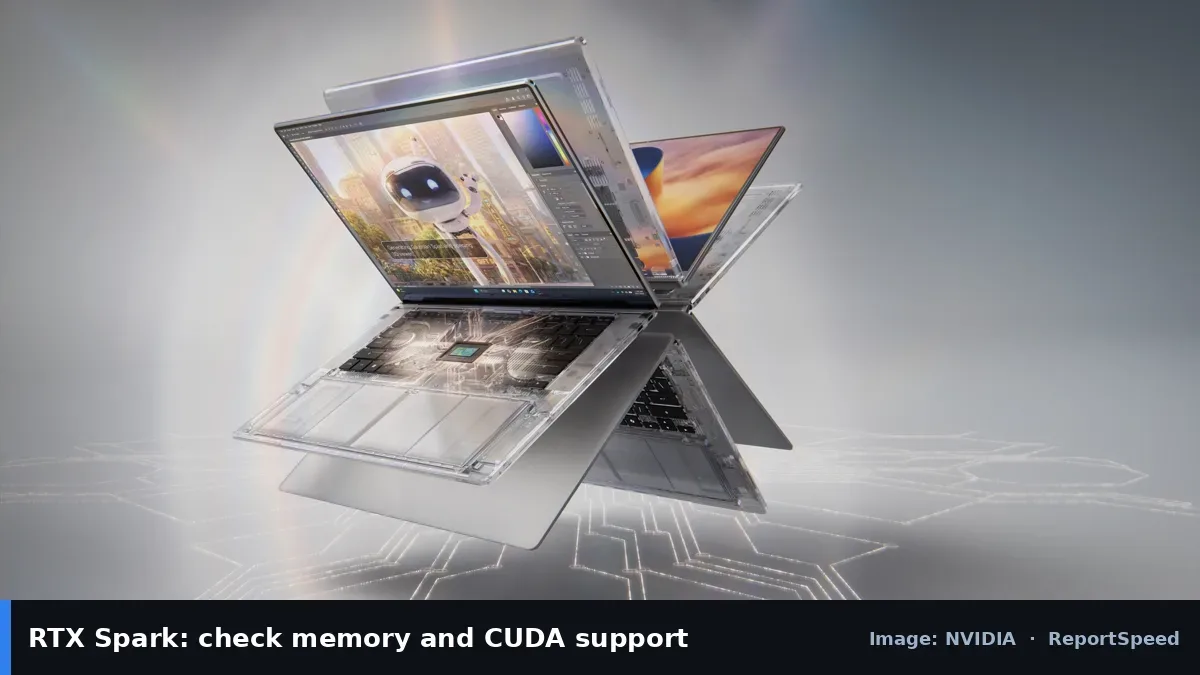
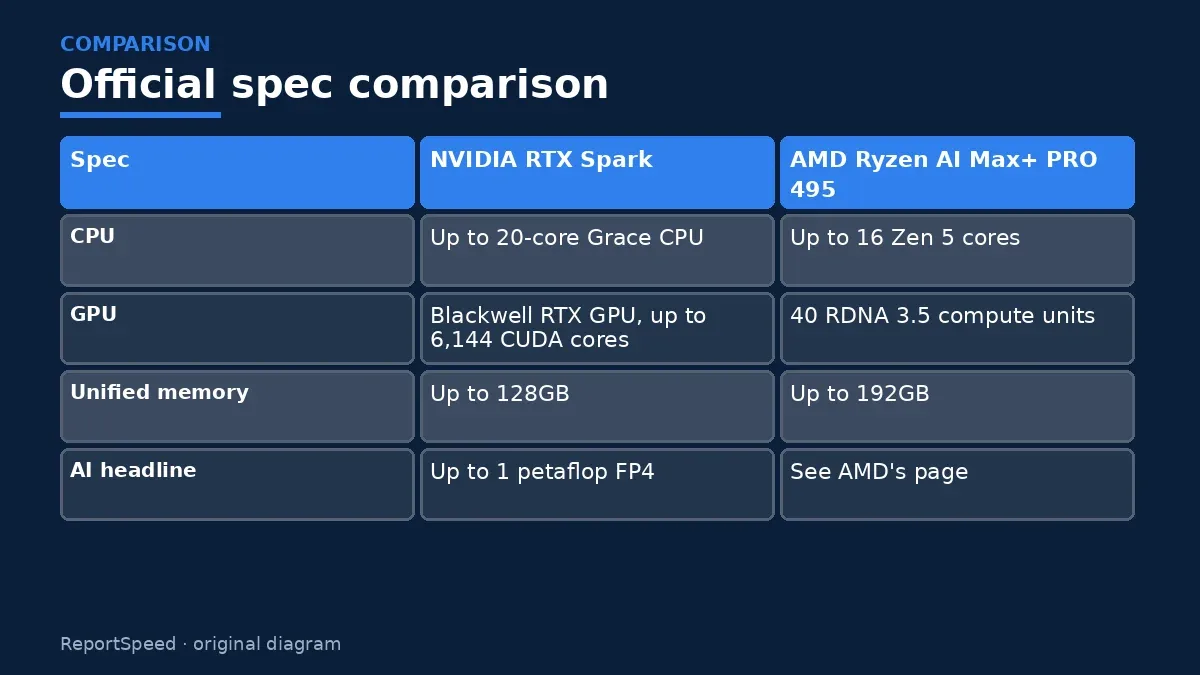
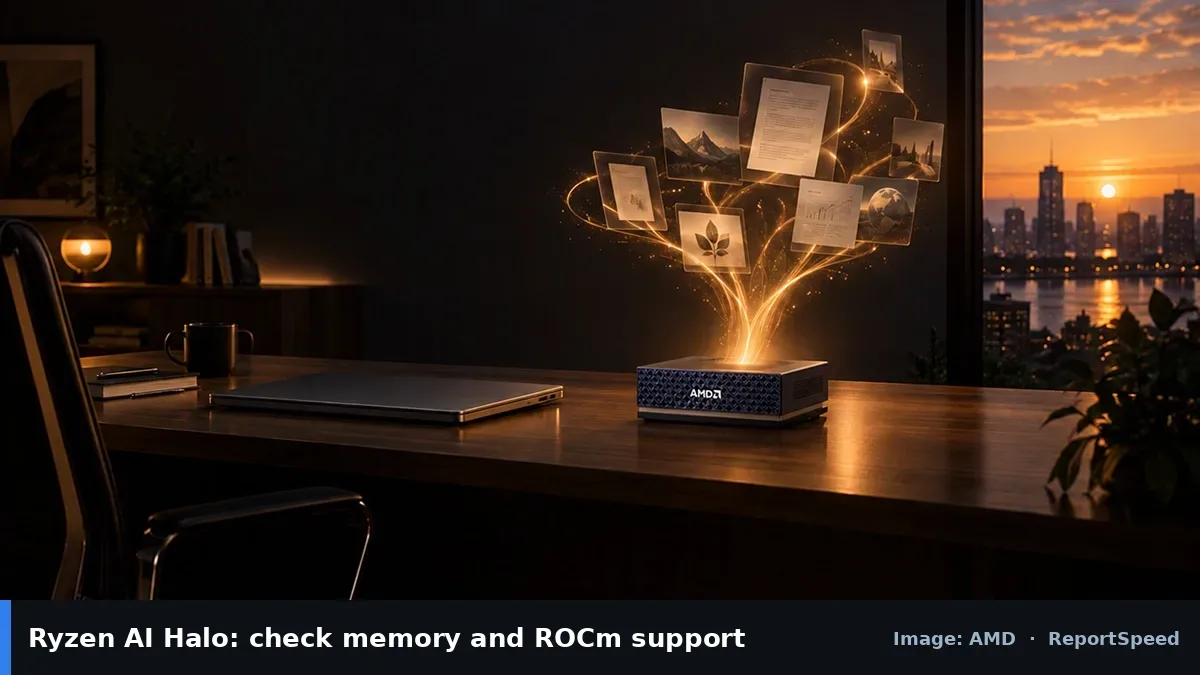
NVIDIA says RTX Spark pairs a Blackwell RTX GPU with a Grace CPU, offering up to 128GB unified memory and up to 1 petaflop of FP4 AI performance. AMD says its Ryzen AI Halo Developer Platform uses the Ryzen AI Max+ PRO 495 with up to 16 Zen 5 CPU cores, 40 RDNA 3.5 GPU compute units and up to 192GB of unified memory. Unified memory lets bigger models fit, but memory capacity, software support and speed all matter.
Spec comparisons for AI focus on memory capacity and bandwidth, supported frameworks, and AI compute figures from official pages. Both platforms target local AI development, so check which software ecosystems you rely on and what memory configurations are actually sold.
The spec that decides which model you can even load isn't the AI performance number.
What to do
| Spec | NVIDIA RTX Spark | AMD Ryzen AI Max+ PRO 495 |
|---|---|---|
| CPU | Up to 20-core Grace CPU | Up to 16 Zen 5 cores |
| GPU | Blackwell RTX GPU, up to 6,144 CUDA cores | 40 RDNA 3.5 compute units |
| Unified memory | Up to 128GB | Up to 192GB |
| AI headline | Up to 1 petaflop FP4 | See AMD's page |
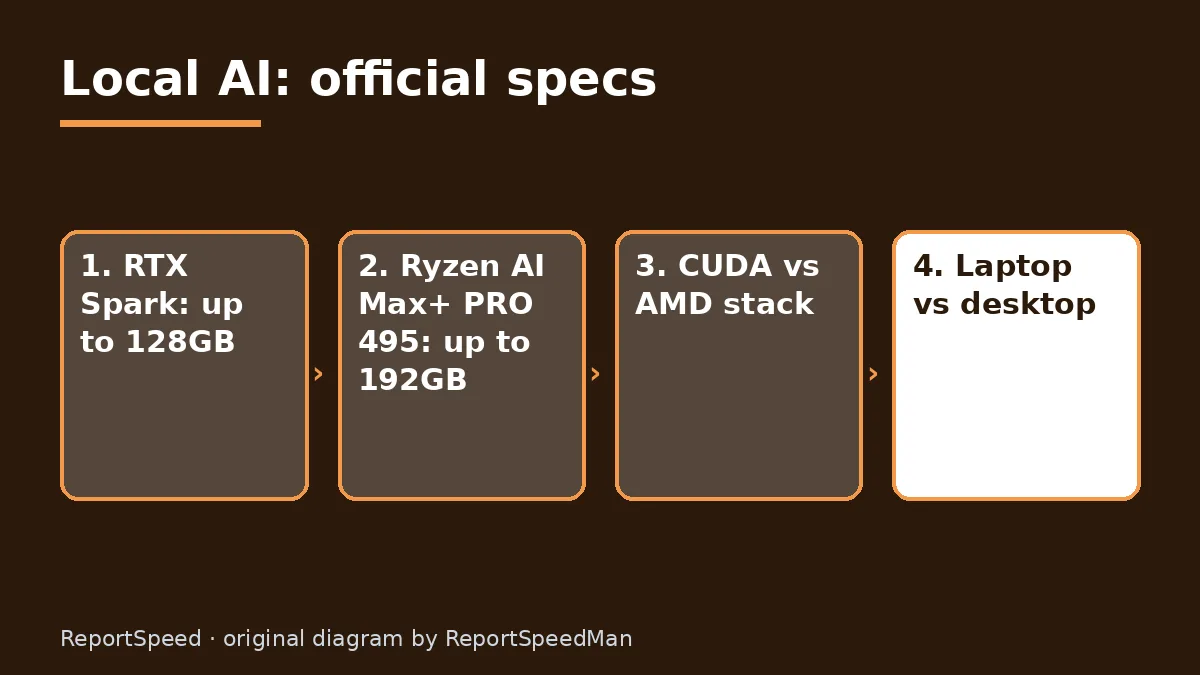
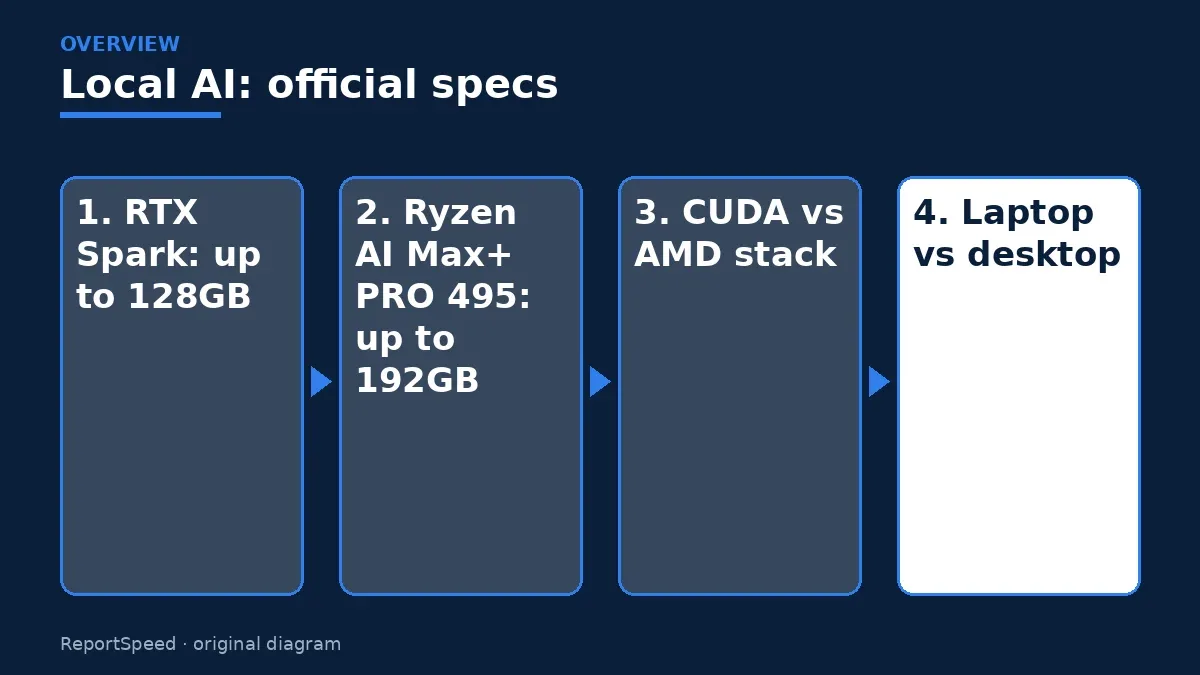
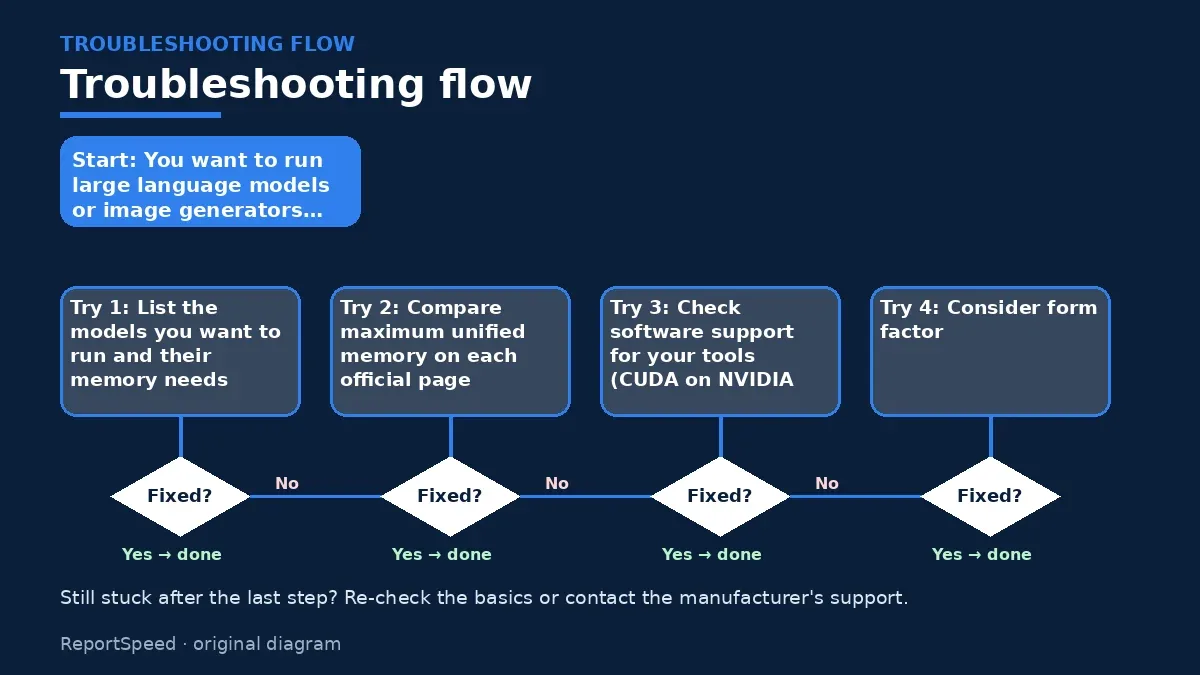
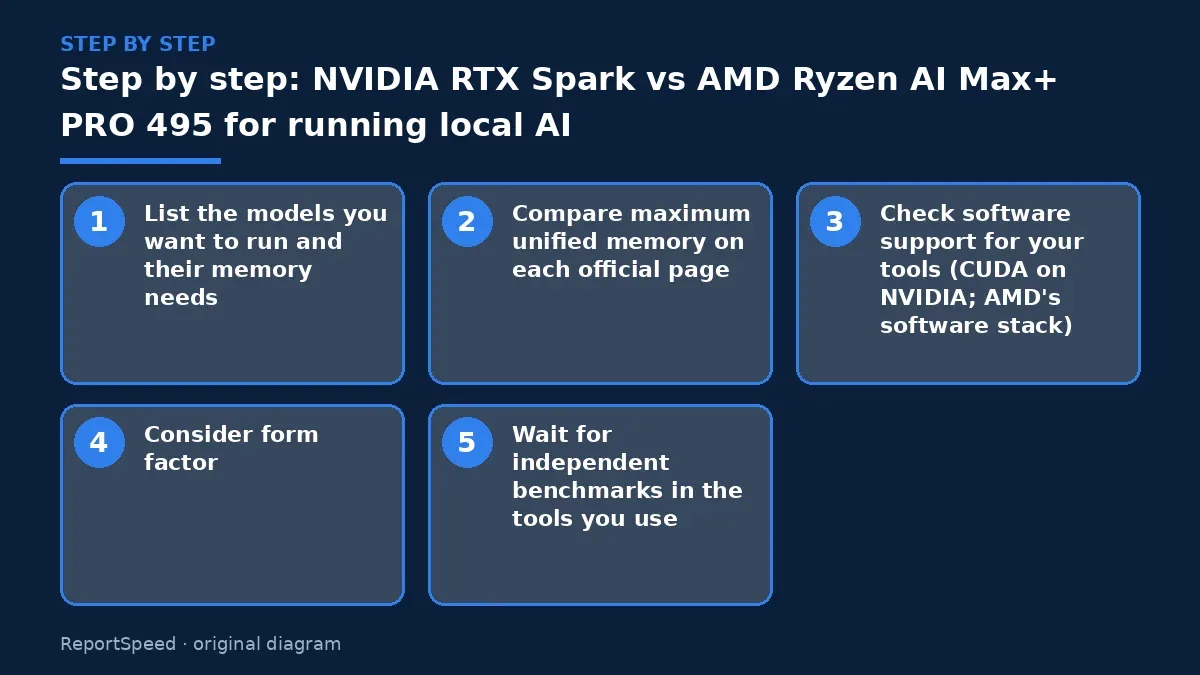
- List the models you want to run and their memory needs.
- Compare maximum unified memory on each official page.
- Check software support for your tools (CUDA on NVIDIA; AMD's software stack).
- Consider form factor: RTX Spark is announced in laptops, AMD's Halo is a developer desktop platform.
- Wait for independent benchmarks in the tools you use.

Common mistakes:
- Comparing vendor-selected benchmarks as if they were neutral
- Ignoring software support
- Buying more memory than your models need
ReportSpeedMan tip: Vendor benchmark claims compare against chosen rivals. Treat them as marketing until independent tests confirm.
What I would actually do
start from the models and tools I already use and pick the platform those run on best. Hardware choice follows software here.
The trade-off people miss: memory size decides which models load at all, while software support decides how painful setup is. Both matter more than peak AI numbers.
Builder's note: If you're mainly experimenting, remember that smaller models run well on a lot of hardware already. Start with what you have, learn what memory size your favorite models really need, and only then decide whether a dedicated unified-memory machine is worth it. Knowing your real workload beats buying the biggest number on the box.
Signs it worked
Before deciding, write down the model sizes and tools you actually plan to run, then compare that list to the memory and software support on each official page. That shrinks a confusing spec war into a simple fit check. If a spec you need isn't published officially, treat it as unknown rather than guessing.
Quick FAQ
Is more memory better for local AI?
Larger models need more memory, so capacity often decides what you can run.
Can I trust TOPS numbers?
They're official peak figures; real-world performance depends on software.
Which is best?
The one that fits your toolchain and budget, judged by official specs.
Wrap-up: Memory capacity sets what you can run, software sets how easily. Compare official specs, check your tools, and wait for independent tests.
Wiki: GPU Upscaling and Frame Generation.
NVIDIA RTX Spark vs AMD Ryzen AI Max+ PRO 495 for running local AI: official pages behind this answer
Step-by-step photos
1. Before The problem 
2. Why it happens The cause 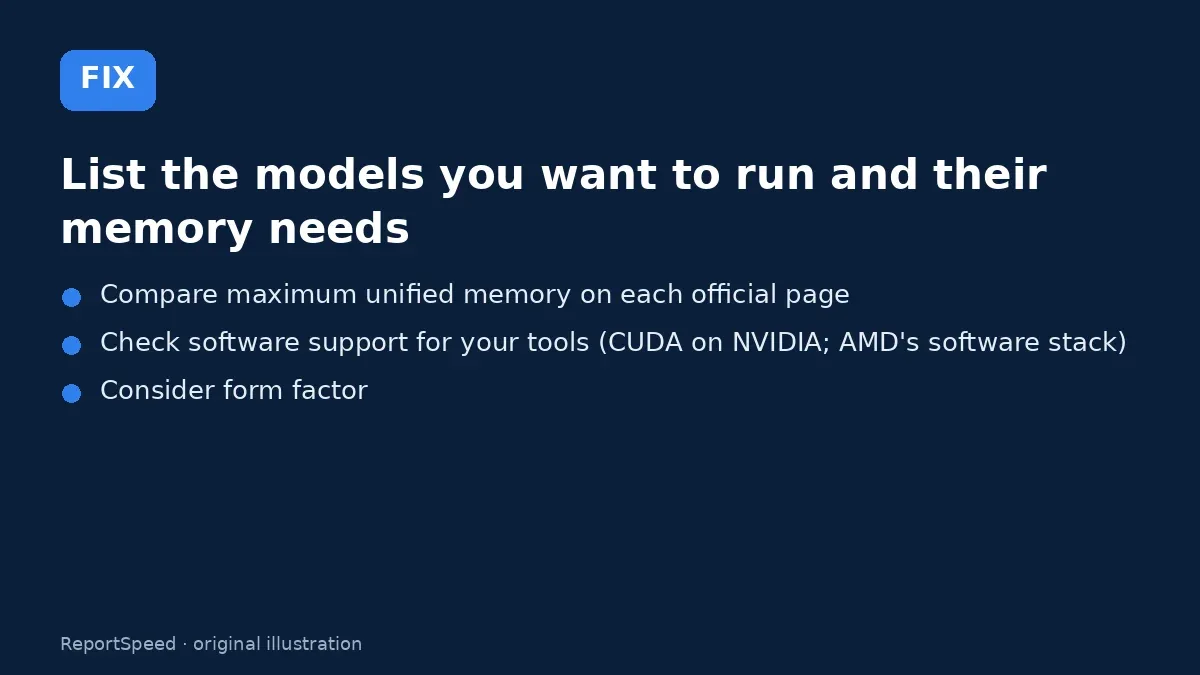
3. The fix The fix 
4. After The result
⚡ Speed Summary
- Memory capacity sets what you can run, software sets how easily.
- Vendor benchmark claims compare against chosen rivals. Treat them as marketing until independent tests confirm.
- The spec that decides which model you can even load isn't the AI performance number.

Was this answer helpful?
Tap a star to rate this answer.
Related questions

Got an 'AirTag found moving with you' alert? What to do next
Find the tracker, document it, identify the owner, and disable it.
Rate itSolved

Is my smart TV tracking what I watch? How to turn off ACR
Smart TVs may use ACR to track viewing.
Rate itSolved

Caller ID spoofing: why scammers show a local number and how to protect yourself
Caller ID can be faked, and spoofing to defraud is illegal.
Rate itSolved

How do I stop spam emails without making it worse?
Mark spam, block repeat senders, unsubscribe only from known companies, and report phishing.
Rate itSolved
Real experiences
No experiences yet. Be the first to share.