


My laptop keeps nagging me to restart for updates, and my phone has 'automatic updates' turned off because I once had an update break an app. Are updates really that important, or is it fine to wait? Should I turn on automatic updates on my phone and computer?
Should I turn on automatic updates on my phone and computer?
Concerns & risks
You've been delaying updates and turned off automatic updates on your phone after a bad experience.
| Device | Typical setting |
|---|---|
| Windows | Settings > Windows Update |
| Mac | System Settings > General > Software Update |
| iPhone | Settings > General > Software Update |
| Android | Settings > System or Security updates |
| Browser | Usually updates automatically; restart it |

Causes & evidence
CISA's Secure Our World guidance says software updates fix security flaws and other bugs, and that attackers look for devices and apps that haven't been updated so they can exploit known weaknesses. CISA recommends turning on automatic updates for your operating system, browser, apps and security software, and installing updates promptly when you're notified. It also advises getting updates only from the device maker or an official app store, and being wary of pop-ups claiming you need an update, which can be scams. Updating is one of CISA's four core steps, alongside using strong passwords, turning on multifactor authentication and recognizing and reporting phishing. Devices that no longer receive security updates, such as an old phone or an unsupported operating system, stay exposed to newly found flaws, so check whether your device is still supported. If you worry an update could cause a problem, back up first and delay briefly rather than switching updates off.
Edge cases: some work devices are managed by an employer's IT team, so follow their instructions. Very old devices may not be able to install the latest versions. Update smart home devices and routers too; many have an app or web page for updates.
Turning off updates permanently because one update caused trouble swaps a small annoyance for a much bigger security risk.
What to do
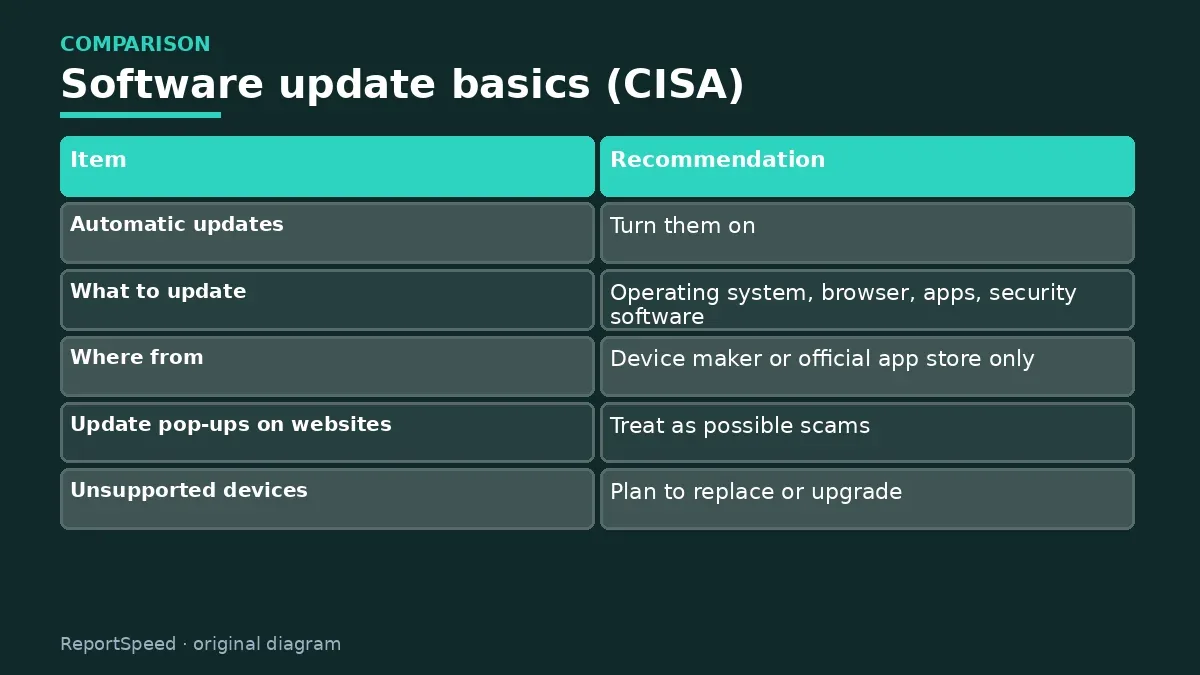
| Item | Recommendation |
|---|---|
| Automatic updates | Turn them on |
| What to update | Operating system, browser, apps, security software |
| Where from | Device maker or official app store only |
| Update pop-ups on websites | Treat as possible scams |
| Unsupported devices | Plan to replace or upgrade |
| CISA's four steps | Update, strong passwords, MFA, spot phishing |
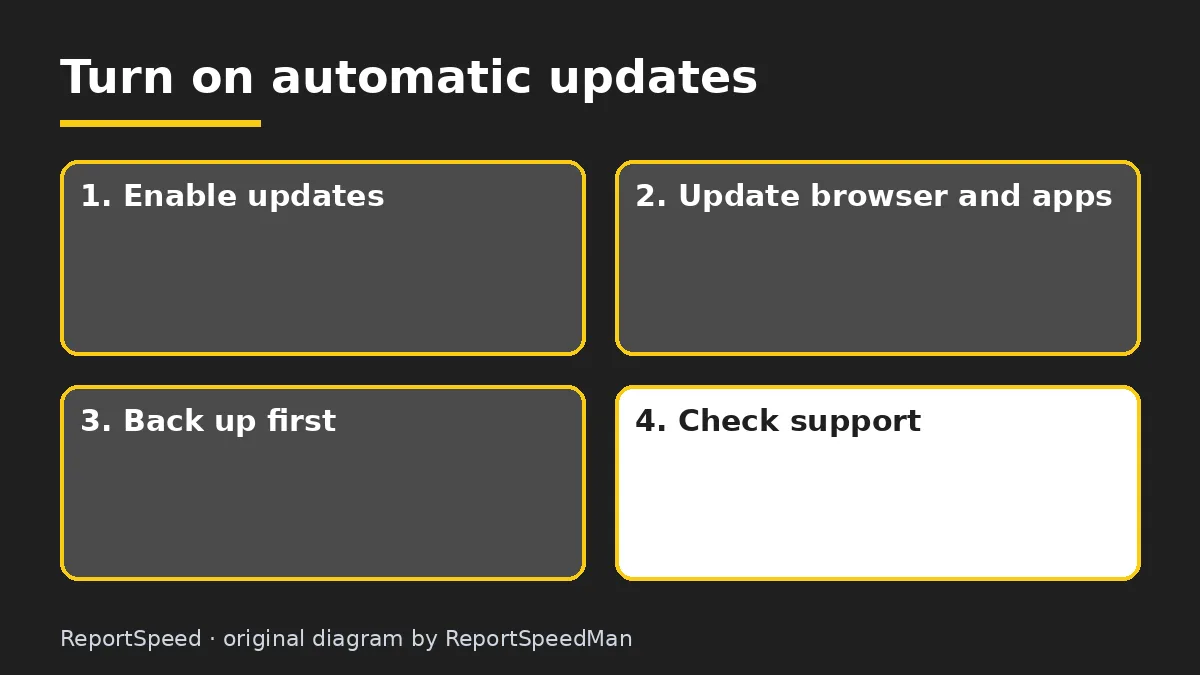
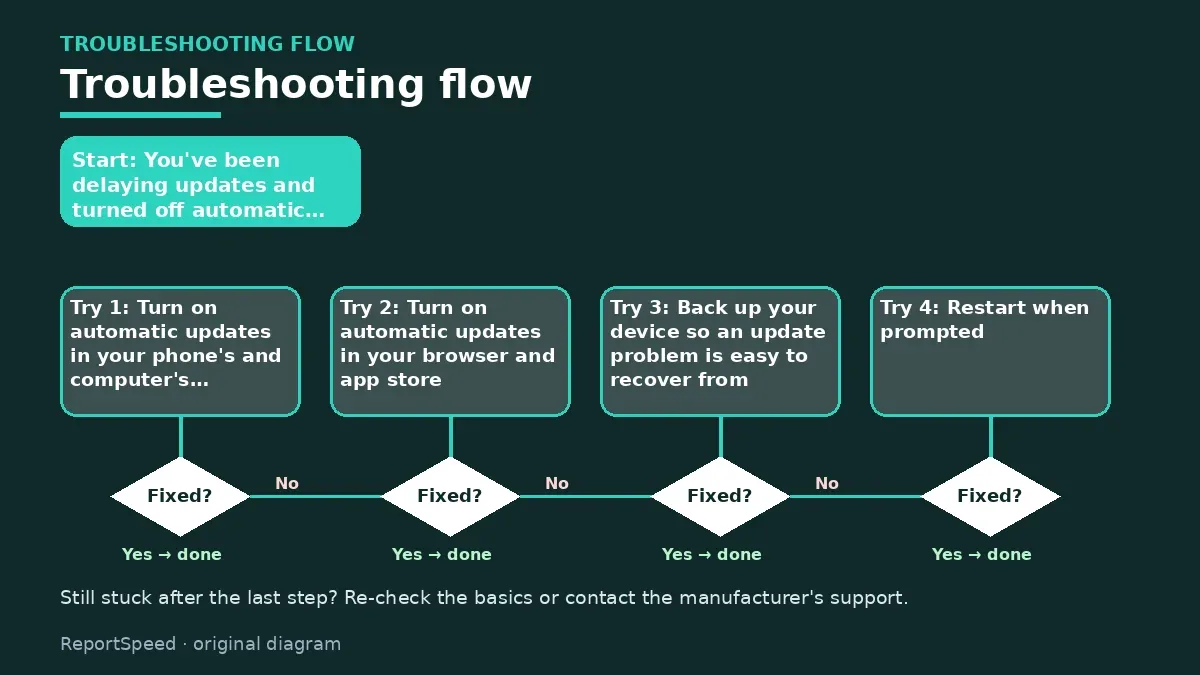
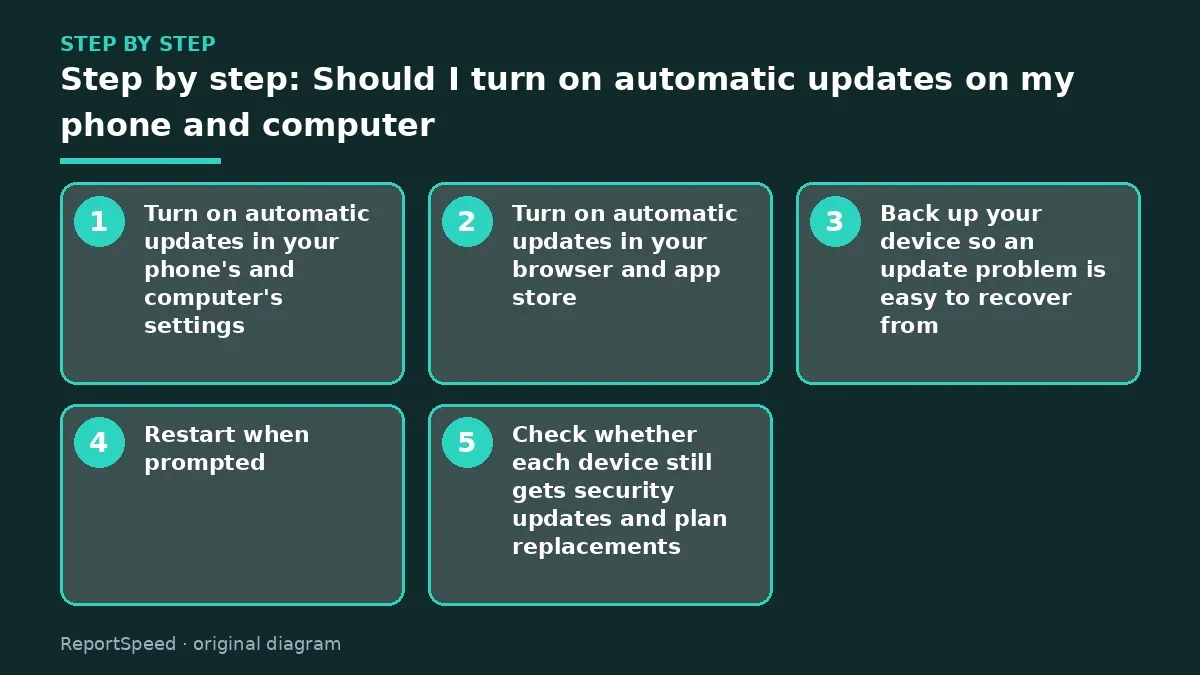
- Turn on automatic updates in your phone's and computer's settings.
- Turn on automatic updates in your browser and app store.
- Back up your device so an update problem is easy to recover from.
- Restart when prompted, at a time that suits you, rather than postponing for weeks.
- Check whether each device still gets security updates and plan replacements.

Common mistakes:
- Leaving updates off after one bad experience
- Clicking update pop-ups on websites
- Ignoring restart prompts for weeks
- Keeping an unsupported device for banking
ReportSpeedMan tip: Set 'active hours' or an overnight install window so updates and restarts happen while you sleep.
What I would actually do
I'd turn on automatic updates everywhere, set installs for overnight and keep a backup running so a rare bad update is easy to undo.
The trade-off people miss: delaying updates feels safe, but it leaves known security holes open. A short, scheduled restart is far less disruptive than recovering from a compromised account.
Proof that it worked
Every device updates automatically.
Quick FAQ
Can updates slow my phone?
Occasionally, but security fixes are worth it.
How long are phones supported?
It varies by maker; check their support page.
Should I update apps too?
Yes. Apps can have security flaws as well.
Wrap-up: CISA recommends turning on automatic updates for your operating system, browser and apps. Back up, update from official sources and replace devices that no longer get security fixes.
Wiki: Multi-Factor Authentication (MFA) and Phishing.
Should I turn on automatic updates on my phone and computer: primary sources
Step-by-step photos

1. Before The problem 
2. Why it happens The cause 
3. The fix The fix 
4. After The result
⚡ Speed Summary
- CISA recommends turning on automatic updates for your operating system, browser and apps.
- Set 'active hours' or an overnight install window so updates and restarts happen while you sleep.
- Turning off updates permanently because one update caused trouble swaps a small annoyance for a much bigger security risk.

Was this answer helpful?
Tap a star to rate this answer.
Related questions

Got an 'AirTag found moving with you' alert? What to do next
Find the tracker, document it, identify the owner, and disable it.
Rate itSolved

Is my smart TV tracking what I watch? How to turn off ACR
Smart TVs may use ACR to track viewing.
Rate itSolved

Caller ID spoofing: why scammers show a local number and how to protect yourself
Caller ID can be faked, and spoofing to defraud is illegal.
Rate itSolved

How do I stop spam emails without making it worse?
Mark spam, block repeat senders, unsubscribe only from known companies, and report phishing.
Rate itSolved
Real experiences
No experiences yet. Be the first to share.