


I just got an NVIDIA card and the NVIDIA app keeps offering to optimize my game settings automatically. I'm not sure if I should trust it or tune things myself. Does it actually help, or does it just crank everything up? And what else is the NVIDIA app good for besides drivers?
Should I use the NVIDIA app to optimize game settings?
Concerns & risks
You installed a new NVIDIA GPU, the NVIDIA app is running, and you're wondering whether one-click optimization is smart or whether you should ignore it and tune by hand.
| Game type | Slider direction |
|---|---|
| Competitive shooters | Toward performance |
| Story and open-world games | Toward quality |
| Older or lighter games | Quality, with a frame cap |
Causes & evidence
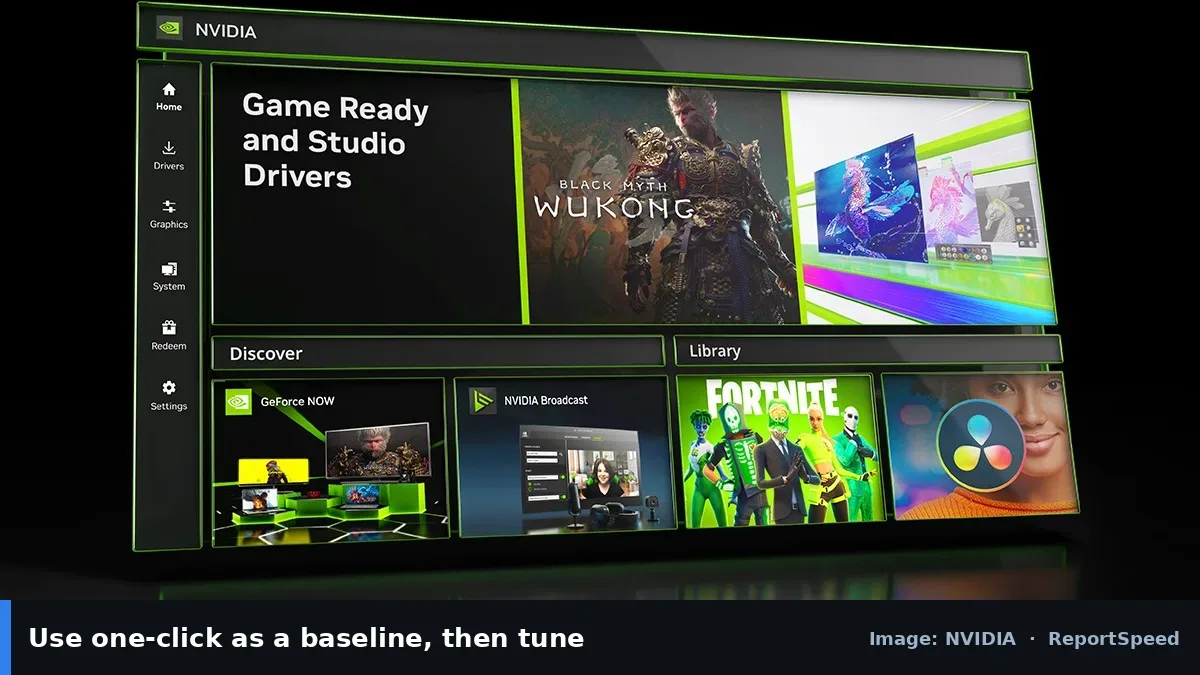
NVIDIA describes the NVIDIA app as the hub for GeForce Game Ready drivers, one-click game and app optimization, the in-game overlay with performance metrics, recording, and RTX features. Optimization picks settings based on your hardware and NVIDIA's testing, with a slider to lean toward quality or performance. It doesn't know your personal priorities, like whether you value a steady frame rate in a shooter over shadows in a story game.
Optimization profiles reflect general testing. Your preferences, monitor and games may call for different choices, which is why the slider and manual tweaks exist.

One-click optimization can't read your mind; it only reads your hardware.
What to do
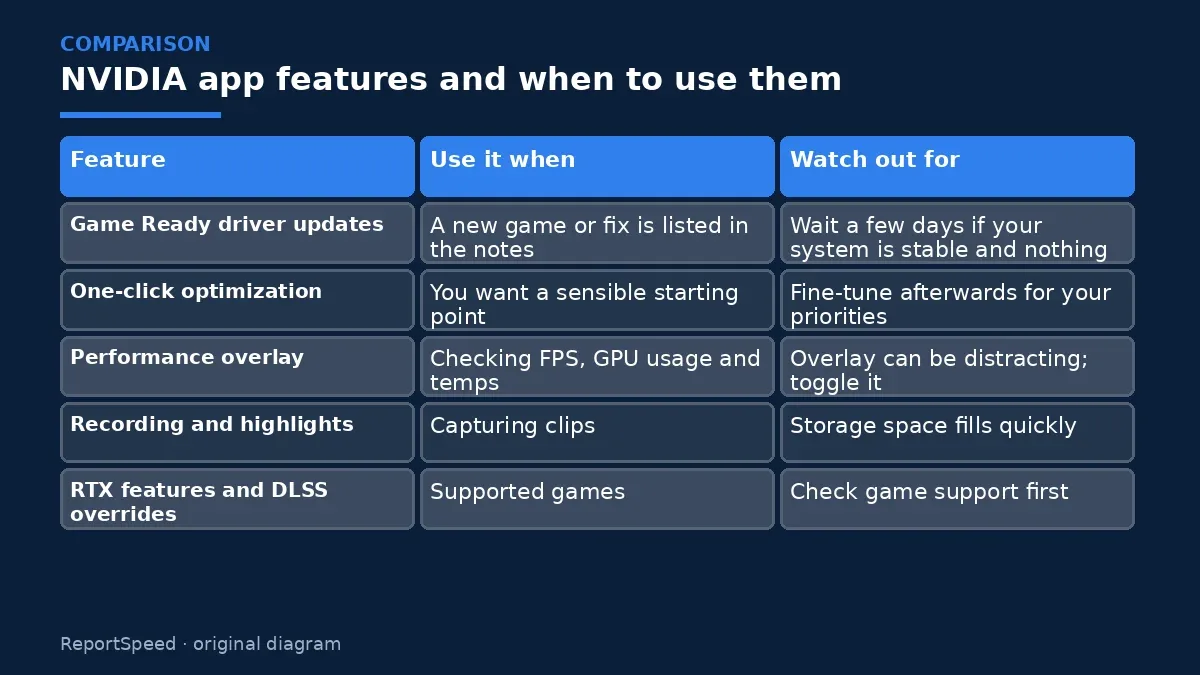
| Feature | Use it when | Watch out for |
|---|---|---|
| Game Ready driver updates | A new game or fix is listed in the notes | Wait a few days if your system is stable and nothing you play is listed |
| One-click optimization | You want a sensible starting point | Fine-tune afterwards for your priorities |
| Performance overlay | Checking FPS, GPU usage and temps | Overlay can be distracting; toggle it |
| Recording and highlights | Capturing clips | Storage space fills quickly |
| RTX features and DLSS overrides | Supported games | Check game support first |
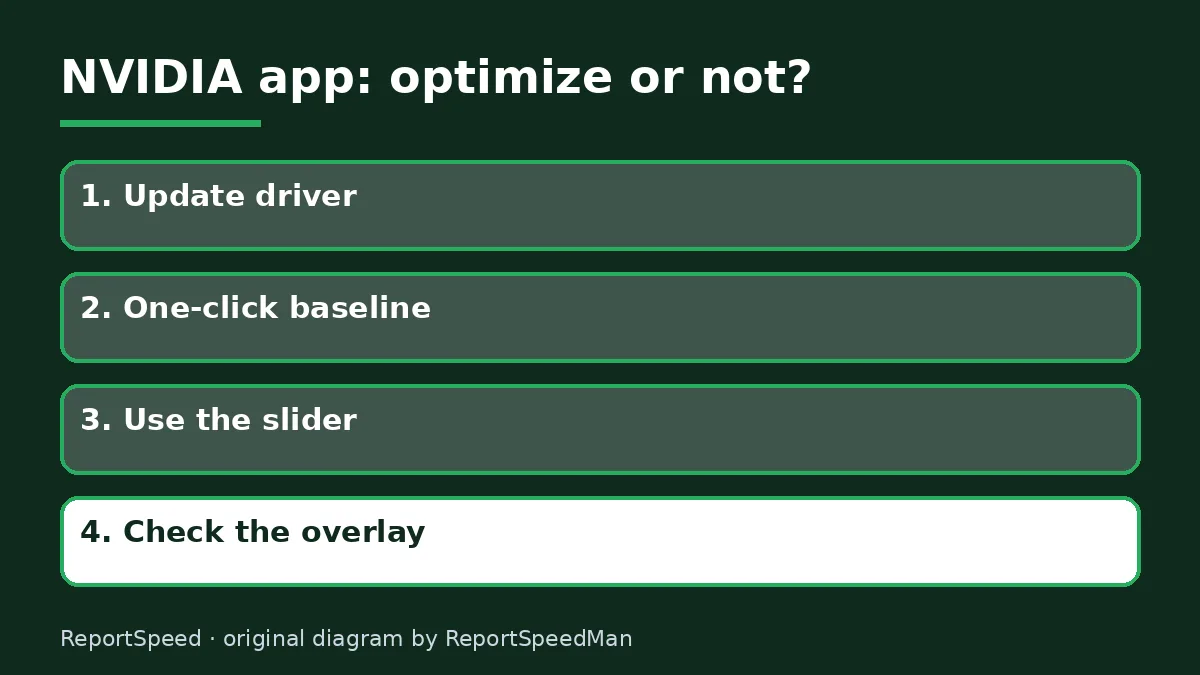
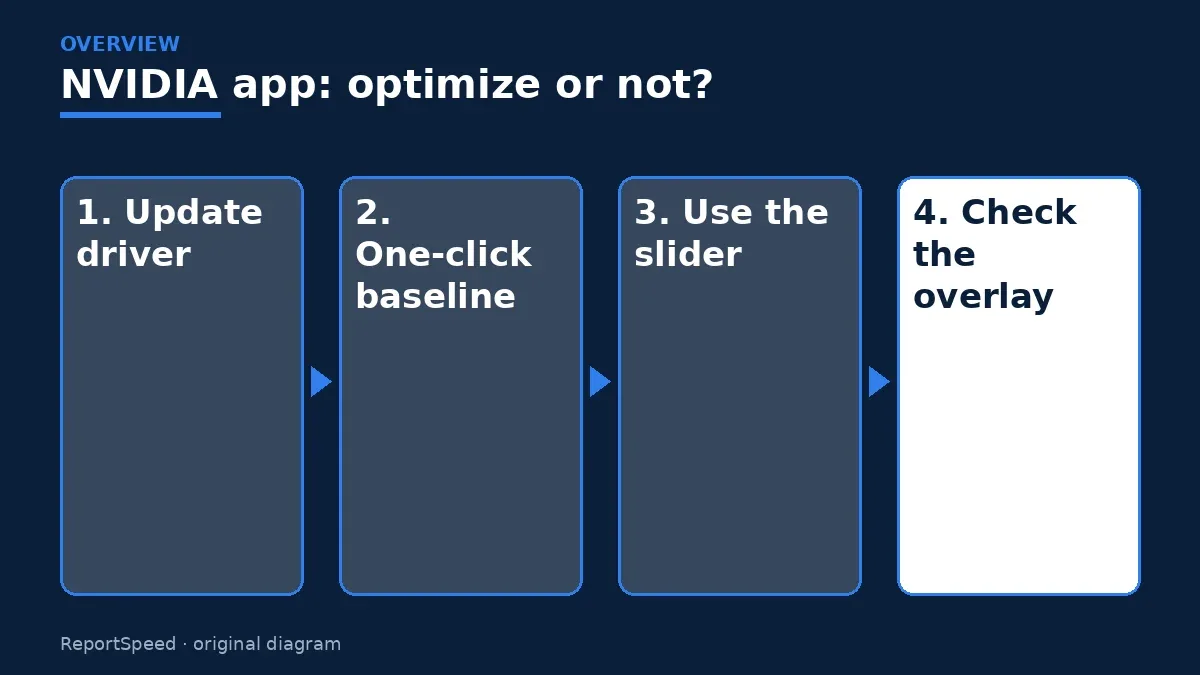
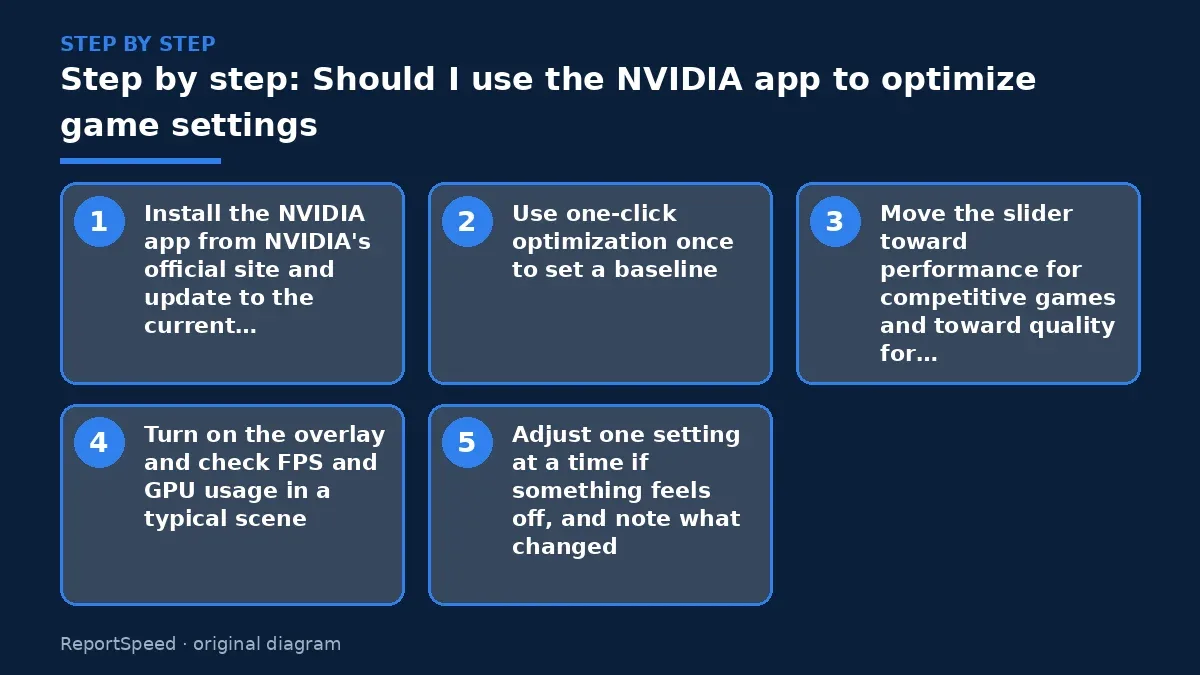
- Install the NVIDIA app from NVIDIA's official site and update to the current Game Ready driver.
- Use one-click optimization once to set a baseline.
- Move the slider toward performance for competitive games and toward quality for story games.
- Turn on the overlay and check FPS and GPU usage in a typical scene.
- Adjust one setting at a time if something feels off, and note what changed.

Common mistakes:
- Accepting every optimization blindly
- Updating drivers mid-tournament
- Changing many settings at once
ReportSpeedMan tip: If a driver update causes problems, the NVIDIA app lets you reinstall, and NVIDIA keeps older drivers on its site.
What I would actually do
run one-click optimization once, then nudge the slider toward performance for shooters and quality for story games. I'd watch the overlay for a few minutes and tweak one setting at a time.
The trade-off people miss: updating drivers the day before an important match is a needless risk. If nothing you play is listed in the release notes, waiting is fine.
Signs it worked
Your games feel smooth with settings you chose on purpose, and the overlay shows steady frame rates.
Quick FAQ
Do I need the NVIDIA app for drivers?
No, drivers are also on NVIDIA's site, but the app makes updates easier.
Can I undo optimization?
Yes, you can change settings in-game or reset them.
Does the overlay cost FPS?
It has a small cost; turn it off when you don't need it.
Wrap-up: Use the NVIDIA app for drivers and a starting point, then tune by your own priorities with the overlay as your guide.
Wiki: GPU Upscaling and Frame Generation and Software Updates.
Should I use the NVIDIA app to optimize game settings: where the facts come from
Step-by-step photos
1. Before The problem 
2. Why it happens The cause 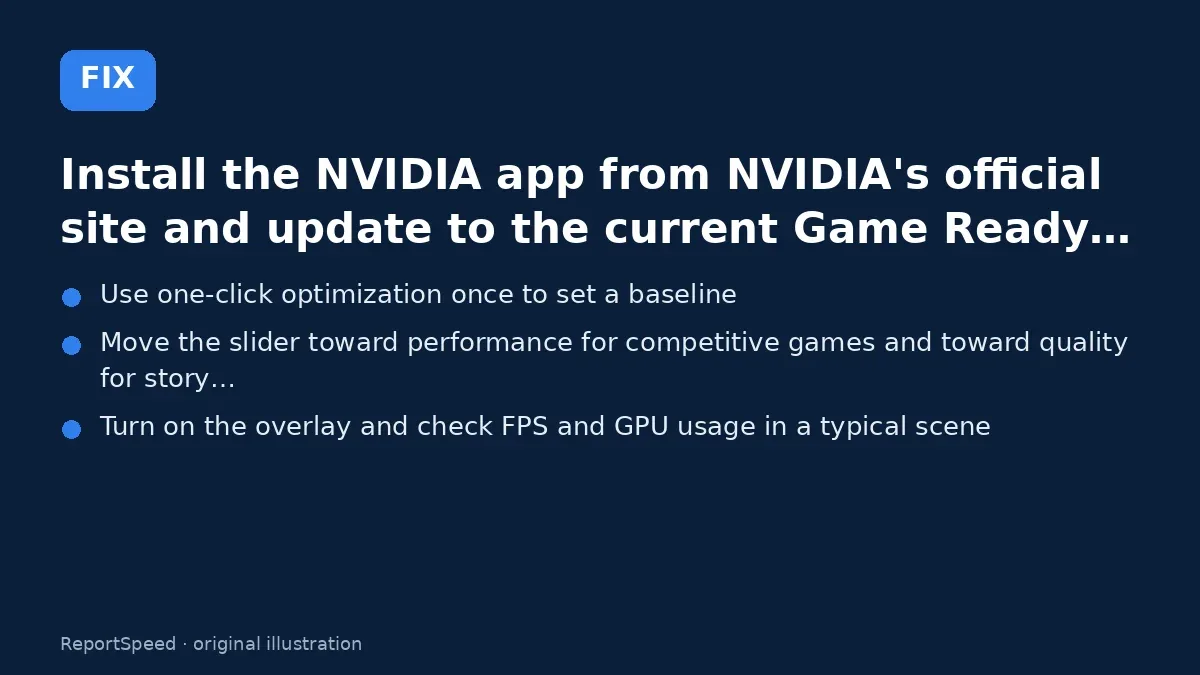
3. The fix The fix 
4. After The result
⚡ Speed Summary
- Use the NVIDIA app for drivers and a starting point, then tune by your own priorities with the overlay as your guide.
- If a driver update causes problems, the NVIDIA app lets you reinstall, and NVIDIA keeps older drivers on its site.
- One-click optimization can't read your mind; it only reads your hardware.

Was this answer helpful?
Tap a star to rate this answer.
Related questions

Got an 'AirTag found moving with you' alert? What to do next
Find the tracker, document it, identify the owner, and disable it.
Rate itSolved

Is my smart TV tracking what I watch? How to turn off ACR
Smart TVs may use ACR to track viewing.
Rate itSolved

Caller ID spoofing: why scammers show a local number and how to protect yourself
Caller ID can be faked, and spoofing to defraud is illegal.
Rate itSolved

How do I stop spam emails without making it worse?
Mark spam, block repeat senders, unsubscribe only from known companies, and report phishing.
Rate itSolved
Real experiences
No experiences yet. Be the first to share.