


Will my apps work on a Snapdragon X laptop? The battery life claims are amazing and I'm tempted, but I'm worried about games, my printer, and some old software I use for work. Is Windows on Arm ready or am I going to regret it?
Snapdragon X laptop: will my apps work on Windows on Arm?
Concerns & risks
You're considering a Snapdragon X laptop for battery life and an NPU, but app compatibility makes you nervous.
| App type | Typical status | Check |
|---|---|---|
| Browsers, Office | Native Arm versions | Usually fine |
| Mainstream x64 apps | Run under emulation | Performance may vary |
| Drivers (printers, VPNs, anti-cheat) | Need Arm drivers | Vendor support page |
| Old 32-bit utilities | Hit or miss | Test before relying |
Causes & evidence
Qualcomm's Snapdragon X Elite platform is built on Arm and is used in many Copilot+ PCs. Windows on Arm runs native Arm apps and can emulate many x64 apps, but some software, especially drivers (printers, VPN clients, anti-cheat in games) and older tools, may not work or may run slower. Compatibility has improved, but checking your must-have apps is essential.
Windows on Arm runs native Arm apps at full speed and can run many x64 apps through emulation. Drivers are different: they must be built for Arm. That's why printers, older VPN clients and some anti-cheat systems are the classic stumbling blocks. Check each vendor's support page before buying.
An amazing battery means nothing if the one app your job depends on refuses to open.
What to do
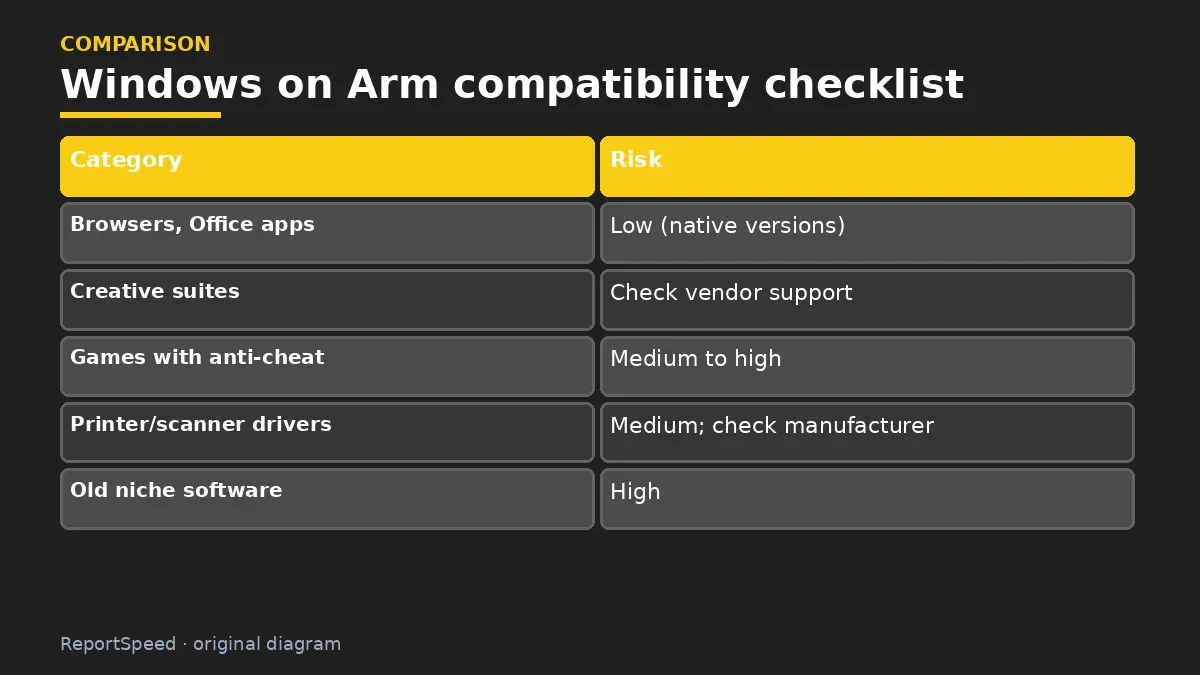
| Category | Risk |
|---|---|
| Browsers, Office apps | Low (native versions) |
| Creative suites | Check vendor support |
| Games with anti-cheat | Medium to high |
| Printer/scanner drivers | Medium; check manufacturer |
| Old niche software | High |
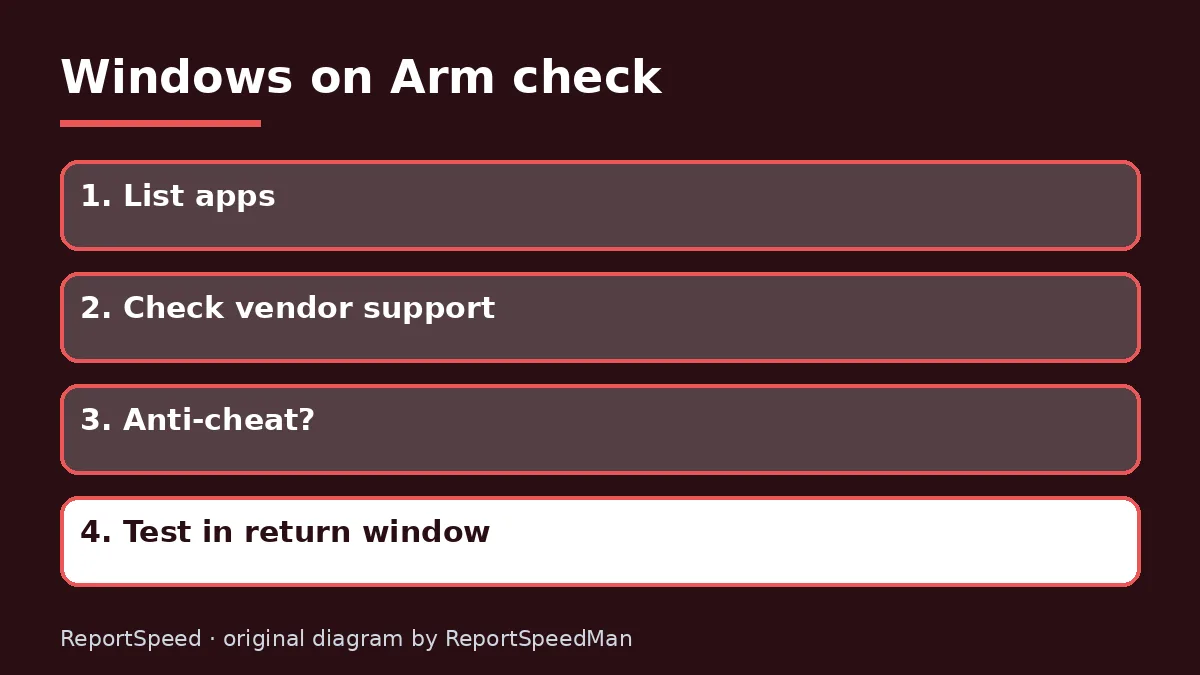
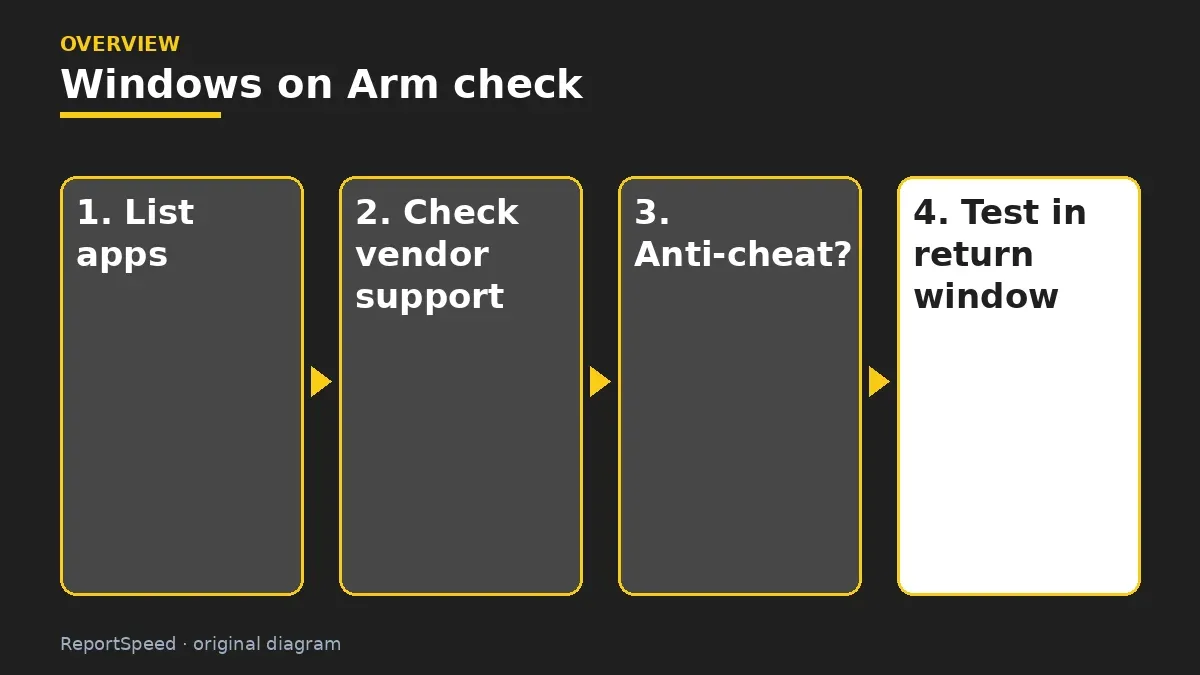
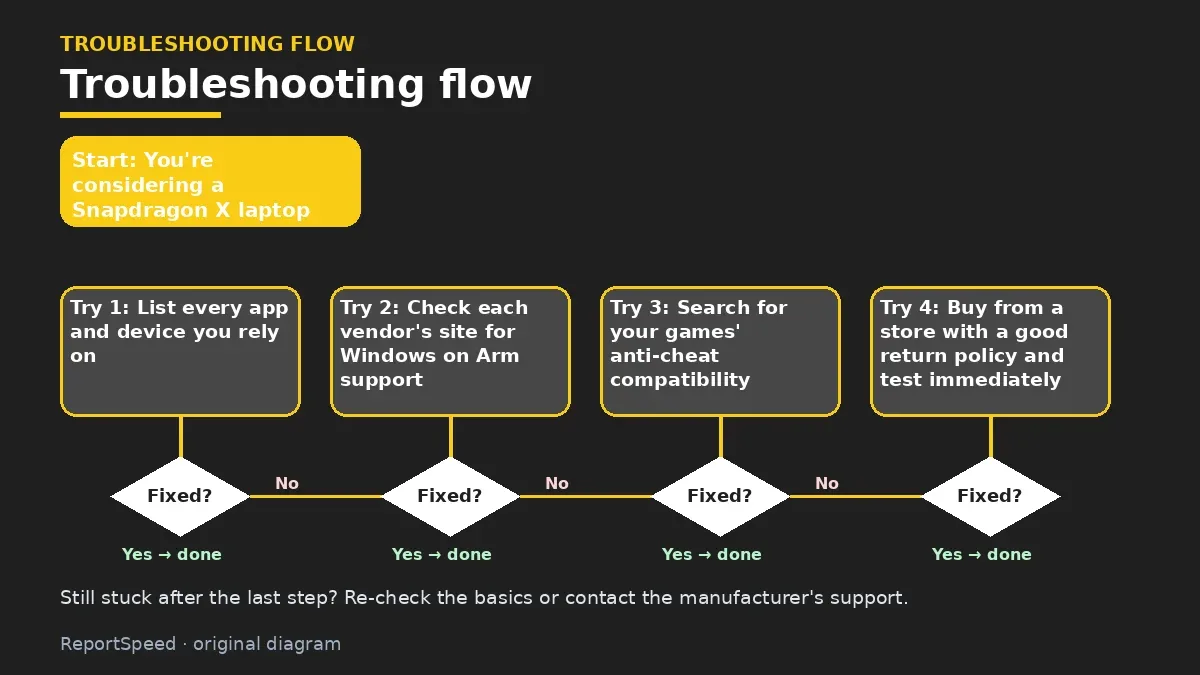
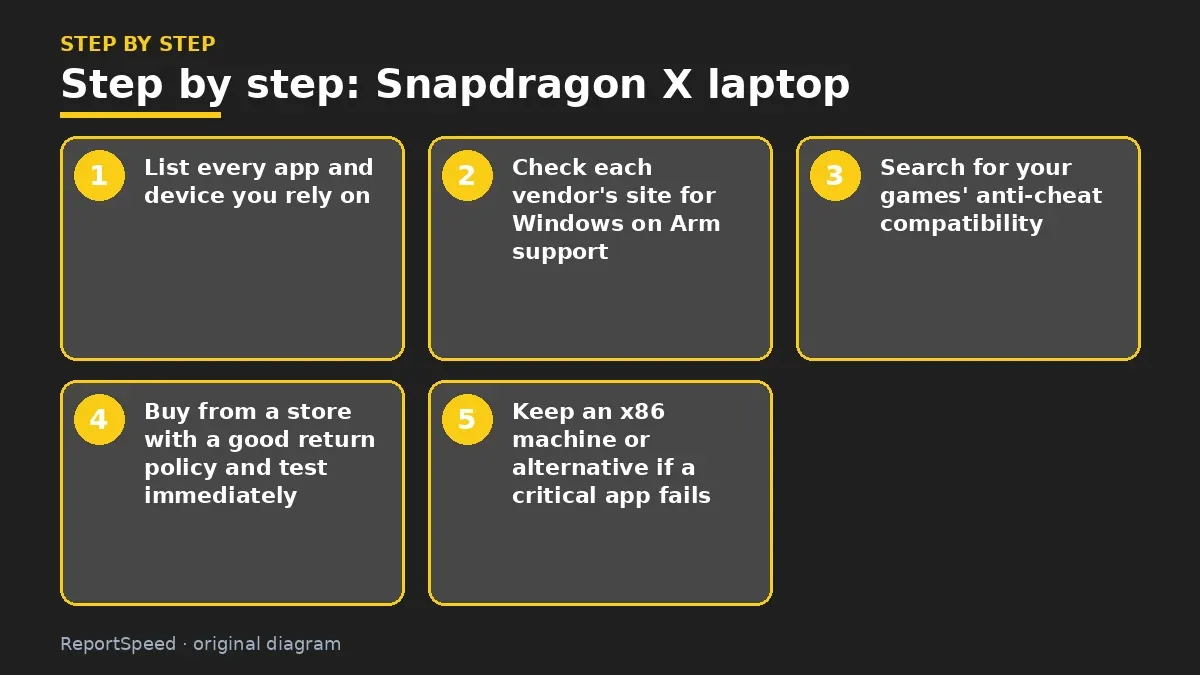
- List every app and device you rely on.
- Check each vendor's site for Windows on Arm support.
- Search for your games' anti-cheat compatibility.
- Buy from a store with a good return policy and test immediately.
- Keep an x86 machine or alternative if a critical app fails.
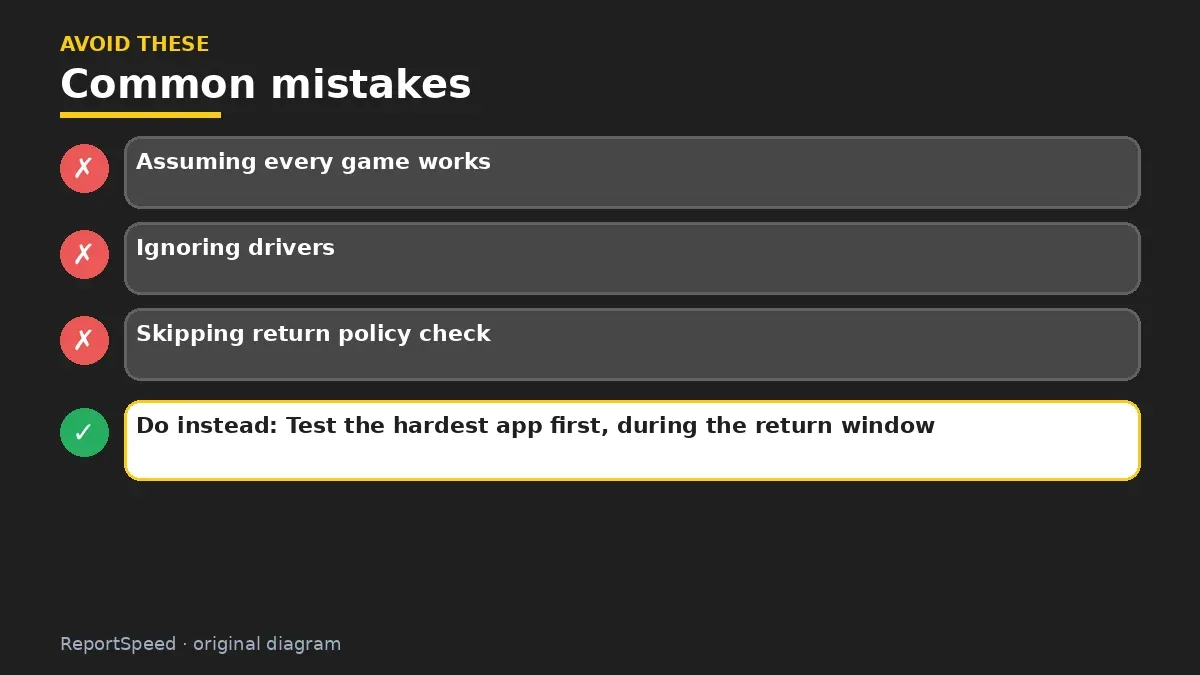
Common mistakes:
- Assuming every game works
- Ignoring drivers
- Skipping return policy check
ReportSpeedMan tip: Test the hardest app first, during the return window.
What I would actually do
list every app and device I depend on, and check vendor Arm support before buying. One missing driver can break a workflow.
The trade-off people miss: emulation covers many apps, but drivers can't be emulated. Printers, VPN clients and anti-cheat are the usual blockers.
A useful test before buying is to list every app you open in a normal week, including small utilities, printer software, VPN clients and games with anti-cheat. Check each on the developer's site for Arm support. Anything that relies on a kernel driver deserves extra attention, because emulation can't cover drivers.
Checking that it worked
Every app and device on your list runs, prints and connects on the Arm laptop within the return window.
Quick FAQ
Will my games run?
Some do, some don't; anti-cheat is the main blocker. Check per game.
Is Office native?
Microsoft offers Arm versions of its main apps.
Can I return if apps fail?
Check the retailer's return window and test quickly.
Wrap-up: Windows on Arm is great for many users, but verify your critical apps and devices first.
Wiki: Windows End of Support.
Snapdragon X laptop: official pages behind this answer
Step-by-step photos
1. Before The problem 
2. Why it happens The cause 
3. The fix The fix 
4. After The result
⚡ Speed Summary
- Windows on Arm is great for many users, but verify your critical apps and devices first.
- Test the hardest app first, during the return window.
- An amazing battery means nothing if the one app your job depends on refuses to open.

Was this answer helpful?
Tap a star to rate this answer.
Related questions

Got an 'AirTag found moving with you' alert? What to do next
Find the tracker, document it, identify the owner, and disable it.
Rate itSolved

Is my smart TV tracking what I watch? How to turn off ACR
Smart TVs may use ACR to track viewing.
Rate itSolved

Caller ID spoofing: why scammers show a local number and how to protect yourself
Caller ID can be faked, and spoofing to defraud is illegal.
Rate itSolved

How do I stop spam emails without making it worse?
Mark spam, block repeat senders, unsubscribe only from known companies, and report phishing.
Rate itSolved
Real experiences
No experiences yet. Be the first to share.