


My bank, email and social media all offer two-step verification. Some send a text code, others suggest an authenticator app or a passkey. I've only ever used text codes. Is an authenticator app really safer than SMS codes, and which accounts should I switch first?
Text message codes vs authenticator apps: which MFA is safer?
Concerns & risks
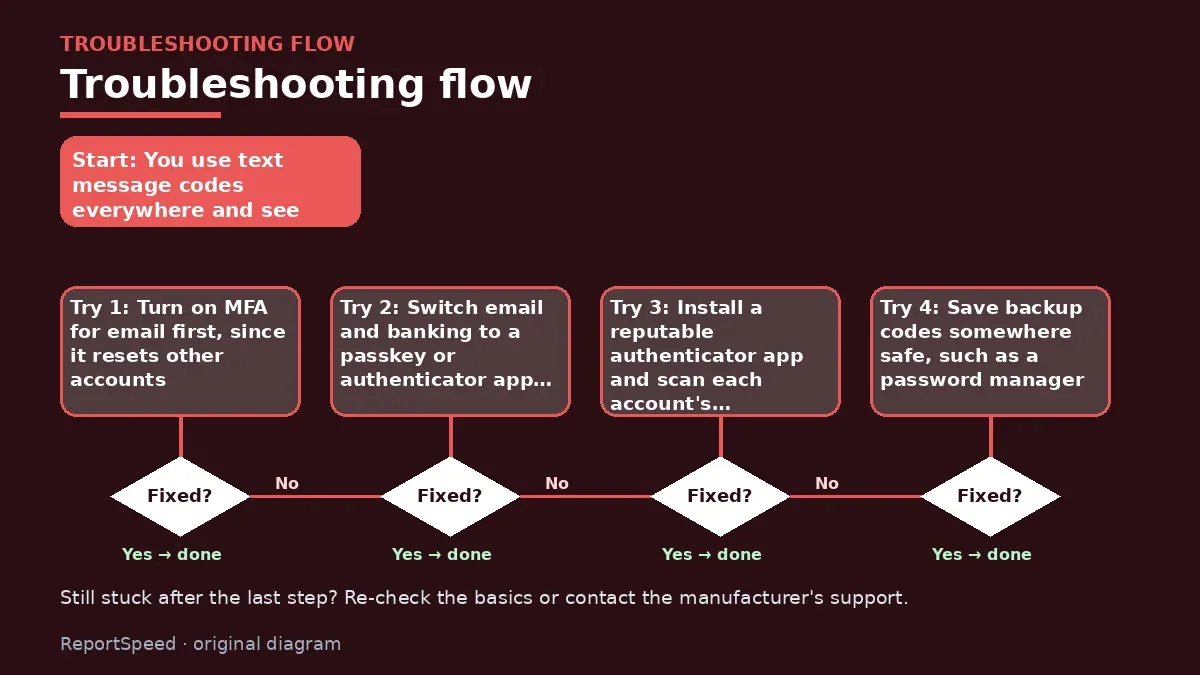
You use text message codes everywhere and see options for authenticator apps and passkeys.
| Account | Why |
|---|---|
| Resets everything else | |
| Banking | Money access |
| Password manager | Holds all passwords |
| Mobile carrier | Blocks SIM swaps |
| Social media | Impersonation risk |
| Work accounts | Follow your employer's policy |
Causes & evidence
CISA's Secure Our World guidance says to turn on multifactor authentication for every account that offers it, because it makes you significantly less likely to be hacked even if a password is stolen. CISA ranks methods: phishing-resistant MFA such as FIDO security keys and passkeys is the most secure; authenticator apps that generate codes or push notifications are next; and SMS text and voice codes are better than nothing but can be intercepted, for example through SIM swapping. Start with your most important accounts, such as email, banking and financial apps, and social media. Save backup codes when you set up MFA so you can get back in if you lose your phone.
Edge cases: some services only offer SMS; keep it on rather than none. Shared family accounts may need a shared authenticator plan. Travelers should check that codes work without cell service.
Turning off MFA because text codes are 'weak' leaves you with a password alone, which is much worse.
What to do

| Method | Strength |
|---|---|
| Security key (FIDO) | Strongest, phishing-resistant |
| Passkey | Strongest, phishing-resistant |
| Authenticator app | Strong |
| Push notification app | Strong; deny unexpected prompts |
| SMS or voice code | Better than nothing |
| Password only | Weakest |
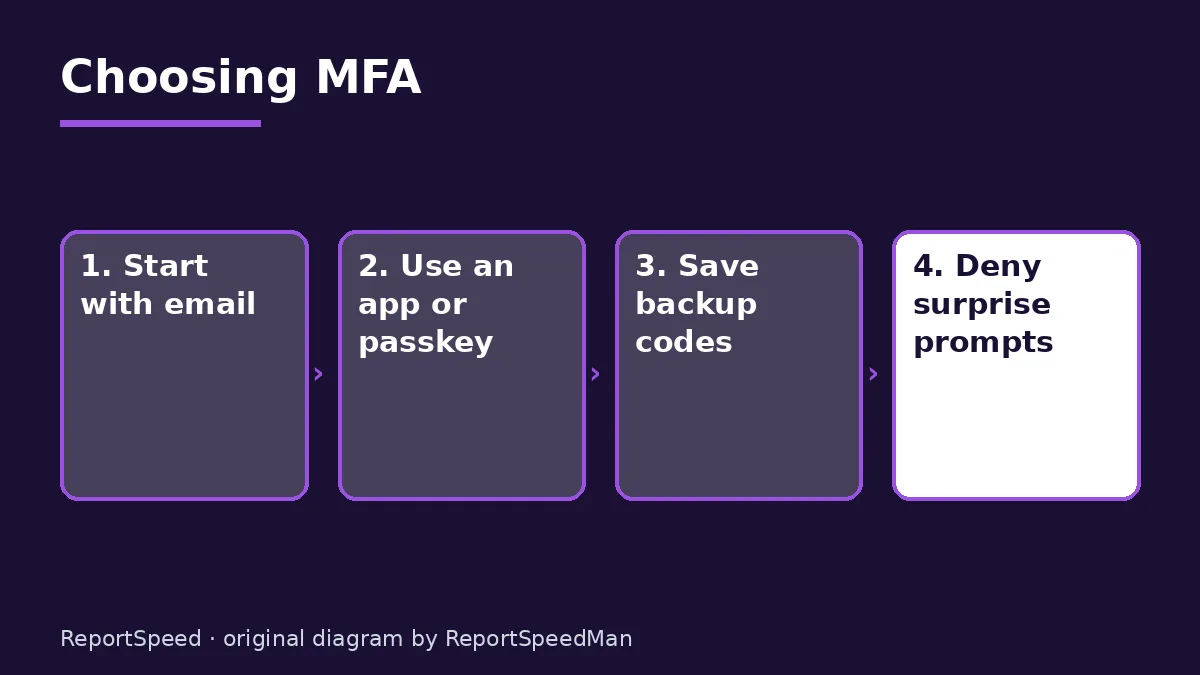
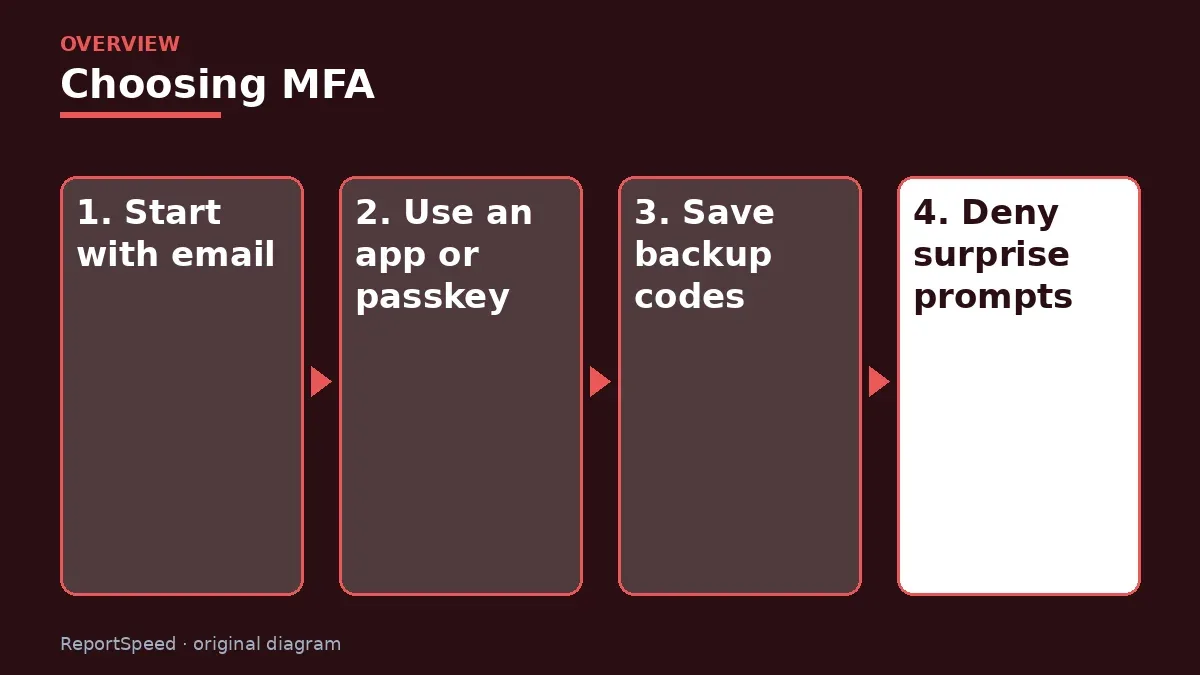
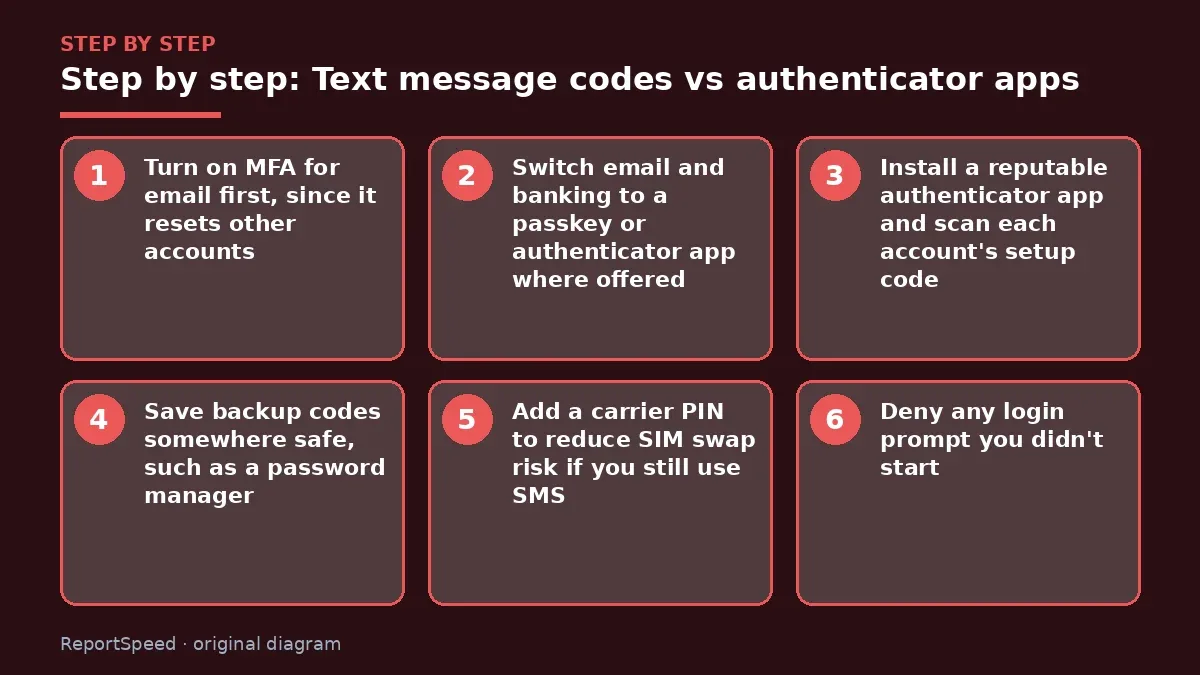
- Turn on MFA for email first, since it resets other accounts.
- Switch email and banking to a passkey or authenticator app where offered.
- Install a reputable authenticator app and scan each account's setup code.
- Save backup codes somewhere safe, such as a password manager.
- Add a carrier PIN to reduce SIM swap risk if you still use SMS.
- Deny any login prompt you didn't start.
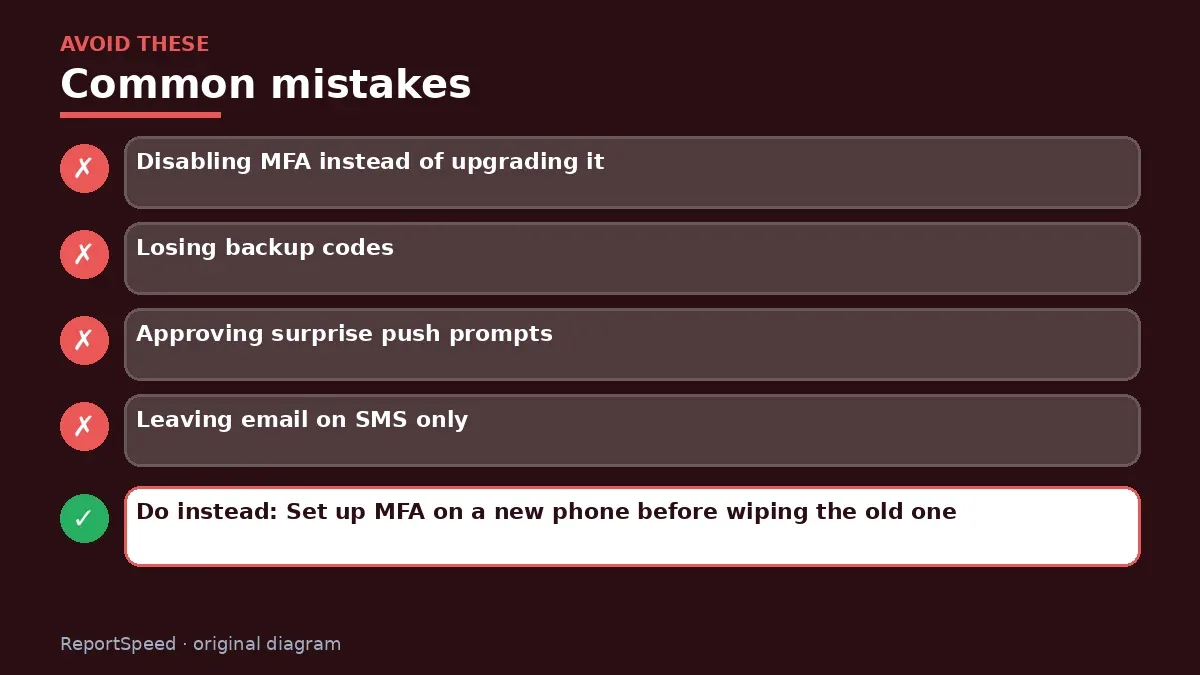
Common mistakes:
- Disabling MFA instead of upgrading it
- Losing backup codes
- Approving surprise push prompts
- Leaving email on SMS only
ReportSpeedMan tip: Set up MFA on a new phone before wiping the old one. Authenticator codes don't always transfer automatically.
What I would actually do
I'd switch email and banking to a passkey or authenticator app, save backup codes, and add a carrier PIN.
The trade-off people miss: stronger MFA means more steps when you change phones; plan the move so you don't lock yourself out.
How to tell it worked
Your email and bank use an app or passkey.
Quick FAQ
Is SMS MFA bad?
It's better than nothing.
What's a passkey?
A phishing-resistant sign-in using your device.
What if I lose my phone?
Use backup codes.
Wrap-up: Use MFA everywhere; prefer passkeys or security keys, then authenticator apps, and keep SMS only where nothing better is offered.
Wiki: Multi-Factor Authentication (MFA) and Credit Scores and Credit Reports.
Text message codes vs authenticator apps: read the originals
Step-by-step photos
1. Before The problem 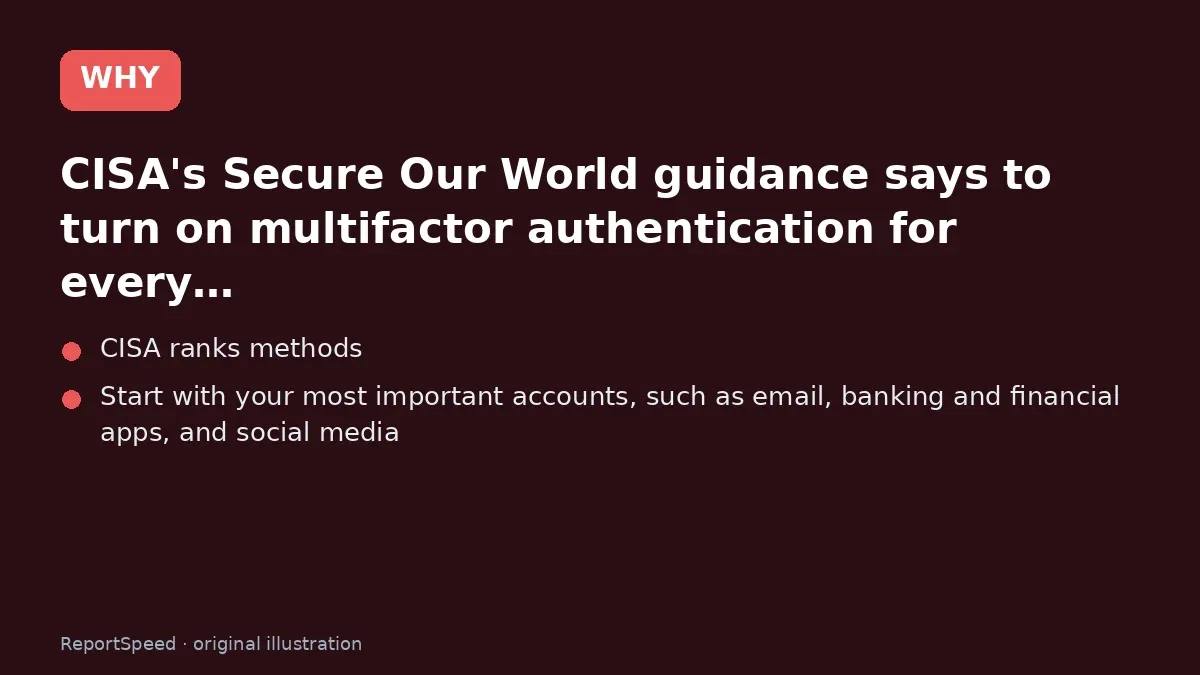
2. Why it happens The cause 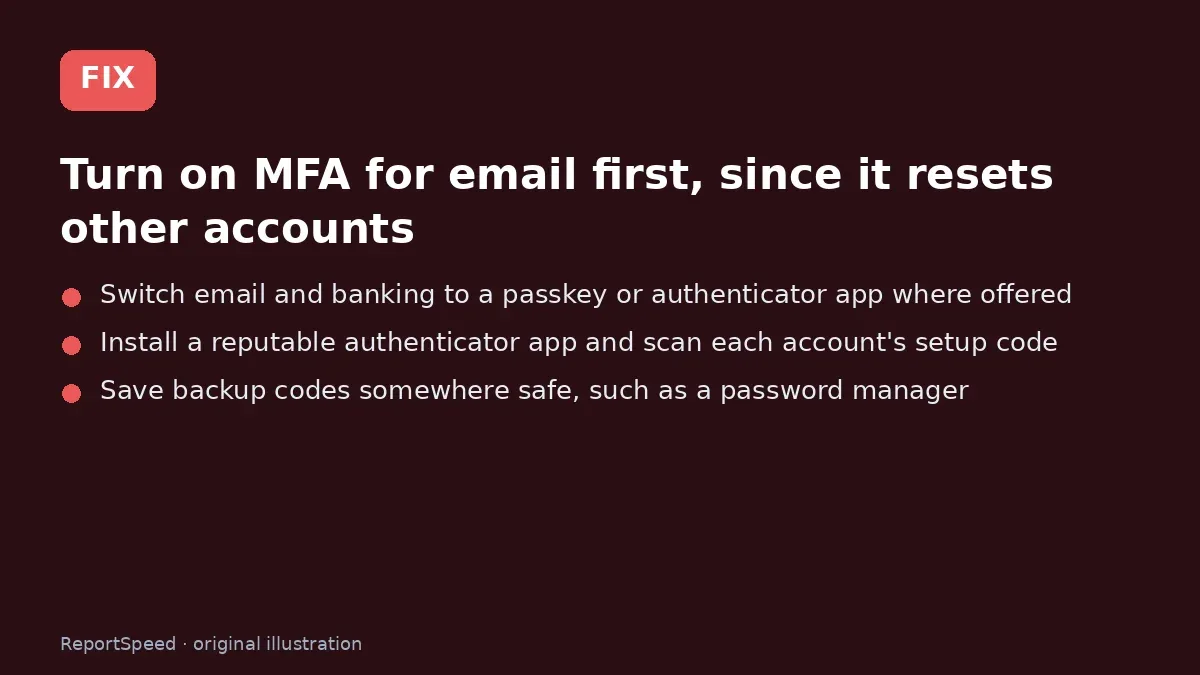
3. The fix The fix 
4. After The result
⚡ Speed Summary
- Use MFA everywhere; prefer passkeys or security keys, then authenticator apps, and keep SMS only where nothing better is offered.
- Set up MFA on a new phone before wiping the old one. Authenticator codes don't always transfer automatically.
- Turning off MFA because text codes are 'weak' leaves you with a password alone, which is much worse.

Was this answer helpful?
Tap a star to rate this answer.
Related questions

Got an 'AirTag found moving with you' alert? What to do next
Find the tracker, document it, identify the owner, and disable it.
Rate itSolved

Is my smart TV tracking what I watch? How to turn off ACR
Smart TVs may use ACR to track viewing.
Rate itSolved

Caller ID spoofing: why scammers show a local number and how to protect yourself
Caller ID can be faked, and spoofing to defraud is illegal.
Rate itSolved

How do I stop spam emails without making it worse?
Mark spam, block repeat senders, unsubscribe only from known companies, and report phishing.
Rate itSolved
Real experiences
No experiences yet. Be the first to share.