


Is an ultrawide monitor worth it for gaming and work? I'm thinking of replacing my dual-monitor setup with one ultrawide. I code during the day and play games at night. Will games look weird? Is the bezel-free life worth the price?
Ultrawide monitor for gaming and work: is it worth it?
Concerns & risks
You're weighing an ultrawide against a dual-monitor setup for mixed productivity and gaming.
| Use | Ultrawide | Dual monitors |
|---|---|---|
| Immersive games | Great if supported | Bezel in the middle |
| Side-by-side work | Good with window snapping | Great, flexible |
| Competitive esports | Mixed support | Main screen focus |
| GPU load | Higher than 16:9 same height | Second screen adds little in games |
Causes & evidence
Ultrawide monitors use a wider aspect ratio, often 21:9, giving more horizontal space without a bezel in the middle. Many games support ultrawide resolutions, but some don't, showing black bars or stretched UI. The higher pixel count also demands more GPU power. For work, an ultrawide can replace two monitors, though window management takes some getting used to.
Ultrawide monitors give a wider field of view in supported games and a big canvas for side-by-side windows. Not every game supports 21:9; some show black bars or stretch the image. Check support for your main games before buying.
Ultrawide is immersive magic, until a game ignores it and your expensive screen grows black bars.
What to do
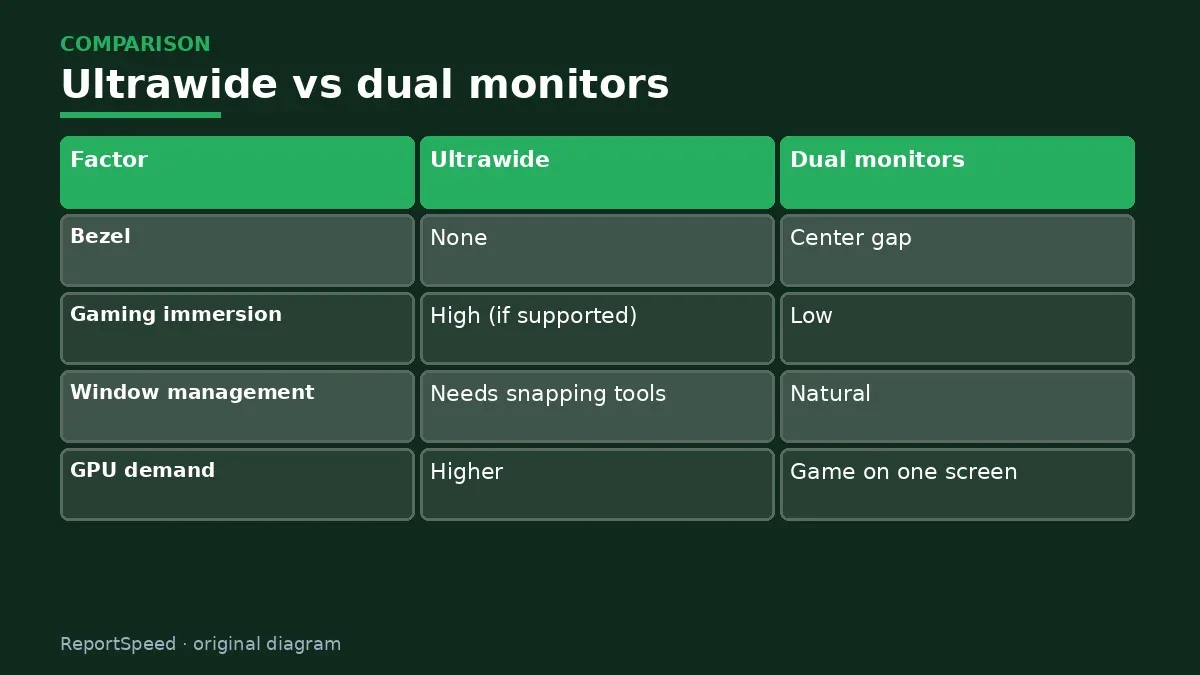
| Factor | Ultrawide | Dual monitors |
|---|---|---|
| Bezel | None | Center gap |
| Gaming immersion | High (if supported) | Low |
| Window management | Needs snapping tools | Natural |
| GPU demand | Higher | Game on one screen |
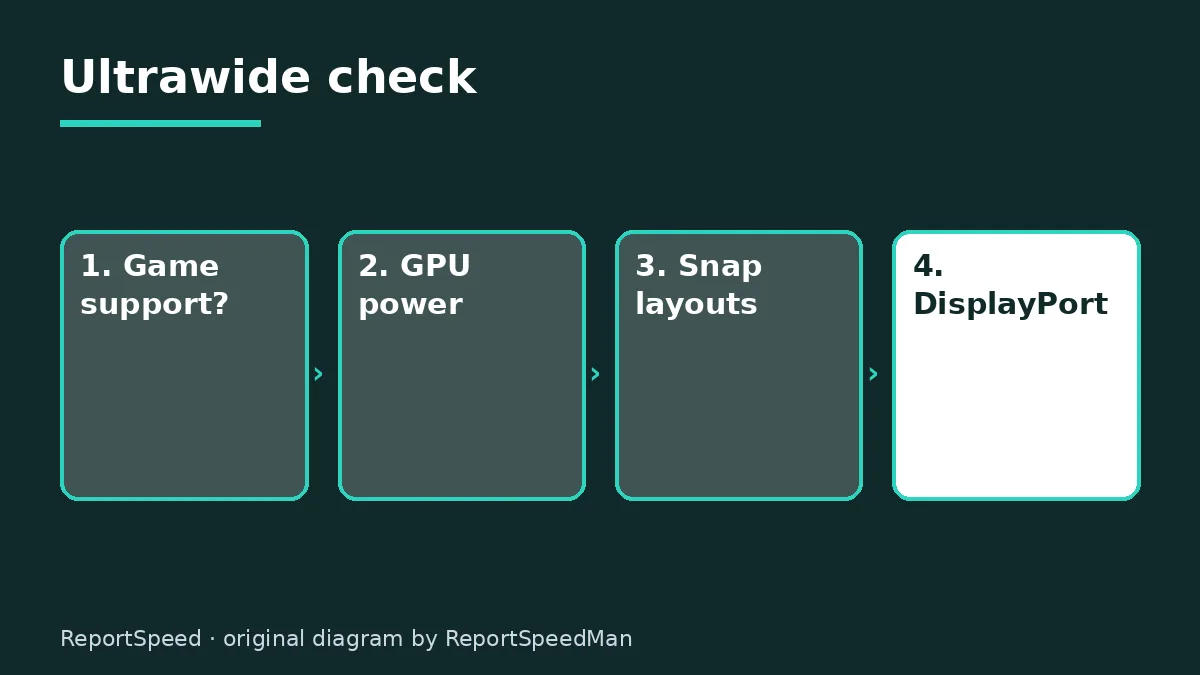
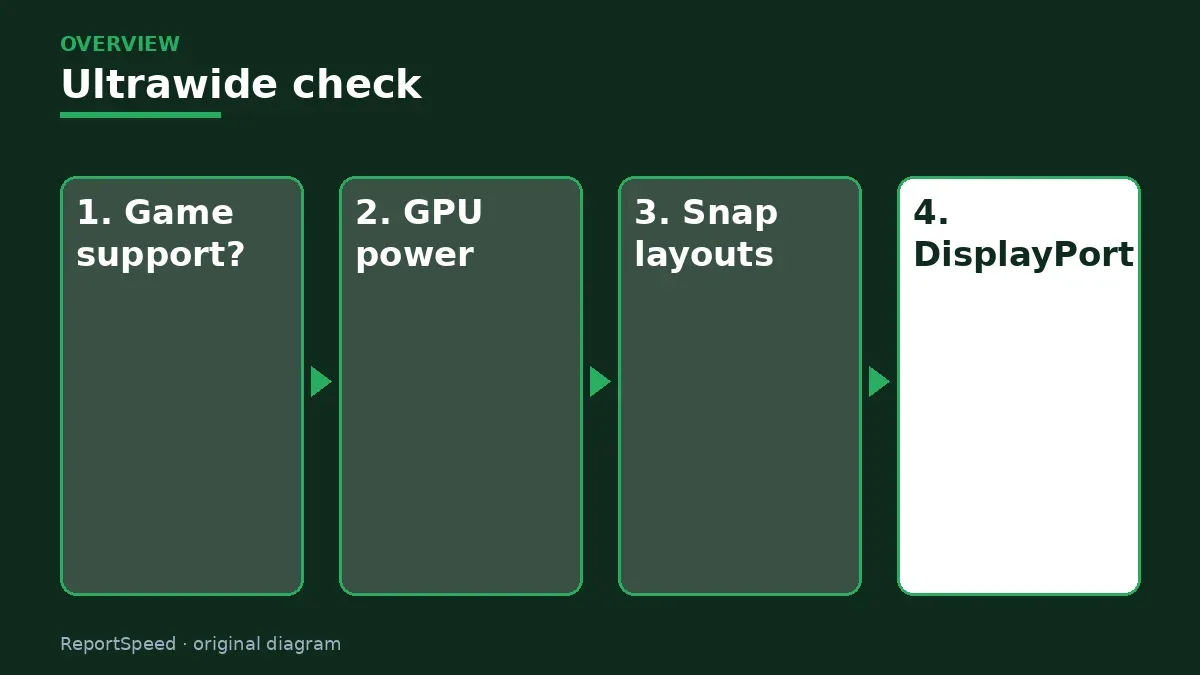
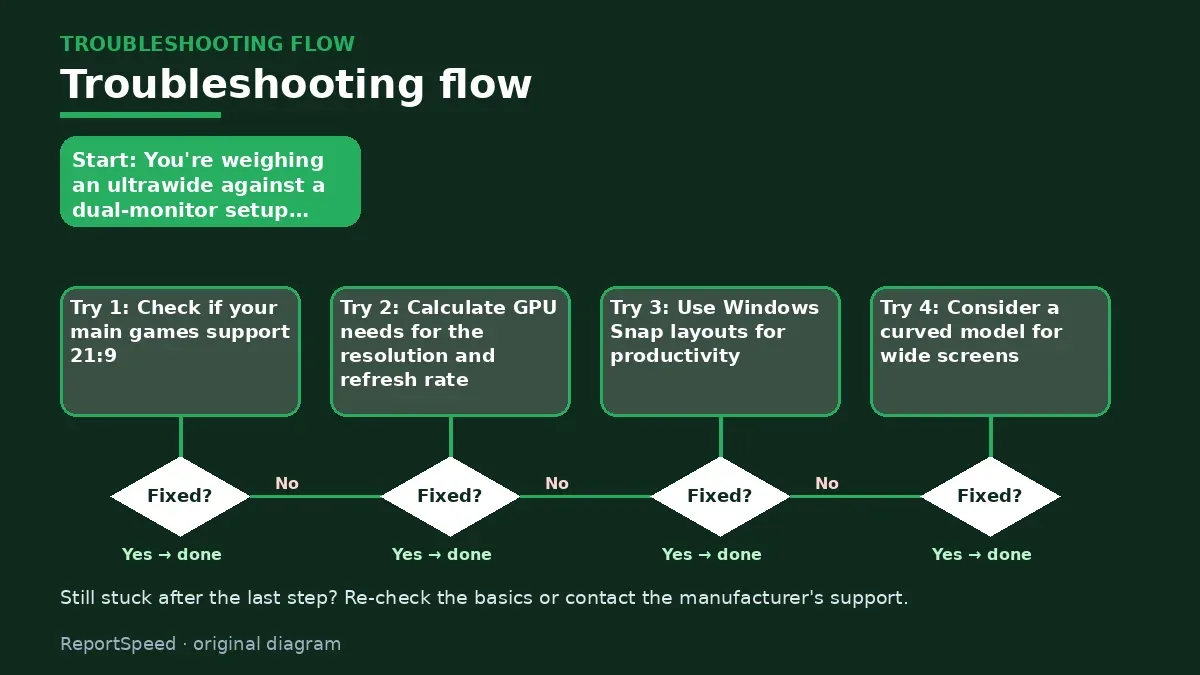
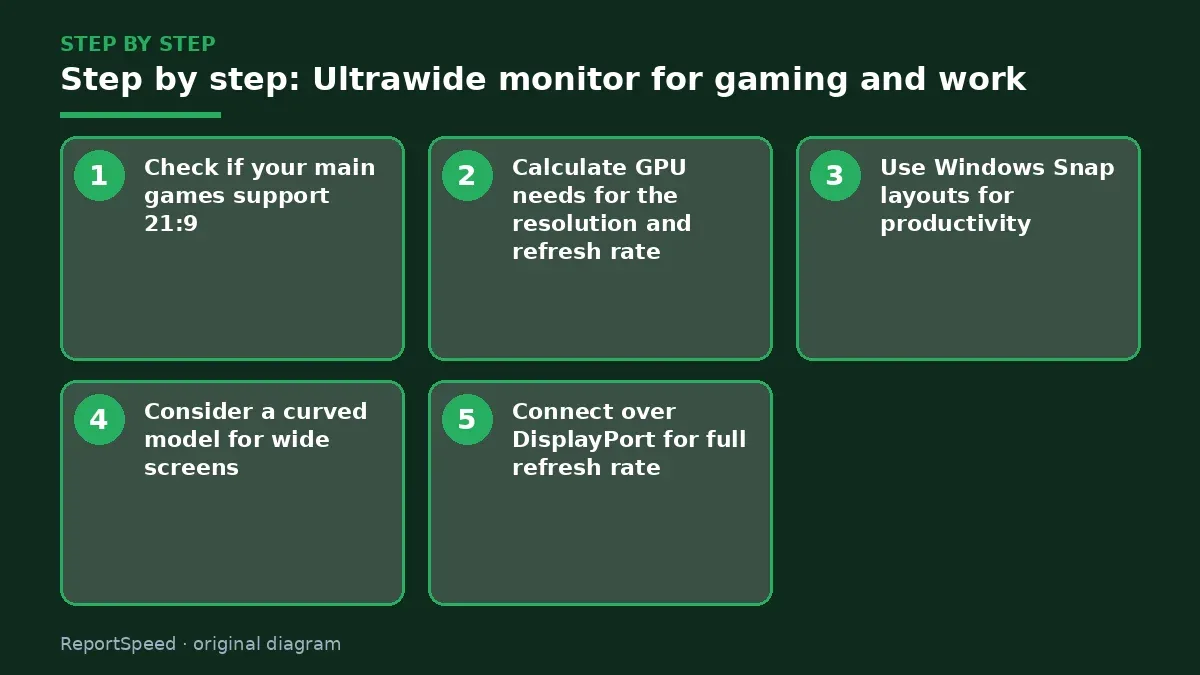
- Check if your main games support 21:9.
- Calculate GPU needs for the resolution and refresh rate.
- Use Windows Snap layouts for productivity.
- Consider a curved model for wide screens.
- Connect over DisplayPort for full refresh rate.
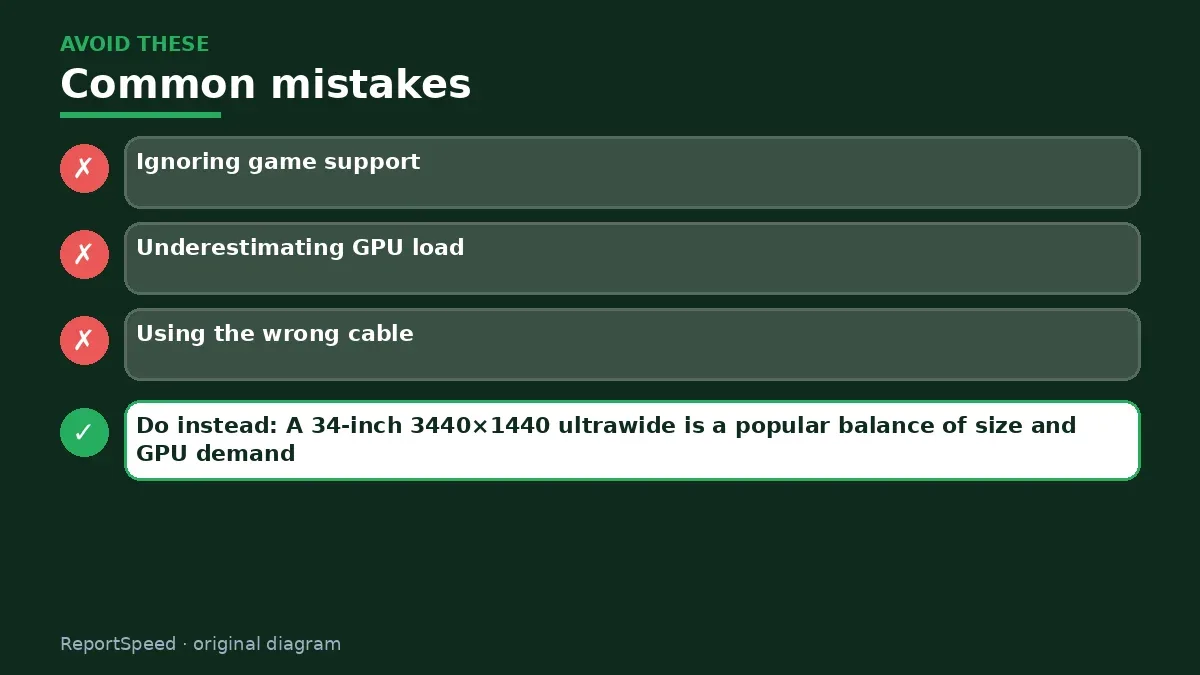
Common mistakes:
- Ignoring game support
- Underestimating GPU load
- Using the wrong cable
ReportSpeedMan tip: A 34-inch 3440×1440 ultrawide is a popular balance of size and GPU demand.
What I would actually do
an ultrawide if most of my games support 21:9 and I like one big canvas. For work-heavy setups, two monitors stay more flexible.
The trade-off people miss: ultrawide raises GPU load because there are more pixels. Budget the GPU alongside the monitor.
Desk depth matters more than people expect. An ultrawide sits wider, and if your desk is shallow, the edges of the screen fall outside comfortable vision. Measure the desk, check the monitor stand's footprint on the spec sheet, and consider whether a monitor arm would help before you order.
How you can tell it worked
Your main games fill the screen and your work windows fit side by side without squinting.
Quick FAQ
Is ultrawide good for work?
Yes, with window snapping it's like two screens without a bezel.
Do I need a stronger GPU?
More pixels mean more load than 16:9 at the same height.
Curved or flat?
Curved suits wide panels; it's personal preference.
Wrap-up: An ultrawide is worth it if your games support it and your GPU can drive it.
Wiki: Refresh Rate and Response Time.
Ultrawide monitor for gaming and work: read the originals
Step-by-step photos
1. Before The problem 
2. Why it happens The cause 
3. The fix The fix 
4. After The result
⚡ Speed Summary
- An ultrawide is worth it if your games support it and your GPU can drive it.
- A 34-inch 3440×1440 ultrawide is a popular balance of size and GPU demand.
- Ultrawide is immersive magic, until a game ignores it and your expensive screen grows black bars.

Was this answer helpful?
Tap a star to rate this answer.
Related questions

Got an 'AirTag found moving with you' alert? What to do next
Find the tracker, document it, identify the owner, and disable it.
Rate itSolved

Is my smart TV tracking what I watch? How to turn off ACR
Smart TVs may use ACR to track viewing.
Rate itSolved

Caller ID spoofing: why scammers show a local number and how to protect yourself
Caller ID can be faked, and spoofing to defraud is illegal.
Rate itSolved

How do I stop spam emails without making it worse?
Mark spam, block repeat senders, unsubscribe only from known companies, and report phishing.
Rate itSolved
Real experiences
No experiences yet. Be the first to share.