


Why does my PC stutter in games even with high FPS? The counter says I'm way above my refresh rate but it still feels choppy, like little hitches every few seconds. Turning settings down didn't fix it. What am I missing here?
Why does my PC stutter in games even with high FPS? Frame time fixes that work
Concerns & risks
The overlay says the frame rate is high, but you feel hitches, especially when entering new areas or turning quickly.
| Cause | How to spot it | Fix |
|---|---|---|
| Shader compilation | Hitches when new effects appear | Let shaders cache, update drivers |
| Background tasks | Spikes on a schedule | Close overlays and updaters |
| VRAM overflow | Stutter in new areas | Lower textures |
| Uncapped FPS | Uneven frame times | Cap FPS slightly below refresh |
Causes & evidence
FPS is an average; stutter is about uneven frame times. Common causes: shader compilation on first play, VRAM or RAM running out, background apps, storage loading assets, CPU limits, a frame rate higher than the monitor can show without sync, or outdated drivers.
Average FPS hides spikes. Stutter comes from uneven frame times: shader compilation, background apps, storage loads or memory limits. Look at frame-time graphs in monitoring tools and check whether hitches line up with loading or new areas.

One graph tells you more than the FPS number ever will.
What to do

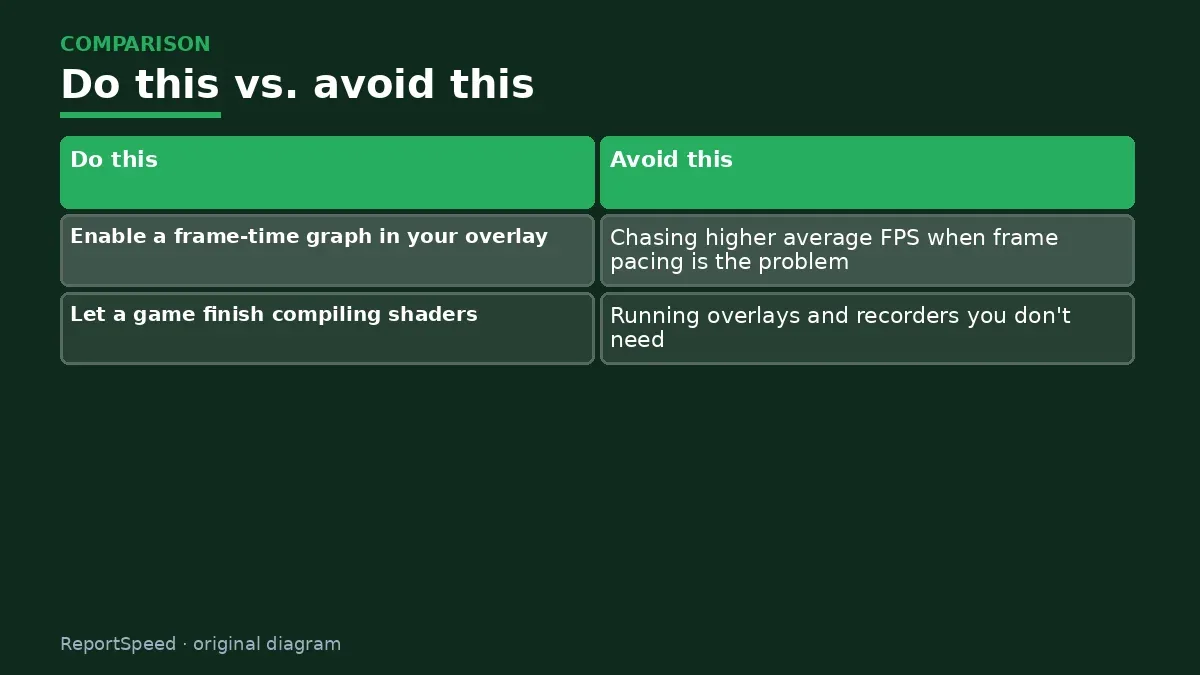
- Enable a frame-time graph in your overlay; spikes mean stutter.
- Let a game finish compiling shaders, and play a bit; first-run stutter often fades.
- Lower textures if VRAM is near full.
- Update GPU drivers and Windows.
- Use variable refresh rate (G-SYNC/FreeSync) and cap FPS slightly under the refresh rate.
- Install games on an SSD and keep free space.
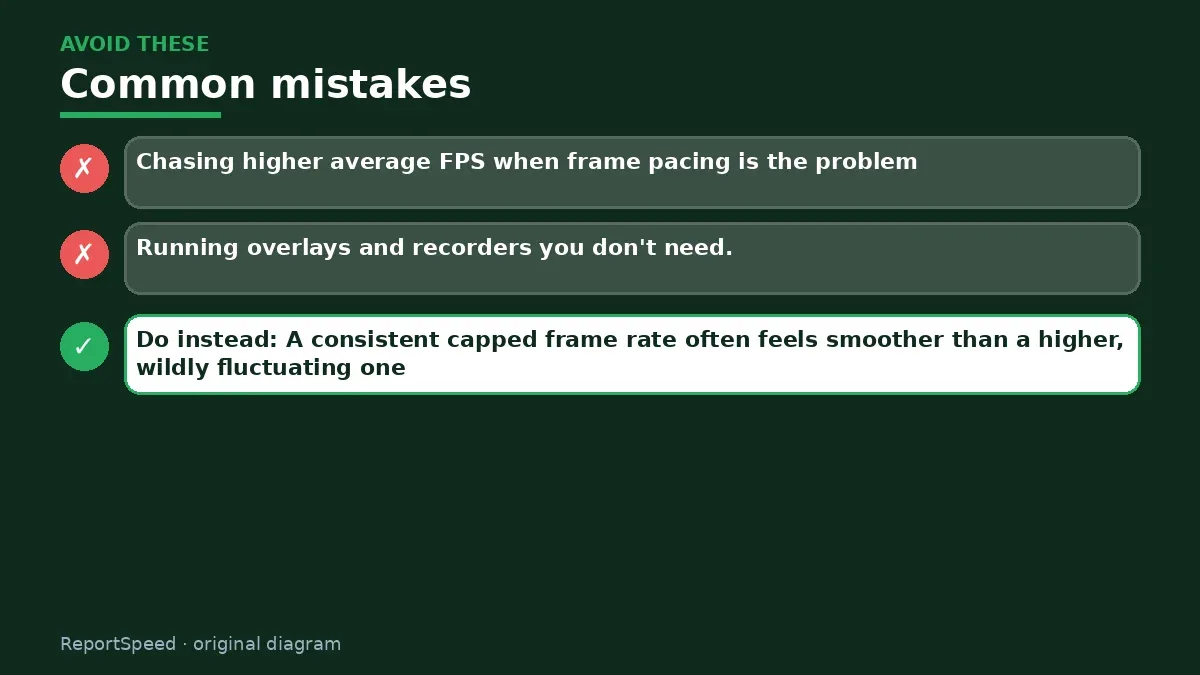
Common mistakes: Chasing higher average FPS when frame pacing is the problem, and running overlays and recorders you don't need.
ReportSpeedMan tip: A consistent capped frame rate often feels smoother than a higher, wildly fluctuating one.
What I would actually do
cap FPS slightly below refresh and watch the frame-time graph. A flat line matters more than a big number.
The trade-off people miss: average FPS hides stutter. Two systems with the same average can feel completely different.
Builder's note: Storage can also be a hidden culprit. A nearly full drive, or a game installed on an old hard disk, has to fetch assets slowly while you play, and that shows up as hitching when new areas load. Moving the game to an SSD with breathing room is one of the least glamorous but most effective stutter fixes there is. Also try disabling overlays one at a time; a single recording or chat overlay hooking into every frame can be enough to introduce spikes you'd never suspect.
How you can tell it worked
You'll feel the fix more than see it: turning the camera feels smooth and the frame-time graph flattens out instead of spiking. Keep a note of what you changed, because stutter fixes are often game specific. If one title still hitches while others are smooth, it may be that game's shader compilation or streaming, which patches sometimes improve.
Quick FAQ
Does a frame cap help stutter?
It can smooth delivery by keeping the GPU from swinging.
Is shader stutter fixable?
Updates and caches help over time. Some games prebuild shaders.
Does VRR help?
Variable refresh smooths small fluctuations but not big hitches.
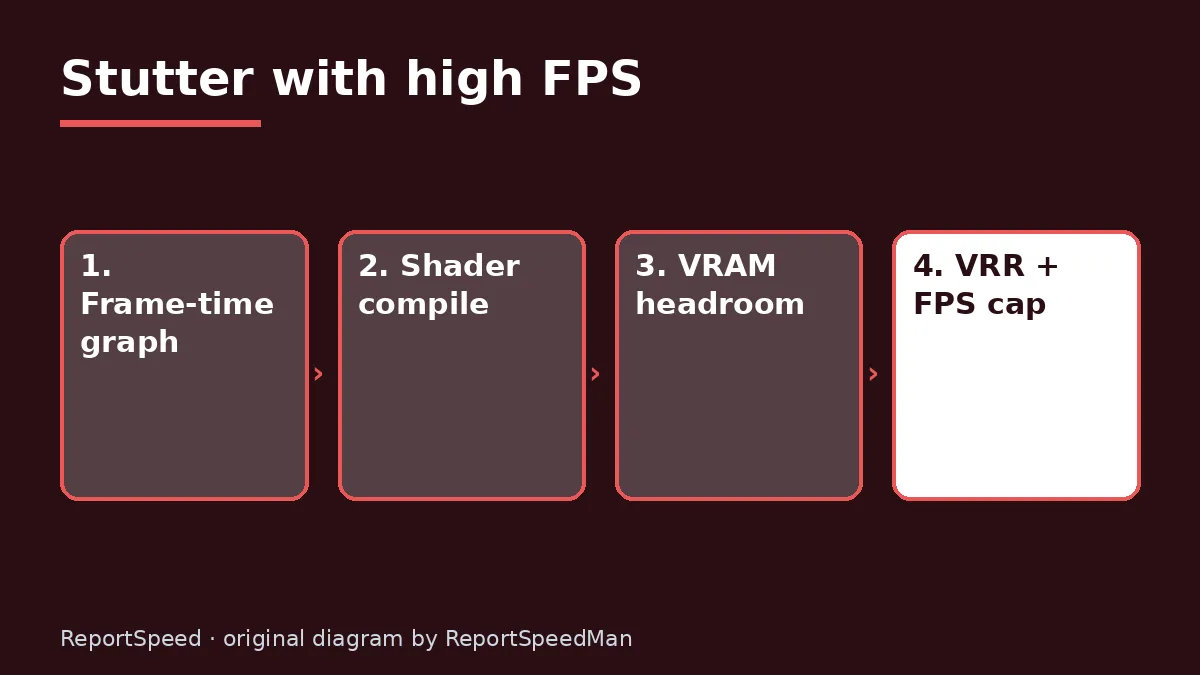
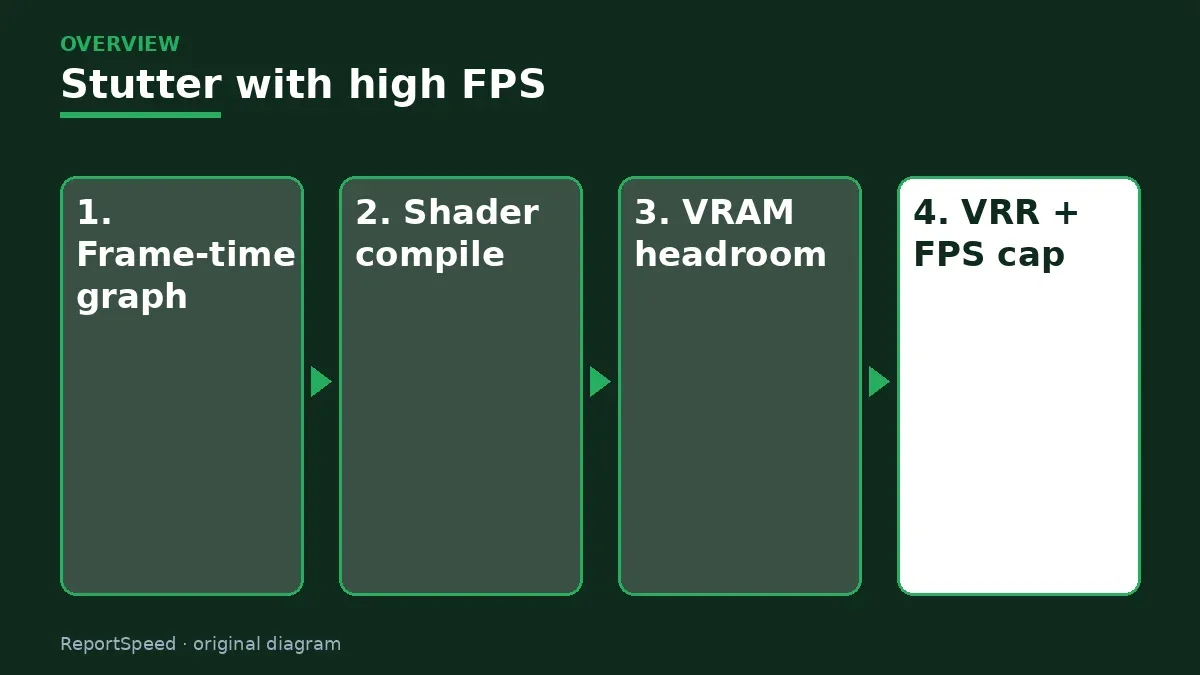
Wrap-up: Watch frame times, let shaders compile, manage VRAM, enable VRR with a cap. Smoothness comes from consistency, not just big numbers.
Wiki: CPU–GPU Bottleneck and GPU Upscaling and Frame Generation.
Why does my PC stutter in games even with high FPS: read the originals
Step-by-step photos
1. Before The problem 
2. Why it happens The cause 
3. The fix The fix 
4. After The result
⚡ Speed Summary
- Watch frame times, let shaders compile, manage VRAM, enable VRR with a cap.
- A consistent capped frame rate often feels smoother than a higher, wildly fluctuating one.
- One graph tells you more than the FPS number ever will.

Was this answer helpful?
Tap a star to rate this answer.
Related questions

Got an 'AirTag found moving with you' alert? What to do next
Find the tracker, document it, identify the owner, and disable it.
Rate itSolved

Is my smart TV tracking what I watch? How to turn off ACR
Smart TVs may use ACR to track viewing.
Rate itSolved

Caller ID spoofing: why scammers show a local number and how to protect yourself
Caller ID can be faked, and spoofing to defraud is illegal.
Rate itSolved

How do I stop spam emails without making it worse?
Mark spam, block repeat senders, unsubscribe only from known companies, and report phishing.
Rate itSolved
Real experiences
No experiences yet. Be the first to share.