


I paid for parking by scanning a QR code on the meter, and later realised the sticker might have been placed over the real one. Now I'm nervous about QR codes on restaurant tables, flyers and packages. How do QR code scams work, and how can I scan them safely?
QR code scams: how to scan safely

Concerns & risks
You suspect you scanned a fake QR code on a parking meter and want to know how to stay safe with QR codes.
| Place | Risk |
|---|---|
| Parking meters | Stickers over real codes |
| Unexpected texts and emails | Urgent payment links |
| Unexpected packages | Malicious links |
| Restaurant tables | Usually fine; check URL |
Causes & evidence
The FTC warns that scammers hide harmful links in QR codes to steal personal information or money. They may paste fake QR codes over real ones on parking meters, send them by email or text with an urgent story, or put them on unexpected packages. Scanning can take you to a look-alike website that asks you to log in or pay, or prompt you to download malware. The FTC advises that before you tap the link a scanned code shows, you check the web address carefully, avoid scanning codes in unexpected emails or texts, and pay parking through the official app or a website you type yourself.
Most phone cameras show a preview of the link before opening it, which is your chance to check it.
Paying through a sticker QR code on a parking meter without checking the web address is a common way these scams succeed.
What to do
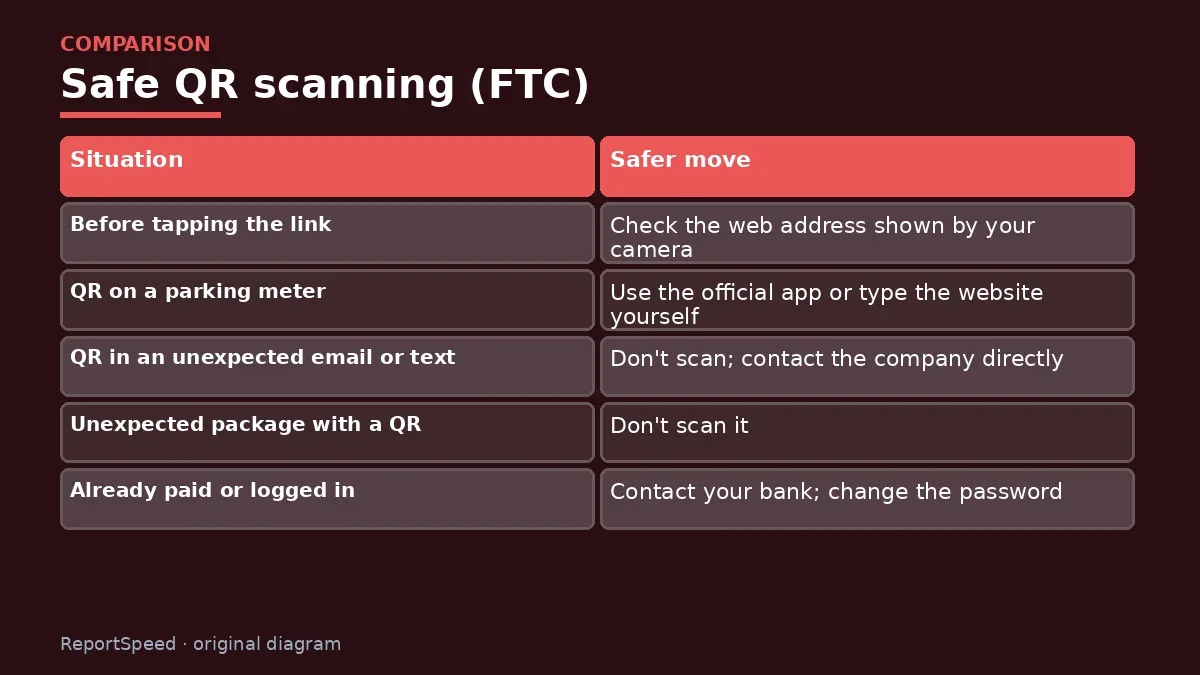
| Situation | Safer move |
|---|---|
| Before tapping the link | Check the web address shown by your camera |
| QR on a parking meter | Use the official app or type the website yourself |
| QR in an unexpected email or text | Don't scan; contact the company directly |
| Unexpected package with a QR | Don't scan it |
| Already paid or logged in | Contact your bank; change the password |
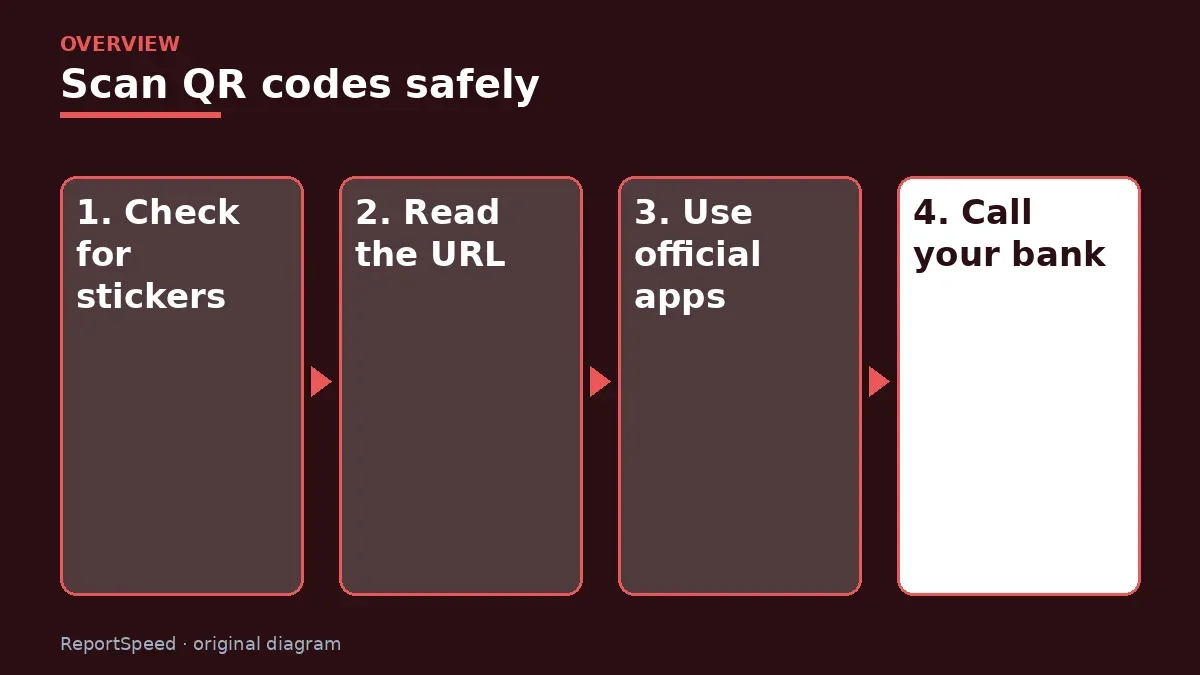
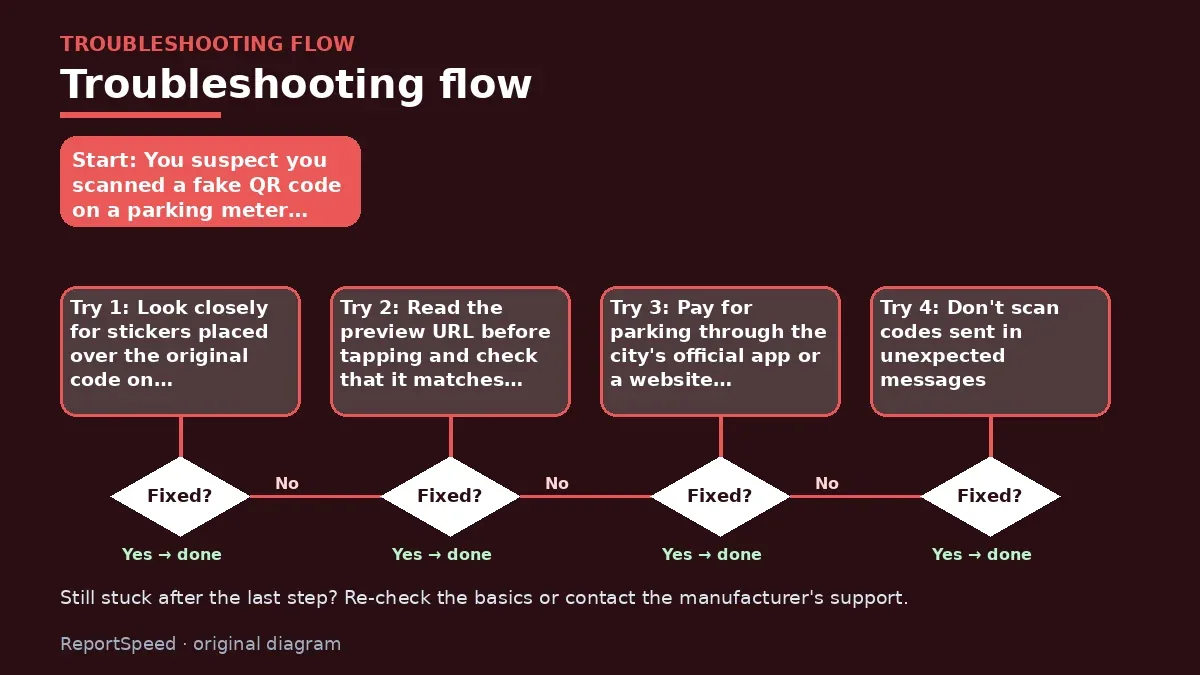
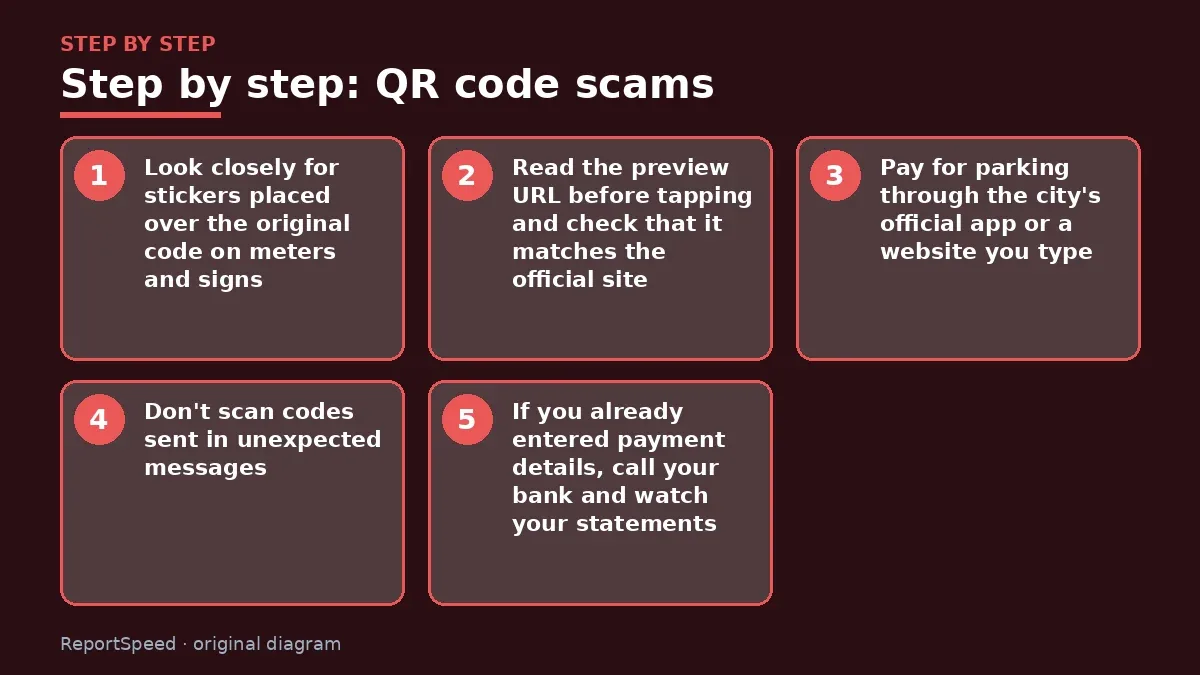
- Look closely for stickers placed over the original code on meters and signs.
- Read the preview URL before tapping and check that it matches the official site.
- Pay for parking through the city's official app or a website you type.
- Don't scan codes sent in unexpected messages.
- If you already entered payment details, call your bank and watch your statements.
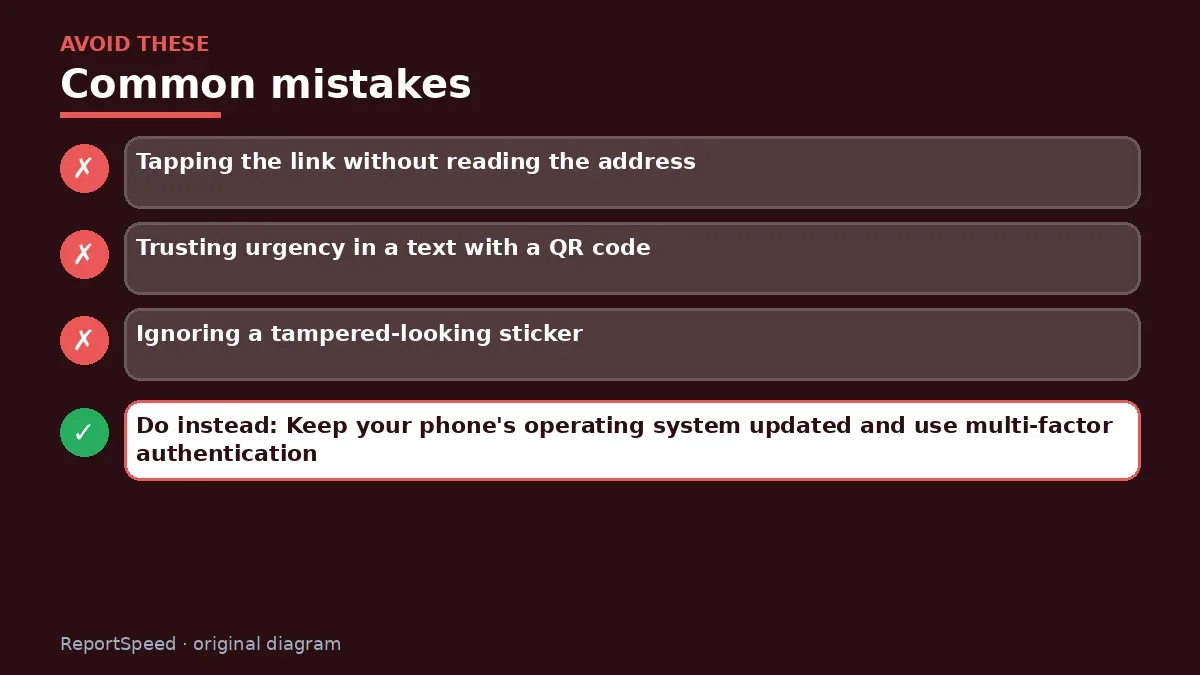
Common mistakes:
- Tapping the link without reading the address
- Trusting urgency in a text with a QR code
- Ignoring a tampered-looking sticker
ReportSpeedMan tip: Keep your phone's operating system updated and use multi-factor authentication, so a stolen password alone isn't enough to break in.
What I would actually do
for parking I'd always use the city's official app or type the website myself, and I'd never scan a QR code from an unexpected text.
The trade-off people miss: QR codes are convenient, and avoiding them completely isn't realistic. A five-second URL check gives most of the protection.
How to tell it worked
You check every QR link before tapping and pay parking through official channels.
Quick FAQ
Are restaurant menus safe?
Usually, but still check the URL.
Can scanning install malware?
It can lead to a download page.
Should I report fake codes?
Tell the business or city, and report to the FTC.
Wrap-up: Check the address, prefer official apps and skip codes in unexpected messages. Act fast with your bank if you already paid.
Wiki: Phishing and Identity Theft Recovery Steps.
QR code scams: official sources I checked
Step-by-step photos
1. Before The problem 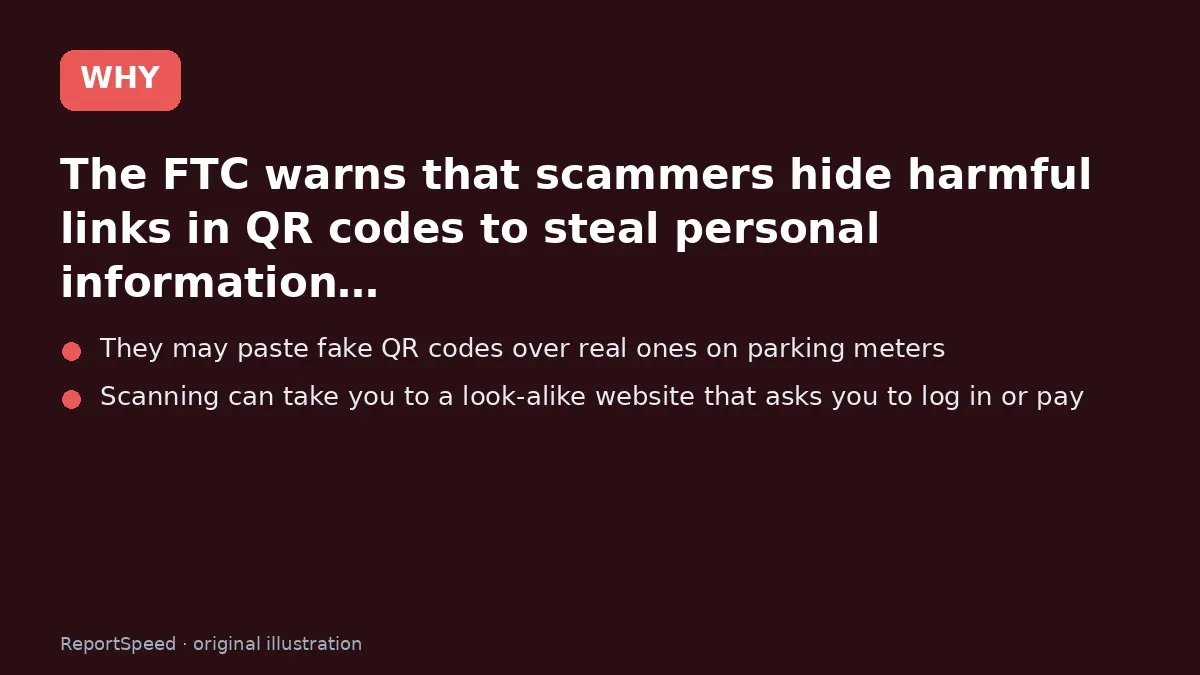
2. Why it happens The cause 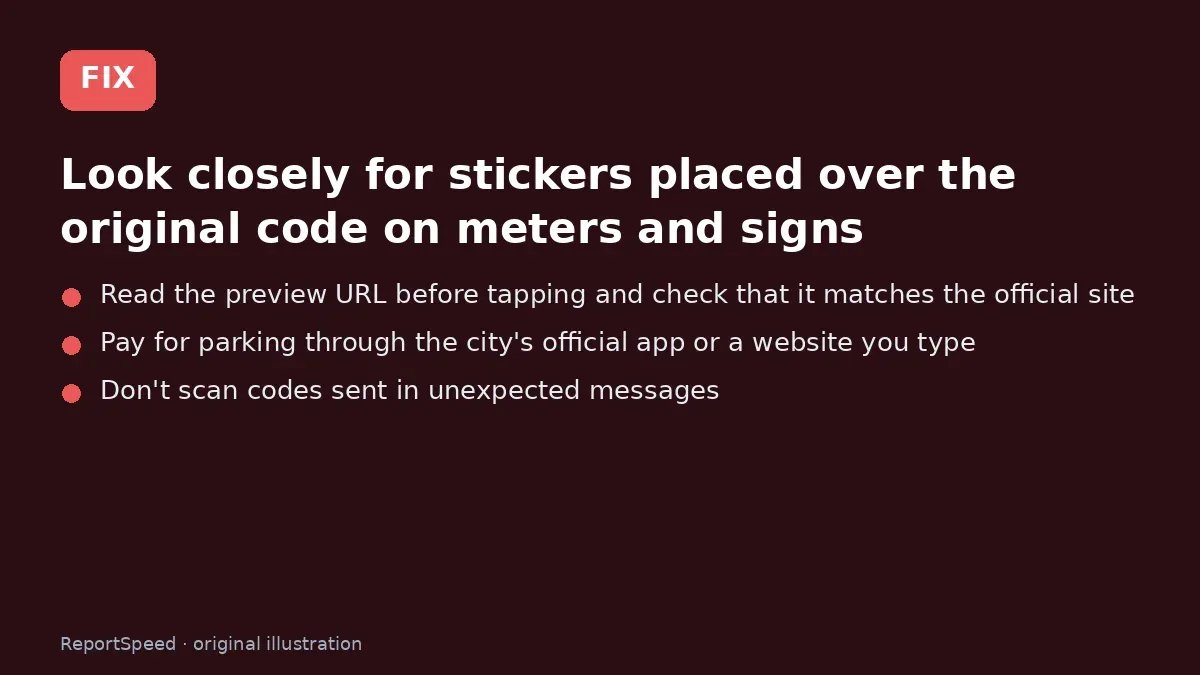
3. The fix The fix 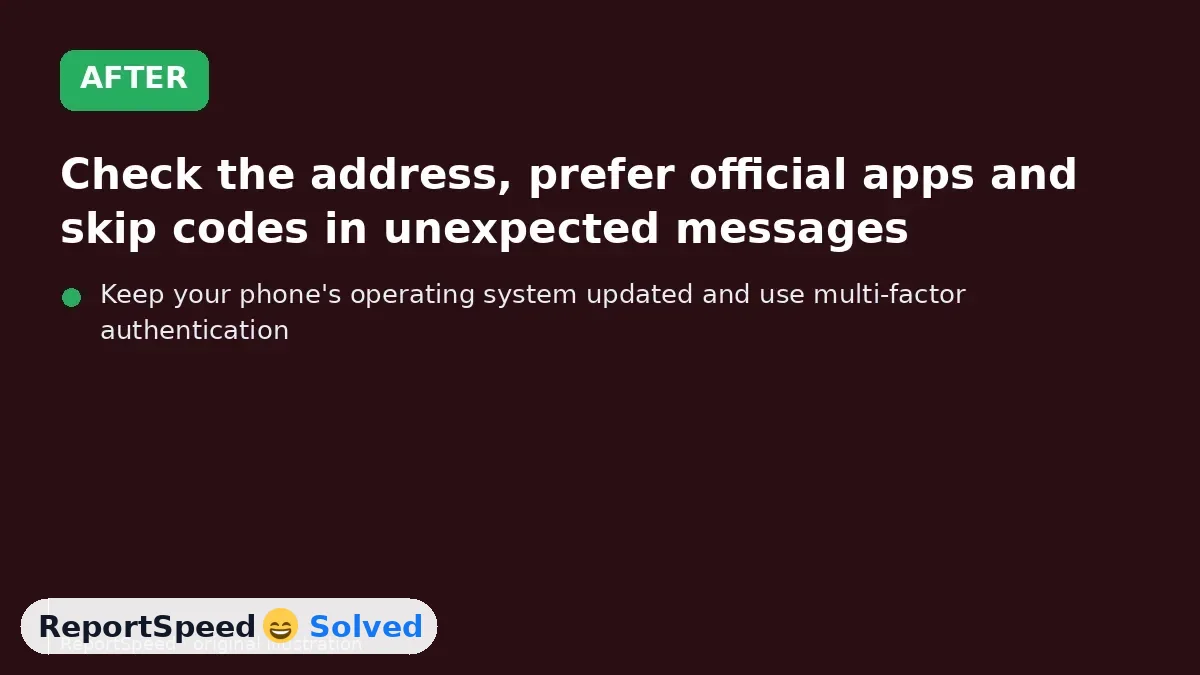
4. After The result
⚡ Speed Summary
- Check the address, prefer official apps and skip codes in unexpected messages.
- Keep your phone's operating system updated and use multi-factor authentication, so a stolen password alone isn't enough to break in.
- Paying through a sticker QR code on a parking meter without checking the web address is a common way these scams succeed.

Was this answer helpful?
Tap a star to rate this answer.
Related questions

Got an 'AirTag found moving with you' alert? What to do next
Find the tracker, document it, identify the owner, and disable it.
Rate itSolved

Is my smart TV tracking what I watch? How to turn off ACR
Smart TVs may use ACR to track viewing.
Rate itSolved

Caller ID spoofing: why scammers show a local number and how to protect yourself
Caller ID can be faked, and spoofing to defraud is illegal.
Rate itSolved

How do I stop spam emails without making it worse?
Mark spam, block repeat senders, unsubscribe only from known companies, and report phishing.
Rate itSolved
Real experiences
No experiences yet. Be the first to share.