


4K vs 1440p monitor for gaming, which is better for me? I have a decent GPU but not a flagship. 4K looks so sharp in stores, but I hear it kills frame rates. Is 1440p the sweet spot or is 4K worth it now?
4K vs 1440p gaming monitor: which resolution should I buy?
Concerns & risks
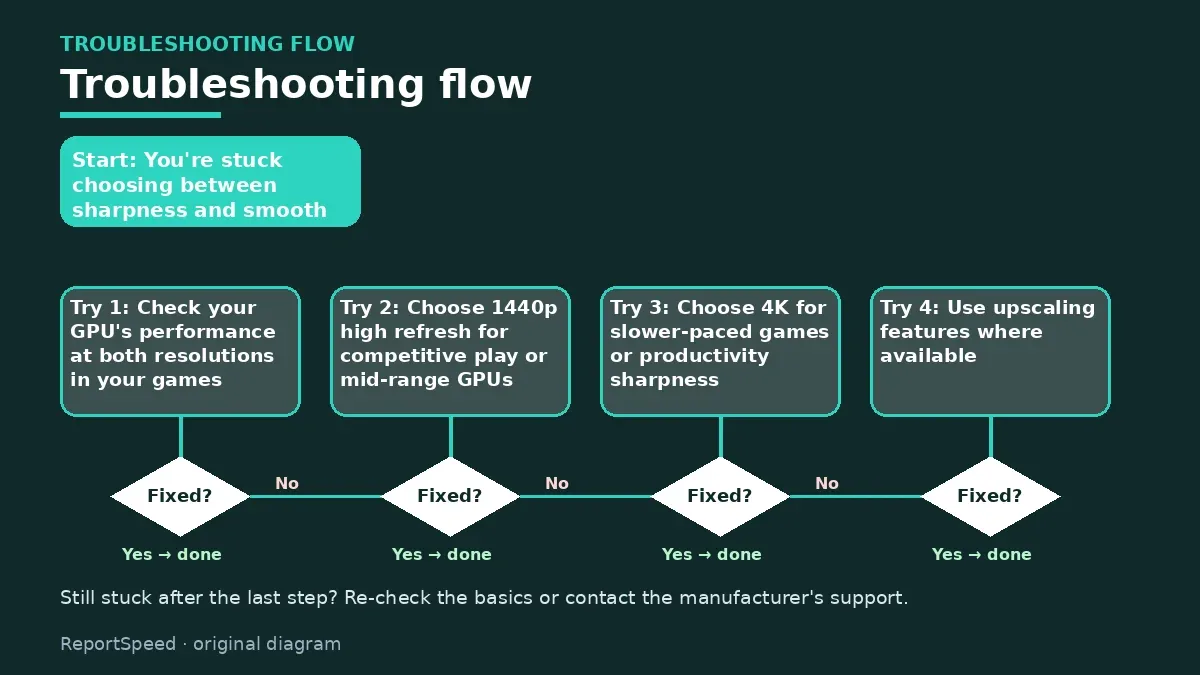
You're stuck choosing between sharpness and smooth frame rates.
| Your GPU and games | Pick | Why |
|---|---|---|
| High-end GPU, single-player | 4K | Detail you notice |
| Mid-range GPU | 1440p | Better FPS balance |
| Competitive shooters | 1440p high refresh | Frames over pixels |
| Big screen, close desk | 4K | Sharper text |
Causes & evidence
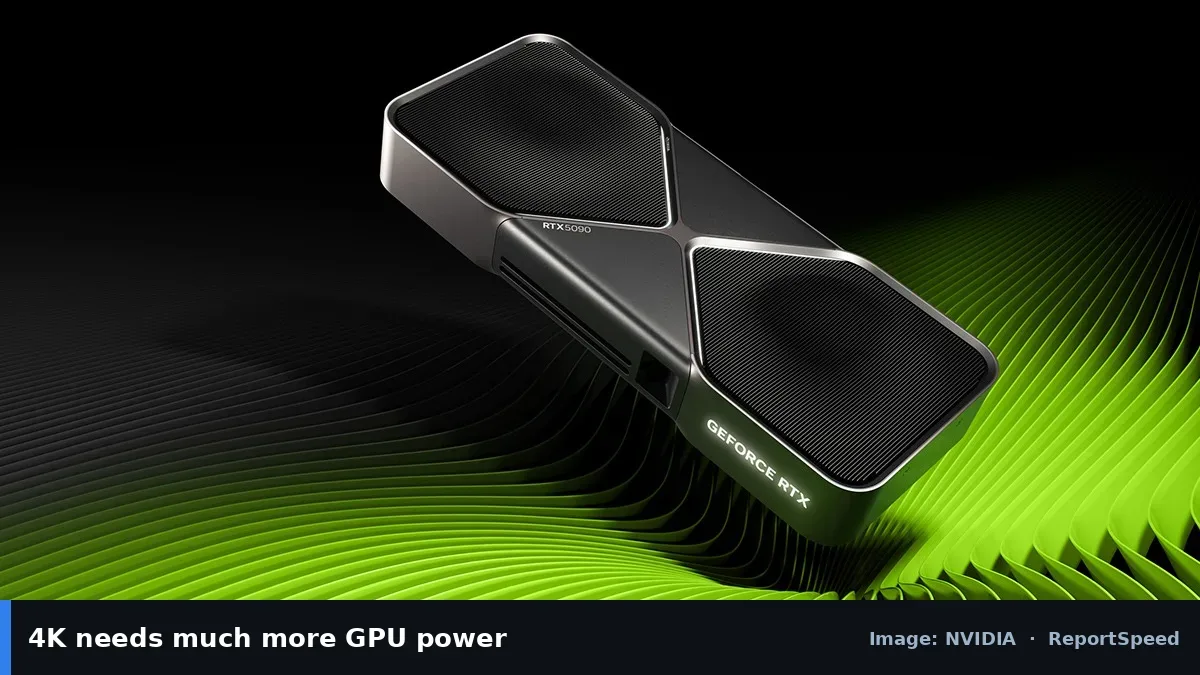
4K has more than twice the pixels of 1440p, so the GPU has to render far more per frame. Upscaling tech can help, but native 4K at high refresh needs a powerful card. Screen size and viewing distance matter too, since the benefit of 4K is clearer on larger screens.
4K has 2.25 times the pixels of 1440p, so the GPU works much harder at the same settings. Upscaling like DLSS or FSR narrows the gap but doesn't erase it. Screen size and viewing distance decide how much sharper 4K looks to you. On a 27-inch panel at a normal desk distance, many people find 1440p already crisp in games, while 4K shines more for text, photo work and larger 32-inch screens. Think about what you stare at most: fast-moving game scenes hide pixel density, static spreadsheets and code reveal it.
Pixels are a budget. Spend them on sharpness and you'll pay in frames.
What to do
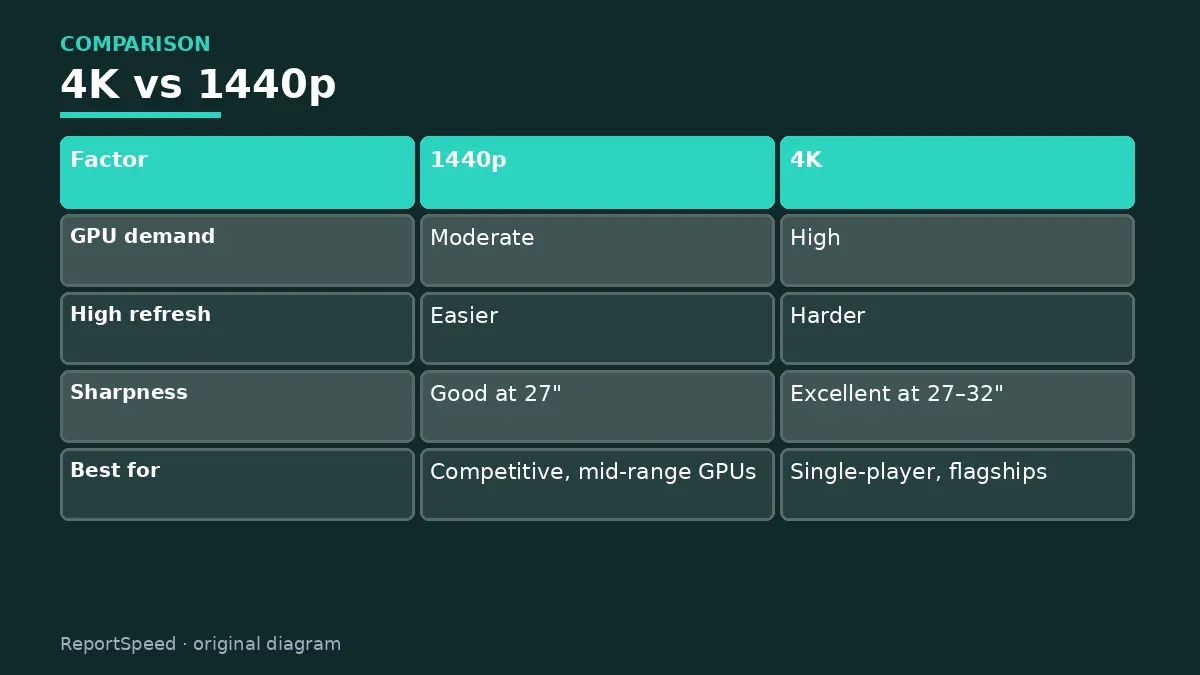
| Factor | 1440p | 4K |
|---|---|---|
| GPU demand | Moderate | High |
| High refresh | Easier | Harder |
| Sharpness | Good at 27" | Excellent at 27–32" |
| Best for | Competitive, mid-range GPUs | Single-player, flagships |
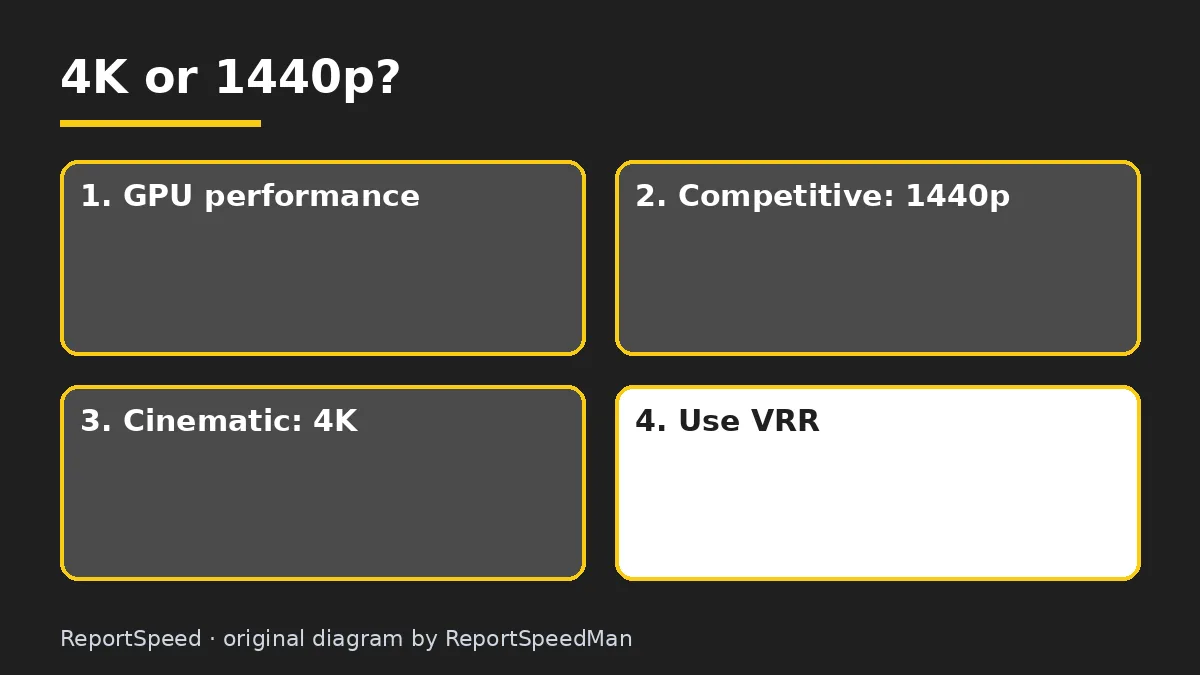
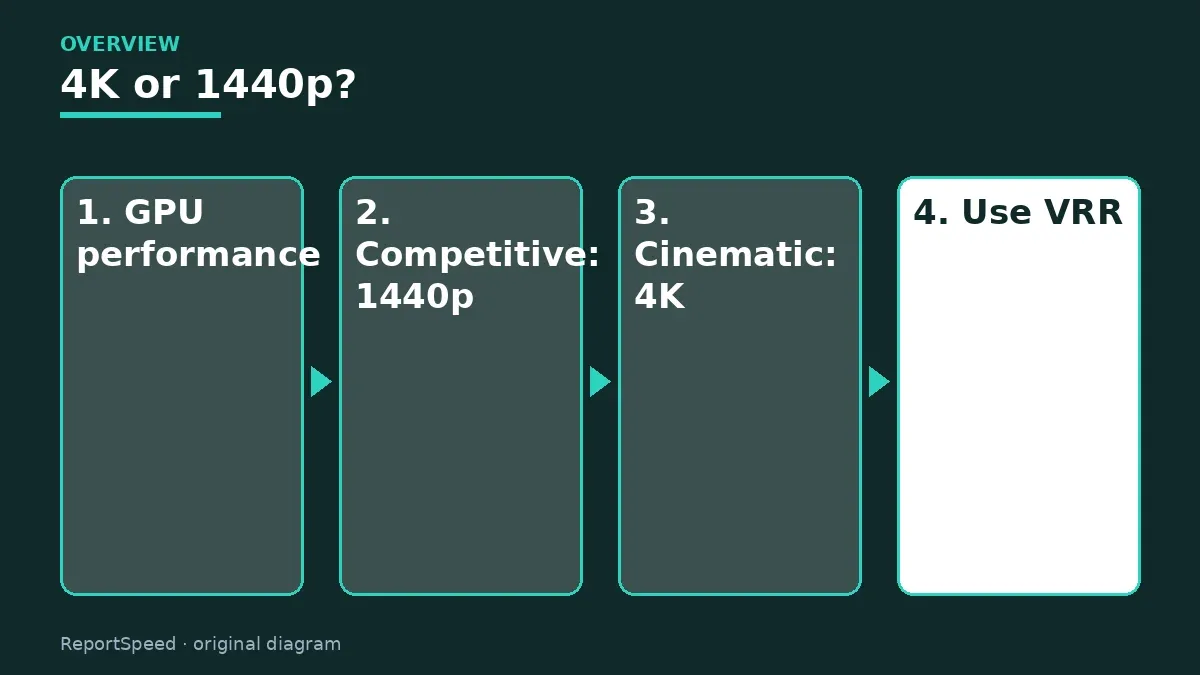
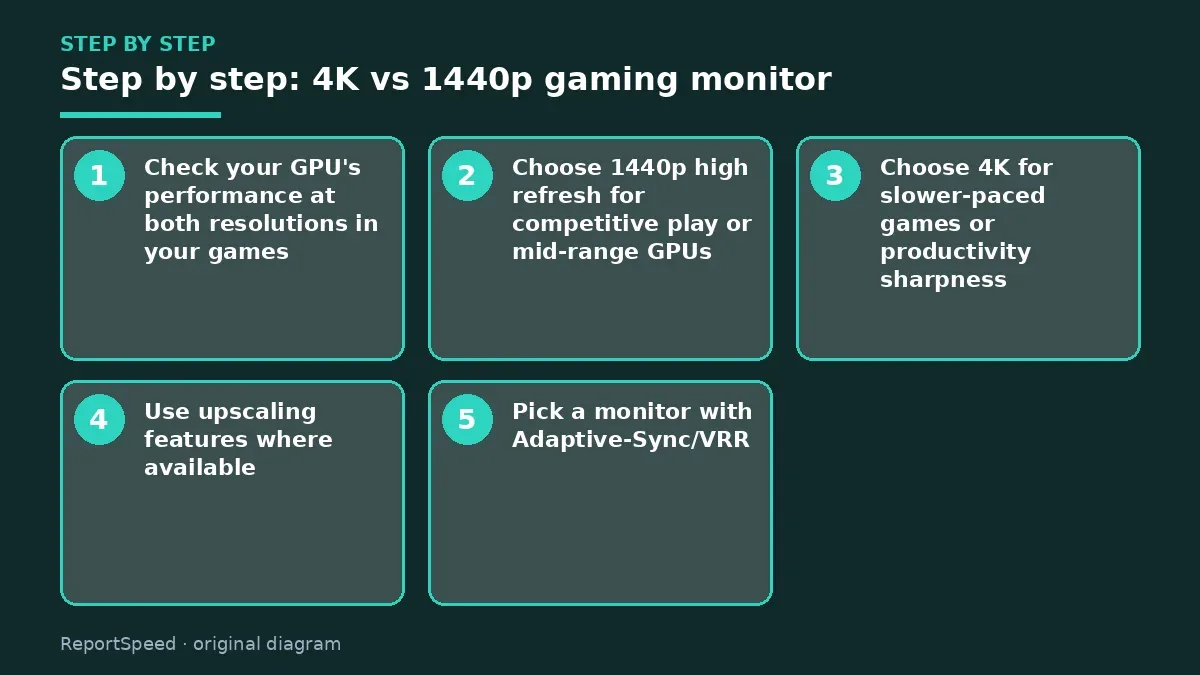
- Check your GPU's performance at both resolutions in your games.
- Choose 1440p high refresh for competitive play or mid-range GPUs.
- Choose 4K for slower-paced games or productivity sharpness.
- Use upscaling features where available.
- Pick a monitor with Adaptive-Sync/VRR.
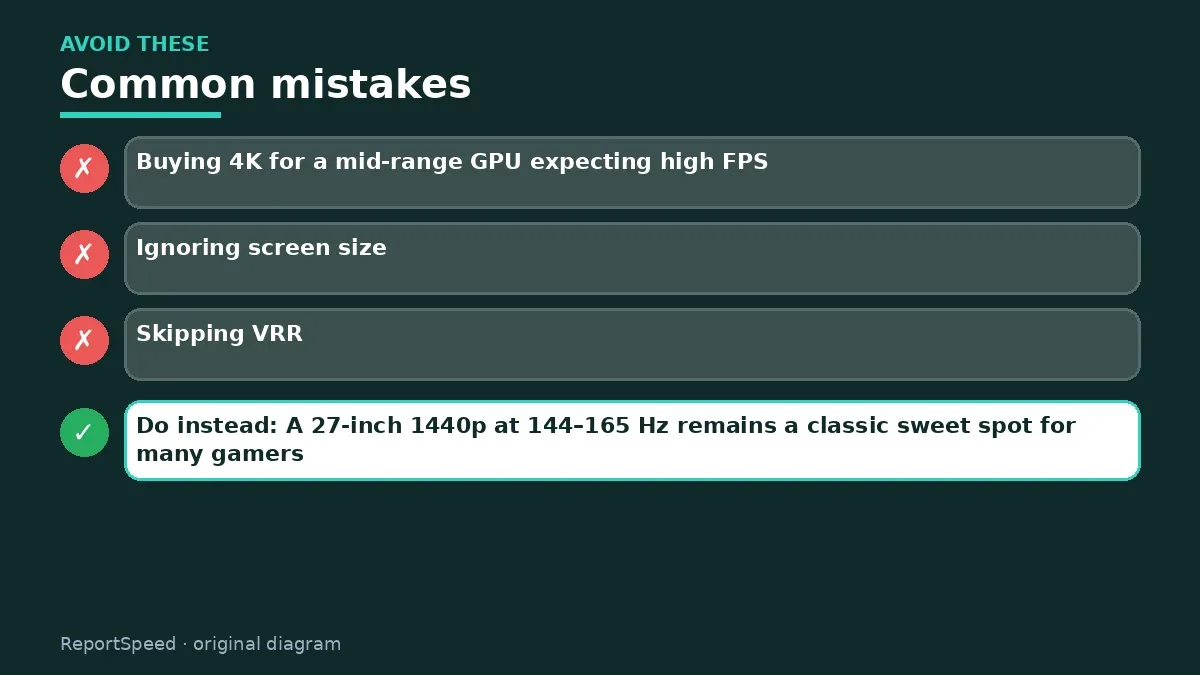
Common mistakes:
- Buying 4K for a mid-range GPU expecting high FPS
- Ignoring screen size
- Skipping VRR
ReportSpeedMan tip: A 27-inch 1440p at 144–165 Hz remains a classic sweet spot for many gamers.
What I would actually do
1440p high refresh for most gaming PCs, 4K only with a high-end GPU or when sharp text on a big screen matters.
The trade-off people miss: upscaling makes 4K more practical, but it still costs performance. Check your GPU's results first.
Your graphics card sets the real limit here. If it already struggles to hold your target frame rate at 1440p in the games you play, a 4K screen will push you toward upscaling or lower settings. If you mostly work with text and photos, 4K's extra sharpness pays you back every day regardless of games.
Proof that it worked
Your games hold the frame rate you want at your chosen resolution, and text looks crisp at your desk distance.
Quick FAQ
Can I play at 1440p on a 4K monitor?
Yes, though it may look softer than a native 1440p panel.
Is 4K good for work?
Yes, text looks sharper, especially on larger screens.
What about 1080p?
Fine for budget or very high refresh, softer on bigger screens.
Wrap-up: 1440p is the balanced choice for most; 4K is great if your GPU and games can handle it.
Wiki: Refresh Rate and Response Time.
4K vs 1440p gaming monitor: official sources I checked
Step-by-step photos
1. Before The problem 
2. Why it happens The cause 
3. The fix The fix 
4. After The result
⚡ Speed Summary
- 1440p is the balanced choice for most; 4K is great if your GPU and games can handle it.
- A 27-inch 1440p at 144–165 Hz remains a classic sweet spot for many gamers.
- Pixels are a budget. Spend them on sharpness and you'll pay in frames.

Was this answer helpful?
Tap a star to rate this answer.
Related questions

Got an 'AirTag found moving with you' alert? What to do next
Find the tracker, document it, identify the owner, and disable it.
Rate itSolved

Is my smart TV tracking what I watch? How to turn off ACR
Smart TVs may use ACR to track viewing.
Rate itSolved

Caller ID spoofing: why scammers show a local number and how to protect yourself
Caller ID can be faked, and spoofing to defraud is illegal.
Rate itSolved

How do I stop spam emails without making it worse?
Mark spam, block repeat senders, unsubscribe only from known companies, and report phishing.
Rate itSolved
Real experiences
No experiences yet. Be the first to share.