


Build or buy a prebuilt gaming PC, what makes more sense for me? I've watched plenty of build videos and it looks fun, but I'm nervous about messing something up. Prebuilts are tempting but I've heard they cut corners on parts. How do people decide?
Build or buy a prebuilt gaming PC: which makes more sense for you?
Concerns & risks
You want a gaming PC and can't decide between assembling parts yourself or buying a ready-made system.
| You value | Build | Prebuilt |
|---|---|---|
| Lowest price for parts chosen | Often better | Sometimes matched in sales |
| One warranty contact | No | Yes |
| Exact part choice | Yes | Limited |
| Time and setup | Your time | Ready out of the box |
Causes & evidence
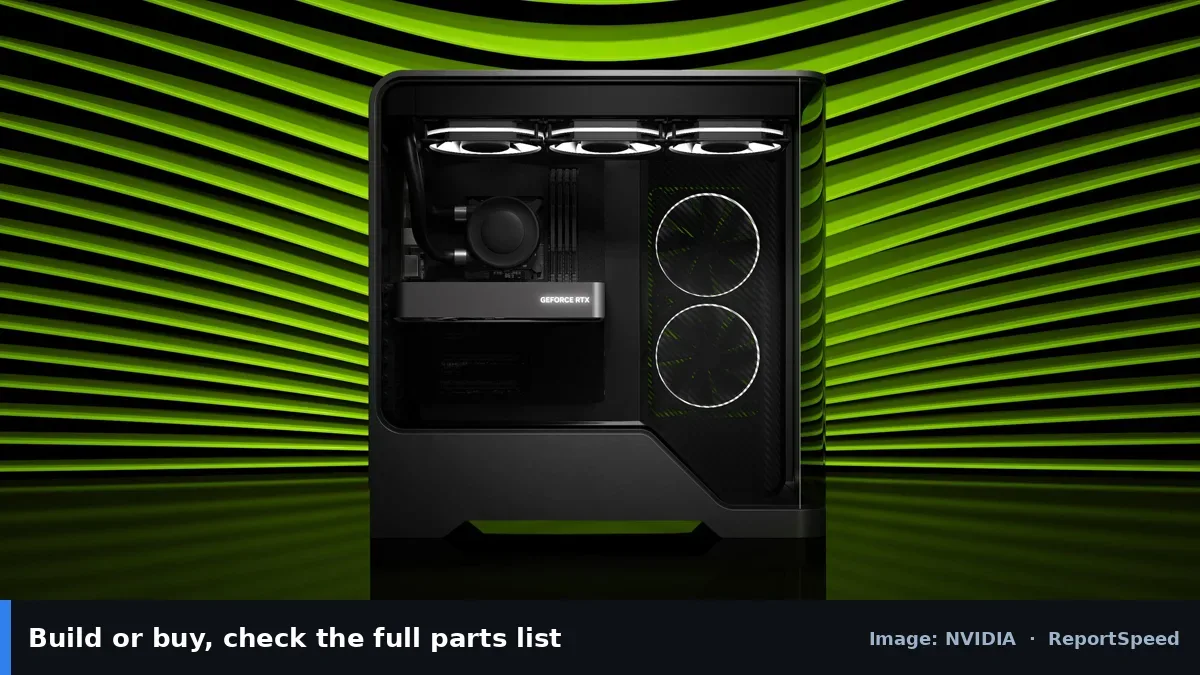
Building gives you full control over parts, quality and upgradeability, and often teaches you to fix your own machine. Prebuilts offer a single warranty, no assembly, and sometimes good pricing on parts companies buy in bulk. The downsides: prebuilts may cut corners on PSU, motherboard or cooling, while self-builds require time, patience and handling warranties per part.
Building gives control over parts and upgrade paths, while prebuilts offer convenience and a single warranty. Compare the exact components in a prebuilt (PSU, motherboard, cooling), not just the CPU and GPU names, and factor in your time and comfort.
The best choice depends on something that has nothing to do with price.
What to do
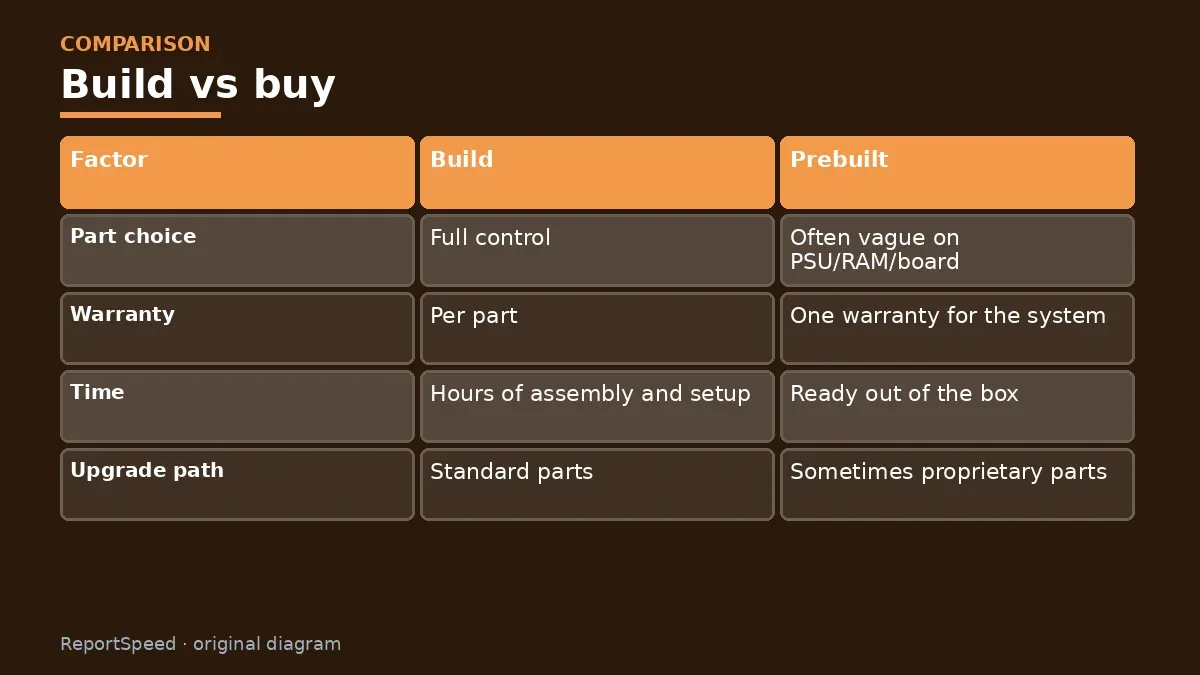
| Factor | Build | Prebuilt |
|---|---|---|
| Part choice | Full control | Often vague on PSU/RAM/board |
| Warranty | Per part | One warranty for the system |
| Time | Hours of assembly and setup | Ready out of the box |
| Upgrade path | Standard parts | Sometimes proprietary parts |
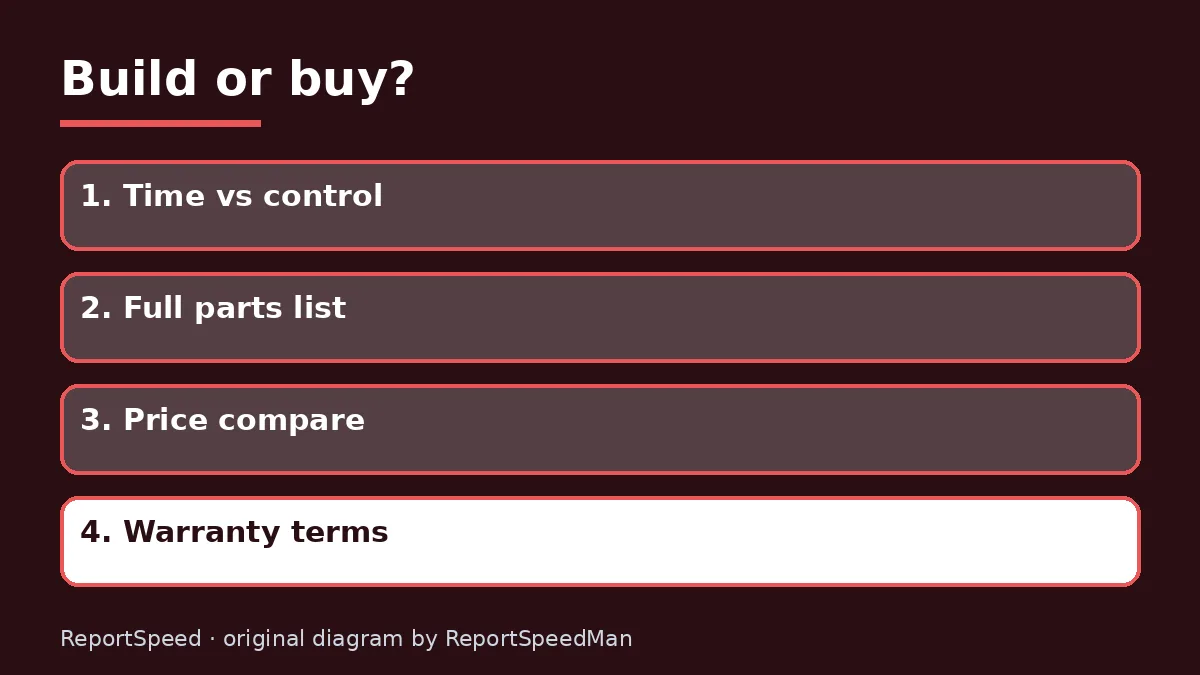
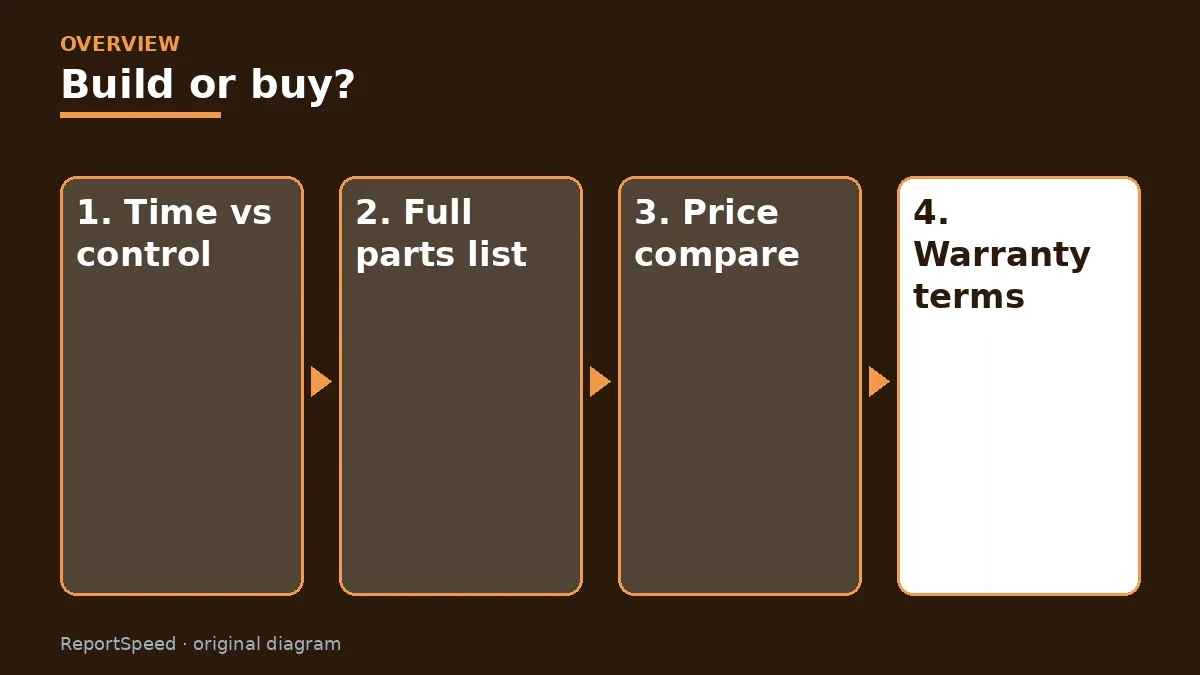
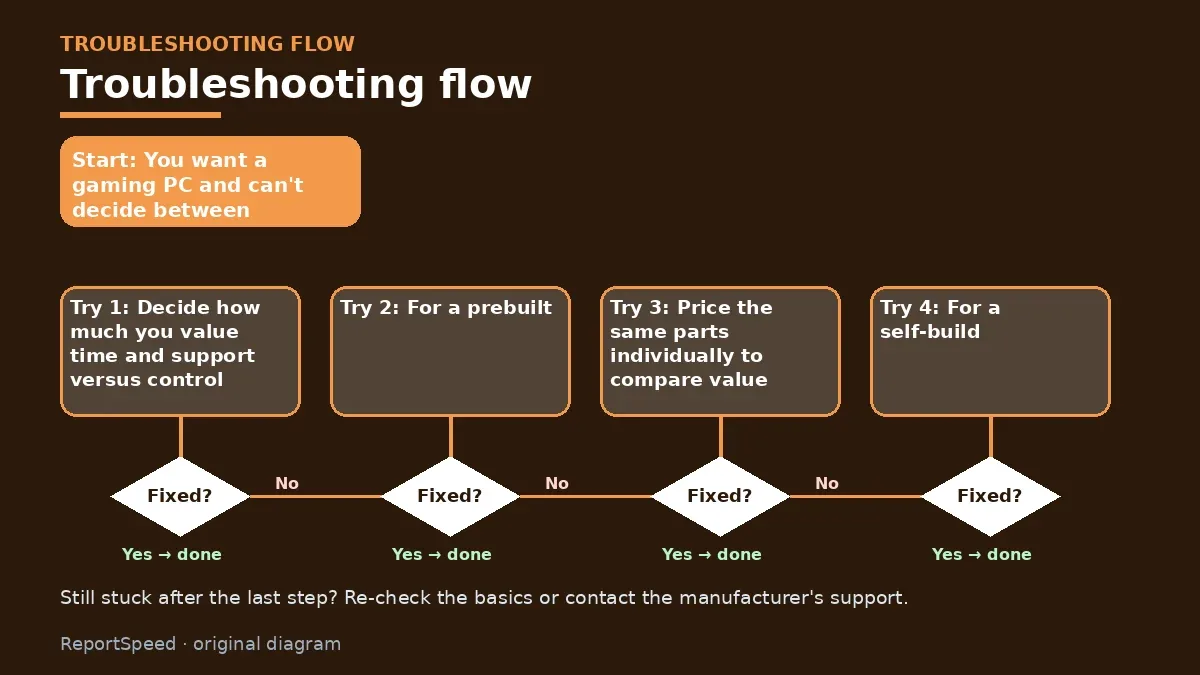
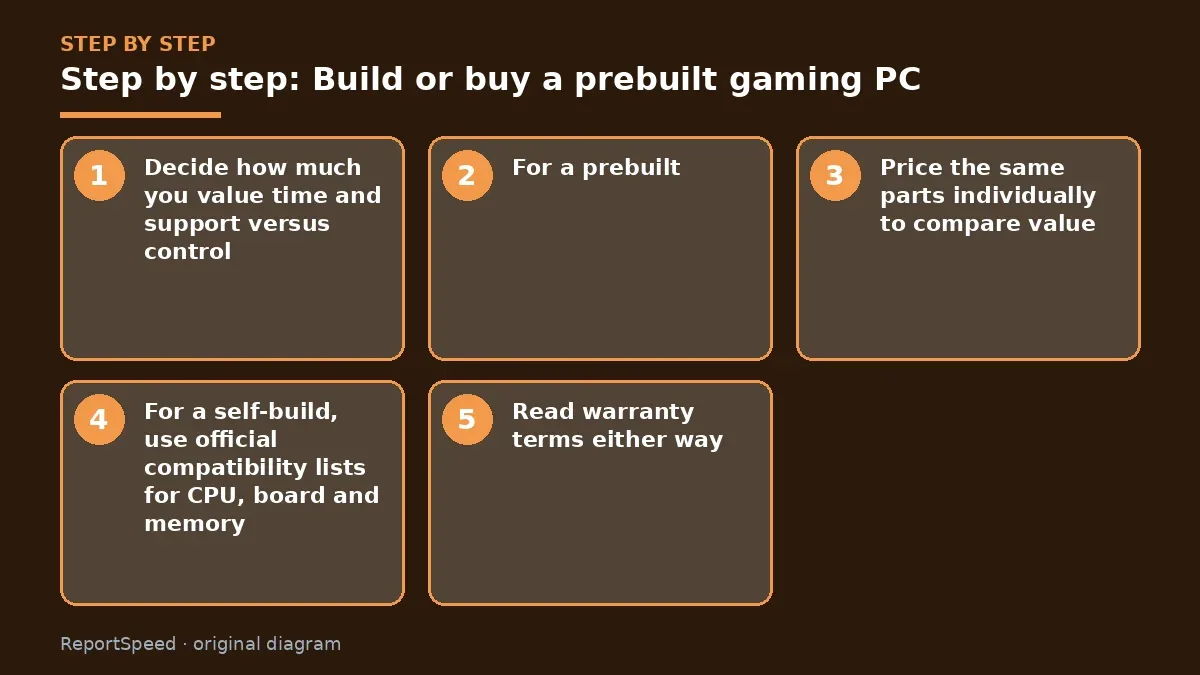
- Decide how much you value time and support versus control.
- For a prebuilt, check the full parts list, including PSU brand, motherboard model and RAM configuration.
- Price the same parts individually to compare value.
- For a self-build, use official compatibility lists for CPU, board and memory.
- Read warranty terms either way.
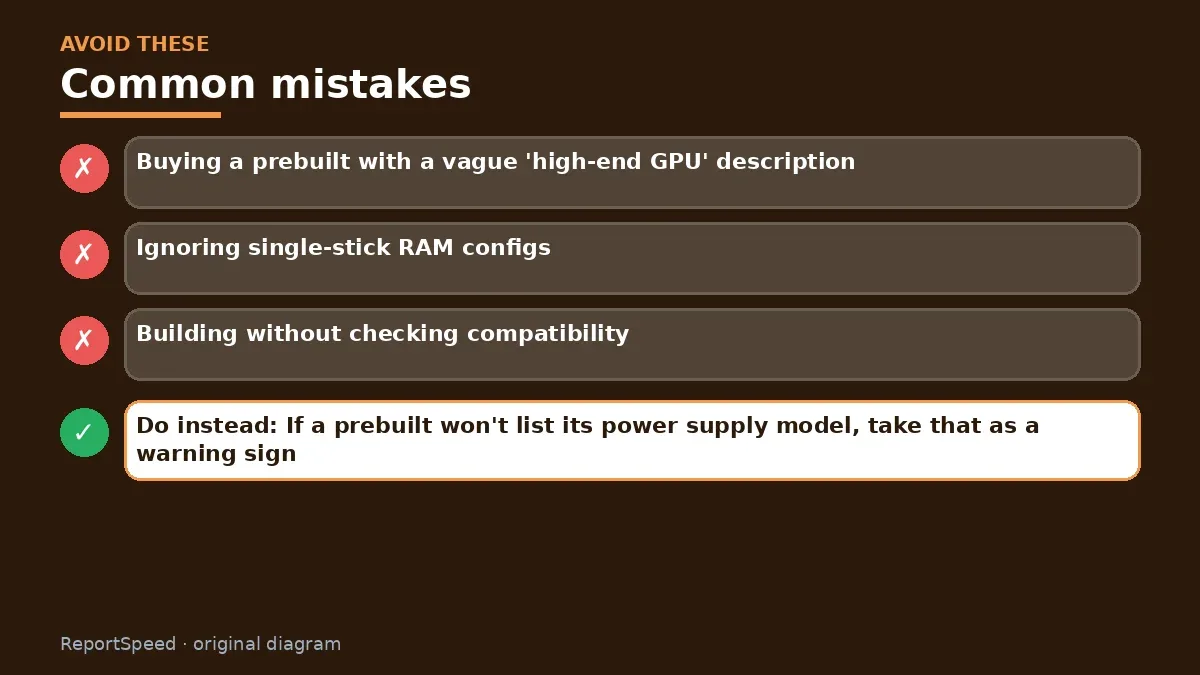
Common mistakes:
- Buying a prebuilt with a vague 'high-end GPU' description
- Ignoring single-stick RAM configs
- Building without checking compatibility
ReportSpeedMan tip: If a prebuilt won't list its power supply model, take that as a warning sign.
What I would actually do
build if I enjoy it and want specific parts; buy a well-reviewed prebuilt during a sale if time matters more.
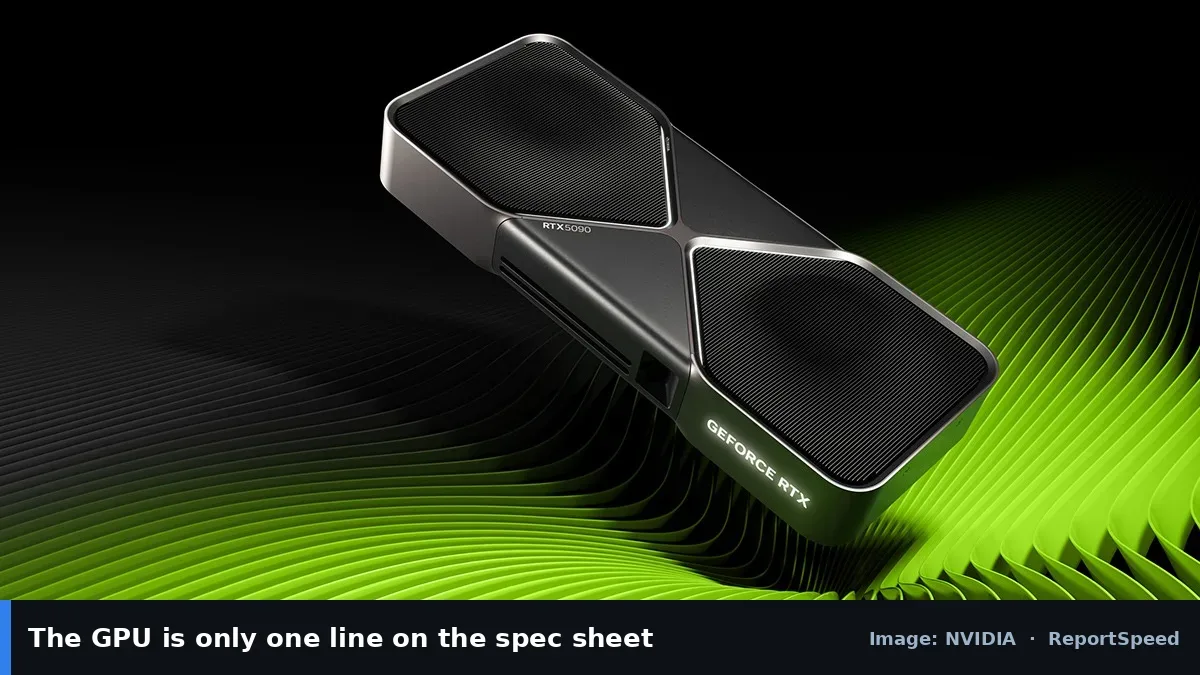
The trade-off people miss: prebuilts sometimes skimp on PSU, RAM or cooling. Check the full parts list, not only the CPU and GPU.
Builder's note: A middle path exists too: buy a prebuilt with a quality, standard-sized motherboard and power supply, then upgrade it yourself over time. You get the convenience on day one and the builder's flexibility later, as long as the system uses standard parts rather than proprietary ones. Check whether the case and PSU follow common form factors before committing, since that decides how easy future upgrades will be.
Did it work? How to check
A good final test: price out the same parts list yourself, then compare it to the prebuilt including warranty and your time. If the gap is small and you value support, buy. If you enjoy tinkering and want control, build. Either way, you can still upgrade later, as long as the PSU and case have room.
Quick FAQ
Are prebuilts always more expensive?
Not always; sales and bundled parts can make them competitive.
Is building hard?
Manageable with care and official manuals.
What should I check on a prebuilt?
PSU brand and wattage, motherboard model and cooling.
Wrap-up: Build for control and learning, buy for convenience and one warranty. Either way, check the full parts list before paying.
Wiki: CPU–GPU Bottleneck.
Build or buy a prebuilt gaming PC: read the originals
Step-by-step photos
1. Before The problem 
2. Why it happens The cause 
3. The fix The fix 
4. After The result
⚡ Speed Summary
- Build for control and learning, buy for convenience and one warranty.
- If a prebuilt won't list its power supply model, take that as a warning sign.
- The best choice depends on something that has nothing to do with price.

Was this answer helpful?
Tap a star to rate this answer.
Related questions

Got an 'AirTag found moving with you' alert? What to do next
Find the tracker, document it, identify the owner, and disable it.
Rate itSolved

Is my smart TV tracking what I watch? How to turn off ACR
Smart TVs may use ACR to track viewing.
Rate itSolved

Caller ID spoofing: why scammers show a local number and how to protect yourself
Caller ID can be faked, and spoofing to defraud is illegal.
Rate itSolved

How do I stop spam emails without making it worse?
Mark spam, block repeat senders, unsubscribe only from known companies, and report phishing.
Rate itSolved
Real experiences
No experiences yet. Be the first to share.