


Can I put a new graphics card in an old prebuilt PC? I have a store-bought desktop from a few years back, it's been fine, but games are getting rough. I'd love to just drop in a newer card instead of buying a whole new machine. Worried about whether it'll even fit, whether the power supply is enough, and whether the motherboard will play nice. What should I check first?
Can I put a new graphics card in an old prebuilt PC? Fit, power and BIOS checklist
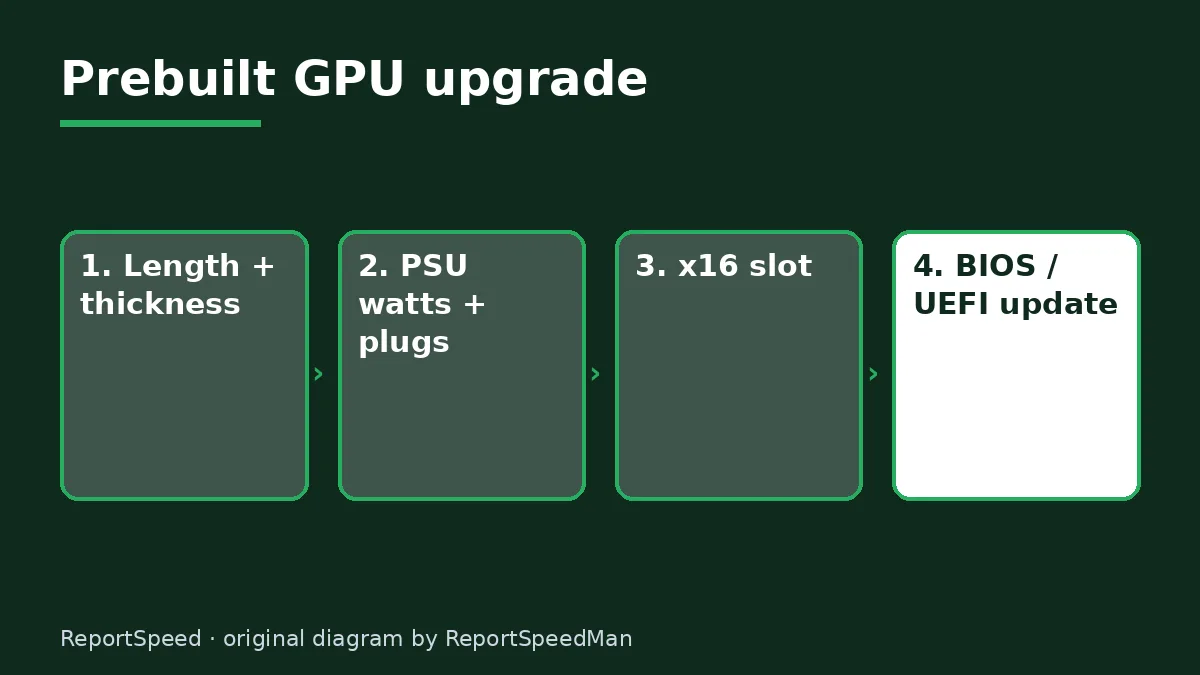
Concerns & risks
Your prebuilt from a big brand still runs fine, but games have moved on, and a GPU swap sounds cheaper than a whole new PC.
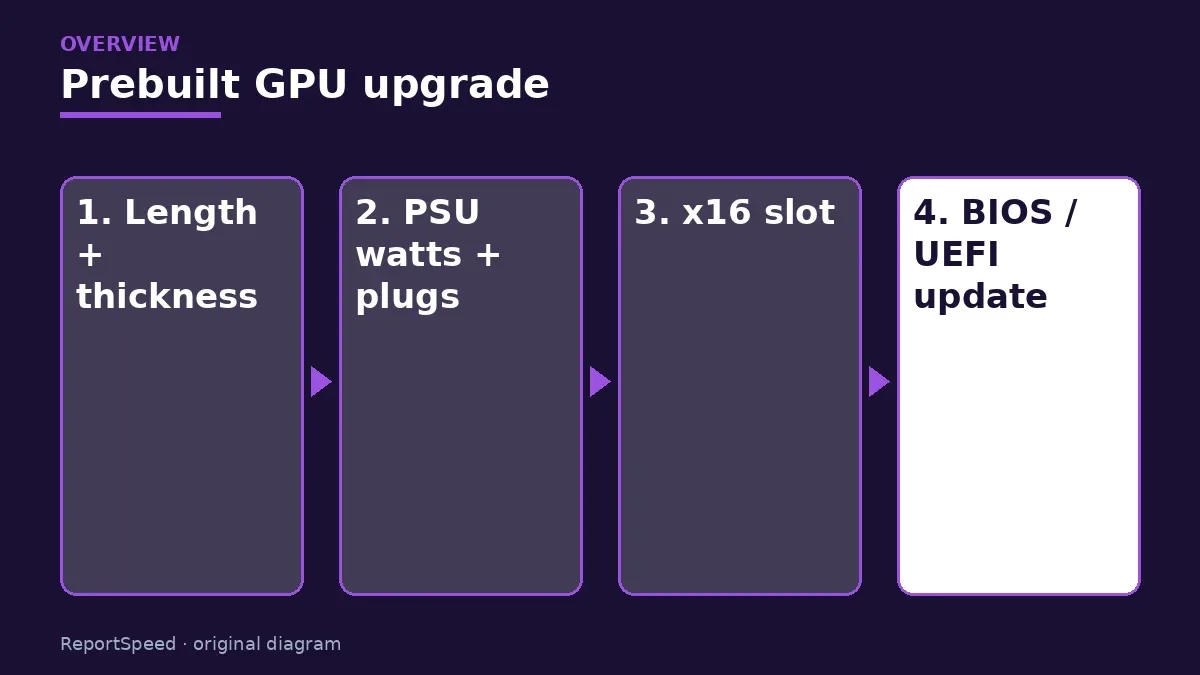
| Check | Pass looks like | If it fails |
|---|---|---|
| Physical length and slot width | Card fits with room to spare | Smaller card or new case |
| PSU wattage and connectors | Meets the GPU maker's recommendation | PSU replacement (if standard size) |
| BIOS and boot mode | UEFI boot available | Update BIOS or pick another card |
| Slot | Full-length PCIe x16 slot | Not a fit |
Causes & evidence
Prebuilts are often designed tightly around the original parts: compact cases, power supplies with just enough wattage, proprietary layouts, and sometimes missing PCIe power cables. Modern cards can be long, thick and power-hungry. Older systems may also need UEFI settings changes for newer cards. PCIe itself is backward compatible, so the slot is rarely the blocker. See the standards body PCI-SIG for background.
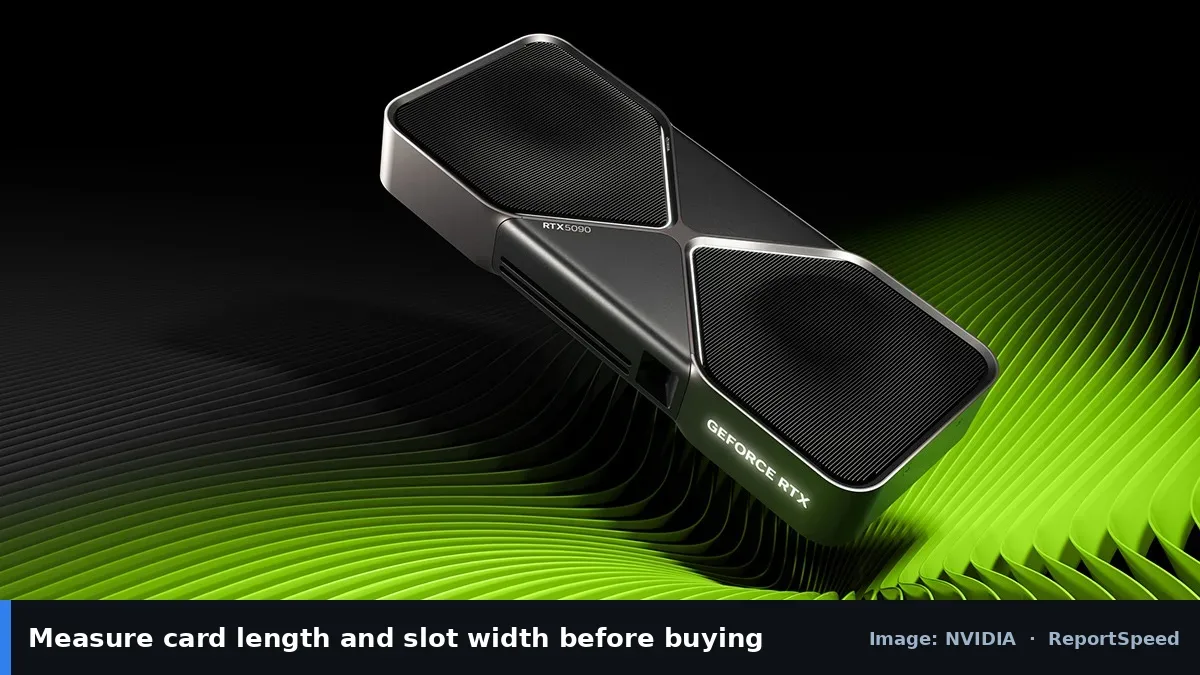
Prebuilts can be tight in unusual ways: proprietary motherboards, short cases, small power supplies with few connectors, or BIOS settings that only boot in legacy mode. Measure the available card length and slot height yourself, then check the power supply label for its real wattage and connectors before you order anything.
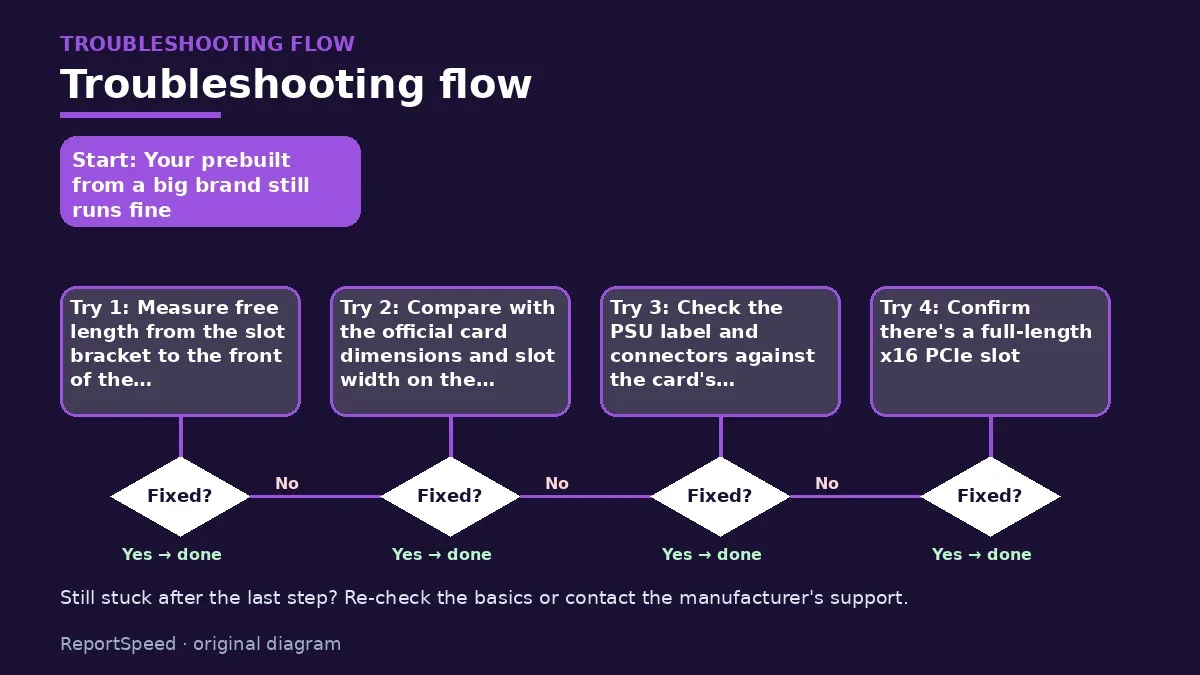
Three measurements decide this before you spend anything.
What to do

- Measure free length from the slot bracket to the front of the case, and free thickness below the slot.
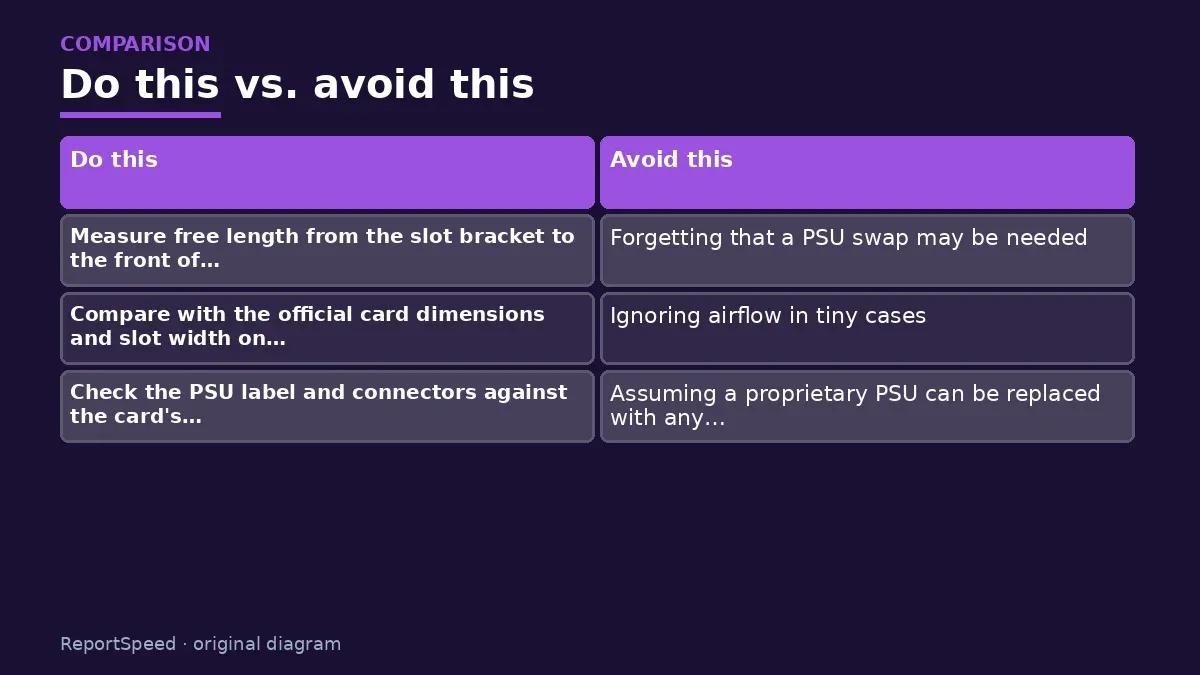
- Compare with the official card dimensions and slot width on the maker's spec page.
- Check the PSU label and connectors against the card's recommended system power and power plugs.
- Confirm there's a full-length x16 PCIe slot.
- Update the system BIOS from the PC maker's support site, and switch to UEFI mode if the card requires it.
- After install, use a clean driver install from NVIDIA or AMD.
Common mistakes:
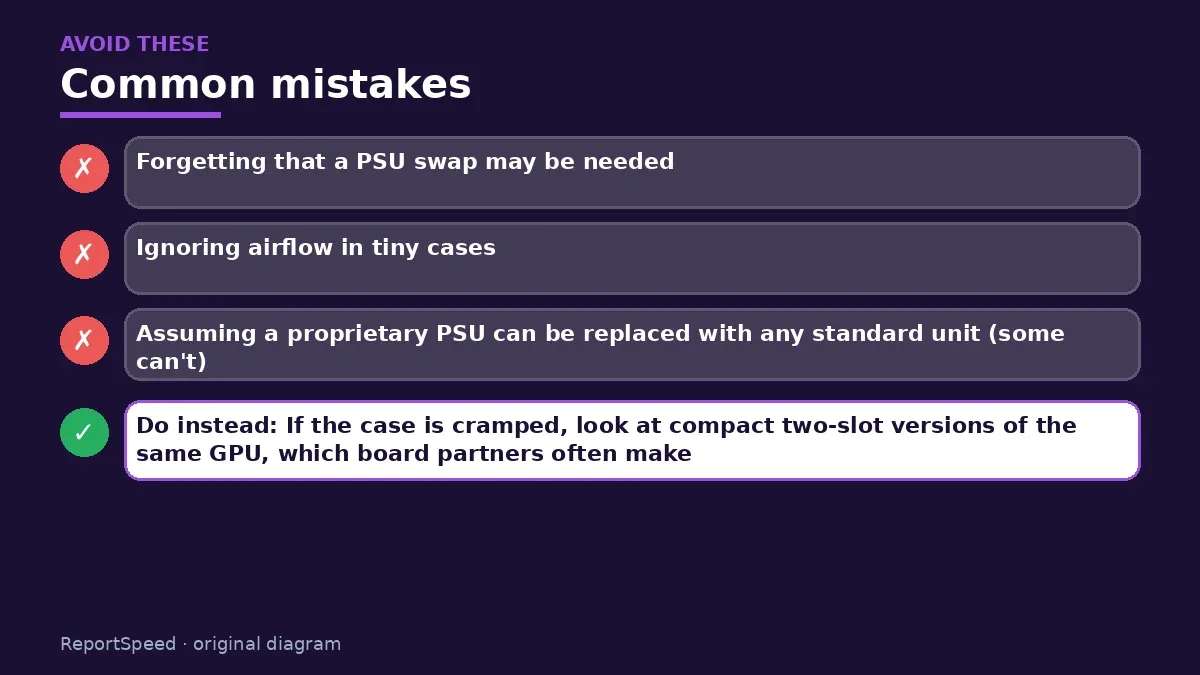
- Forgetting that a PSU swap may be needed
- Ignoring airflow in tiny cases
- Assuming a proprietary PSU can be replaced with any standard unit (some can't)
ReportSpeedMan tip: If the case is cramped, look at compact two-slot versions of the same GPU, which board partners often make.
What I would actually do
measure the case, read the PSU label and check the BIOS boot mode before even opening a shopping tab. Ten minutes of checking beats a return.
The trade-off people miss: some prebuilts use non-standard PSUs or boards, so 'just swap the PSU' isn't always possible. Factor that into the budget.
How to know it worked
Success looks like this: the card sits flat in the slot, the side panel closes without pressure, the power supply feeds it with proper connectors, and the PC boots with the display on the new card's port. Afterwards, check Device Manager to confirm the card is recognized, and install the official driver. If the screen stays black, try another output and confirm the BIOS boots in UEFI mode.
Quick FAQ
Will a new card work in an old PCIe slot?
PCI Express is backward compatible, though an older slot generation can limit bandwidth.
Do I need UEFI?
Some newer cards expect UEFI firmware support. Check your prebuilt's BIOS options.
Can I swap the PSU in a prebuilt?
Often yes, but some use proprietary connectors or sizes. Check the model's documentation.
Wrap-up: Measure length and thickness, check power and connectors, update BIOS. If all three pass, a GPU upgrade can bring an old prebuilt back to life. If not, a new case and PSU might be part of the bill.
Wiki: CPU–GPU Bottleneck.
Can I put a new graphics card in an old prebuilt PC: primary sources
Step-by-step photos

1. Before The problem 
2. Why it happens The cause 
3. The fix The fix 
4. After The result
⚡ Speed Summary
- Measure length and thickness, check power and connectors, update BIOS.
- If the case is cramped, look at compact two-slot versions of the same GPU, which board partners often make.
- Three measurements decide this before you spend anything.

Was this answer helpful?
Tap a star to rate this answer.
Related questions

Got an 'AirTag found moving with you' alert? What to do next
Find the tracker, document it, identify the owner, and disable it.
Rate itSolved

Is my smart TV tracking what I watch? How to turn off ACR
Smart TVs may use ACR to track viewing.
Rate itSolved

Caller ID spoofing: why scammers show a local number and how to protect yourself
Caller ID can be faked, and spoofing to defraud is illegal.
Rate itSolved

How do I stop spam emails without making it worse?
Mark spam, block repeat senders, unsubscribe only from known companies, and report phishing.
Rate itSolved
Real experiences
No experiences yet. Be the first to share.