


I reuse about five passwords across everything and I know that's bad. A password manager sounds like the fix, but putting all my passwords in one place feels risky. What if it gets hacked? Is a password manager actually safer, and how hard is it to switch?
Do I need a password manager, and is it safe to use one?
Concerns & risks
You reuse passwords, you know it's risky and you're hesitant to trust a password manager with everything.
| Day | Task |
|---|---|
| 1 | Install manager, set master password, turn on MFA |
| 2 | Change email password |
| 3 | Change banking passwords |
| 4–7 | Update other accounts as you log in |
Causes & evidence
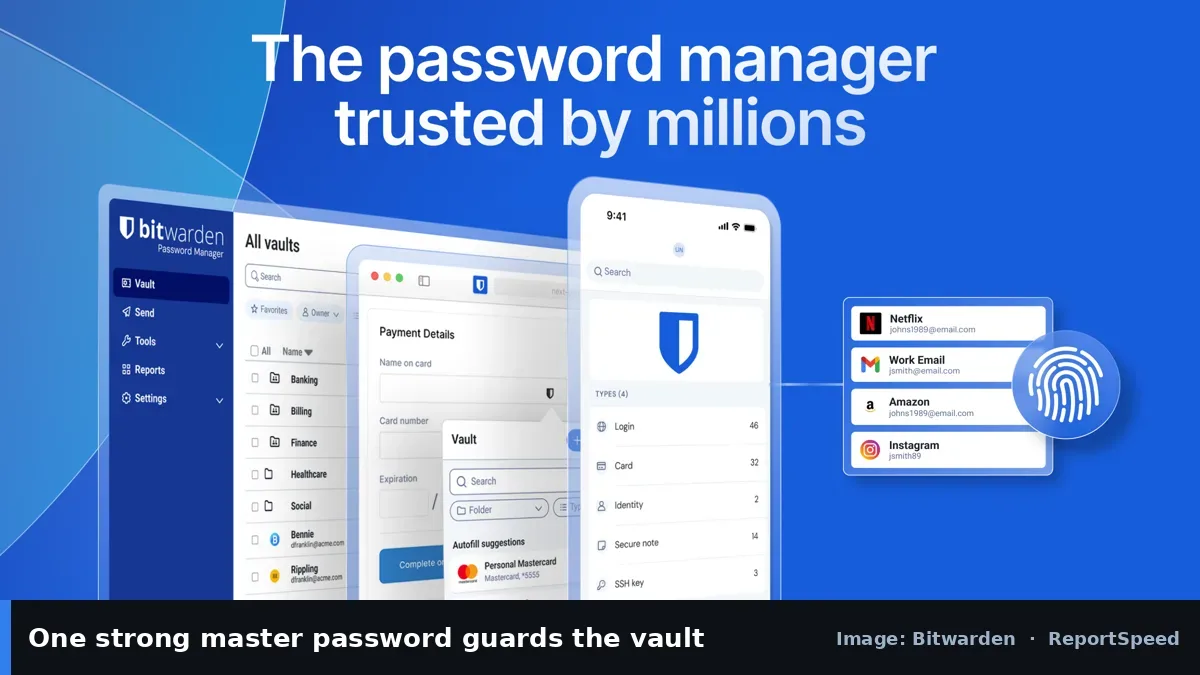
Reused passwords are dangerous because one breach can unlock many accounts through credential stuffing. CISA recommends using long, random, unique passwords for every account and a password manager to store them, plus multi-factor authentication wherever it's offered. Reputable managers, such as Bitwarden and 1Password, encrypt your vault so the company can't read it, protected by your master password. The main risk shifts to protecting that master password and your devices, which is far easier than remembering dozens of strong passwords.
Most managers can import passwords saved in browsers, which speeds up the switch. Passkeys are also increasingly supported and stored by password managers. Start with email, because whoever controls your inbox can reset almost everything else.
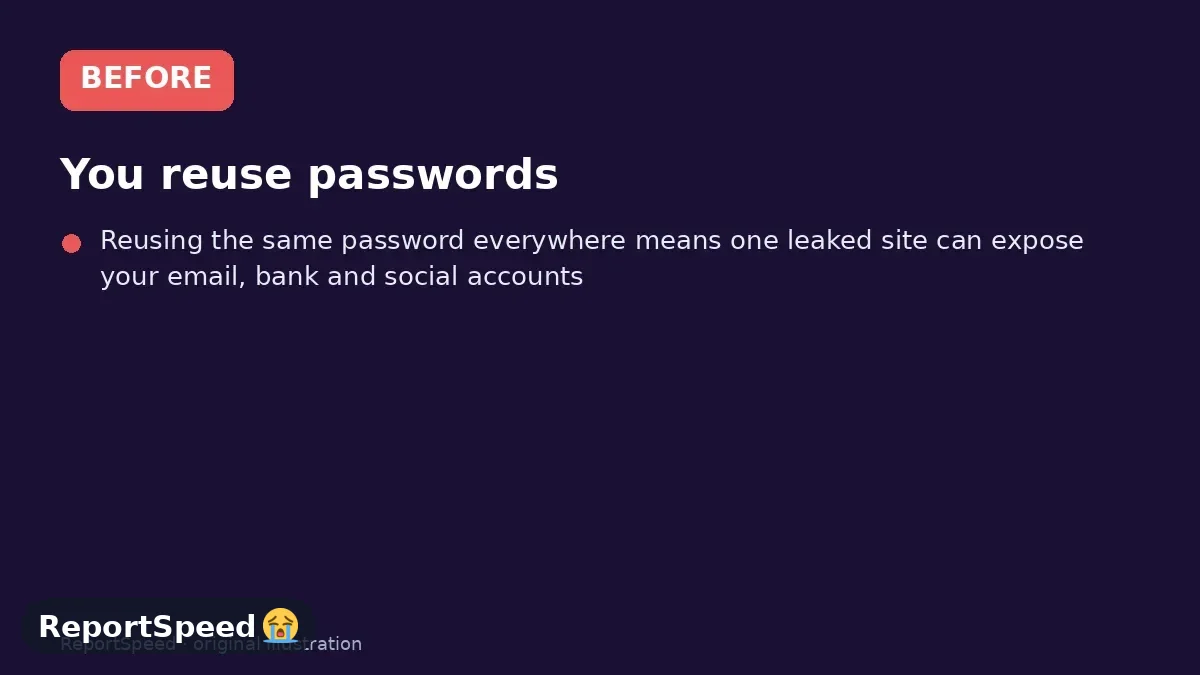
Reusing the same password everywhere means one leaked site can expose your email, bank and social accounts.
What to do
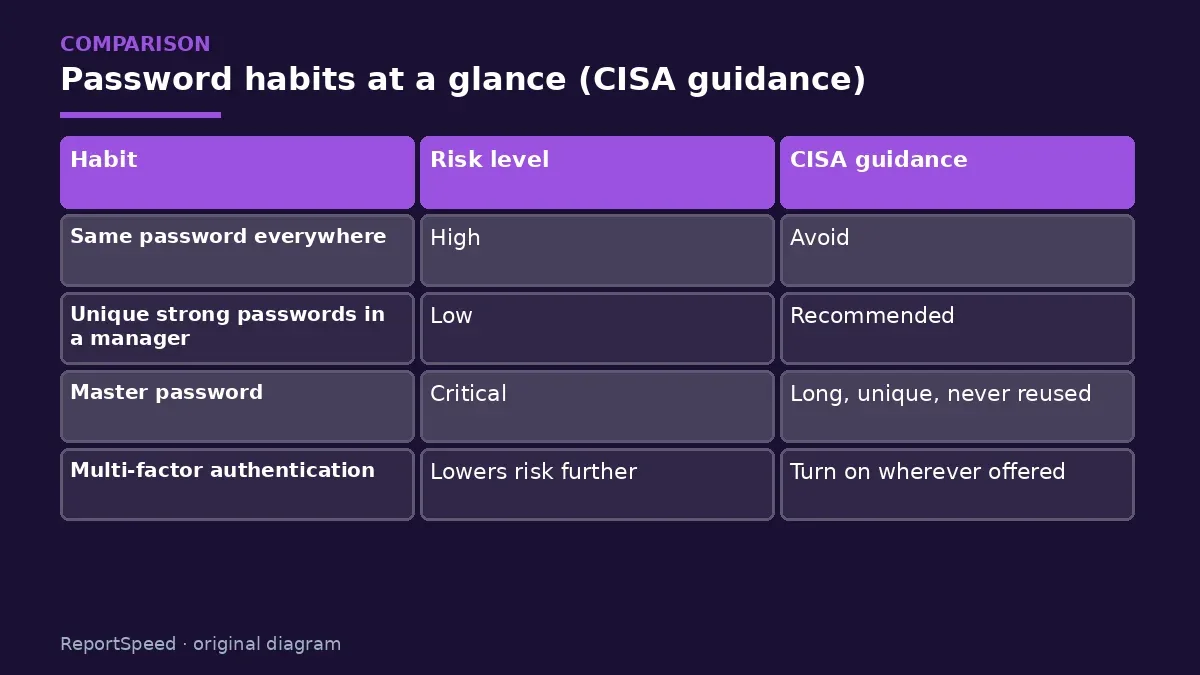
| Habit | Risk level | CISA guidance |
|---|---|---|
| Same password everywhere | High | Avoid |
| Unique strong passwords in a manager | Low | Recommended |
| Master password | Critical | Long, unique, never reused |
| Multi-factor authentication | Lowers risk further | Turn on wherever offered |
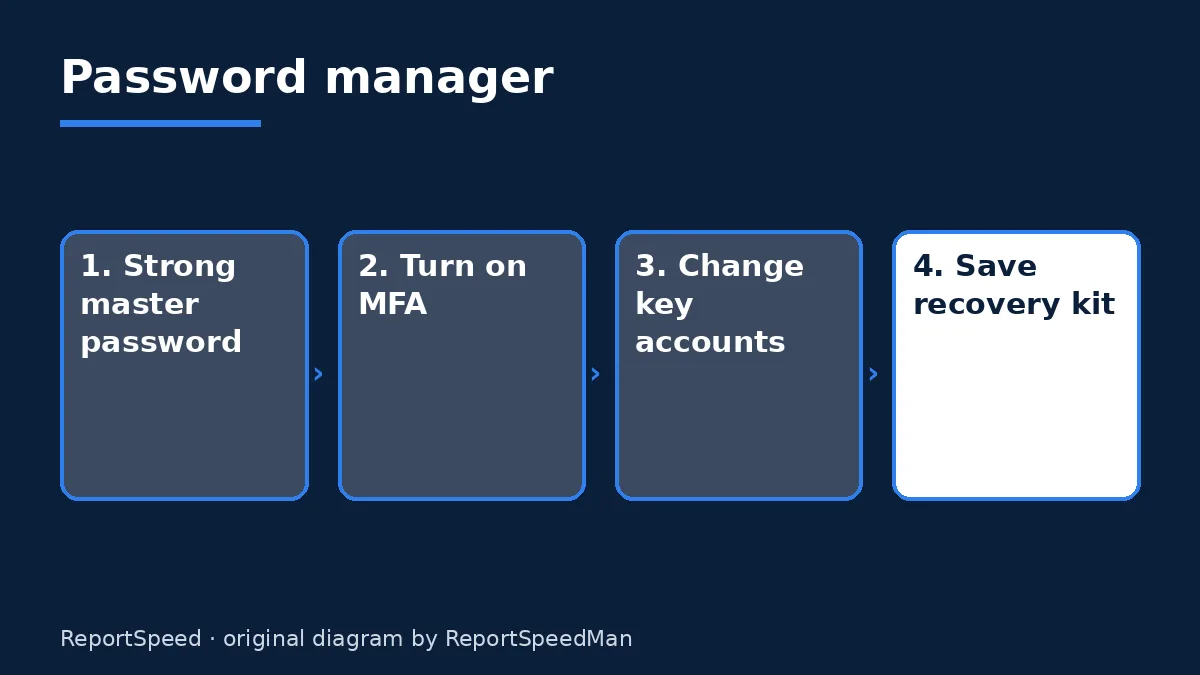
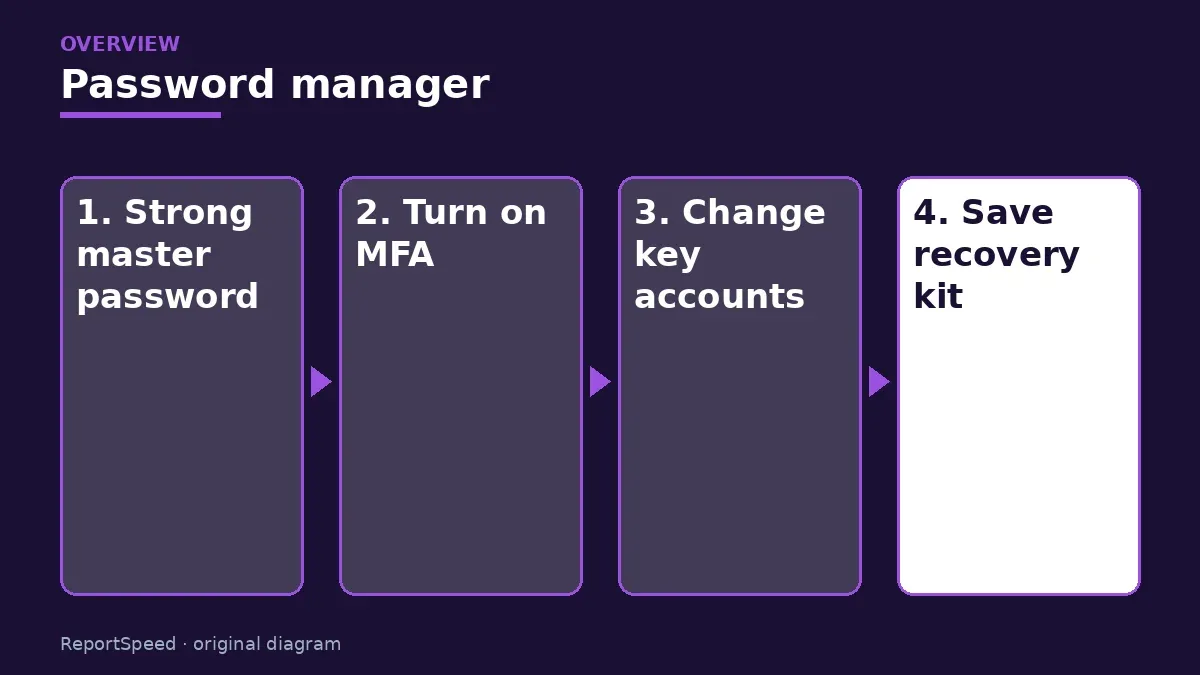
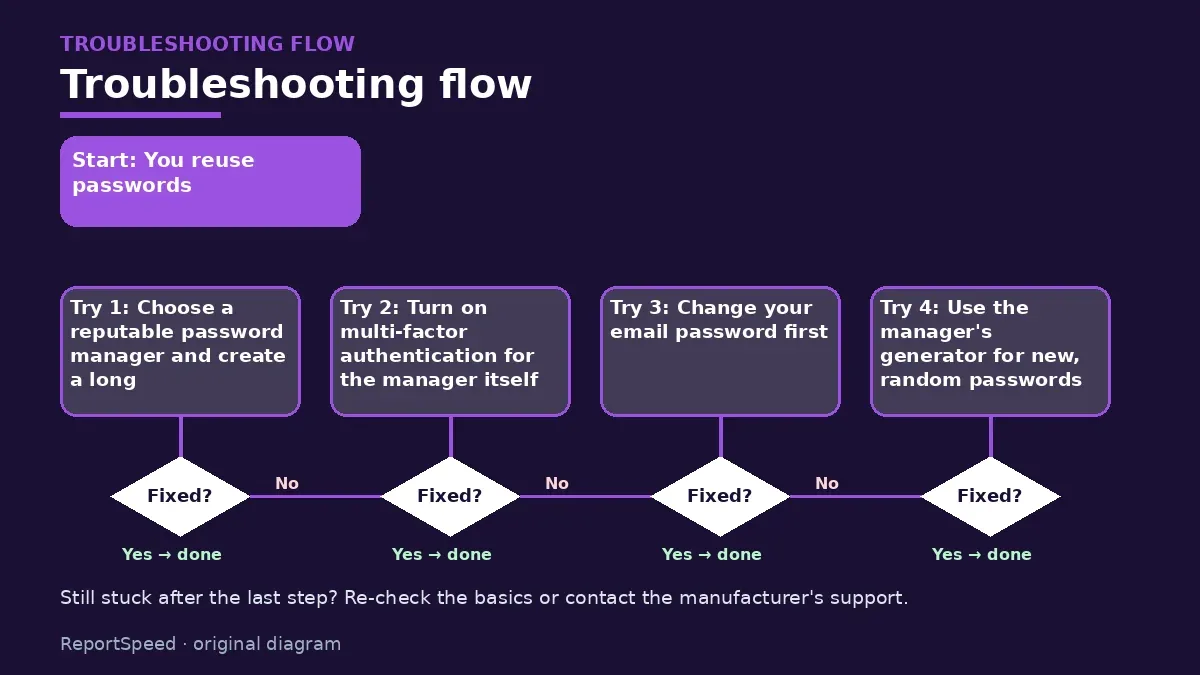
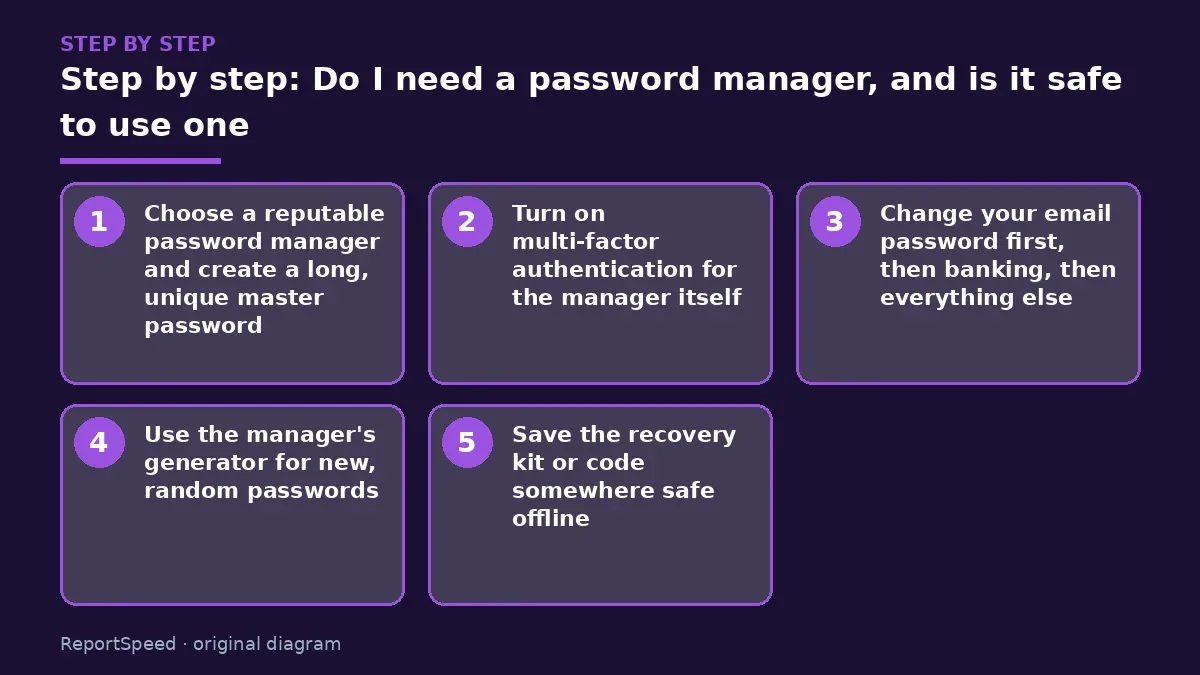
- Choose a reputable password manager and create a long, unique master password.
- Turn on multi-factor authentication for the manager itself.
- Change your email password first, then banking, then everything else.
- Use the manager's generator for new, random passwords.
- Save the recovery kit or code somewhere safe offline.

Common mistakes:
- Reusing the master password elsewhere
- Skipping MFA on the vault
- Never setting up account recovery
ReportSpeedMan tip: Start with your 10 most important accounts this week; you don't need to migrate everything in one day.
What I would actually do

install a reputable manager, protect it with a long passphrase and MFA, and update my ten most important accounts this week.
The trade-off people miss: a password manager doesn't fix phishing; you still need to check where you're typing passwords.
How to know it worked
Every important account has a unique password stored in your manager and MFA is on.
Quick FAQ
What if the company is breached?
Encrypted vaults are protected by your master password.
Is the browser's manager enough?
It's better than reuse; dedicated managers add features.
What if I forget the master password?
Set up recovery options when you start.
Wrap-up: A password manager plus MFA beats reused passwords by a wide margin. Protect the master password and move accounts over gradually.
Wiki: Phishing.
Do I need a password manager, and is it safe to use one: where the facts come from
Step-by-step photos
1. Before The problem 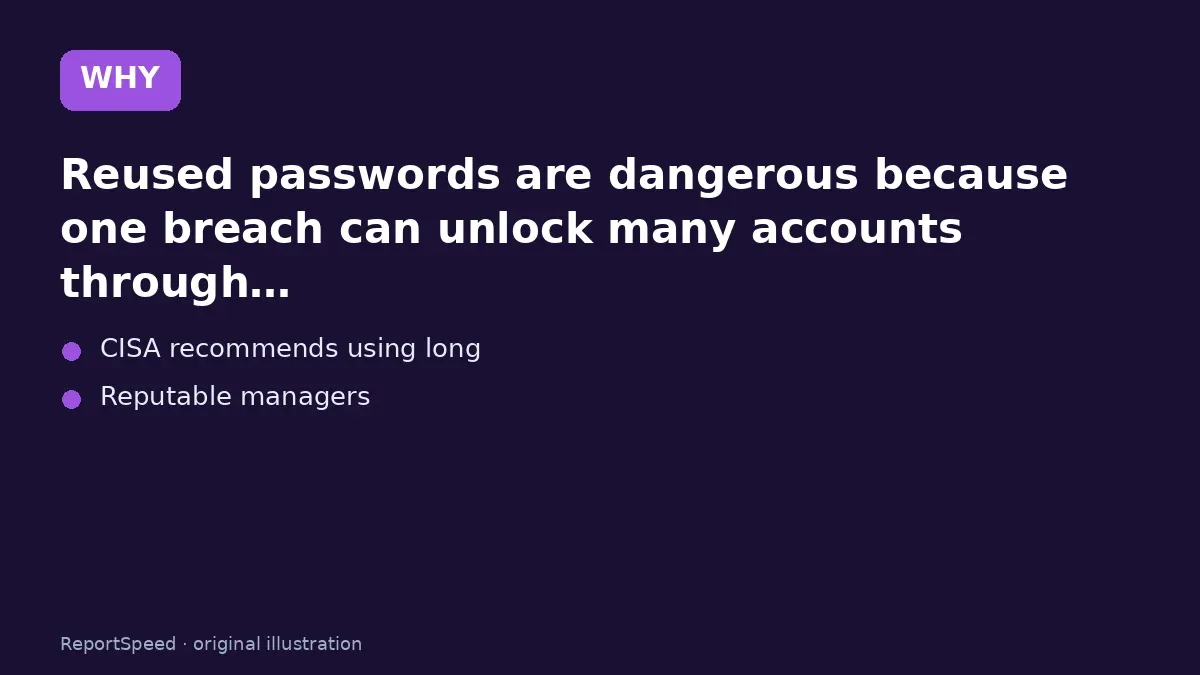
2. Why it happens The cause 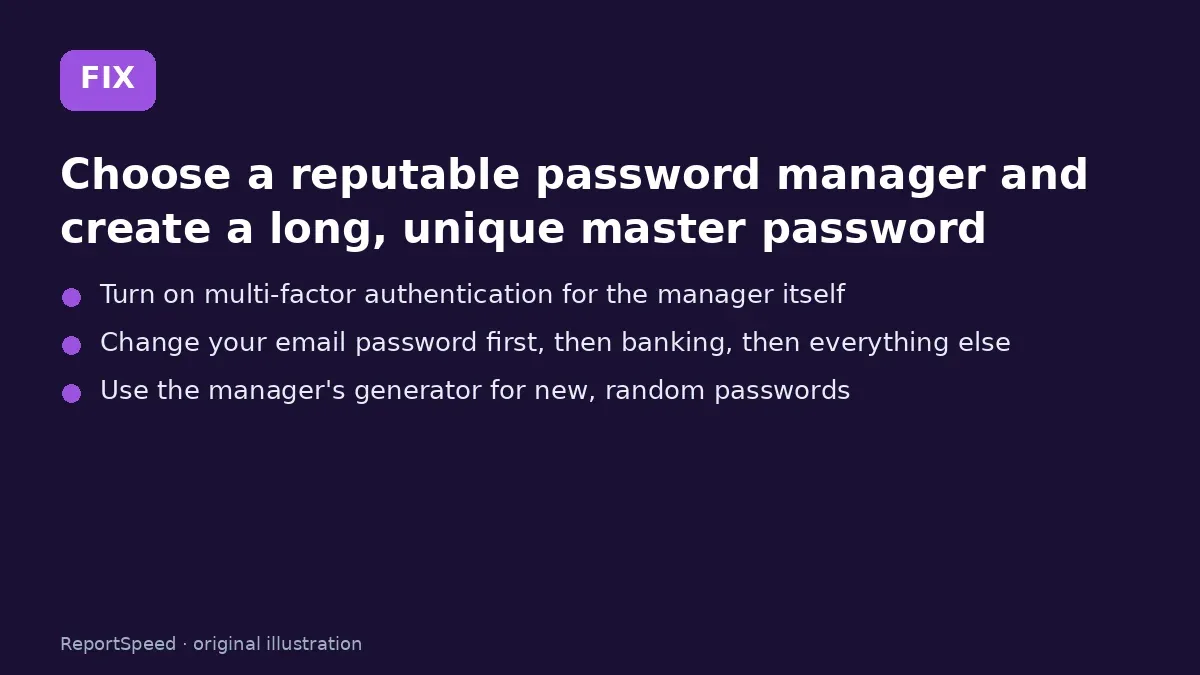
3. The fix The fix 
4. After The result
⚡ Speed Summary
- A password manager plus MFA beats reused passwords by a wide margin.
- Start with your 10 most important accounts this week; you don't need to migrate everything in one day.
- Reusing the same password everywhere means one leaked site can expose your email, bank and social accounts.

Was this answer helpful?
Tap a star to rate this answer.
Related questions

Got an 'AirTag found moving with you' alert? What to do next
Find the tracker, document it, identify the owner, and disable it.
Rate itSolved

Is my smart TV tracking what I watch? How to turn off ACR
Smart TVs may use ACR to track viewing.
Rate itSolved

Caller ID spoofing: why scammers show a local number and how to protect yourself
Caller ID can be faked, and spoofing to defraud is illegal.
Rate itSolved

How do I stop spam emails without making it worse?
Mark spam, block repeat senders, unsubscribe only from known companies, and report phishing.
Rate itSolved
Real experiences
No experiences yet. Be the first to share.