


Do I need a VPN at home or is it a waste of money? YouTube sponsors make it sound like I'll get hacked without one. I mostly browse, stream and game on my home Wi-Fi. When does a VPN actually do something useful?
Do I need a VPN at home? When a VPN actually helps
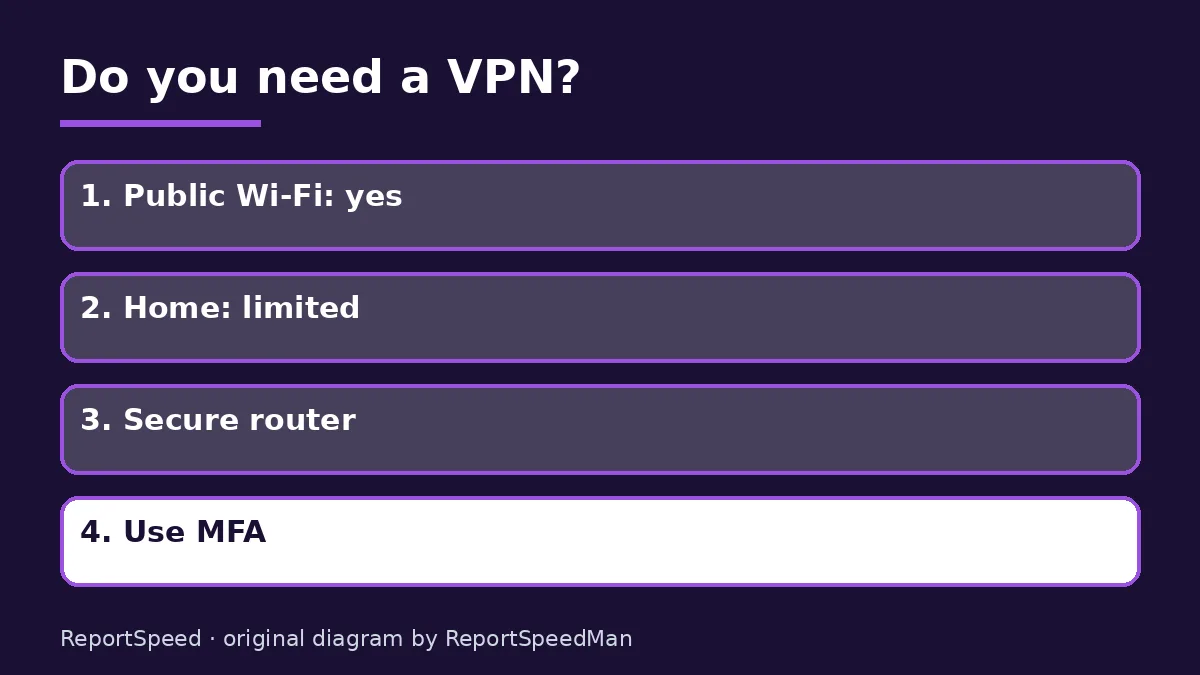
Concerns & risks
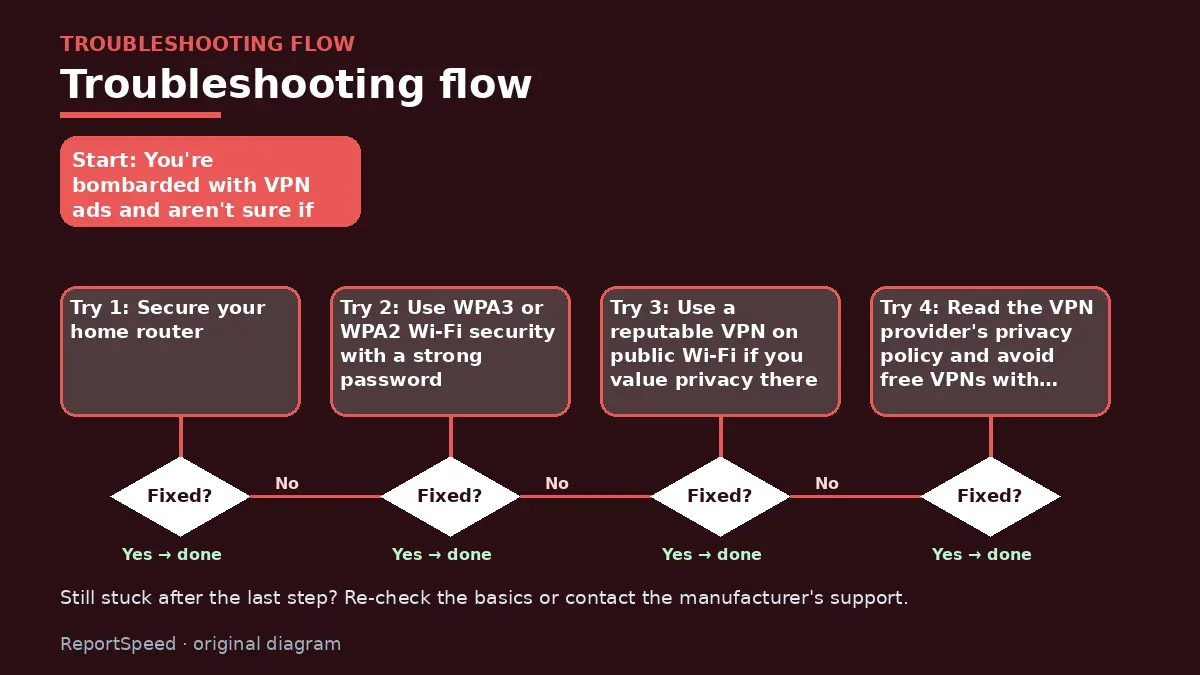
You're bombarded with VPN ads and aren't sure if you're putting yourself at risk without one.
| Situation | VPN helps? | Better fix |
|---|---|---|
| Public Wi-Fi | Somewhat | HTTPS and updates matter most |
| Home Wi-Fi, secured router | Rarely needed | Router security |
| Hiding activity from ISP | Yes | Choose a trusted provider |
| Stopping malware | No | Updates and antivirus |

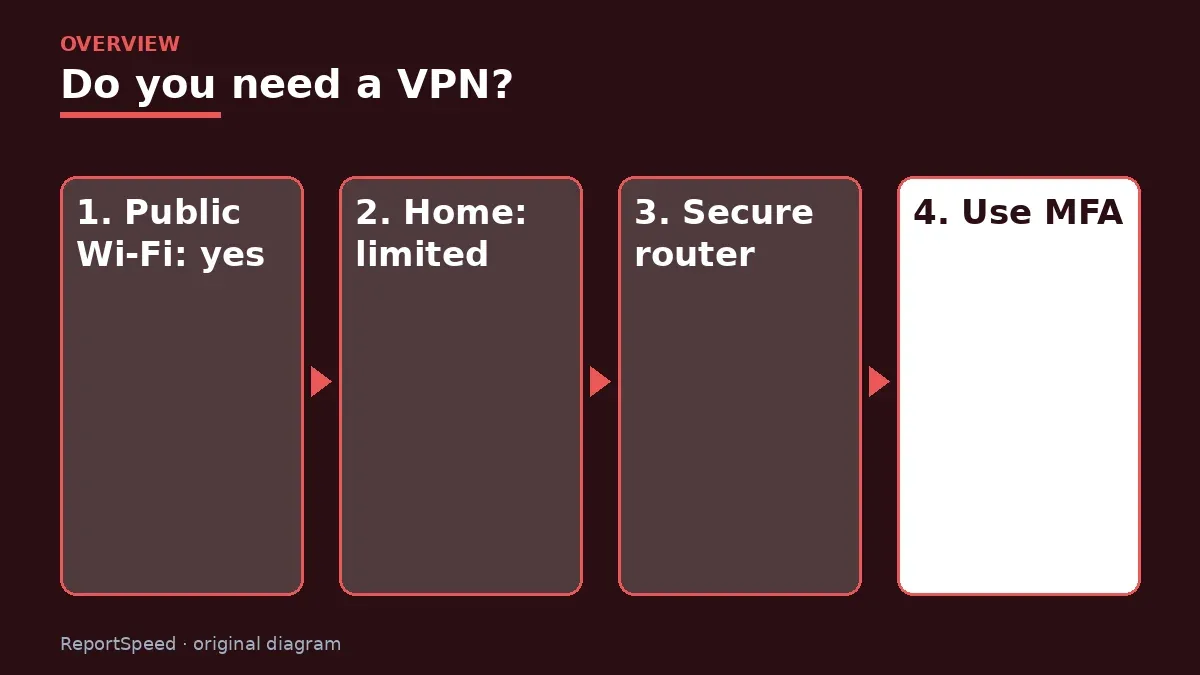
Causes & evidence
A VPN creates an encrypted tunnel between your device and the VPN provider, hiding your traffic from your local network and your internet provider. That's useful on public Wi-Fi or when you need to reach a work network. It doesn't stop phishing, malware or weak passwords, and you're shifting trust from your ISP to the VPN company. Most websites already use HTTPS encryption. Security agencies like CISA focus their basic guidance on passwords, MFA, updates and phishing awareness.
A VPN encrypts traffic between your device and the VPN server, which helps on untrusted networks and hides activity from your local network or ISP. It does not remove malware, stop phishing or make weak passwords strong. At home, a secured router with updated firmware covers most of the risk.
A VPN hides where your data travels. It does nothing if you hand your password to a fake login page.
What to do
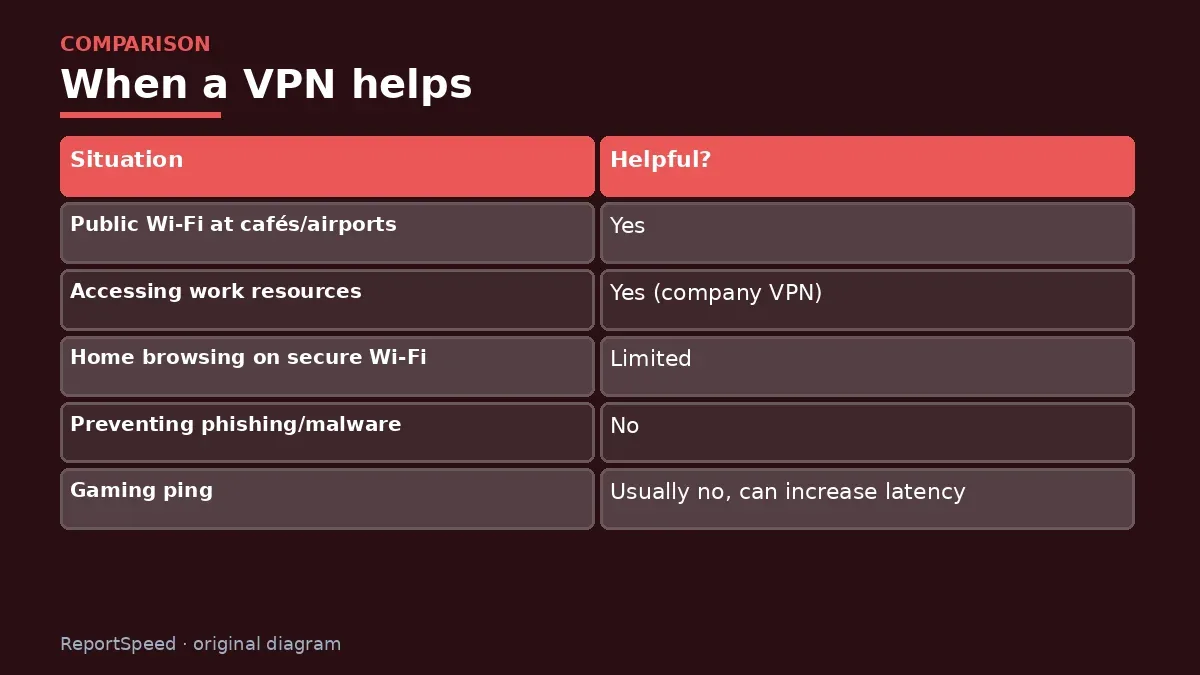
| Situation | Helpful? |
|---|---|
| Public Wi-Fi at cafés/airports | Yes |
| Accessing work resources | Yes (company VPN) |
| Home browsing on secure Wi-Fi | Limited |
| Preventing phishing/malware | No |
| Gaming ping | Usually no, can increase latency |
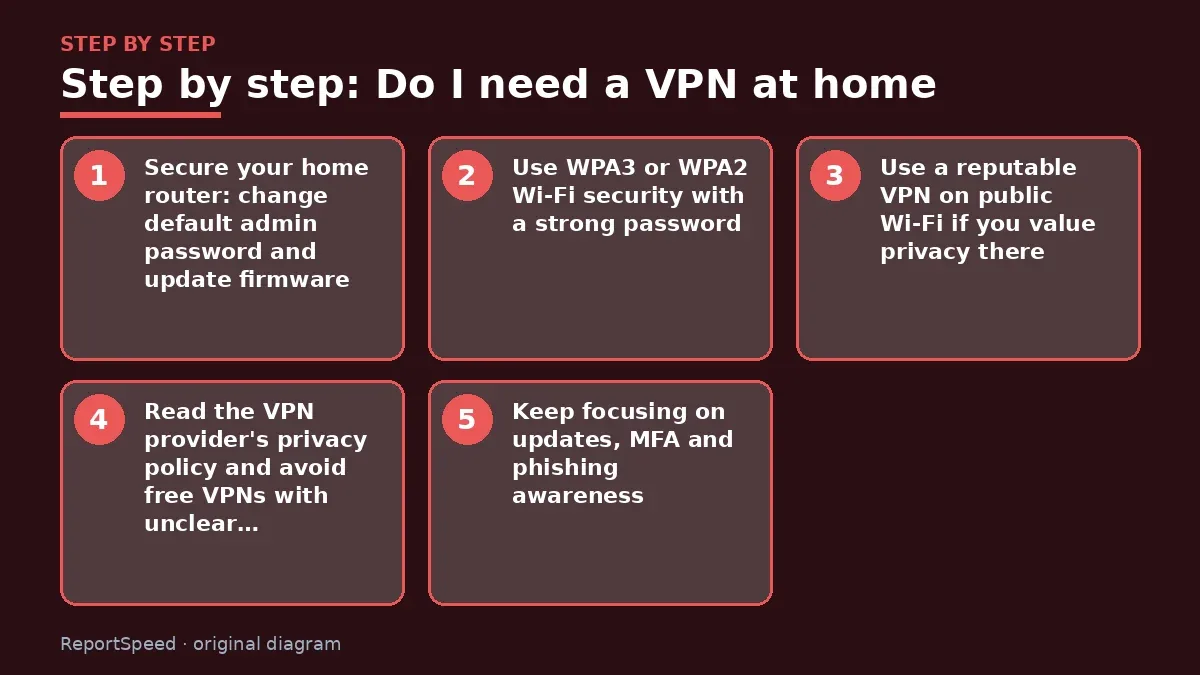
- Secure your home router: change default admin password and update firmware.
- Use WPA3 or WPA2 Wi-Fi security with a strong password.
- Use a reputable VPN on public Wi-Fi if you value privacy there.
- Read the VPN provider's privacy policy and avoid free VPNs with unclear business models.
- Keep focusing on updates, MFA and phishing awareness.
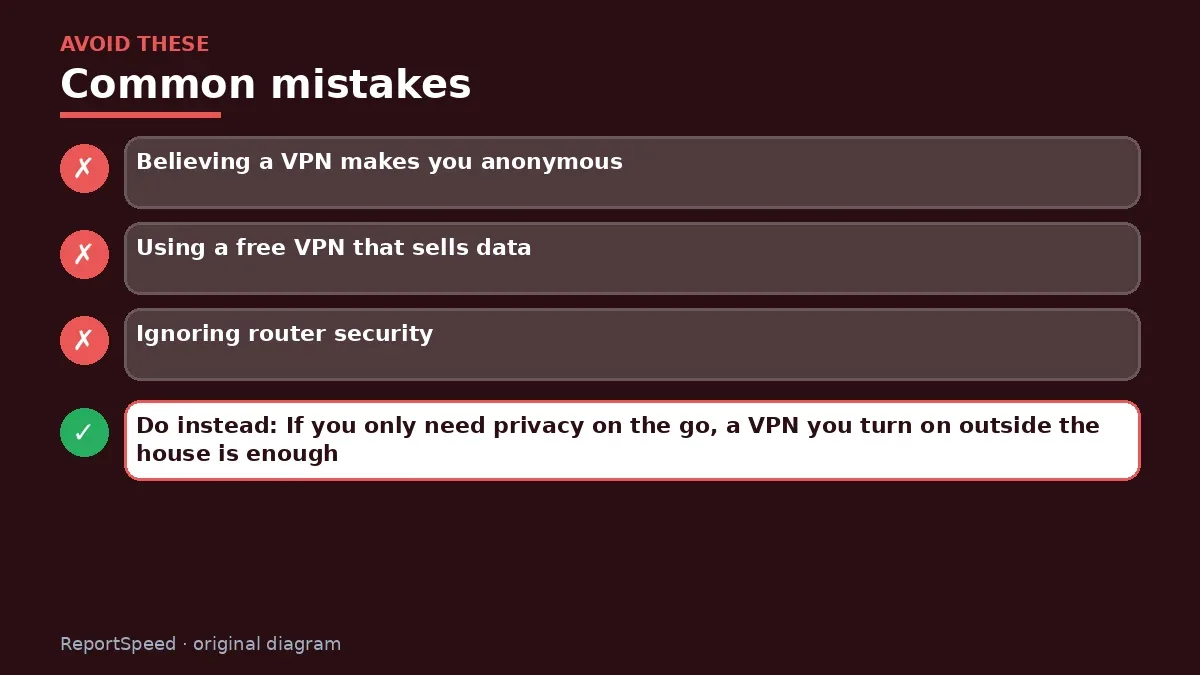
Common mistakes:
- Believing a VPN makes you anonymous
- Using a free VPN that sells data
- Ignoring router security
ReportSpeedMan tip: If you only need privacy on the go, a VPN you turn on outside the house is enough.
What I would actually do
secure the router and keep devices updated. I'd only pay for a VPN if I wanted to hide traffic from a network or ISP.
The trade-off people miss: a VPN moves trust from your ISP to the VPN provider. Pick that provider as carefully as you'd pick a bank.
How to tell it worked
You'll know you're covered when the router firmware is current, Wi-Fi uses WPA2 or WPA3, and you only turn on a VPN for public networks or privacy needs.
Quick FAQ
Do I need a VPN for banking?
Banking sites use HTTPS already; a VPN adds little at home.
Are free VPNs okay?
Be cautious; the provider sees your traffic.
Does a VPN slow internet?
It can, depending on the server and distance.
Wrap-up: A VPN helps on public networks and for work access, but security basics matter more at home.
Wiki: Wi-Fi Standards (Wi-Fi 6, 6E, 7).
Do I need a VPN at home: official sources I checked
Step-by-step photos
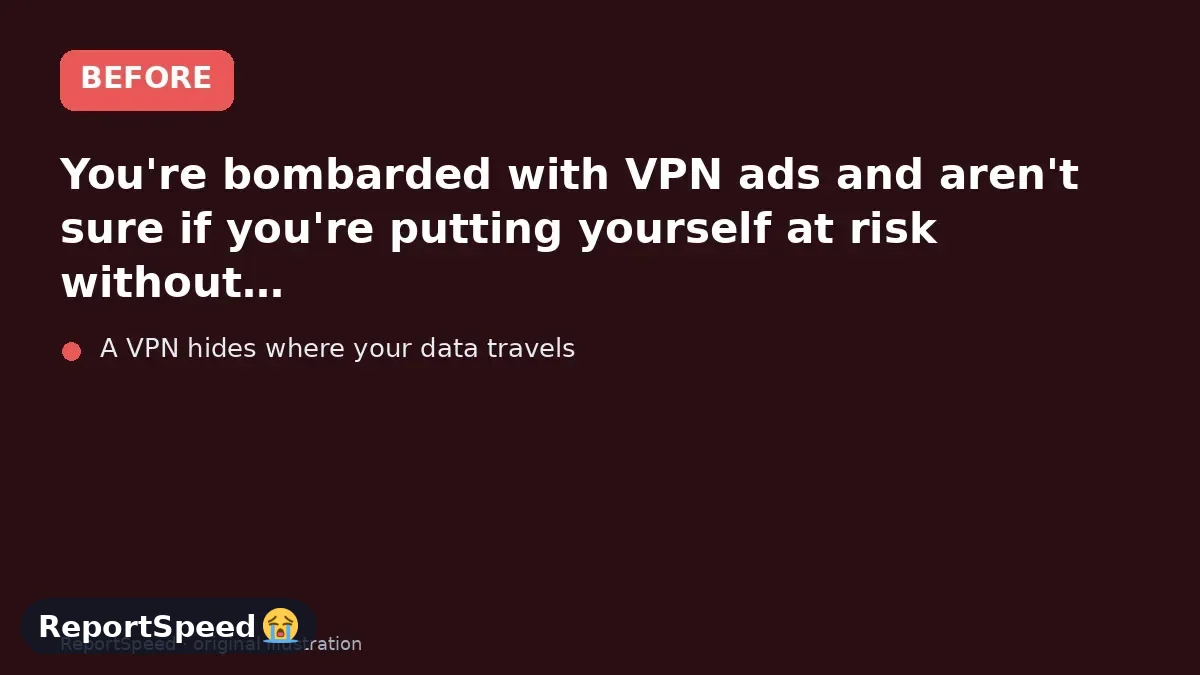
1. Before The problem 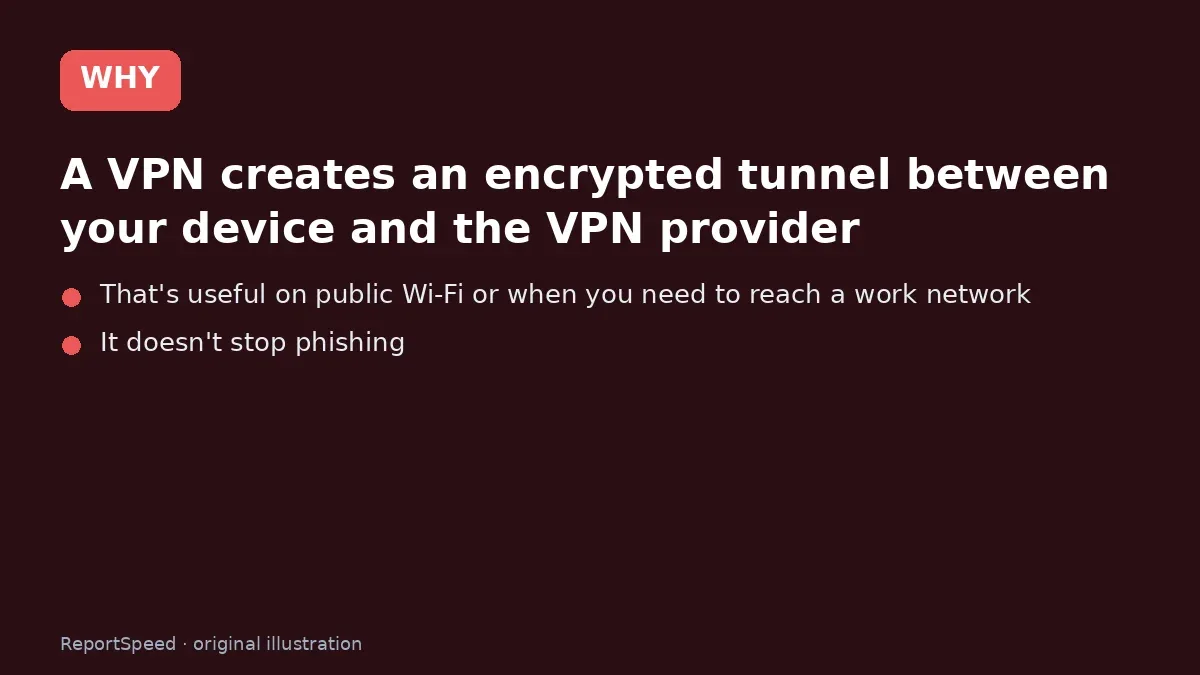
2. Why it happens The cause 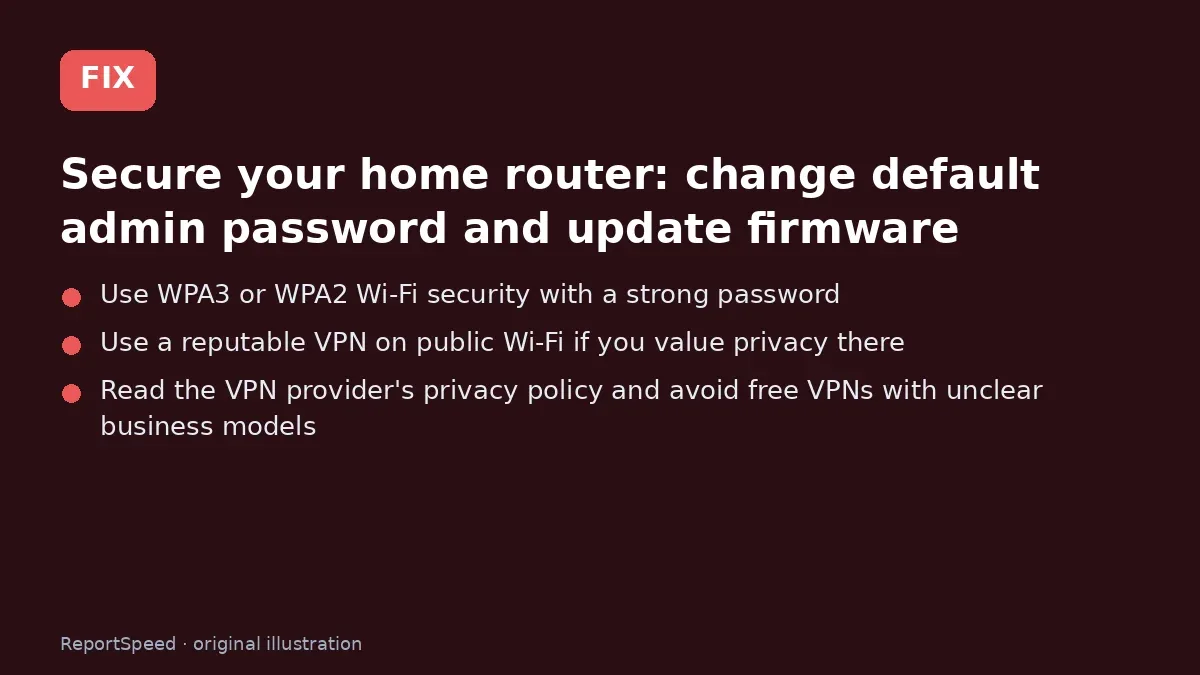
3. The fix The fix 
4. After The result
⚡ Speed Summary
- A VPN helps on public networks and for work access, but security basics matter more at home.
- If you only need privacy on the go, a VPN you turn on outside the house is enough.
- A VPN hides where your data travels. It does nothing if you hand your password to a fake login page.

Was this answer helpful?
Tap a star to rate this answer.
Related questions

Got an 'AirTag found moving with you' alert? What to do next
Find the tracker, document it, identify the owner, and disable it.
Rate itSolved

Is my smart TV tracking what I watch? How to turn off ACR
Smart TVs may use ACR to track viewing.
Rate itSolved

Caller ID spoofing: why scammers show a local number and how to protect yourself
Caller ID can be faked, and spoofing to defraud is illegal.
Rate itSolved

How do I stop spam emails without making it worse?
Mark spam, block repeat senders, unsubscribe only from known companies, and report phishing.
Rate itSolved
Real experiences
No experiences yet. Be the first to share.