


My gaming laptop is overheating and throttling in games. Fans go jet engine, it's too hot to touch near the keyboard, and FPS drops after like 15 minutes. It's not even that old. Is this normal for gaming laptops or is something wrong?
Gaming laptop overheating and throttling: how to fix it
Concerns & risks
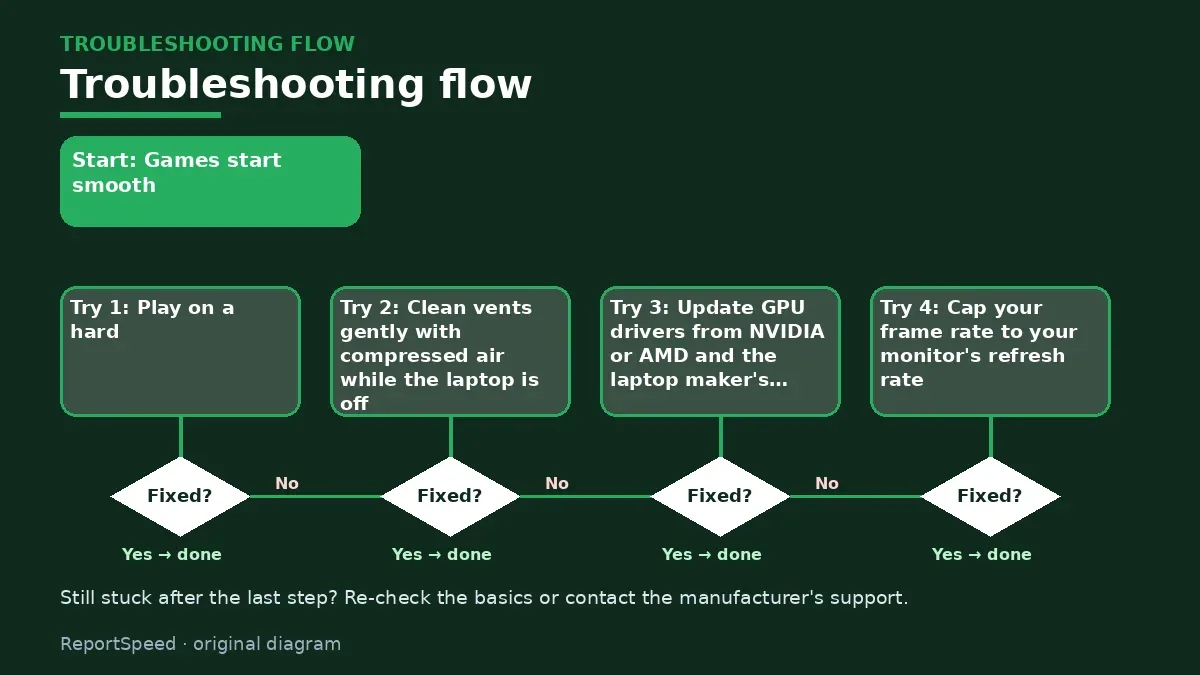
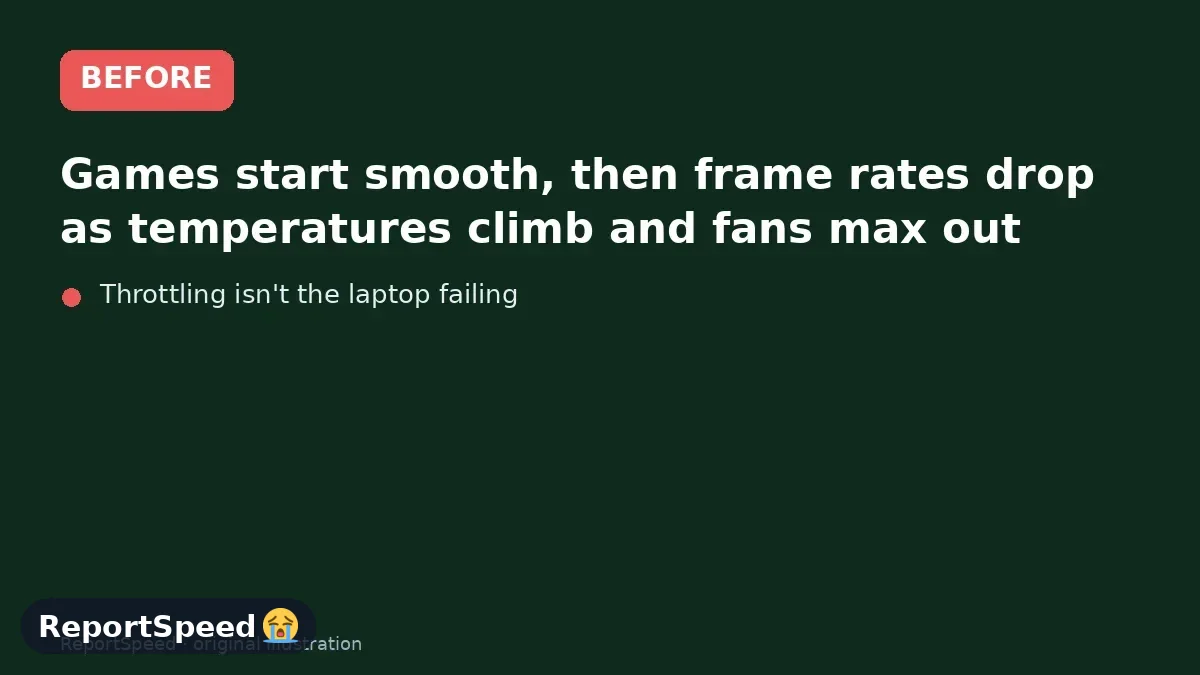
Games start smooth, then frame rates drop as temperatures climb and fans max out.
| Fix | Effort | Note |
|---|---|---|
| Hard flat surface, raised rear | None | Free airflow gain |
| Clean vents | Low | Laptop off first |
| Performance mode and FPS cap | Low | Less heat for same feel |
| Service repaste | High | Warranty check first |
Causes & evidence
Laptop CPUs and GPUs reduce clock speeds when they hit thermal or power limits to protect themselves, called thermal throttling. Dust in fans and heatsinks, blocked vents from soft surfaces, aged thermal paste, and maxed-out performance modes all push temperatures higher. Outdated GPU drivers and background apps can also add unnecessary load.
Thermal throttling is the laptop protecting itself: when temperature hits a limit, clocks drop to cut heat. That's why FPS can start fine and sink after several minutes. Airflow under the laptop matters a lot because many intake vents sit on the bottom, and a soft surface blocks them.
Throttling isn't the laptop failing. It's the laptop begging for air.
What to do
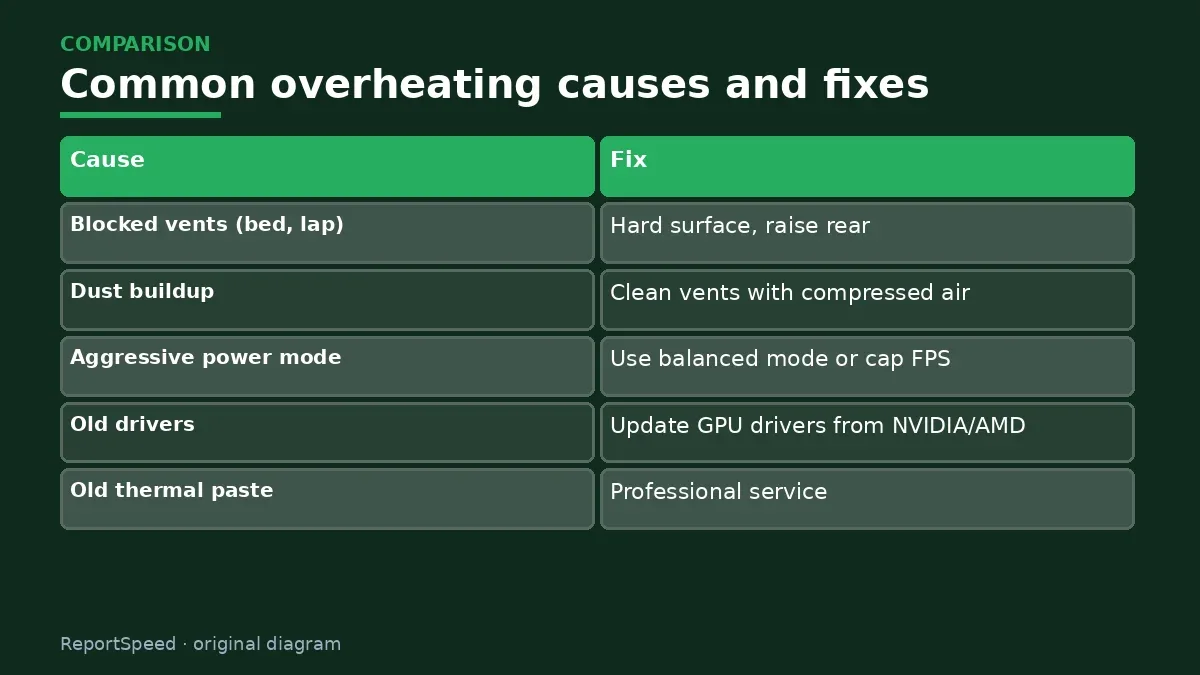
| Cause | Fix |
|---|---|
| Blocked vents (bed, lap) | Hard surface, raise rear |
| Dust buildup | Clean vents with compressed air |
| Aggressive power mode | Use balanced mode or cap FPS |
| Old drivers | Update GPU drivers from NVIDIA/AMD |
| Old thermal paste | Professional service |
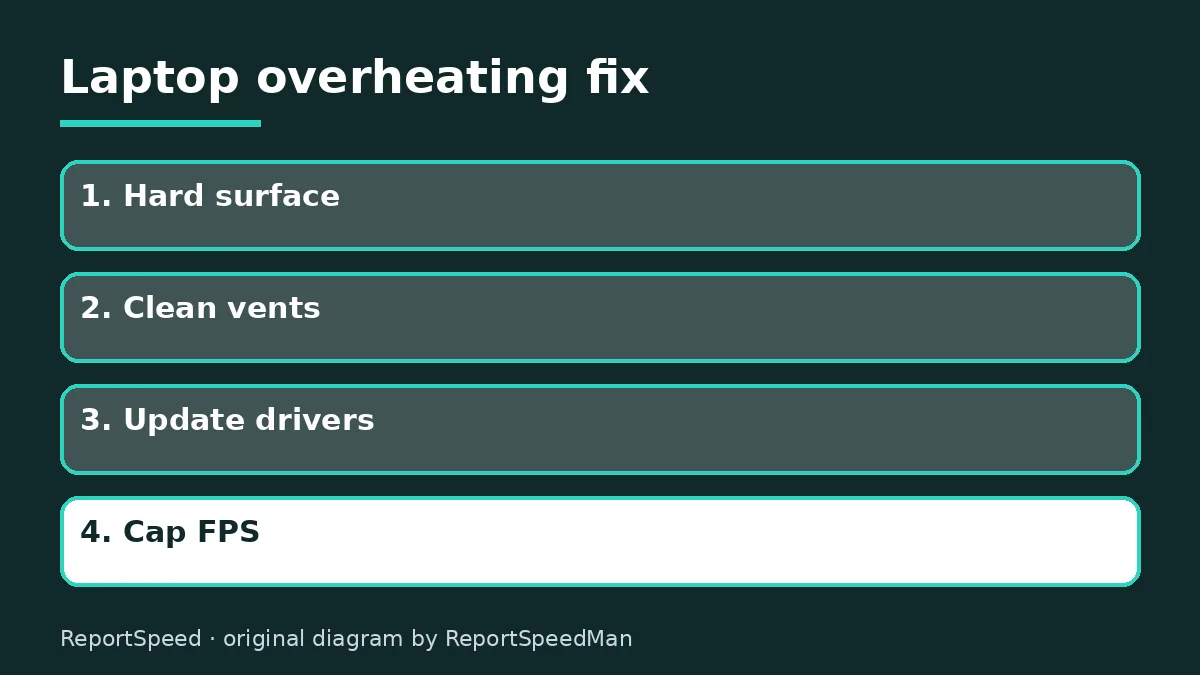
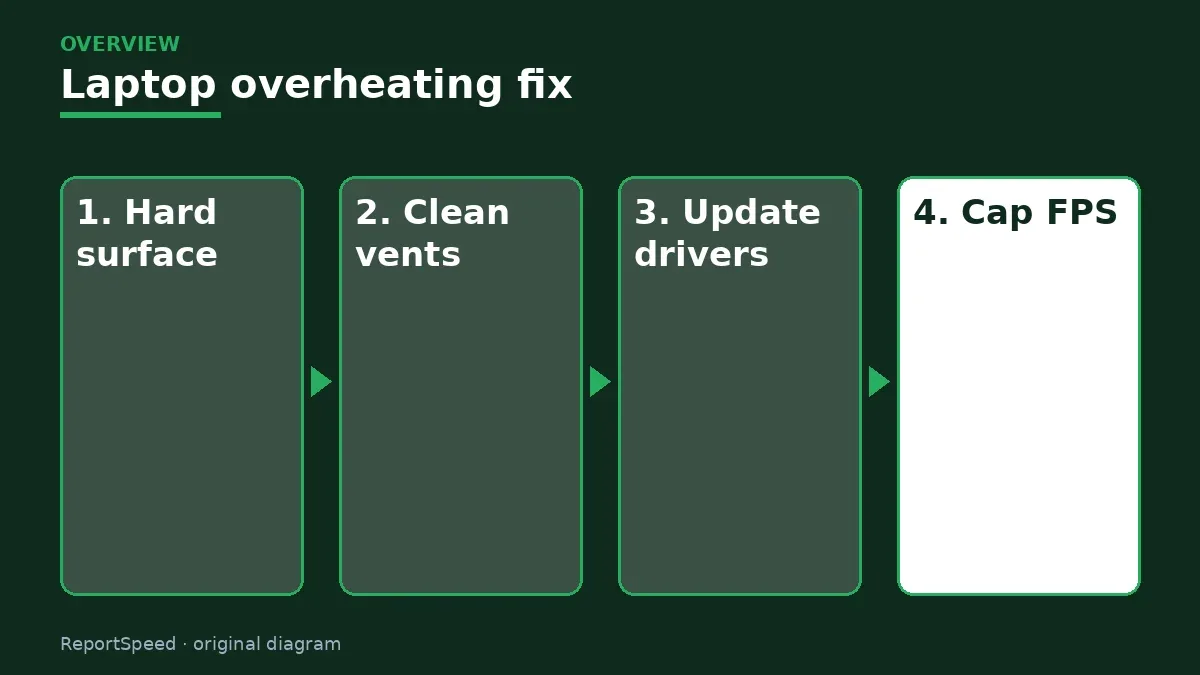
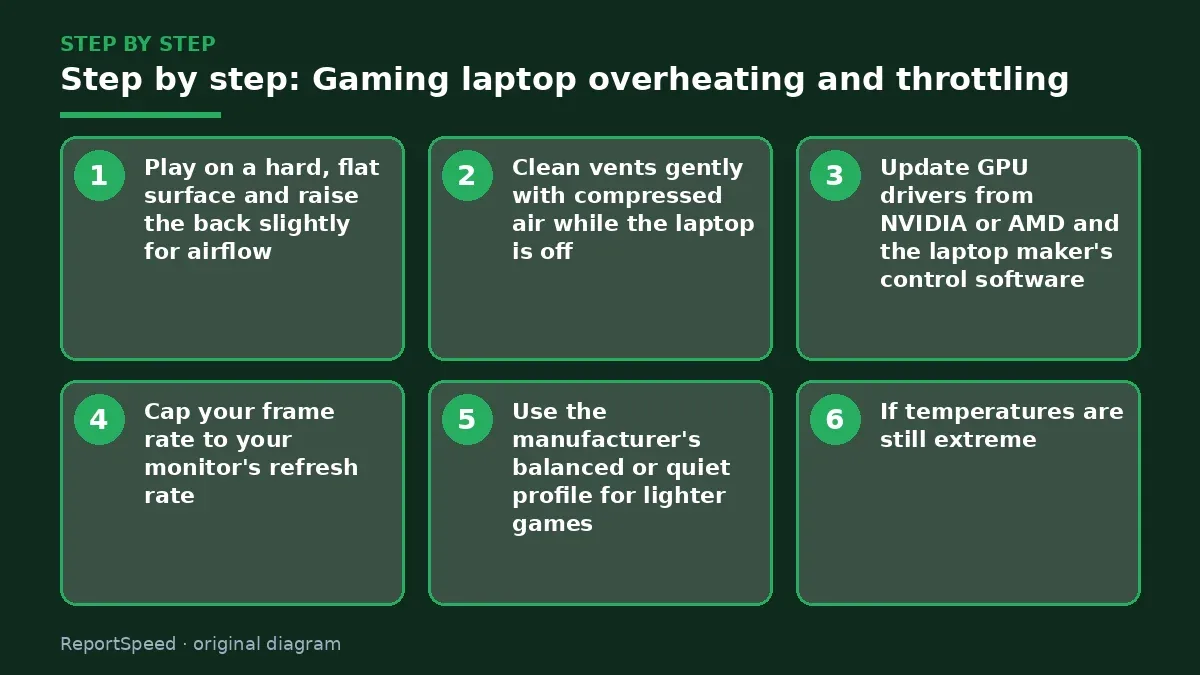
- Play on a hard, flat surface and raise the back slightly for airflow.
- Clean vents gently with compressed air while the laptop is off.
- Update GPU drivers from NVIDIA or AMD and the laptop maker's control software.
- Cap your frame rate to your monitor's refresh rate.
- Use the manufacturer's balanced or quiet profile for lighter games.
- If temperatures are still extreme, have the laptop serviced (thermal paste, fans), ideally under warranty.
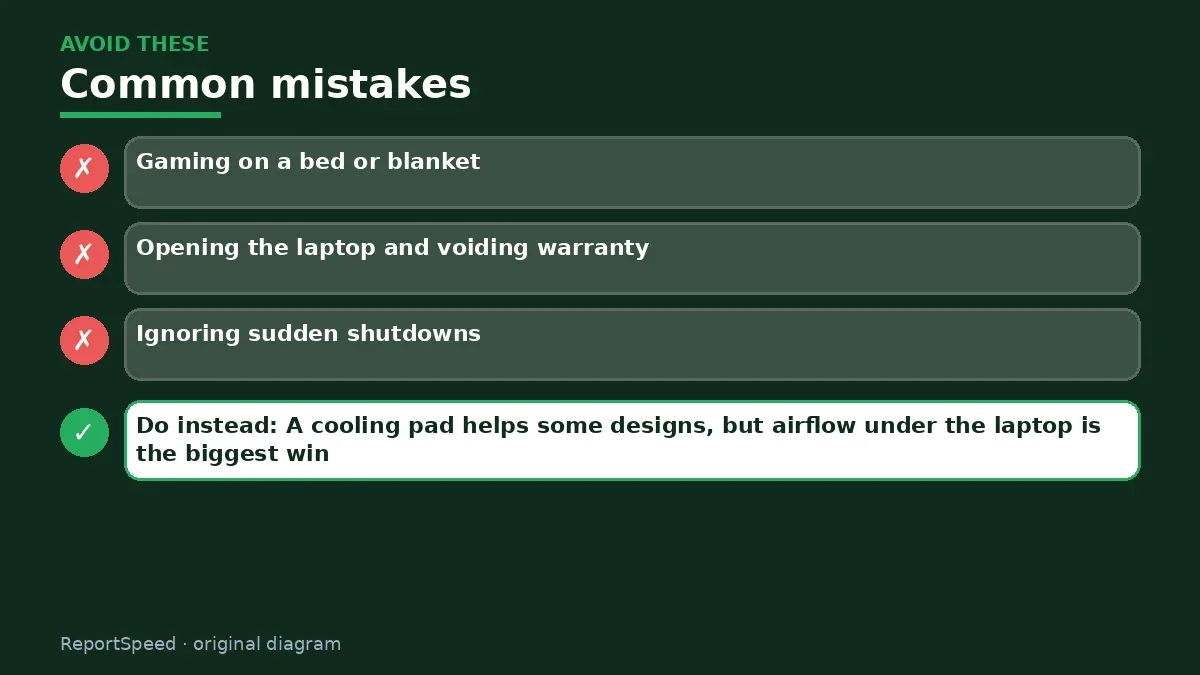
Common mistakes:
- Gaming on a bed or blanket
- Opening the laptop and voiding warranty
- Ignoring sudden shutdowns
ReportSpeedMan tip: A cooling pad helps some designs, but airflow under the laptop is the biggest win.
What I would actually do
raise the back, clean vents, and cap FPS. Those three habits fix most hot gaming laptops without opening anything.
The trade-off people miss: gaming laptops are designed to run hot under load. High temperatures alone aren't a fault; throttling and crashes are.
How you can tell it worked
FPS stays steady after 20 minutes of play instead of sinking, and fan noise settles at a level you can live with.
Quick FAQ
Is a cooling pad worth it?
It can help by improving intake airflow, especially on soft surfaces.
Should I undervolt?
Some laptops allow it through official tools; follow the maker's guidance.
When should I get it serviced?
If temps stay high after cleaning and settings, ask the maker about service.
Wrap-up: Give it airflow, clean the vents, update drivers and cap FPS. Get service if it still runs too hot.
Wiki: Refresh Rate and Response Time.
Gaming laptop overheating and throttling: primary sources
Step-by-step photos
1. Before The problem 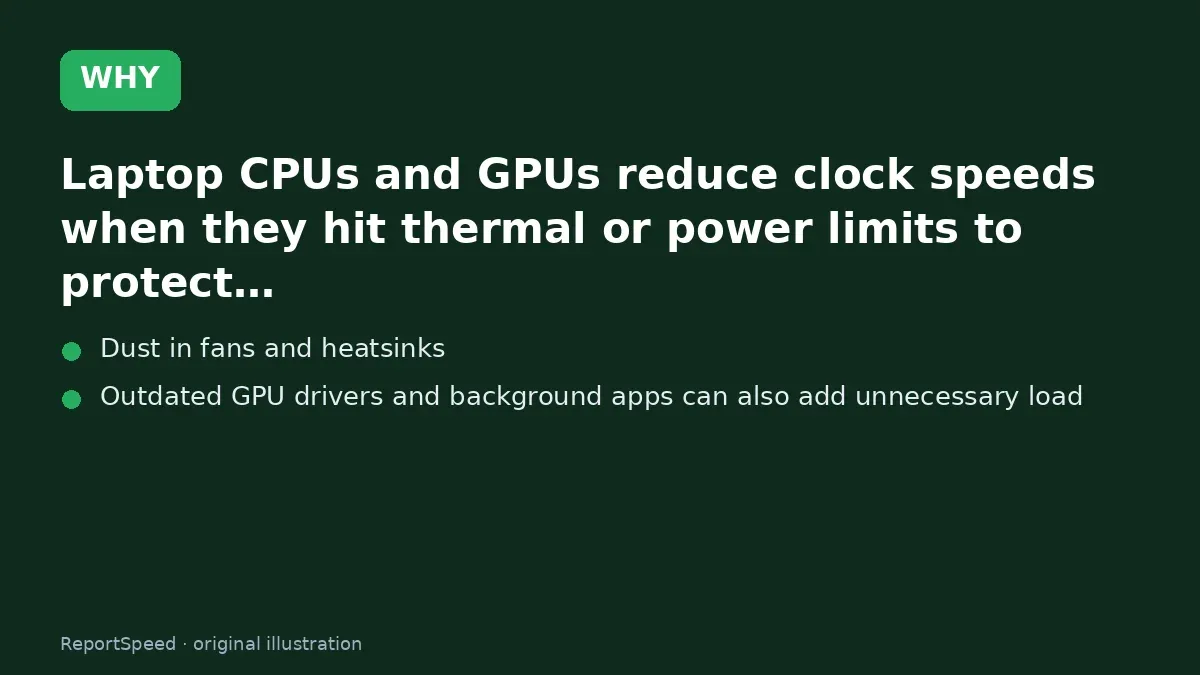
2. Why it happens The cause 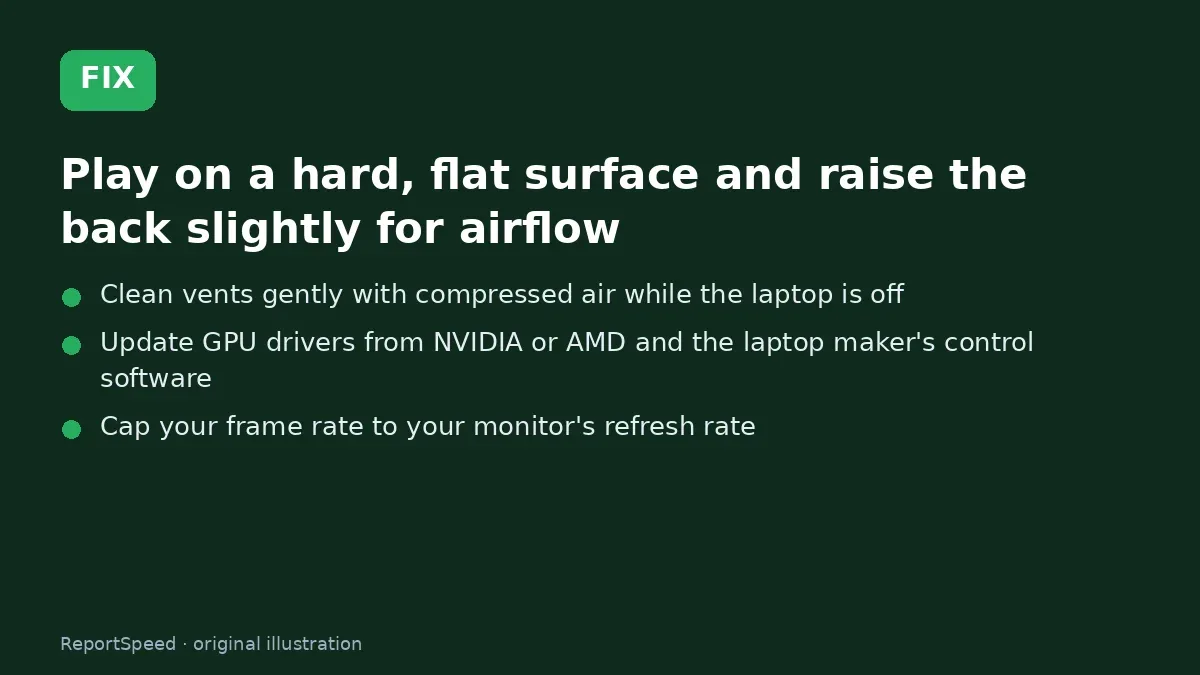
3. The fix The fix 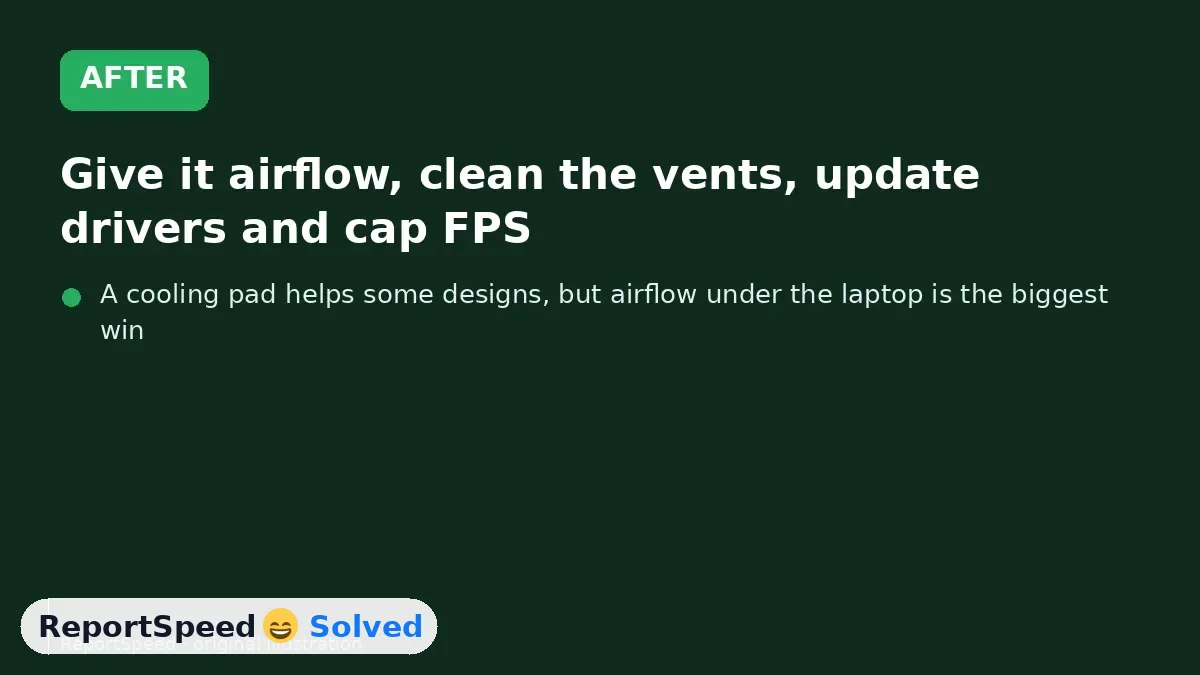
4. After The result
⚡ Speed Summary
- Give it airflow, clean the vents, update drivers and cap FPS.
- A cooling pad helps some designs, but airflow under the laptop is the biggest win.
- Throttling isn't the laptop failing. It's the laptop begging for air.

Was this answer helpful?
Tap a star to rate this answer.
Related questions

Got an 'AirTag found moving with you' alert? What to do next
Find the tracker, document it, identify the owner, and disable it.
Rate itSolved

Is my smart TV tracking what I watch? How to turn off ACR
Smart TVs may use ACR to track viewing.
Rate itSolved

Caller ID spoofing: why scammers show a local number and how to protect yourself
Caller ID can be faked, and spoofing to defraud is illegal.
Rate itSolved

How do I stop spam emails without making it worse?
Mark spam, block repeat senders, unsubscribe only from known companies, and report phishing.
Rate itSolved
Real experiences
No experiences yet. Be the first to share.