


We have thousands of family photos spread across phones and an old laptop. I'm trying to decide between buying a home NAS like a Synology or just paying for cloud storage. Which is safer for family photos, and do I need both?
Home NAS vs cloud storage for family photos: which is safer?

Concerns & risks
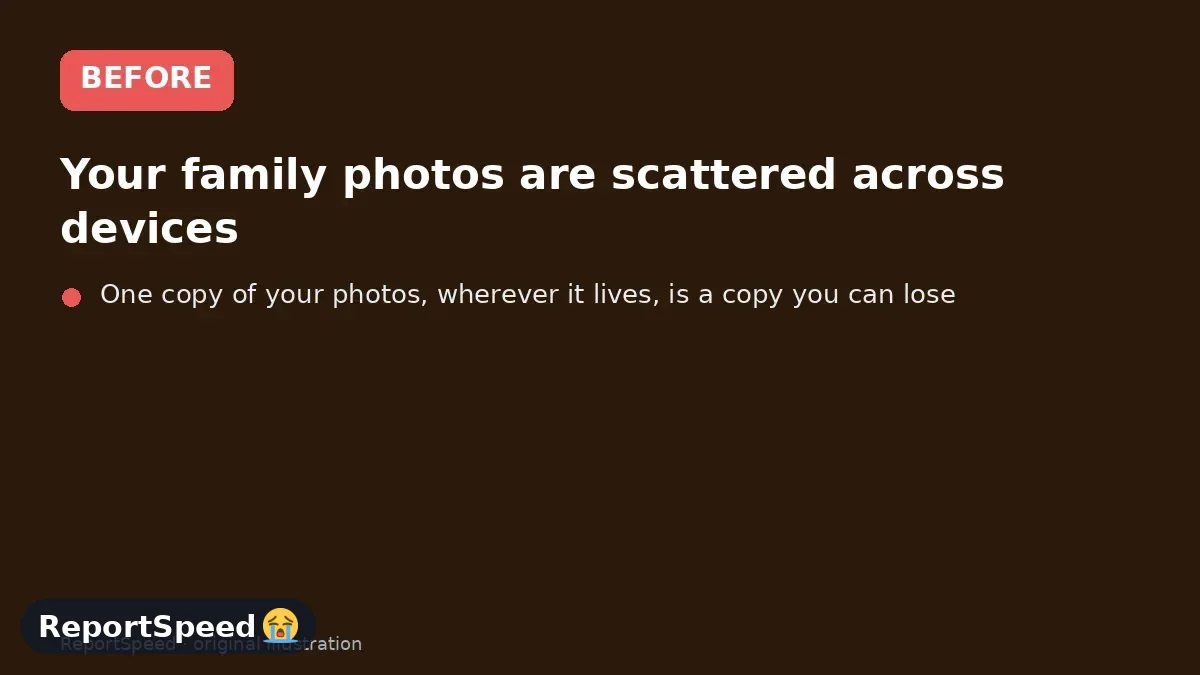
Your family photos are scattered across devices, you want one safe place for them, and you're weighing a NAS at home against a cloud subscription.
| Copy | Where |
|---|---|
| Copy 1 | Phones and laptops (originals) |
| Copy 2 | Home NAS or main cloud library |
| Copy 3 | Off-site: a second cloud or a drive kept elsewhere |
Causes & evidence
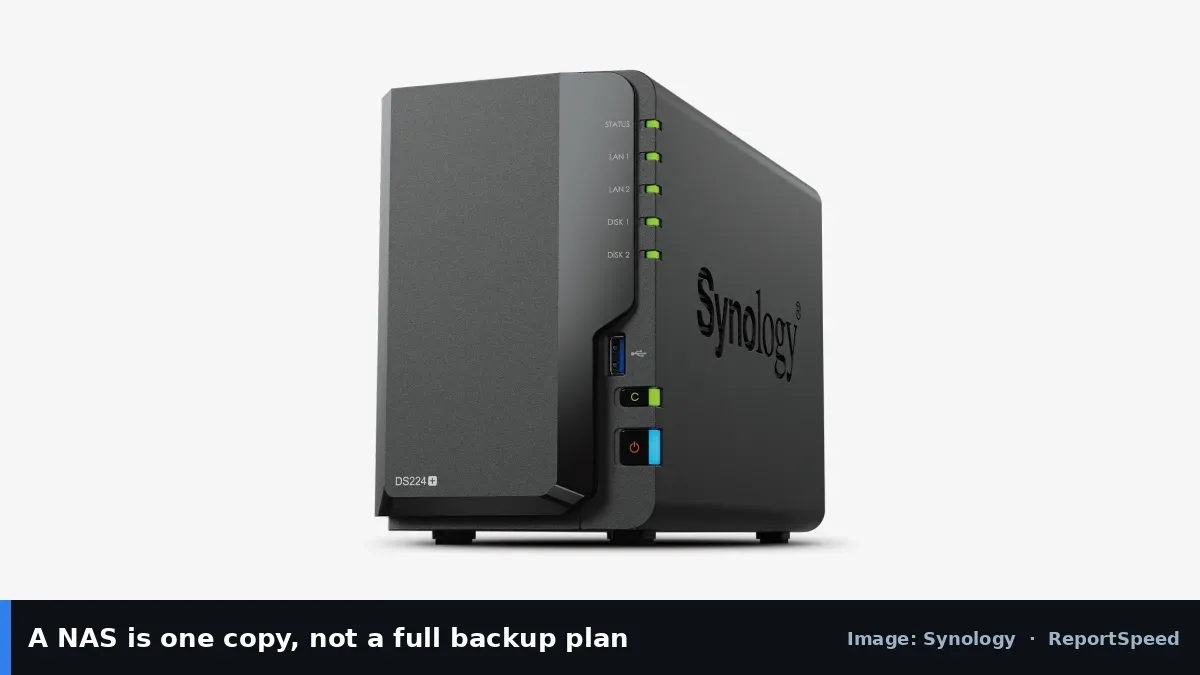
A home NAS like Synology's DiskStation keeps photos on drives you own, with apps to back up phones automatically; but fire, theft or a failed drive set can still take everything if it's your only copy. Cloud storage keeps copies off-site and is easy to share, but you pay a subscription and depend on the provider. The widely used 3-2-1 idea is three copies, on two types of storage, with one off-site.
Off-site copies protect against disasters at home. RAID keeps a NAS running if one drive fails but won't save you from deletions or ransomware.
One copy of your photos, wherever it lives, is a copy you can lose.
What to do
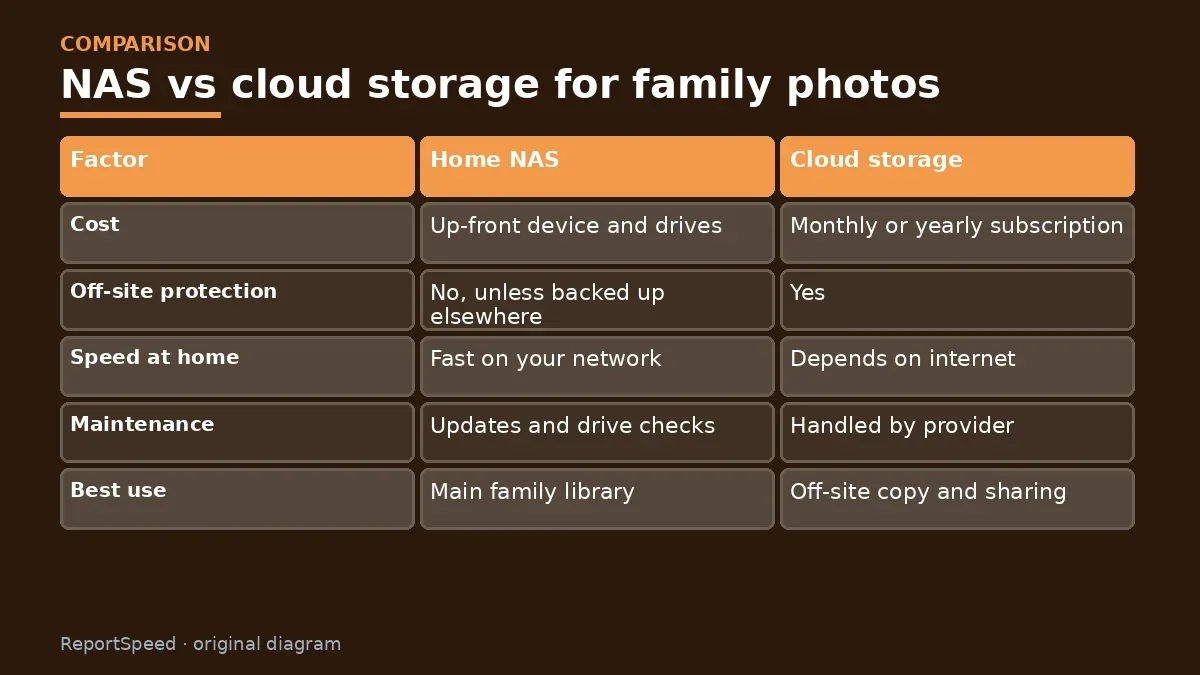
| Factor | Home NAS | Cloud storage |
|---|---|---|
| Cost | Up-front device and drives | Monthly or yearly subscription |
| Off-site protection | No, unless backed up elsewhere | Yes |
| Speed at home | Fast on your network | Depends on internet |
| Maintenance | Updates and drive checks | Handled by provider |
| Best use | Main family library | Off-site copy and sharing |
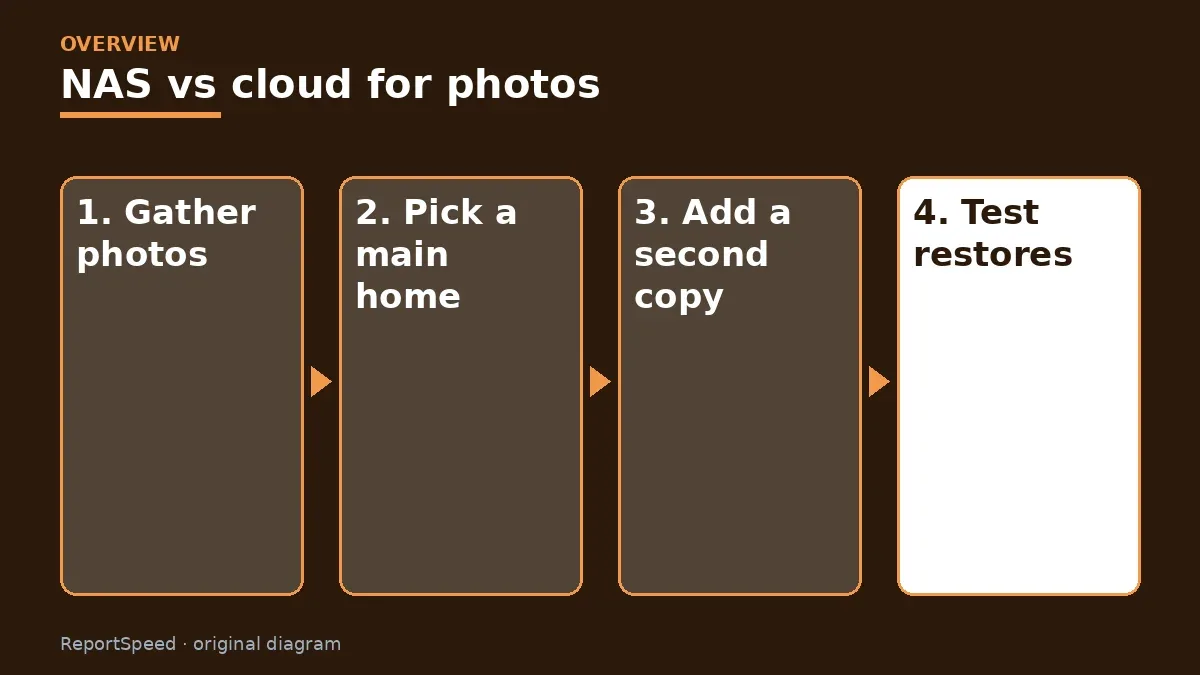
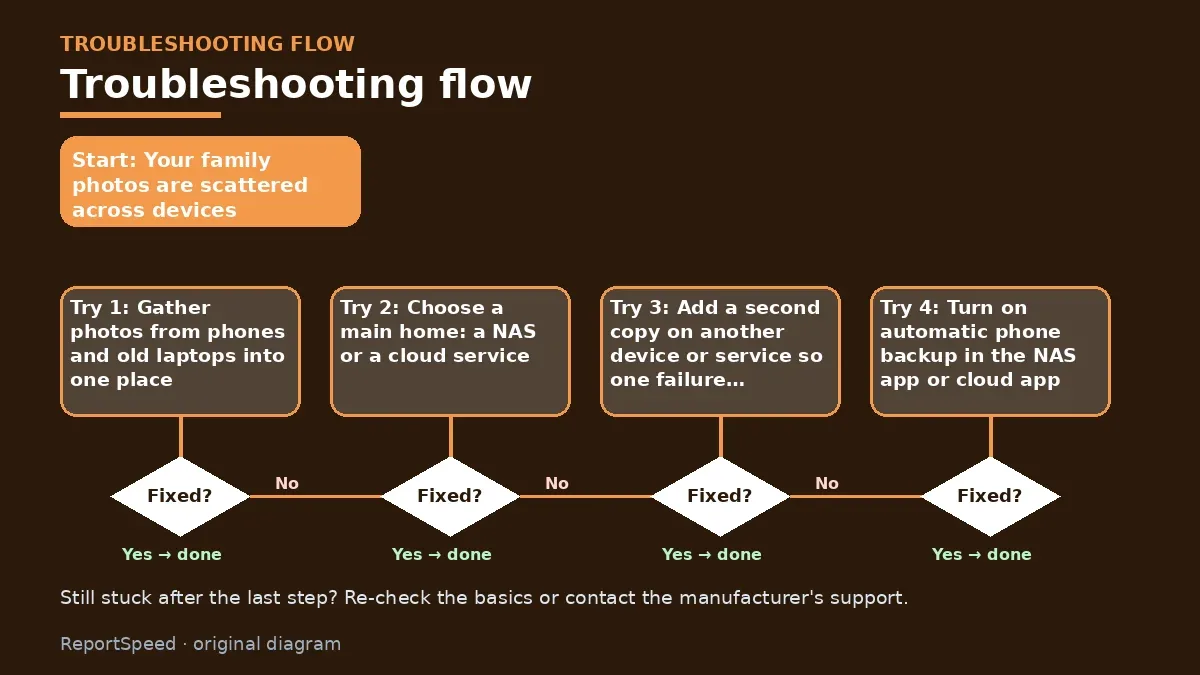
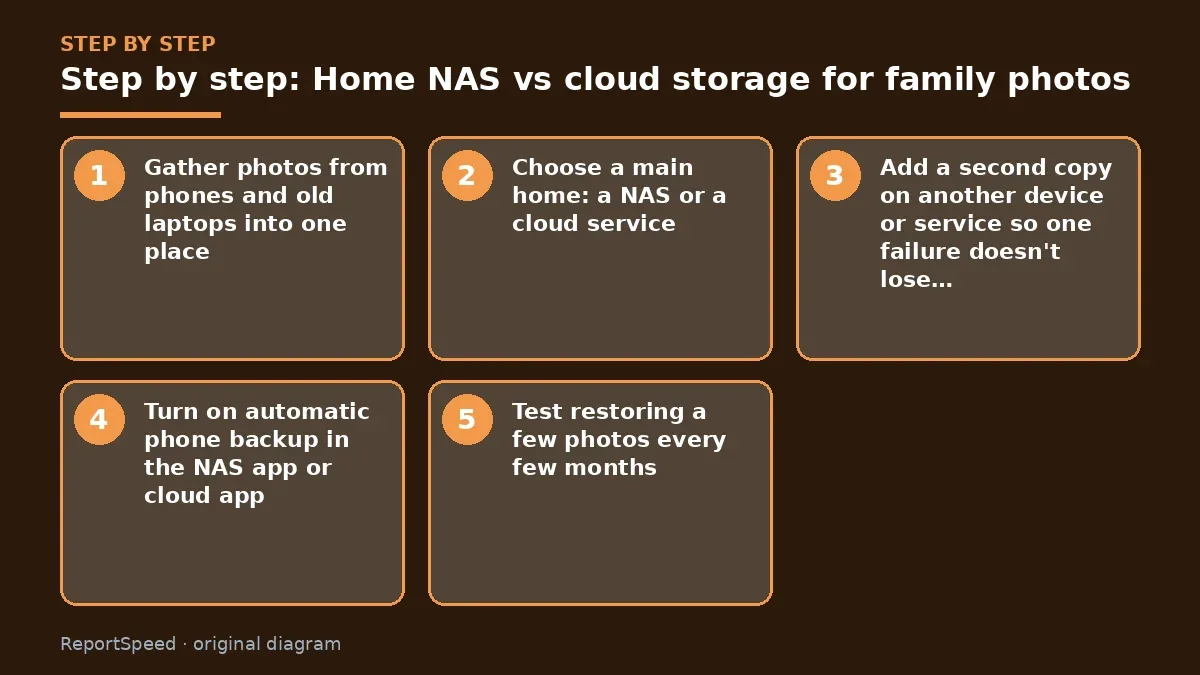
- Gather photos from phones and old laptops into one place.
- Choose a main home: a NAS or a cloud service.
- Add a second copy on another device or service so one failure doesn't lose everything.
- Turn on automatic phone backup in the NAS app or cloud app.
- Test restoring a few photos every few months.
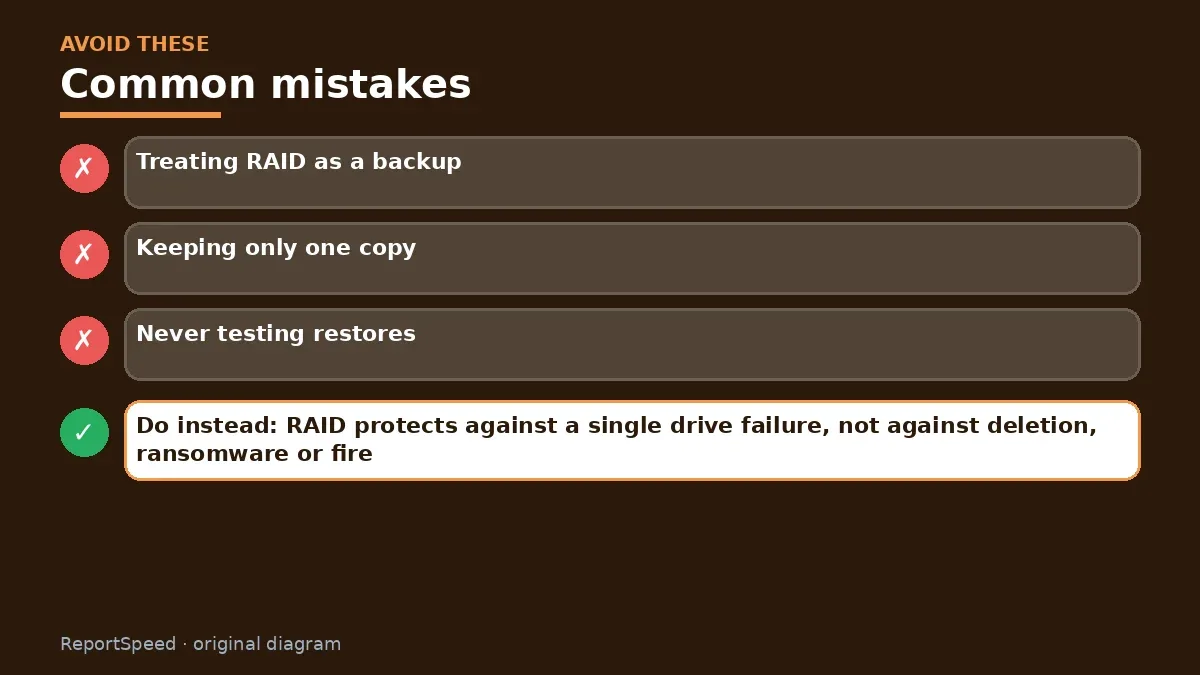
Common mistakes:
- Treating RAID as a backup
- Keeping only one copy
- Never testing restores
ReportSpeedMan tip: RAID protects against a single drive failure, not against deletion, ransomware or fire. Keep an off-site copy.
What I would actually do
put the family library on one main home, NAS or cloud, then add a second copy in a different place. I'd turn on automatic phone backup so nobody has to remember.
The trade-off people miss: a NAS needs care. Updates and drive health checks are part of owning one, and skipping them undoes the safety.
A helpful habit is a yearly photo check-in: pick a date, spot-check that new photos landed in both copies, delete duplicates, and confirm your cloud and NAS accounts still have MFA turned on. Ten minutes once a year keeps decades of memories safe.
Did it work? How to check
You can restore any family photo from at least two places.
Quick FAQ
How many drives do I need?
Two drives in a mirror is a common home setup; still keep an off-site copy.
Is cloud storage private?
Check the provider's privacy terms and enable MFA.
How often should I test?
Try restoring a few photos every few months.
Wrap-up: Use a NAS or cloud as your main library, then add a second copy elsewhere. Two places beat one perfect place.
Wiki: Software Updates.
Home NAS vs cloud storage for family photos: read the originals
Step-by-step photos
1. Before The problem 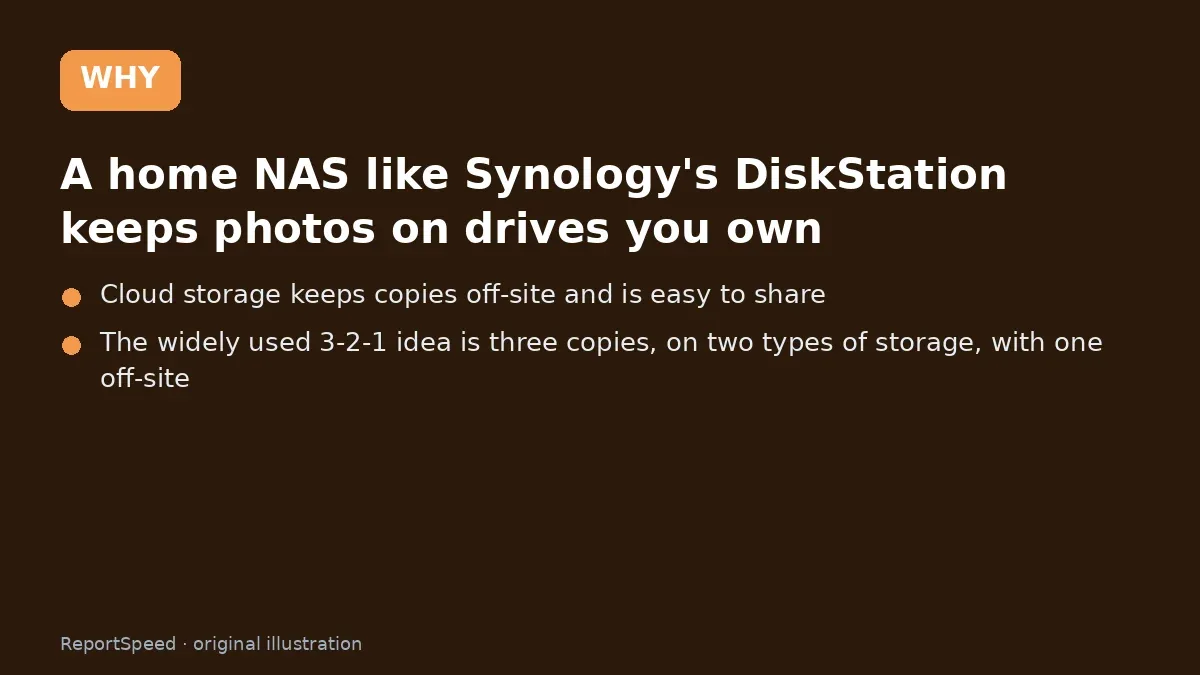
2. Why it happens The cause 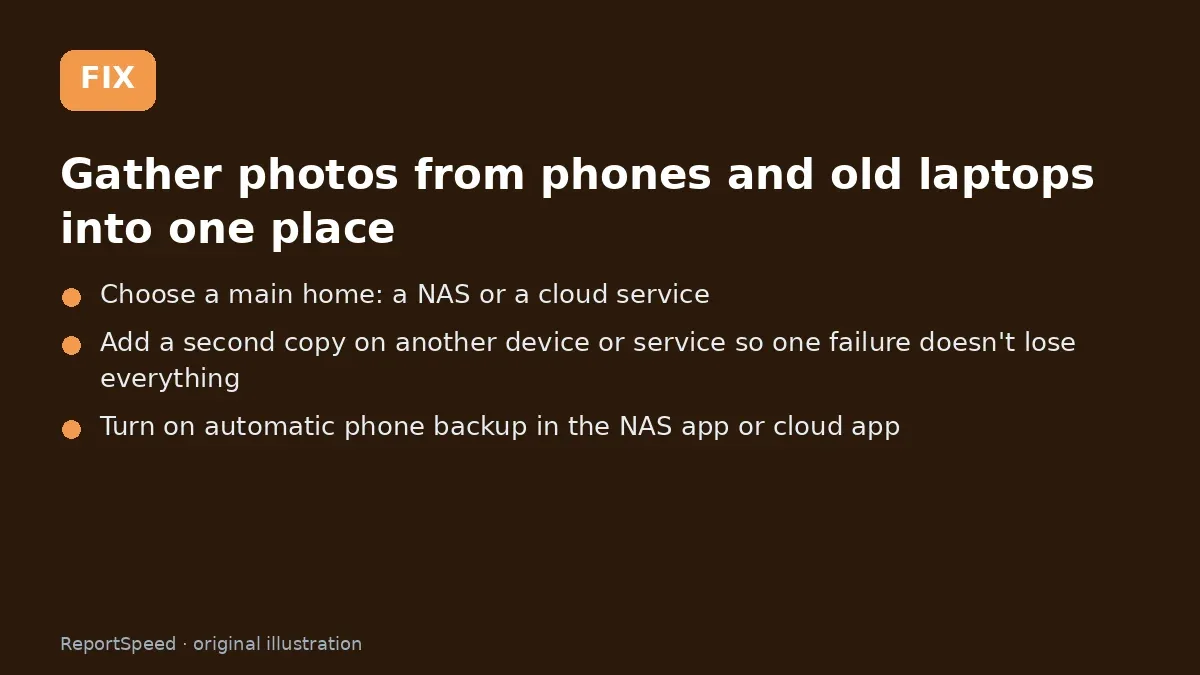
3. The fix The fix 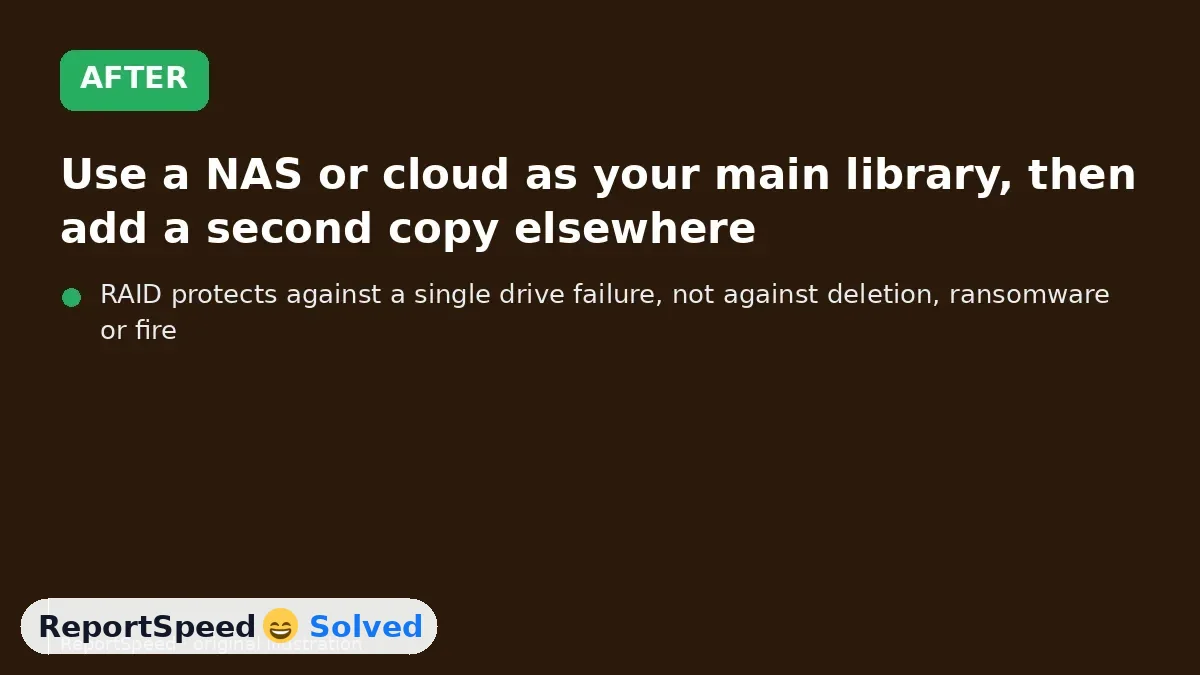
4. After The result
⚡ Speed Summary
- Use a NAS or cloud as your main library, then add a second copy elsewhere.
- RAID protects against a single drive failure, not against deletion, ransomware or fire. Keep an off-site copy.
- One copy of your photos, wherever it lives, is a copy you can lose.

Was this answer helpful?
Tap a star to rate this answer.
Related questions

Got an 'AirTag found moving with you' alert? What to do next
Find the tracker, document it, identify the owner, and disable it.
Rate itSolved

Is my smart TV tracking what I watch? How to turn off ACR
Smart TVs may use ACR to track viewing.
Rate itSolved

Caller ID spoofing: why scammers show a local number and how to protect yourself
Caller ID can be faked, and spoofing to defraud is illegal.
Rate itSolved

How do I stop spam emails without making it worse?
Mark spam, block repeat senders, unsubscribe only from known companies, and report phishing.
Rate itSolved
Real experiences
No experiences yet. Be the first to share.