


How do I choose a laptop for college without overspending? Starting university soon, budget is limited, and every 'best laptop' list says something different. I'll be writing papers, doing Zoom lectures, maybe light coding. Do I need 16GB RAM? Is a touchscreen worth it? Help me not mess this up please.
How to choose a laptop for college: specs that actually matter
Concerns & risks
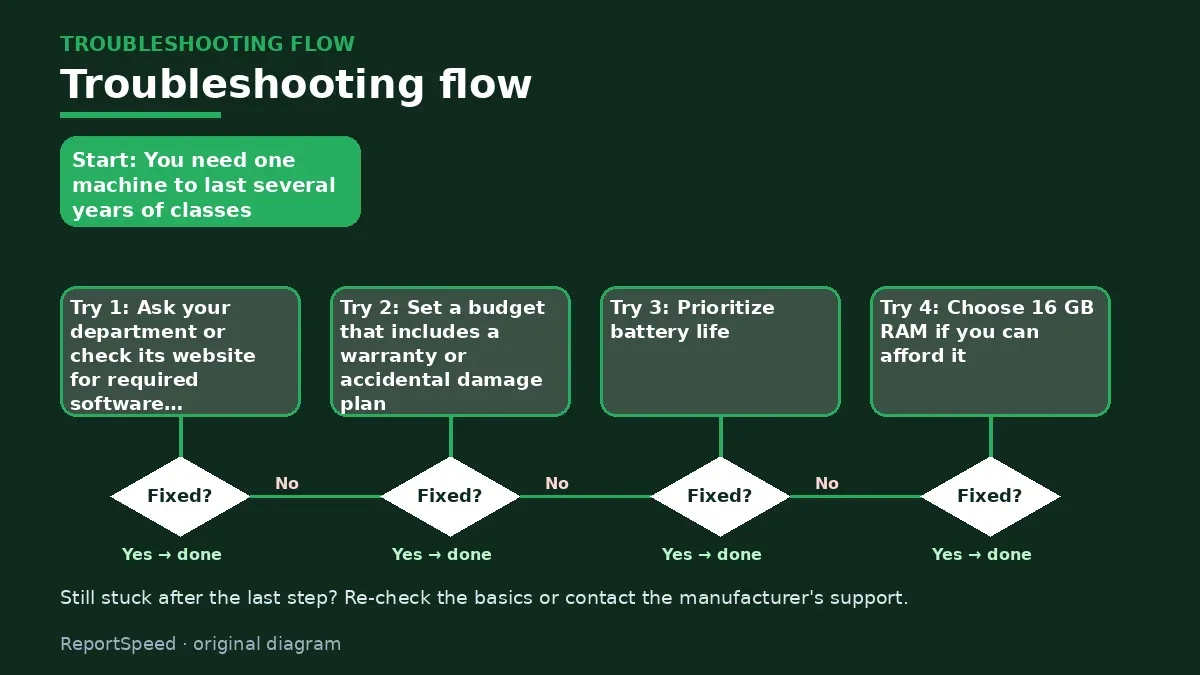
You need one machine to last several years of classes, travel in a backpack and survive late nights, without wasting money on features you'll never touch.
| Spec | Aim for | Why |
|---|---|---|
| Battery | All-day on real use | Classes, library, no outlet |
| RAM | 16GB if possible | Browser tabs and multitasking |
| Storage | SSD with room to spare | Cloud plus local files |
| Weight and keyboard | Comfortable to carry and type | You use it every day |

Causes & evidence
Most lists rank laptops for general buyers, not your course load. A student's day leans on battery life, keyboard comfort, weight, RAM for many browser tabs and video calls, and an operating system that runs whatever software your program requires. A powerful GPU or 4K screen often adds cost, weight and battery drain without helping essays. Also, Windows 11 has minimum hardware requirements, and Copilot+ AI features need an NPU with 40+ TOPS, so 'AI' branding only matters if you'll use those features.
A sneaky factor is repairability and warranty. A laptop that has to survive four years of backpacks benefits from a decent warranty or accidental damage plan, and models with replaceable storage or memory can be cheaper to extend later. Check the manufacturer's spec page for what's soldered.
The most expensive laptop mistake isn't buying cheap. It's buying power you carry around for four years and never use.
What to do

| Use | RAM | Storage | Priority |
|---|---|---|---|
| Writing, humanities | 8–16 GB | 256–512 GB | Battery, keyboard, weight |
| Business, data | 16 GB | 512 GB | Screen size, battery |
| Coding, engineering | 16 GB+ | 512 GB+ | CPU, check required software |
| Design, video | 16–32 GB | 1 TB | Color-accurate screen, GPU |
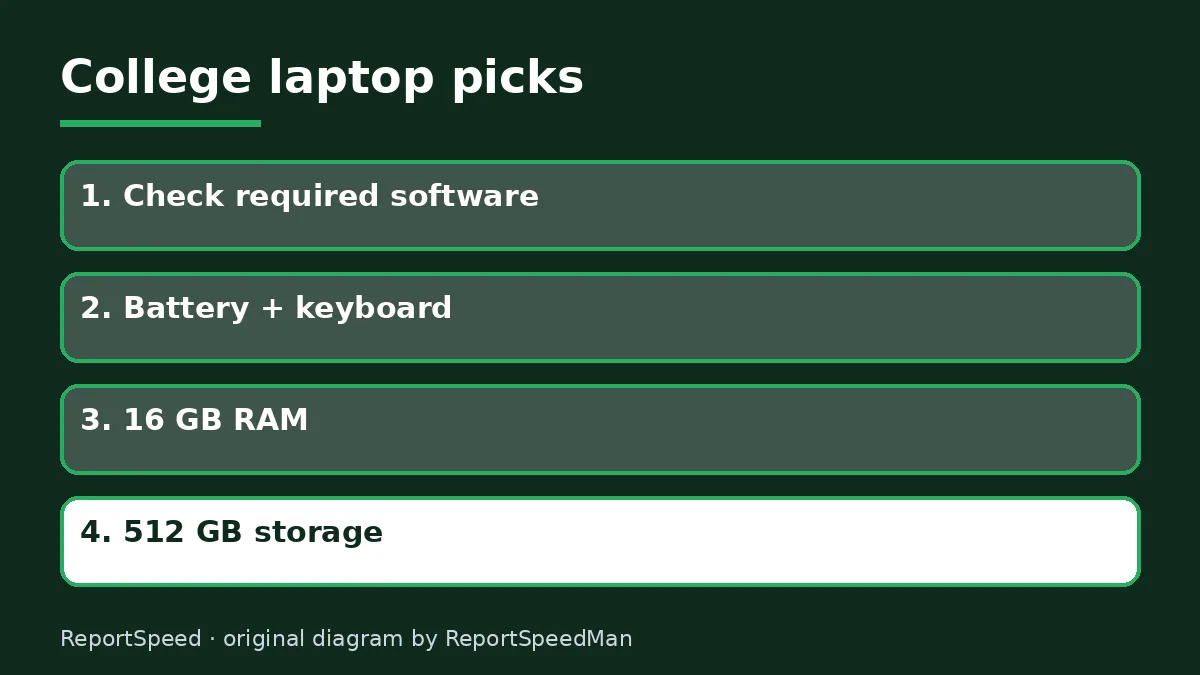
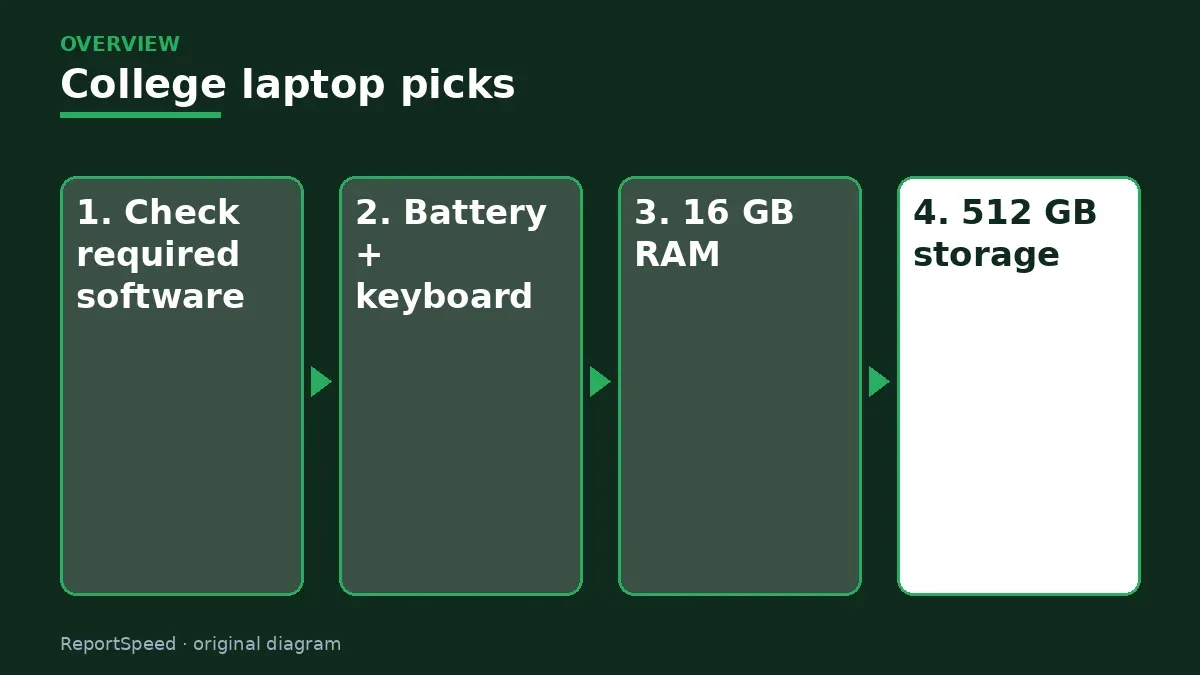
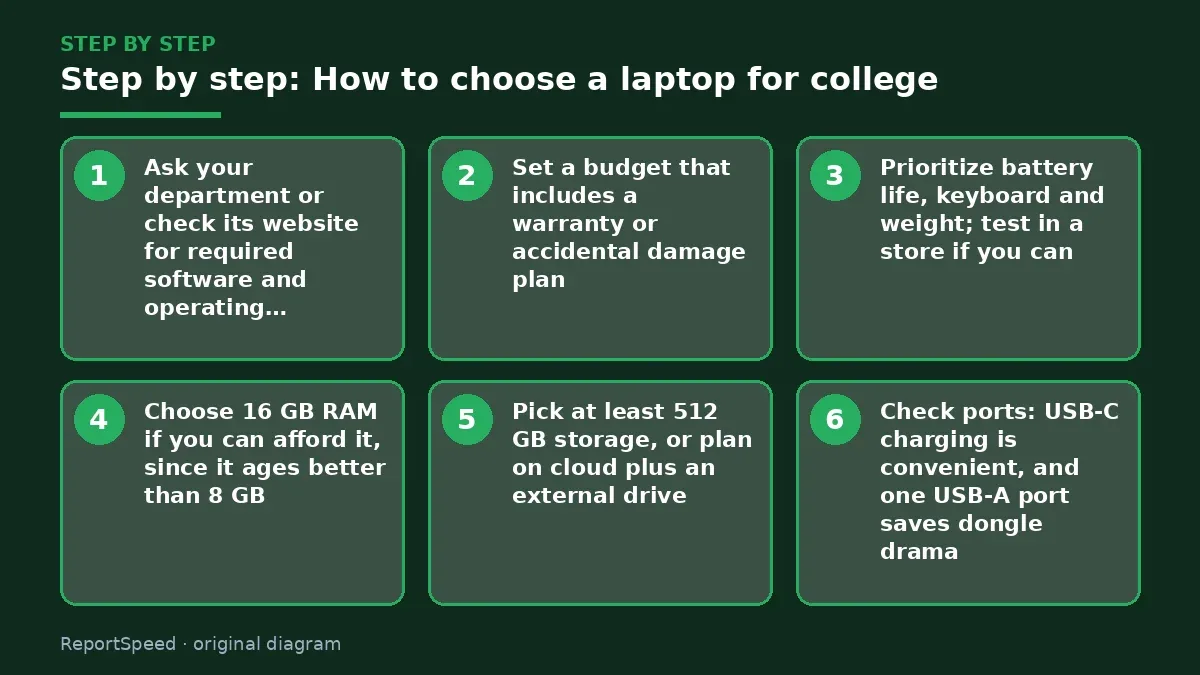
- Ask your department or check its website for required software and operating system.
- Set a budget that includes a warranty or accidental damage plan.
- Prioritize battery life, keyboard and weight; test in a store if you can.
- Choose 16 GB RAM if you can afford it, since it ages better than 8 GB.
- Pick at least 512 GB storage, or plan on cloud plus an external drive.
- Check ports: USB-C charging is convenient, and one USB-A port saves dongle drama.
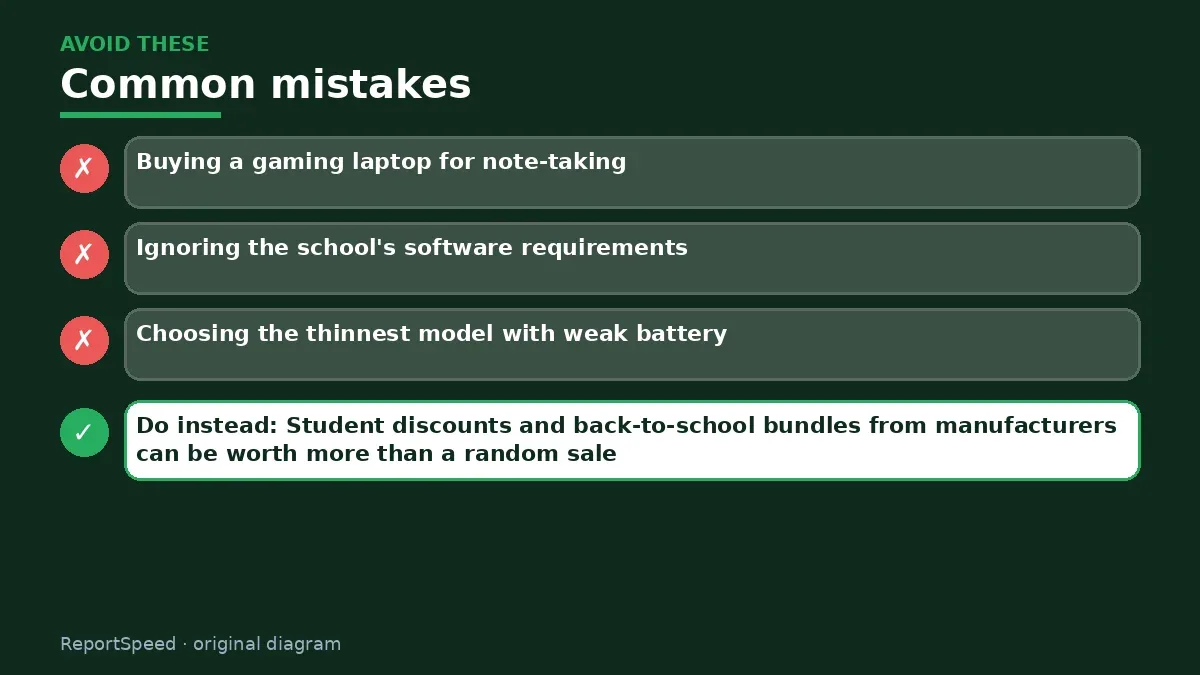
Common mistakes:
- Buying a gaming laptop for note-taking
- Ignoring the school's software requirements
- Choosing the thinnest model with weak battery
ReportSpeedMan tip: Student discounts and back-to-school bundles from manufacturers can be worth more than a random sale.
What I would actually do

a light laptop with a good keyboard, 16GB RAM, and battery that lasts a full day. I'd skip a gaming laptop unless the major genuinely needs a strong GPU.
The trade-off people miss: weight and battery matter more over four years than peak performance. A heavy laptop tends to stay in the dorm.
How you can tell it worked
A good pick feels right in week one: lasts through a full class day, runs your required software, and weighs little enough to carry everywhere.
Quick FAQ
Mac or Windows for college?
Check your program's software list first; some require Windows.
Is a 2-in-1 worth it?
Useful for handwritten notes; check pen support and weight.
How long should a college laptop last?
Aim for your entire degree; choose specs with headroom.
Wrap-up: Match the laptop to your program, prioritize battery, keyboard and 16 GB RAM, and skip power you won't use.
Wiki: USB-C Power Delivery.
How to choose a laptop for college: official sources I checked
Step-by-step photos

1. Before The problem 
2. Why it happens The cause 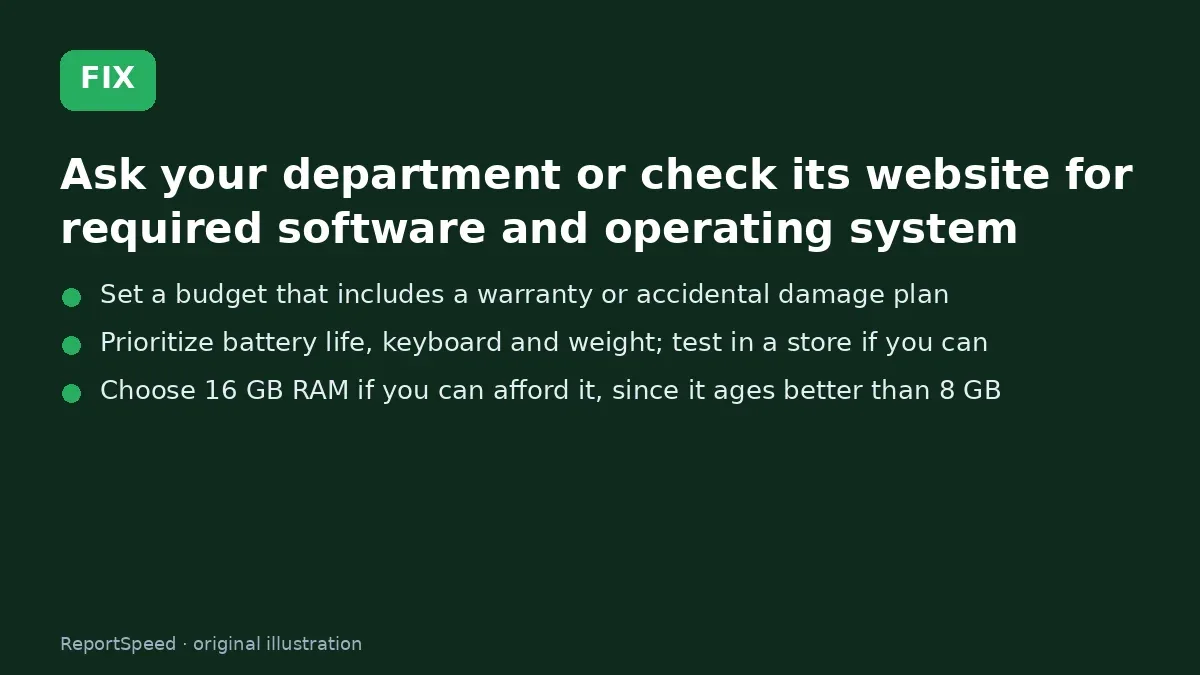
3. The fix The fix 
4. After The result
⚡ Speed Summary
- Match the laptop to your program, prioritize battery, keyboard and 16 GB RAM, and skip power you won't use.
- Student discounts and back-to-school bundles from manufacturers can be worth more than a random sale.
- The most expensive laptop mistake isn't buying cheap. It's buying power you carry around for four years and never use.

Was this answer helpful?
Tap a star to rate this answer.
Related questions

Got an 'AirTag found moving with you' alert? What to do next
Find the tracker, document it, identify the owner, and disable it.
Rate itSolved

Is my smart TV tracking what I watch? How to turn off ACR
Smart TVs may use ACR to track viewing.
Rate itSolved

Caller ID spoofing: why scammers show a local number and how to protect yourself
Caller ID can be faked, and spoofing to defraud is illegal.
Rate itSolved

How do I stop spam emails without making it worse?
Mark spam, block repeat senders, unsubscribe only from known companies, and report phishing.
Rate itSolved
Real experiences
No experiences yet. Be the first to share.