


I got an email that looks like it's from my bank saying my account will be locked unless I 'verify my information' today. The logo looks right. How can I tell if an email like this is phishing, and what should I do with it?
How to tell if an email is phishing before you click
Concerns & risks
You received an urgent email that might be a phishing attempt.
| Message says | Do this |
|---|---|
| Account locked | Open the app yourself |
| Verify details | Never reply with info |
| Click this link | Type the site address |
| Call this number | Use the number on your card |
Causes & evidence
The FTC explains that scammers use email and text messages to trick you into giving them personal information such as passwords, account numbers or Social Security numbers. Phishing messages often tell a story to get you to click a link or open an attachment, such as saying there's suspicious activity, a problem with your account or payment information, or that you need to confirm personal details. They may look like they come from a company you know or trust, with a real-looking logo. The FTC advises that if you get an email you think may be a scam, don't click links; instead contact the company using a phone number or website you know is real. Using multi-factor authentication helps protect accounts even if a password is stolen.
Phishing messages are getting better at copying real brands, and some include your name or partial details. That's why the method matters more than how the message looks.
Clicking the link 'just to check' is how most phishing succeeds.
What to do
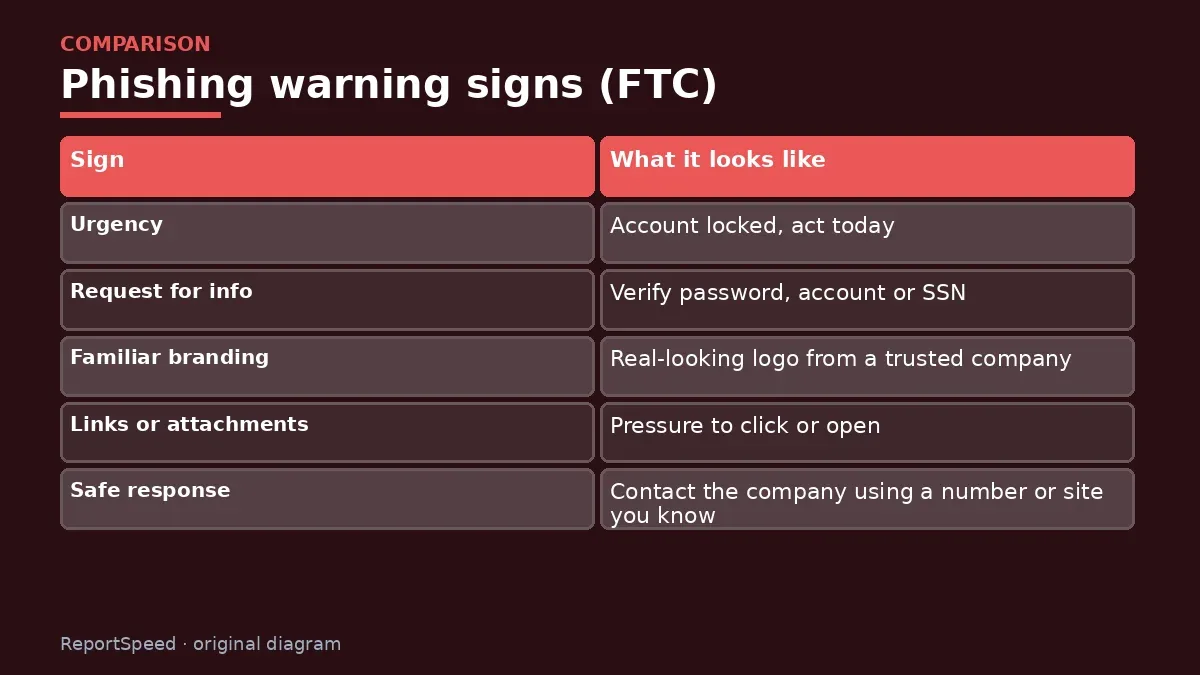
| Sign | What it looks like |
|---|---|
| Urgency | Account locked, act today |
| Request for info | Verify password, account or SSN |
| Familiar branding | Real-looking logo from a trusted company |
| Links or attachments | Pressure to click or open |
| Safe response | Contact the company using a number or site you know |
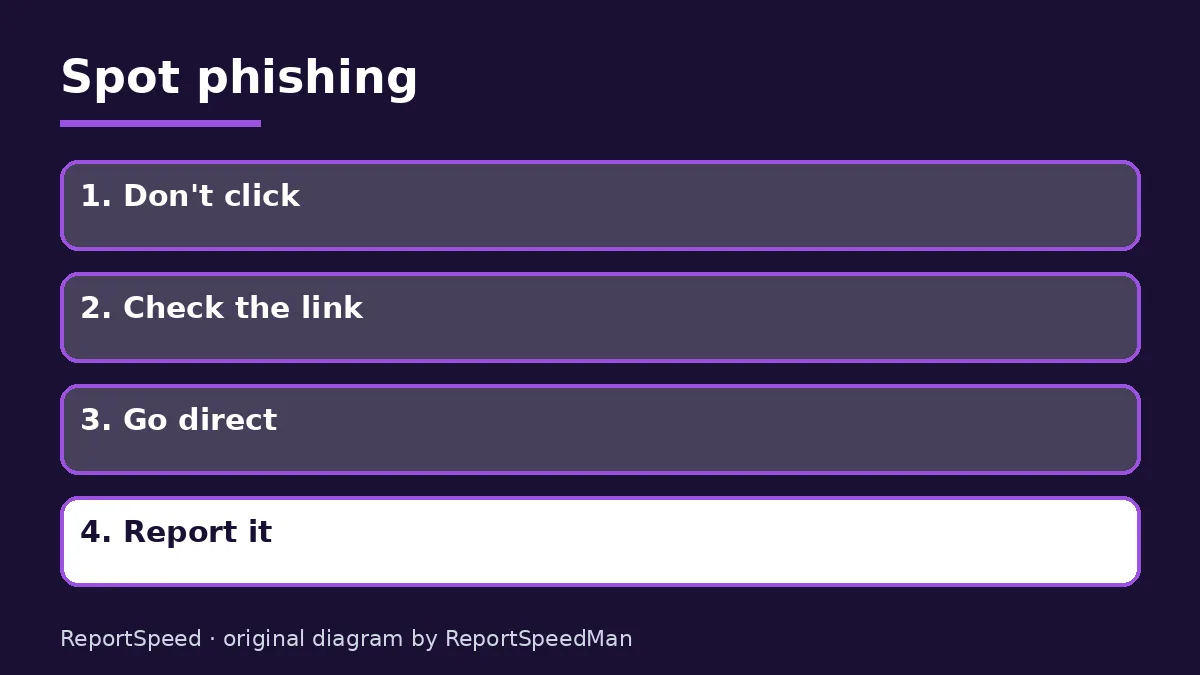
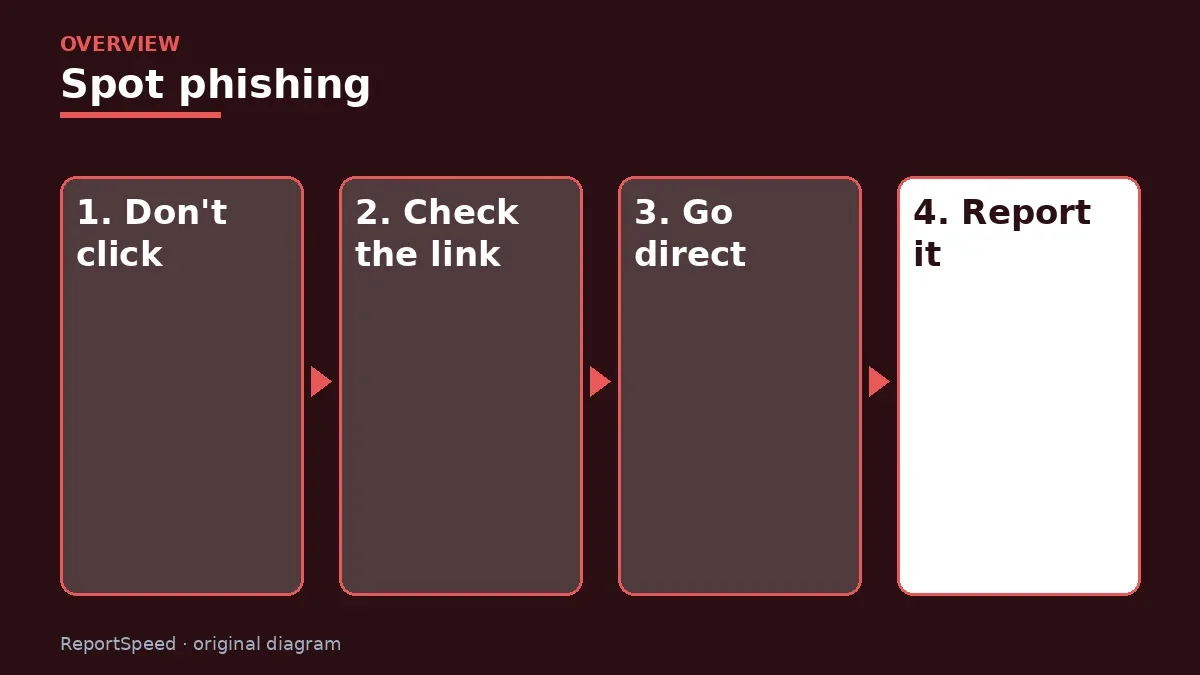
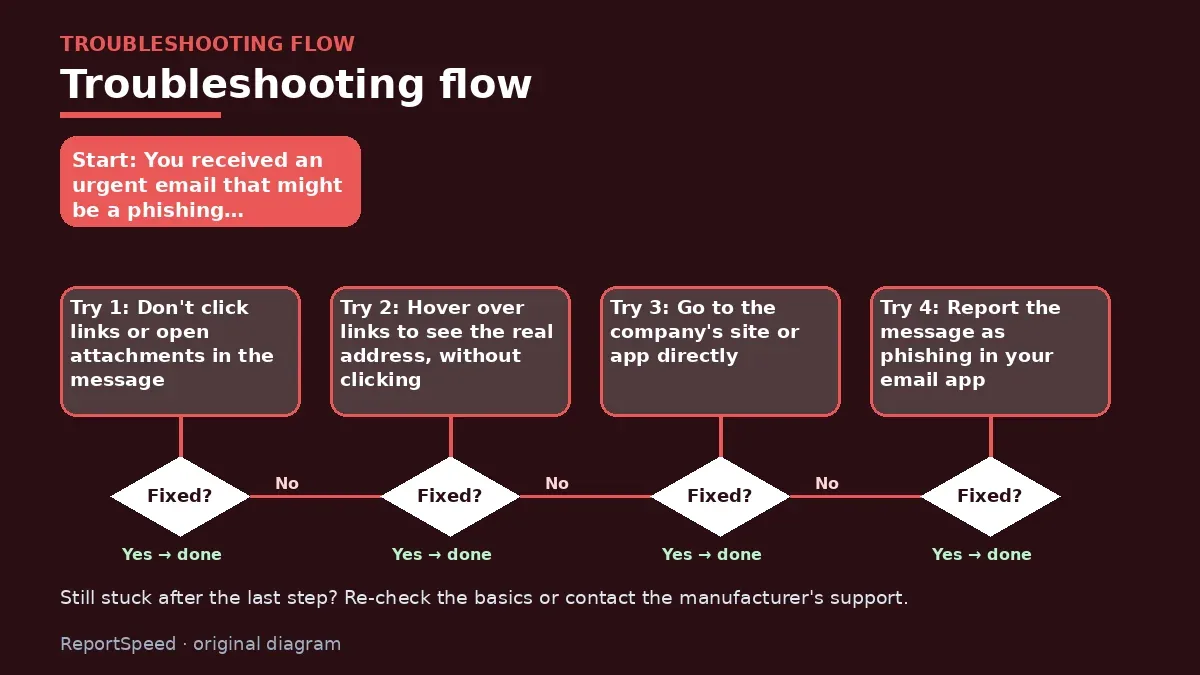
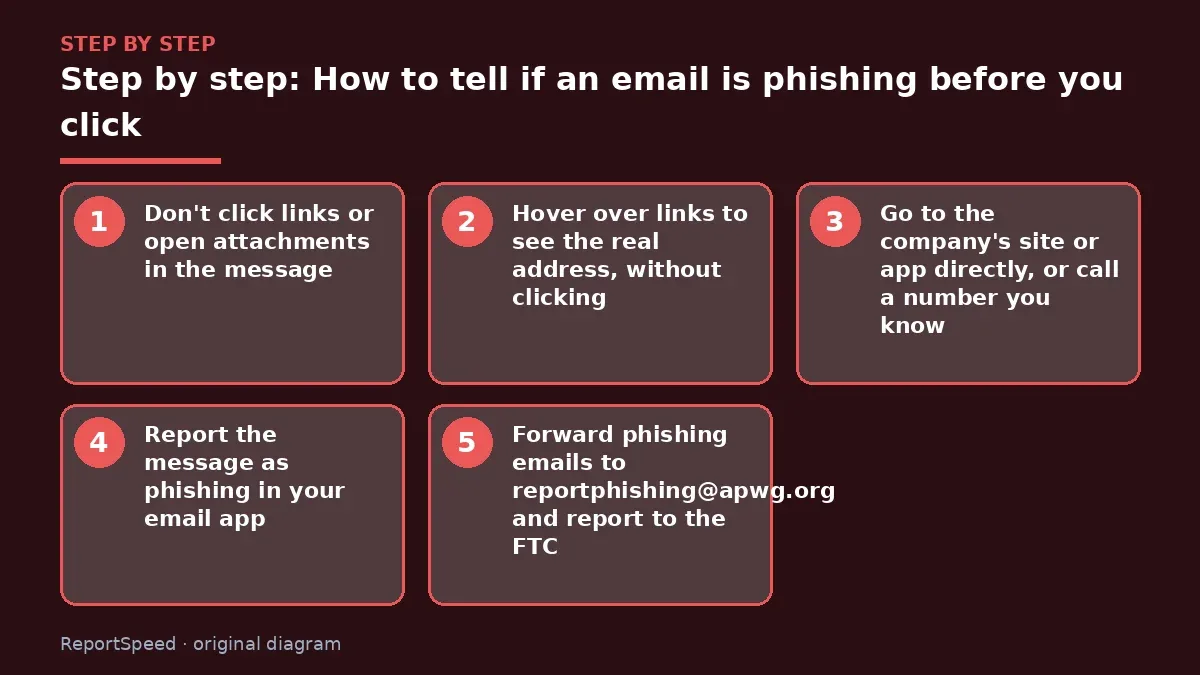
- Don't click links or open attachments in the message.
- Hover over links to see the real address, without clicking.
- Go to the company's site or app directly, or call a number you know.
- Report the message as phishing in your email app.
- Forward phishing emails to reportphishing@apwg.org and report to the FTC.
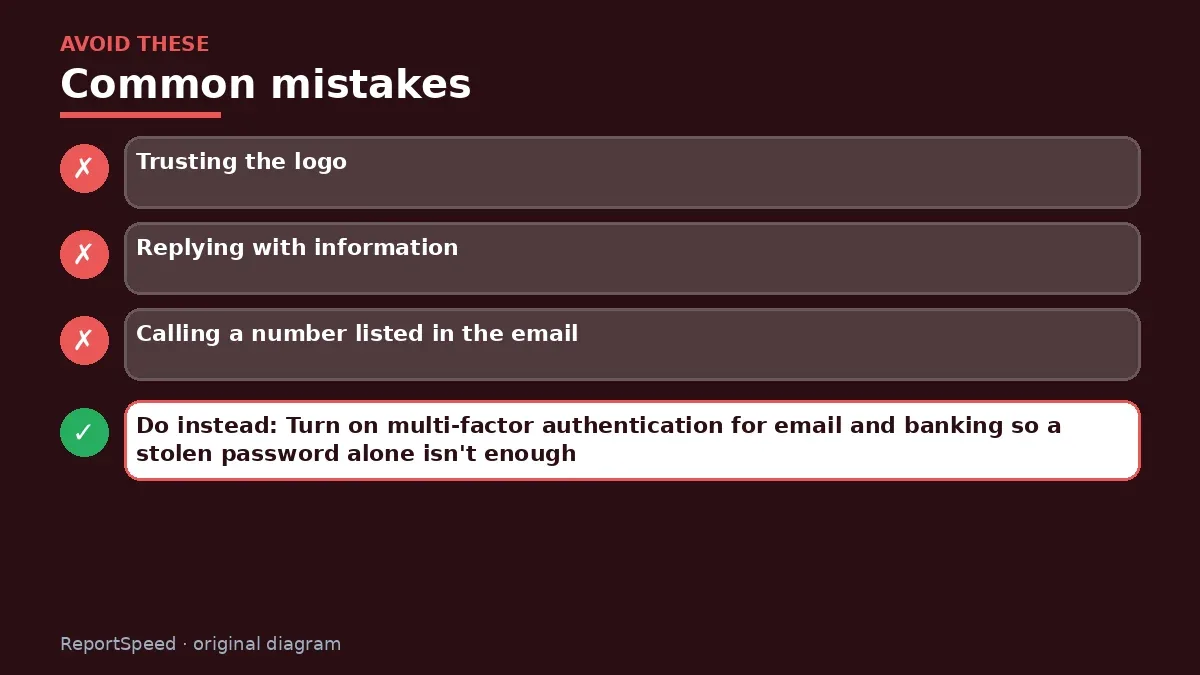
Common mistakes:
- Trusting the logo
- Replying with information
- Calling a number listed in the email
ReportSpeedMan tip: Turn on multi-factor authentication for email and banking so a stolen password alone isn't enough.
What I would actually do
I'd never use a link in an urgent message; I'd open the bank's app myself and check for alerts there.
The trade-off people miss: phishing increasingly arrives by text and messaging apps too, so the same rule applies beyond email.
How to tell it worked
Suspicious messages are reported and you only log in through apps or saved sites.
Quick FAQ
Is it safe to open the email?
Opening is usually fine; clicking is the risk.
What if I clicked?
Change the password and enable MFA.
Where do I report it?
Your email provider and the FTC.
Wrap-up: Urgency plus a request for information equals a red flag. Go to the company directly instead of clicking.
Wiki: Phishing and Multi-Factor Authentication (MFA).
How to tell if an email is phishing before you click: where the facts come from
Step-by-step photos
1. Before The problem 
2. Why it happens The cause 
3. The fix The fix 
4. After The result
⚡ Speed Summary
- Urgency plus a request for information equals a red flag.
- Turn on multi-factor authentication for email and banking so a stolen password alone isn't enough.
- Clicking the link 'just to check' is how most phishing succeeds.

Was this answer helpful?
Tap a star to rate this answer.
Related questions

Got an 'AirTag found moving with you' alert? What to do next
Find the tracker, document it, identify the owner, and disable it.
Rate itSolved

Is my smart TV tracking what I watch? How to turn off ACR
Smart TVs may use ACR to track viewing.
Rate itSolved

Caller ID spoofing: why scammers show a local number and how to protect yourself
Caller ID can be faked, and spoofing to defraud is illegal.
Rate itSolved

How do I stop spam emails without making it worse?
Mark spam, block repeat senders, unsubscribe only from known companies, and report phishing.
Rate itSolved
Real experiences
No experiences yet. Be the first to share.