


Intel vs AMD CPU for gaming, which should I pick? Every comparison thread turns into a brand war and I just want a straight answer for my situation. I game at 1440p, do a bit of video editing, and I'd like the platform to last a few years. I'm not loyal to either. What should actually drive the decision?
Intel vs AMD CPU for gaming: how to choose without the brand-war hype
Concerns & risks
You're planning a build or upgrade and every comment section turns into a team-sports argument.
| Priority | What to compare | Tip |
|---|---|---|
| Pure gaming | Independent game benchmarks at your resolution | Look at 1% lows, not just averages |
| Upgrade path | Socket roadmap from the vendor | A longer socket life saves money |
| Total cost | CPU + board + RAM + cooler | Board prices swing the result |
| Work plus play | Core counts in your apps | Check app-specific tests |
Causes & evidence
Both companies make excellent gaming processors, and the 'winner' shifts with each generation and price cut. What actually changes your experience is the specific model, its core count and cache, how well it suits your games and resolution, motherboard and memory costs, power use and cooling needs, and how long the socket will be supported. Official product pages list cores, cache and supported memory, which are the facts to compare.
Instead of brand loyalty, compare the exact processors you're considering, with official specs, platform cost (motherboard, memory) and upgrade path. Gaming performance varies by title, so look at the games you actually play. The best choice is the one that fits your budget and plans, whichever logo is on it.
There's one question that cuts this decision in half instantly.
What to do
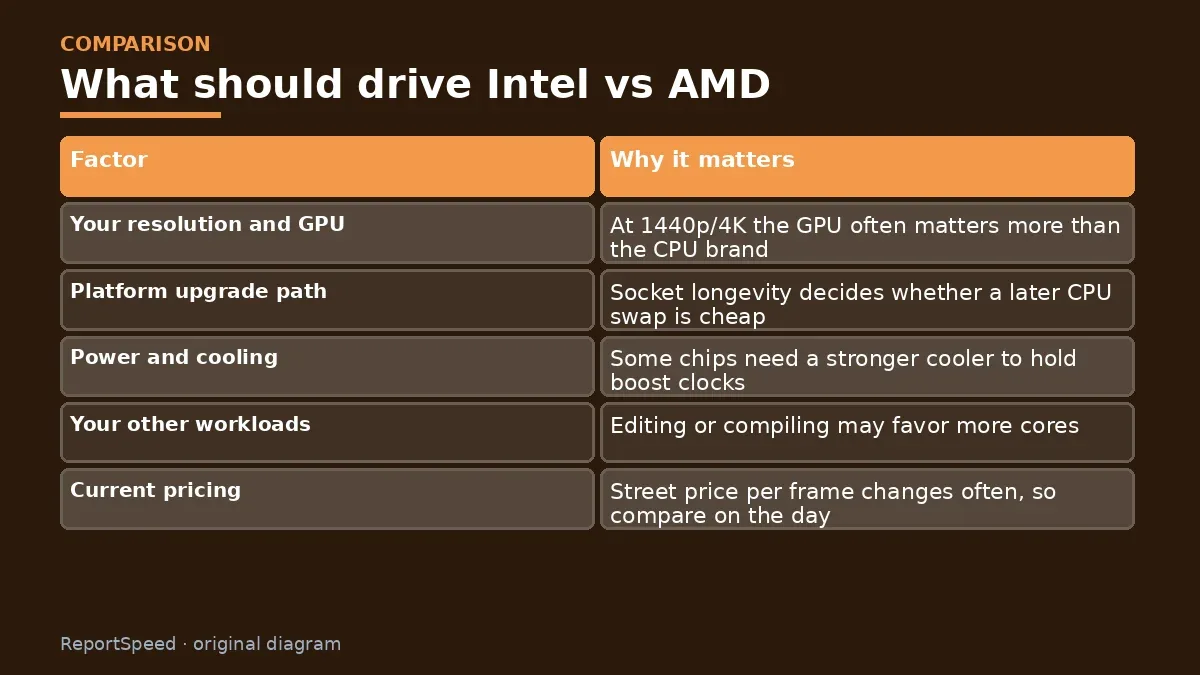
| Factor | Why it matters |
|---|---|
| Your resolution and GPU | At 1440p/4K the GPU often matters more than the CPU brand |
| Platform upgrade path | Socket longevity decides whether a later CPU swap is cheap |
| Power and cooling | Some chips need a stronger cooler to hold boost clocks |
| Your other workloads | Editing or compiling may favor more cores |
| Current pricing | Street price per frame changes often, so compare on the day |
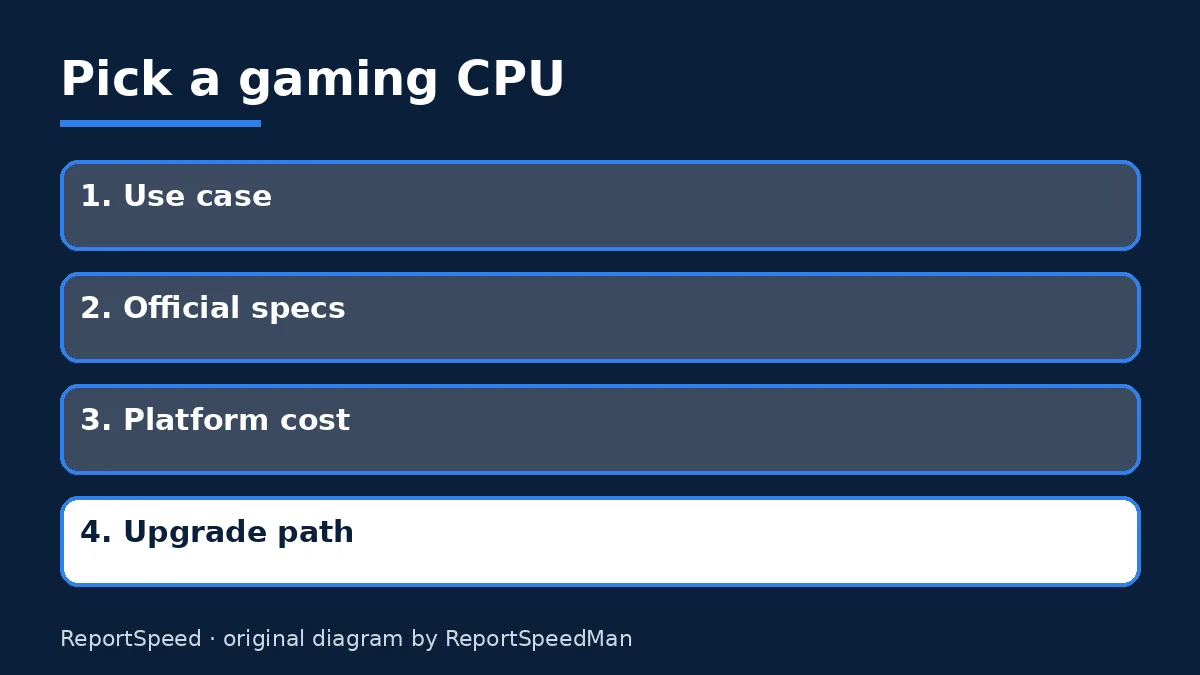
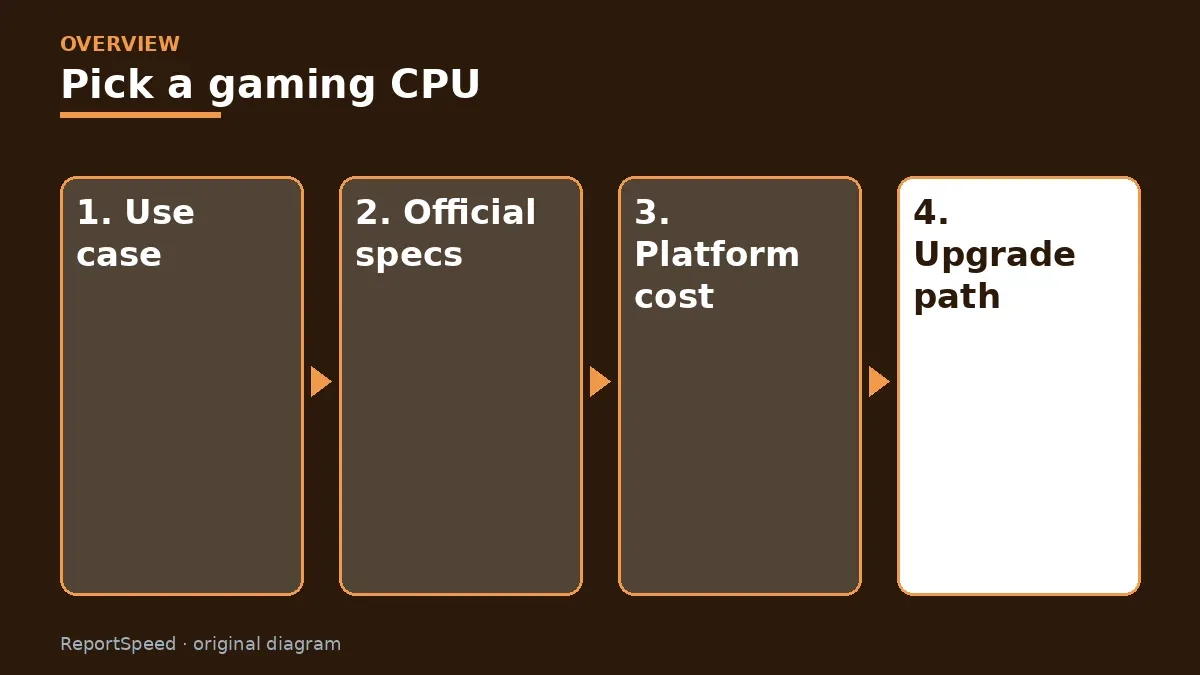
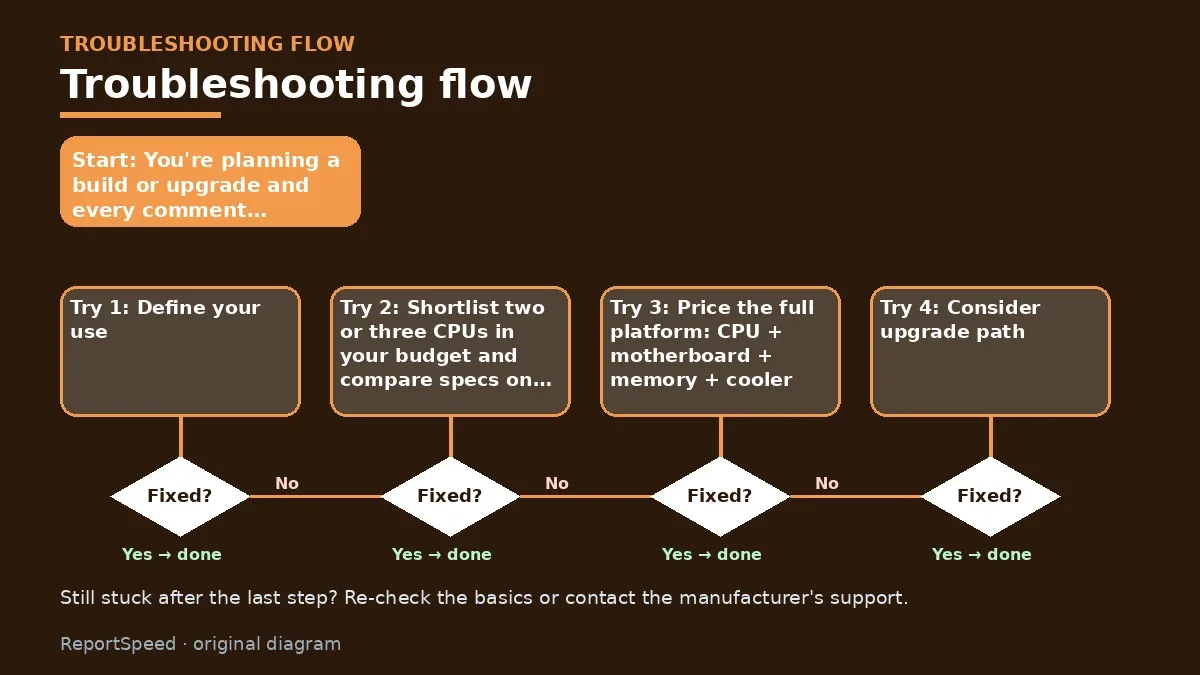
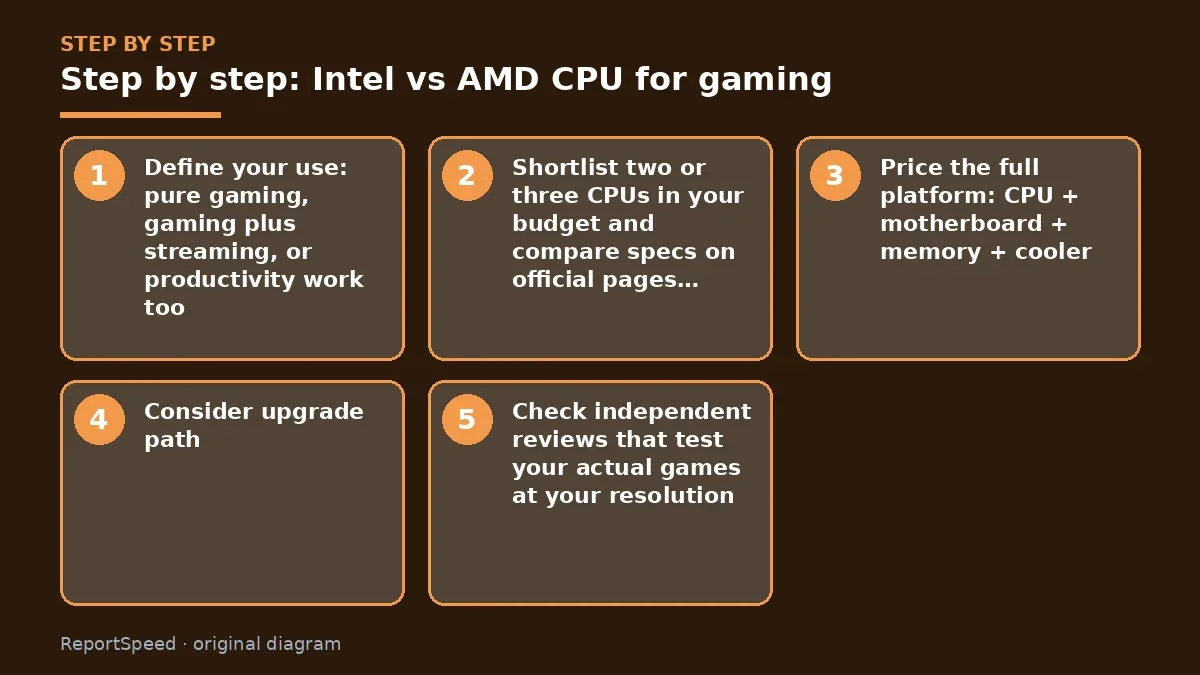
- Define your use: pure gaming, gaming plus streaming, or productivity work too.
- Shortlist two or three CPUs in your budget and compare specs on official pages (cores, cache, power, memory support).
- Price the full platform: CPU + motherboard + memory + cooler.
- Consider upgrade path: a socket expected to get future chips can save money later.
- Check independent reviews that test your actual games at your resolution, rather than synthetic scores alone.
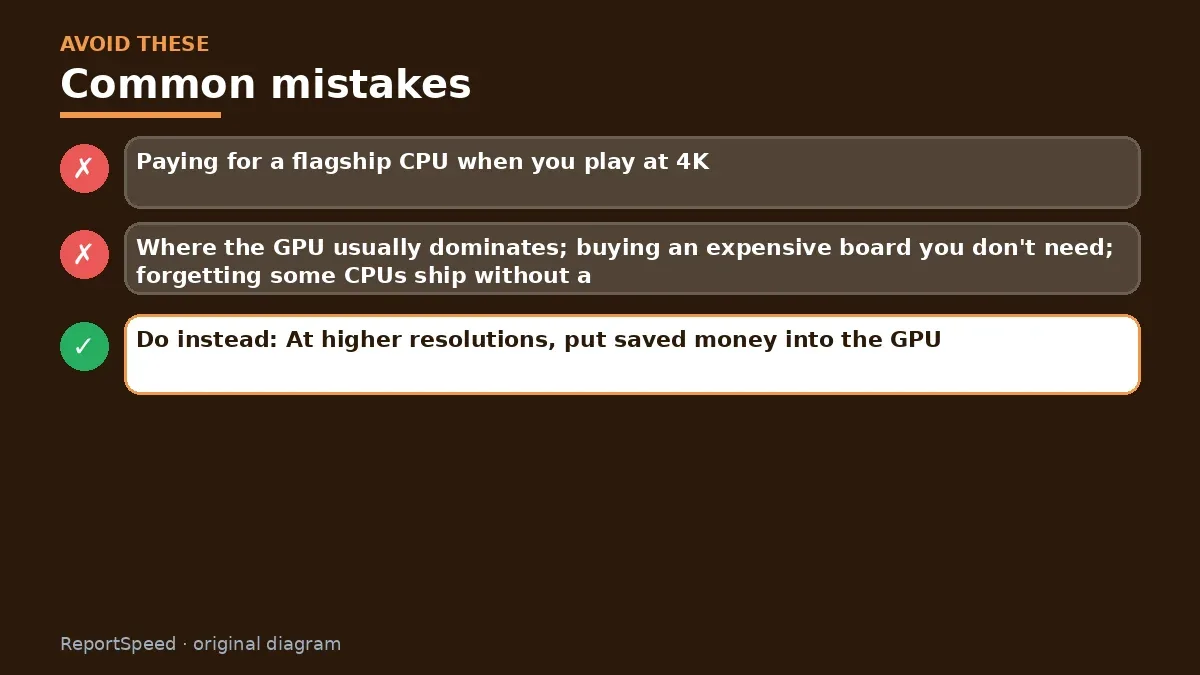
Common mistakes: Paying for a flagship CPU when you play at 4K, where the GPU usually dominates; buying an expensive board you don't need; forgetting some CPUs ship without a cooler.
ReportSpeedMan tip: At higher resolutions, put saved money into the GPU. At high-refresh 1080p, the CPU deserves more of the budget.
What I would actually do
whichever platform wins in benchmarks of the games I actually play, at my resolution, with the total platform price included. Brand loyalty is a terrible tie-breaker.
The trade-off people miss: at higher resolutions, many CPUs perform closer than charts at low resolution suggest, because the GPU becomes the limit.
Builder's note: If you're torn between two close options, look at total cost over the next few years rather than launch-day price alone. A platform you can drop a future chip into, plus memory you won't need to replace, often beats a slightly faster processor on a dead-end socket. That's a boring answer, but boring answers save money.
Quick FAQ
Do more cores mean more FPS?
Not always. Many games depend more on per-core speed and cache, though streaming and multitasking benefit from extra cores.
Does platform longevity matter?
Yes. A socket with future CPU support can save money down the road.
Are integrated graphics relevant?
They help with troubleshooting or if you're waiting on a GPU, but are not a gaming GPU replacement.
Wrap-up: Compare official specs, price the whole platform, think about upgrade path, and check reviews for your games. Either brand can be the right call. Your use case picks the winner.
Wiki: CPU–GPU Bottleneck.
Intel vs AMD CPU for gaming: official sources I checked
Step-by-step photos

1. Before The problem 
2. Why it happens The cause 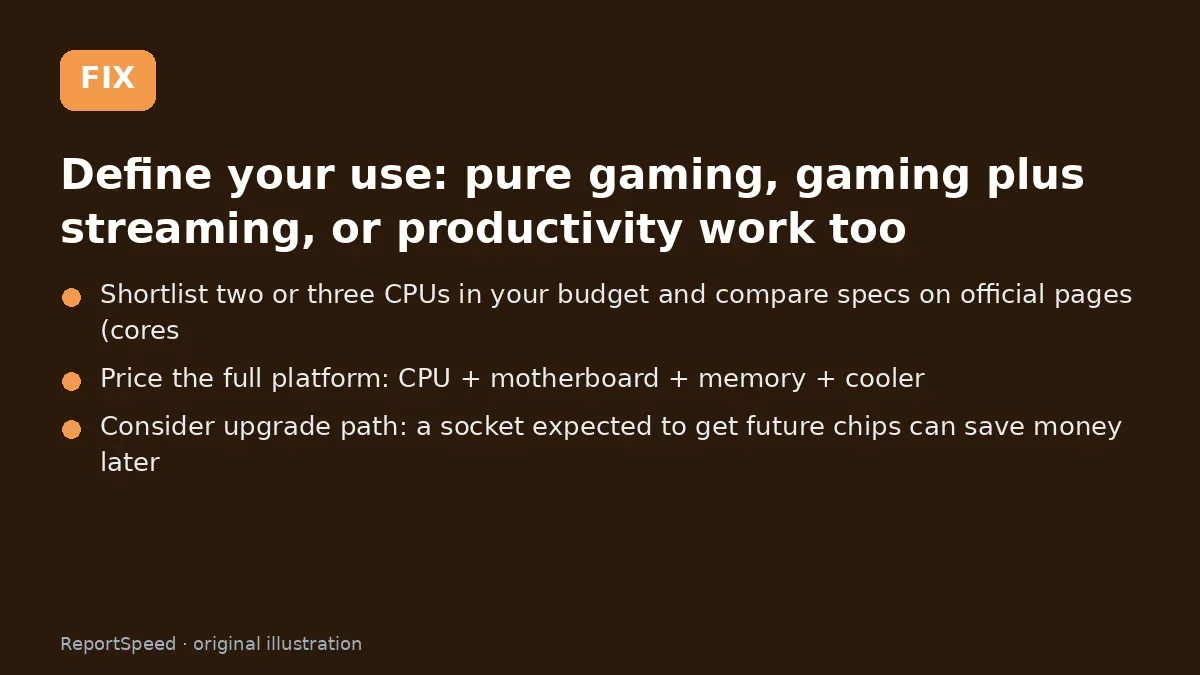
3. The fix The fix 
4. After The result
⚡ Speed Summary
- Compare official specs, price the whole platform, think about upgrade path, and check reviews for your games.
- At higher resolutions, put saved money into the GPU. At high-refresh 1080p, the CPU deserves more of the budget.
- There's one question that cuts this decision in half instantly.

Was this answer helpful?
Tap a star to rate this answer.
Related questions

Got an 'AirTag found moving with you' alert? What to do next
Find the tracker, document it, identify the owner, and disable it.
Rate itSolved

Is my smart TV tracking what I watch? How to turn off ACR
Smart TVs may use ACR to track viewing.
Rate itSolved

Caller ID spoofing: why scammers show a local number and how to protect yourself
Caller ID can be faked, and spoofing to defraud is illegal.
Rate itSolved

How do I stop spam emails without making it worse?
Mark spam, block repeat senders, unsubscribe only from known companies, and report phishing.
Rate itSolved
Real experiences
No experiences yet. Be the first to share.