


Is 16GB of RAM enough for gaming in 2026 or should I just get 32GB? Building a new rig and the price gap between kits is making me hesitate. I game, keep Discord and a browser with way too many tabs open, sometimes stream to friends. Some people say 16 is plenty, others say it's the new minimum. How do I figure out what I personally need instead of guessing?
Is 16GB of RAM enough for gaming, or should I get 32GB? How to decide for your PC
Concerns & risks
You're picking memory for a gaming build or wondering if an upgrade will cure stutters, and you see people insisting both '16 is plenty' and '32 is the minimum now'.
| How you use the PC | 16GB | 32GB |
|---|---|---|
| Gaming only, browser closed | Usually fine | Comfortable headroom |
| Gaming plus Discord, browser, streaming | Can feel tight | Recommended |
| Video editing or big mods | Tight | Recommended |
| Budget is very limited | Start here, add later | Only if price gap is small |
Causes & evidence
RAM holds what your system is actively using. If games plus background apps want more than you have, Windows pages data to the SSD, which is far slower and causes hitches. How much you need depends on your habits: a single game with nothing else open uses far less than gaming while streaming, running a browser full of tabs, voice chat, and mods. Game publishers list memory in their official requirements, which is the best starting point.
Memory needs depend more on what runs alongside the game than on the game alone. Browsers, voice chat, streaming software and launchers all take a slice. If Task Manager shows memory near full while you play, the system starts paging to storage, and that can feel like stutter even when your GPU is strong.
The real answer is sitting in a tab you've probably never opened.
What to do

| Your usage | 16GB | 32GB |
|---|---|---|
| Gaming only, few apps open | Usually fine | Comfort headroom |
| Gaming plus Discord, browser, streaming | Can get tight | Recommended |
| Video editing or big mod packs | Limiting | Recommended |
| Local AI or VMs | Too small | Starting point |
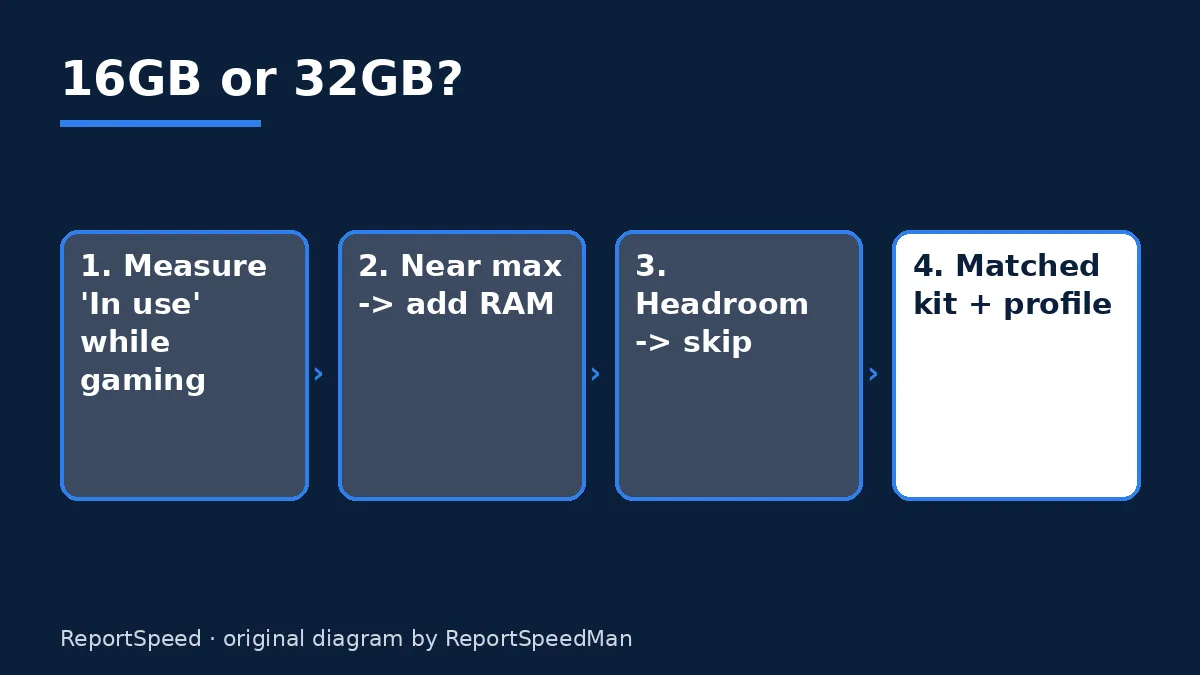
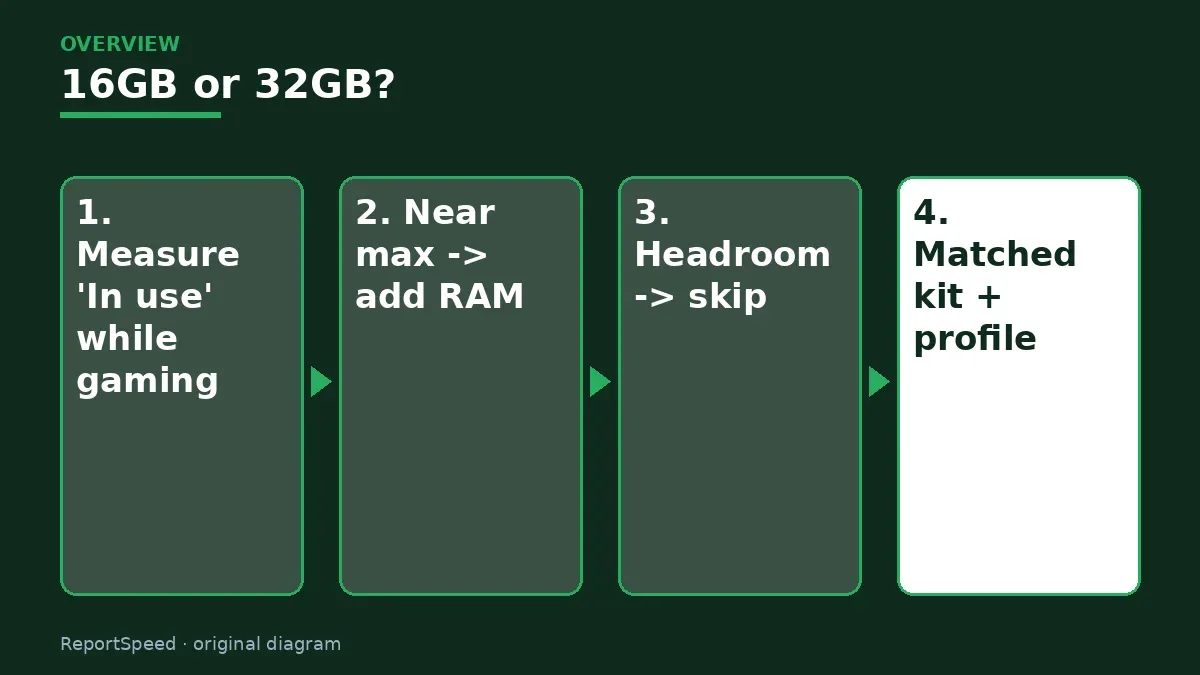
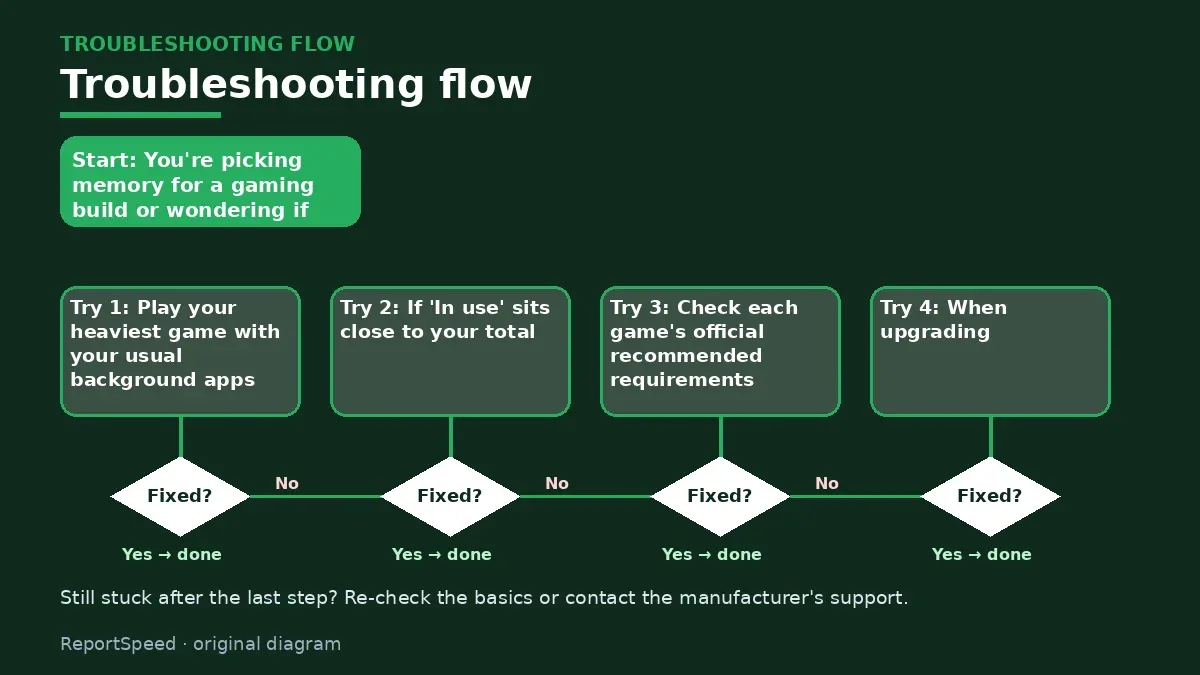
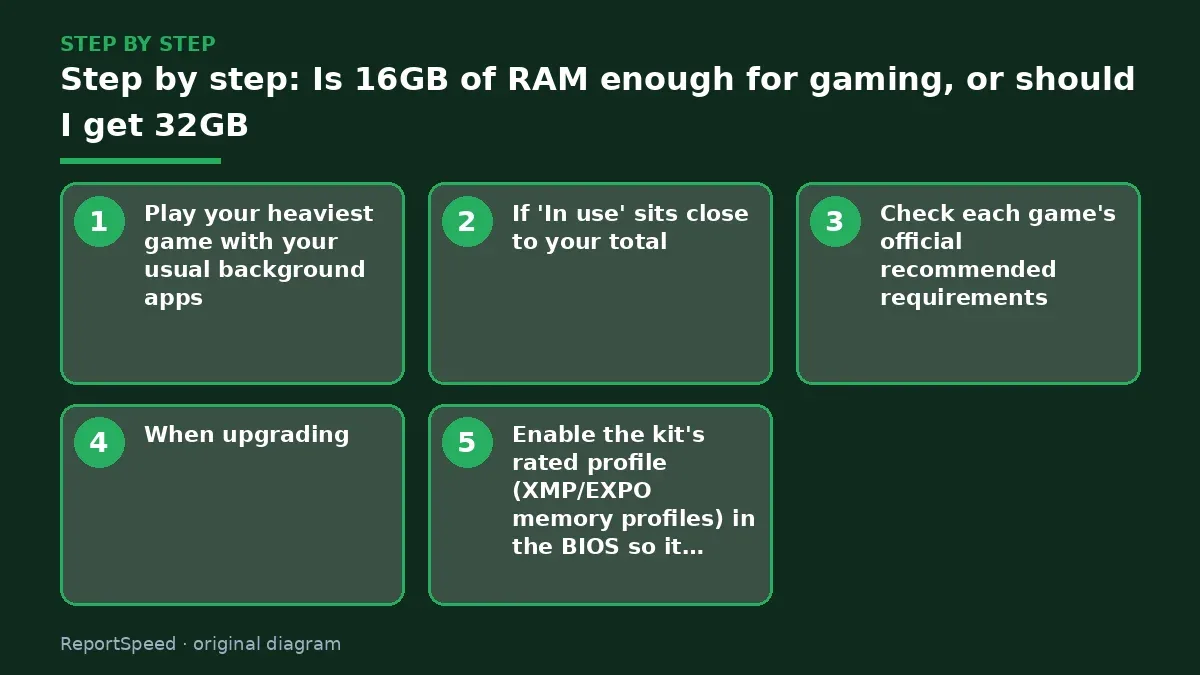
- Play your heaviest game with your usual background apps, then open Task Manager > Performance > Memory.
- If 'In use' sits close to your total, more RAM will help; if there's lots of headroom, it won't change much.
- Check each game's official recommended requirements.
- When upgrading, buy a matched kit and fill slots per the motherboard manual, usually two sticks for dual-channel.
- Enable the kit's rated profile (XMP/EXPO memory profiles) in the BIOS so it runs at advertised speed.
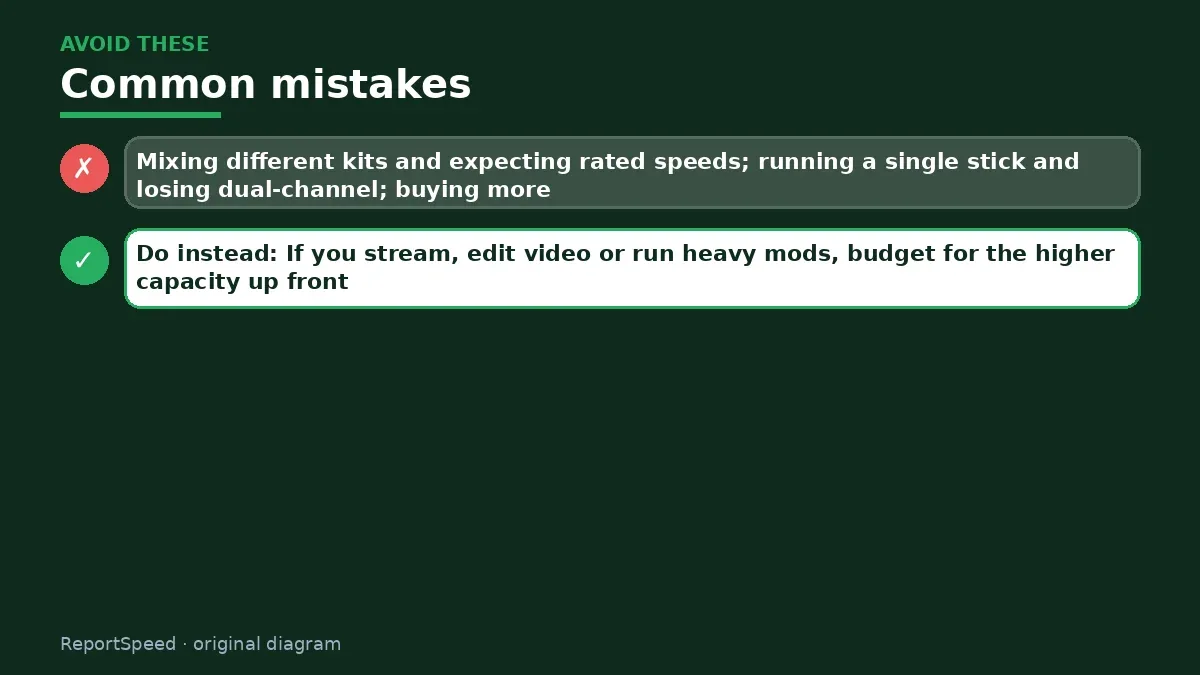
Common mistakes: Mixing different kits and expecting rated speeds; running a single stick and losing dual-channel; buying more RAM when the real issue is a nearly full SSD.
ReportSpeedMan tip: If you stream, edit video or run heavy mods, budget for the higher capacity up front. Adding a second kit later can be fussier than buying the right kit once.
What I would actually do
32GB as a two-stick kit if the price gap is small, because it ends the question for years. On a tight budget, a good 16GB kit and a better GPU is the smarter gaming build.
The trade-off people miss: adding sticks later can mean mismatched kits that refuse to run their rated profile. Buying once in a matched kit is cheaper than it looks.
Quick FAQ
Is 2x8 GB better than 1x16 GB?
Two matched sticks usually run in dual-channel mode, which gives more bandwidth than a single stick.
Should I mix old and new RAM kits?
It can work, but mismatched kits may refuse their rated speed. A matched kit is the safer bet.
Does faster RAM matter more than capacity?
Having enough capacity comes first. Speed and timings are the next step, and their benefit varies by game.
Wrap-up: Measure 'In use' in your real workload, compare with official game requirements, buy a matched kit, and turn on its profile. Let your own usage decide, not the loudest comment.
Wiki: Memory Profiles (XMP and EXPO).
Is 16GB of RAM enough for gaming, or should I get 32GB: official sources I checked
Step-by-step photos
1. Before The problem 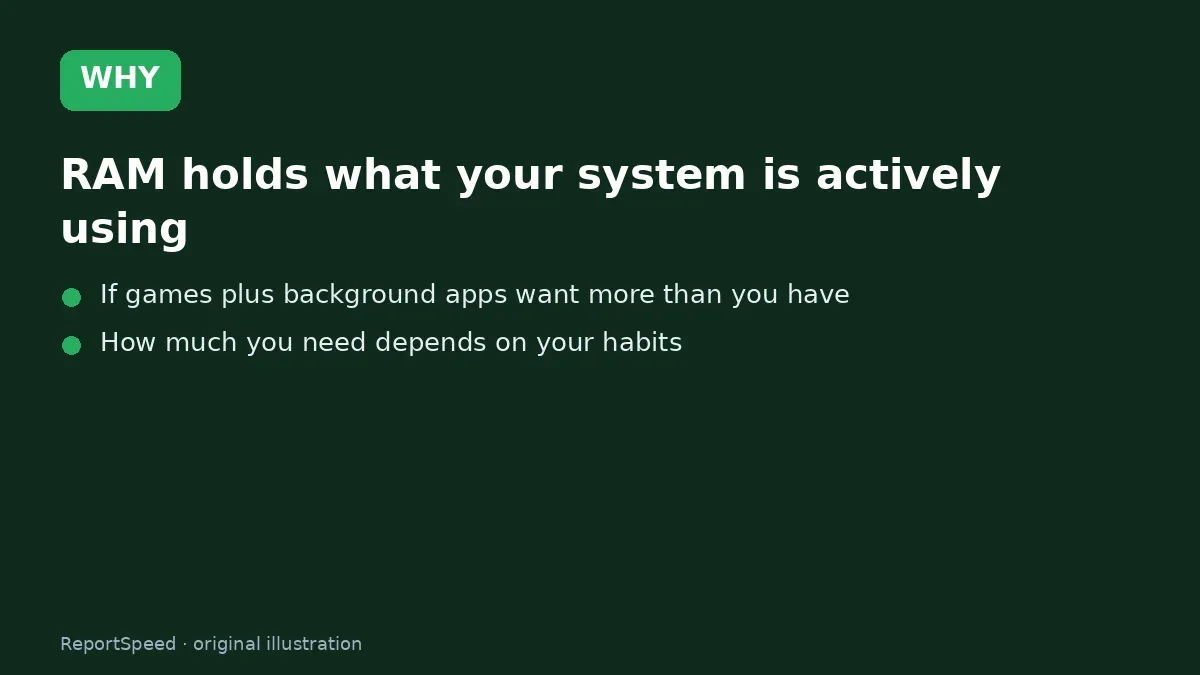
2. Why it happens The cause 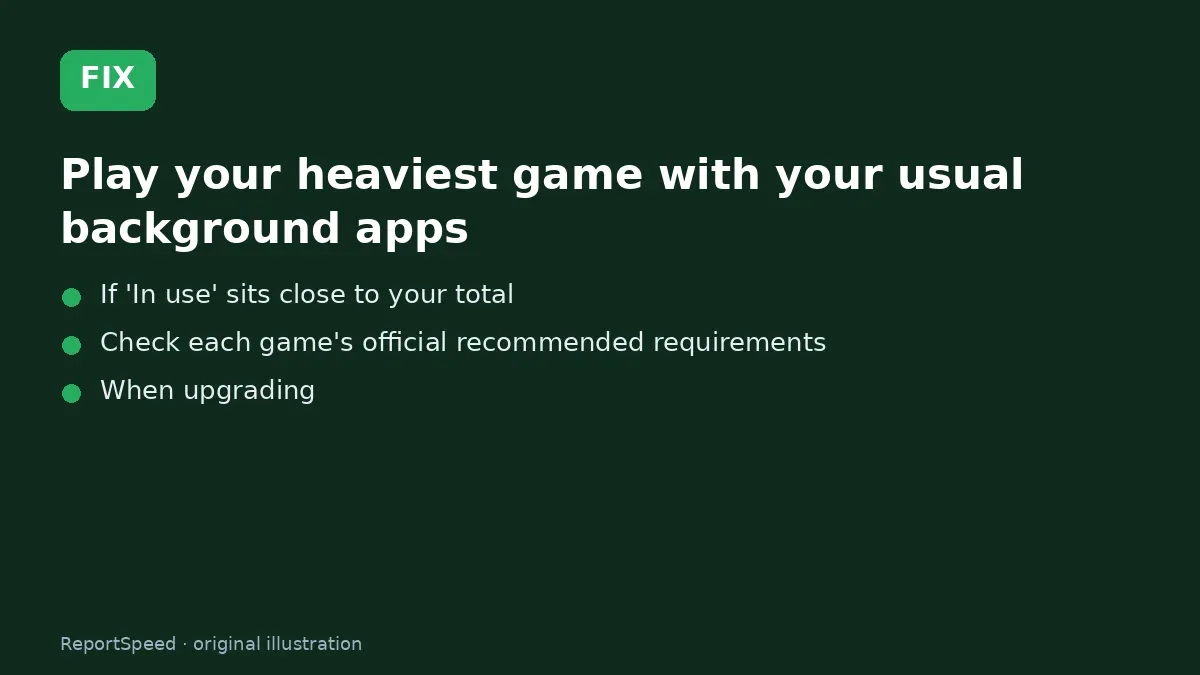
3. The fix The fix 
4. After The result
⚡ Speed Summary
- Measure 'In use' in your real workload, compare with official game requirements, buy a matched kit, and turn on its profile.
- If you stream, edit video or run heavy mods, budget for the higher capacity up front. Adding a second kit later can be fussier than buying the right kit once.
- The real answer is sitting in a tab you've probably never opened.

Was this answer helpful?
Tap a star to rate this answer.
Related questions

Got an 'AirTag found moving with you' alert? What to do next
Find the tracker, document it, identify the owner, and disable it.
Rate itSolved

Is my smart TV tracking what I watch? How to turn off ACR
Smart TVs may use ACR to track viewing.
Rate itSolved

Caller ID spoofing: why scammers show a local number and how to protect yourself
Caller ID can be faked, and spoofing to defraud is illegal.
Rate itSolved

How do I stop spam emails without making it worse?
Mark spam, block repeat senders, unsubscribe only from known companies, and report phishing.
Rate itSolved
Real experiences
No experiences yet. Be the first to share.