


Is a Wi-Fi 7 router worth it if my current Wi-Fi 6 router is only a couple of years old? My internet plan isn't crazy fast and I mostly game and stream. The new routers look sick but the price makes me hesitate. Will I actually feel a difference?
Is a Wi-Fi 7 router worth upgrading to? How to tell if you'll notice
Concerns & risks
Your Wi-Fi works, but maybe it drops in one room, or ping spikes when someone streams. Wi-Fi 7 is everywhere now and you wonder if it's the fix.
| Your setup | Likely to notice? | Reason |
|---|---|---|
| Internet plan slower than current Wi-Fi | No | The plan is the limit |
| Devices without Wi-Fi 7 | Little | Both ends need support |
| Big local file transfers, Wi-Fi 7 devices | Yes | Wider channels help locally |
| Crowded apartment airwaves | Possibly | 6 GHz band is less congested |
Causes & evidence
According to the Wi-Fi Alliance, Wi-Fi CERTIFIED 7 adds 320 MHz channels in the 6 GHz band (twice the throughput of Wi-Fi 6), multi-link operation for better load balancing and reliability, and 4K QAM for about 20% higher transmission rates than Wi-Fi 6's 1024 QAM. Those gains only show up when your devices also support Wi-Fi 7 and the 6 GHz band, and when your internet plan or local network transfers are fast enough to use them. Coverage problems (walls, distance, router placement) are a separate issue that a faster standard won't magically solve.
Also think about the 6 GHz band itself: it offers more room and less interference, but signals at higher frequencies don't travel through walls as well. In practice, Wi-Fi 7's big numbers show up best in the same room or one wall away. That's another reason to fix placement and coverage alongside any upgrade.
A new router can't beat physics or your internet plan. Check those two first and you might save the whole purchase.
What to do
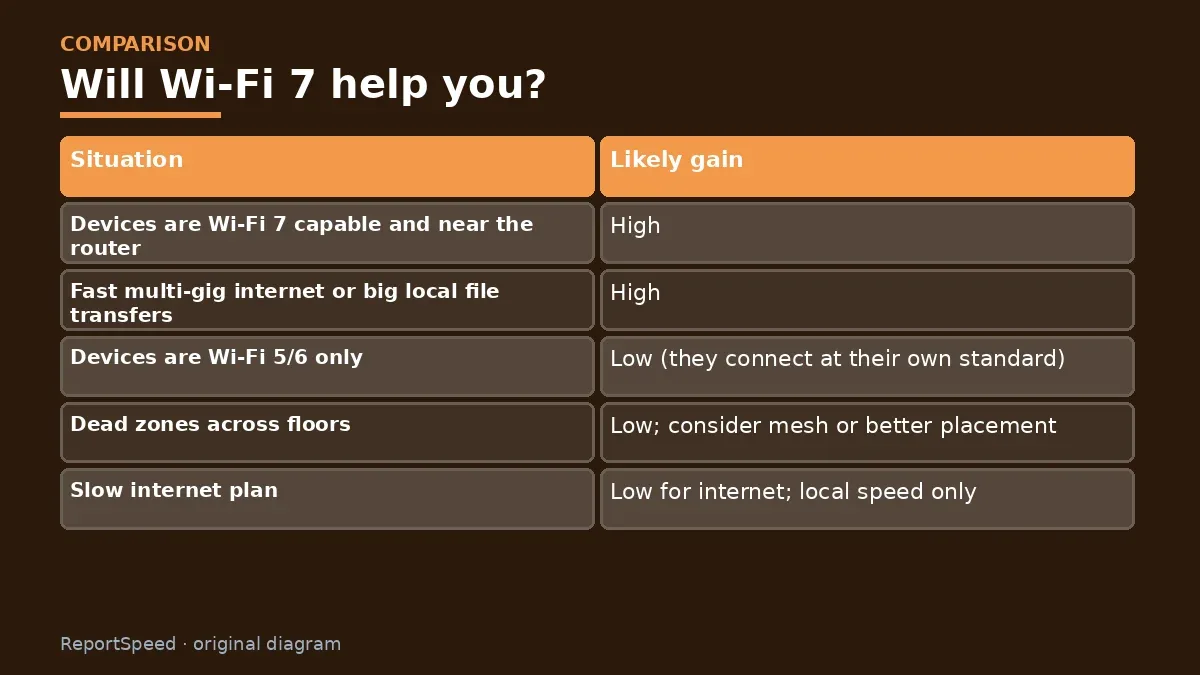
| Situation | Likely gain |
|---|---|
| Devices are Wi-Fi 7 capable and near the router | High |
| Fast multi-gig internet or big local file transfers | High |
| Devices are Wi-Fi 5/6 only | Low (they connect at their own standard) |
| Dead zones across floors | Low; consider mesh or better placement |
| Slow internet plan | Low for internet; local speed only |
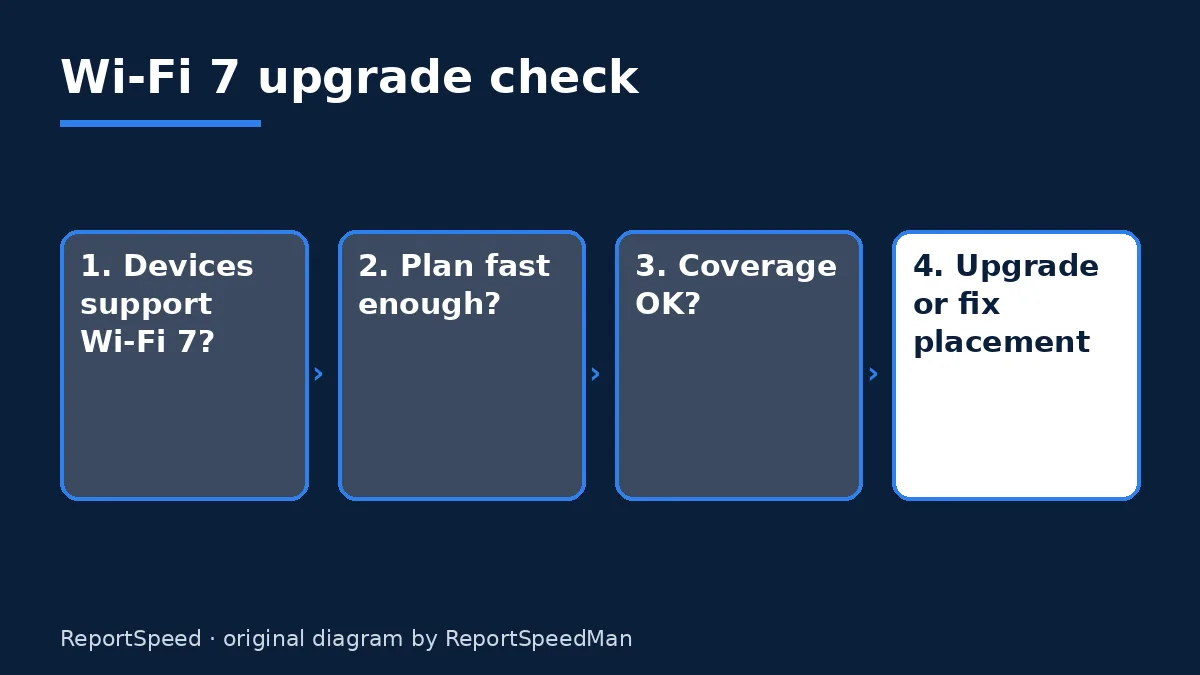
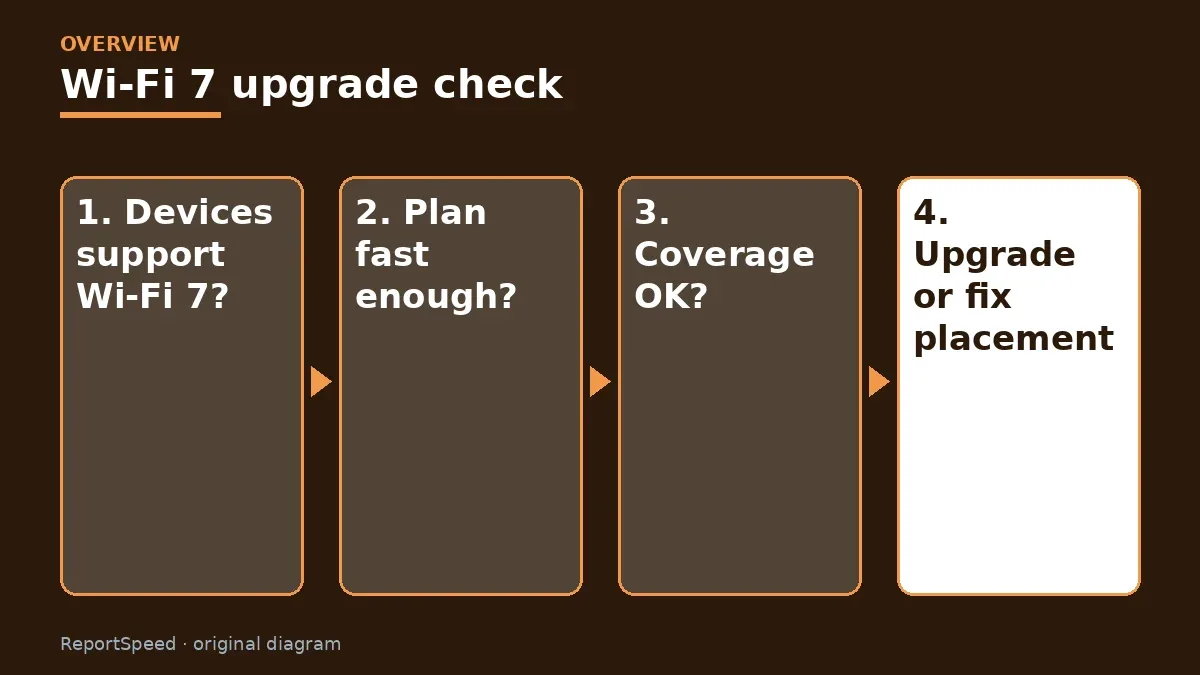
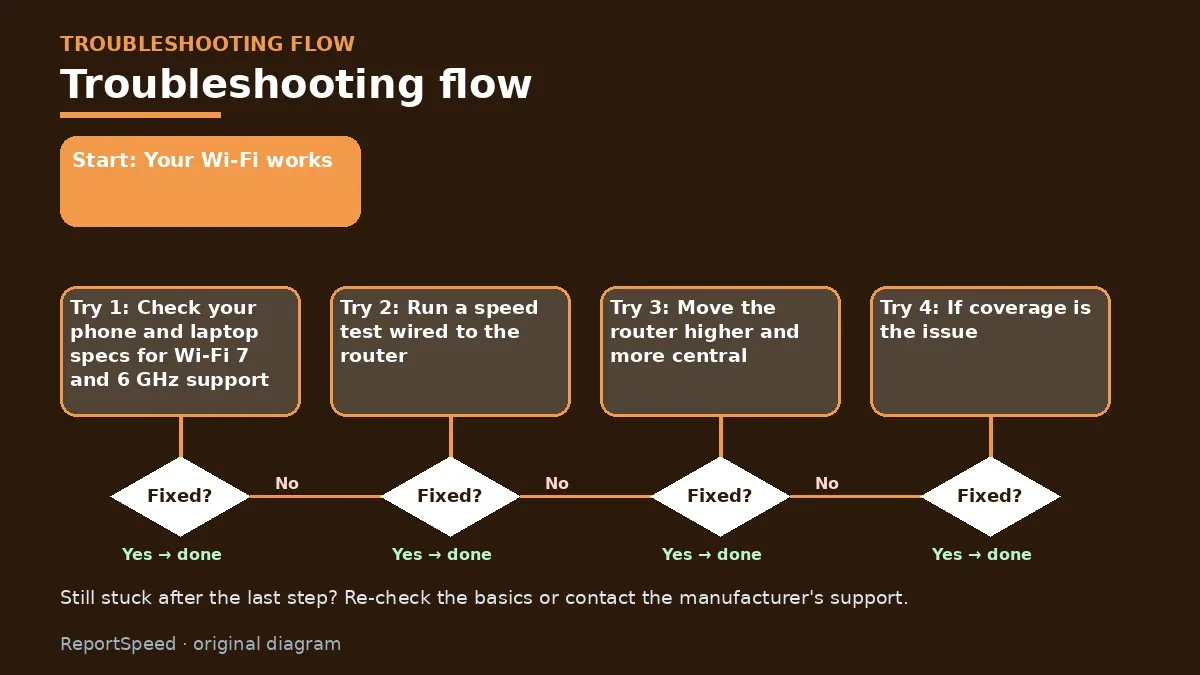
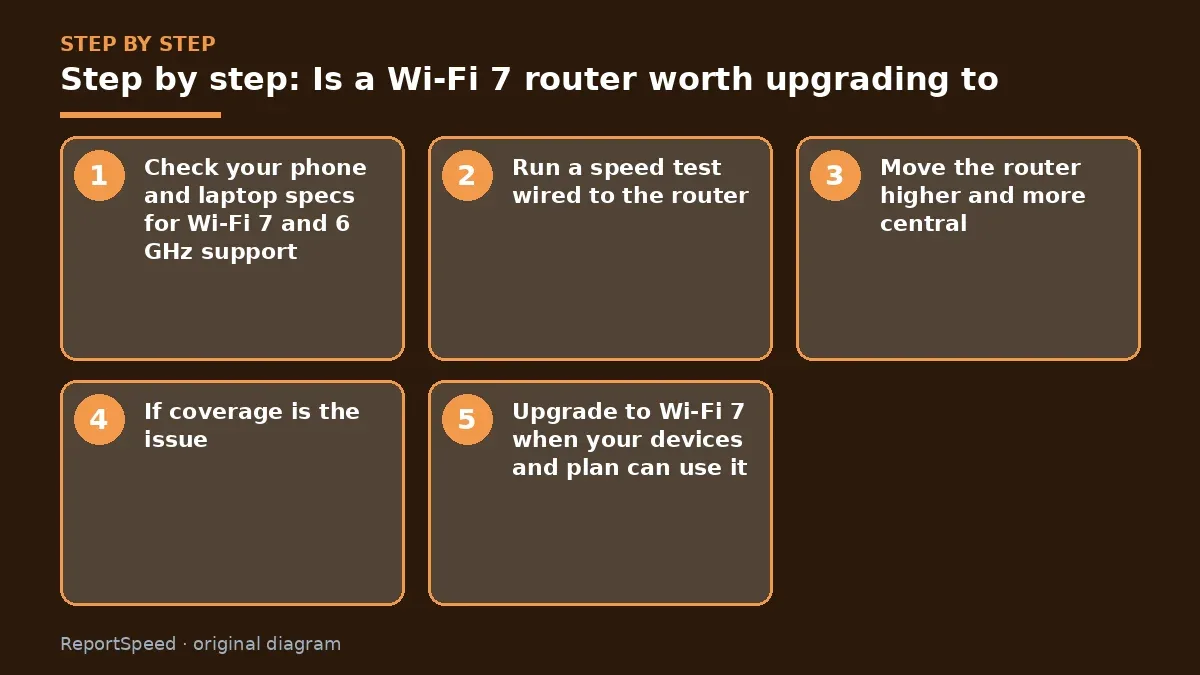
- Check your phone and laptop specs for Wi-Fi 7 and 6 GHz support.
- Run a speed test wired to the router, then on Wi-Fi in the same room, then in the problem room. That tells you if the issue is the plan, the router, or coverage.
- Move the router higher and more central, away from metal and appliances, then retest.
- If coverage is the issue, compare a mesh system before buying a single faster router.
- Upgrade to Wi-Fi 7 when your devices and plan can use it, or when your current router lacks security updates.
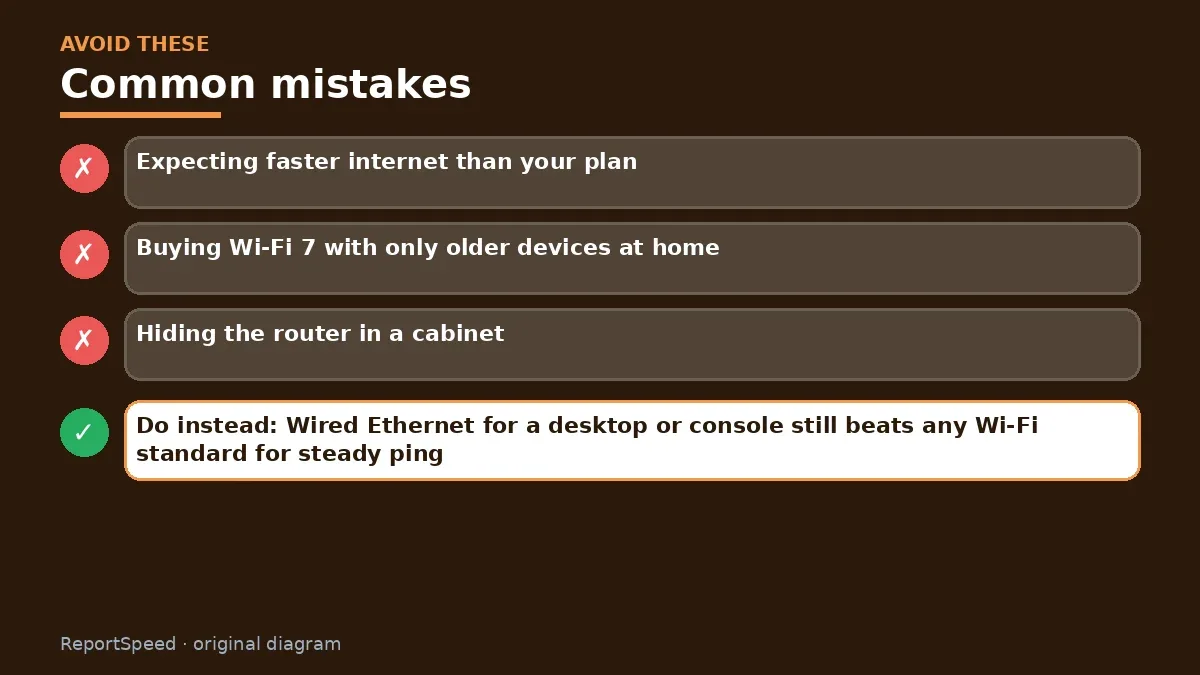
Common mistakes:
- Expecting faster internet than your plan
- Buying Wi-Fi 7 with only older devices at home
- Hiding the router in a cabinet
ReportSpeedMan tip: Wired Ethernet for a desktop or console still beats any Wi-Fi standard for steady ping.
What I would actually do
check my internet plan speed first. If my current router already exceeds it, Wi-Fi 7 waits until my devices support it.
The trade-off people miss: a Wi-Fi upgrade only helps devices that support it. Your old laptop won't suddenly gain new features.
Did it work? How to check
Success means your devices connect on the right band with steady speeds in the rooms you use most. Retest after setup and update the router firmware.
Quick FAQ
Do Wi-Fi 7 routers work with older devices?
Yes, they're backward compatible; older devices connect at their own standard.
Is MLO worth it?
Multi-link operation can improve reliability where both router and device support it.
Should gamers upgrade?
Wired Ethernet still gives the steadiest latency; Wi-Fi 7 helps if wired isn't possible.
Wrap-up: Wi-Fi 7 is worth it when your devices and internet can use it. If not, fix placement or coverage first and upgrade later.
Wiki: Wi-Fi Standards (Wi-Fi 6, 6E, 7).
Is a Wi-Fi 7 router worth upgrading to: official pages behind this answer
Step-by-step photos
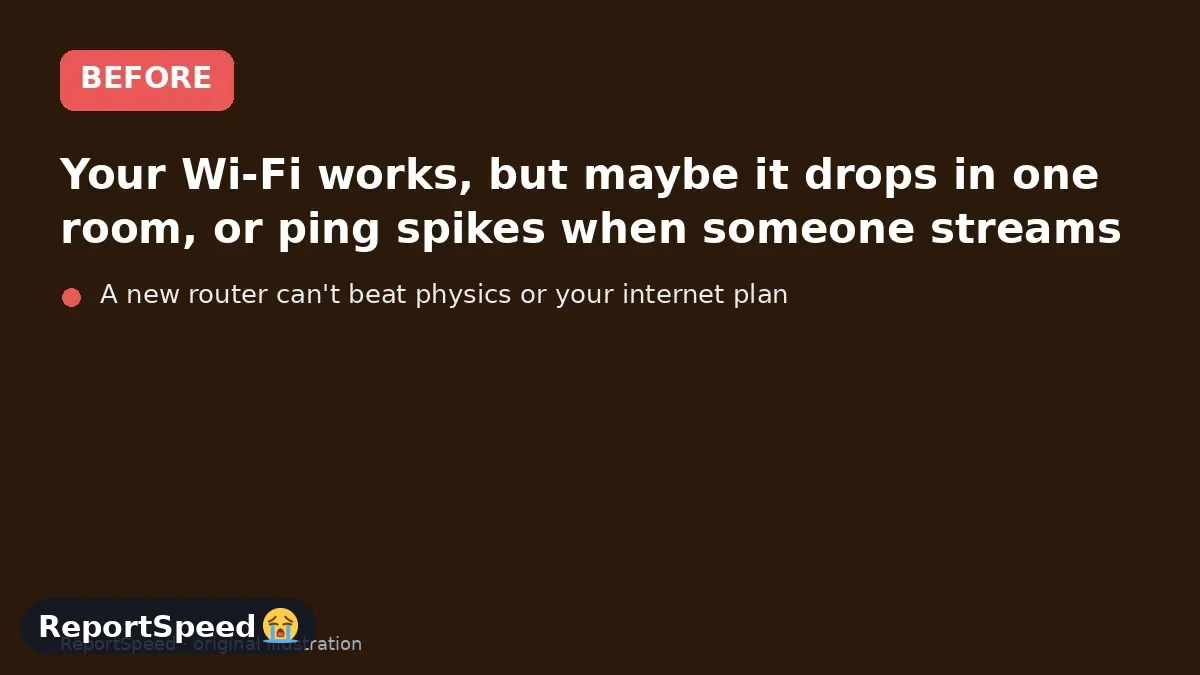
1. Before The problem 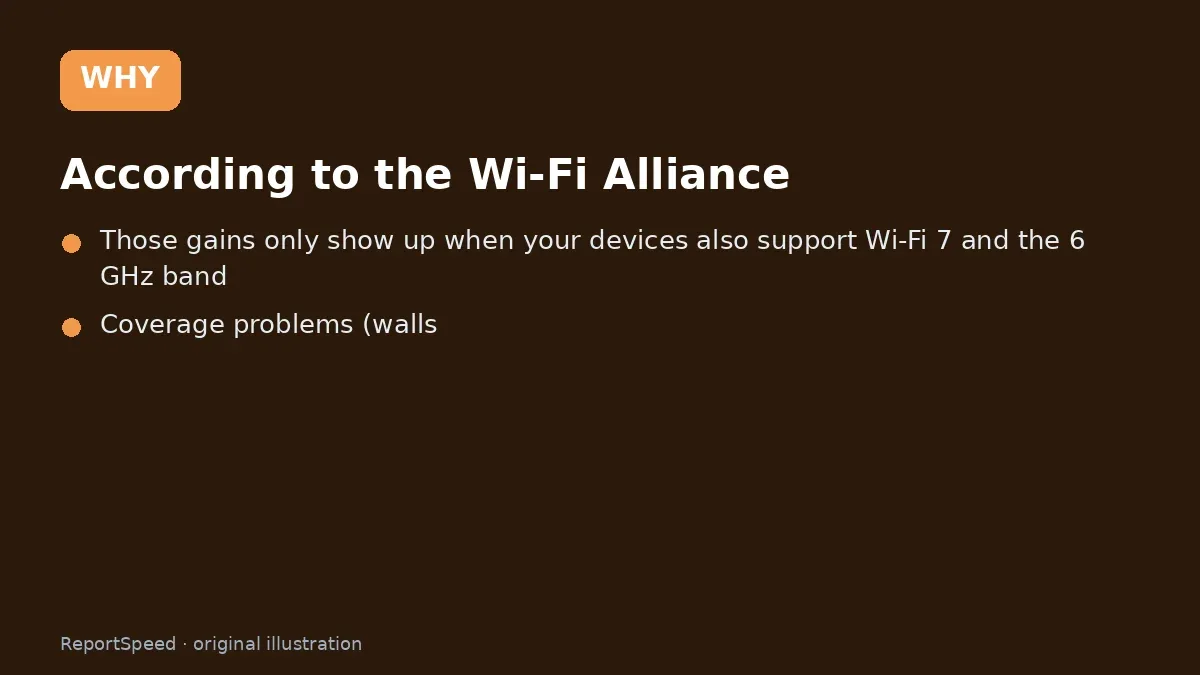
2. Why it happens The cause 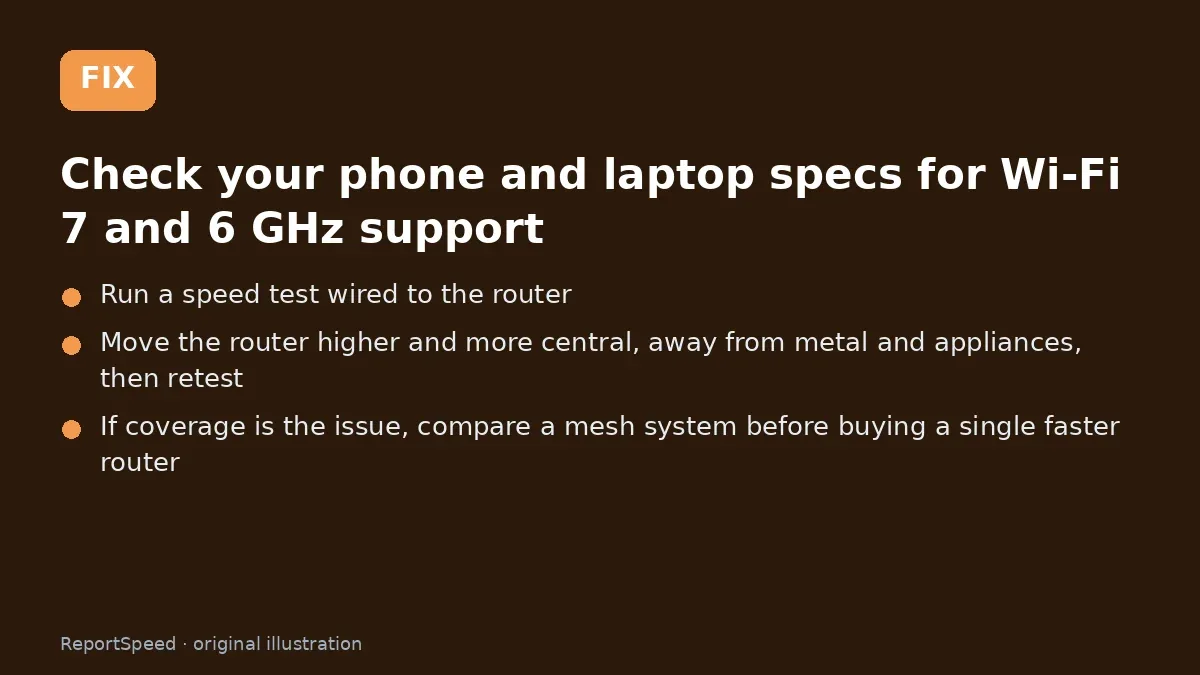
3. The fix The fix 
4. After The result
⚡ Speed Summary
- Wi-Fi 7 is worth it when your devices and internet can use it.
- Wired Ethernet for a desktop or console still beats any Wi-Fi standard for steady ping.
- A new router can't beat physics or your internet plan. Check those two first and you might save the whole purchase.

Was this answer helpful?
Tap a star to rate this answer.
Related questions

Got an 'AirTag found moving with you' alert? What to do next
Find the tracker, document it, identify the owner, and disable it.
Rate itSolved

Is my smart TV tracking what I watch? How to turn off ACR
Smart TVs may use ACR to track viewing.
Rate itSolved

Caller ID spoofing: why scammers show a local number and how to protect yourself
Caller ID can be faked, and spoofing to defraud is illegal.
Rate itSolved

How do I stop spam emails without making it worse?
Mark spam, block repeat senders, unsubscribe only from known companies, and report phishing.
Rate itSolved
Real experiences
No experiences yet. Be the first to share.