


I've got savings set aside and I'm tempted to just buy an RTX 5090 so I never have to think about upgrading again. I play at 1440p right now, maybe moving to 4K later. Friends say it's total overkill, but I keep reading that it's the only card that does everything maxed out. Is an RTX 5090 overkill for me, and what else would I need to change in my PC to run it?
Is an RTX 5090 overkill for my gaming PC?
Concerns & risks
You have the budget for a flagship, your current setup is 1440p, and you're weighing whether the top card future-proofs you or just shifts the bottleneck elsewhere.
| Requirement | Where to check |
|---|---|
| Recommended system power | NVIDIA's RTX 5090 spec page |
| Power connector | Card and PSU manuals |
| Case clearance | Partner card dimensions |
| CPU pairing | Your GPU usage in games |

Causes & evidence
NVIDIA's RTX 5090 page lists 32GB of GDDR7 and a total graphics power figure that comes with a high recommended system power supply, so the card affects your PSU, cooling and case choice, not just your wallet. At 1440p, many games will be limited by the CPU before the 5090 runs out of steam, a classic CPU-GPU bottleneck. It makes the most sense at 4K with high refresh rates, heavy path tracing, or for creators and AI work that genuinely uses the large memory.
A flagship card moves the bottleneck around. At lower resolutions, the CPU and game engine set the ceiling; at 4K, the GPU does. That's why the same card can look incredible in one review and underwhelming in another.
The fastest card in the world can't help a frame that's waiting on your CPU.
What to do
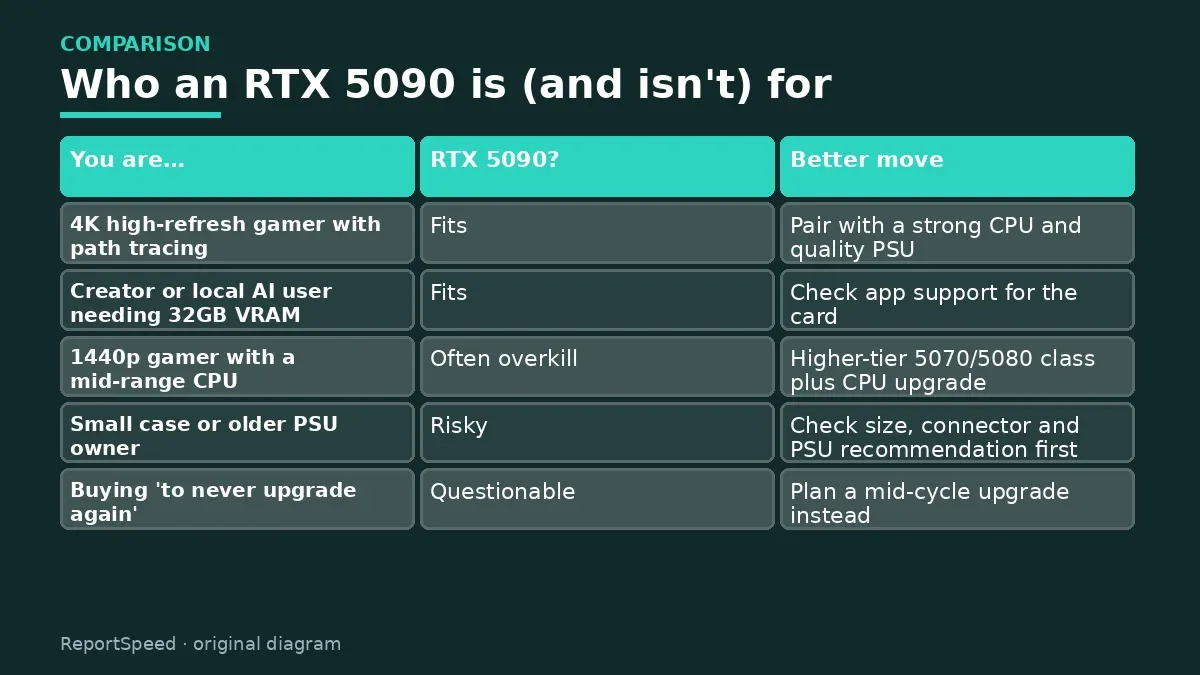
| You are… | RTX 5090? | Better move |
|---|---|---|
| 4K high-refresh gamer with path tracing | Fits | Pair with a strong CPU and quality PSU |
| Creator or local AI user needing 32GB VRAM | Fits | Check app support for the card |
| 1440p gamer with a mid-range CPU | Often overkill | Higher-tier 5070/5080 class plus CPU upgrade |
| Small case or older PSU owner | Risky | Check size, connector and PSU recommendation first |
| Buying 'to never upgrade again' | Questionable | Plan a mid-cycle upgrade instead |
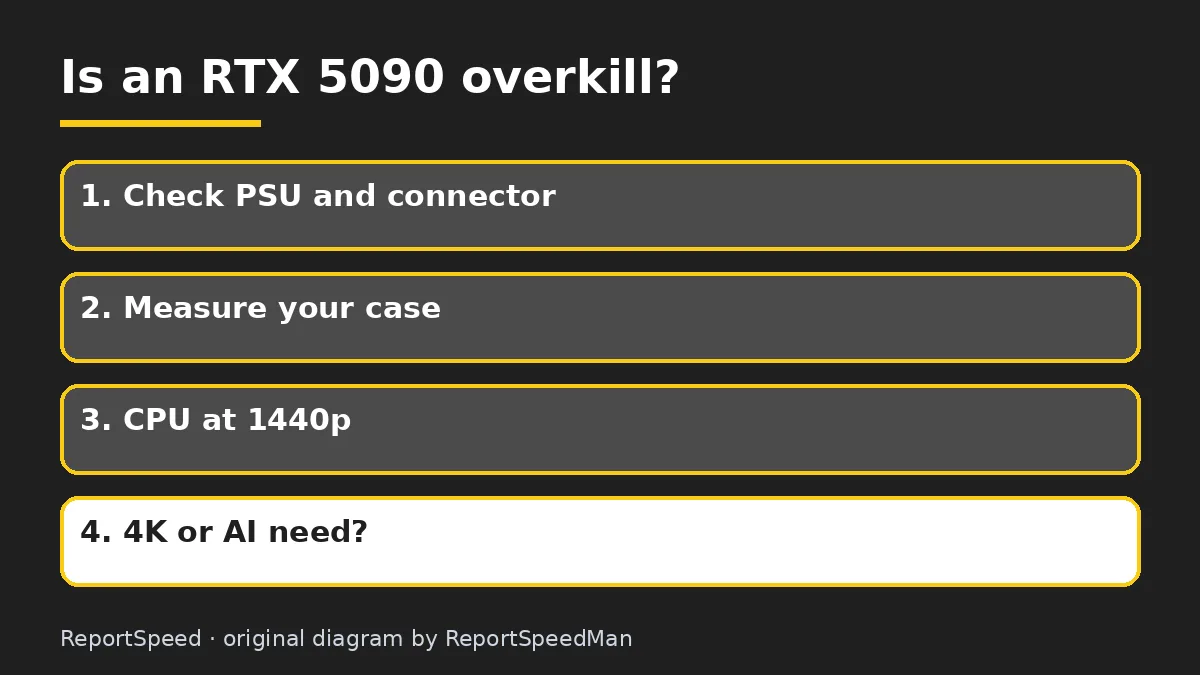
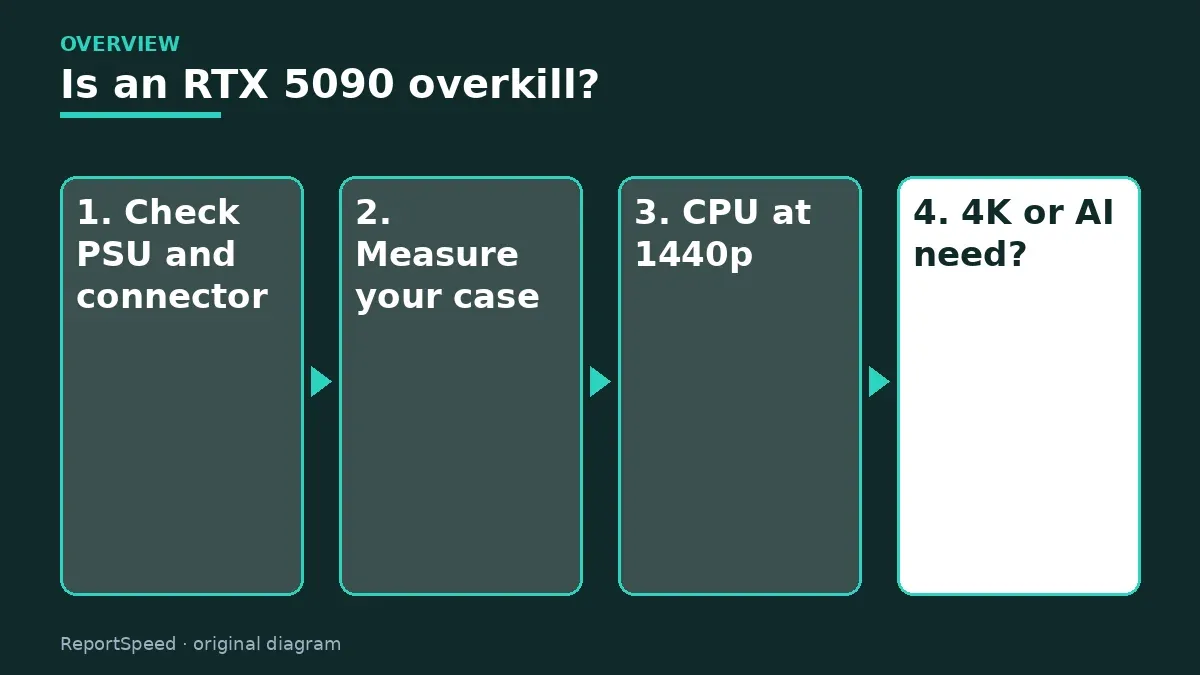
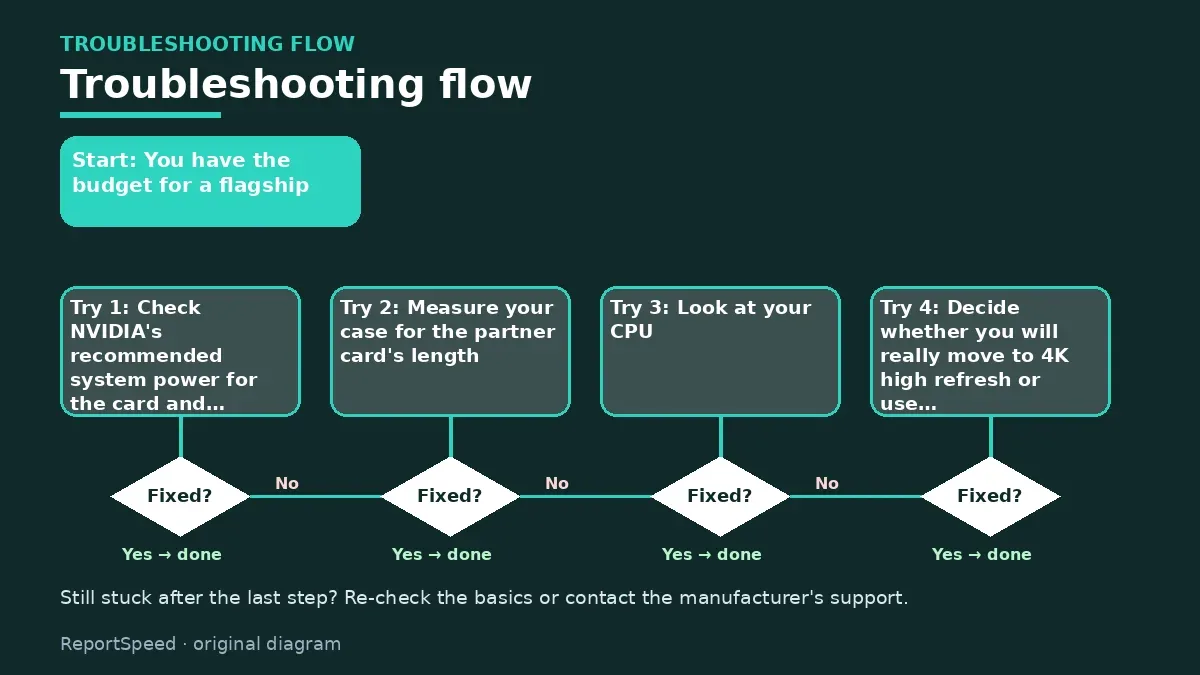
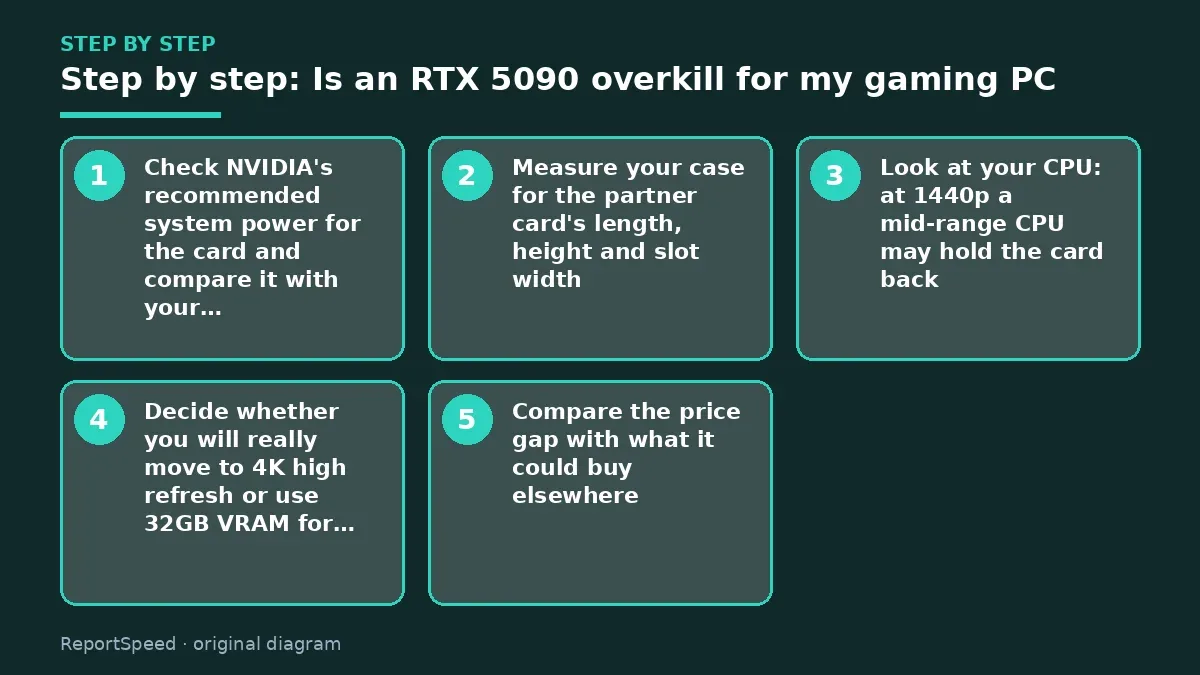
- Check NVIDIA's recommended system power for the card and compare it with your PSU's rating and connectors.
- Measure your case for the partner card's length, height and slot width.
- Look at your CPU: at 1440p a mid-range CPU may hold the card back.
- Decide whether you will really move to 4K high refresh or use 32GB VRAM for creator or AI work.
- Compare the price gap with what it could buy elsewhere, like a better monitor or CPU.
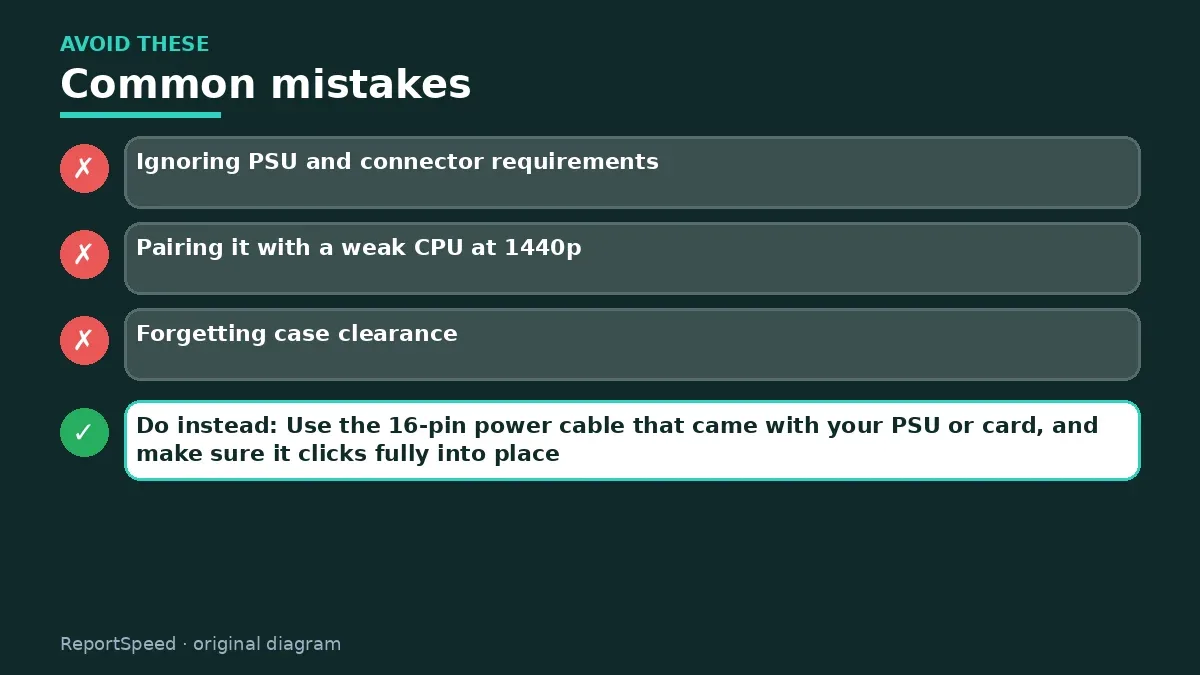
Common mistakes:
- Ignoring PSU and connector requirements
- Pairing it with a weak CPU at 1440p
- Forgetting case clearance
ReportSpeedMan tip: Use the 16-pin power cable that came with your PSU or card, and make sure it clicks fully into place.
What I would actually do
if I played at 1440p, I'd skip the 5090 and buy a strong CPU plus a high-tier card, then keep the leftover for a great monitor. I'd only buy the 5090 for 4K high-refresh gaming or serious creator and AI work.
The trade-off people miss: 'never upgrade again' rarely holds. A balanced mid-to-high build plus a later upgrade often ends up cheaper and more enjoyable over the same years.
Proof that it worked
Your system runs stable under long gaming sessions with no shutdowns, and the GPU is the part working hardest at your target resolution.
Quick FAQ
What PSU do I need?
Follow NVIDIA's recommended system power and use a quality unit with the right connector.
Will it fit my case?
Check the partner card's length, height and slot width against your case.
Is it good for AI?
The large VRAM helps local AI models that need lots of memory.
Wrap-up: An RTX 5090 makes sense for 4K high refresh, path tracing and big creator workloads. For 1440p, balance the build instead.
Wiki: GPU Upscaling and Frame Generation.
Is an RTX 5090 overkill for my gaming PC: official pages behind this answer
Step-by-step photos

1. Before The problem 
2. Why it happens The cause 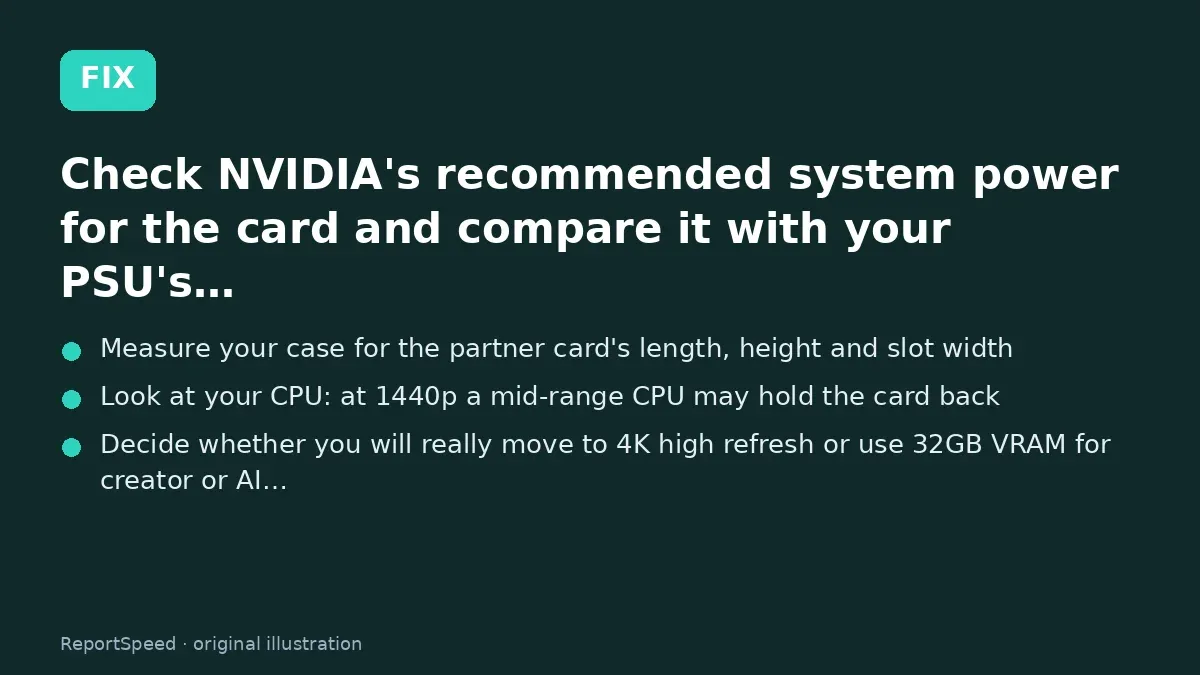
3. The fix The fix 
4. After The result
⚡ Speed Summary
- An RTX 5090 makes sense for 4K high refresh, path tracing and big creator workloads.
- Use the 16-pin power cable that came with your PSU or card, and make sure it clicks fully into place.
- The fastest card in the world can't help a frame that's waiting on your CPU.

Was this answer helpful?
Tap a star to rate this answer.
Related questions

Got an 'AirTag found moving with you' alert? What to do next
Find the tracker, document it, identify the owner, and disable it.
Rate itSolved

Is my smart TV tracking what I watch? How to turn off ACR
Smart TVs may use ACR to track viewing.
Rate itSolved

Caller ID spoofing: why scammers show a local number and how to protect yourself
Caller ID can be faked, and spoofing to defraud is illegal.
Rate itSolved

How do I stop spam emails without making it worse?
Mark spam, block repeat senders, unsubscribe only from known companies, and report phishing.
Rate itSolved
Real experiences
No experiences yet. Be the first to share.