


I work from coffee shops a lot and often check my bank account on the free Wi-Fi. A friend says that's dangerous and I should never use public Wi-Fi. Is that still true, and what should I actually do to stay safe?
Is public Wi-Fi safe to use for banking?
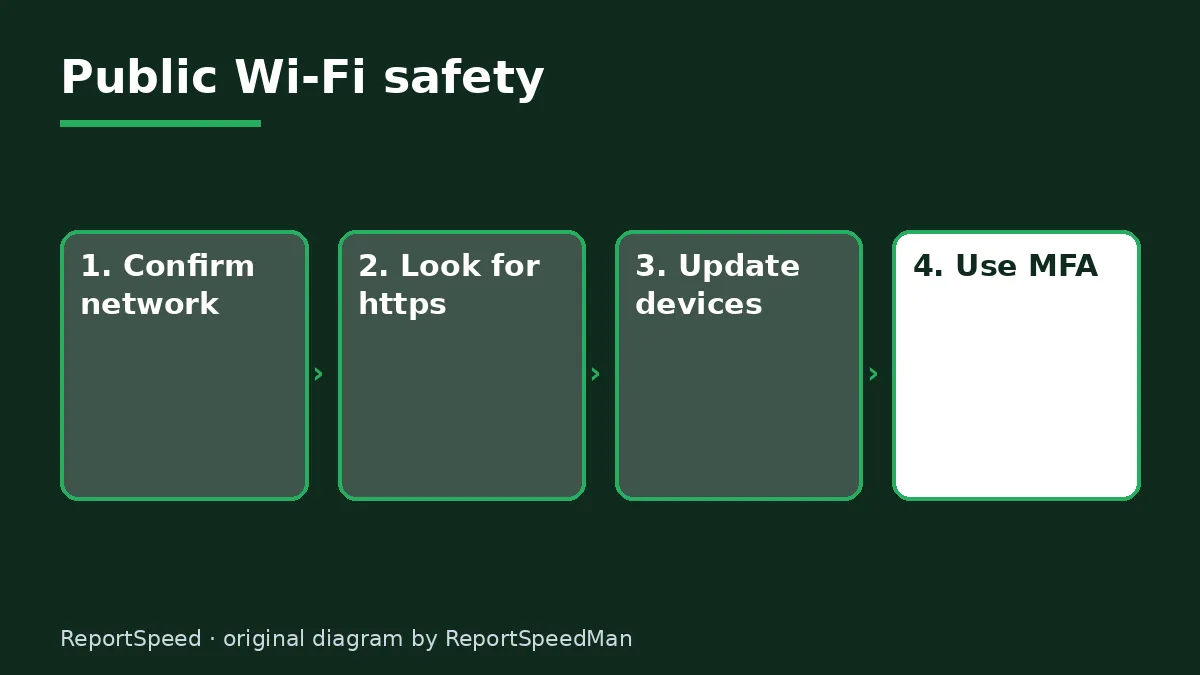
Concerns & risks
You use public Wi-Fi regularly and want to know whether it's safe.
| Check | Why |
|---|---|
| Network name | Avoid look-alikes |
| https | Encrypted connection |
| Updates | Patches known flaws |
| MFA | Protects if password leaks |

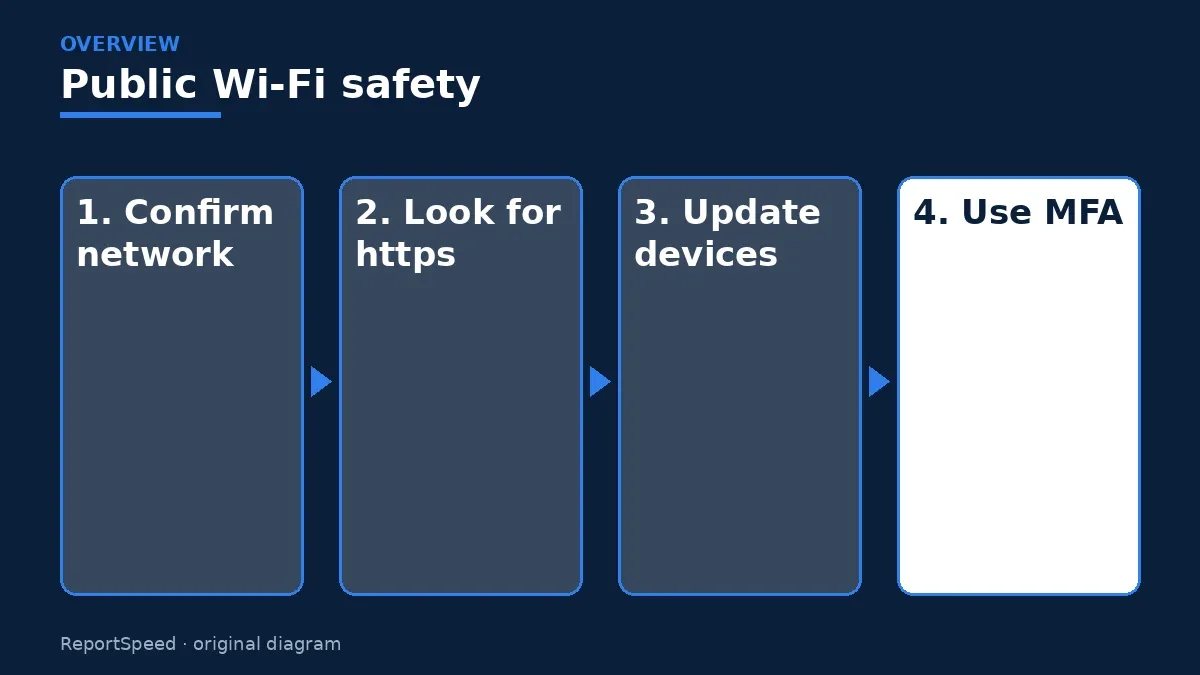
Causes & evidence
The FTC explains that public Wi-Fi networks in places like coffee shops, airports and hotels are generally safe to use these days because most websites and apps use encryption, shown by https in the web address, to protect your information as it travels. The FTC still recommends some precautions: make sure you're connecting to the right network, since scammers can set up networks with names that look legitimate; keep your operating system, browser and apps up to date; use multi-factor authentication; and pay attention to browser warnings about a site's security. If a site shows a warning or isn't using encryption, avoid entering sensitive information.
Some sites and apps still don't encrypt every page. Your browser will typically warn you, and those warnings are worth respecting. Your phone's settings can help too. Many devices let you forget old networks, turn off automatic joining and show a warning before connecting to an open network. For work devices, follow your employer's rules, which may require a company VPN. When in doubt, use mobile data for banking and save public Wi-Fi for browsing and streaming.

Joining a network just because the name sounds official is the main remaining risk.
What to do


| Item | What to know |
|---|---|
| Overall | Generally safe because most sites use encryption |
| Look for | https in the address |
| Main risk | Fake networks with legit-looking names |
| Keep updated | OS, browser and apps |
| Extra protection | Multi-factor authentication |
- Confirm the exact network name with staff.
- Check that sites show https before logging in.
- Keep your device and apps updated.
- Turn on multi-factor authentication for important accounts.
- Turn off automatic connection to open networks.
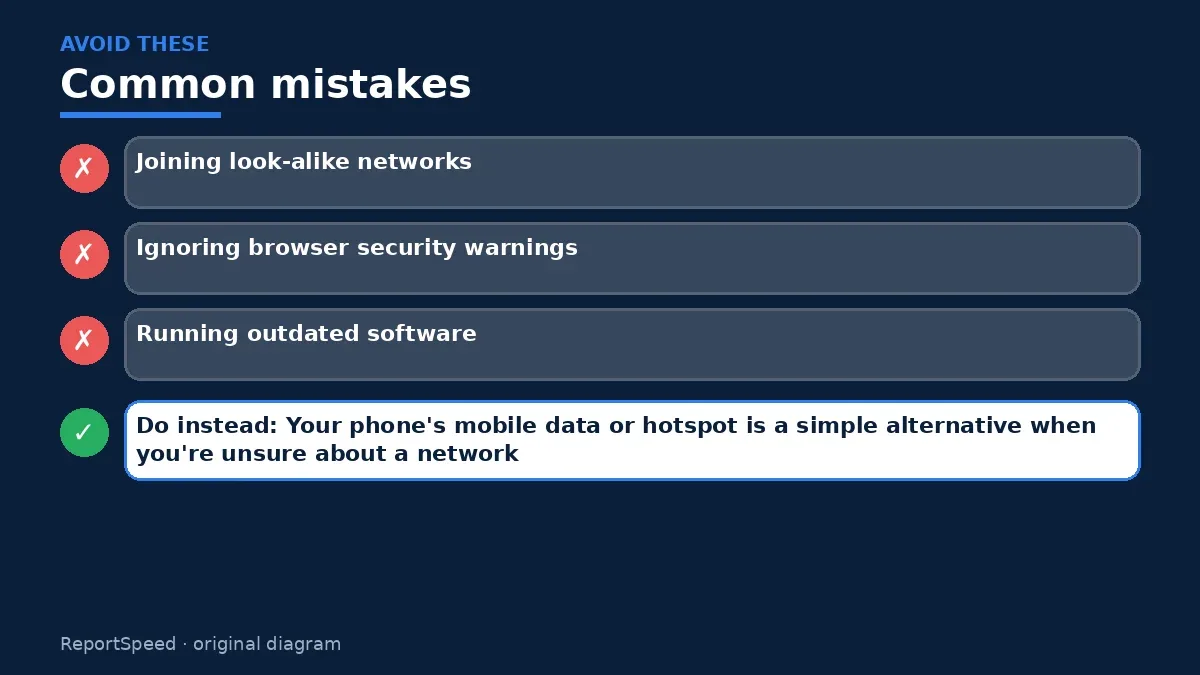
Common mistakes:
- Joining look-alike networks
- Ignoring browser security warnings
- Running outdated software
ReportSpeedMan tip: Your phone's mobile data or hotspot is a simple alternative when you're unsure about a network.
What I would actually do
I'd confirm the network name with staff, check for https and keep MFA on my bank and email.
The trade-off people miss: worrying about the Wi-Fi itself can distract from bigger risks, such as reused passwords and skipped updates.
Signs it worked
You connect only to confirmed networks and every login uses https and MFA.
Quick FAQ
Do I need a VPN?
It can add privacy but isn't required for https sites.
Is hotel Wi-Fi safer?
Same precautions apply.
What about auto-connect?
Turn it off for open networks.
Wrap-up: Public Wi-Fi is generally safe for encrypted sites. Pick the right network, keep updated and use MFA.
Wiki: Multi-Factor Authentication (MFA) and Phishing.
Is public Wi-Fi safe to use for banking: primary sources
Step-by-step photos
1. Before The problem 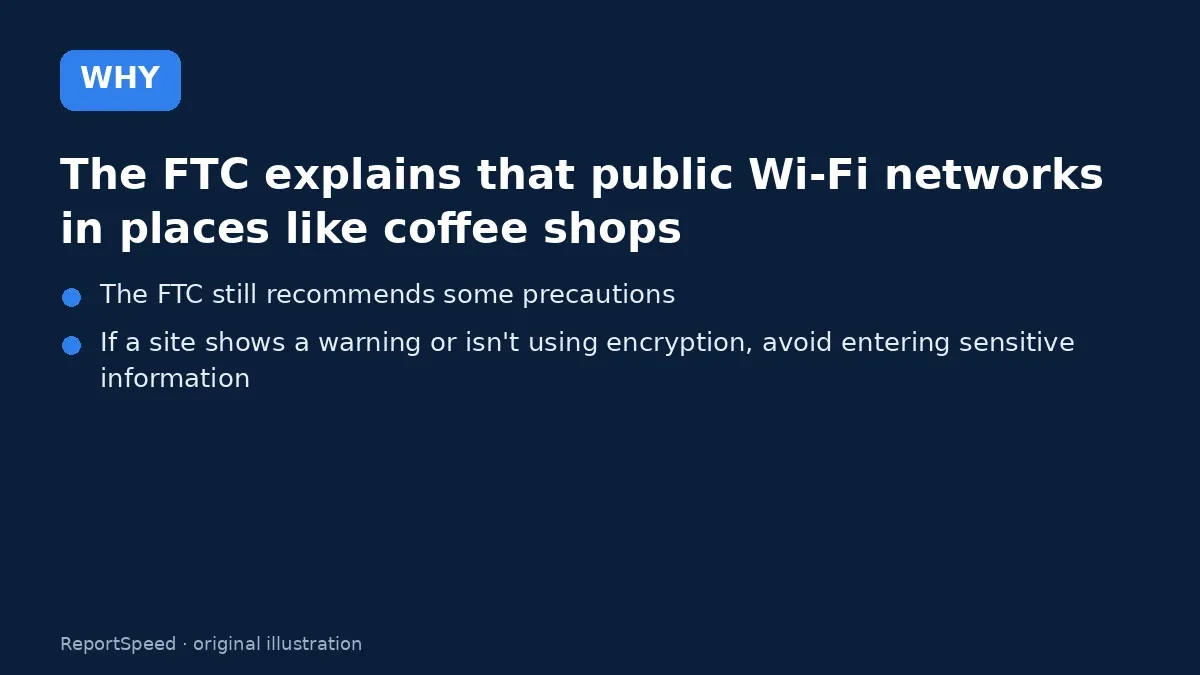
2. Why it happens The cause 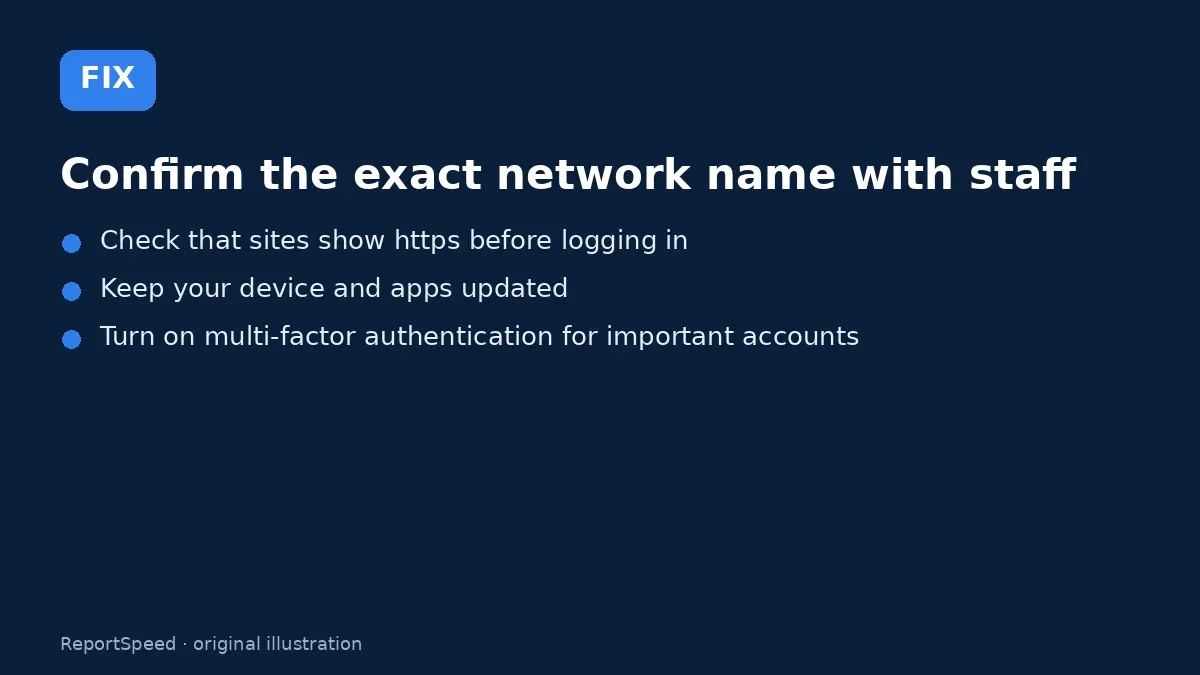
3. The fix The fix 
4. After The result
⚡ Speed Summary
- Public Wi-Fi is generally safe for encrypted sites.
- Your phone's mobile data or hotspot is a simple alternative when you're unsure about a network.
- Joining a network just because the name sounds official is the main remaining risk.

Was this answer helpful?
Tap a star to rate this answer.
Related questions

Got an 'AirTag found moving with you' alert? What to do next
Find the tracker, document it, identify the owner, and disable it.
Rate itSolved

Is my smart TV tracking what I watch? How to turn off ACR
Smart TVs may use ACR to track viewing.
Rate itSolved

Caller ID spoofing: why scammers show a local number and how to protect yourself
Caller ID can be faked, and spoofing to defraud is illegal.
Rate itSolved

How do I stop spam emails without making it worse?
Mark spam, block repeat senders, unsubscribe only from known companies, and report phishing.
Rate itSolved
Real experiences
No experiences yet. Be the first to share.