


I'm building my first gaming PC on a tight budget and the RTX 5060 is the card I can afford. I play at 1080p, mostly esports games and some newer single-player stuff. Some people say 8GB of VRAM is dead, others say it's fine for 1080p. Is the RTX 5060 enough for 1080p gaming, or should I stretch for something more?
Is the RTX 5060 enough for a 1080p gaming PC?
Concerns & risks
You're on a fixed budget for a first build, playing at 1080p, and the 8GB VRAM debate has you second-guessing a card you could otherwise afford comfortably.
| Setting | Suggested approach |
|---|---|
| Textures | High, step down if VRAM fills |
| DLSS | On, Quality mode at 1080p |
| Frame cap | Match your monitor refresh |
| Background apps | Close browsers while playing |
Causes & evidence
NVIDIA's RTX 5060 family page lists the RTX 5060 with 8GB of GDDR7 and support for DLSS 4 with Multi Frame Generation. At 1080p, esports titles run comfortably on cards in this class. The pressure point is newer games with very high texture settings, where 8GB can fill up. Usually that means lowering texture quality one notch rather than the game becoming unplayable, and upscaling and frame generation helps the rest.
At 1080p, frame rates in esports games are often limited by the CPU and engine, so a mid-range card is plenty. VRAM pressure appears mostly when texture settings are maxed in newer releases.
'8GB is dead' is a great headline and a bad shopping rule for a 1080p esports player.
What to do
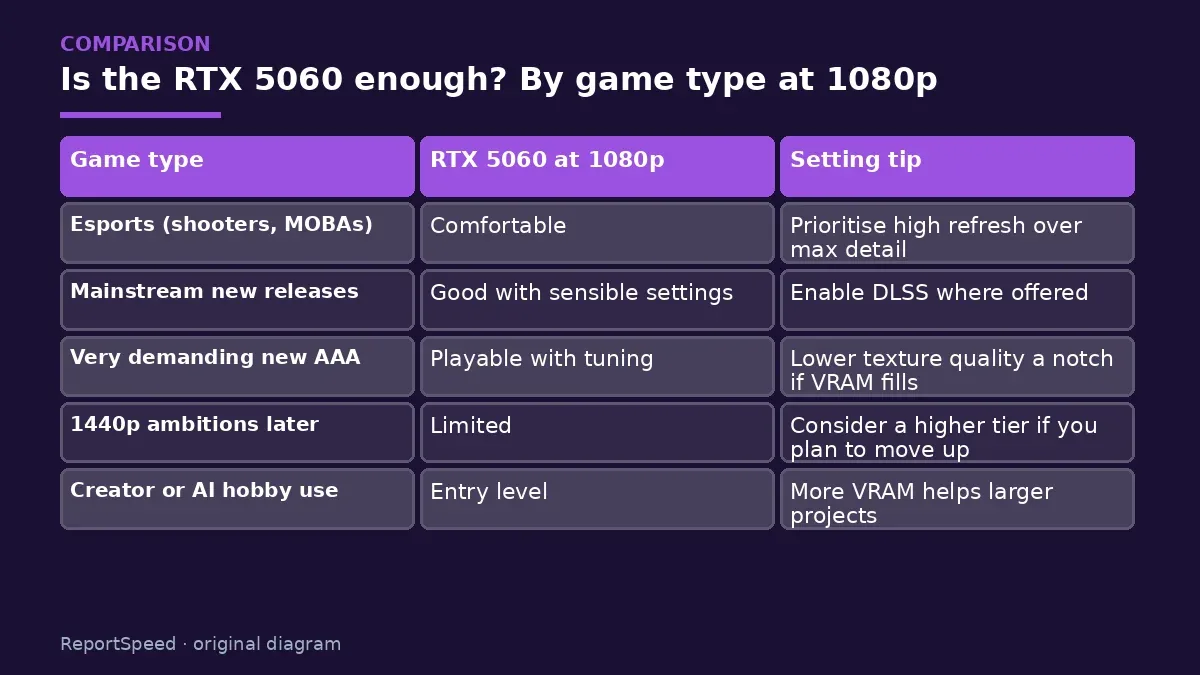
| Game type | RTX 5060 at 1080p | Setting tip |
|---|---|---|
| Esports (shooters, MOBAs) | Comfortable | Prioritise high refresh over max detail |
| Mainstream new releases | Good with sensible settings | Enable DLSS where offered |
| Very demanding new AAA | Playable with tuning | Lower texture quality a notch if VRAM fills |
| 1440p ambitions later | Limited | Consider a higher tier if you plan to move up |
| Creator or AI hobby use | Entry level | More VRAM helps larger projects |
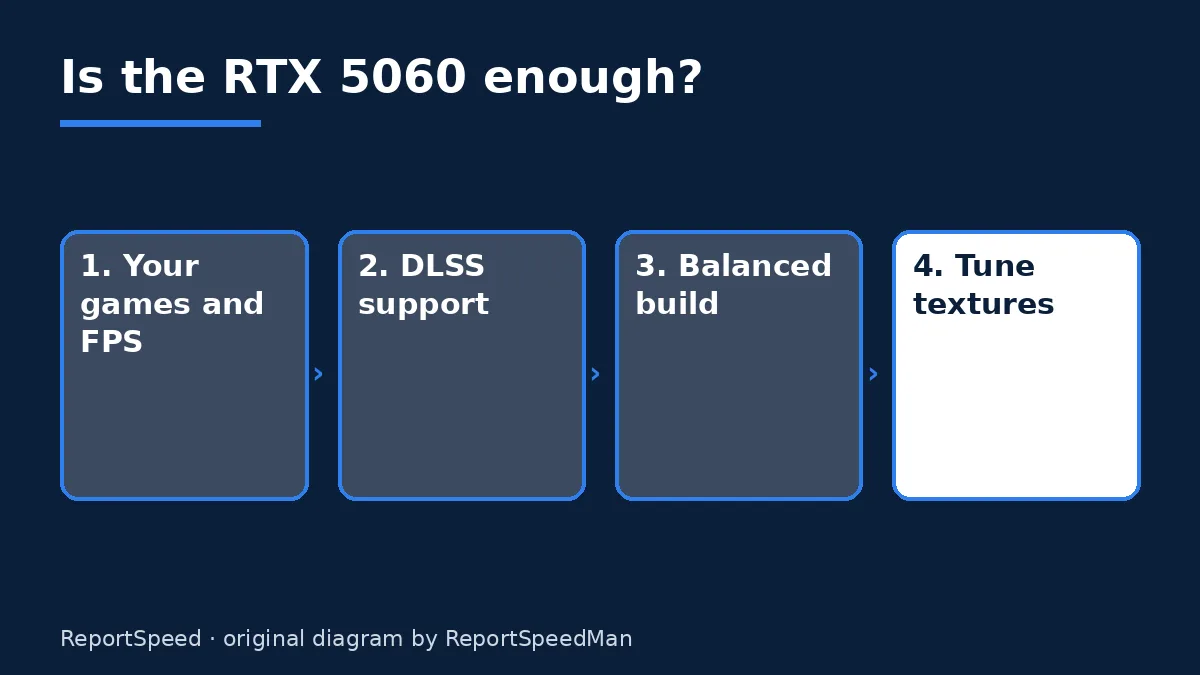
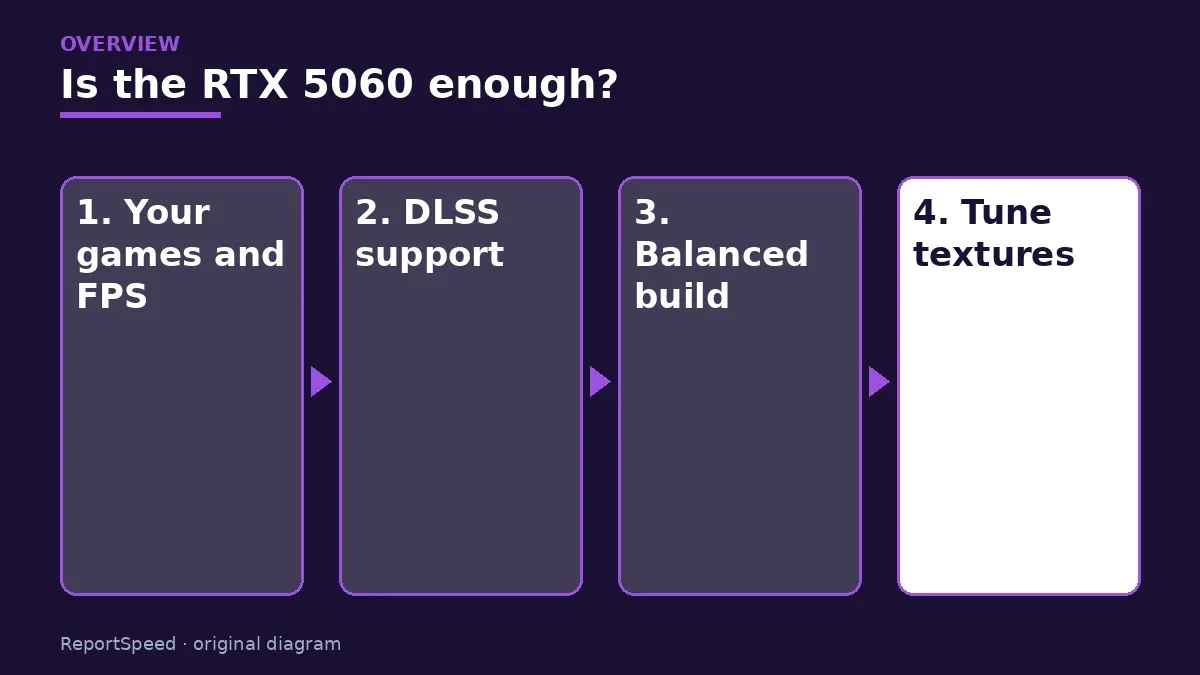
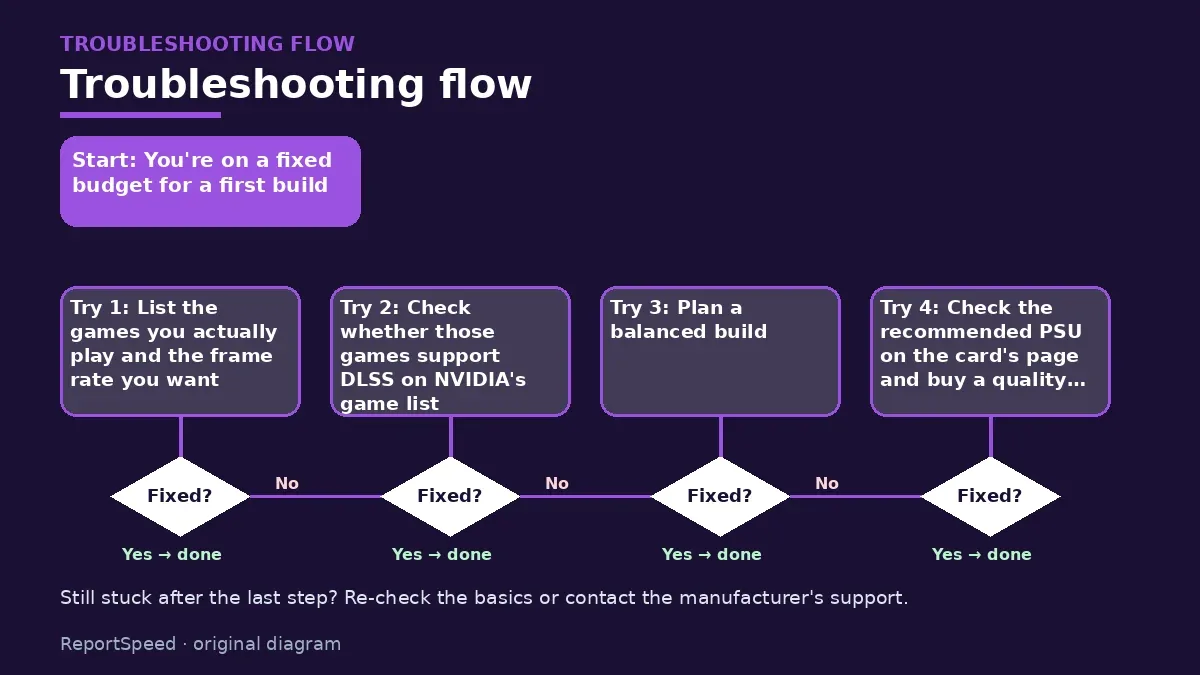
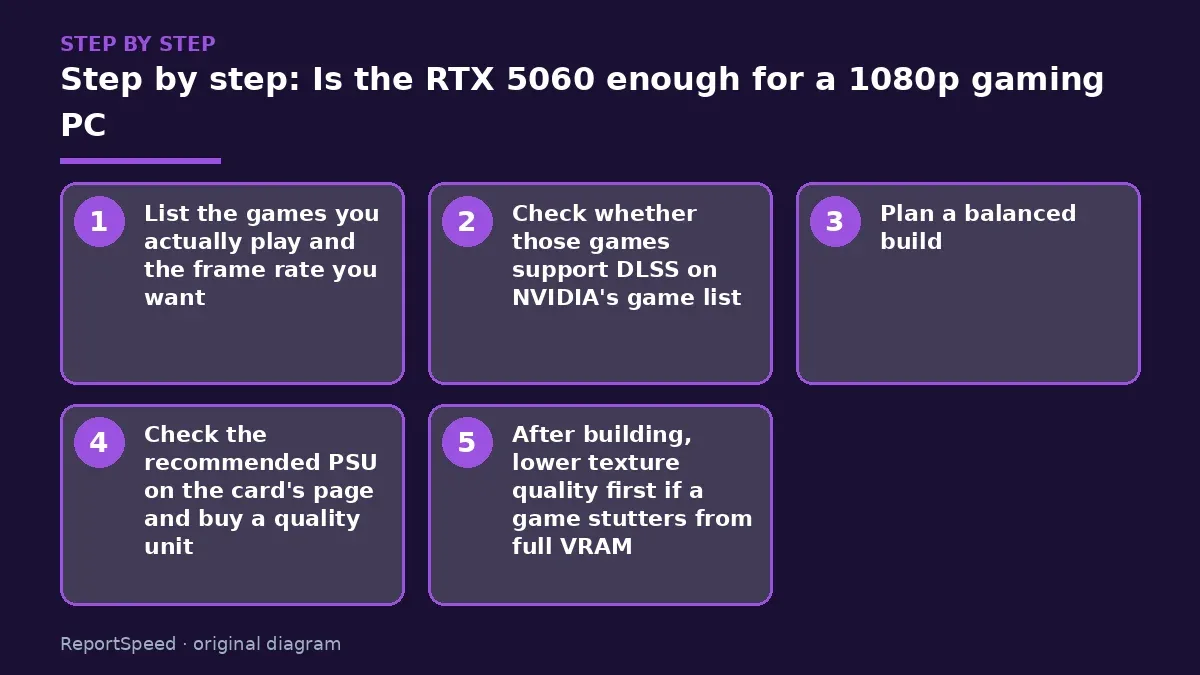
- List the games you actually play and the frame rate you want.
- Check whether those games support DLSS on NVIDIA's game list.
- Plan a balanced build: a sensible six-core CPU and 16GB or more of dual-channel RAM.
- Check the recommended PSU on the card's page and buy a quality unit.
- After building, lower texture quality first if a game stutters from full VRAM.

Common mistakes:
- Maxing textures in every game
- Pairing it with single-channel RAM
- Buying a cheap unbranded PSU
ReportSpeedMan tip: A 1080p high-refresh monitor often improves the feel of esports games more than a GPU upgrade would.
What I would actually do
for a first 1080p esports build, I'd buy the RTX 5060, spend properly on a quality PSU and dual-channel RAM, and add a high-refresh monitor. I'd only stretch to a higher tier if I planned to move to 1440p soon.
The trade-off people miss: the VRAM debate mostly affects very high texture settings. Lowering textures one notch in a few new games is a small price for staying on budget.
How to know it worked
Your esports games hit your monitor's refresh and newer games run smoothly with sensible texture settings.
Quick FAQ
Is DLSS useful at 1080p?
It can be, especially in Quality mode in demanding games.
Which CPU pairs well?
A modern six-core CPU is a balanced match for most 1080p builds.
How much RAM?
16GB dual-channel is a good baseline; 32GB if you multitask heavily.
Wrap-up: For 1080p esports and mainstream games, the RTX 5060 is a sensible budget card. Tune textures in the heaviest new games.
Wiki: Refresh Rate and Response Time.
Is the RTX 5060 enough for a 1080p gaming PC: read the originals
Step-by-step photos
1. Before The problem 
2. Why it happens The cause 
3. The fix The fix 
4. After The result
⚡ Speed Summary
- For 1080p esports and mainstream games, the RTX 5060 is a sensible budget card.
- A 1080p high-refresh monitor often improves the feel of esports games more than a GPU upgrade would.
- '8GB is dead' is a great headline and a bad shopping rule for a 1080p esports player.

Was this answer helpful?
Tap a star to rate this answer.
Related questions

Got an 'AirTag found moving with you' alert? What to do next
Find the tracker, document it, identify the owner, and disable it.
Rate itSolved

Is my smart TV tracking what I watch? How to turn off ACR
Smart TVs may use ACR to track viewing.
Rate itSolved

Caller ID spoofing: why scammers show a local number and how to protect yourself
Caller ID can be faked, and spoofing to defraud is illegal.
Rate itSolved

How do I stop spam emails without making it worse?
Mark spam, block repeat senders, unsubscribe only from known companies, and report phishing.
Rate itSolved
Real experiences
No experiences yet. Be the first to share.