


Is upgrading from a SATA SSD to NVMe worth it for gaming? My boot drive is a SATA SSD and I see NVMe drives on sale everywhere. Will games actually run better, or is it just faster loading screens? I don't want to spend money on something I won't notice.
Is upgrading from a SATA SSD to NVMe worth it for gaming? What actually changes
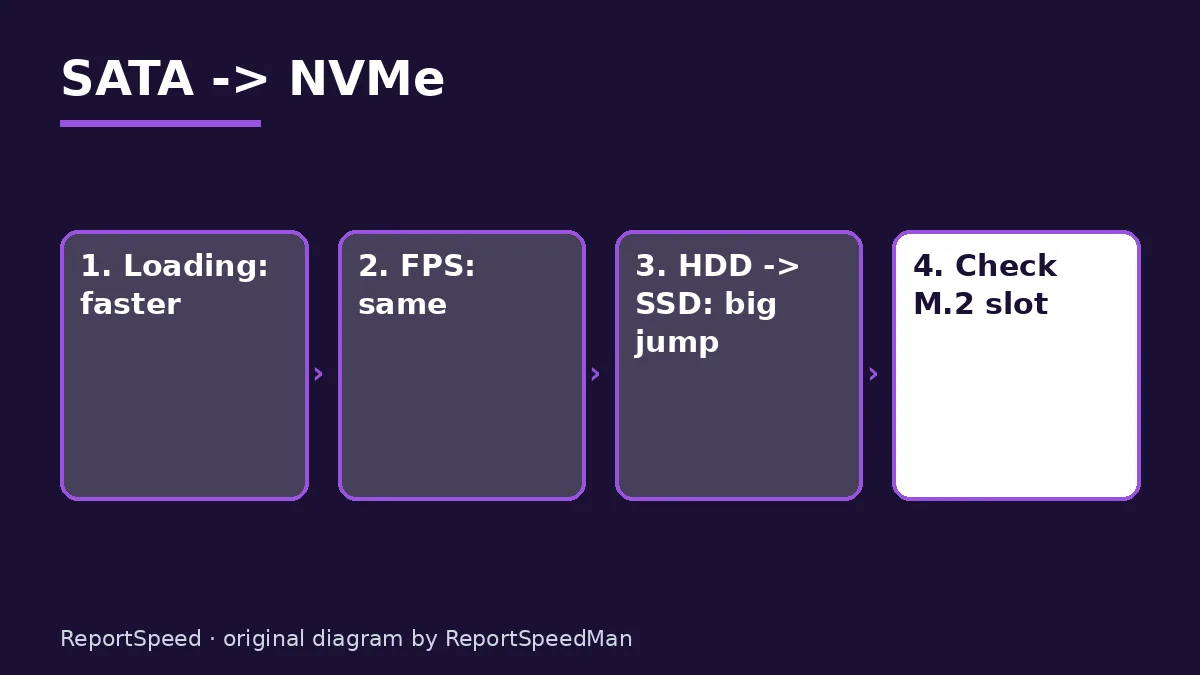
Concerns & risks
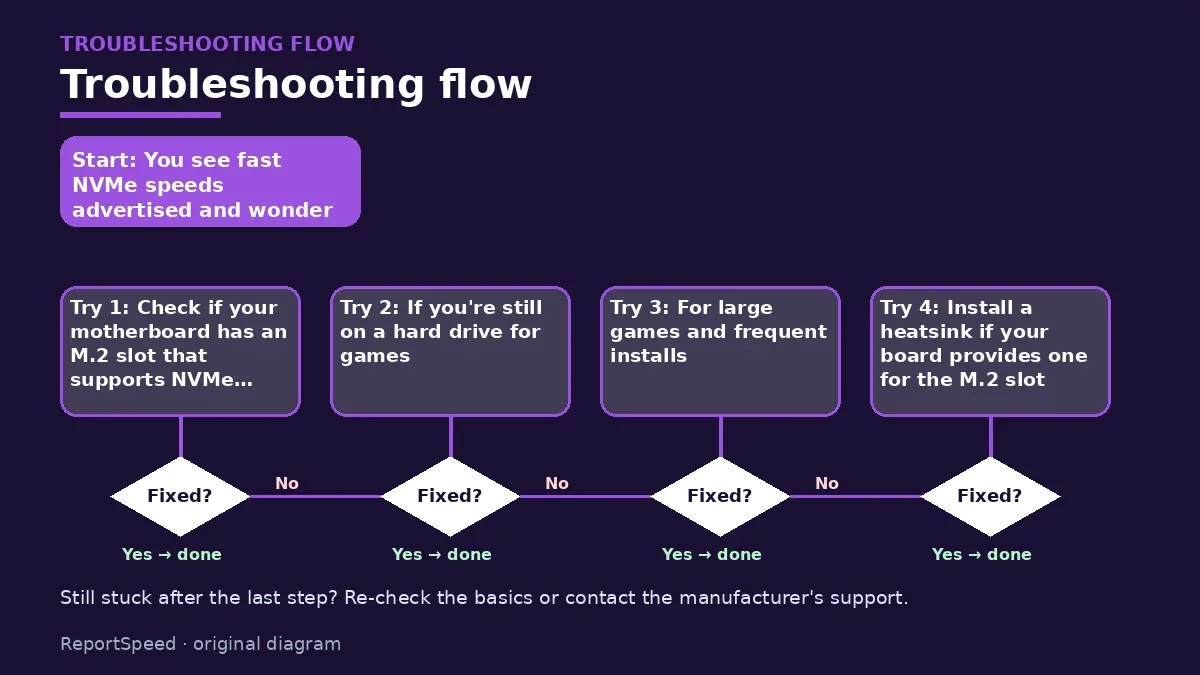
You see fast NVMe speeds advertised and wonder if your games will feel faster than on your current SATA SSD.
| Task | Noticeable gain? | Why |
|---|---|---|
| Loading screens | Small to moderate | Games also wait on CPU decompression |
| FPS | No | Storage does not raise frame rate |
| Big file copies | Yes | Raw bandwidth matters here |
| Moving from a hard drive | Huge | That is the real upgrade |

Causes & evidence
Storage affects loading times and asset streaming, not raw frame rates. NVMe drives connect over PCI Express and can transfer data much faster than SATA, but many games are limited by other things during loading, so the gain is often modest. The biggest jump is from a hard drive to any SSD.
NVMe drives connect through PCI Express and offer far higher bandwidth than SATA, which helps file transfers and some load times. In many games, though, loading involves more than raw drive speed. Make sure your board has an M.2 slot with NVMe support.
Here's where NVMe genuinely changes the experience, and it isn't FPS.
What to do

| What changes | SATA SSD | NVMe SSD |
|---|---|---|
| In-game FPS | Same | Same |
| Load times | Fast | Can be somewhat faster |
| Interface | SATA cable | M.2 slot on PCIe lanes |
| Best reason to buy | Cheap bulk storage | Boot drive, large installs, newer games that stream assets |
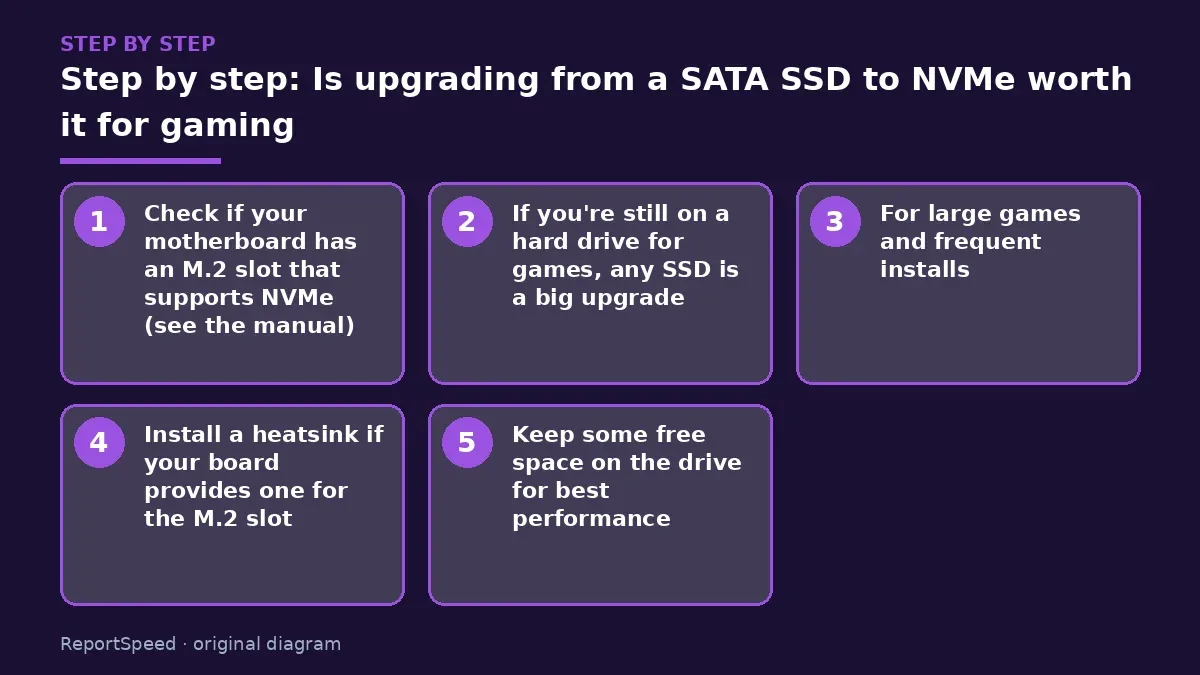
- Check if your motherboard has an M.2 slot that supports NVMe (see the manual).
- If you're still on a hard drive for games, any SSD is a big upgrade.
- For large games and frequent installs, an NVMe drive helps with installs, patches and loading.
- Install a heatsink if your board provides one for the M.2 slot.
- Keep some free space on the drive for best performance.
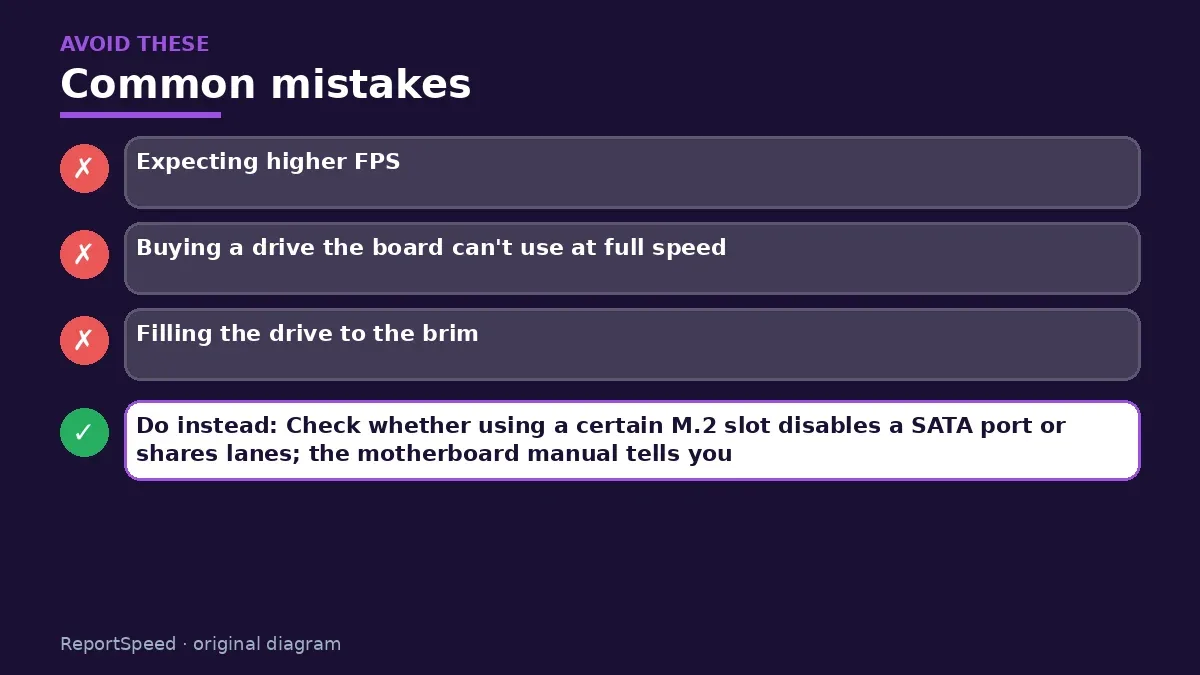
Common mistakes:
- Expecting higher FPS
- Buying a drive the board can't use at full speed
- Filling the drive to the brim
ReportSpeedMan tip: Check whether using a certain M.2 slot disables a SATA port or shares lanes; the motherboard manual tells you.
What I would actually do
NVMe for a new build, because prices are close. As an upgrade from a working SATA SSD, I'd spend the money elsewhere.
The trade-off people miss: game load times depend on CPU decompression too, so storage speed alone has diminishing returns.
Builder's note: Also consider capacity before speed. Modern game installs are big, and frequent patches need temporary space. A roomier drive that keeps everything installed often feels better day to day than a faster but smaller one that forces you to uninstall and redownload titles constantly. Fewer downloads, more playing. And when you migrate, a fresh install of the game onto the new drive is often cleaner than copying folders around.
How to know it worked
After migrating, confirm in Disk Management that the new NVMe drive is the boot drive and has the full capacity. In BIOS, check that the M.2 slot isn't disabling a SATA port you still use, since some boards share lanes. Keep the old SATA SSD as a game library or backup drive; it's still plenty useful.
Quick FAQ
Will FPS increase?
Generally no. Storage affects loading, not frame rate in most games.
Can I clone my SATA drive?
Yes, with cloning tools, then set the new drive as boot.
Does PCIe generation matter?
Newer generations offer more bandwidth; check board compatibility.
Wrap-up: NVMe means faster installs and loads, not more FPS. Worth it if you're on a hard drive or want quicker loading; skip if you hoped for frames.
Wiki: CPU–GPU Bottleneck.
Is upgrading from a SATA SSD to NVMe worth it for gaming: where the facts come from
Step-by-step photos
1. Before The problem 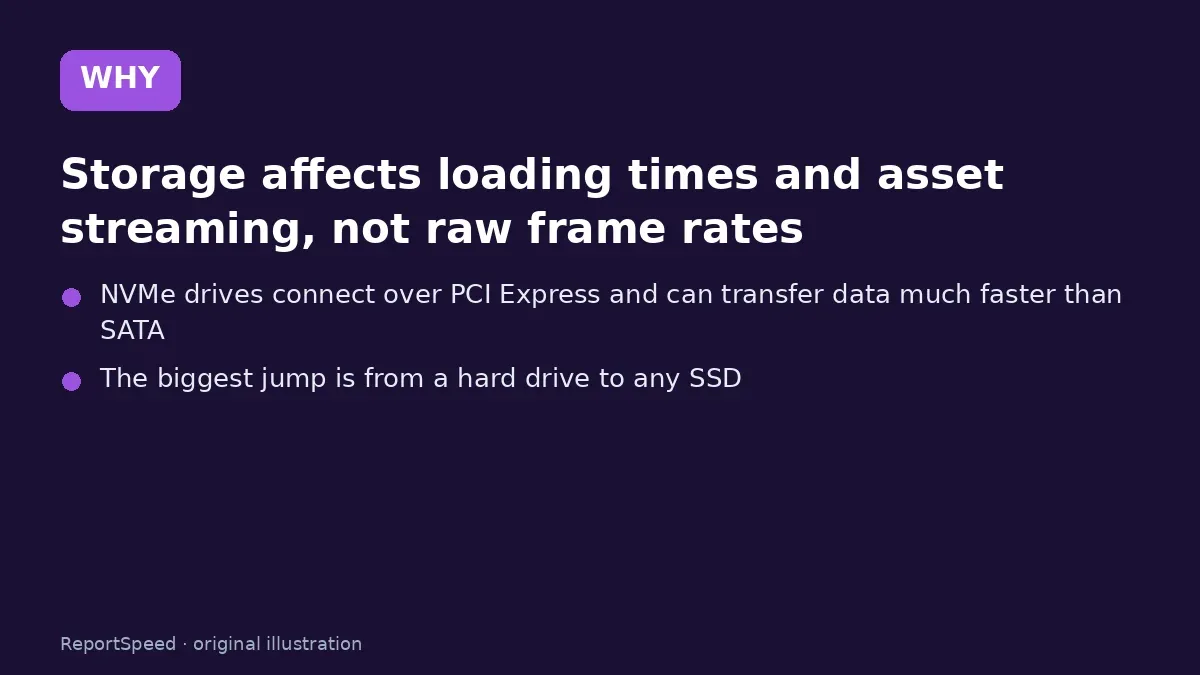
2. Why it happens The cause 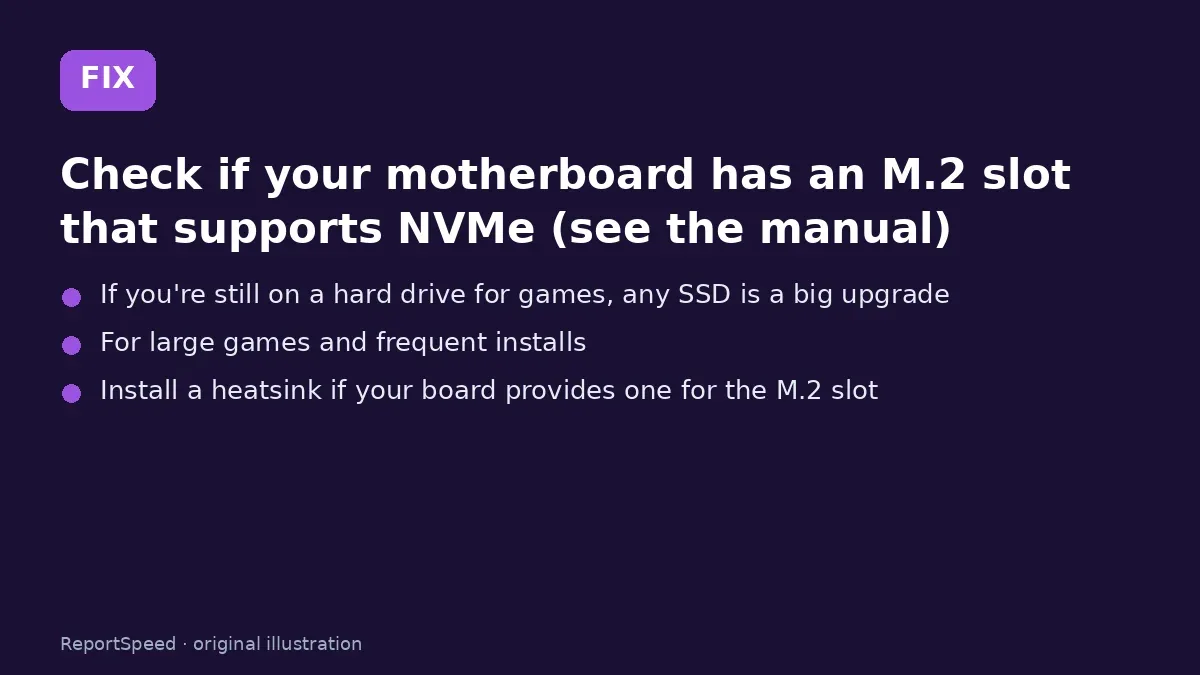
3. The fix The fix 
4. After The result
⚡ Speed Summary
- NVMe means faster installs and loads, not more FPS.
- Check whether using a certain M.2 slot disables a SATA port or shares lanes; the motherboard manual tells you.
- Here's where NVMe genuinely changes the experience, and it isn't FPS.

Was this answer helpful?
Tap a star to rate this answer.
Related questions

Got an 'AirTag found moving with you' alert? What to do next
Find the tracker, document it, identify the owner, and disable it.
Rate itSolved

Is my smart TV tracking what I watch? How to turn off ACR
Smart TVs may use ACR to track viewing.
Rate itSolved

Caller ID spoofing: why scammers show a local number and how to protect yourself
Caller ID can be faked, and spoofing to defraud is illegal.
Rate itSolved

How do I stop spam emails without making it worse?
Mark spam, block repeat senders, unsubscribe only from known companies, and report phishing.
Rate itSolved
Real experiences
No experiences yet. Be the first to share.