


Low GPU usage and low FPS at the same time, what gives? My graphics card sits at like half usage while my frame rate is garbage, which makes zero sense to me. If it had more to give, why isn't it giving it? Updated drivers, rebooted, set power to high performance. Still the same. Is something capping it, or is my card broken?
Low GPU usage and low FPS at the same time? Fixes for an underused graphics card
Concerns & risks
Your overlay shows the graphics card at partial load, your frame rate is disappointing, and no setting seems to push it harder.
| Clue | Meaning | Next step |
|---|---|---|
| One CPU thread at the top | CPU limit | Lower CPU-heavy settings, cap FPS |
| FPS cap or V-Sync on | Artificial limit | Remove the cap to test |
| Power saving mode | GPU held back | Set high performance power plan |
| Display on motherboard port | iGPU in use | Plug into the graphics card |
Causes & evidence
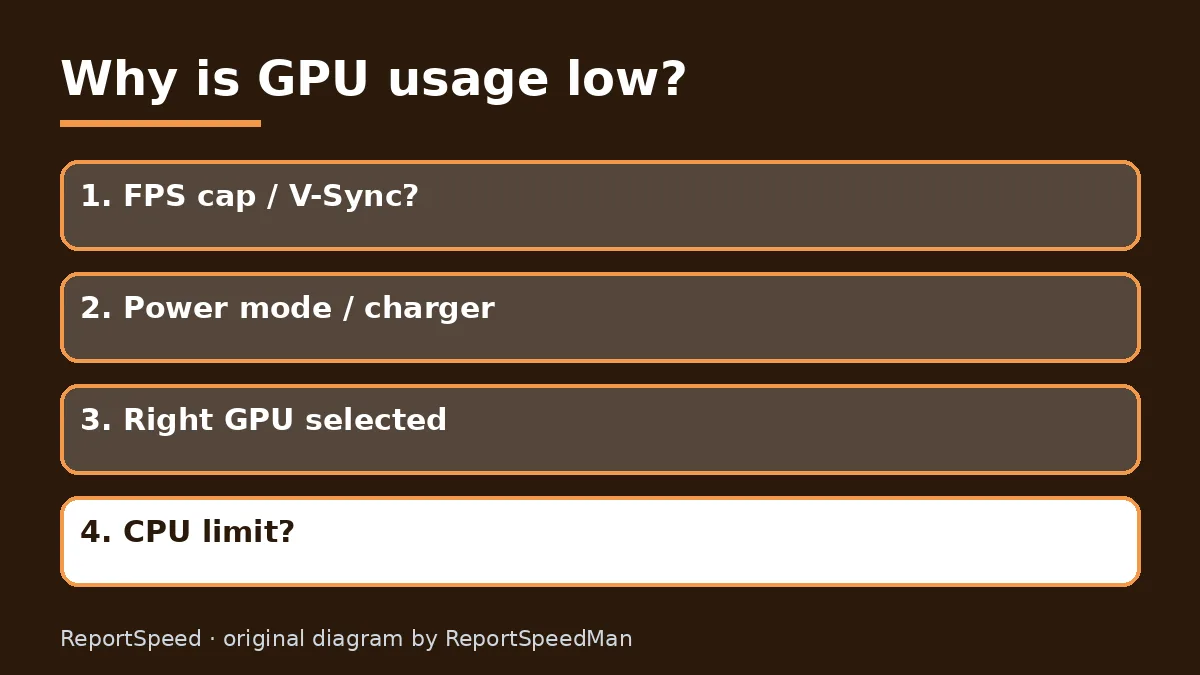
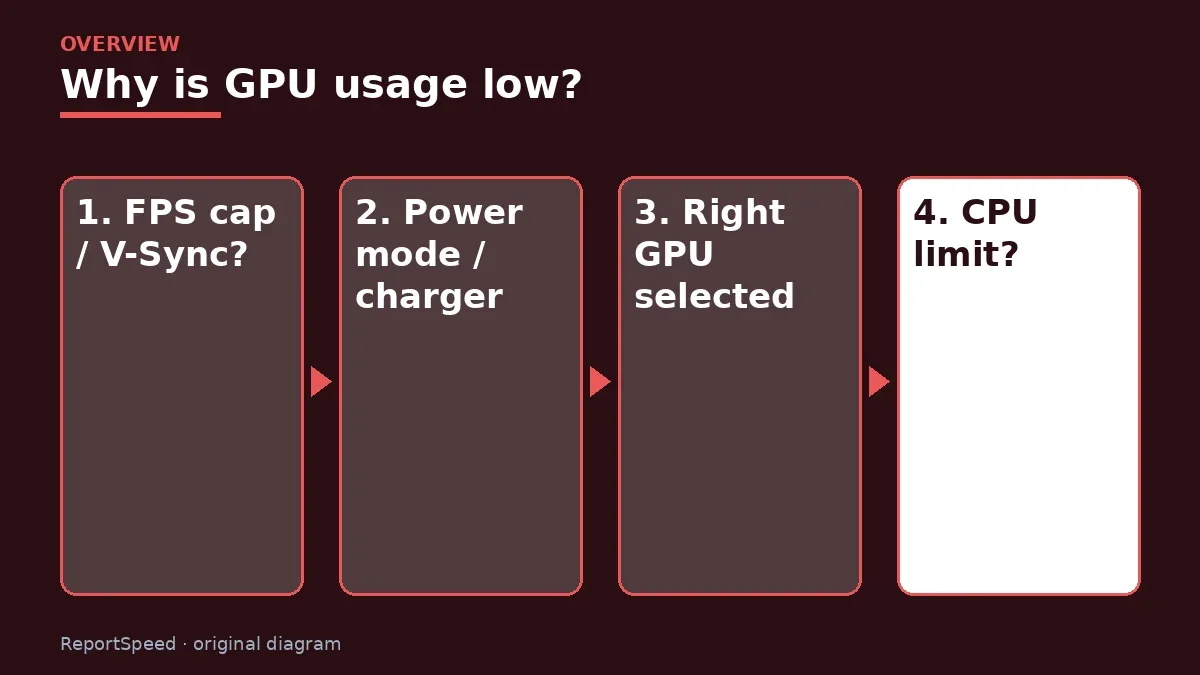
The GPU only works as fast as it's fed. Low usage with low FPS usually means something upstream is limiting it: a processor bottleneck, a frame-rate cap you forgot about, V-Sync, a power-saving mode, a laptop running on the wrong GPU, or a game engine that's simply single-thread heavy. Outdated drivers and background apps can add to it.
Low GPU usage means the graphics card is waiting, so the cause is somewhere else in the chain: a frame cap, V-Sync, a power-saving mode, a CPU-heavy scene, or even the monitor plugged into the wrong port. Change one thing at a time and keep the same test scene, so you know which fix mattered.
Before anything else, check for the invisible cap that's quietly sitting in three different menus.
What to do
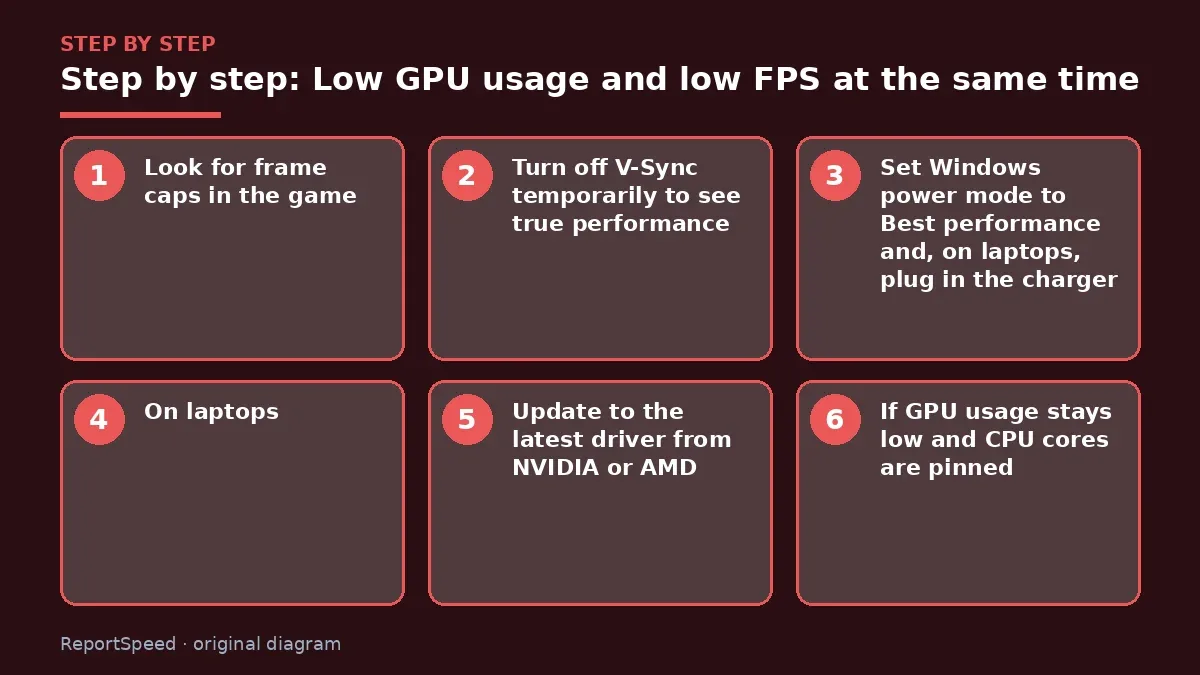
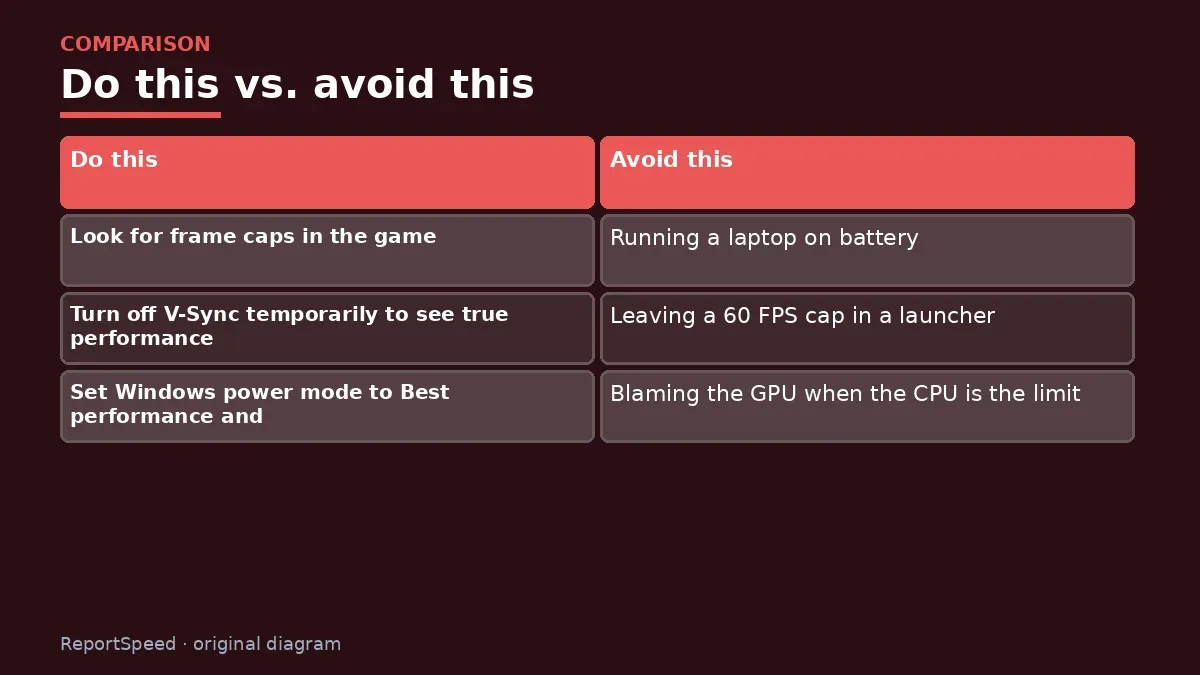
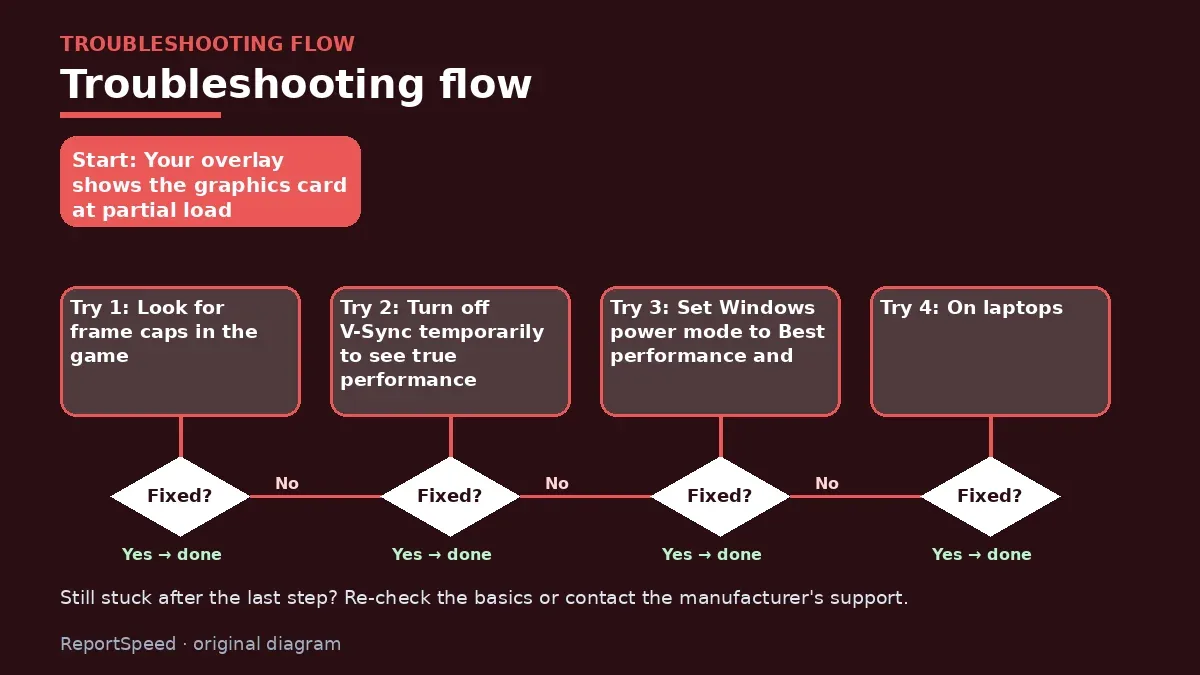
- Look for frame caps in the game, the GPU control panel and any overlay software; disable them while testing.
- Turn off V-Sync temporarily to see true performance.
- Set Windows power mode to Best performance and, on laptops, plug in the charger.
- On laptops, make sure the game runs on the dedicated GPU in Windows Graphics settings.
- Update to the latest driver from NVIDIA or AMD.
- If GPU usage stays low and CPU cores are pinned, you're CPU-limited, so raise resolution or consider a CPU upgrade.
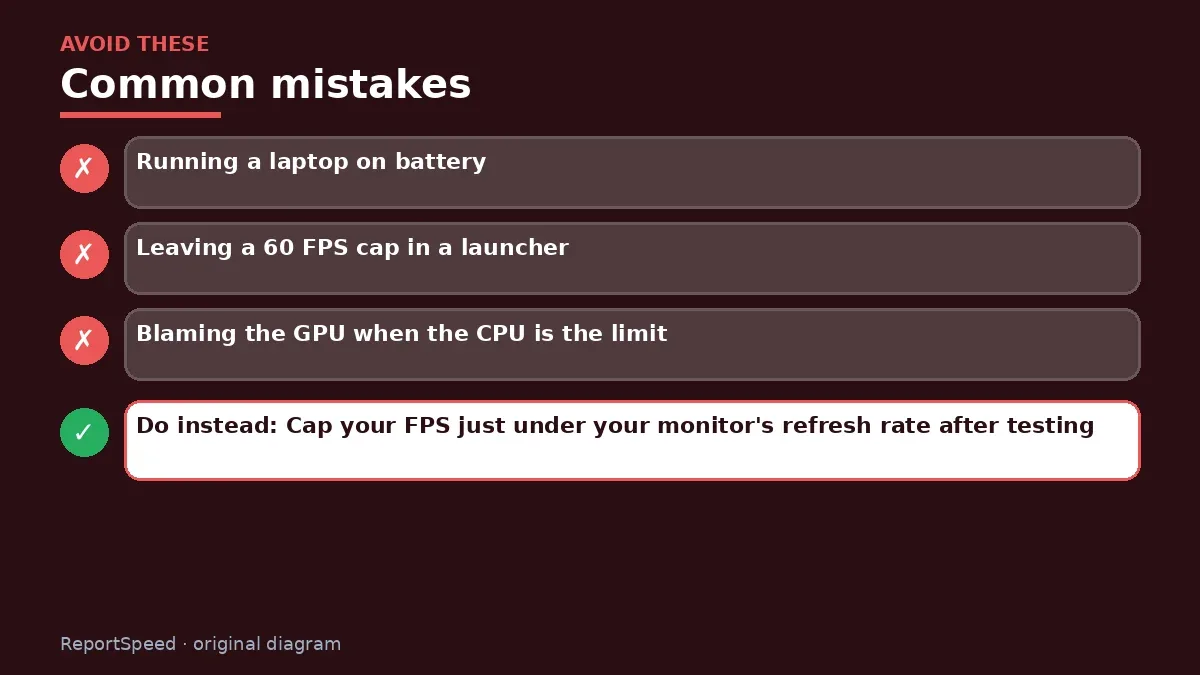
Common mistakes:
- Running a laptop on battery
- Leaving a 60 FPS cap in a launcher
- Blaming the GPU when the CPU is the limit
ReportSpeedMan tip: Cap your FPS just under your monitor's refresh rate after testing. It keeps temperatures and noise down without hurting smoothness.
What I would actually do
remove every FPS cap first, then look at the busiest CPU thread. That two-minute check sorts most cases.
The trade-off people miss: 'low GPU usage' is sometimes fine. If you capped FPS on purpose, the GPU is supposed to relax.
Builder's note: A quick sanity test I like: drop the game to its lowest resolution for a minute. If the frame rate stays stuck at the same ceiling, the limit lives outside the graphics card, usually a cap, a sync setting or the processor. If FPS rockets up, the GPU really was the limit and your settings were just heavy.
How to tell it worked
After each change, run the same scene again. When the fix lands, GPU usage climbs close to full during gameplay and the frame rate rises with it, unless you deliberately capped it. If usage stays low even at very low settings, the processor or a background task is the limit, which points you to the CPU-versus-GPU decision instead.
Quick FAQ
Is 99% GPU usage good?
Usually yes. It means the card is the limit and working at full speed.
Can laptops show low usage on purpose?
Yes. Some switch between integrated and dedicated graphics. Make sure the game uses the dedicated GPU.
Do frame caps cause low usage?
Yes, by design. If you hit your cap, lower usage is normal and saves heat.
Wrap-up: Remove caps and V-Sync, switch to high-performance power, make sure the right GPU is in use, update drivers, then check for a CPU limit. Your card usually wakes right up.
Wiki: CPU–GPU Bottleneck.
Low GPU usage and low FPS at the same time: official pages behind this answer
Step-by-step photos
1. Before The problem 
2. Why it happens The cause 
3. The fix The fix 
4. After The result
⚡ Speed Summary
- Remove caps and V-Sync, switch to high-performance power, make sure the right GPU is in use, update drivers, then check for a CPU limit.
- Cap your FPS just under your monitor's refresh rate after testing. It keeps temperatures and noise down without hurting smoothness.
- Before anything else, check for the invisible cap that's quietly sitting in three different menus.

Was this answer helpful?
Tap a star to rate this answer.
Related questions

Got an 'AirTag found moving with you' alert? What to do next
Find the tracker, document it, identify the owner, and disable it.
Rate itSolved

Is my smart TV tracking what I watch? How to turn off ACR
Smart TVs may use ACR to track viewing.
Rate itSolved

Caller ID spoofing: why scammers show a local number and how to protect yourself
Caller ID can be faked, and spoofing to defraud is illegal.
Rate itSolved

How do I stop spam emails without making it worse?
Mark spam, block repeat senders, unsubscribe only from known companies, and report phishing.
Rate itSolved
Real experiences
No experiences yet. Be the first to share.