


I'm starting college and trying to choose between a MacBook Air and a Windows laptop. My parents are paying, so I want to make the right choice. My major might need specific software, and I want something that lasts all day on battery. Which is better for college?
MacBook Air vs Windows laptop for college: which should I get?
Concerns & risks
You're picking a laptop for college, the budget is fixed, and you need it to run your coursework software and last through long days.
| Order | Question |
|---|---|
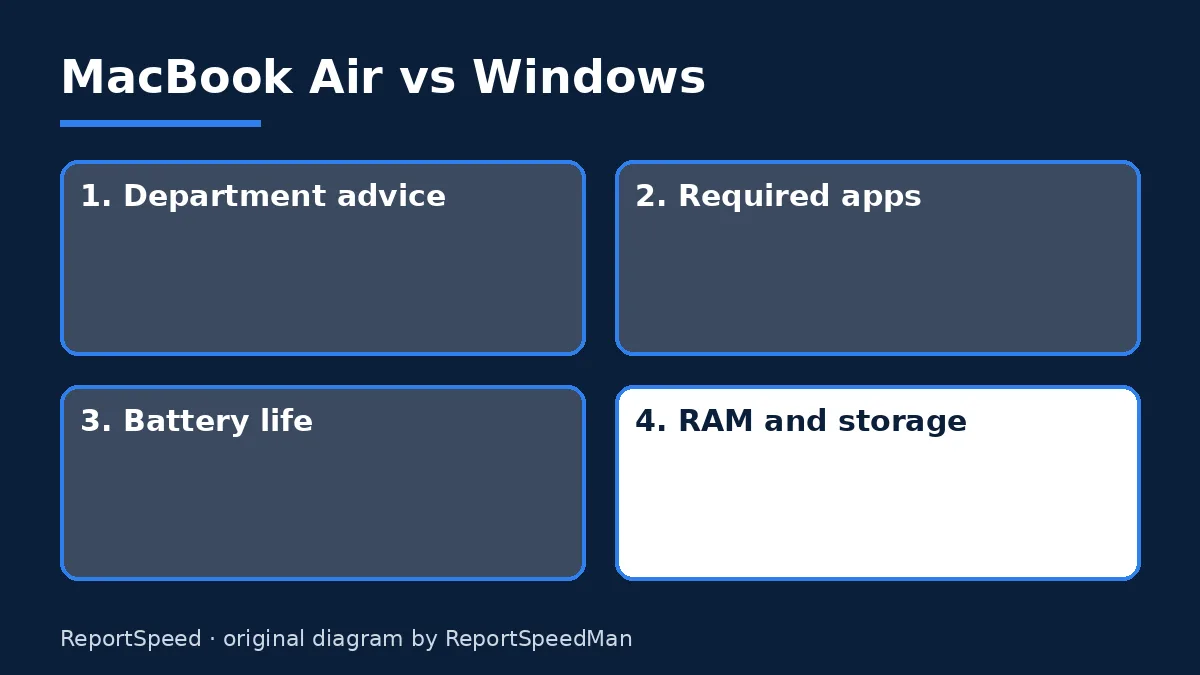
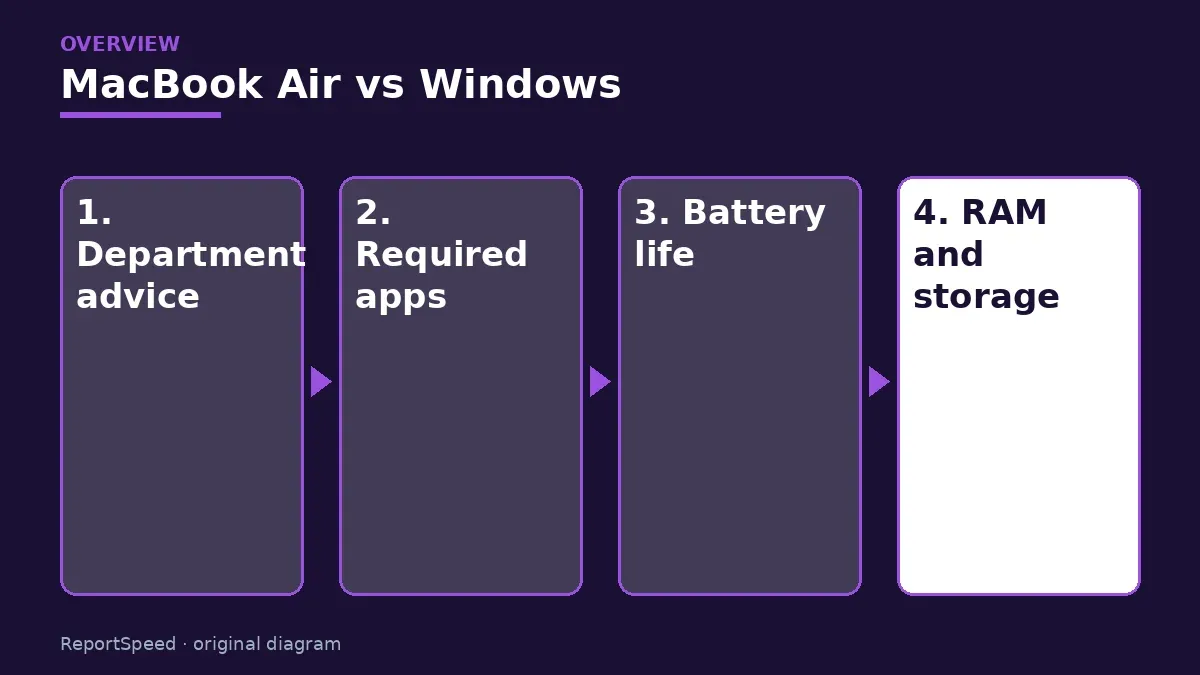
| 1 | Does your major need specific software? |
| 2 | How much battery do you need daily? |
| 3 | What fits the budget with enough storage? |
| 4 | Which warranty and repair options are near you? |
Causes & evidence
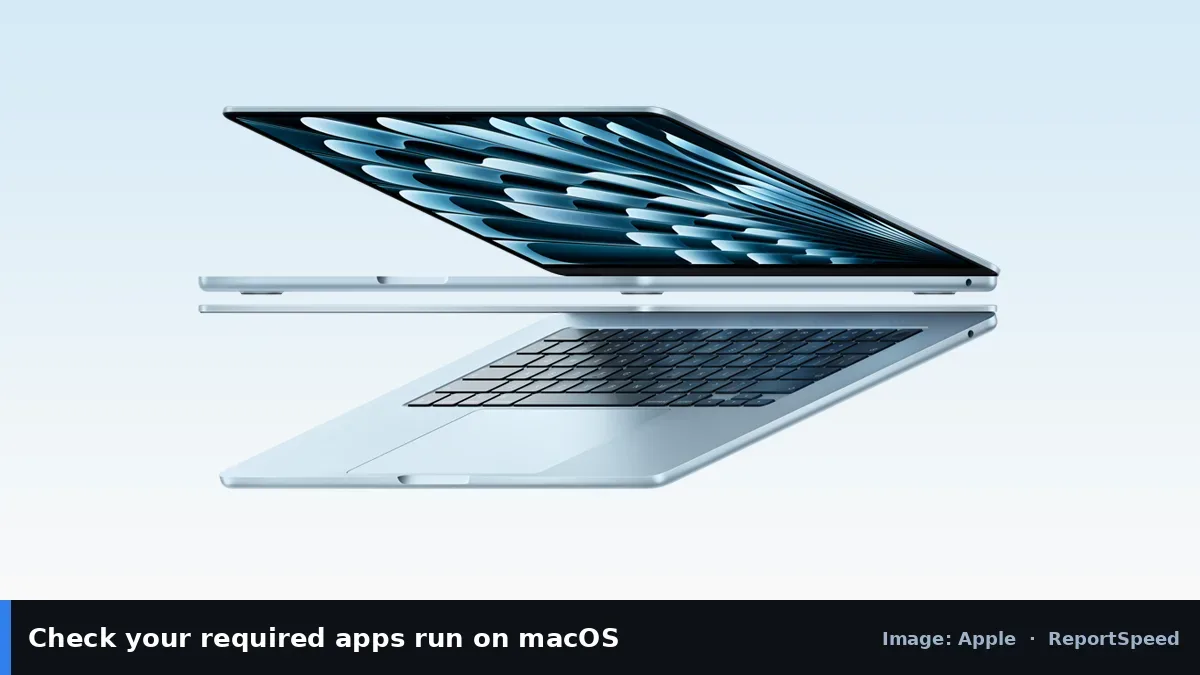
Apple's MacBook Air uses Apple silicon with a fanless design and Apple advertises long battery life. Windows laptops like Microsoft's Surface Laptop come in many designs, run the widest range of software, and some models use Snapdragon chips with Windows on Arm. The deciding factor is often whether your program requires Windows-only or Mac-only software, so check your department's recommendations first.
Battery life depends on the chip, screen and usage. Maker claims are best-case; real days with video calls and browsers can be shorter. Choosing more storage avoids running out mid-degree.
The fanciest laptop in the lecture hall is useless if your required software won't install on it.
What to do
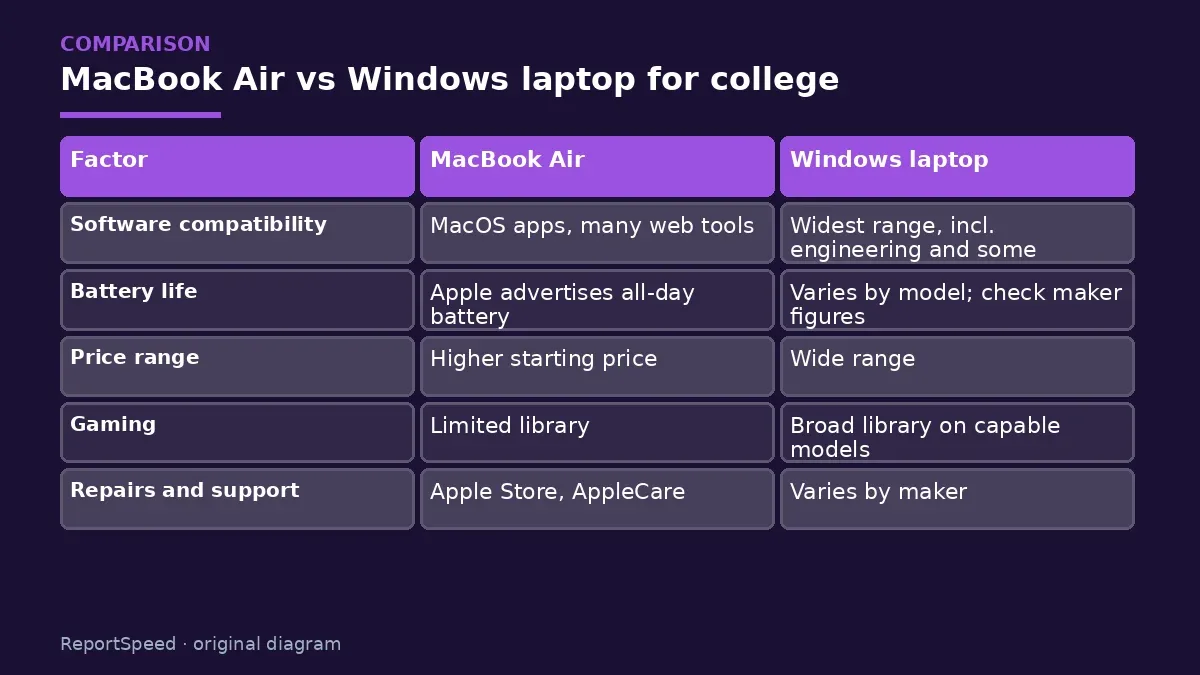
| Factor | MacBook Air | Windows laptop |
|---|---|---|
| Software compatibility | macOS apps, many web tools | Widest range, incl. engineering and some specialised apps |
| Battery life | Apple advertises all-day battery | Varies by model; check maker figures |
| Price range | Higher starting price | Wide range |
| Gaming | Limited library | Broad library on capable models |
| Repairs and support | Apple Store, AppleCare | Varies by maker |
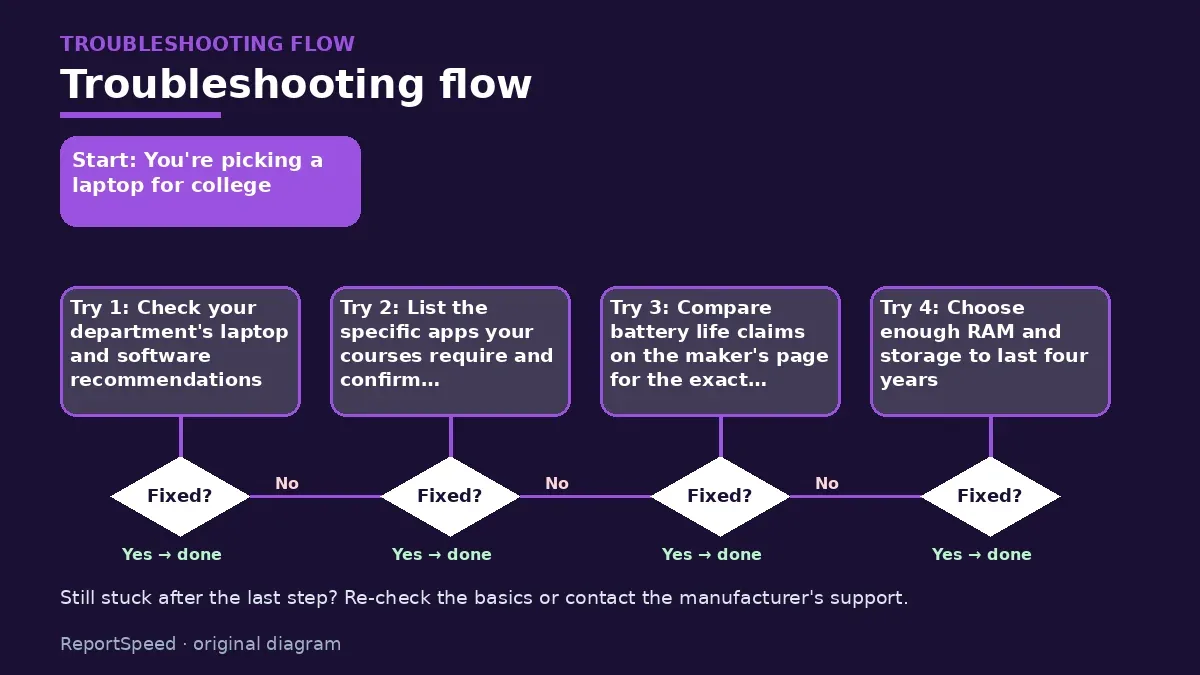
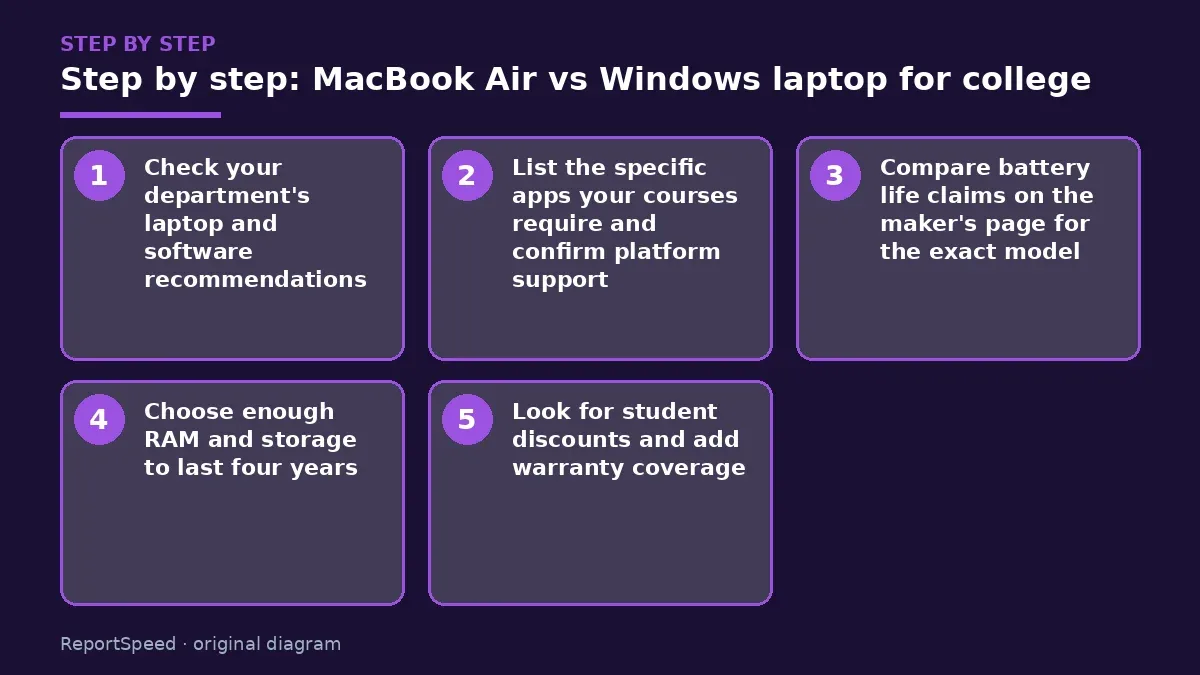
- Check your department's laptop and software recommendations.
- List the specific apps your courses require and confirm platform support.
- Compare battery life claims on the maker's page for the exact model.
- Choose enough RAM and storage to last four years.
- Look for student discounts and add warranty coverage.
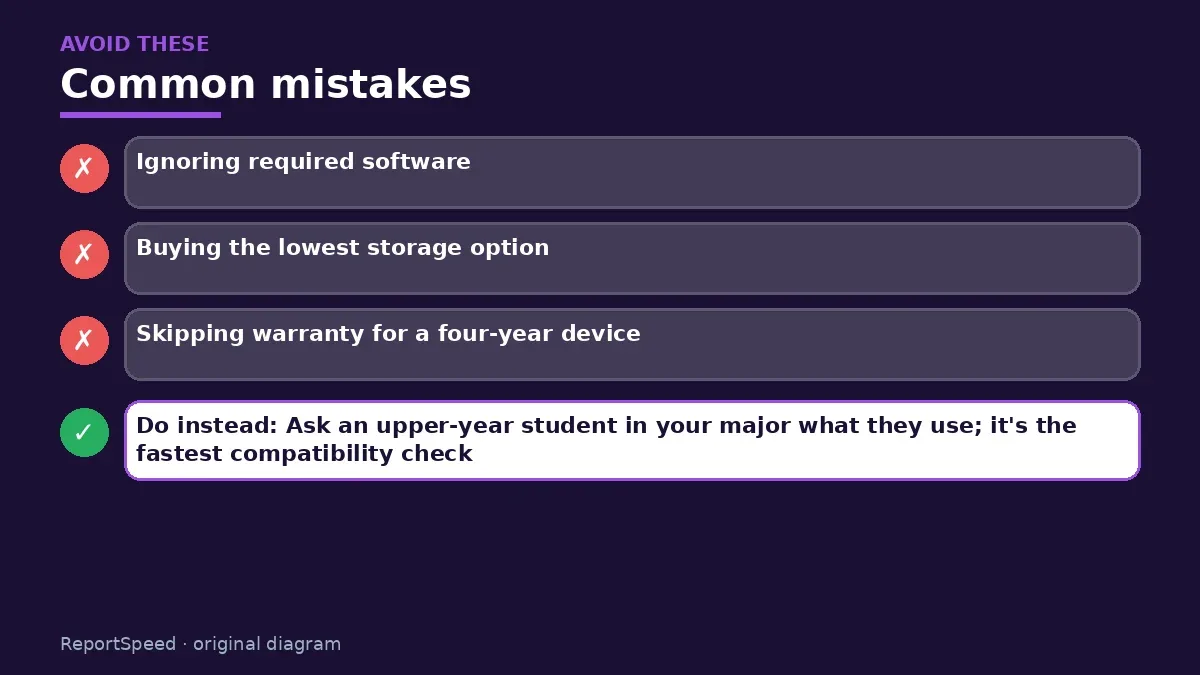
Common mistakes:
- Ignoring required software
- Buying the lowest storage option
- Skipping warranty for a four-year device
ReportSpeedMan tip: Ask an upper-year student in your major what they use; it's the fastest compatibility check.
What I would actually do
confirm the department software list, then choose the platform that runs it. Within that, I'd buy more storage than feels necessary and add warranty, because a four-year student laptop takes a beating.
The trade-off people miss: storage can't be upgraded on many thin laptops. The cheapest storage option often becomes the most expensive regret.
How to know it worked
Your required software runs fine and the battery lasts through your class day.
Quick FAQ
Is 8GB RAM enough?
For light use maybe, but 16GB gives more room for four years.
Can I run Windows apps on a Mac?
Some via web versions or virtualisation, but check required software.
Should I buy AppleCare or extended warranty?
For a four-year student device, it's often worth considering.
Wrap-up: Let your coursework software decide first, then choose by battery, weight and budget.
Wiki: Software Updates.
MacBook Air vs Windows laptop for college: where the facts come from
Step-by-step photos
1. Before The problem 
2. Why it happens The cause 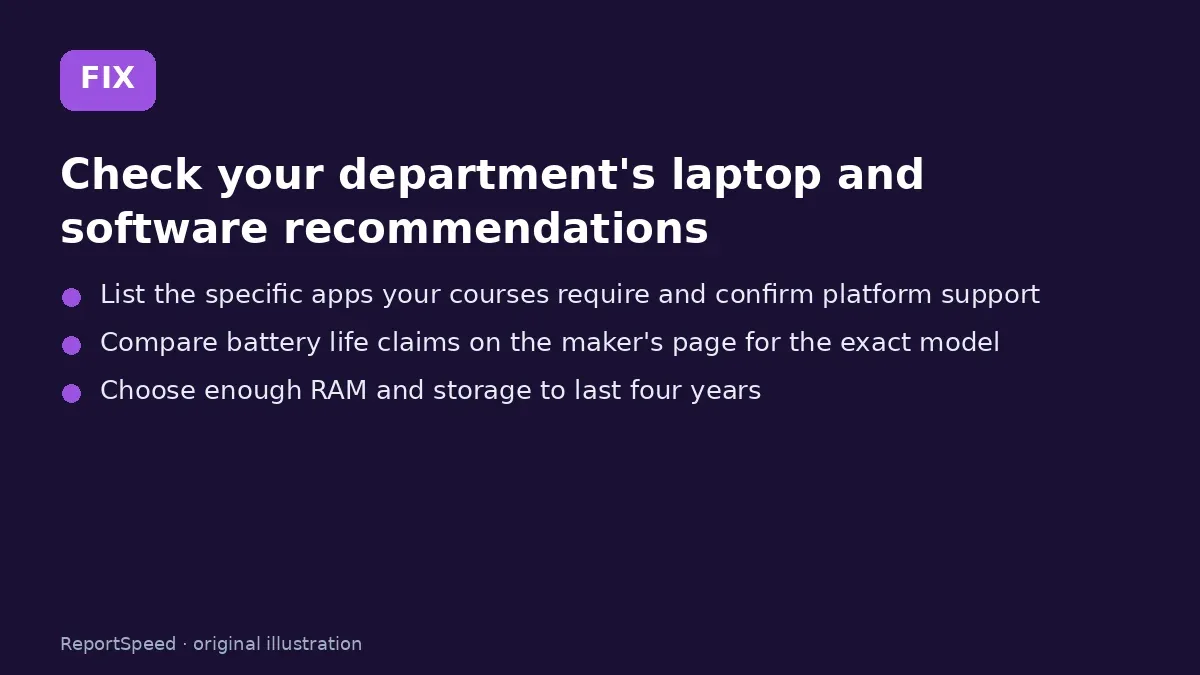
3. The fix The fix 
4. After The result
⚡ Speed Summary
- Let your coursework software decide first, then choose by battery, weight and budget.
- Ask an upper-year student in your major what they use; it's the fastest compatibility check.
- The fanciest laptop in the lecture hall is useless if your required software won't install on it.

Was this answer helpful?
Tap a star to rate this answer.
Related questions

Got an 'AirTag found moving with you' alert? What to do next
Find the tracker, document it, identify the owner, and disable it.
Rate itSolved

Is my smart TV tracking what I watch? How to turn off ACR
Smart TVs may use ACR to track viewing.
Rate itSolved

Caller ID spoofing: why scammers show a local number and how to protect yourself
Caller ID can be faked, and spoofing to defraud is illegal.
Rate itSolved

How do I stop spam emails without making it worse?
Mark spam, block repeat senders, unsubscribe only from known companies, and report phishing.
Rate itSolved
Real experiences
No experiences yet. Be the first to share.