


Mesh Wi-Fi vs one good router, which should I get? Our place has two floors and my room upstairs gets terrible signal. My roommate says buy the most powerful router possible, but I keep seeing mesh kits. Which one actually fixes dead zones?
Mesh Wi-Fi vs a single router: which is better for a bigger home?
Concerns & risks
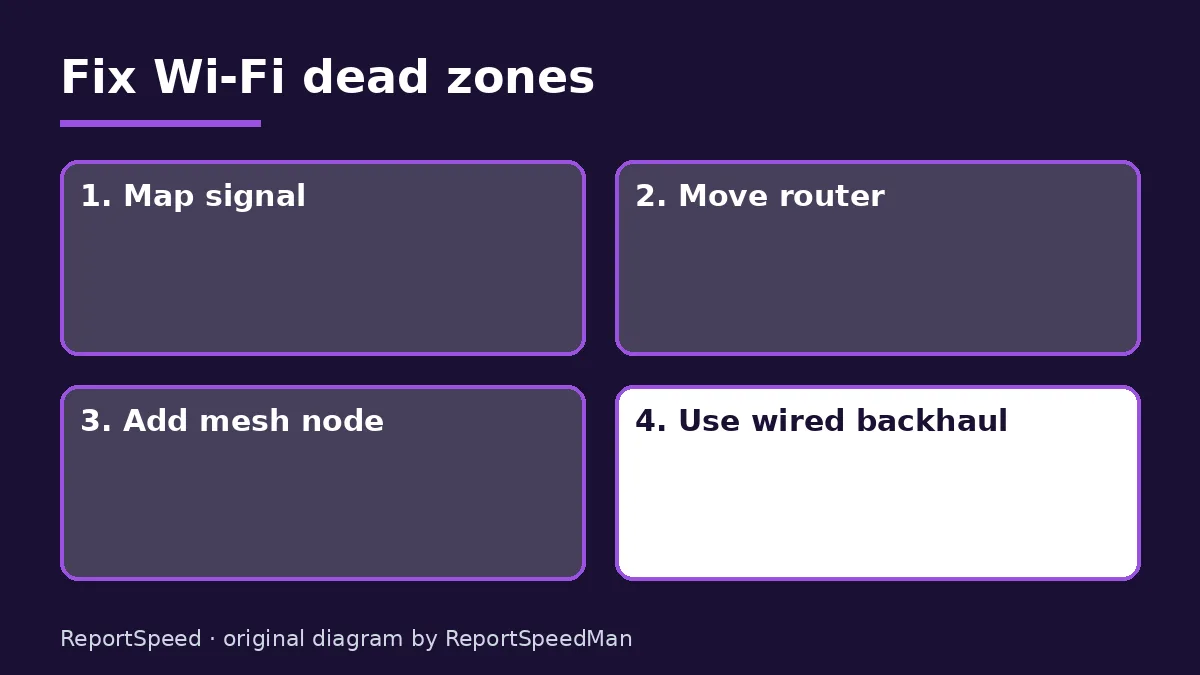
One area gets strong Wi-Fi, another barely connects. You can't run cables easily, and you're choosing between a stronger single router and a mesh system.
| Home | Pick | Why |
|---|---|---|
| Small apartment, one floor | Single good router | Simpler, cheaper |
| Multi-floor or thick walls | Mesh | Nodes cover dead zones |
| Ethernet in several rooms | Mesh with wired backhaul | Best of both |
| Router hidden in a cabinet | Move it first | Placement fixes a lot |

Causes & evidence
Wi-Fi signal weakens with distance and through walls, floors and appliances. A single powerful router still sits in one spot, and your phone or laptop has to talk back to it, which a stronger router can't improve. A mesh system places several nodes around the home so devices connect to a nearby node, and the nodes relay traffic between themselves, ideally over a dedicated wireless link or Ethernet backhaul. Mesh is a coverage tool; it doesn't speed up your internet plan.
Backhaul is the hidden factor: nodes talk to each other, and if that link is weak, every device on that node suffers. Ethernet backhaul is the gold standard. Without it, systems with a dedicated wireless backhaul band usually perform better than ones sharing the same band with your devices.

A bigger antenna on one box can't fix the fact that your laptop has to shout back across the house.
What to do
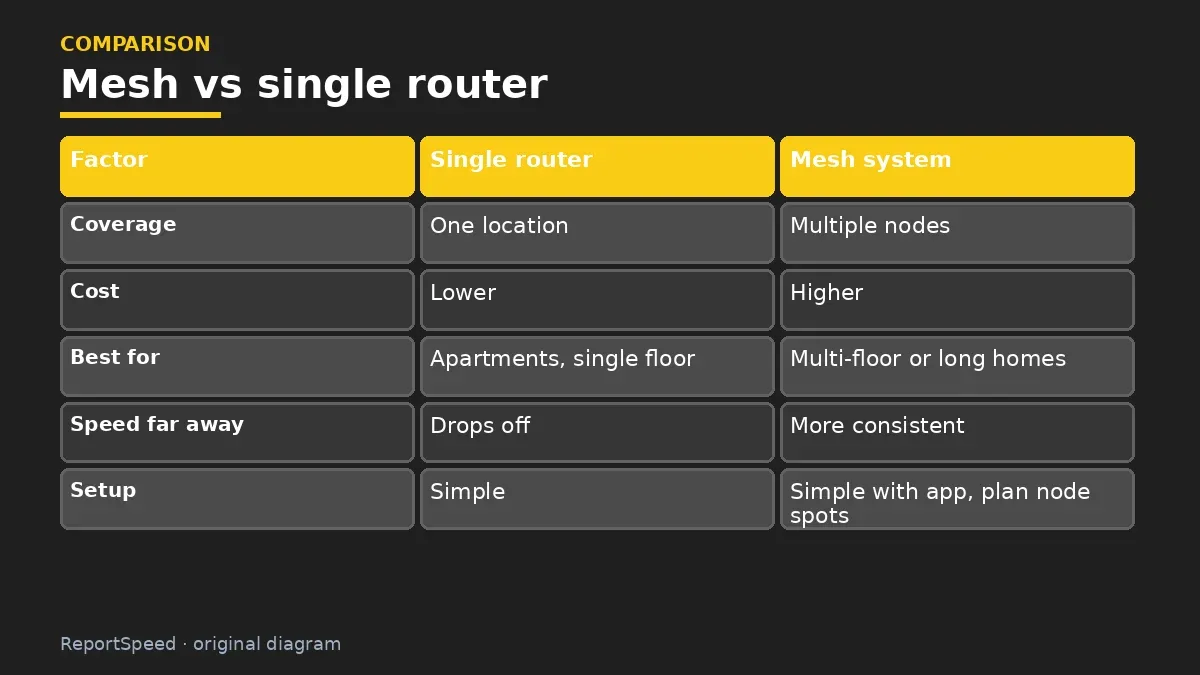
| Factor | Single router | Mesh system |
|---|---|---|
| Coverage | One location | Multiple nodes |
| Cost | Lower | Higher |
| Best for | Apartments, single floor | Multi-floor or long homes |
| Speed far away | Drops off | More consistent |
| Setup | Simple | Simple with app, plan node spots |
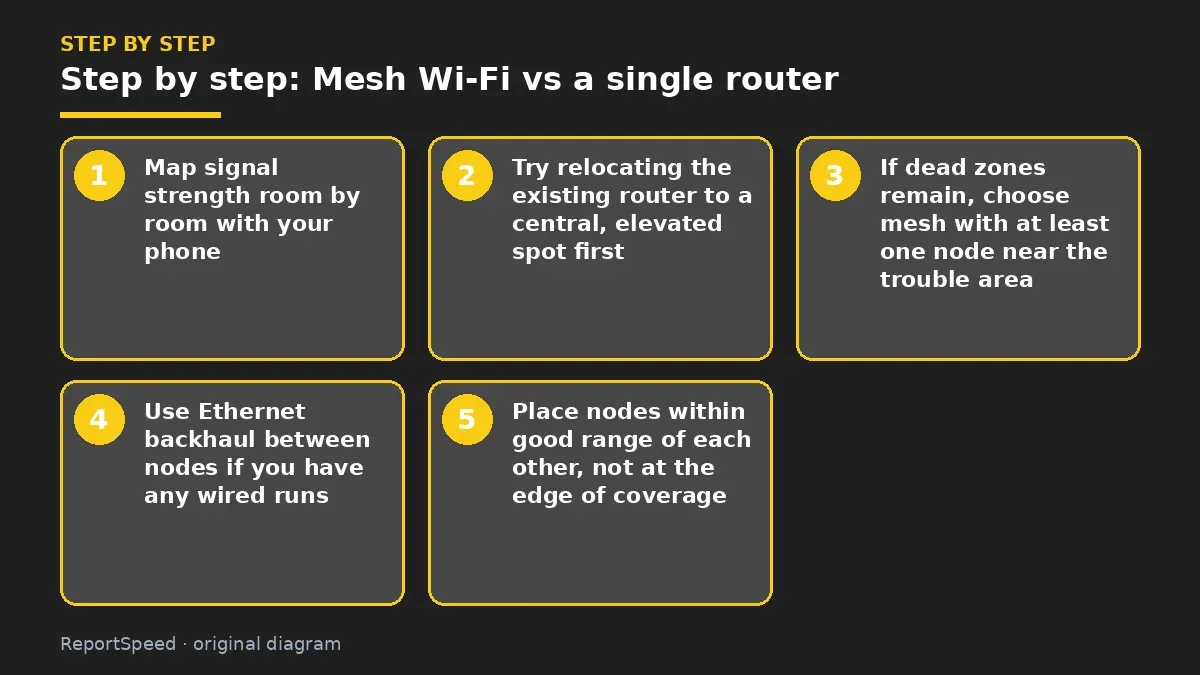
- Map signal strength room by room with your phone.
- Try relocating the existing router to a central, elevated spot first.
- If dead zones remain, choose mesh with at least one node near the trouble area.
- Use Ethernet backhaul between nodes if you have any wired runs.
- Place nodes within good range of each other, not at the edge of coverage.
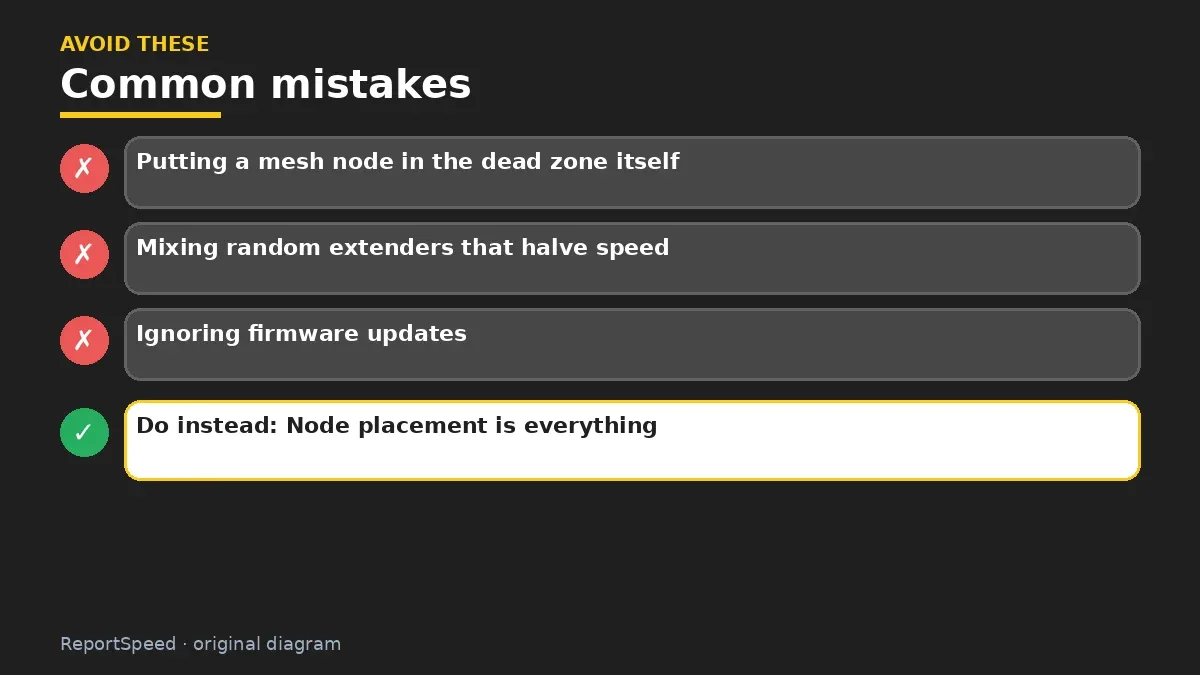
Common mistakes:
- Putting a mesh node in the dead zone itself
- Mixing random extenders that halve speed
- Ignoring firmware updates
ReportSpeedMan tip: Node placement is everything: halfway between the router and the dead zone usually works better than inside the dead zone.
What I would actually do
move the existing router to a central, open spot first. If dead zones remain, then mesh, with wired backhaul if any cables exist.
The trade-off people miss: wireless mesh nodes share airtime between talking to each other and to you. Wired backhaul removes that cost.
Checking that it worked
Done right, speed tests in former dead zones come close to those near the router, and devices roam smoothly between nodes without dropping calls.
Quick FAQ
Are extenders the same as mesh?
No. Extenders often create separate networks and can cut speed; mesh manages nodes as one system.
How many nodes do I need?
Depends on size and construction; start with what covers trouble areas and add if needed.
Can I mix brands?
Generally mesh nodes need to be from the same system.
Wrap-up: For multi-floor homes, mesh usually beats a single router. Try moving the router first, then add nodes where coverage fades.
Wiki: Wi-Fi Standards (Wi-Fi 6, 6E, 7).
Mesh Wi-Fi vs a single router: read the originals
Step-by-step photos
1. Before The problem 
2. Why it happens The cause 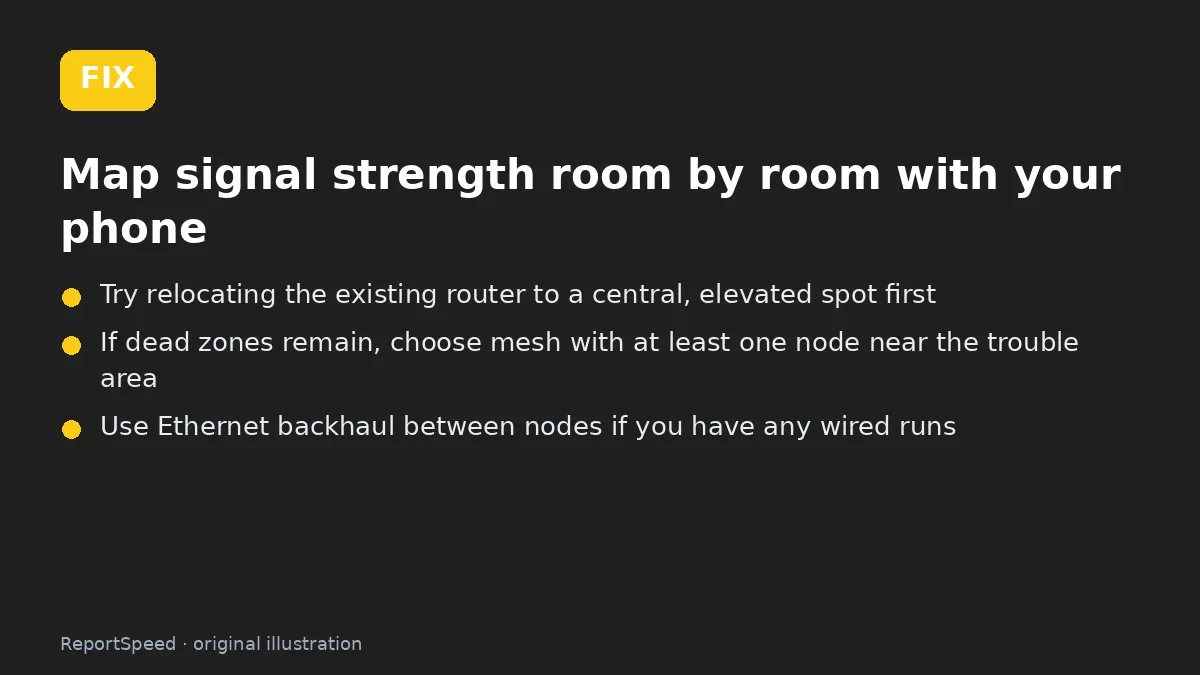
3. The fix The fix 
4. After The result
⚡ Speed Summary
- For multi-floor homes, mesh usually beats a single router.
- Node placement is everything: halfway between the router and the dead zone usually works better than inside the dead zone.
- A bigger antenna on one box can't fix the fact that your laptop has to shout back across the house.

Was this answer helpful?
Tap a star to rate this answer.
Related questions

Got an 'AirTag found moving with you' alert? What to do next
Find the tracker, document it, identify the owner, and disable it.
Rate itSolved

Is my smart TV tracking what I watch? How to turn off ACR
Smart TVs may use ACR to track viewing.
Rate itSolved

Caller ID spoofing: why scammers show a local number and how to protect yourself
Caller ID can be faked, and spoofing to defraud is illegal.
Rate itSolved

How do I stop spam emails without making it worse?
Mark spam, block repeat senders, unsubscribe only from known companies, and report phishing.
Rate itSolved
Real experiences
No experiences yet. Be the first to share.