


New PC build won't POST: fans spin, RGB lights up, but no display at all. First build, I was so careful, and now I'm sitting here with a black monitor and a cold sweat. Tried re-plugging the HDMI and the power button a bunch of times. No beeps that I can tell. Before I start ripping everything apart, what's the sane order to troubleshoot this?
New PC build won't POST: fans spin but no display. Step-by-step troubleshooting
Concerns & risks
Everything powers on, but the screen stays black and nothing happens. Maybe the motherboard has small debug lights stuck on CPU, DRAM, VGA or BOOT.
| What you see | Most common cause | Check first |
|---|---|---|
| Fans spin, no display, no lights | Power cables | 24-pin and CPU 8-pin seated |
| CPU or DRAM debug LED lit | RAM or CPU seating | Reseat RAM in the manual's slots |
| VGA LED lit | GPU or cable | Monitor cable in the graphics card |
| Boots after long wait | Memory training | Wait several minutes on first boot |
Causes & evidence
'No POST' means the board's power-on self-test isn't finishing. The usual suspects are boring: memory not fully seated, a missing CPU power cable, the monitor plugged into the motherboard instead of the graphics card, a BIOS that doesn't yet support a newer processor, or memory training that takes a long time on first boot with new kits. Rarely is anything actually dead.
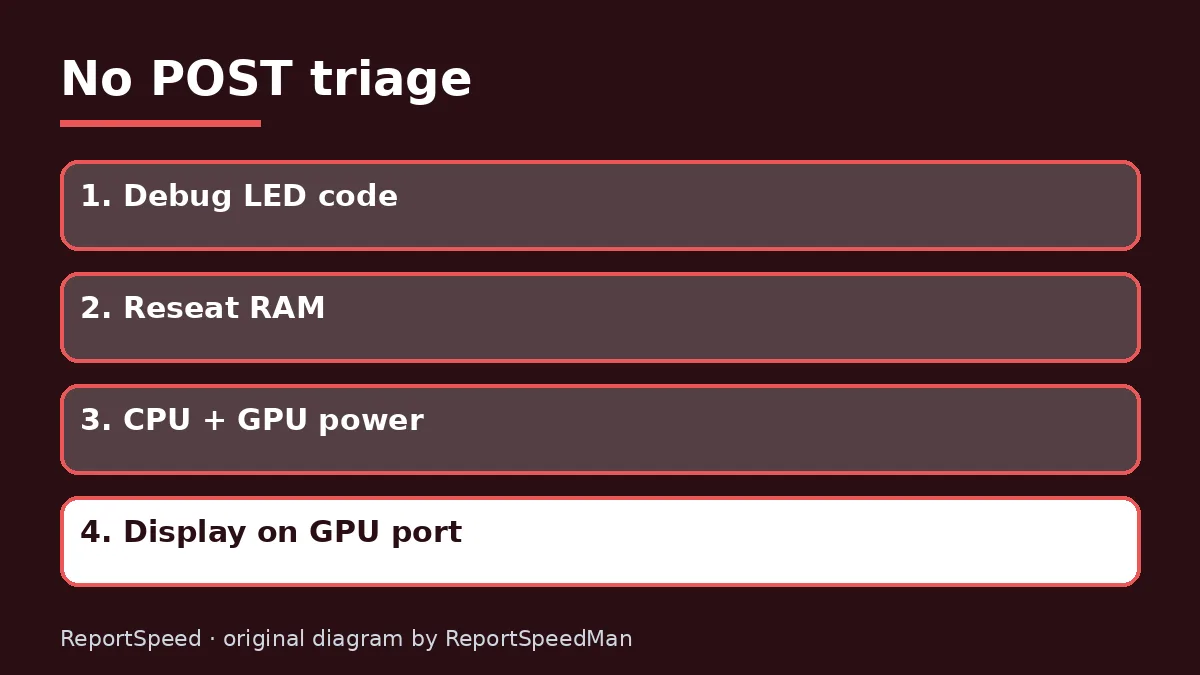
Many boards have small debug LEDs or a code display labeled CPU, DRAM, VGA and BOOT. The light that stays on points you to the area to check first, so look in your motherboard manual for what each one means. Taking a slow, methodical approach beats reseating everything at once, because you learn which change actually fixed it.

Don't RMA anything yet. The fix is usually one cable you already own.
What to do
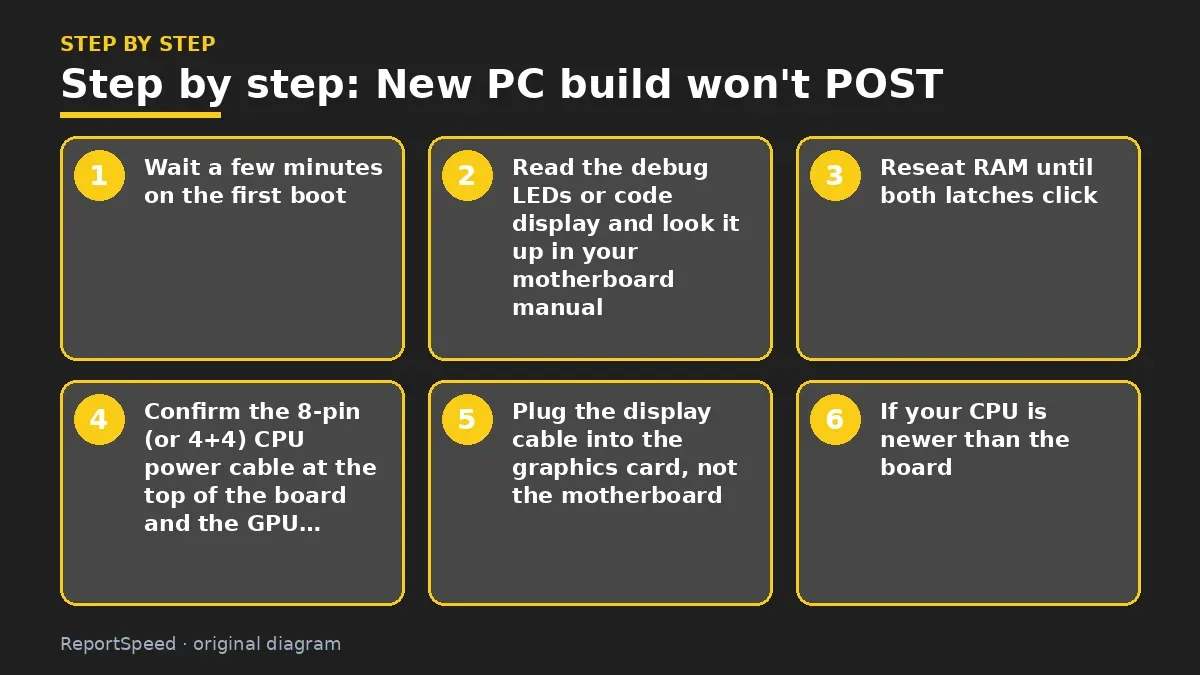
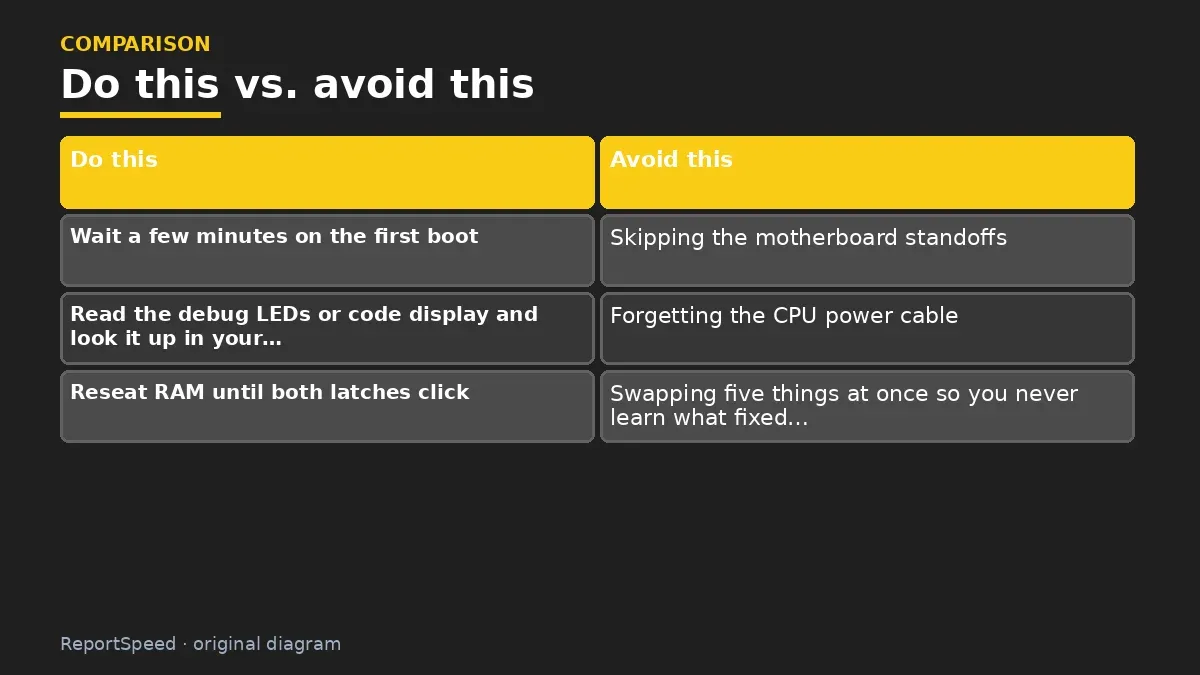
- Wait a few minutes on the first boot: new memory can take a while to train before showing anything.
- Read the debug LEDs or code display and look it up in your motherboard manual.
- Reseat RAM until both latches click; use the slots the manual recommends for your stick count.
- Confirm the 8-pin (or 4+4) CPU power cable at the top of the board and the GPU power cables are fully inserted.
- Plug the display cable into the graphics card, not the motherboard.
- If your CPU is newer than the board, check the board's support list; some boards offer BIOS flashback without a CPU.
- Clear CMOS per the manual and try one stick of RAM.
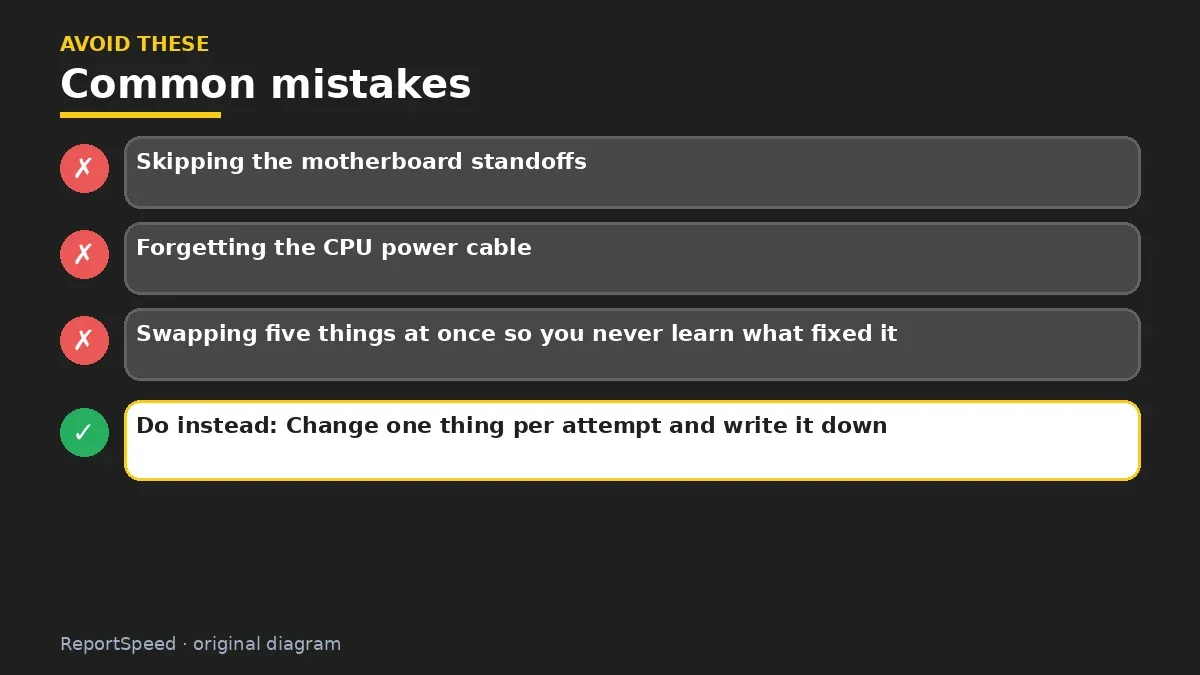
Common mistakes:
- Skipping the motherboard standoffs
- Forgetting the CPU power cable
- Swapping five things at once so you never learn what fixed it
ReportSpeedMan tip: Change one thing per attempt and write it down. Troubleshooting is detective work, not demolition.
What I would actually do
strip the build to the minimum on the desk, one RAM stick, CPU, cooler, GPU, and try again. It feels slow, but it beats guessing.
The trade-off people miss: first boot on new platforms can take minutes while memory trains. Plenty of 'dead' builds were just impatient owners.
Checking that it worked
It worked if the board gets past its debug lights and shows the manufacturer logo or the BIOS screen. Before you celebrate and close the case, check in BIOS that all your memory is detected and the CPU is named correctly. Then install Windows, chipset drivers and the GPU driver, in that order. If it fails again after you add parts back, the last part you added is your prime suspect.
Quick FAQ
Can a BIOS version cause no POST?
Yes. A newer processor on an older BIOS may not start. Some boards can flash the BIOS without a CPU; check the manual.
Is one RAM stick a valid test?
Yes. Booting with a single stick in the slot the manual recommends is a classic way to isolate memory issues.
Do I need a speaker?
A small case speaker can play beep codes on boards that support them, which gives you another clue.
Wrap-up: Read the LEDs, reseat RAM, check CPU and GPU power, use the GPU's display output, and confirm BIOS support. Most dead-looking builds are one loose connection away from first boot, and that first boot feels amazing.
Wiki: Memory Profiles (XMP and EXPO).
New PC build won't POST: read the originals
Step-by-step photos
1. Before The problem 
2. Why it happens The cause 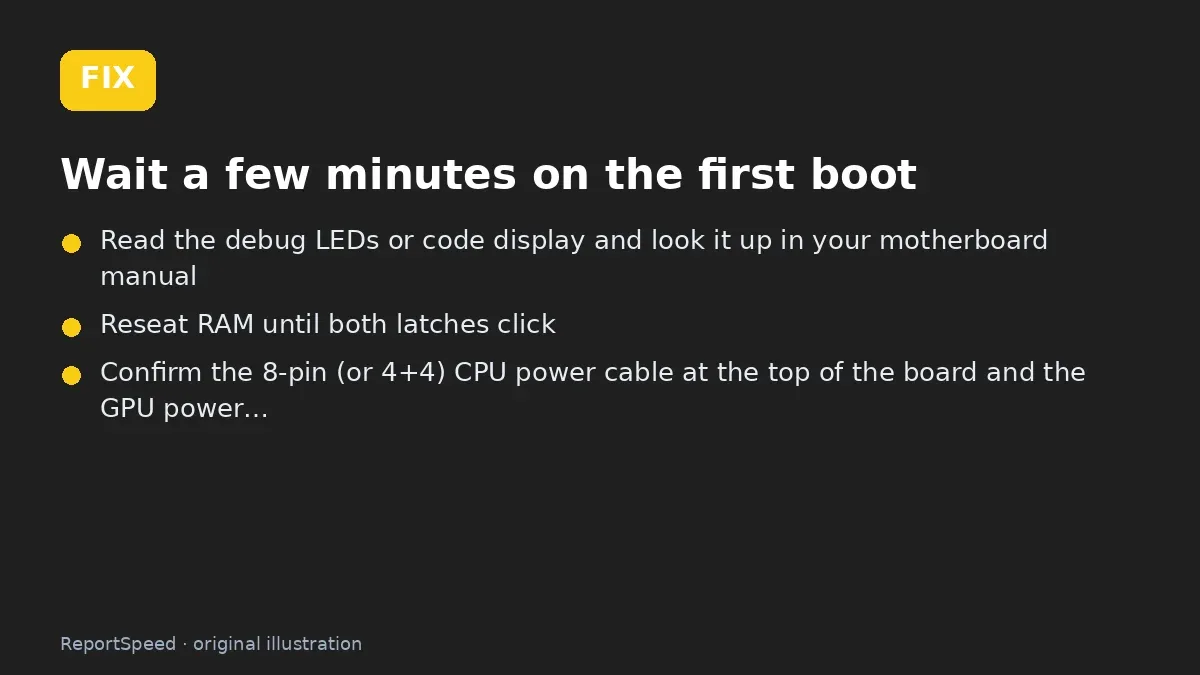
3. The fix The fix 
4. After The result
⚡ Speed Summary
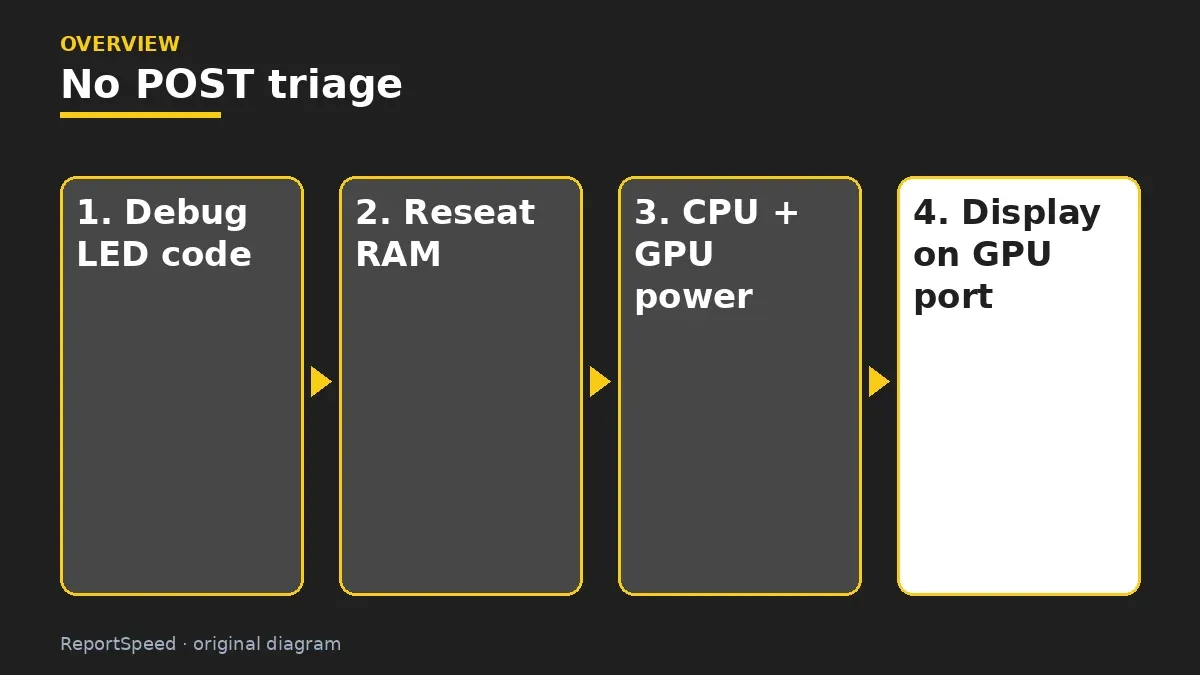
- Read the LEDs, reseat RAM, check CPU and GPU power, use the GPU's display output, and confirm BIOS support.
- Change one thing per attempt and write it down. Troubleshooting is detective work, not demolition.
- Don't RMA anything yet. The fix is usually one cable you already own.

Was this answer helpful?
Tap a star to rate this answer.
Related questions

Got an 'AirTag found moving with you' alert? What to do next
Find the tracker, document it, identify the owner, and disable it.
Rate itSolved

Is my smart TV tracking what I watch? How to turn off ACR
Smart TVs may use ACR to track viewing.
Rate itSolved

Caller ID spoofing: why scammers show a local number and how to protect yourself
Caller ID can be faked, and spoofing to defraud is illegal.
Rate itSolved

How do I stop spam emails without making it worse?
Mark spam, block repeat senders, unsubscribe only from known companies, and report phishing.
Rate itSolved
Real experiences
No experiences yet. Be the first to share.