


I'm stuck between the RTX 5070 and the RX 9070 XT for a 1440p gaming build. Prices near me are close enough that I keep flipping back and forth every evening. One has more VRAM, the other has DLSS and everyone on forums swears by their pick. I mostly play big single-player games and some competitive shooters. Which one actually makes more sense, and what am I not thinking about?
RTX 5070 vs RX 9070 XT: which mid-range GPU should I buy?
Concerns & risks
You're building or upgrading for 1440p, your budget lands in the same bracket for both cards, and every review you open seems to crown a different winner depending on which games were tested.
| If you… | Lean toward |
|---|---|
| Play many DLSS 4 titles or use CUDA apps | RTX 5070 |
| Want more VRAM for keeping the card longer | RX 9070 XT |
| Have a tight PSU or small case | Whichever partner model fits your measurements |
| Find one clearly cheaper locally | The cheaper one; both are capable at 1440p |
Causes & evidence
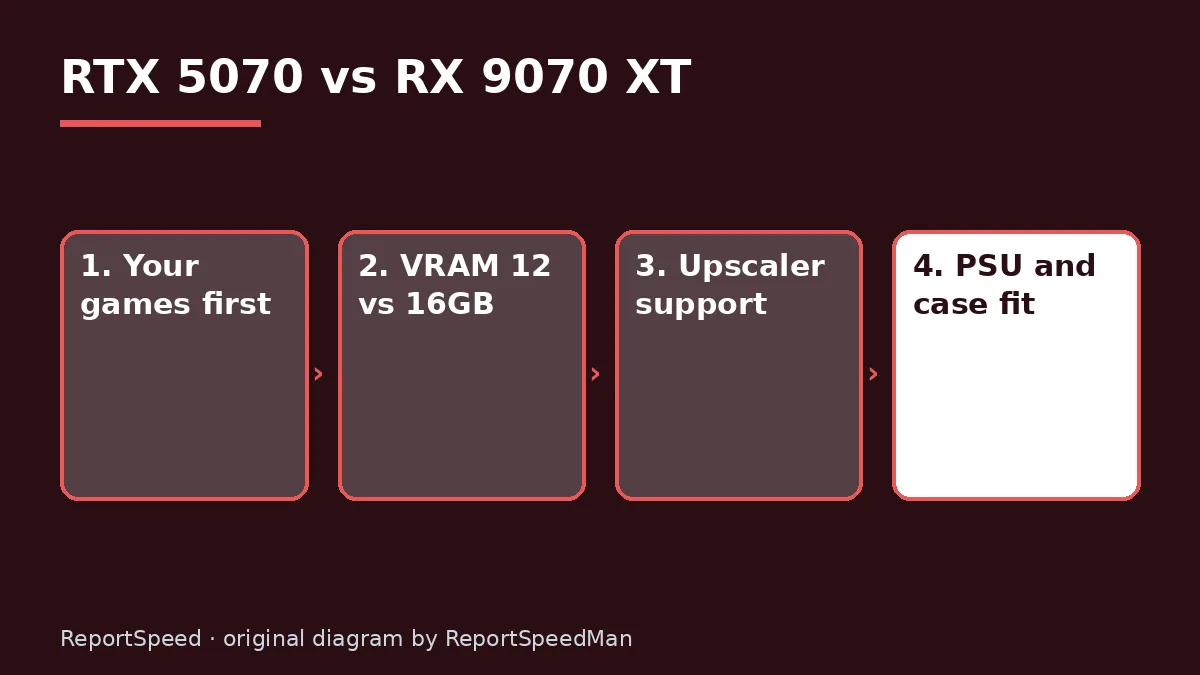
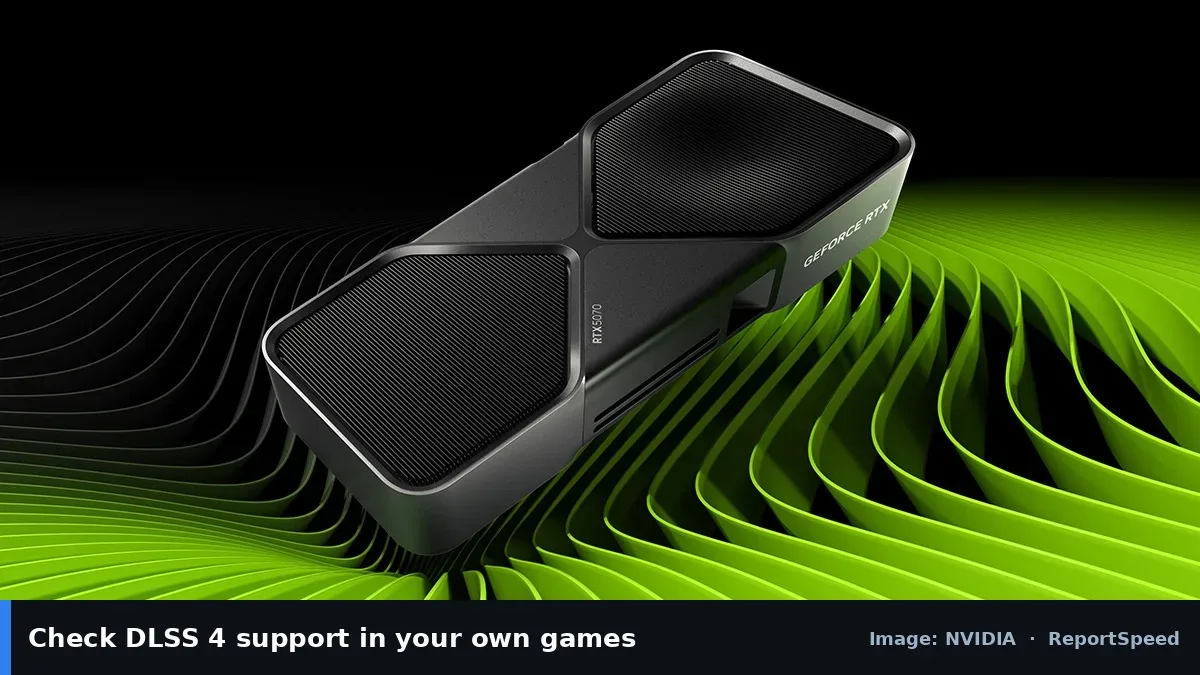
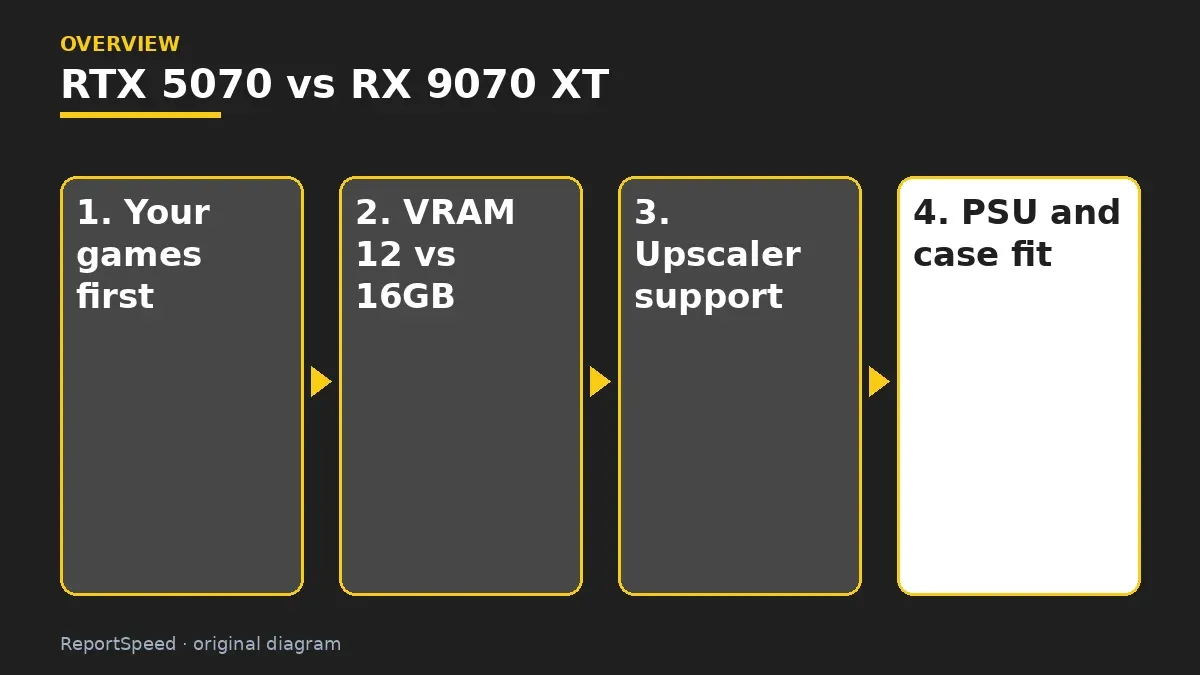
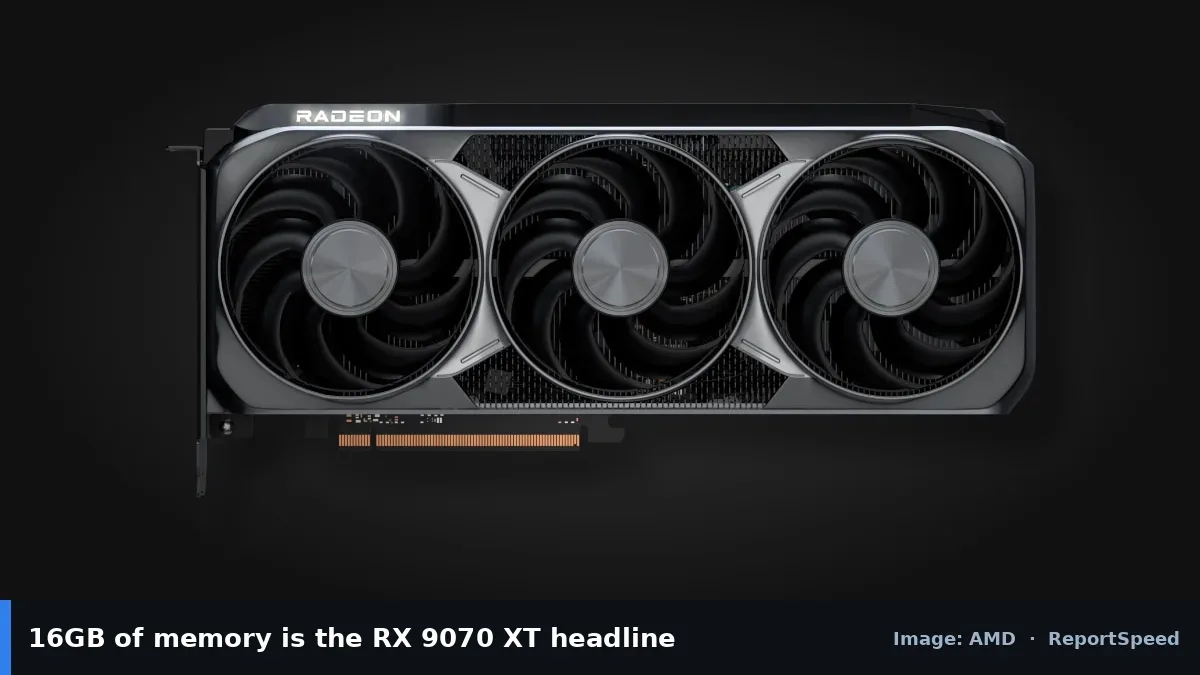
The two cards come at the same problem from different directions. NVIDIA's RTX 5070 page lists 12GB of GDDR7 memory and leans on DLSS 4 with Multi Frame Generation and the wider NVIDIA software stack. AMD's RX 9070 XT page lists 16GB of GDDR6 and pushes FSR 4 upscaling on RDNA 4. Raw performance shifts game by game, so the deciding factors are usually memory headroom, which upscaling and frame generation features your favourite games support, power and case fit, and the real local price on the day you buy.
Memory size isn't everything, but it affects how long a card stays comfortable. Bigger texture packs and higher resolutions use more VRAM over time. Upscaling support varies by game and changes with updates, so the official game lists are the best place to check.
Picking a GPU by a single average-FPS chart is how people end up regretting a card that was 'faster' in games they never play.
What to do
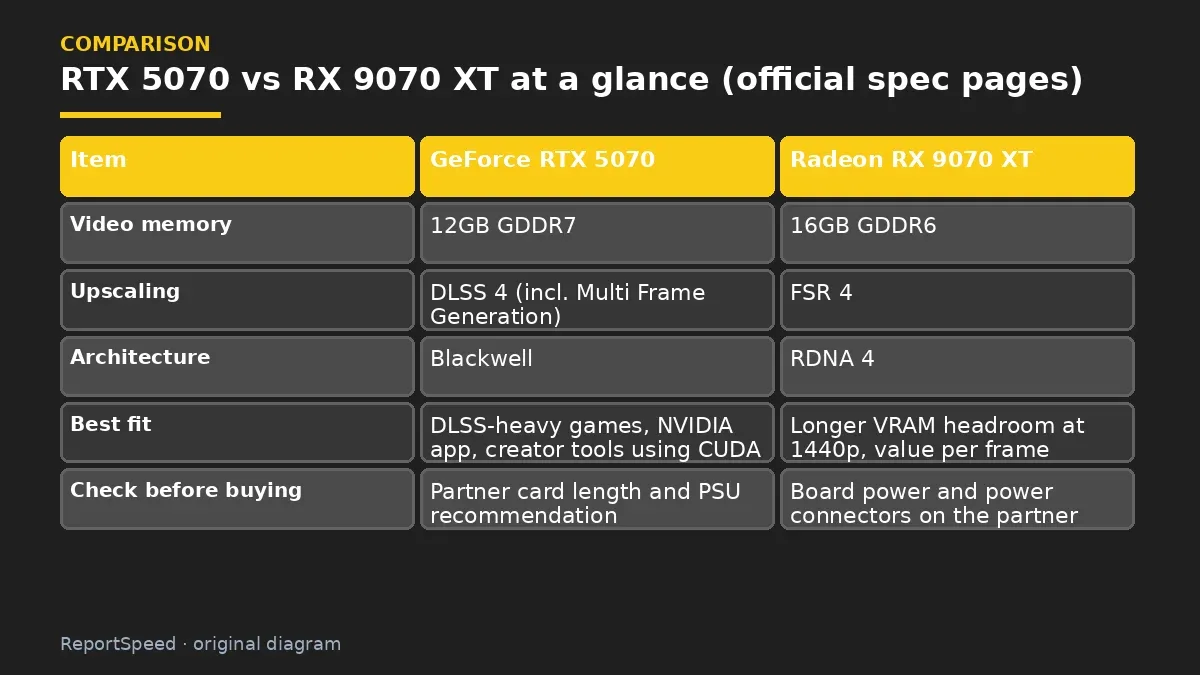
| Item | GeForce RTX 5070 | Radeon RX 9070 XT |
|---|---|---|
| Video memory | 12GB GDDR7 | 16GB GDDR6 |
| Upscaling | DLSS 4 (incl. Multi Frame Generation) | FSR 4 |
| Architecture | Blackwell | RDNA 4 |
| Best fit | DLSS-heavy games, NVIDIA app, creator tools using CUDA | Longer VRAM headroom at 1440p, value per frame |
| Check before buying | Partner card length and PSU recommendation | Board power and power connectors on the partner card |
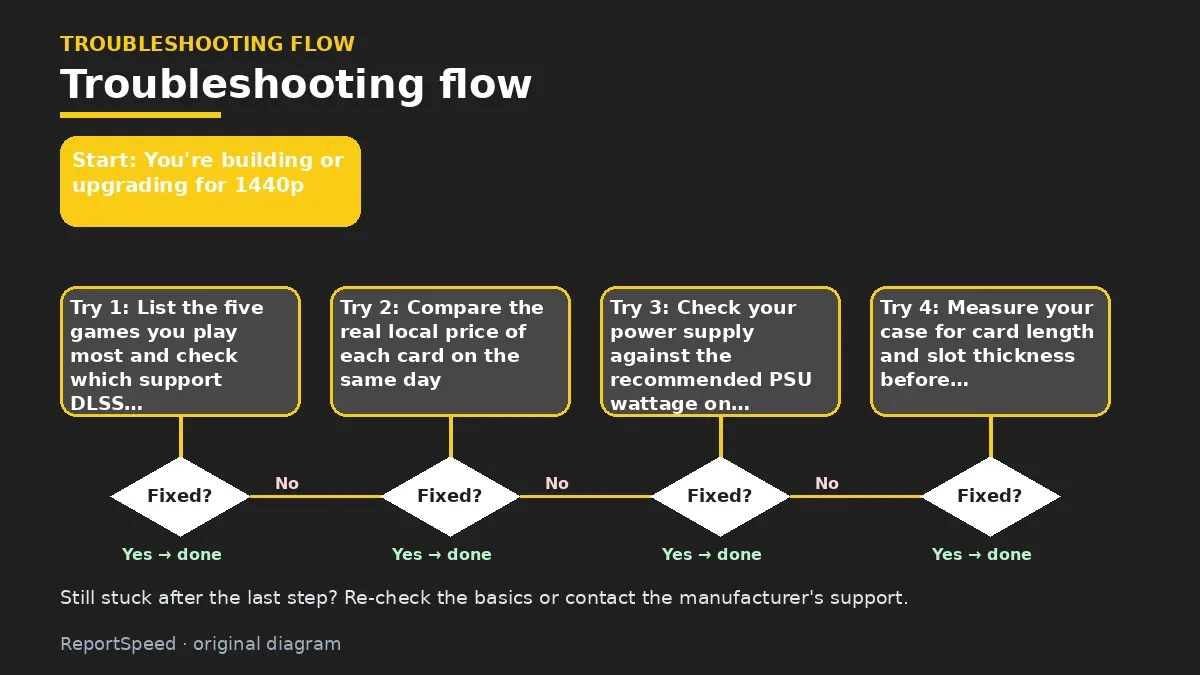
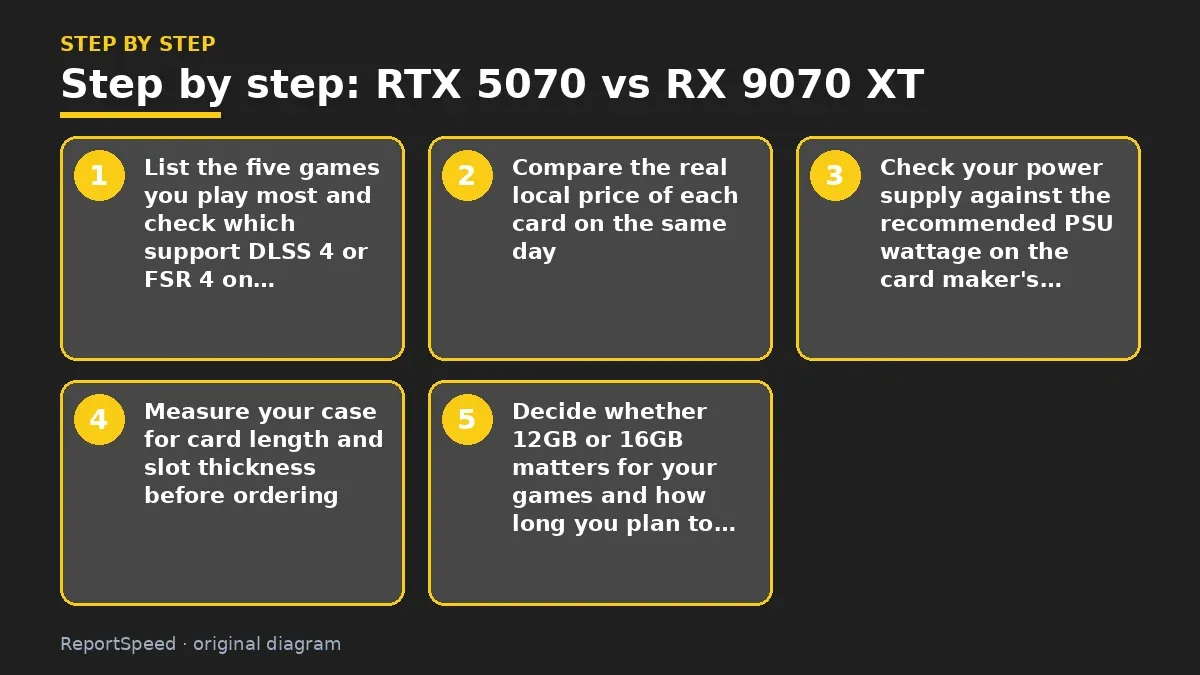
- List the five games you play most and check which support DLSS 4 or FSR 4 on the official game lists.
- Compare the real local price of each card on the same day, including the partner model you would actually buy.
- Check your power supply against the recommended PSU wattage on the card maker's page.
- Measure your case for card length and slot thickness before ordering.
- Decide whether 12GB or 16GB matters for your games and how long you plan to keep the card.
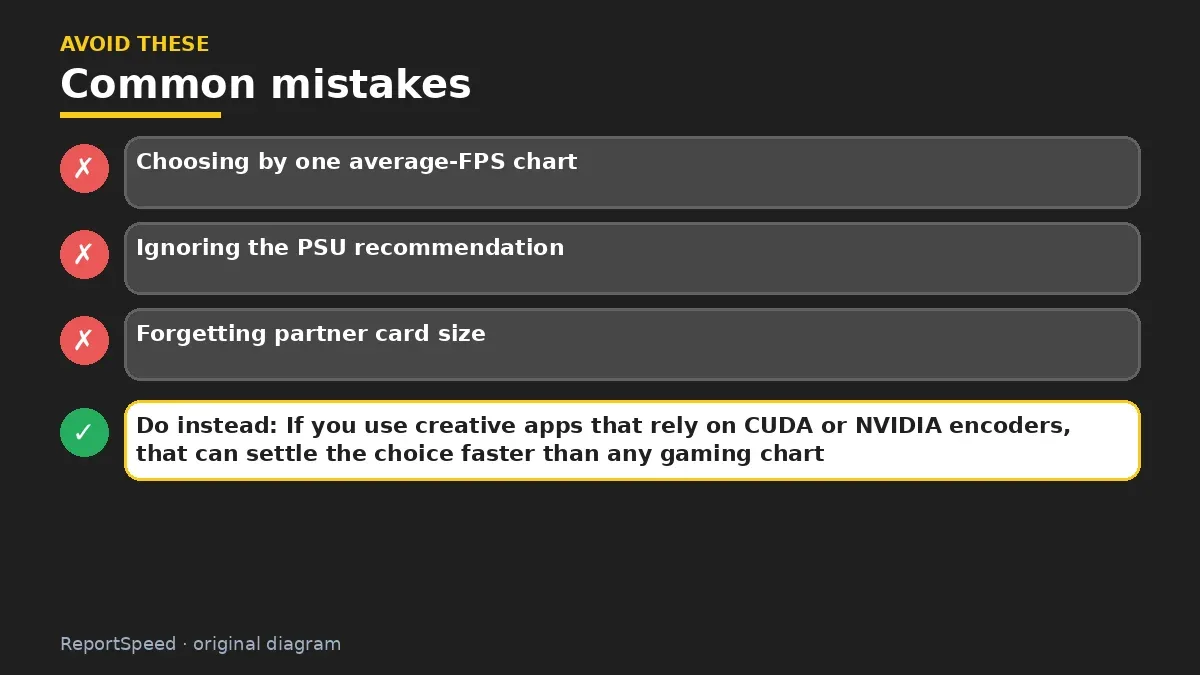
Common mistakes:
- Choosing by one average-FPS chart
- Ignoring the PSU recommendation
- Forgetting partner card size
ReportSpeedMan tip: If you use creative apps that rely on CUDA or NVIDIA encoders, that can settle the choice faster than any gaming chart.
What I would actually do
if my games list DLSS 4 support and I stream or use creator apps, the RTX 5070. If I mostly play without upscaling and want to keep the card for years, the RX 9070 XT's 16GB would tip me. And if one is clearly cheaper the day I buy, I take that and spend the difference on a better monitor.
The trade-off people miss: the partner card matters as much as the chip. A cheap model with a loud cooler can make a 'faster' GPU feel worse every single night.
Checking that it worked
Your games run smoothly at your chosen 1440p settings, the card fits and stays quiet, and you aren't refreshing comparison threads anymore.
Quick FAQ
Is 12GB enough for 1440p?
For many games it's fine; very high textures in some new games can push it.
Does FSR work on NVIDIA cards?
Some FSR versions work across GPUs, while FSR 4 targets AMD RDNA 4 cards; check AMD's notes.
Which runs cooler?
It depends on the partner card's cooler and your case airflow.
Wrap-up: Both are solid 1440p cards. Match the choice to your games, memory needs, PSU and case, then buy whichever is cheaper on the day.
Wiki: CPU–GPU Bottleneck.
RTX 5070 vs RX 9070 XT: where the facts come from
Step-by-step photos
1. Before The problem 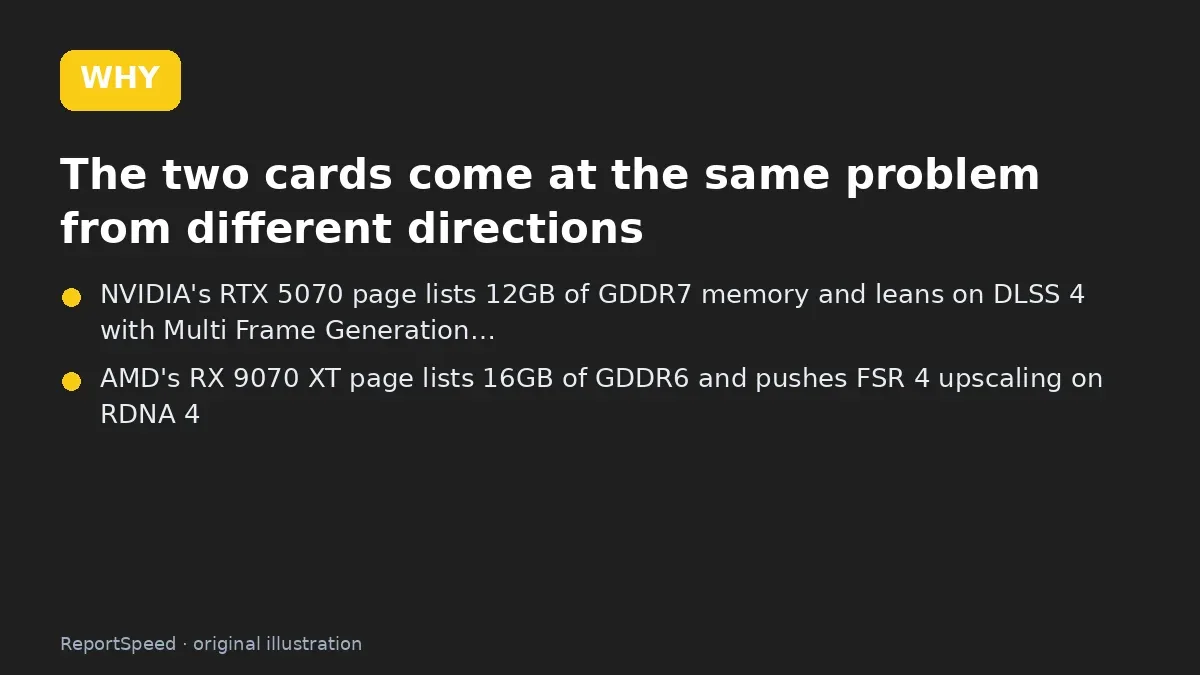
2. Why it happens The cause 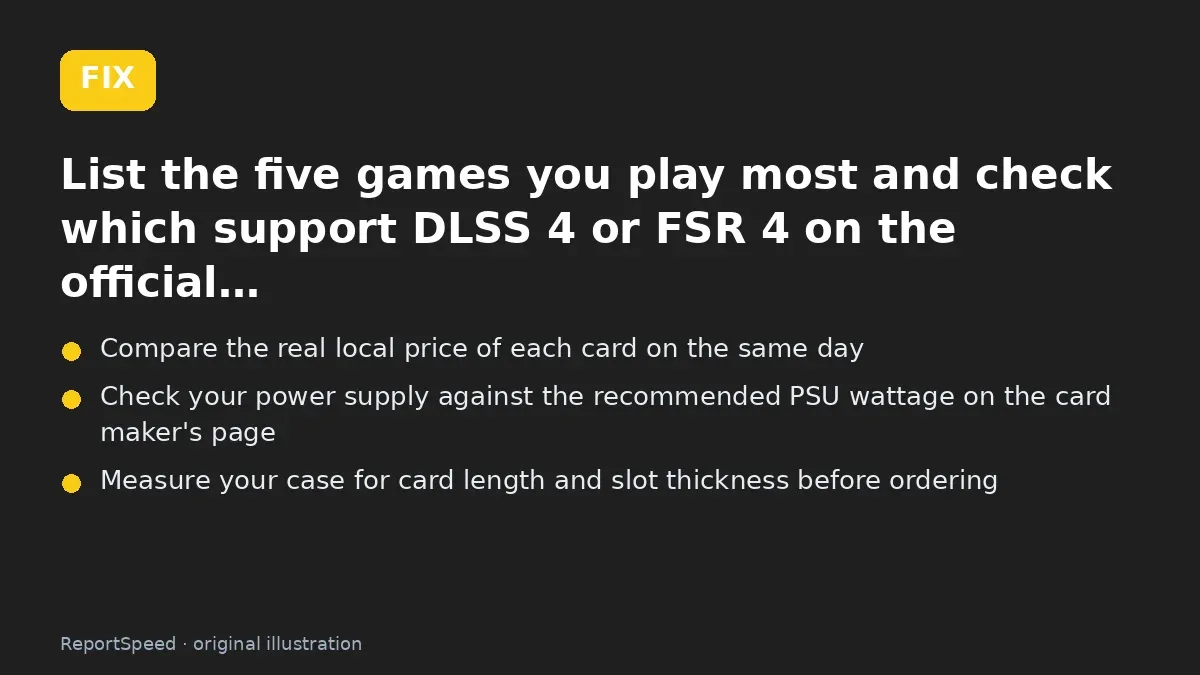
3. The fix The fix 
4. After The result
⚡ Speed Summary
- Both are solid 1440p cards.
- If you use creative apps that rely on CUDA or NVIDIA encoders, that can settle the choice faster than any gaming chart.
- Picking a GPU by a single average-FPS chart is how people end up regretting a card that was 'faster' in games they never play.

Was this answer helpful?
Tap a star to rate this answer.
Related questions

Got an 'AirTag found moving with you' alert? What to do next
Find the tracker, document it, identify the owner, and disable it.
Rate itSolved

Is my smart TV tracking what I watch? How to turn off ACR
Smart TVs may use ACR to track viewing.
Rate itSolved

Caller ID spoofing: why scammers show a local number and how to protect yourself
Caller ID can be faked, and spoofing to defraud is illegal.
Rate itSolved

How do I stop spam emails without making it worse?
Mark spam, block repeat senders, unsubscribe only from known companies, and report phishing.
Rate itSolved
Real experiences
No experiences yet. Be the first to share.