


Should I undervolt my GPU? My graphics card runs hot and the fans get loud under load. I keep reading that undervolting can lower temps and noise without losing performance, but it sounds risky. Can it damage the card, and how do I do it carefully?
Should I undervolt my GPU? Lower temps and noise without losing performance
Concerns & risks
Your GPU runs hot and loud during long gaming sessions, and you'd love it quieter without a big performance hit.
| Goal | Approach | Risk |
|---|---|---|
| Lower temps and noise | Reduce voltage at a set clock | Instability if pushed too far |
| Keep performance | Hold clock, trim voltage | Test in several games |
| Simple start | Power limit slider | Very low risk |
| Undo | Reset to defaults | Always available |
Causes & evidence
Graphics cards ship with voltage settings that leave margin for every chip. Lowering voltage at a given clock can reduce power and heat, which can reduce fan noise and help avoid thermal throttling. Results vary per chip, and undervolting is an adjustment you do at your own risk. Check your card maker's warranty terms.
Undervolting lowers the voltage at a given clock, reducing heat and power, which can let the card hold boost clocks more steadily. Stability varies chip to chip, so test carefully and keep a fallback. If you prefer simplicity, a power limit slider is an easier alternative.
Before tuning anything, try the one-click option most people never notice.
What to do
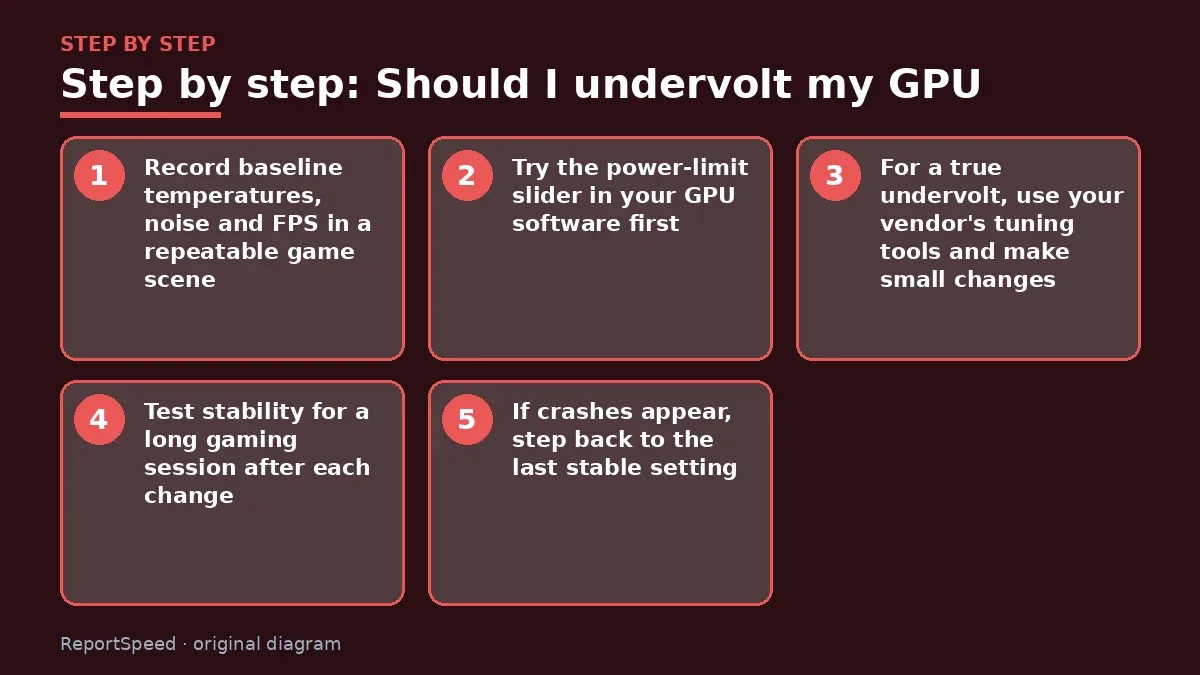
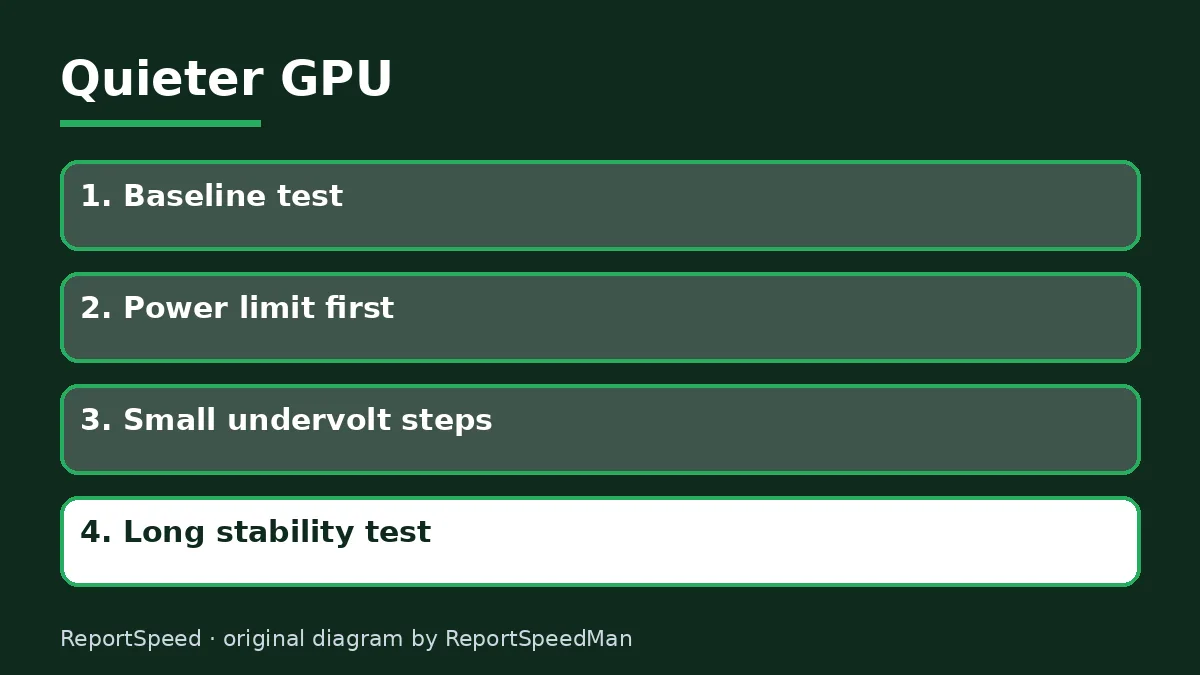
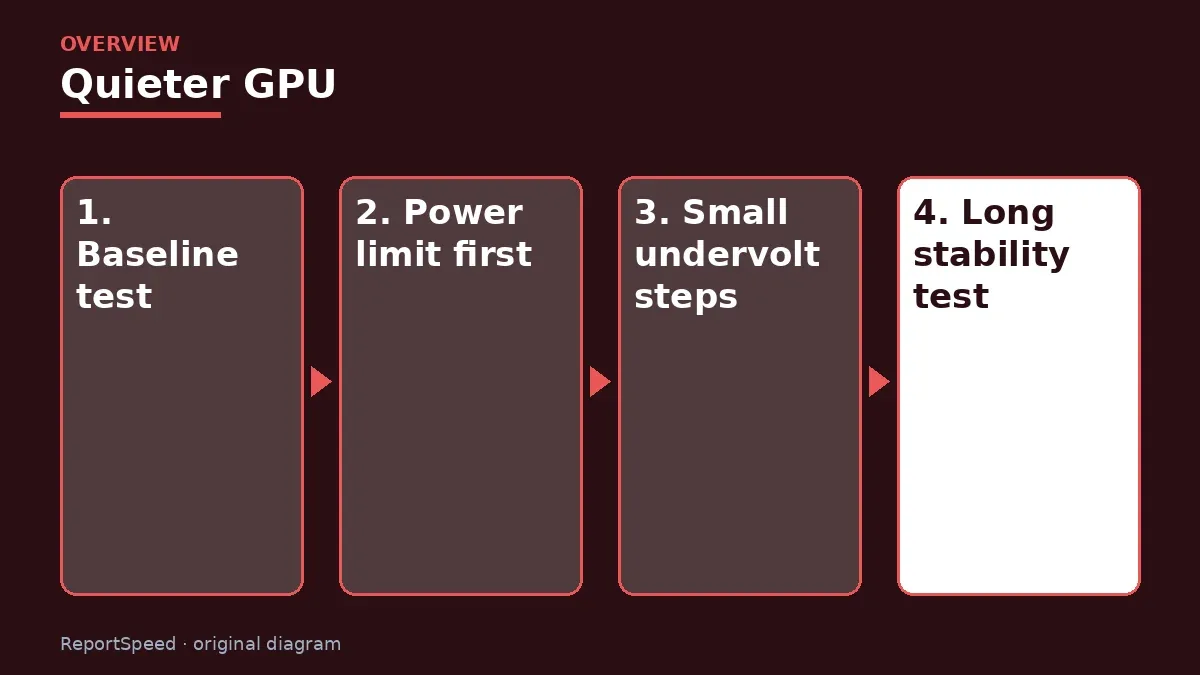
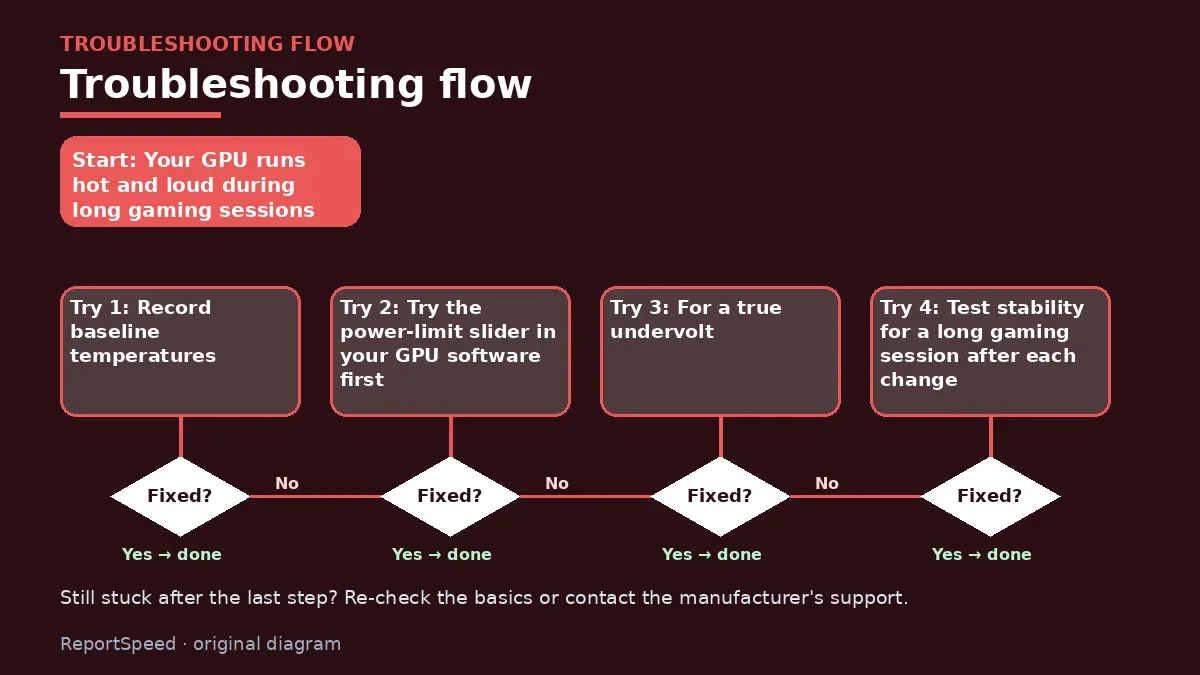
- Record baseline temperatures, noise and FPS in a repeatable game scene.
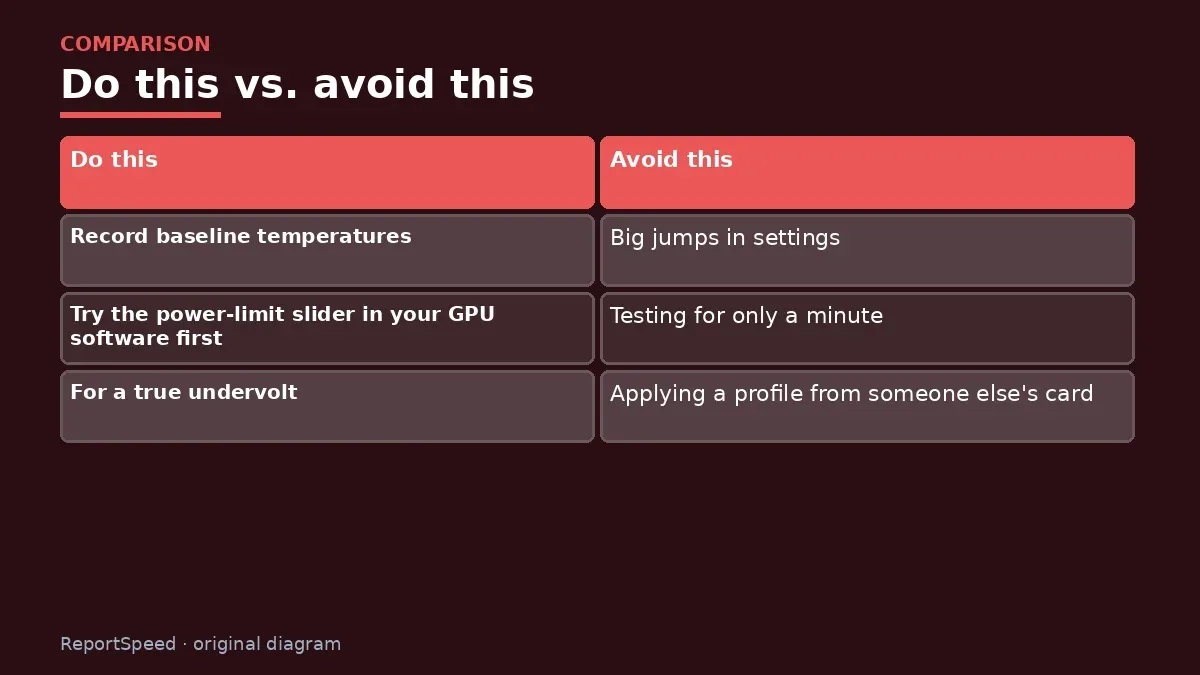
- Try the power-limit slider in your GPU software first; it's a simple, low-risk way to cut heat.
- For a true undervolt, use your vendor's tuning tools and make small changes.
- Test stability for a long gaming session after each change.
- If crashes appear, step back to the last stable setting.
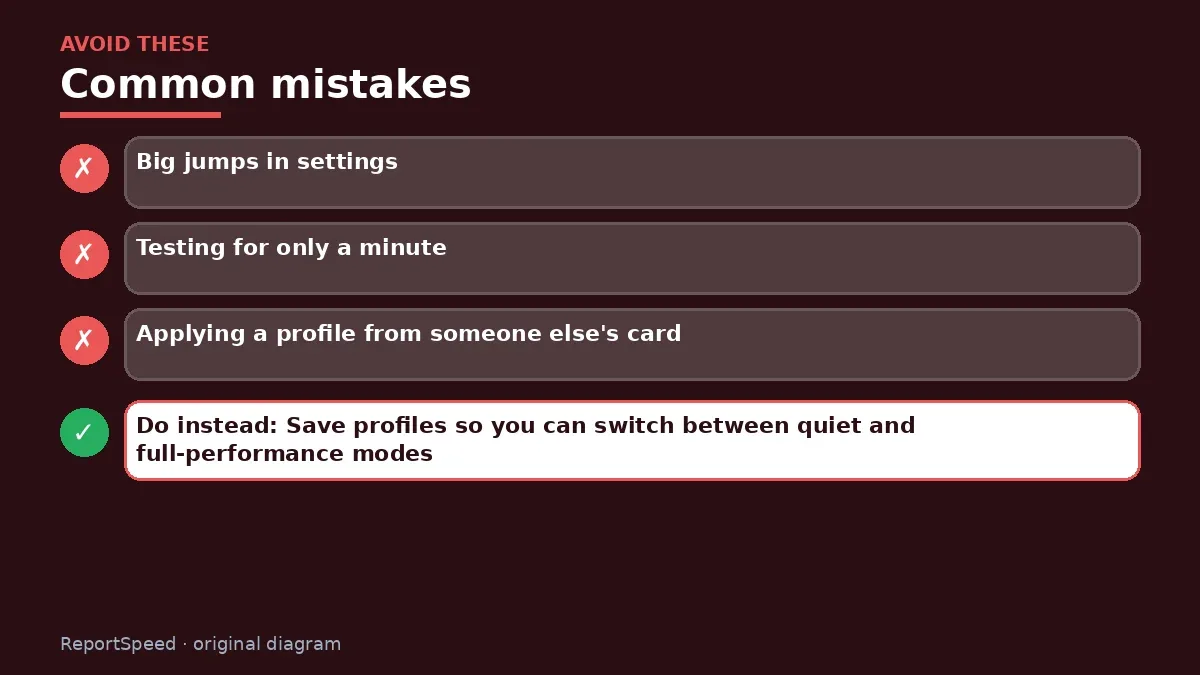
Common mistakes:
- Big jumps in settings
- Testing for only a minute
- Applying a profile from someone else's card
ReportSpeedMan tip: Save profiles so you can switch between quiet and full-performance modes.
What I would actually do
start with a small power limit reduction and see if I notice any difference in games. Often I don't, and the card runs quieter.
The trade-off people miss: an undervolt stable in one game can crash in another. Test with several titles before calling it done.
Builder's note: Laptop owners have it easier in one way: many gaming laptops include performance modes in the maker's control software that adjust power targets for you. Try the balanced or quiet mode first; it may give you most of the benefit with zero manual tuning. Desktop users who prefer not to tinker can rely on the power-limit slider alone and still get a noticeably calmer card.
How to tell it worked
A good undervolt is invisible in daily use: same smooth gameplay, quieter fans, lower temperatures. Test in several demanding games for a long session before calling it stable. Any crash or driver reset means you went too far; nudge the voltage back up. Save your profile, but remember it may reset after driver updates.
Quick FAQ
Does undervolting void warranty?
Policies vary; check the card maker's terms.
Is it permanent?
No, settings revert if reset or tool removed.
What if games crash?
Increase voltage slightly or revert to default.
Wrap-up: Start with the power limit, undervolt in small steps, test long, keep what's stable. Quieter, cooler gaming is very achievable.
Wiki: Thermal Throttling.
Should I undervolt my GPU: primary sources
Step-by-step photos

1. Before The problem 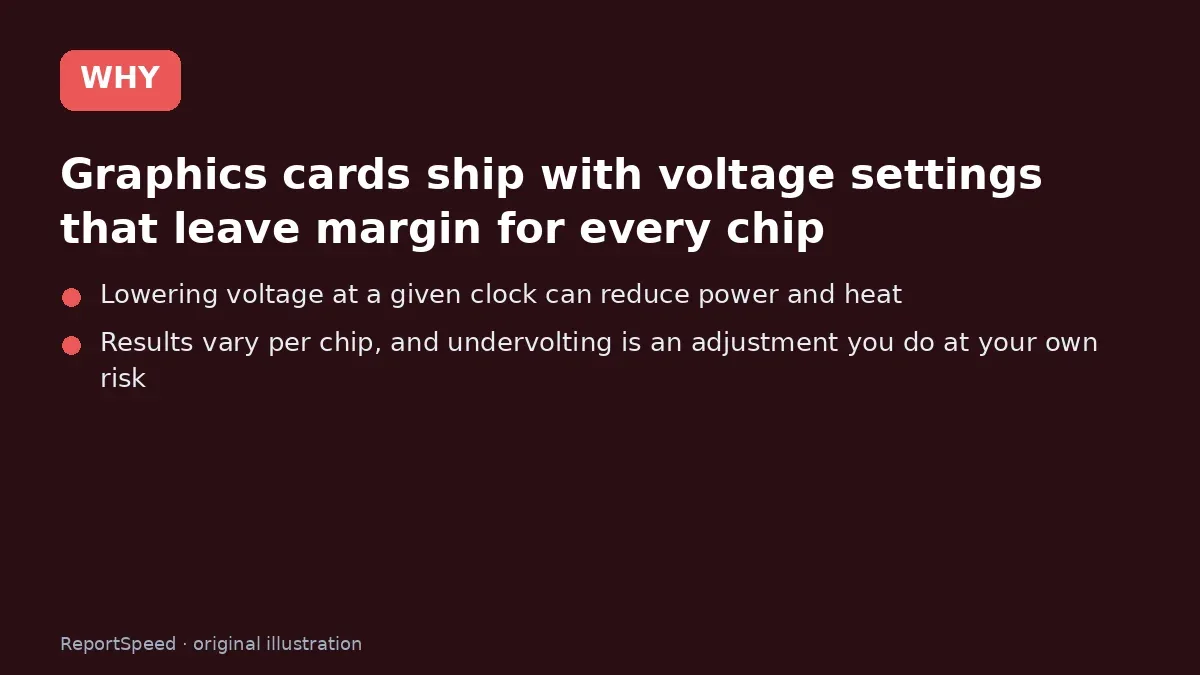
2. Why it happens The cause 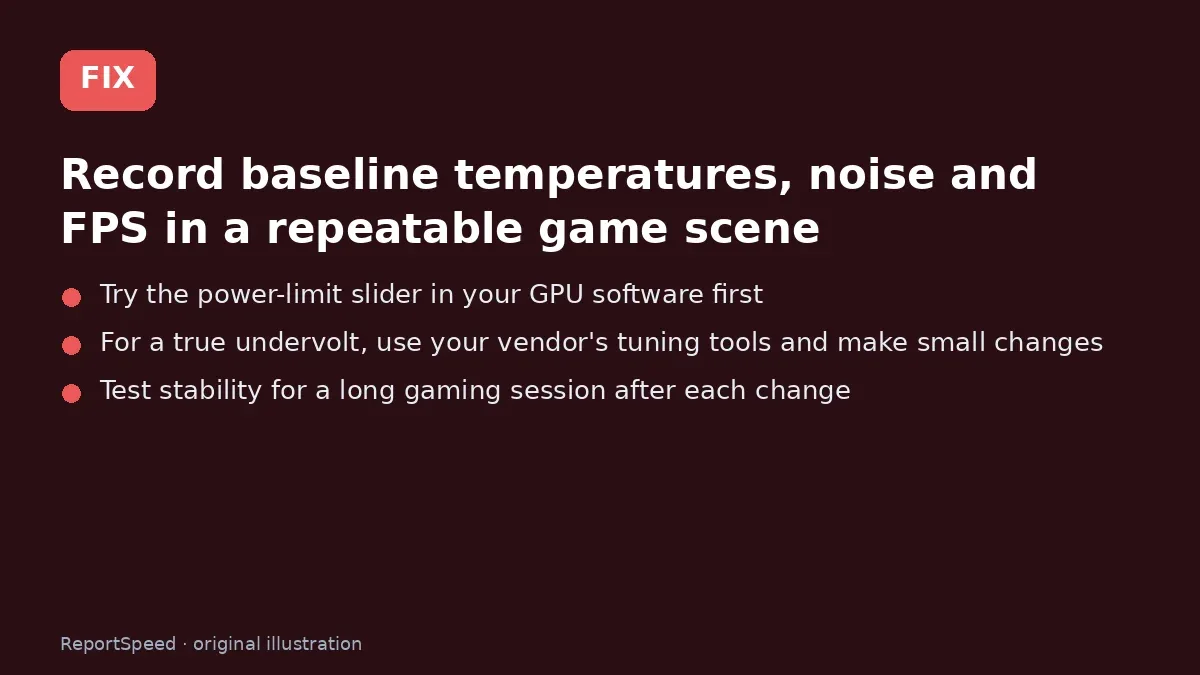
3. The fix The fix 
4. After The result
⚡ Speed Summary
- Start with the power limit, undervolt in small steps, test long, keep what's stable.
- Save profiles so you can switch between quiet and full-performance modes.
- Before tuning anything, try the one-click option most people never notice.

Was this answer helpful?
Tap a star to rate this answer.
Related questions

Got an 'AirTag found moving with you' alert? What to do next
Find the tracker, document it, identify the owner, and disable it.
Rate itSolved

Is my smart TV tracking what I watch? How to turn off ACR
Smart TVs may use ACR to track viewing.
Rate itSolved

Caller ID spoofing: why scammers show a local number and how to protect yourself
Caller ID can be faked, and spoofing to defraud is illegal.
Rate itSolved

How do I stop spam emails without making it worse?
Mark spam, block repeat senders, unsubscribe only from known companies, and report phishing.
Rate itSolved
Real experiences
No experiences yet. Be the first to share.