


CPU or GPU upgrade first for 1440p gaming, which one? I've got money for exactly one part this year and I keep flip-flopping. My monitor is 1440p high refresh, I mostly play shooters plus some big single-player stuff. Half the threads say GPU always, the other half say my older processor will choke anything new. I don't want to buy the wrong thing and regret it for two years. How do you actually decide?
Should I upgrade my CPU or GPU first for 1440p gaming? A practical decision guide
Concerns & risks
You want a smoother 1440p experience, you can afford one part this year, and everybody online gives you a different answer depending on which brand they love.
| Your situation | Upgrade first | Why |
|---|---|---|
| GPU usage near full at 1440p | GPU | The card is the ceiling |
| GPU usage low, CPU thread pinned | CPU (maybe board and RAM) | GPU is waiting on the CPU |
| Mostly esports titles at high refresh | CPU | High FPS leans on the CPU |
| Mostly single-player, high settings | GPU | Visual load sits on the GPU |
Causes & evidence
At 1440p most modern games put more weight on the graphics card than the processor, so the GPU is often the bigger win. But that's a default, not a law. If your processor is several generations old, has few cores, or your games are competitive shooters and strategy titles that chase very high frame rates, the CPU can be the wall. The only reliable answer comes from your own system, not someone else's build. Background reading on the bottleneck concept helps here.
When it's a close call, think about the next three years, not the next three days. A graphics card is usually a single swap, while a processor upgrade can drag a new motherboard and memory along with it. Check your socket and BIOS support list before deciding, because a drop-in CPU on your current board can change the math completely.
The answer flips depending on one thing most people never check before buying.
What to do

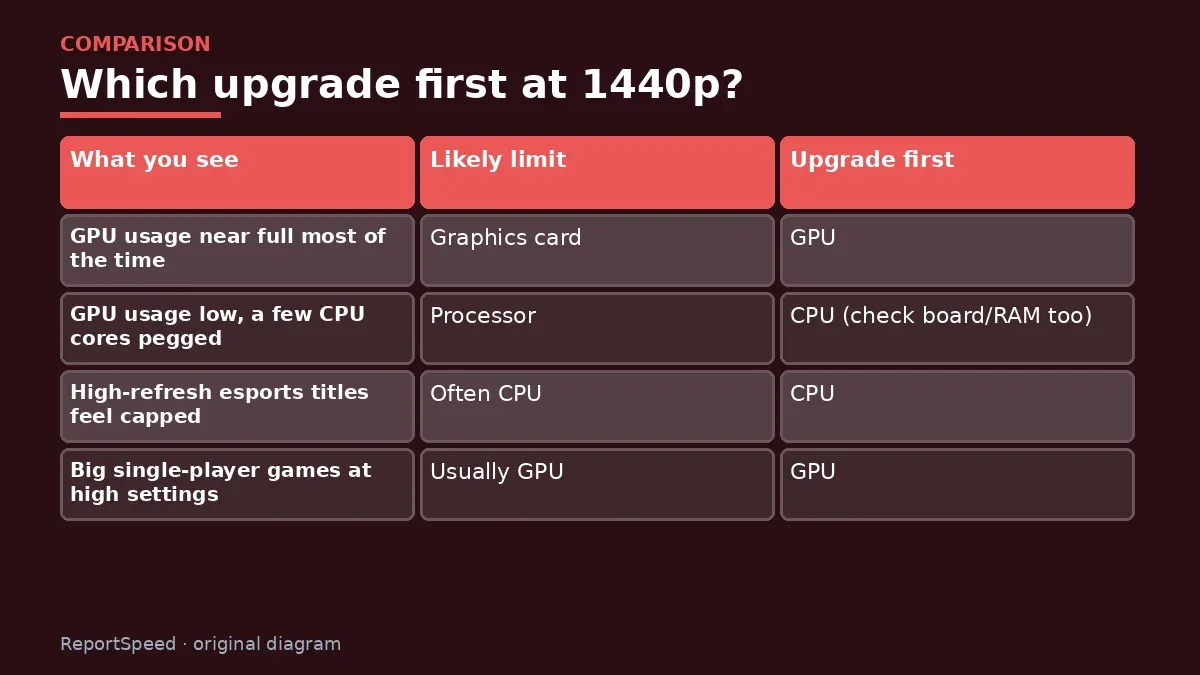
| What you see | Likely limit | Upgrade first |
|---|---|---|
| GPU usage near full most of the time | Graphics card | GPU |
| GPU usage low, a few CPU cores pegged | Processor | CPU (check board/RAM too) |
| High-refresh esports titles feel capped | Often CPU | CPU |
| Big single-player games at high settings | Usually GPU | GPU |
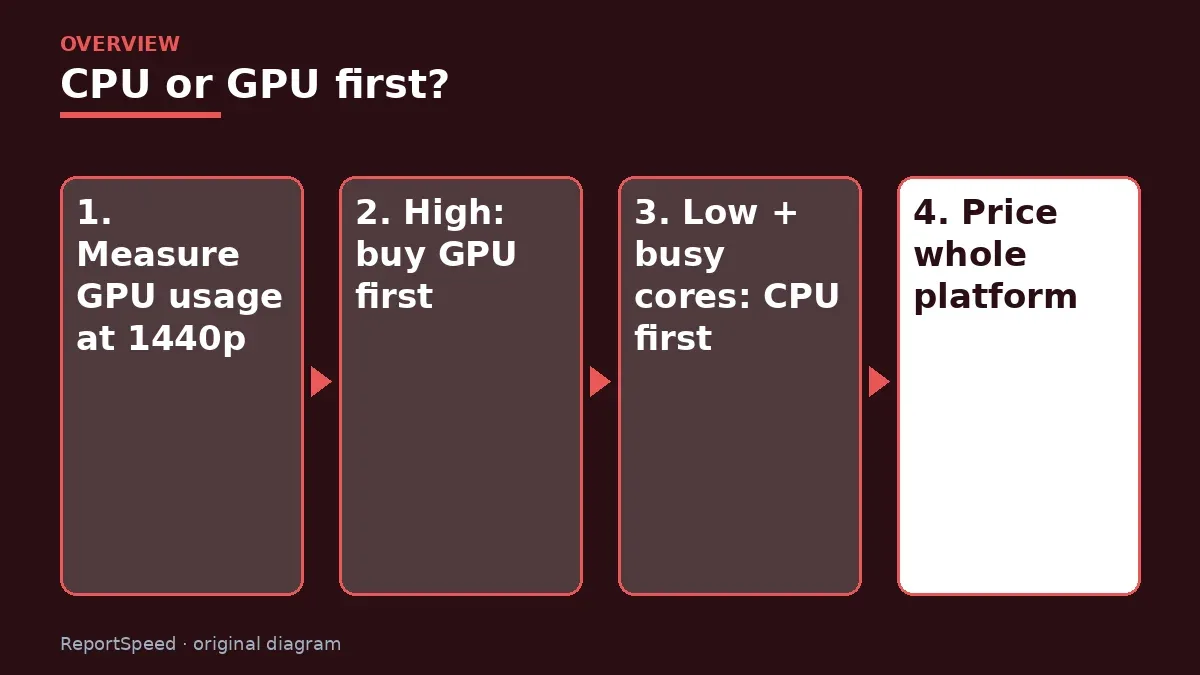
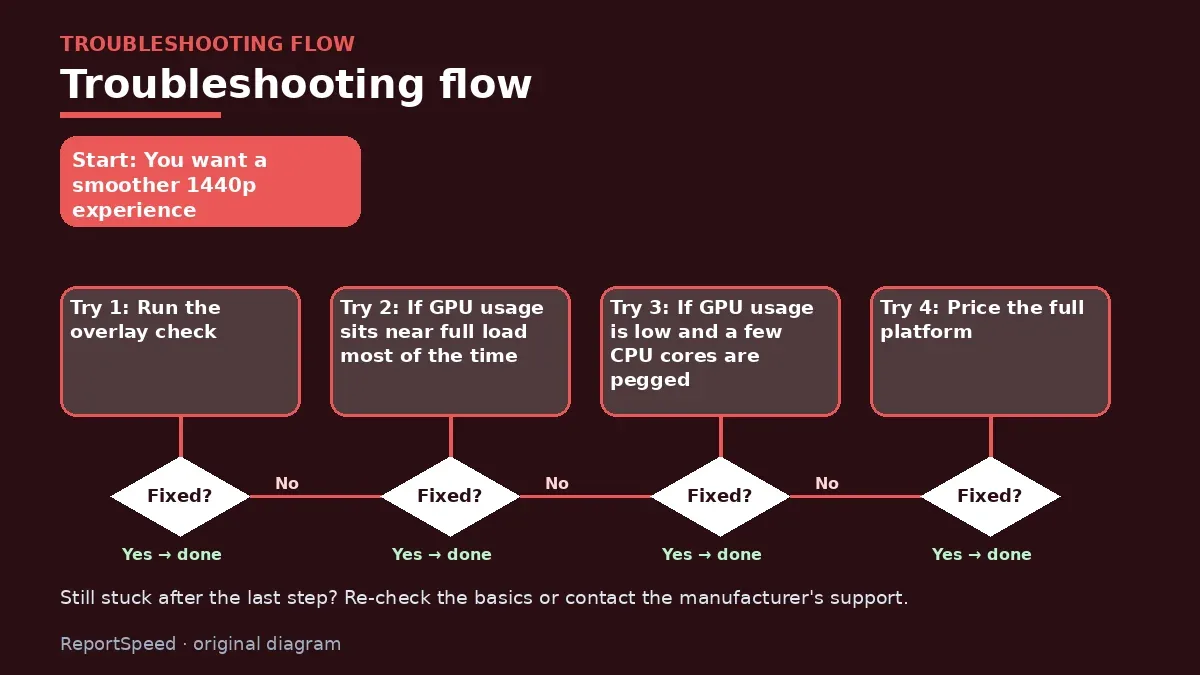
- Run the overlay check: watch GPU usage during real 1440p gameplay.
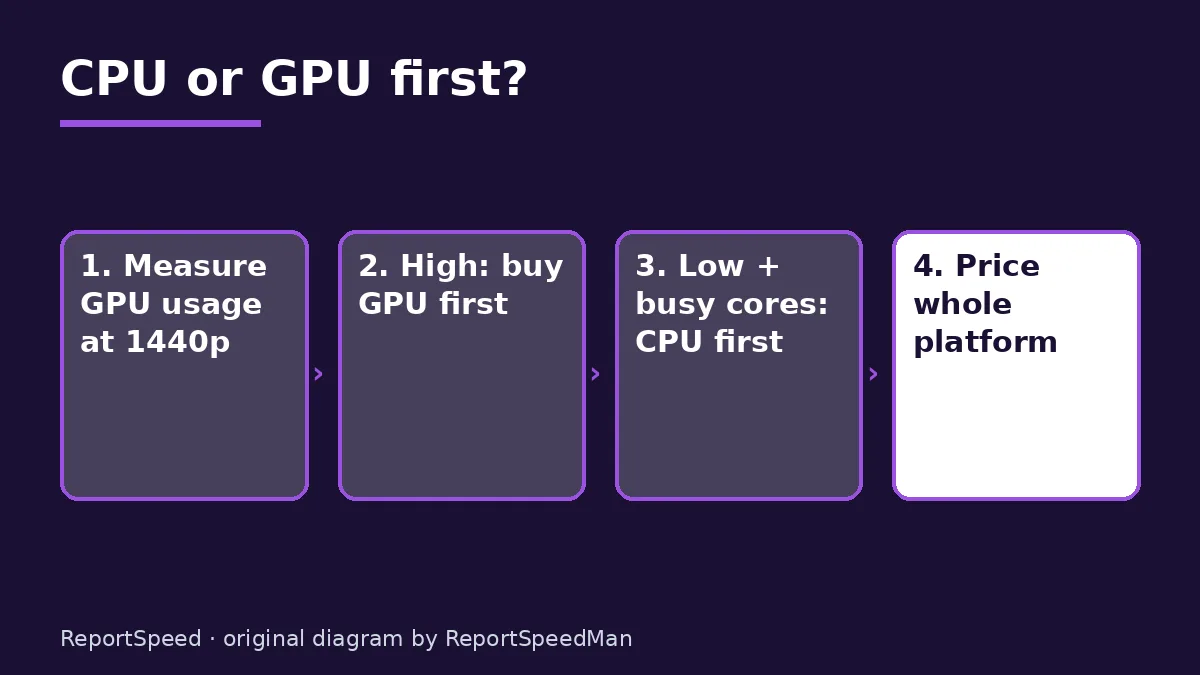
- If GPU usage sits near full load most of the time, the graphics card is your limit, so upgrade it first.
- If GPU usage is low and a few CPU cores are pegged, upgrade the processor (and check whether that also means a new motherboard and memory).
- Price the full platform: a new CPU on a new socket can mean board plus RAM, which changes the math.
- Check your power supply and case clearance before committing to a bigger card. Official product pages list required power and dimensions.
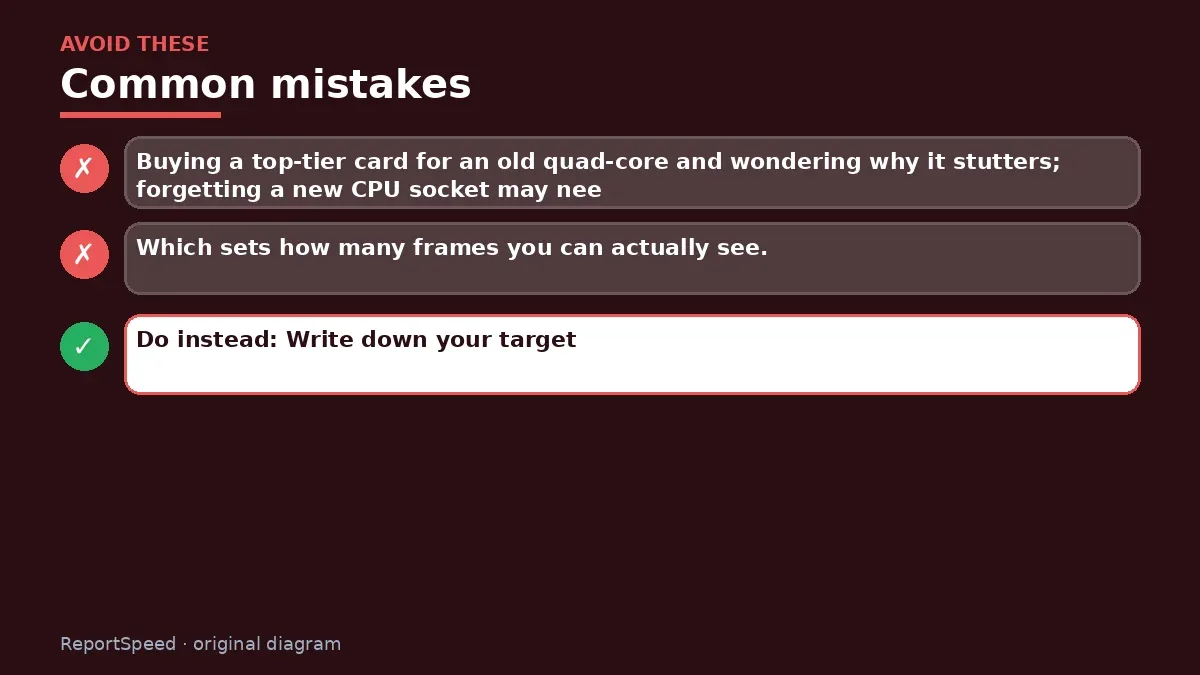
Common mistakes: Buying a top-tier card for an old quad-core and wondering why it stutters; forgetting a new CPU socket may need new memory; ignoring the monitor's refresh rate, which sets how many frames you can actually see.
ReportSpeedMan tip: Write down your target: '1440p, high settings, steady frame rate in X game.' A clear target stops you from overspending on the part that wasn't the problem.
What I would actually do
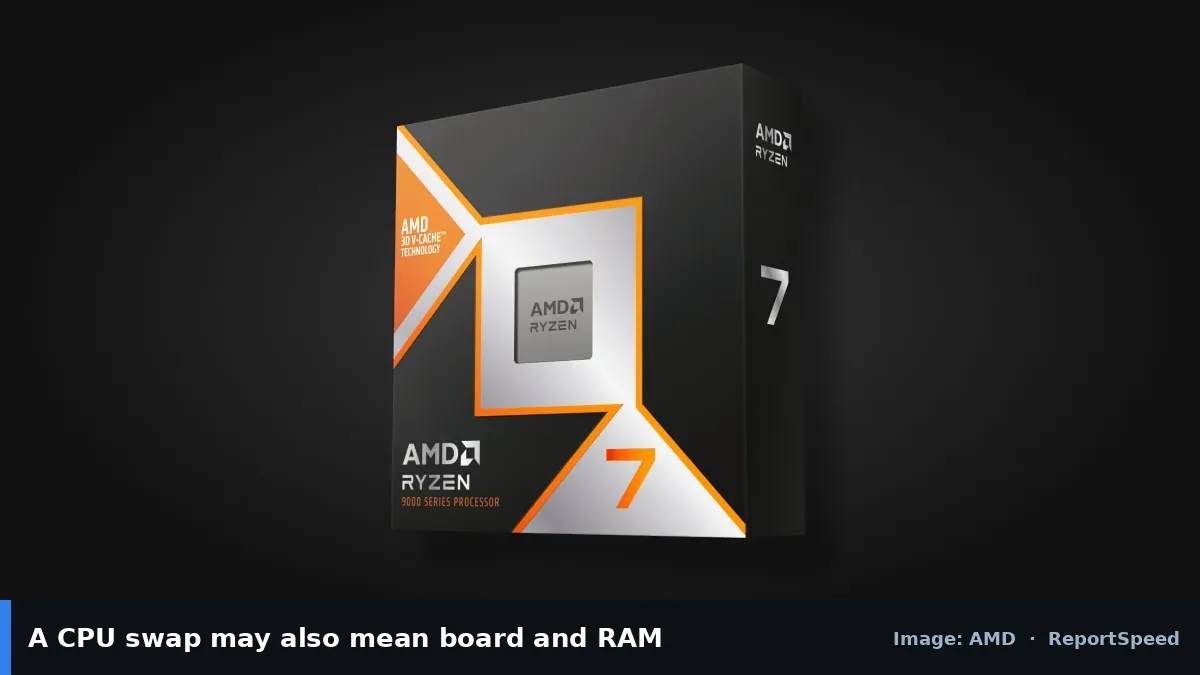
for 1440p I lean GPU first in most single-player setups, because that is where the pixels are. If the CPU platform is old enough that a new GPU would idle, I'd do CPU, board and RAM first and live with the old card for a few months.
The trade-off people miss: a CPU upgrade often drags a motherboard and RAM along with it. Price the whole platform before deciding the CPU is the cheap option.
Quick FAQ
Can I upgrade both later, one at a time?
Yes, and that's often the smartest plan. Fix the bigger limit first, then reassess with the same test games.
Does 1440p favor the GPU?
Generally yes. Higher resolution adds GPU work per frame, so the graphics card more often sets the limit at 1440p.
What if my CPU is very old?
Very old platforms can hold back even a mid-range card, and may lack features like newer PCIe versions. Check both before buying.
Wrap-up: Let GPU usage decide. Near full load means GPU first, low usage with busy CPU cores means CPU first, and always price the whole platform before you click buy.
Wiki: CPU–GPU Bottleneck.
Should I upgrade my CPU or GPU first for 1440p gaming: where the facts come from
Step-by-step photos
1. Before The problem 
2. Why it happens The cause 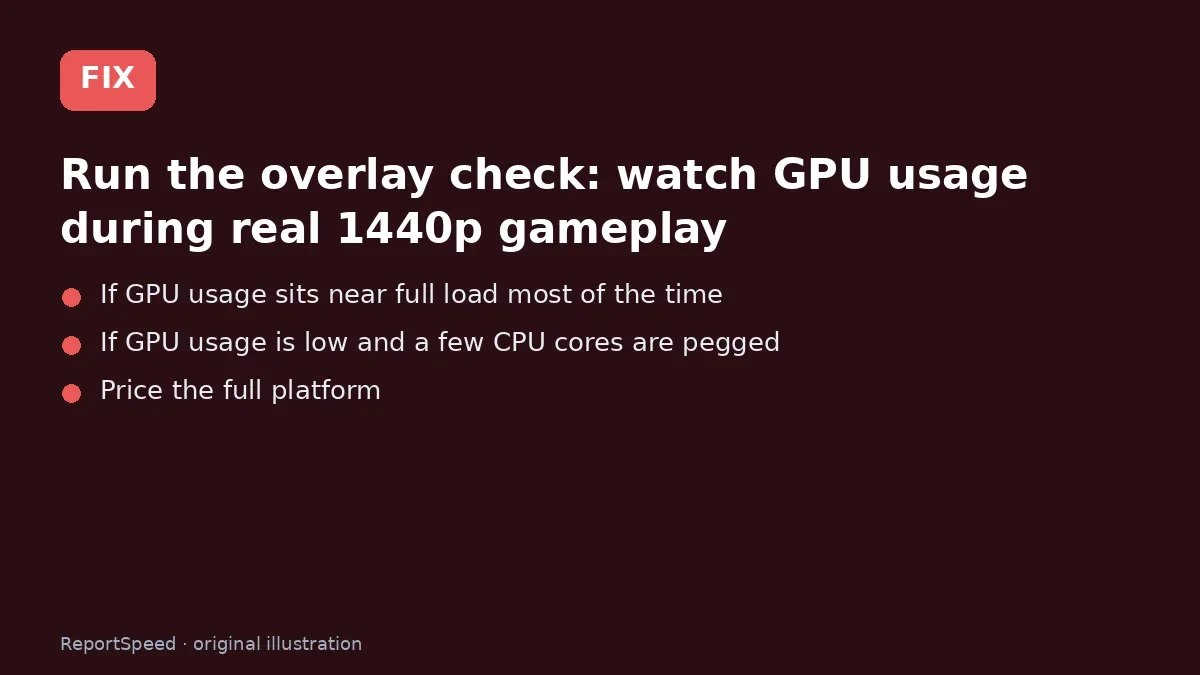
3. The fix The fix 
4. After The result
⚡ Speed Summary
- Let GPU usage decide.
- Write down your target: '1440p, high settings, steady frame rate in X game.' A clear target stops you from overspending on the part that wasn't the problem.
- The answer flips depending on one thing most people never check before buying.

Was this answer helpful?
Tap a star to rate this answer.
Related questions

Got an 'AirTag found moving with you' alert? What to do next
Find the tracker, document it, identify the owner, and disable it.
Rate itSolved

Is my smart TV tracking what I watch? How to turn off ACR
Smart TVs may use ACR to track viewing.
Rate itSolved

Caller ID spoofing: why scammers show a local number and how to protect yourself
Caller ID can be faked, and spoofing to defraud is illegal.
Rate itSolved

How do I stop spam emails without making it worse?
Mark spam, block repeat senders, unsubscribe only from known companies, and report phishing.
Rate itSolved
Real experiences
No experiences yet. Be the first to share.