


I travel a lot for work and want to game in hotels and on flights. I'm torn between a Steam Deck and a gaming laptop. The Deck is cheaper and smaller, but a laptop can do work too. Which is better for travel gaming, and what will I regret with each?
Steam Deck vs gaming laptop: which is better for travel gaming?
Concerns & risks
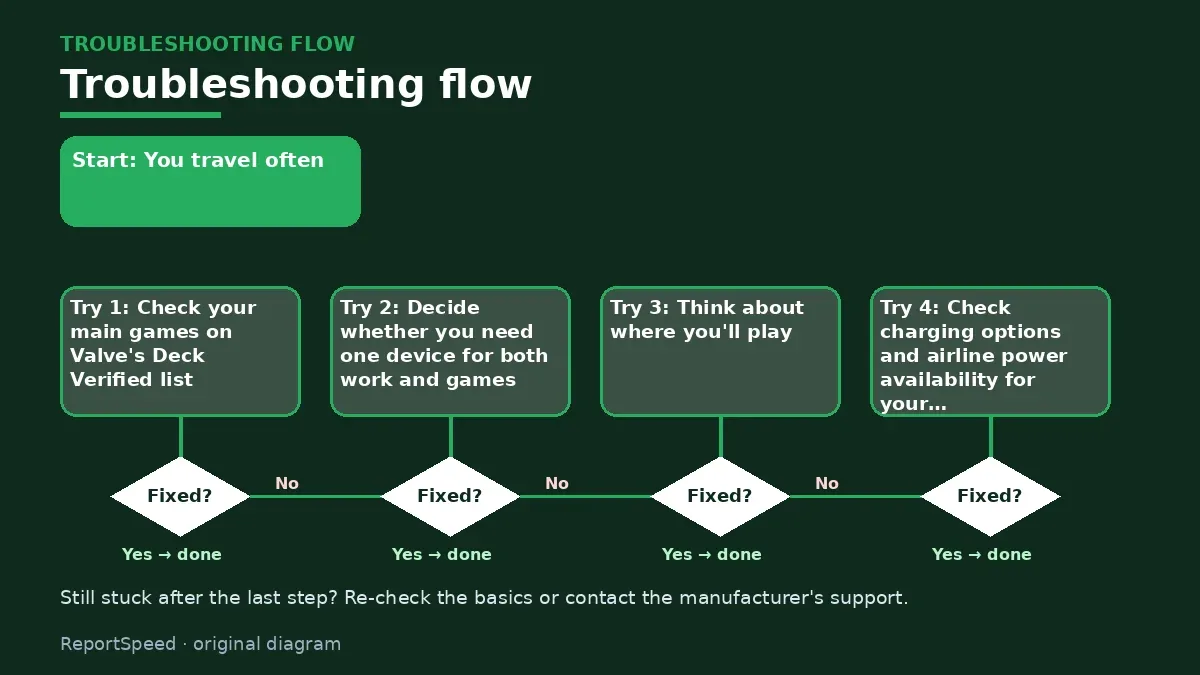
You travel often, you want to keep playing your Steam library on the road, and you're deciding between a handheld and a full laptop.
| Traveller type | Pick |
|---|---|
| Mostly flights and hotel beds | Steam Deck |
| Needs one machine for work and play | Gaming laptop |
| Plays anti-cheat multiplayer games | Check compatibility, often laptop |
Causes & evidence
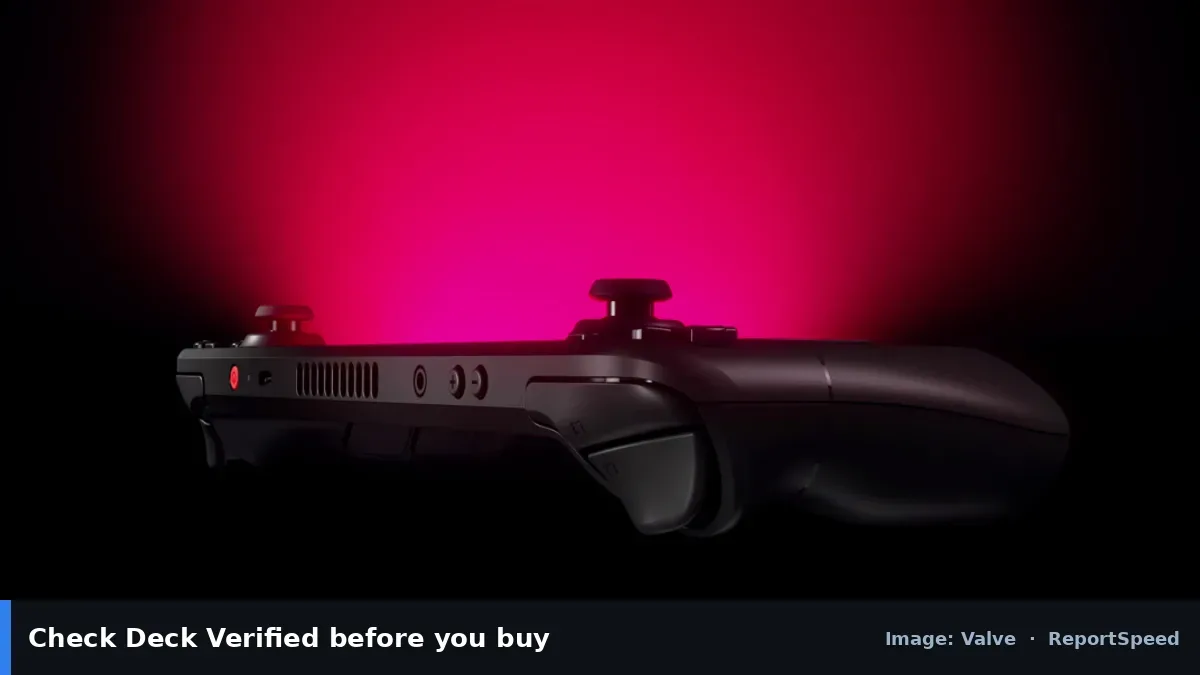
Valve's Steam Deck is a handheld PC running SteamOS, built around your Steam library and a controller-first design, with Valve's Deck Verified program showing which games run well. A gaming laptop is far more powerful and doubles as a work machine, but it's heavier, needs a big charger, and tray tables make it awkward. Battery life on both depends heavily on the game and settings.
Handhelds trade raw power for convenience. A laptop can run more demanding games at higher settings, but only if you have a table and an outlet nearby.
The most powerful travel PC is useless if it never leaves your bag because it's too much hassle.
What to do
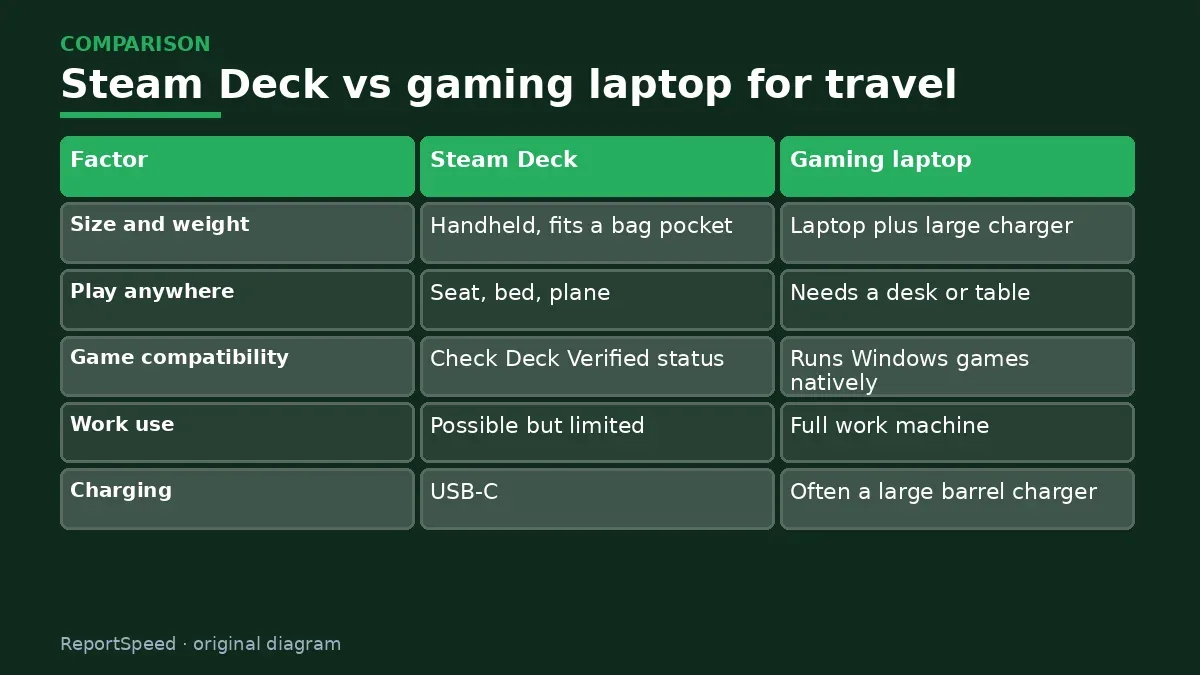
| Factor | Steam Deck | Gaming laptop |
|---|---|---|
| Size and weight | Handheld, fits a bag pocket | Laptop plus large charger |
| Play anywhere | Seat, bed, plane | Needs a desk or table |
| Game compatibility | Check Deck Verified status | Runs Windows games natively |
| Work use | Possible but limited | Full work machine |
| Charging | USB-C | Often a large barrel charger |
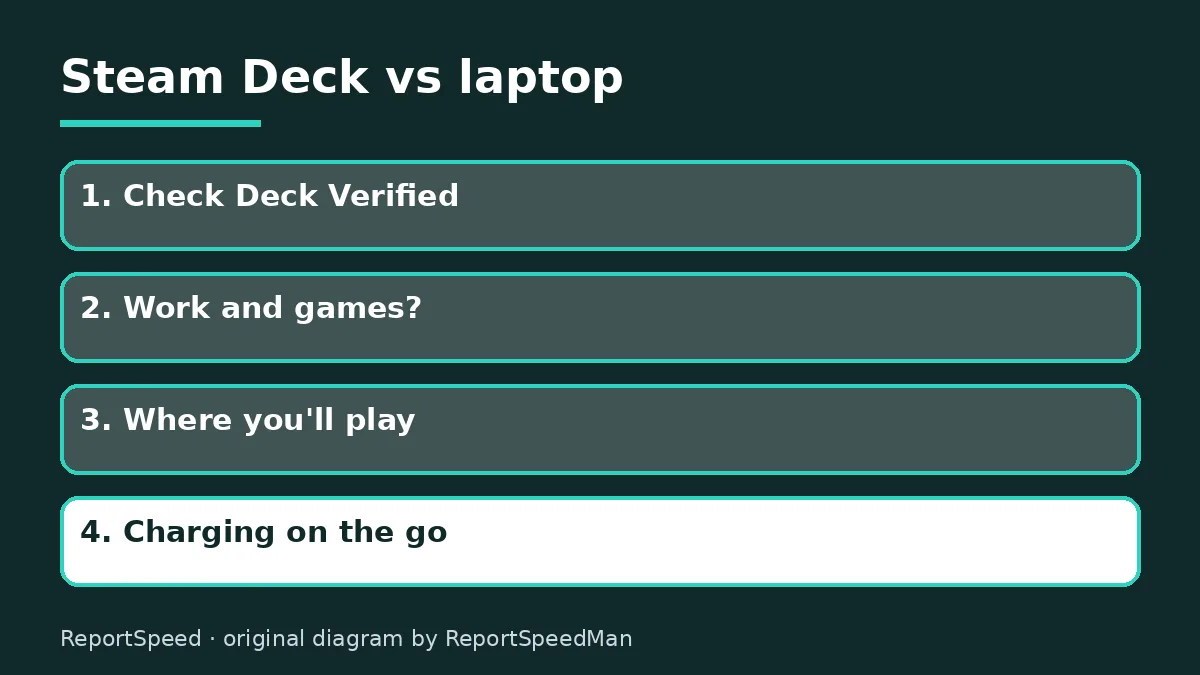
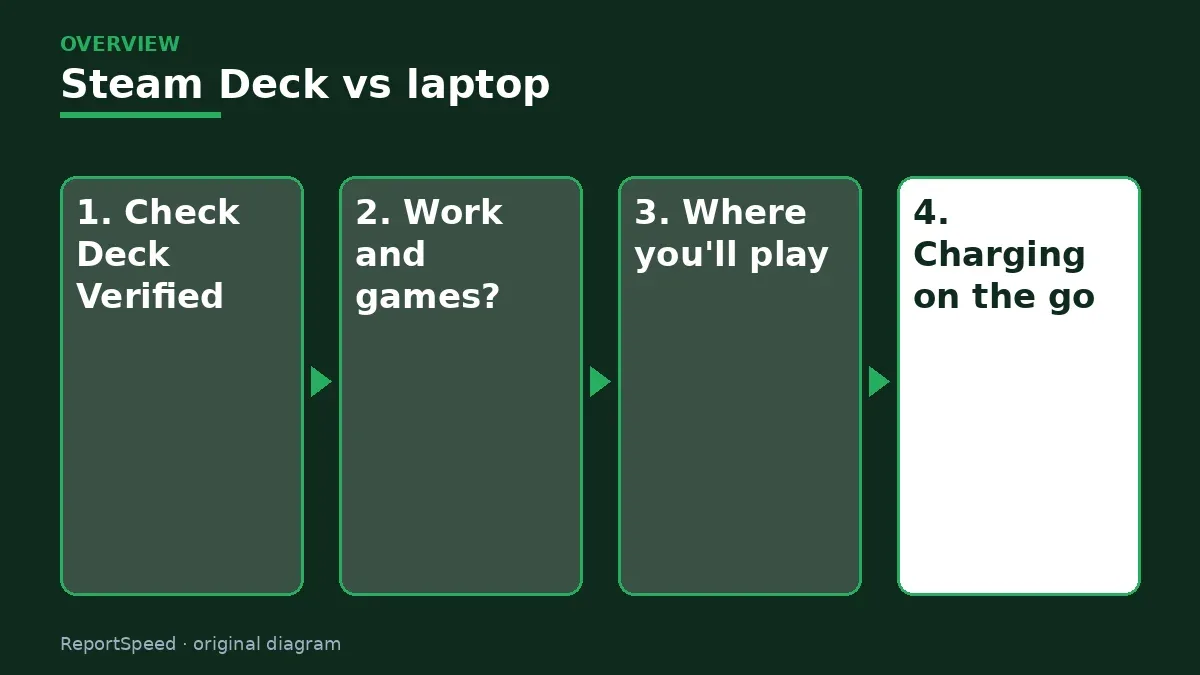
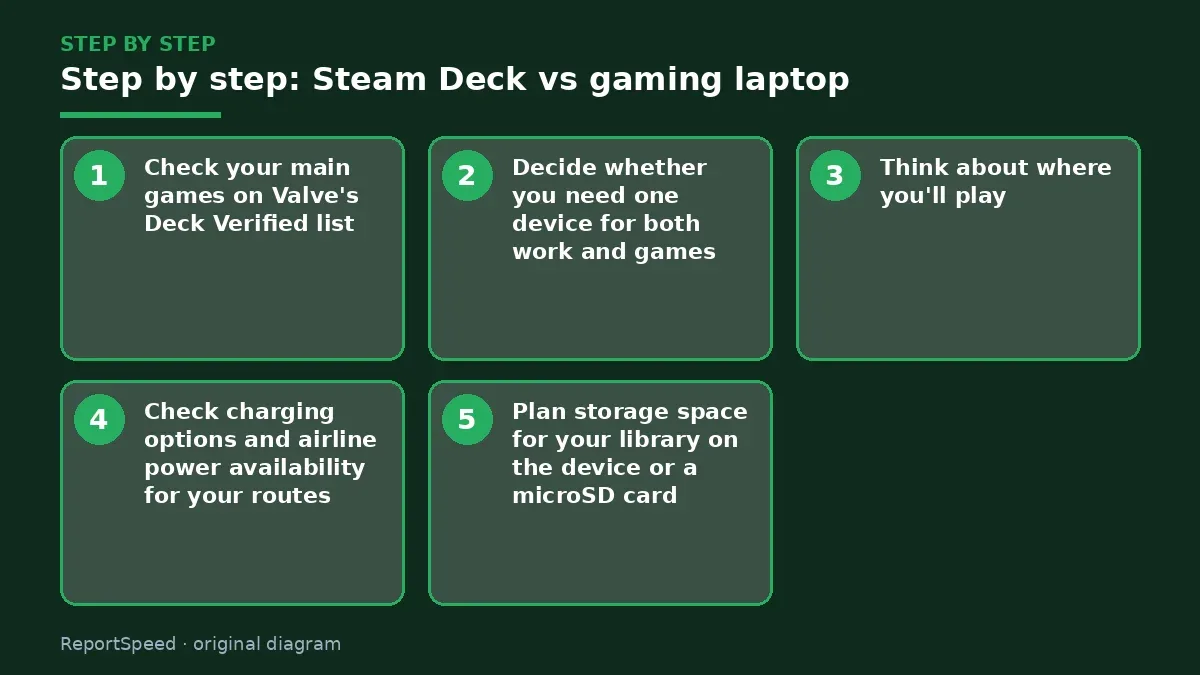
- Check your main games on Valve's Deck Verified list.
- Decide whether you need one device for both work and games.
- Think about where you'll play: seat and bed favour a handheld, desks favour a laptop.
- Check charging options and airline power availability for your routes.
- Plan storage space for your library on the device or a microSD card.
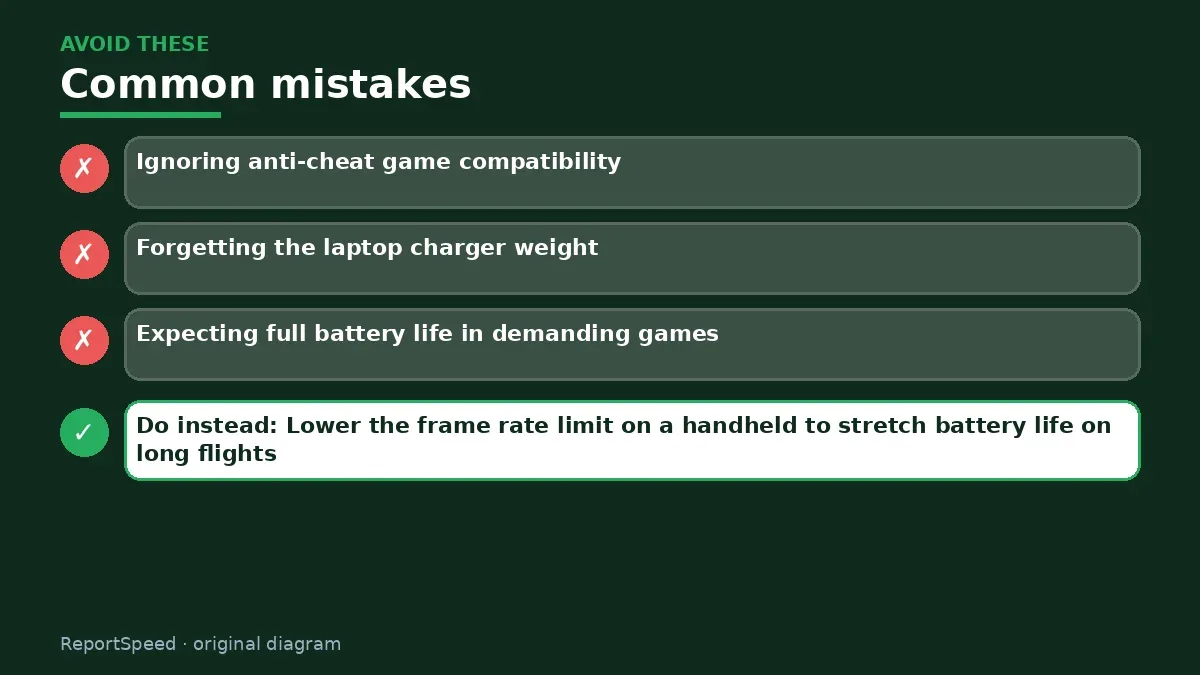
Common mistakes:
- Ignoring anti-cheat game compatibility
- Forgetting the laptop charger weight
- Expecting full battery life in demanding games
ReportSpeedMan tip: Lower the frame rate limit on a handheld to stretch battery life on long flights.
What I would actually do
for frequent flights and hotel beds, I'd buy a Steam Deck and keep a thin work laptop. If I could only carry one device for both work and gaming, I'd go laptop and accept the desk-only play.
The trade-off people miss: anti-cheat compatibility. Some popular multiplayer games don't run on SteamOS, so check before you commit.
How you can tell it worked
You actually play on trips instead of leaving the device in your bag.
Quick FAQ
Can I play Windows games on Steam Deck?
Many run via Proton; check Deck Verified status.
Can I use a dock?
Yes, with a USB-C dock you can connect a TV or monitor.
Is storage expandable?
The Deck supports microSD cards for extra space.
Wrap-up: Choose a Steam Deck for comfort and convenience on the go, and a gaming laptop if you need one machine for work and heavy games.
Wiki: USB-C Power Delivery and Refresh Rate and Response Time.
Steam Deck vs gaming laptop: read the originals
Step-by-step photos
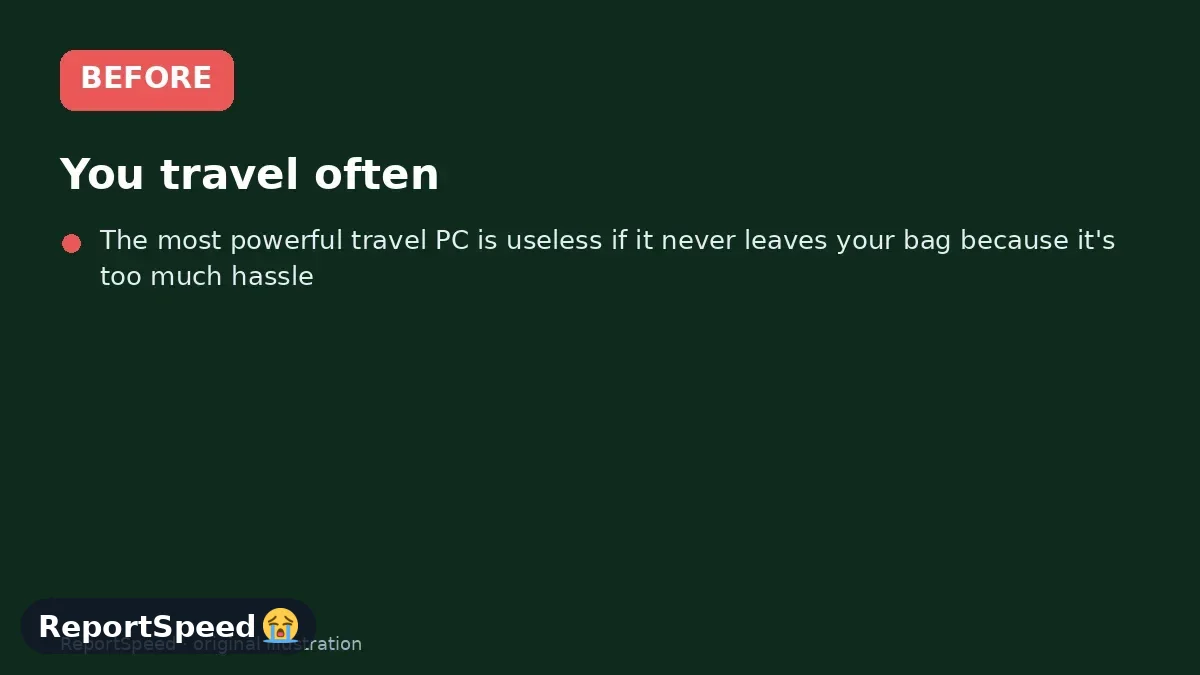
1. Before The problem 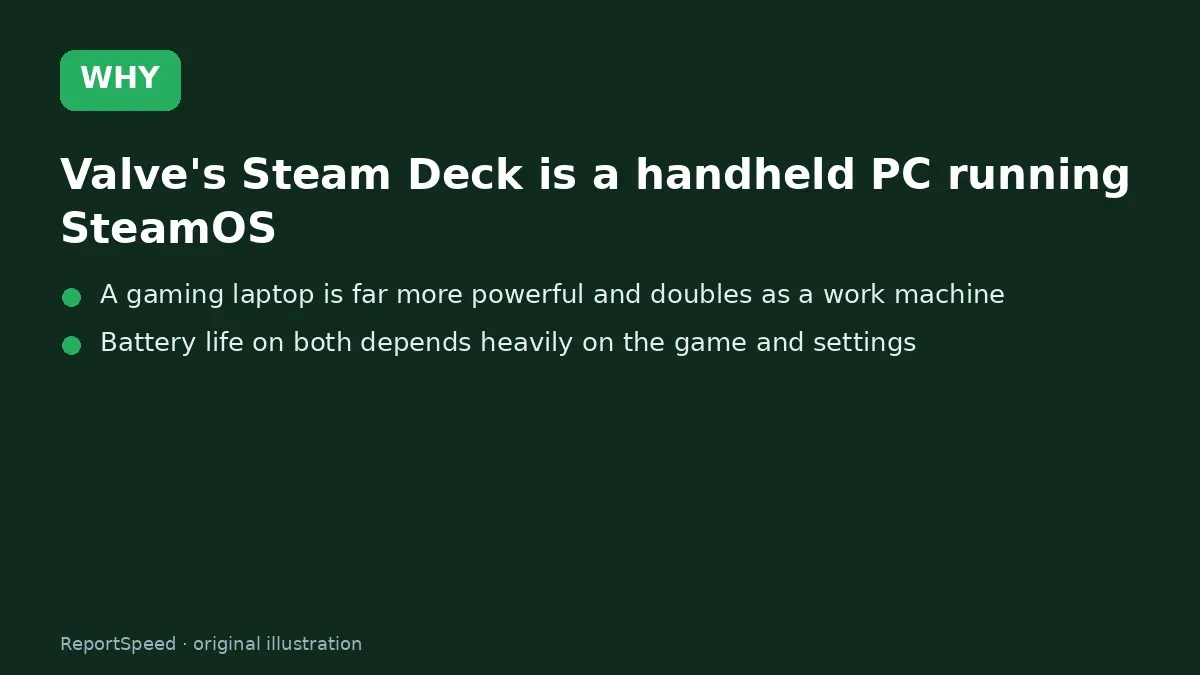
2. Why it happens The cause 
3. The fix The fix 
4. After The result
⚡ Speed Summary
- Choose a Steam Deck for comfort and convenience on the go, and a gaming laptop if you need one machine for work and heavy games.
- Lower the frame rate limit on a handheld to stretch battery life on long flights.
- The most powerful travel PC is useless if it never leaves your bag because it's too much hassle.

Was this answer helpful?
Tap a star to rate this answer.
Related questions

Got an 'AirTag found moving with you' alert? What to do next
Find the tracker, document it, identify the owner, and disable it.
Rate itSolved

Is my smart TV tracking what I watch? How to turn off ACR
Smart TVs may use ACR to track viewing.
Rate itSolved

Caller ID spoofing: why scammers show a local number and how to protect yourself
Caller ID can be faked, and spoofing to defraud is illegal.
Rate itSolved

How do I stop spam emails without making it worse?
Mark spam, block repeat senders, unsubscribe only from known companies, and report phishing.
Rate itSolved
Real experiences
No experiences yet. Be the first to share.