


I like the idea of a Surface Pro so I can take handwritten notes and use it as a tablet, but I worry it'll be awkward on my lap and the keyboard costs extra. Would I be better off with a normal laptop? Is a 2-in-1 worth it for everyday work and note-taking?
Surface Pro or a regular laptop: is a 2-in-1 worth it?

Concerns & risks
You're drawn to a tablet-style Windows device for notes and flexibility, but you're unsure about lap comfort and add-on costs compared with a traditional laptop.
| Item | 2-in-1 | Clamshell |
|---|---|---|
| Device | Included | Included |
| Keyboard | Extra | Included |
| Pen | Extra | Optional on some models |
| USB-C hub | Often needed | Sometimes needed |

Causes & evidence
Microsoft's Surface Pro is a tablet with a kickstand; the keyboard and pen are sold separately. It's great for pen input, reading and drawing. Clamshell laptops like ASUS Zenbook models have a rigid hinge that's steadier on your lap, and the keyboard is included. Pen support and tablet use matter only if you'll use them daily.
Pen input changes how you work only if you build the habit. Kickstand designs are excellent on desks and in hands, less so on laps.
A 2-in-1 is only worth it if the pen and tablet mode become daily habits, not occasional tricks.
What to do
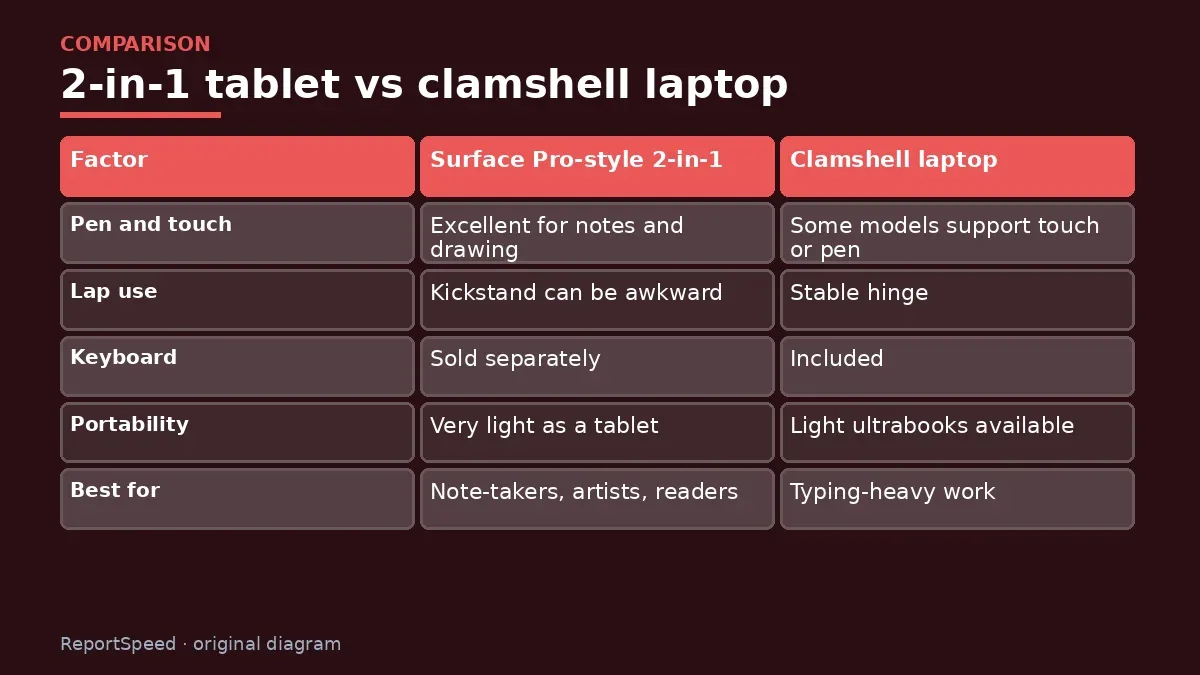
| Factor | Surface Pro-style 2-in-1 | Clamshell laptop |
|---|---|---|
| Pen and touch | Excellent for notes and drawing | Some models support touch or pen |
| Lap use | Kickstand can be awkward | Stable hinge |
| Keyboard | Sold separately | Included |
| Portability | Very light as a tablet | Light ultrabooks available |
| Best for | Note-takers, artists, readers | Typing-heavy work |
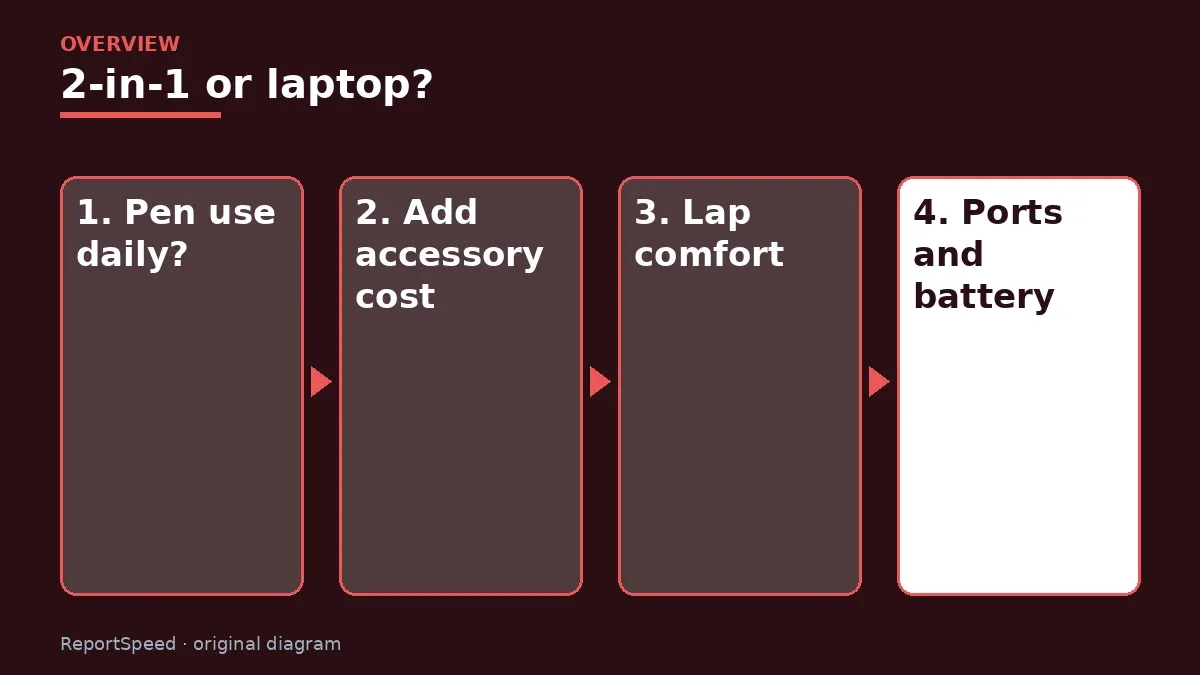
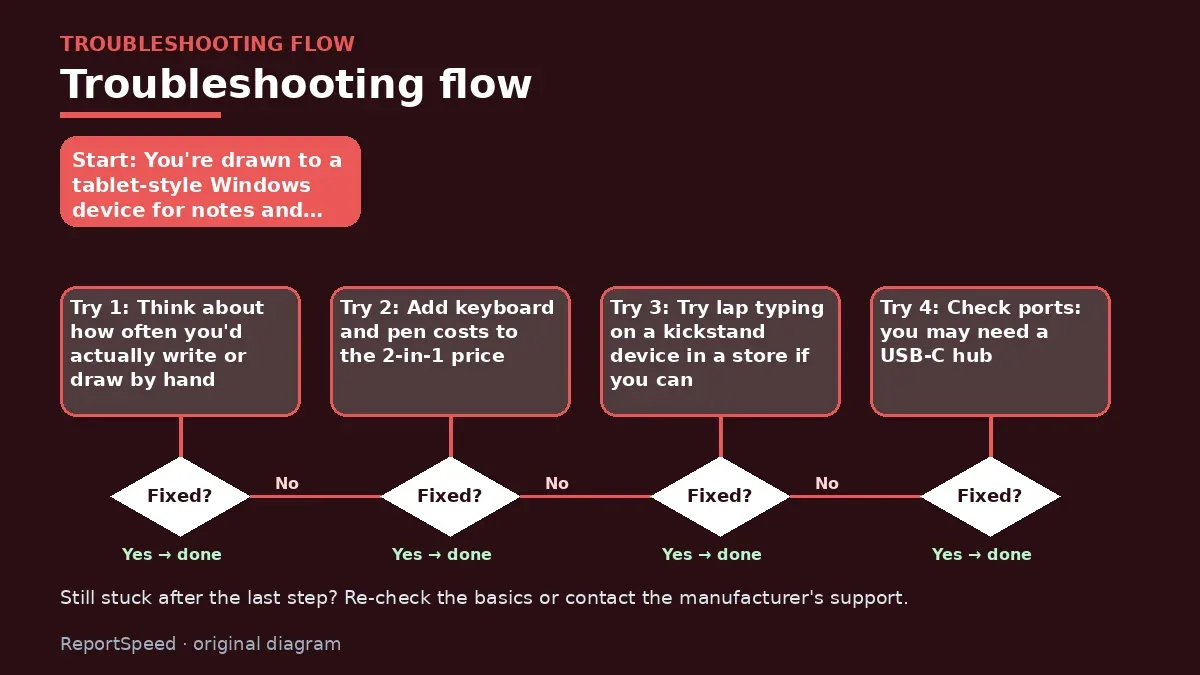
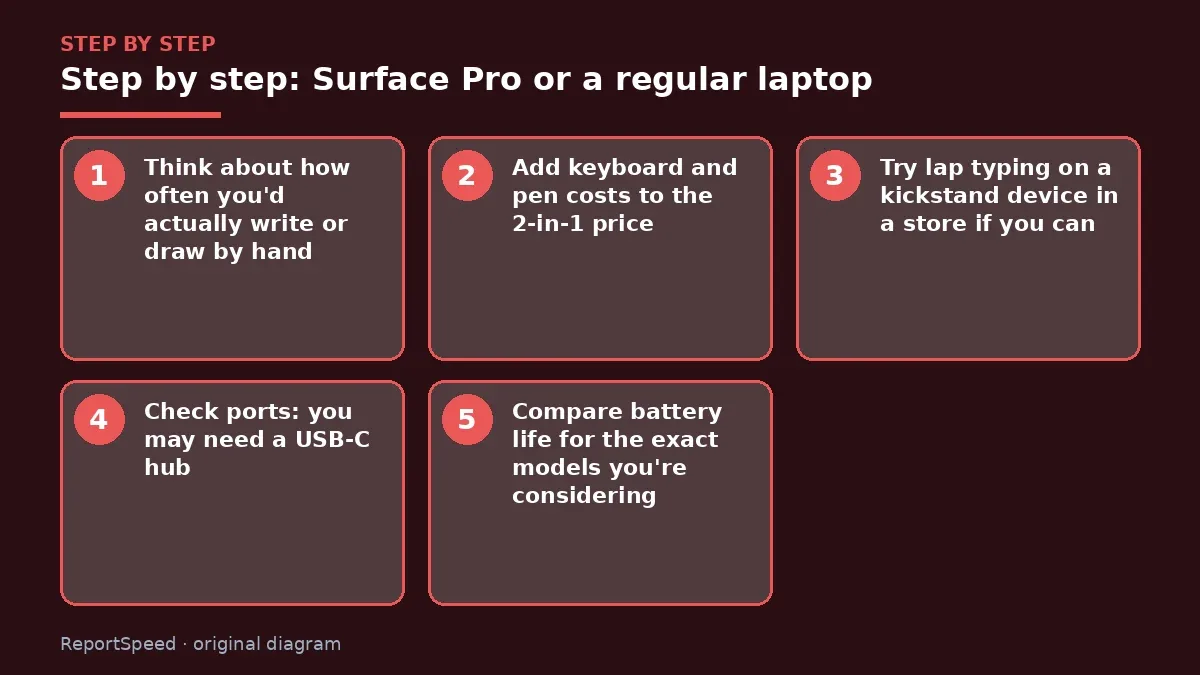
- Think about how often you'd actually write or draw by hand.
- Add keyboard and pen costs to the 2-in-1 price.
- Try lap typing on a kickstand device in a store if you can.
- Check ports: you may need a USB-C hub.
- Compare battery life for the exact models you're considering.
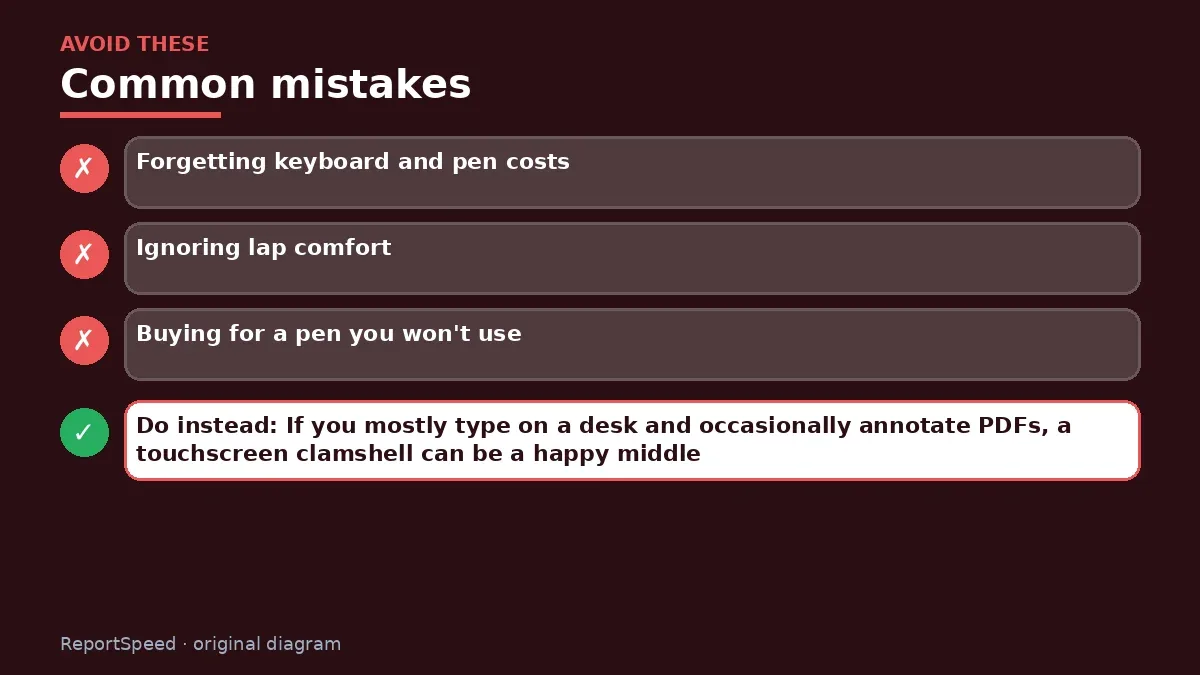
Common mistakes:
- Forgetting keyboard and pen costs
- Ignoring lap comfort
- Buying for a pen you won't use
ReportSpeedMan tip: If you mostly type on a desk and occasionally annotate PDFs, a touchscreen clamshell can be a happy middle.
What I would actually do

if I wrote or drew daily, I'd get a 2-in-1 with its keyboard and pen. If I mainly typed on my lap and annotated now and then, I'd buy a clamshell with a touchscreen.
The trade-off people miss: kickstand devices need a flat surface. Commutes, couches and lecture-hall desks can make them less practical than they look.
Try typing with the keyboard on your actual lap or commute seat if a store lets you. Also consider how often you'll carry it: a tablet with a keyboard cover is very light, but a separate pen needs a home so it doesn't get lost in a bag. Small details like these decide whether a 2-in-1 becomes a favourite or an expensive tablet.
How to tell it worked
You use the pen and tablet mode regularly, or don't miss them on your laptop.
Quick FAQ
Is the Surface Pro keyboard included?
It's sold separately; check the bundle.
Can a 2-in-1 replace a laptop?
For many people, yes, with the keyboard.
Do clamshells support pens?
Some touchscreen models do; check the spec page.
Wrap-up: Choose a 2-in-1 if you'll write, draw or read on it daily. Otherwise a clamshell laptop is simpler and often cheaper.
Wiki: USB-C Power Delivery.
Surface Pro or a regular laptop: primary sources
Step-by-step photos
1. Before The problem 
2. Why it happens The cause 
3. The fix The fix 
4. After The result
⚡ Speed Summary
- Choose a 2-in-1 if you'll write, draw or read on it daily.
- If you mostly type on a desk and occasionally annotate PDFs, a touchscreen clamshell can be a happy middle.
- A 2-in-1 is only worth it if the pen and tablet mode become daily habits, not occasional tricks.

Was this answer helpful?
Tap a star to rate this answer.
Related questions

Got an 'AirTag found moving with you' alert? What to do next
Find the tracker, document it, identify the owner, and disable it.
Rate itSolved

Is my smart TV tracking what I watch? How to turn off ACR
Smart TVs may use ACR to track viewing.
Rate itSolved

Caller ID spoofing: why scammers show a local number and how to protect yourself
Caller ID can be faked, and spoofing to defraud is illegal.
Rate itSolved

How do I stop spam emails without making it worse?
Mark spam, block repeat senders, unsubscribe only from known companies, and report phishing.
Rate itSolved
Real experiences
No experiences yet. Be the first to share.