


I'm looking at RTX 50 series gaming laptops and two laptops with the same GPU name have very different prices. Someone told me the same GPU can perform very differently depending on the laptop. What should I check before buying an RTX 50 series gaming laptop so I don't get a weak one?
What to check before buying an RTX 50 series gaming laptop
Concerns & risks
You're comparing gaming laptops with the same RTX 50 series GPU name, the prices vary a lot, and you suspect the spec sheet is hiding something.
| Question | Why |
|---|---|
| What is the GPU power limit? | Same GPU name, different speed |
| Is RAM soldered or upgradable? | Future cost |
| What does the charger weigh? | Real carry weight |
| What is the screen refresh? | Match to GPU tier |
Causes & evidence
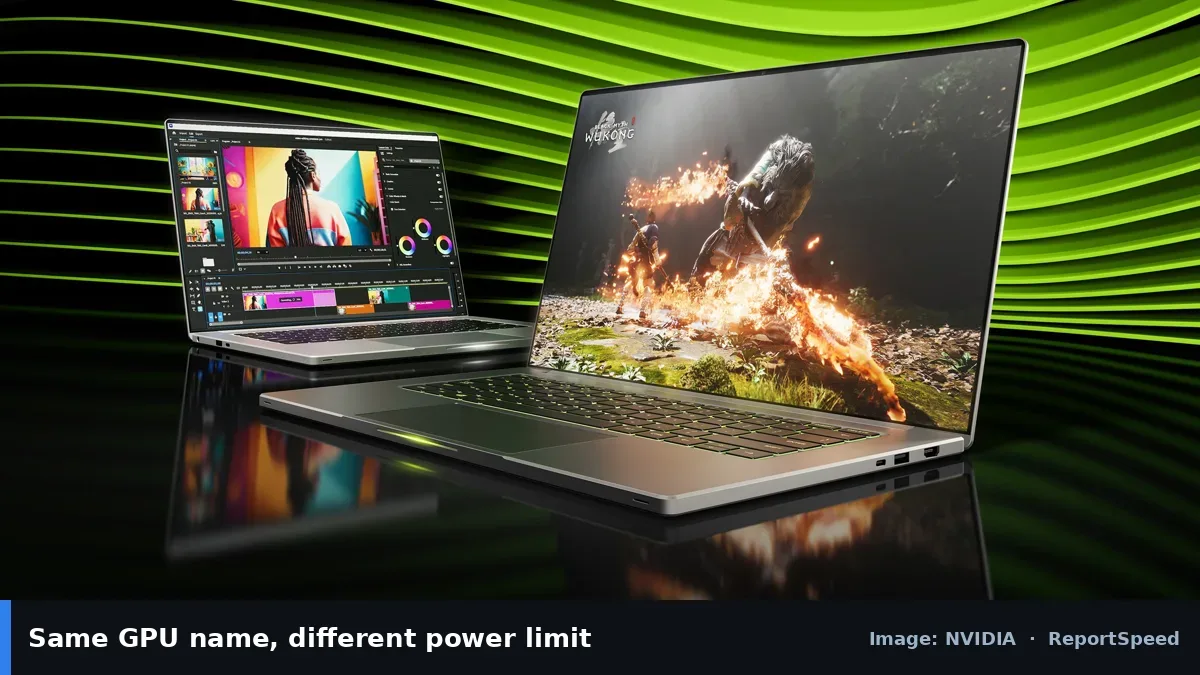
Laptop GPUs run within a power limit set by each laptop maker, and cooling decides how long the chip can hold its speed before thermal throttling. NVIDIA's laptop pages note that maker configurations vary, so the same GPU name can perform differently. Screen, memory, CPU, battery and weight also differ between models. AMD and Intel CPU choices change battery life and performance too.
Laptop makers set power and cooling for their design goals. Thin models may run quieter at lower power, while thicker ones can sustain higher speeds. Reviews that test sustained performance reveal what the spec sheet doesn't.
Two laptops with the same GPU name can be a tier apart once the power limit and cooling are counted.
What to do
| Check | Where to find it | Why it matters |
|---|---|---|
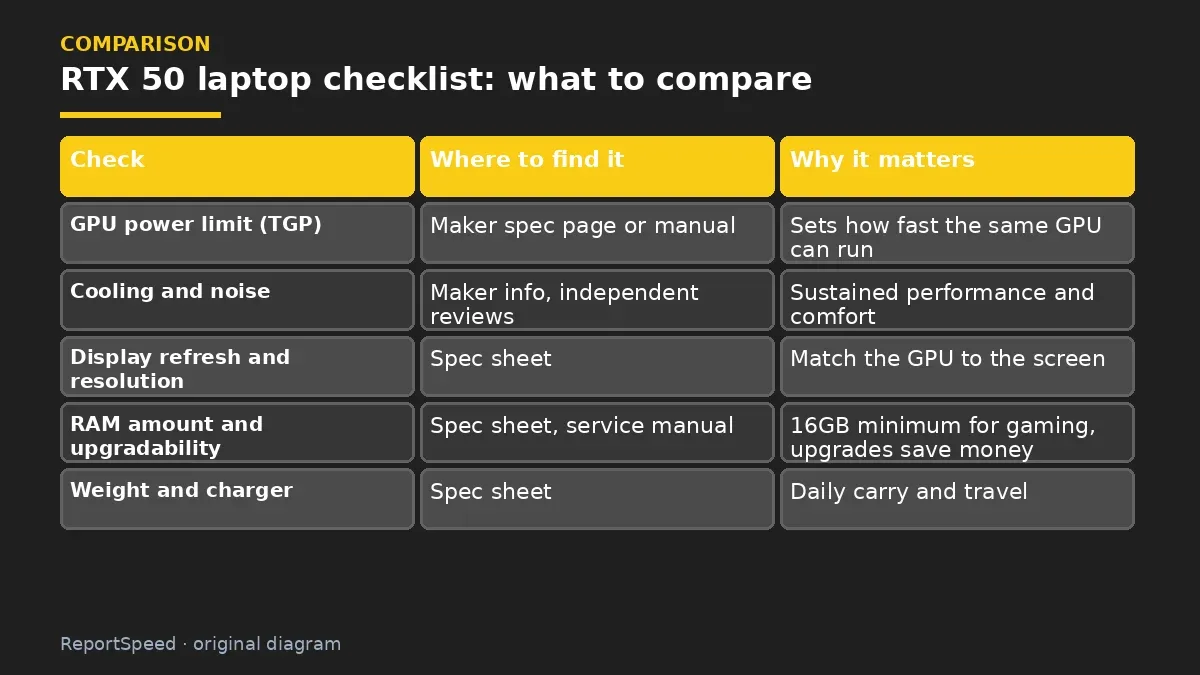
| GPU power limit (TGP) | Maker spec page or manual | Sets how fast the same GPU can run |
| Cooling and noise | Maker info, independent reviews | Sustained performance and comfort |
| Display refresh and resolution | Spec sheet | Match the GPU to the screen |
| RAM amount and upgradability | Spec sheet, service manual | 16GB minimum for gaming, upgrades save money |
| Weight and charger | Spec sheet | Daily carry and travel |
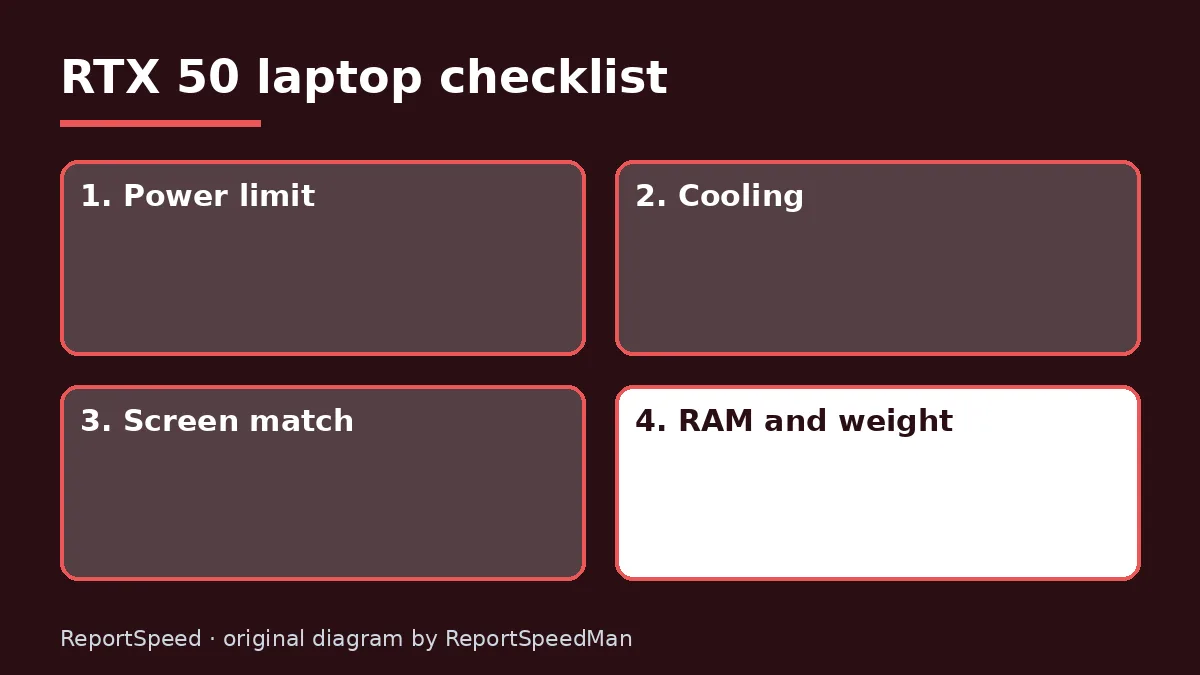
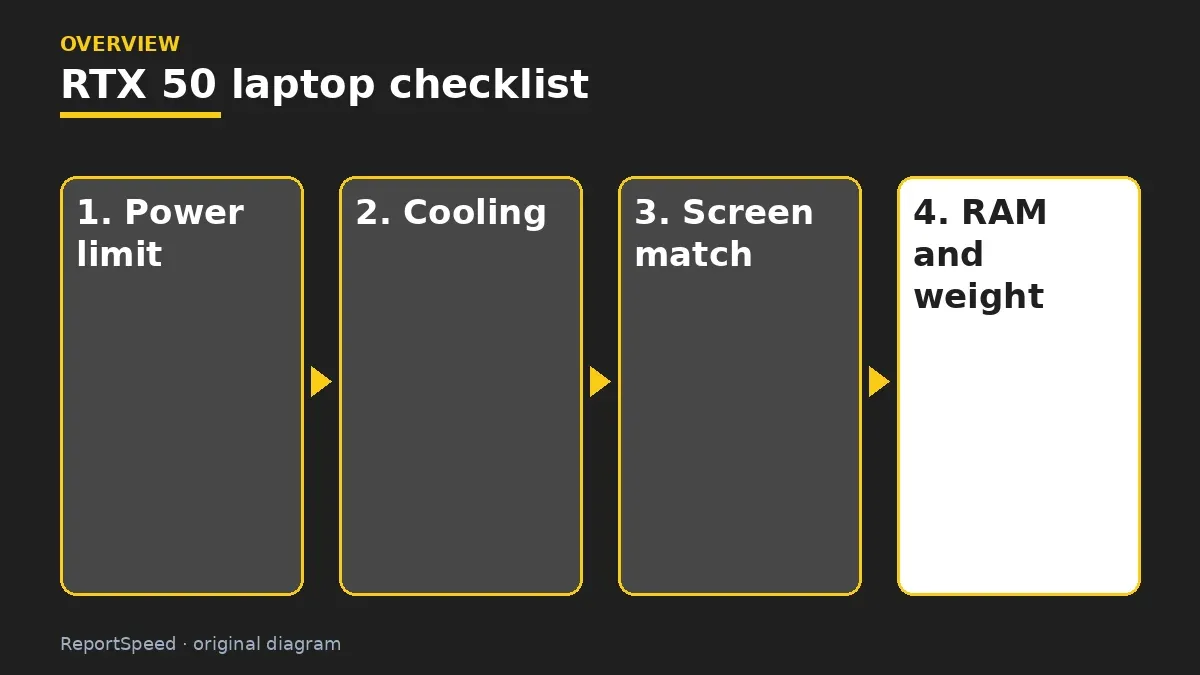
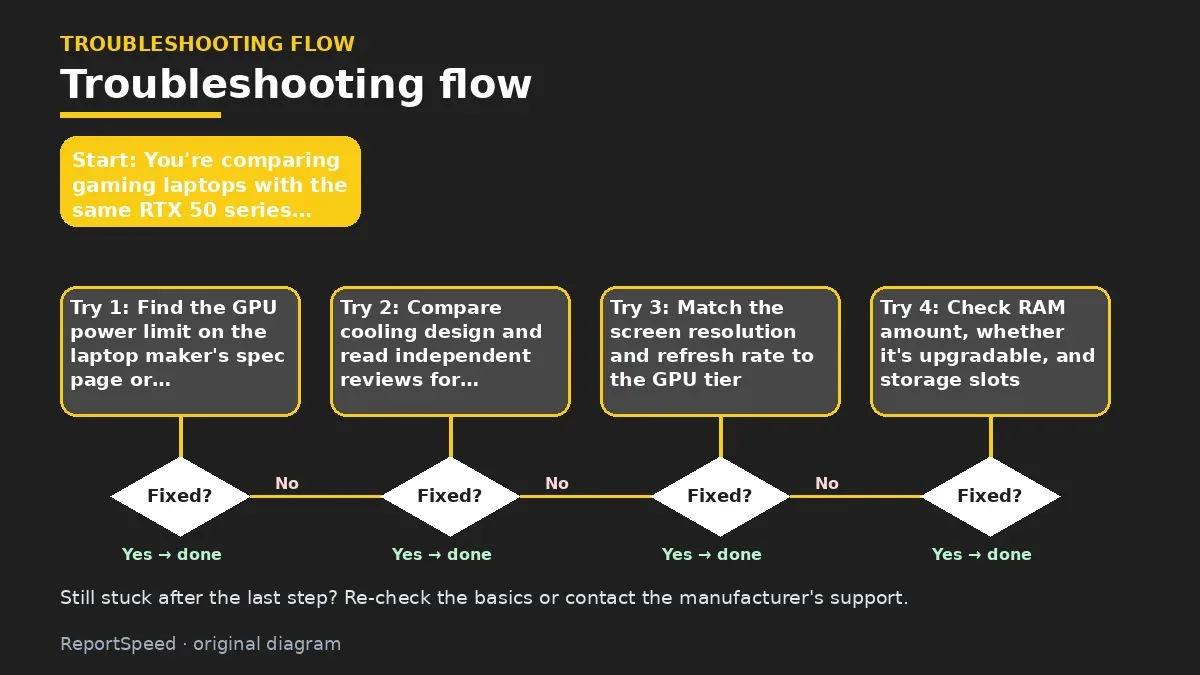
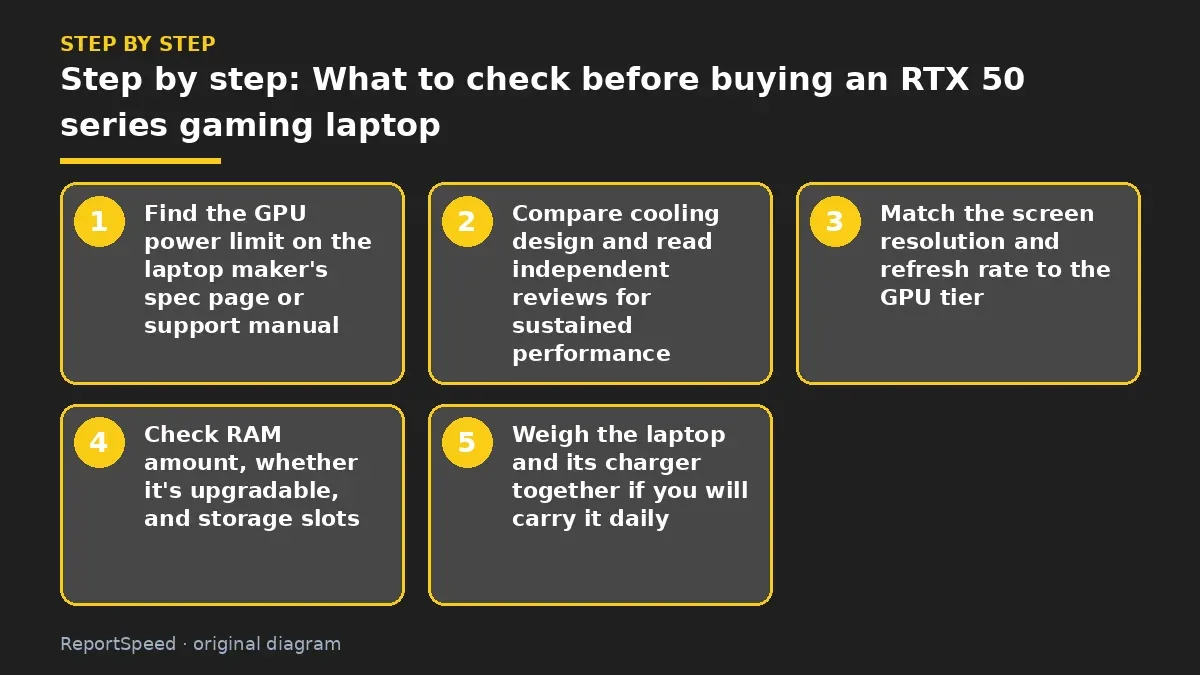
- Find the GPU power limit on the laptop maker's spec page or support manual.
- Compare cooling design and read independent reviews for sustained performance.
- Match the screen resolution and refresh rate to the GPU tier.
- Check RAM amount, whether it's upgradable, and storage slots.
- Weigh the laptop and its charger together if you will carry it daily.
Common mistakes:
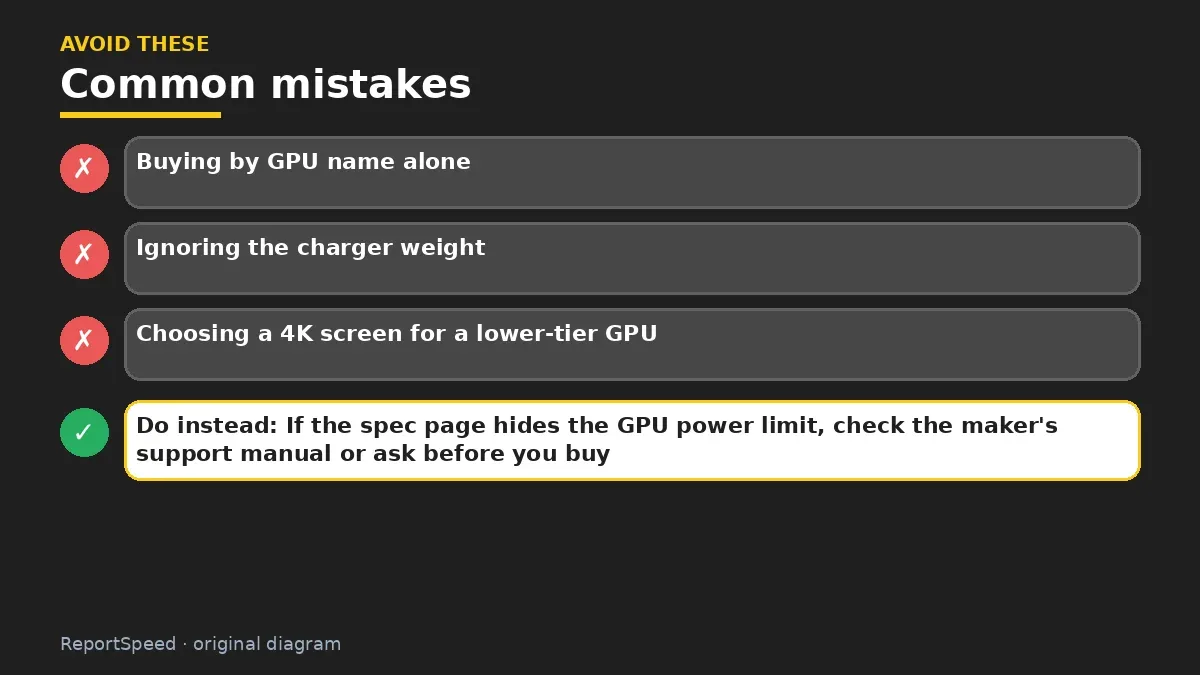
- Buying by GPU name alone
- Ignoring the charger weight
- Choosing a 4K screen for a lower-tier GPU
ReportSpeedMan tip: If the spec page hides the GPU power limit, check the maker's support manual or ask before you buy.
What I would actually do

shortlist two or three laptops with the same GPU, then pick the one with the clearest power limit, good cooling reviews, and upgradable RAM. I'd happily pay a bit more for a quieter machine I can live with.
The trade-off people miss: the charger is part of the weight. A light laptop with a heavy brick may not save you anything on the road.
Checking that it worked
Your new laptop holds steady performance in long sessions without becoming unbearably loud.
Quick FAQ
What is TGP?
Total graphics power, the power budget the maker gives the GPU.
Is more VRAM better?
Yes for higher textures and creator work; check the exact model.
AMD or Intel CPU?
Both work well; compare battery and performance for the exact model.
Wrap-up: Compare power limit, cooling, screen and RAM, not just the GPU badge. That's how you avoid a weak configuration.
Wiki: Refresh Rate and Response Time.
What to check before buying an RTX 50 series gaming laptop: official pages behind this answer
Step-by-step photos
1. Before The problem 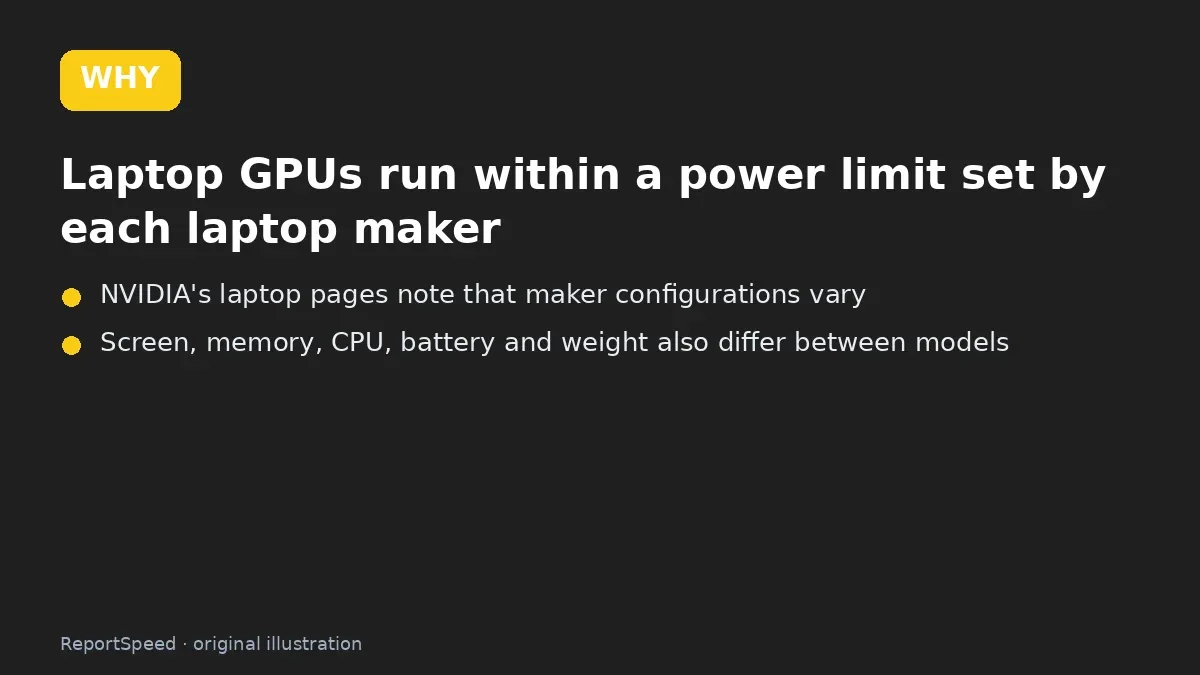
2. Why it happens The cause 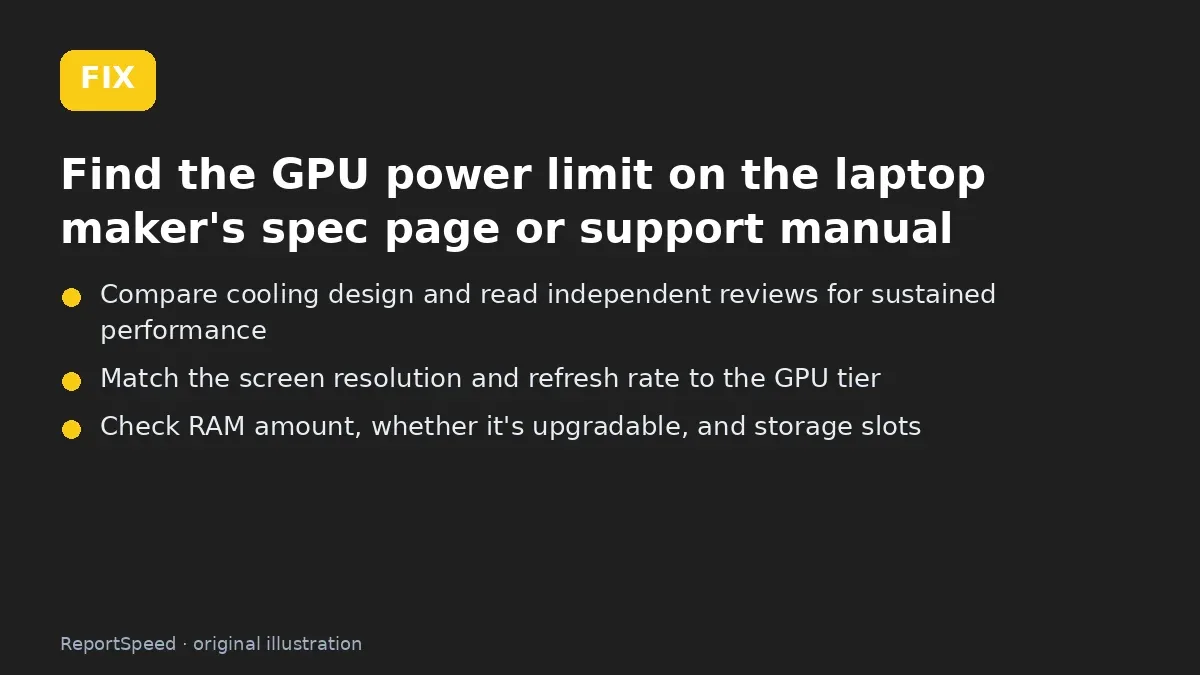
3. The fix The fix 
4. After The result
⚡ Speed Summary
- Compare power limit, cooling, screen and RAM, not just the GPU badge.
- If the spec page hides the GPU power limit, check the maker's support manual or ask before you buy.
- Two laptops with the same GPU name can be a tier apart once the power limit and cooling are counted.

Was this answer helpful?
Tap a star to rate this answer.
Related questions

Got an 'AirTag found moving with you' alert? What to do next
Find the tracker, document it, identify the owner, and disable it.
Rate itSolved

Is my smart TV tracking what I watch? How to turn off ACR
Smart TVs may use ACR to track viewing.
Rate itSolved

Caller ID spoofing: why scammers show a local number and how to protect yourself
Caller ID can be faked, and spoofing to defraud is illegal.
Rate itSolved

How do I stop spam emails without making it worse?
Mark spam, block repeat senders, unsubscribe only from known companies, and report phishing.
Rate itSolved
Real experiences
No experiences yet. Be the first to share.