


Why is my CPU temperature so high at idle? I'm literally just sitting on the desktop with a browser open and the temp readout bounces way higher than I expected, and the fans keep ramping up and down which is driving me nuts. Built this machine a few months ago. I checked that the cooler is attached, but I'm honestly not sure if it's a real problem or just how modern chips behave. What should I look at?
Why is my CPU temperature high at idle? Causes and fixes for a hot desktop processor
Concerns & risks
You opened a monitoring tool expecting a calm number and saw something that made you nervous, maybe with fans roaring or, worse, totally silent.
| Cause | How to spot it | Fix |
|---|---|---|
| Background apps keep boosting | Usage not near zero at idle | Close or disable startup apps |
| Aggressive BIOS defaults | High voltage at idle | Load optimized defaults, update BIOS |
| Cooler mount or paste issue | Temps jump instantly under small loads | Remount and repaste |
| Poor case airflow | Everything runs warm | Fix fan curves and intake |
Causes & evidence
Modern processors boost aggressively even for light tasks, so short temperature spikes at idle are normal behavior. A consistently high idle reading points to something else: a background task keeping cores busy, a cooler that isn't seated well, dried or badly applied thermal paste, dust-clogged fins, or a fan curve that's too relaxed. If the chip gets too hot under load, it protects itself through thermal throttling.
Idle temperature on its own can be misleading, because modern processors boost briefly whenever anything wakes up, so a quick spike while Windows loads is normal. What matters is the trend: temperatures that stay high with nothing running, or a cooler that sounds busy all the time. Check Task Manager for background load before touching any hardware.
The most common cause takes thirty seconds to spot, and it's not the cooler.
What to do
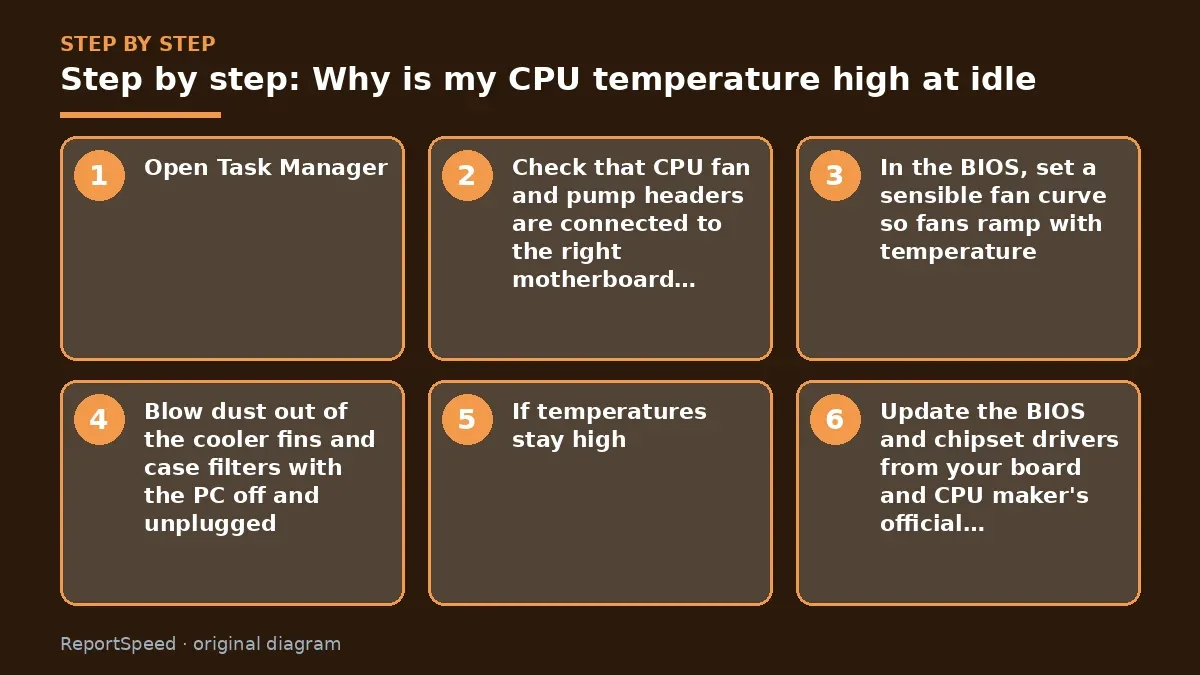
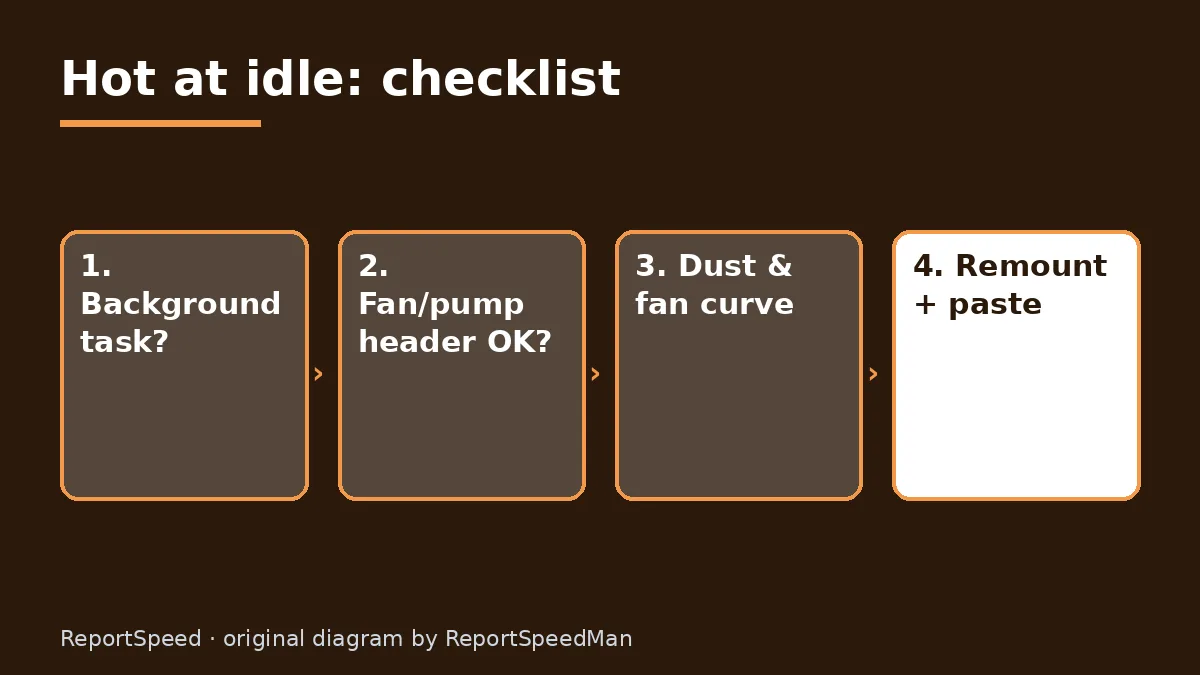
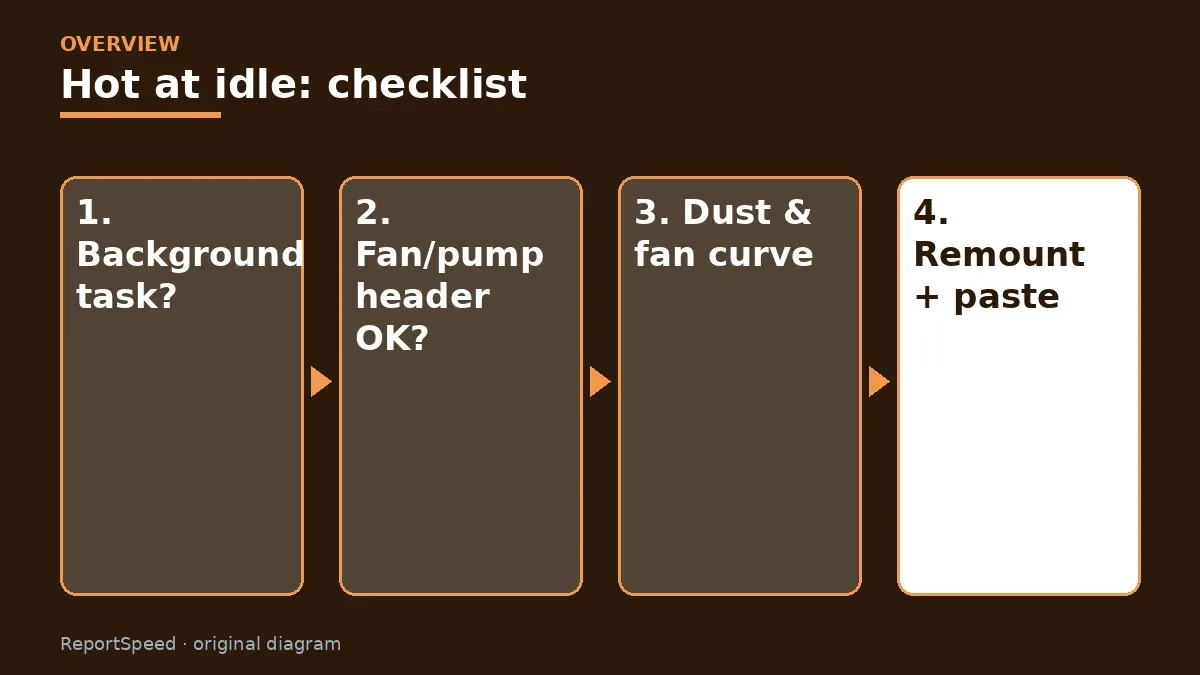
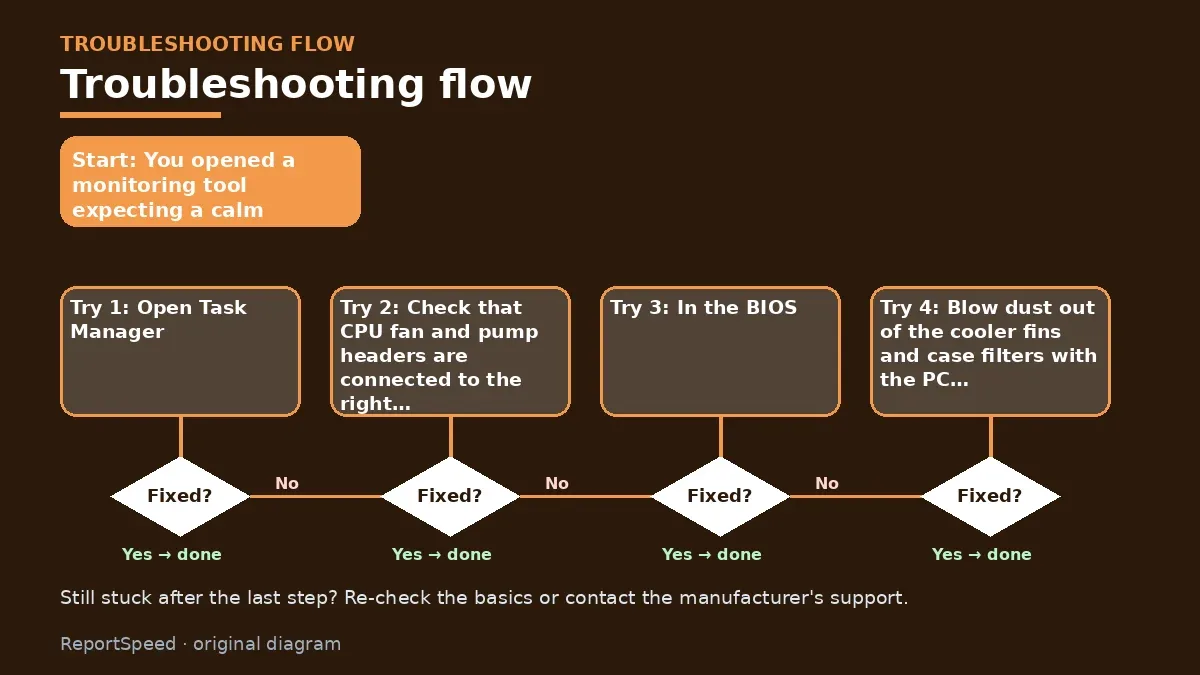
- Open Task Manager, sort by CPU and see if anything is chewing cycles while you 'do nothing' (updaters, indexing, a stuck browser tab).
- Check that CPU fan and pump headers are connected to the right motherboard headers and spinning.
- In the BIOS, set a sensible fan curve so fans ramp with temperature.
- Blow dust out of the cooler fins and case filters with the PC off and unplugged.
- If temperatures stay high, remount the cooler with fresh thermal paste and even mounting pressure.
- Update the BIOS and chipset drivers from your board and CPU maker's official pages.
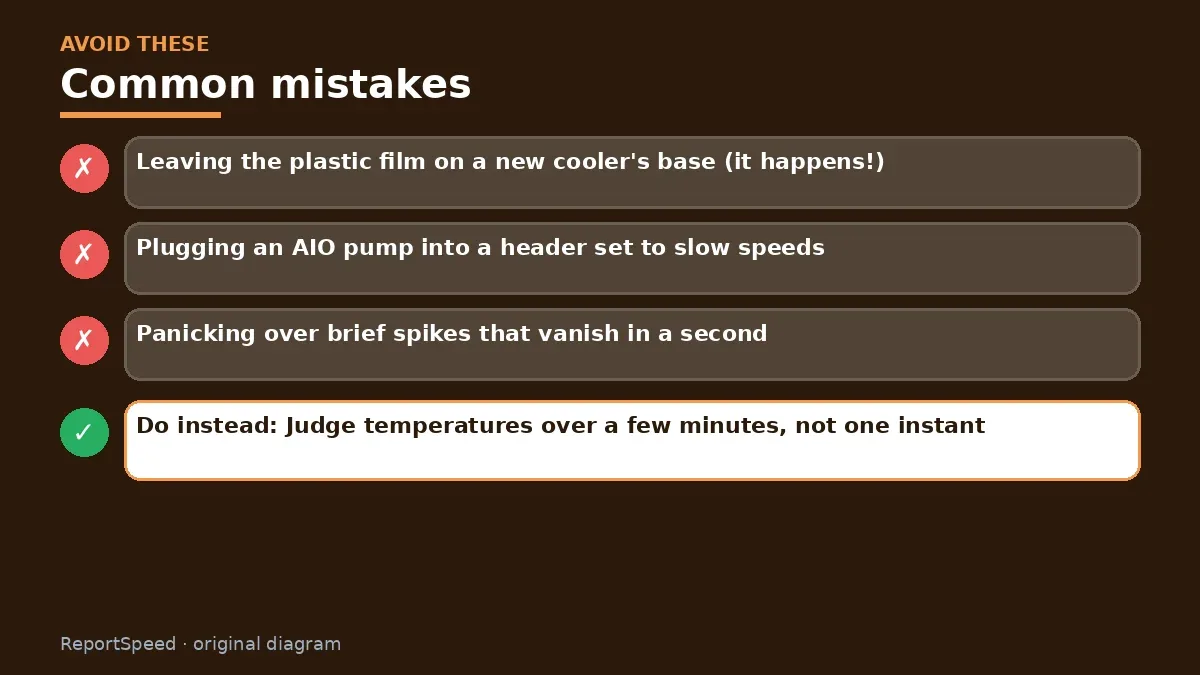
Common mistakes:
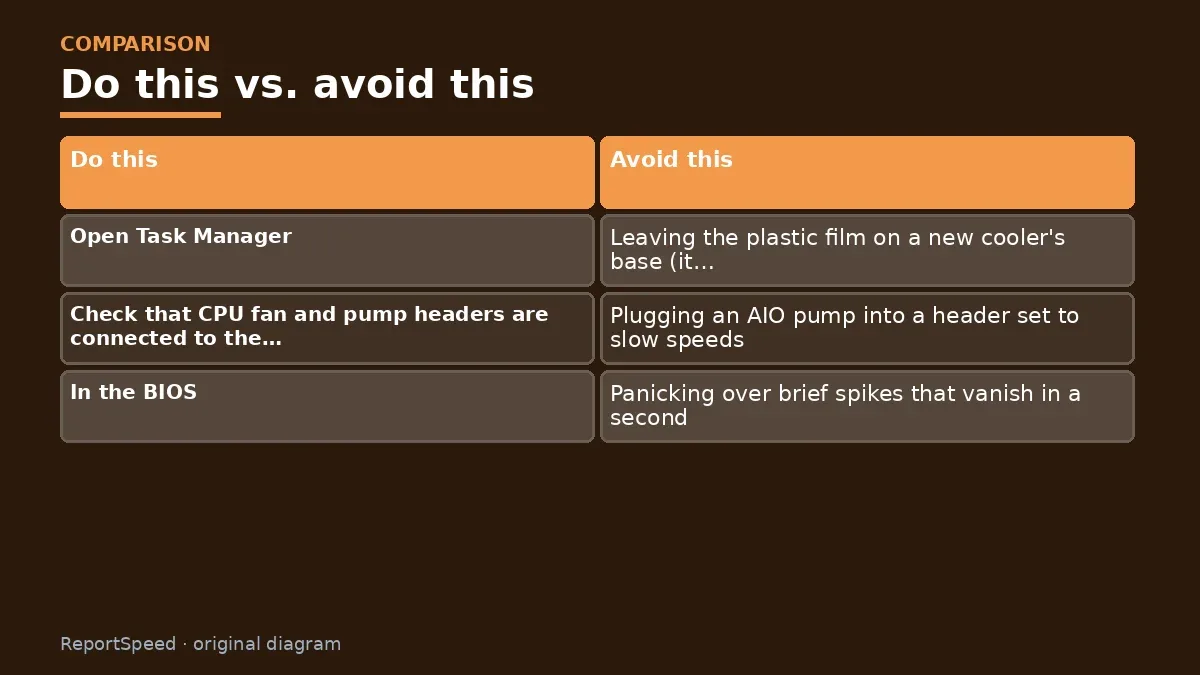
- Leaving the plastic film on a new cooler's base (it happens!)
- Plugging an AIO pump into a header set to slow speeds
- Panicking over brief spikes that vanish in a second
ReportSpeedMan tip: Judge temperatures over a few minutes, not one instant. Brief spikes are the boost algorithm doing its job.
What I would actually do
before touching paste or coolers, I'd watch Task Manager at idle for a full minute. Most 'hot idle' CPUs I see are simply not idle.
The trade-off people miss: modern CPUs boost hard for tiny tasks, so brief temperature spikes are normal behaviour, not a fault. Judge averages, not peaks.
Did it work? How to check
You'll know it's sorted when the desktop settles down within a minute or two of booting, the cooler stays quiet while you browse, and Task Manager shows the processor mostly resting. If temperatures still climb with nothing running, the cooler mount is the next suspect. Remove it, check that the protective film on the base is gone (it happens to the best of us), clean, repaste and tighten evenly.
Quick FAQ
What counts as idle?
The desktop after a few minutes with no apps open, updates finished and nothing syncing in the background.
Can the power plan matter?
Yes. Aggressive performance plans can keep clocks and voltage up. Try Balanced and compare.
Should I repaste right away?
Only after you've ruled out background load, a poor cooler mount and dust. Paste is rarely the first culprit.
Wrap-up: Rule out background tasks, check fan and pump connections, clean dust, then remount if needed. Stable high idle temps are fixable, and usually cheap to fix.
Wiki: Thermal Throttling.
Why is my CPU temperature high at idle: official pages behind this answer
Step-by-step photos
1. Before The problem 
2. Why it happens The cause 
3. The fix The fix 
4. After The result
⚡ Speed Summary
- Rule out background tasks, check fan and pump connections, clean dust, then remount if needed.
- Judge temperatures over a few minutes, not one instant. Brief spikes are the boost algorithm doing its job.
- The most common cause takes thirty seconds to spot, and it's not the cooler.

Was this answer helpful?
Tap a star to rate this answer.
Related questions

Got an 'AirTag found moving with you' alert? What to do next
Find the tracker, document it, identify the owner, and disable it.
Rate itSolved

Is my smart TV tracking what I watch? How to turn off ACR
Smart TVs may use ACR to track viewing.
Rate itSolved

Caller ID spoofing: why scammers show a local number and how to protect yourself
Caller ID can be faked, and spoofing to defraud is illegal.
Rate itSolved

How do I stop spam emails without making it worse?
Mark spam, block repeat senders, unsubscribe only from known companies, and report phishing.
Rate itSolved
Real experiences
No experiences yet. Be the first to share.