


Why is my RAM slower than advertised? I bought a fast DDR5 kit, but Task Manager and the BIOS show a much lower speed than the box says. Did I get scammed or did I mess up the install? I've read something about XMP or EXPO but I'm nervous about changing BIOS settings and breaking stuff.
Why is my RAM slower than advertised? How to enable XMP or EXPO correctly
Concerns & risks
Your RAM box advertises one speed, but Windows shows a noticeably lower one.
| Symptom | Cause | Fix |
|---|---|---|
| Speed shows a base JEDEC value | XMP or EXPO off | Enable the profile in BIOS |
| Unstable after enabling | Profile too aggressive for the board | Try a slower profile or update BIOS |
| Only one stick detected | Seating or slot choice | Use the manual's recommended slots |
| Mixed kits | Different timings | Use a single matched kit |
Causes & evidence
Memory boots at a conservative standard speed defined by JEDEC so it works on any board. The faster advertised speed is stored in a profile (XMP/EXPO memory profiles) that you must enable in the BIOS. Without it, the kit runs slower than you paid for. Note that some tools report half the effective rate for DDR memory because of how data transfers.
Memory is sold with a profile (XMP for Intel, EXPO for AMD) that stores its rated speed, but motherboards start with conservative default settings. Enabling the profile in BIOS tells the board to run the rated speed. If the system becomes unstable, update the BIOS, check the board's memory support list, or try a slightly slower setting.
Before you return that kit, check this one number most people misread.
What to do

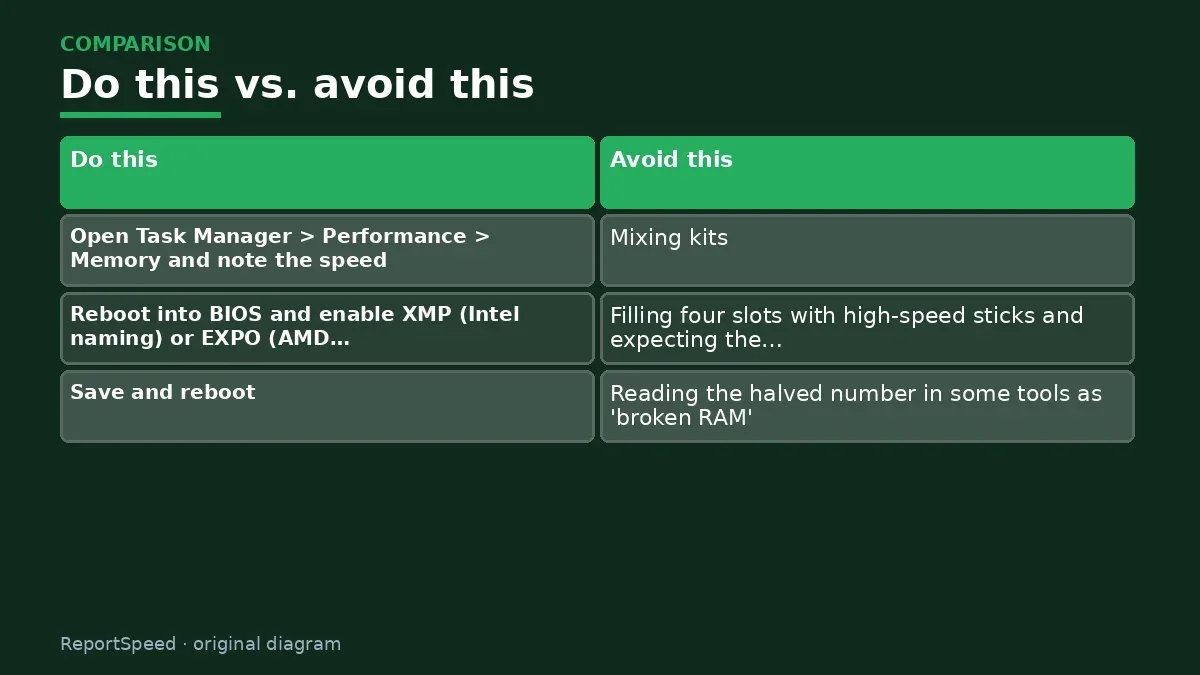
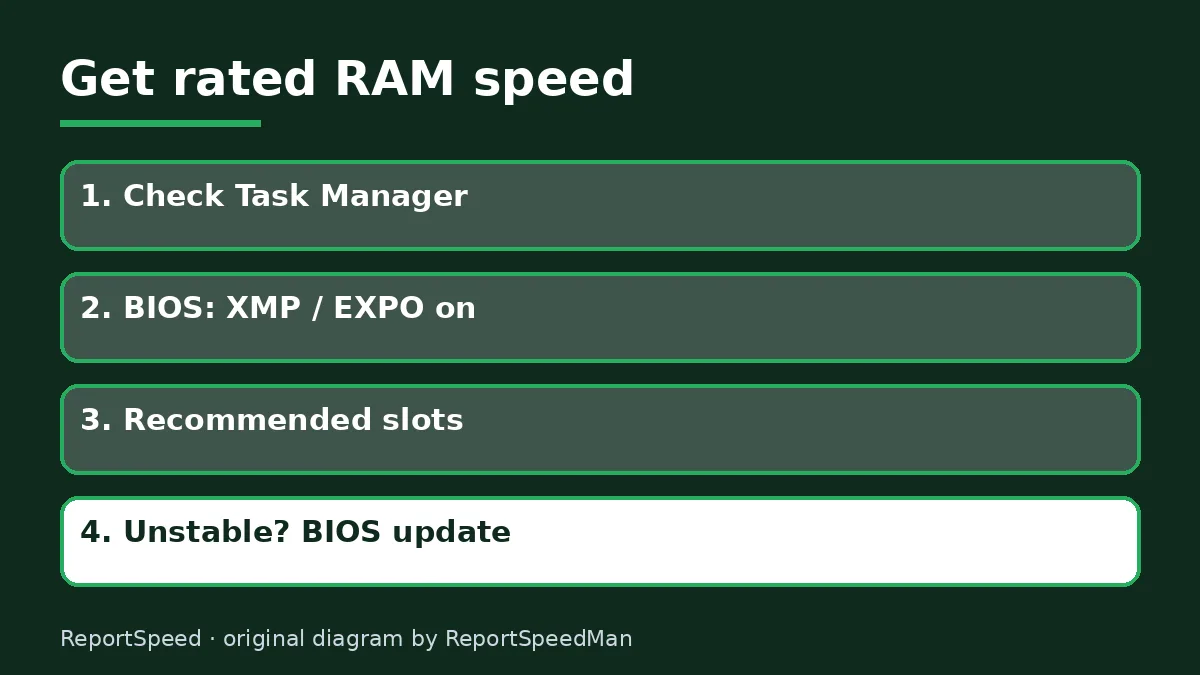
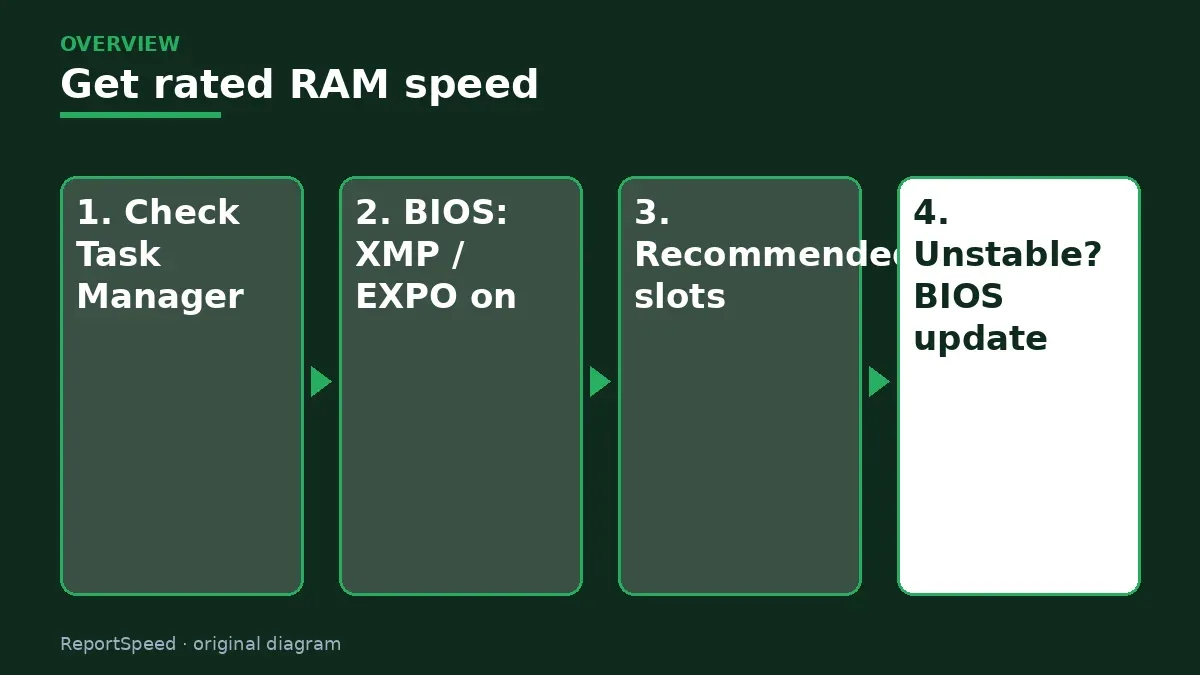
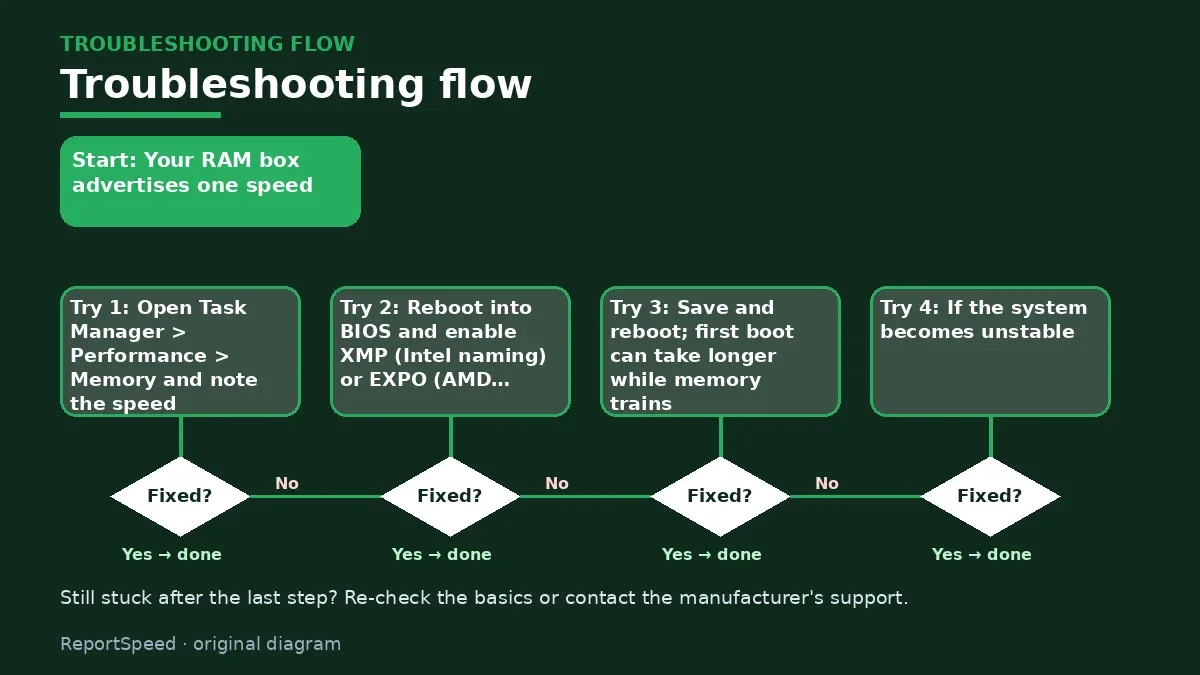
- Open Task Manager > Performance > Memory and note the speed.
- Reboot into BIOS and enable XMP (Intel naming) or EXPO (AMD naming) and pick the profile.
- Save and reboot; first boot can take longer while memory trains.
- If the system becomes unstable, update the BIOS and check the motherboard's memory support list.
- Use the slots the manual recommends for two sticks.

Common mistakes:
- Mixing kits
- Filling four slots with high-speed sticks and expecting the same speed
- Reading the halved number in some tools as 'broken RAM'
ReportSpeedMan tip: If the system won't boot after enabling a profile, clear CMOS and try a slightly slower profile or a BIOS update.
What I would actually do
enable the profile once, run a stability test, and move on. If it's unstable, I'd step down one profile instead of hand-tuning for hours.
The trade-off people miss: the speed on the box is a tested profile, not the default. Running at base speed isn't broken, just unconfigured.
Builder's note: Worth repeating because it trips up so many people: if two kits each work alone but fail together, that's not a defect. Memory controllers have an easier time with two matched modules than four mixed ones. Buying a single kit with the capacity you want is the low-drama path, and it keeps the profile valid.
How you can tell it worked
Check that it worked in BIOS (the memory speed now shows the rated profile) and in Windows Task Manager under Memory. Then play your usual games for a while. If you see crashes, blue screens or failures to boot, go back into BIOS and try the profile's other variant, a slightly lower speed, or a BIOS update. Stable at a bit less beats unstable at the number on the box.
Quick FAQ
Is enabling XMP or EXPO overclocking?
Technically it runs memory beyond baseline standards, but it is the speed the kit is rated and sold for.
Why does Task Manager show half the speed?
Some tools display the real clock rather than the double data rate figure. Check how the number is reported.
Can all boards run every rated kit?
Not always. Check the motherboard's memory support list.
Wrap-up: Enable the profile, use the recommended slots, update BIOS if unstable. That one toggle is the cheapest performance upgrade you'll ever make.
Wiki: Memory Profiles (XMP and EXPO).
Why is my RAM slower than advertised: primary sources
Step-by-step photos
1. Before The problem 
2. Why it happens The cause 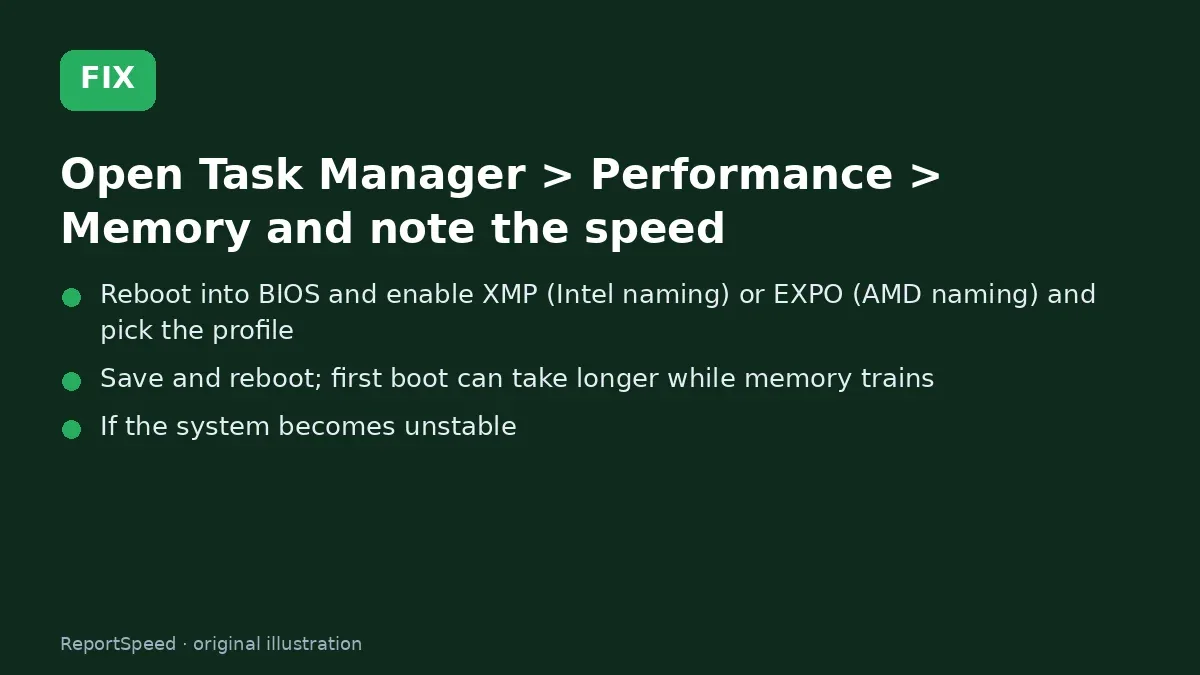
3. The fix The fix 
4. After The result
⚡ Speed Summary
- Enable the profile, use the recommended slots, update BIOS if unstable.
- If the system won't boot after enabling a profile, clear CMOS and try a slightly slower profile or a BIOS update.
- Before you return that kit, check this one number most people misread.

Was this answer helpful?
Tap a star to rate this answer.
Related questions

Got an 'AirTag found moving with you' alert? What to do next
Find the tracker, document it, identify the owner, and disable it.
Rate itSolved

Is my smart TV tracking what I watch? How to turn off ACR
Smart TVs may use ACR to track viewing.
Rate itSolved

Caller ID spoofing: why scammers show a local number and how to protect yourself
Caller ID can be faked, and spoofing to defraud is illegal.
Rate itSolved

How do I stop spam emails without making it worse?
Mark spam, block repeat senders, unsubscribe only from known companies, and report phishing.
Rate itSolved
Real experiences
No experiences yet. Be the first to share.