


A friend lost access to her bank account after someone moved her phone number to their own SIM and got all her verification texts. I use text-message codes for almost everything. How do SIM swap scams work, and what can I do to protect my phone number?
How do I protect my phone number from a SIM swap scam?
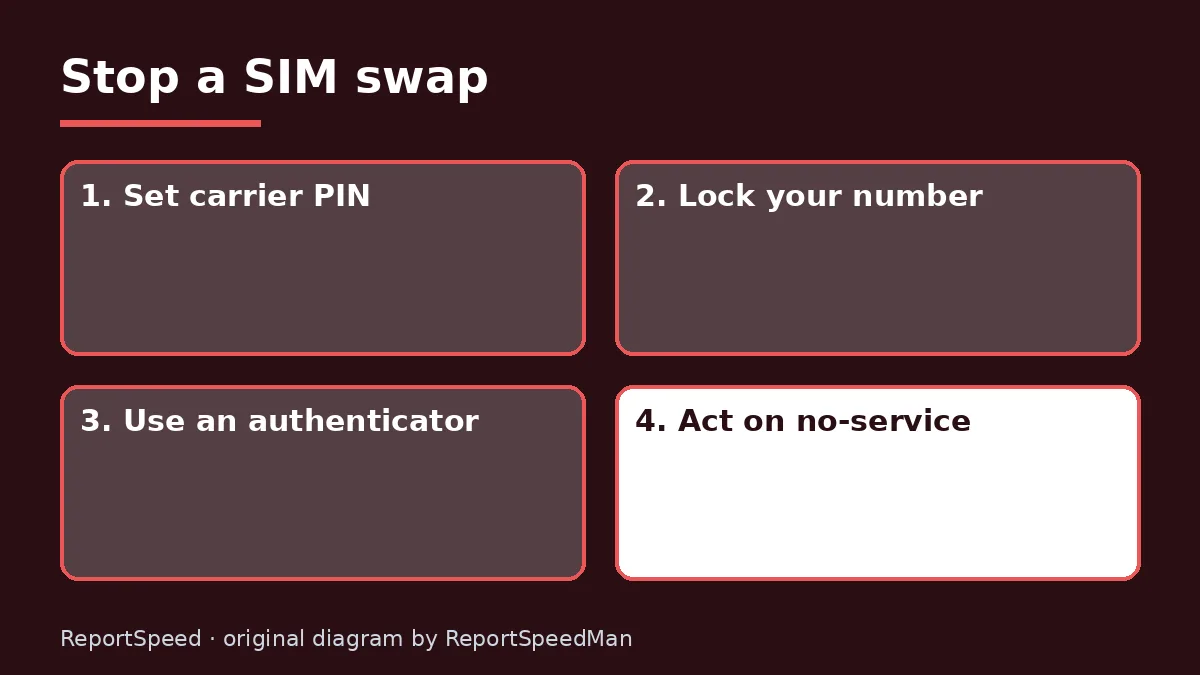
Concerns & risks
You rely on SMS codes, a friend was hit by a SIM swap, and you want to lock down your number.
| Sign | Action |
|---|---|
| Phone suddenly shows no service | Call carrier from another phone |
| Unexpected SIM change alert | Contact carrier now |
| Password reset emails you didn't ask for | Secure your email |
| Locked out of accounts | Use account recovery and report |
Causes & evidence
In a SIM swap, a scammer convinces or tricks a mobile carrier into moving your number to a SIM or eSIM they control, often using personal details gathered from data breaches or social media. Once they have your number, they can receive your calls and texts, including one-time passcodes, and reset passwords. The FCC has adopted rules requiring wireless carriers to use secure methods to authenticate customers before SIM changes and number port-outs, and to notify customers when those requests happen. Many carriers also offer account PINs and a number lock or port-out protection setting.
Carriers name their protections differently: number lock, port-out protection or SIM protection. Check your carrier's account settings or call.

Using SMS codes for your email and bank while your carrier account has no PIN leaves your most important accounts one phone call away from takeover.
What to do
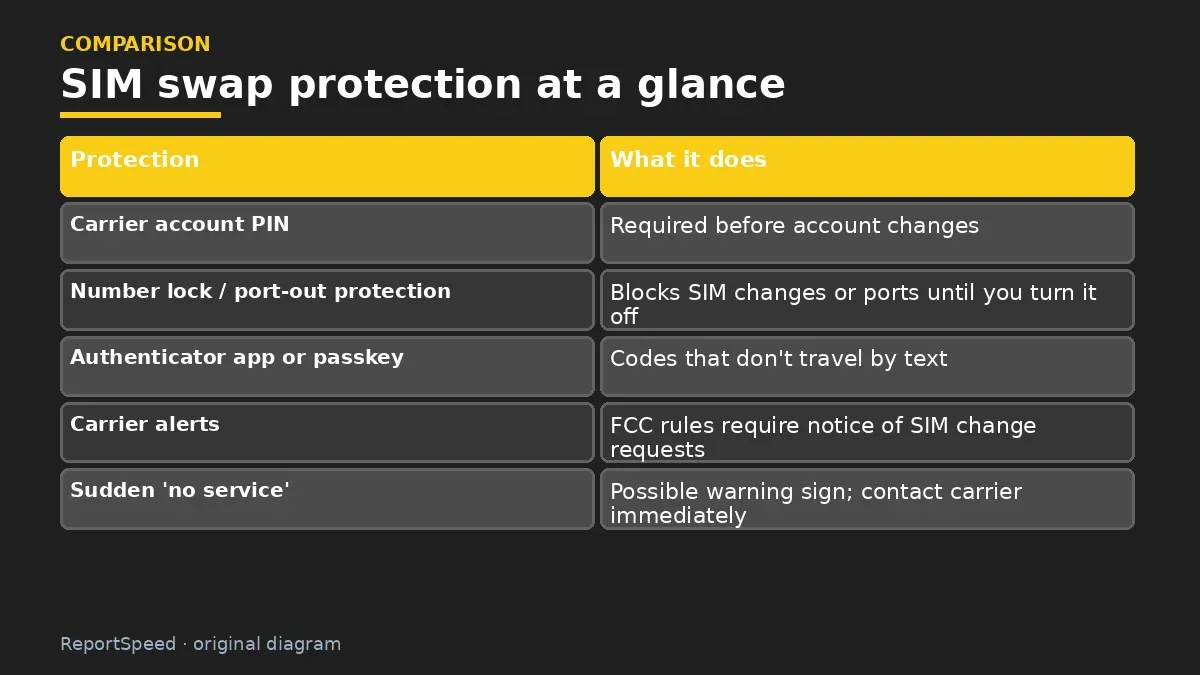
| Protection | What it does |
|---|---|
| Carrier account PIN | Required before account changes |
| Number lock / port-out protection | Blocks SIM changes or ports until you turn it off |
| Authenticator app or passkey | Codes that don't travel by text |
| Carrier alerts | FCC rules require notice of SIM change requests |
| Sudden 'no service' | Possible warning sign; contact carrier immediately |
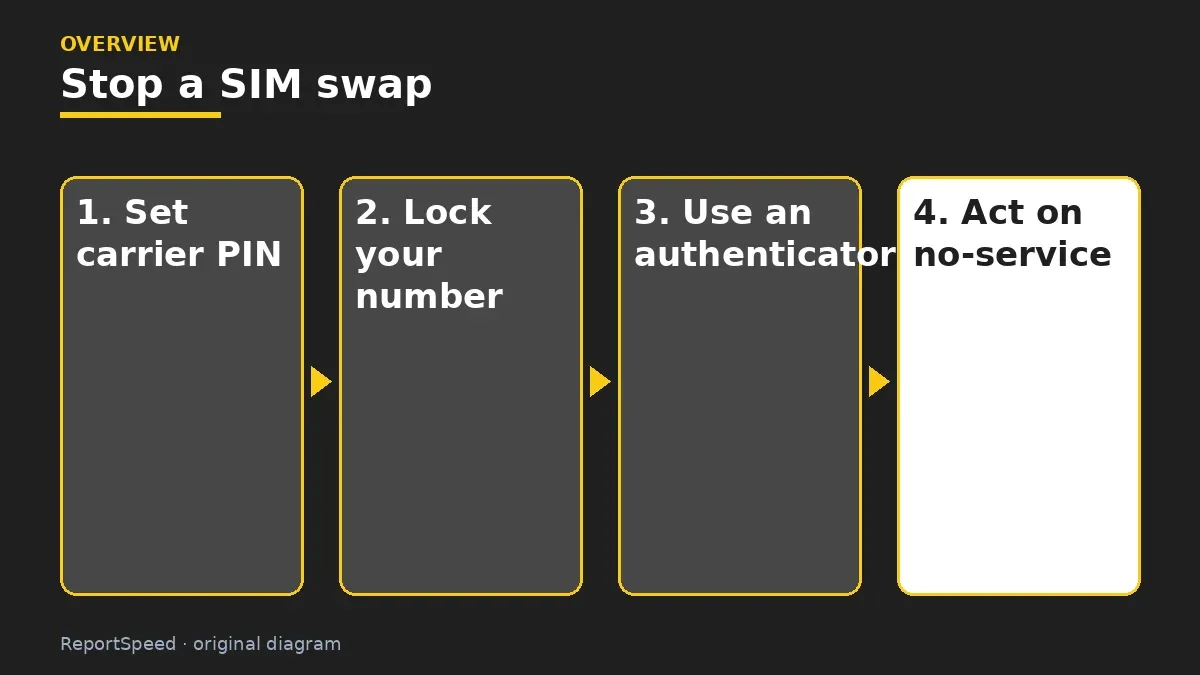
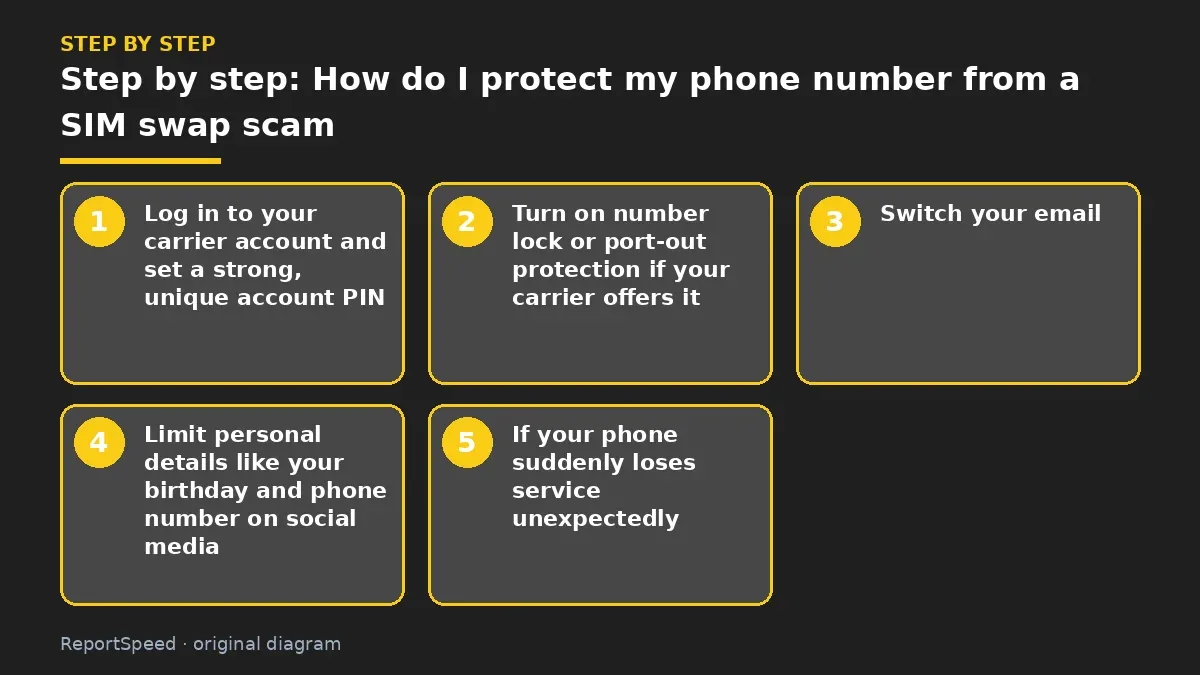
- Log in to your carrier account and set a strong, unique account PIN.
- Turn on number lock or port-out protection if your carrier offers it.
- Switch your email, bank and other key accounts from SMS codes to an authenticator app or passkeys.
- Limit personal details like your birthday and phone number on social media.
- If your phone suddenly loses service unexpectedly, call your carrier from another phone right away.
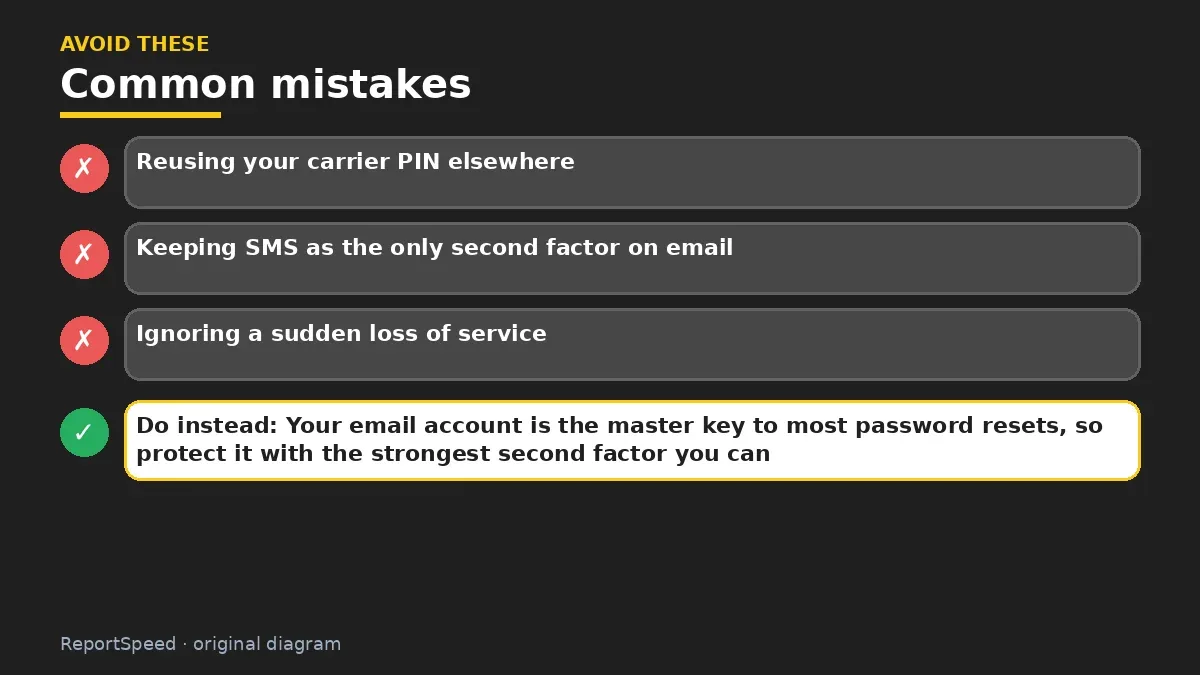
Common mistakes:
- Reusing your carrier PIN elsewhere
- Keeping SMS as the only second factor on email
- Ignoring a sudden loss of service
ReportSpeedMan tip: Your email account is the master key to most password resets, so protect it with the strongest second factor you can.
What I would actually do
I'd set a carrier PIN, turn on number lock and move my email and bank to an authenticator app the same day.
The trade-off people miss: number lock adds a step when you switch carriers or phones yourself. Remember how to turn it off.
Checking that it worked
Your carrier PIN and number lock are on and key accounts use an authenticator.
Quick FAQ
Does eSIM stop SIM swaps?
Not by itself.
Is SMS 2FA useless?
It's better than nothing, but apps are stronger.
What do I do if it happens?
Call your carrier, then secure email and bank.
Wrap-up: Lock your carrier account, move key accounts off SMS codes and act fast on unexpected no-service. Those steps stop most SIM swaps.
Wiki: Multi-Factor Authentication (MFA) and Identity Theft Recovery Steps.
How do I protect my phone number from a SIM swap scam: where the facts come from
Step-by-step photos
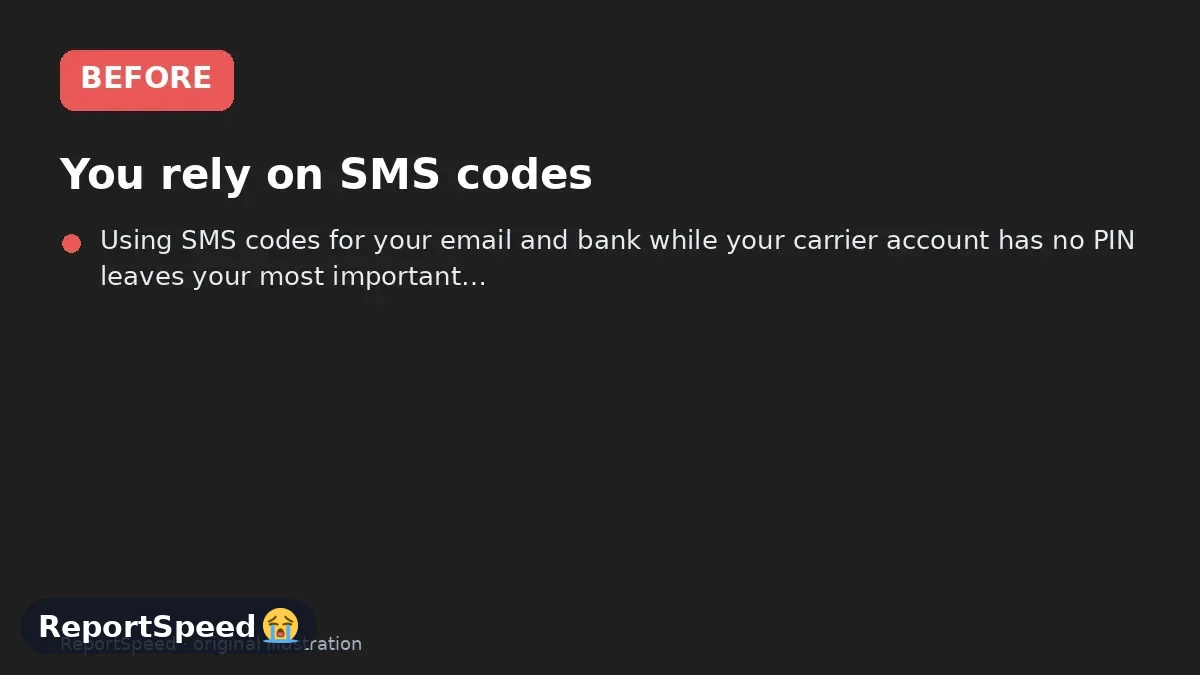
1. Before The problem 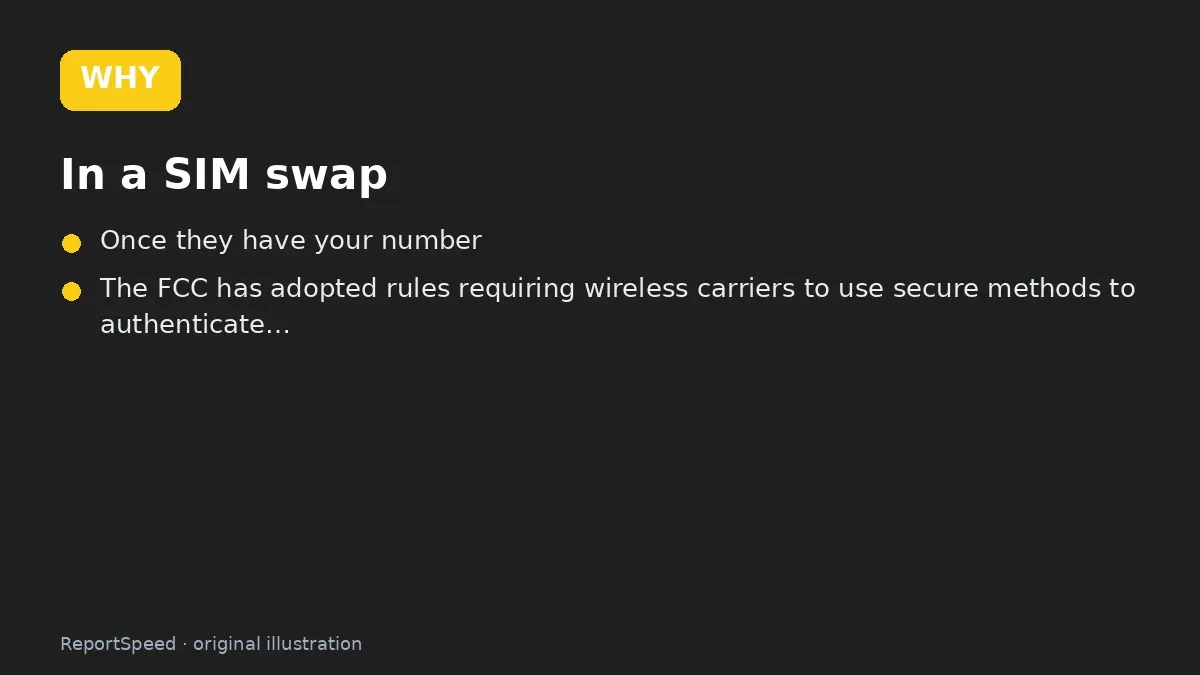
2. Why it happens The cause 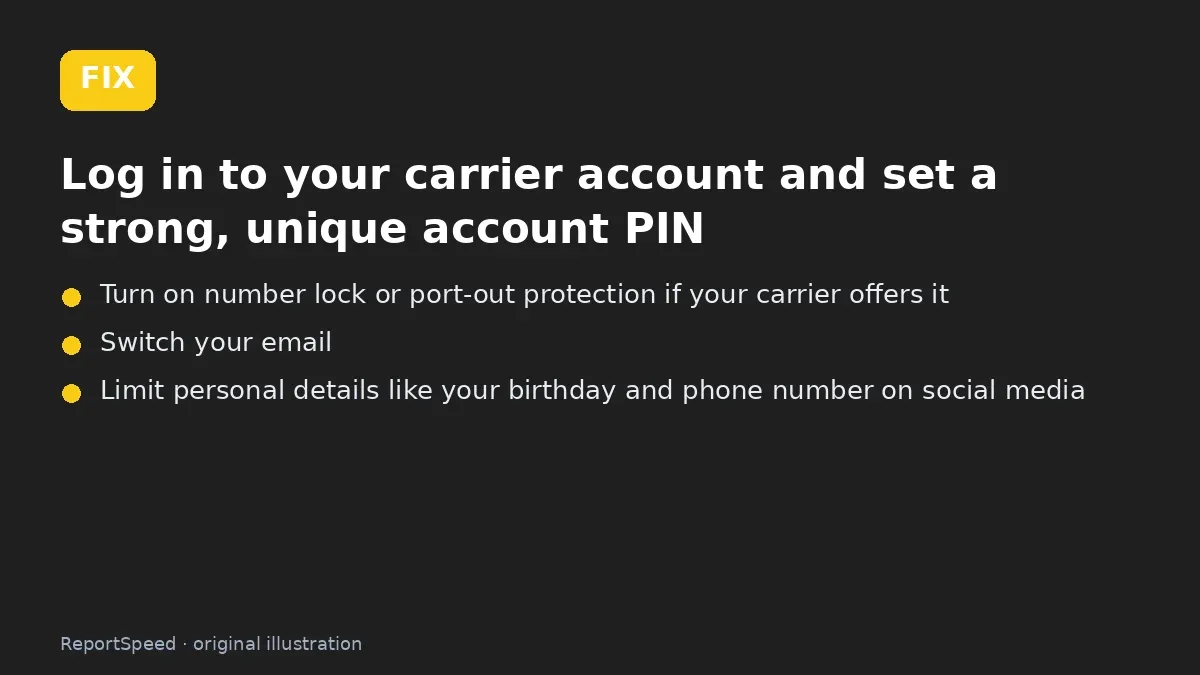
3. The fix The fix 
4. After The result
⚡ Speed Summary
- Lock your carrier account, move key accounts off SMS codes and act fast on unexpected no-service.
- Your email account is the master key to most password resets, so protect it with the strongest second factor you can.
- Using SMS codes for your email and bank while your carrier account has no PIN leaves your most important accounts one phone call away from takeover.

Was this answer helpful?
Tap a star to rate this answer.
Related questions

Got an 'AirTag found moving with you' alert? What to do next
Find the tracker, document it, identify the owner, and disable it.
Rate itSolved

Is my smart TV tracking what I watch? How to turn off ACR
Smart TVs may use ACR to track viewing.
Rate itSolved

Caller ID spoofing: why scammers show a local number and how to protect yourself
Caller ID can be faked, and spoofing to defraud is illegal.
Rate itSolved

How do I stop spam emails without making it worse?
Mark spam, block repeat senders, unsubscribe only from known companies, and report phishing.
Rate itSolved
Real experiences
No experiences yet. Be the first to share.